How do I use the Premium Editorial Studio Portrait template?
Choose the primary action to open PicX Studio with the available template settings. Review the model and format, personalize the creative direction, and generate when ready.
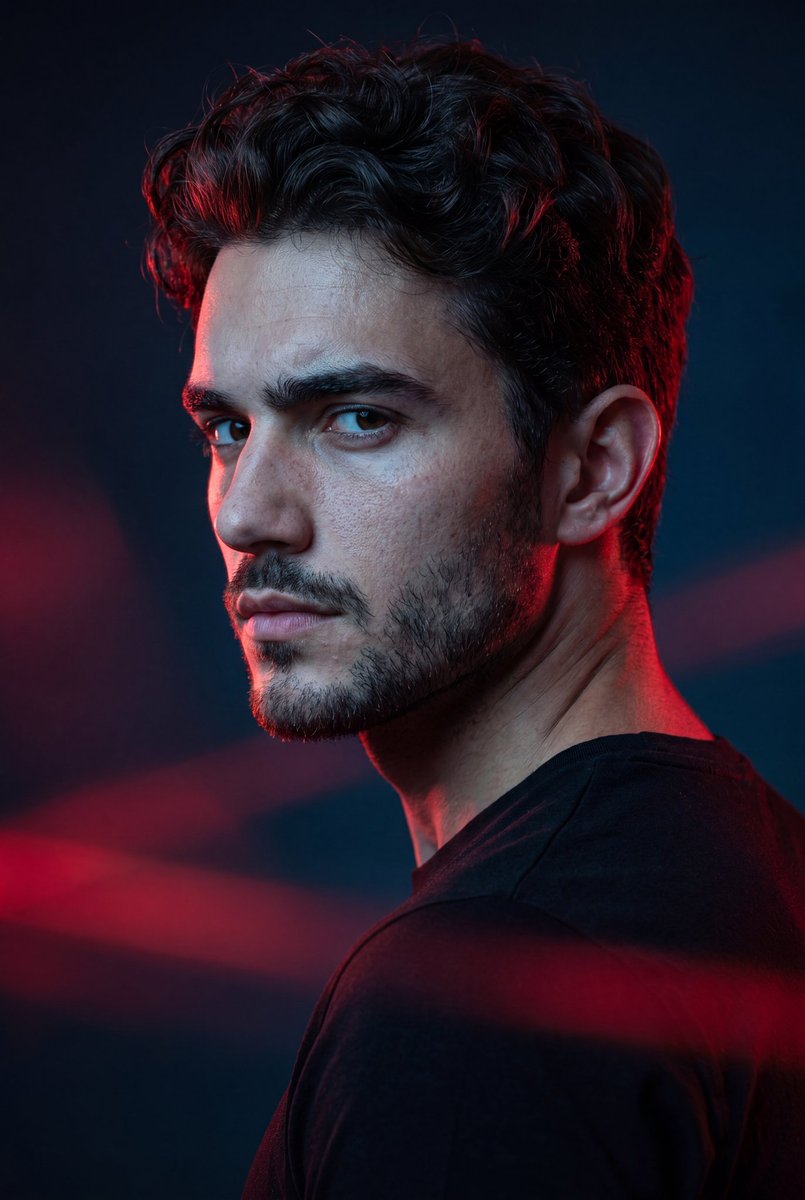
A sophisticated prompt for creating high-end studio portraits with a focus on preserving natural identity while applying professional magazine aesthetics.
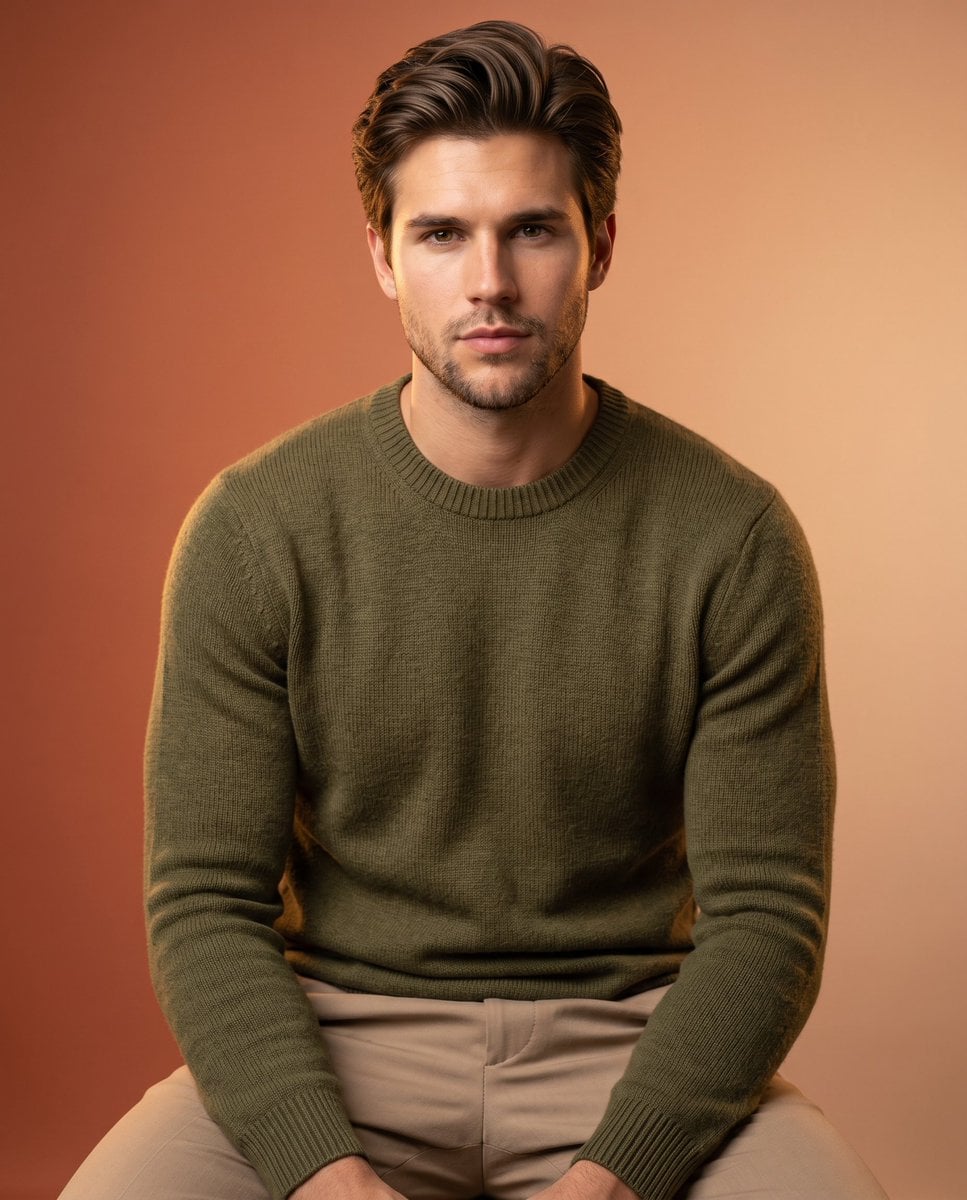
Create an ultra premium studio portrait using the uploaded person’s REAL face, hairstyle, beard style, and facial identity. Do NOT copy the reference model’s facial features or hair. Preserve the uploaded person’s natural appearance completely. Match only the EXACT sitting pose, body angle, hand placement, camera framing, composition, and relaxed posture from the reference image. Maintain the same modern editorial studio aesthetic and confident lifestyle vibe. Dress the person in a luxurious {argument name="sweater color" default="olive green"} knitted sweater paired with tailored {argument name="trousers color" default="beige"} trousers. The background should be a smooth warm {argument name="backdrop style" default="terracotta-to-soft sand gradient"} studio backdrop that perfectly complements the outfit tones and creates a premium harmonious color palette. Lighting should be soft professional studio lighting with subtle warm highlights, realistic shadows, cinematic depth, and clean luxury contrast. Keep the mood minimal, modern, stylish, and highly Instagram-worthy. Ultra realistic skin texture, natural body proportions, premium fashion photography style, shallow depth of field, soft background blur, realistic fabric texture, luxury creator-brand photoshoot aesthetic. Shot on Sony A7 IV, 50mm lens, f/2.2, photorealistic, ultra detailed, high-end color grading, editorial magazine quality, 8k.
Choose the primary action to open PicX Studio with the available template settings. Review the model and format, personalize the creative direction, and generate when ready.
Yes. You can change the subject, setting, lighting, mood, format, and available model controls before creating your image.
This template is free to open and customize. Generation usage is shown in PicX Studio before you create.
Start with Nano Banana 2, which is the model associated with this template. You can compare another compatible model for a different finish.
Follow a topic to a crawlable collection of related PicX Studio templates.