
Cinematic Lakeside Night Portrait
A detailed cinematic portrait of a young man at a European lakeside at night, featuring complex lighting and realistic skin textures.
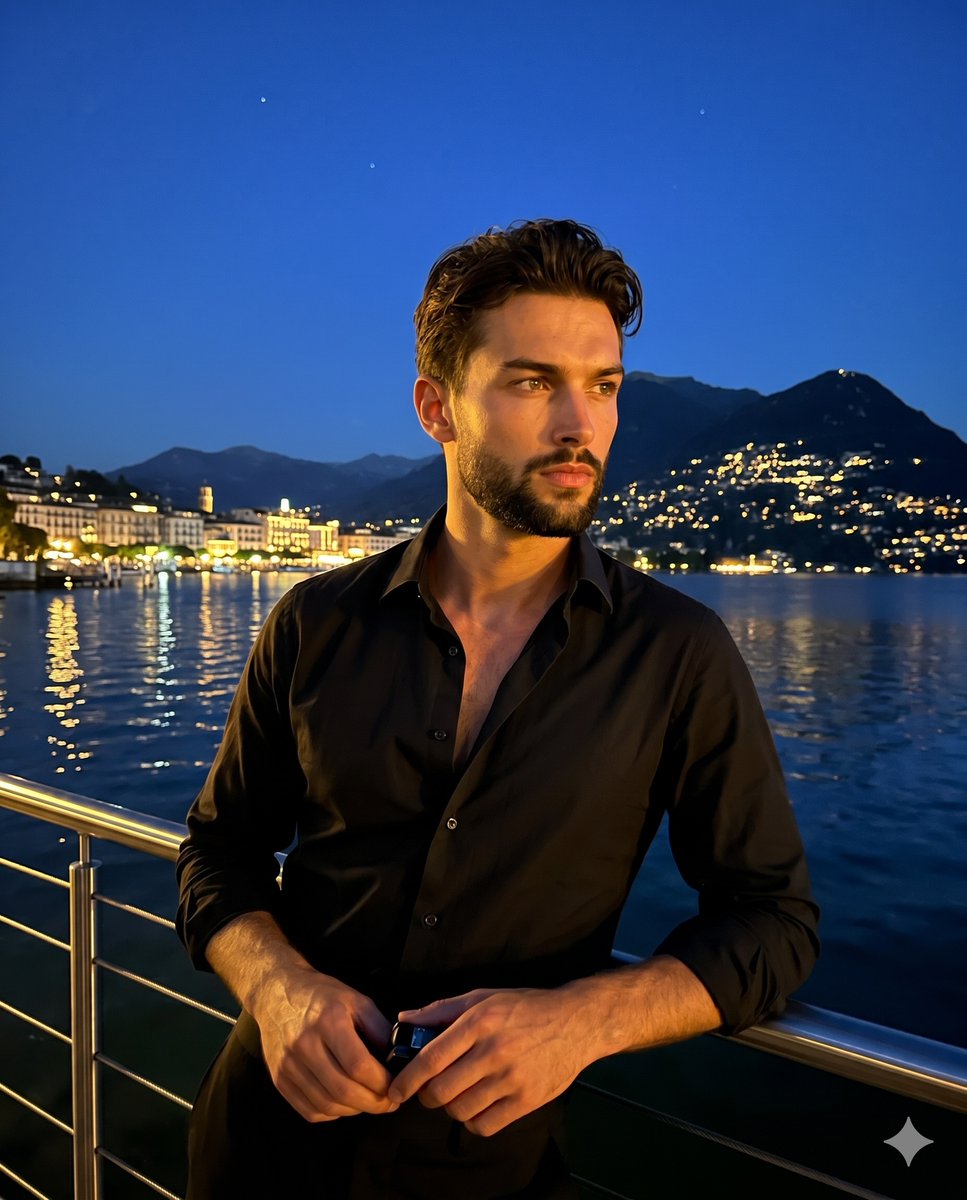
- Prompt included
- Model and format preset
- Premium template
The prompt behind this image
Copy the exact prompt behind Cinematic Lakeside Night Portrait, or open it in the studio and make it yours.
A medium-scale cinematic portrait captures a {argument name="subject" default="young male adult"} looking thoughtfully away to the right with a candid, serious expression, closed neutral mouth, and relaxed shoulders. He wears a {argument name="clothing" default="black unbuttoned dress shirt"}, his natural, textured dark hair pushed back with slight flyaways. His body is turned at a 45-degree angle, leaning his weight to the right in an organic, casual posture. His left hand rests casually on a stainless steel safety railing, his thumb resting on top while holding a small dark object, as his fingers curl naturally over the edge, mirrored by his right hand which curls loosely over the pristine top metal bar. Beyond the thin horizontal wire cables of the railing stretches a deep spatial midground dominated by calm dark lake water that perfectly reflects long vertical streaks of warm yellow and green lights. The deep background reveals a {argument name="setting" default="luxurious European lakeside setting"} where bright city lights are clustered heavily on the lower left shoreline, trailing upward along the hillside, while a dark silhouette of rolling mountain peaks rests beneath a clear, deep twilight blue night sky featuring two faint stars vertically aligned in the upper center. The atmosphere is dramatic yet serene and contemplative, anchored by a complementary cool temperature palette of deep blues, inky blacks, warm golden oranges, and bright yellows. A strong, highly directional off-camera artificial warm golden light hits him directly from a 45-degree angle on the front-left, acting as hard low-key illumination. This creates harsh, defined deep black shadows cast heavily on the right side of his face, under his chin, and deep within the intricate folds of his shirt, while preserving brilliant warm highlights perfectly placed across his face, exposed chest, and left shoulder. Shot as a realistic digital photograph with a straight-on perspective and a slightly soft sharpness, the image embraces a travel lifestyle aesthetic characterized by moderate high-ISO digital noise authentic to low-light night photography. A deep depth of field keeps both the subject and the distant mountain structures relatively sharp, enhanced by post-processing that crushes the blacks in the mountains and shirt while boosting the warm highlights to make the city reflections pop brilliantly against the desaturated cool sky, all framed in a 4:5 aspect ratio.
How to use Cinematic Lakeside Night Portrait in 3 steps
- 1
Open
The prompt is already in the box next to the preview, with the template's model and format selected.
- 2…a portrait of your subject in softgolden-hour light, 85mm…
Personalize
Edit the subject and creative details for your destination.
- 3Generate
Generate
Press Generate — your image is created in PicX Studio, so you can compare it with the original and refine one variable at a time.
More like this
Templates with the same subject, style or setup. Open one to see its prompt.

Found Photograph: Us, 1970

80s Couple Studio Portrait

80s Bollywood Star

80s Golden Hour Cinema

Me in 1985

1985 Studio Portrait

Hyper-Realistic Minecraft POV Portrait

Rooftop Fisheye — Cat-Ear Balaclava at Golden Hour

Rainy Café Window Moody Portrait
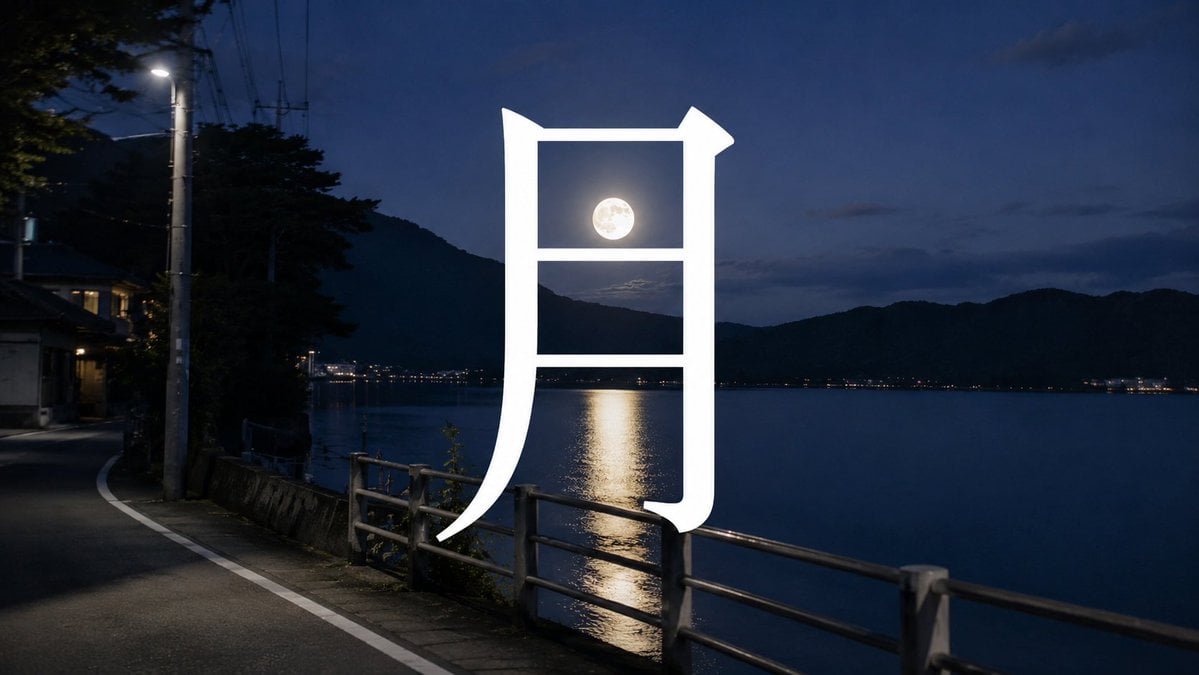
Moon Kanji Lakeside Night

untitled

2025 Aesthetic Photography
Make it yours
Cinematic Lakeside Night Portrait works as-is. These are the safest ways to change it without losing the look.
Change one field
Copy a single group, rewrite it, and generate again so you can see what that field is doing.
Keep the frame, change the subject
Hold the composition and light of Cinematic Lakeside Night Portrait, then swap wardrobe, props or the person for a new take.
| If the result… | Why | Fix |
|---|---|---|
| The result drifts from the preview | Too many fields changed at once. | Reuse Cinematic Lakeside Night Portrait as-is first, then change one group — subject, light, or setting. |
| The model over-stylizes the scene | The prose prompt leaves finish and camera underspecified. | Add one camera or lighting sentence and stay on Nano Banana 2. |
More Nano Banana 2 templates
Other prompts made for Nano Banana 2.

Photorealistic Leaf Shaped Like a Dragon

K-Pop Idol Portrait Grid for Rapid Selection

Poetic Rain Forest Portrait During Golden Hour

Urban Street Portrait with Cartoon Inner Self Duo

Candid Nighttime Photo with Cat Prompt

High-Concept 3D Diorama Generation Prompt

Cinematic Futuristic Studio Portrait Template

Skincare Editorial Photography Collage Prompt

Hyper-Realistic Commercial Product Photography (Splash Effect)

Hyper-Realistic Nightclub Portrait Prompt
More image prompts
Fresh picks from across the catalog.
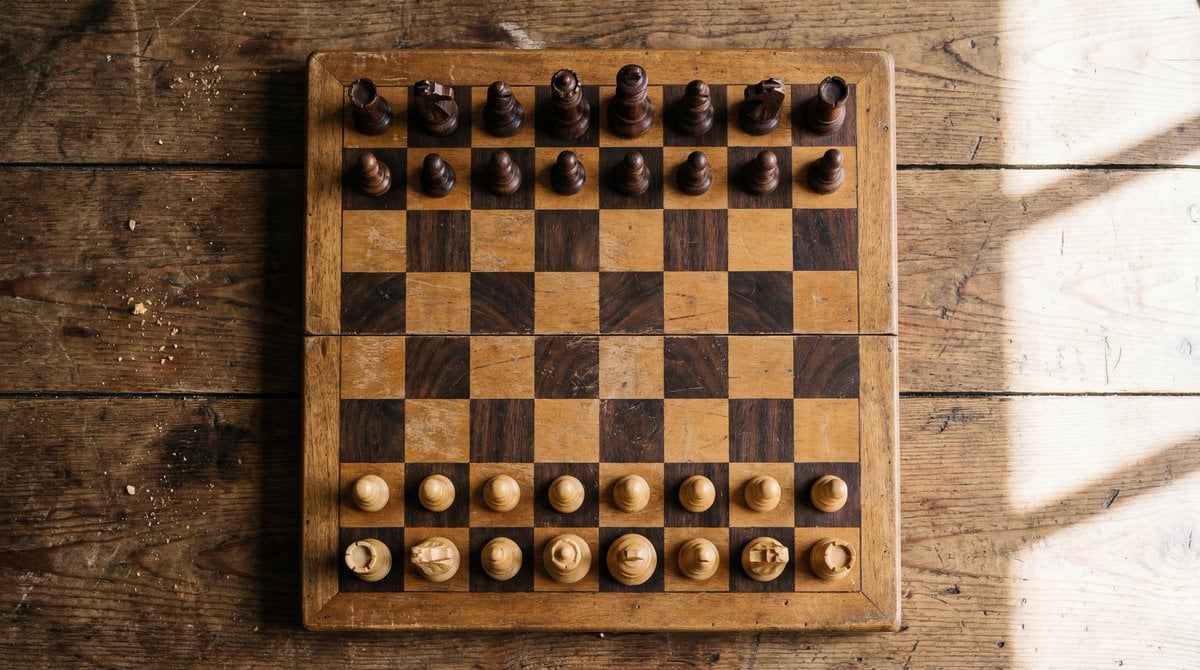
Top View of Chess Board in Starting Position
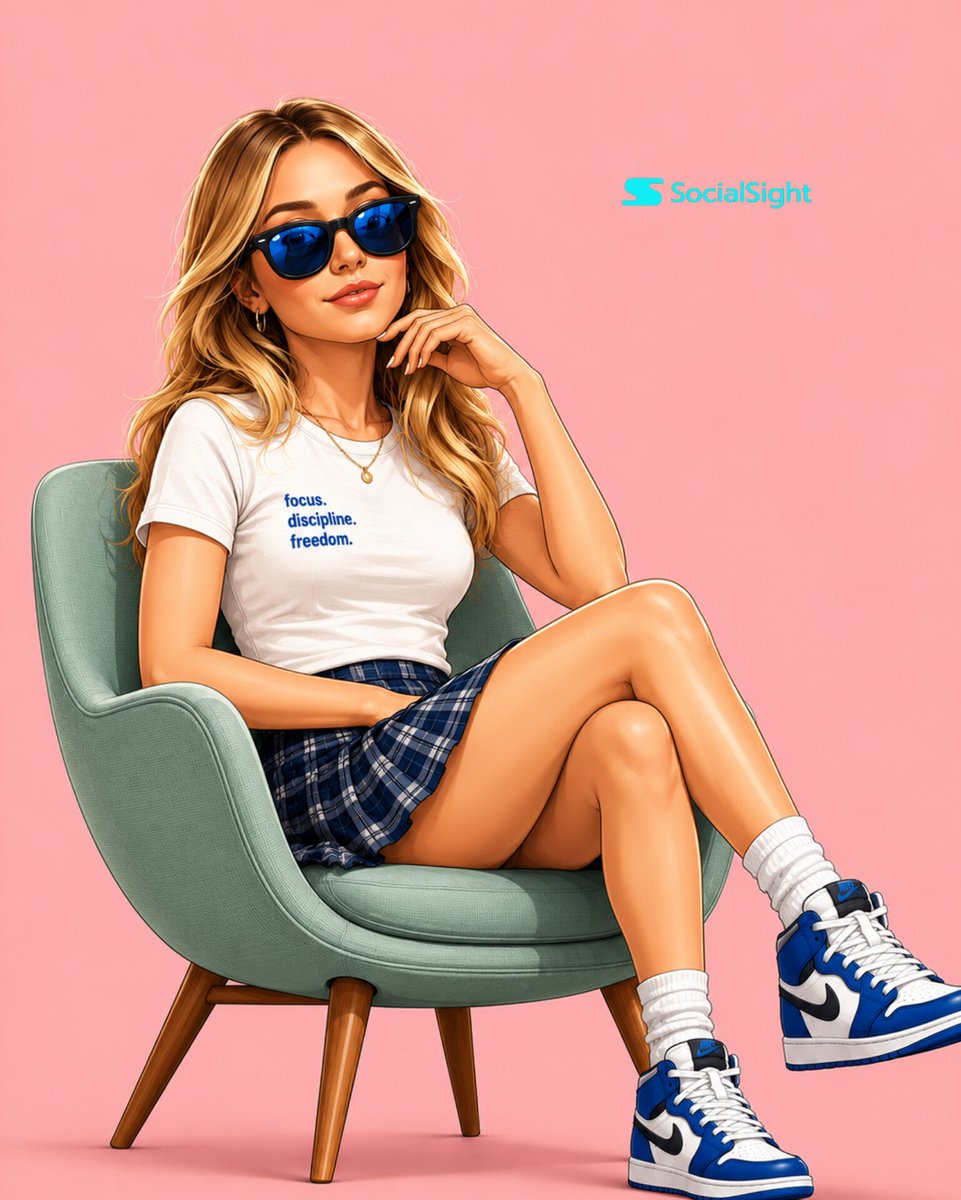
Semi-3D Editorial Illustration
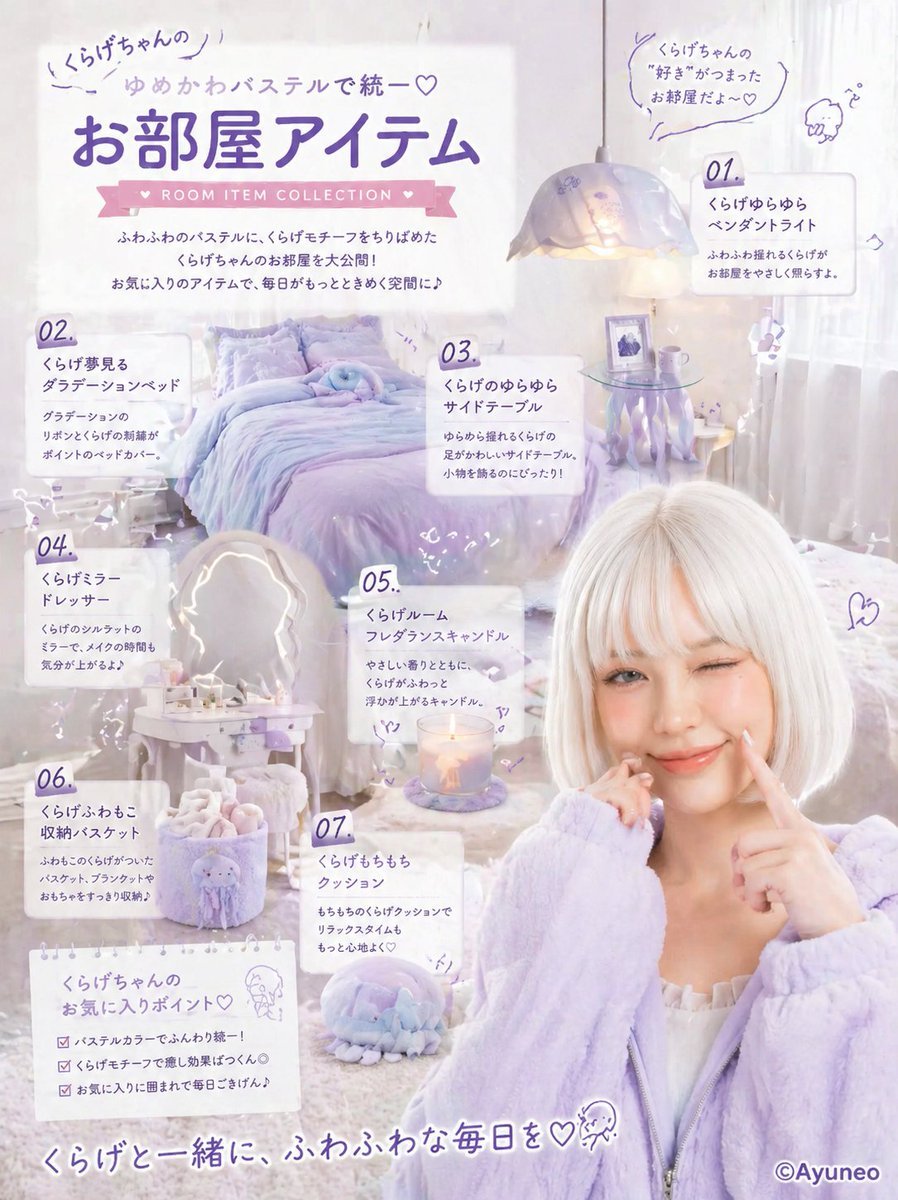
Pastel Jellyfish Room Item Poster
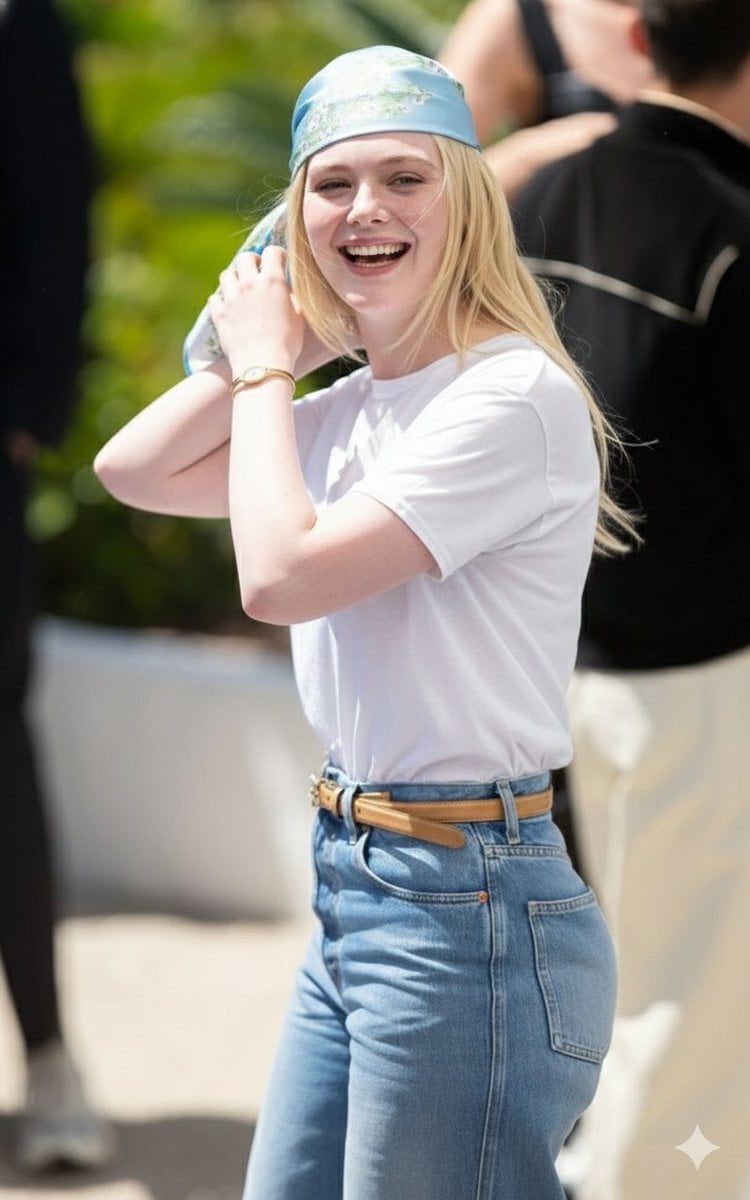
Candid Paparazzi-Style Street Photograph
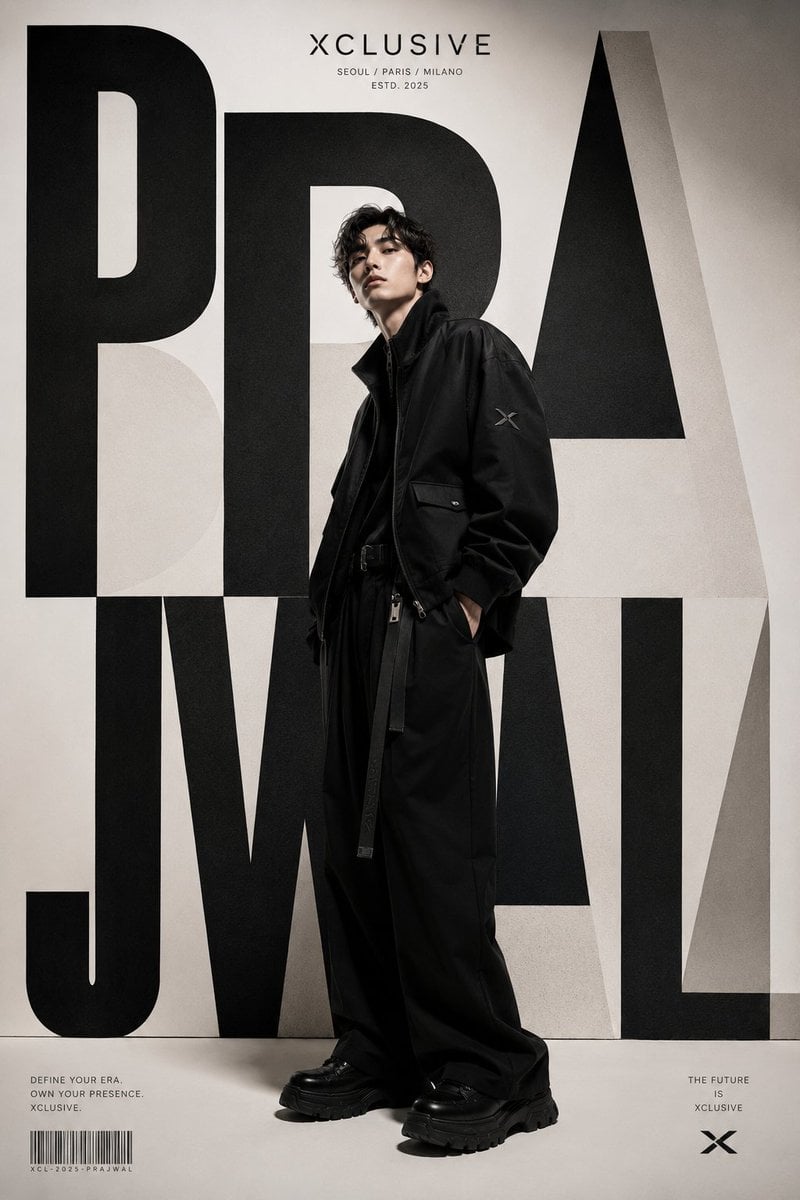
Korean Luxury Streetwear Poster
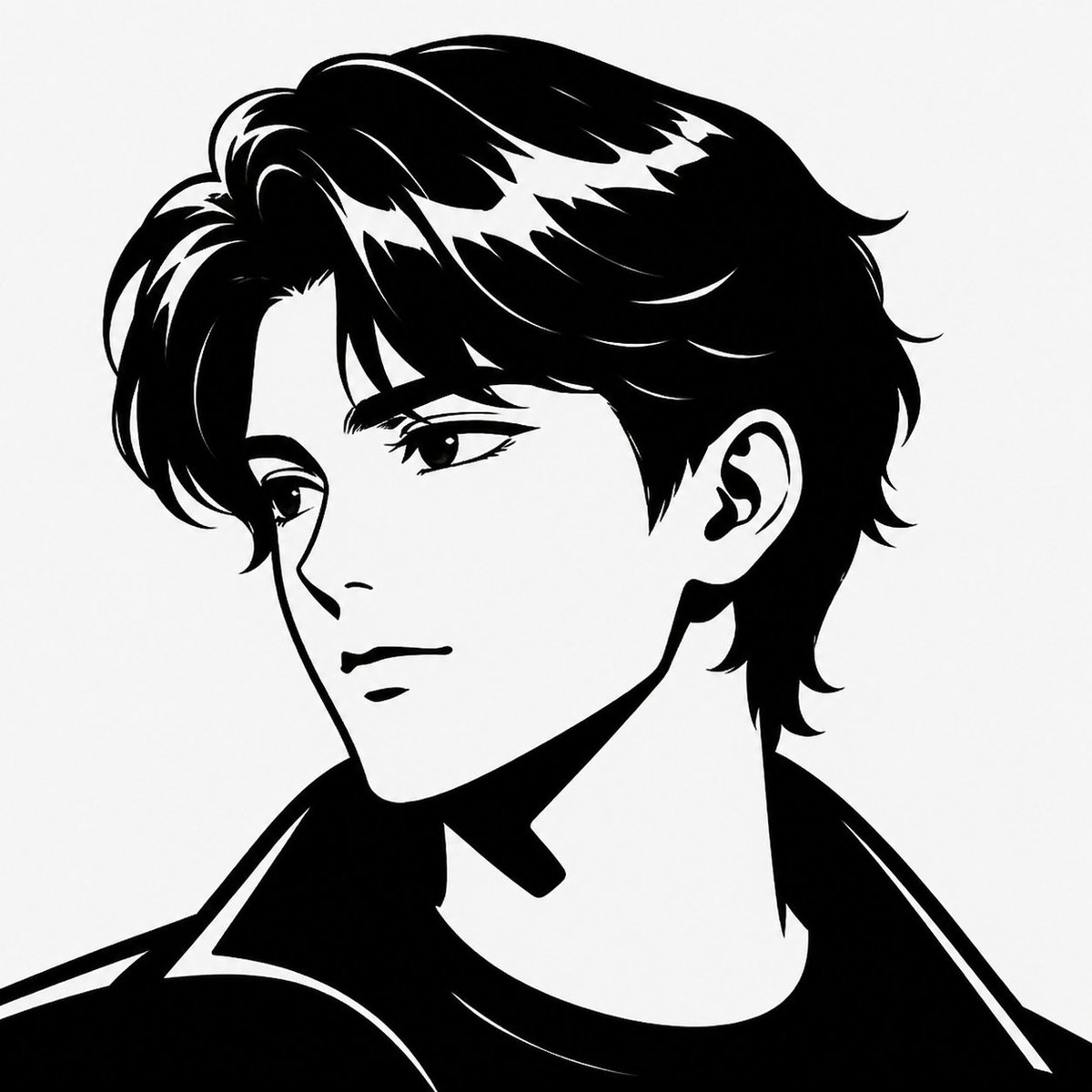
Minimalist Black White Male Silhouette

SSR Savanna Creature Card
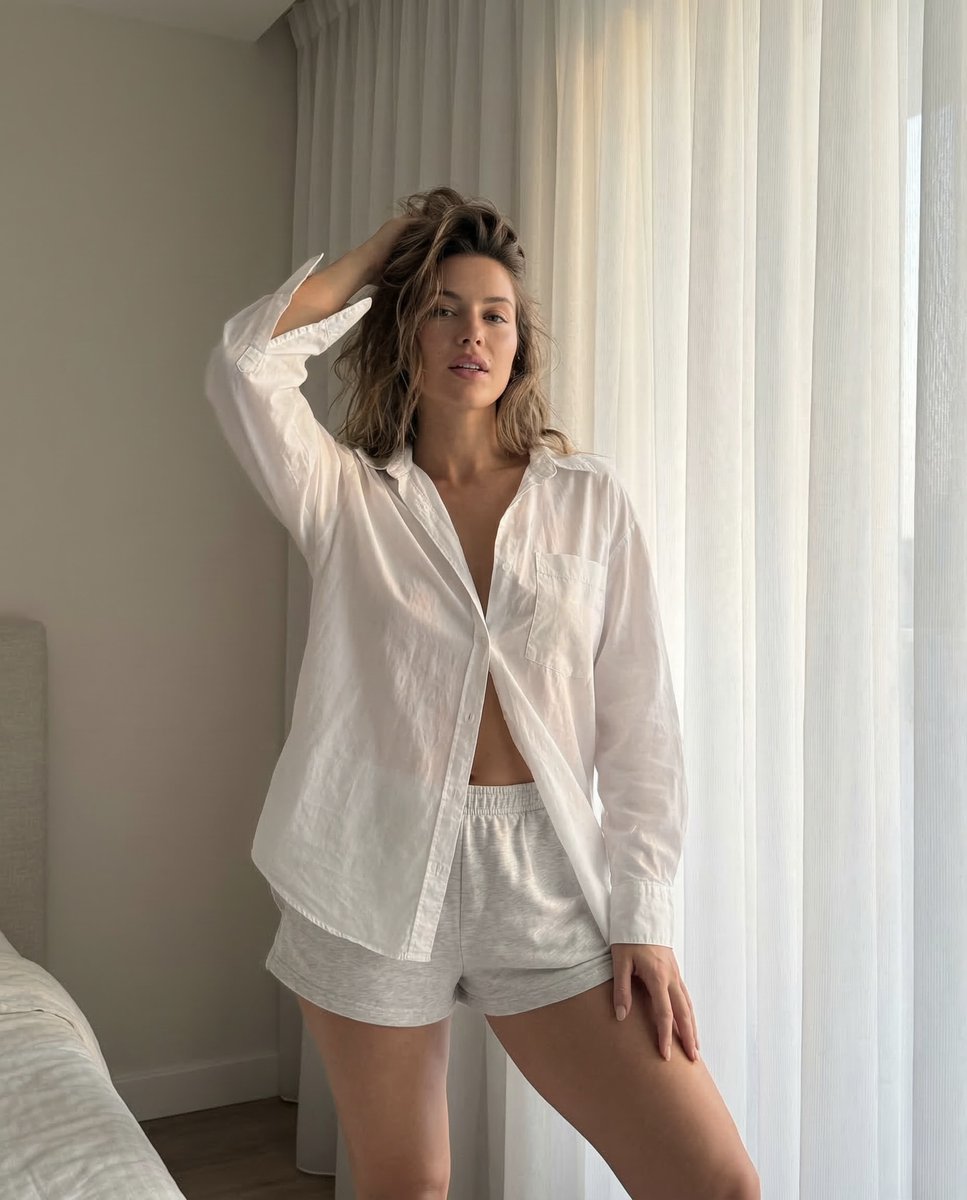
Morning Portrait in Minimal Bedroom
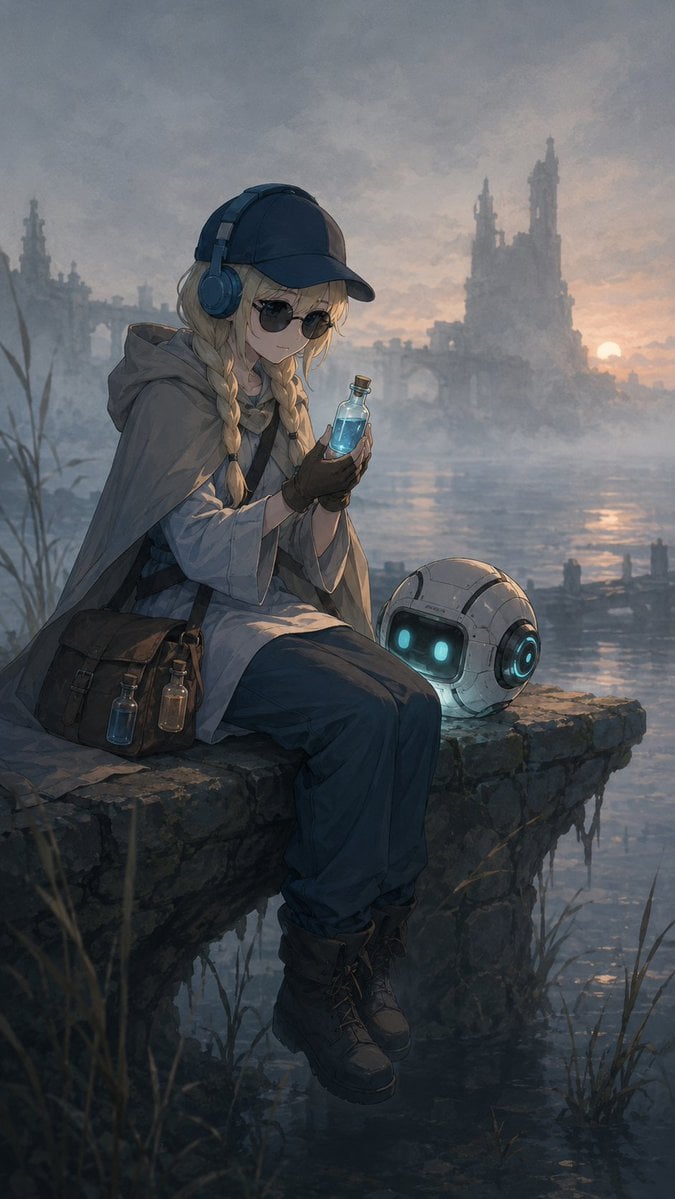
Traveling Alchemist at Misty Ruins
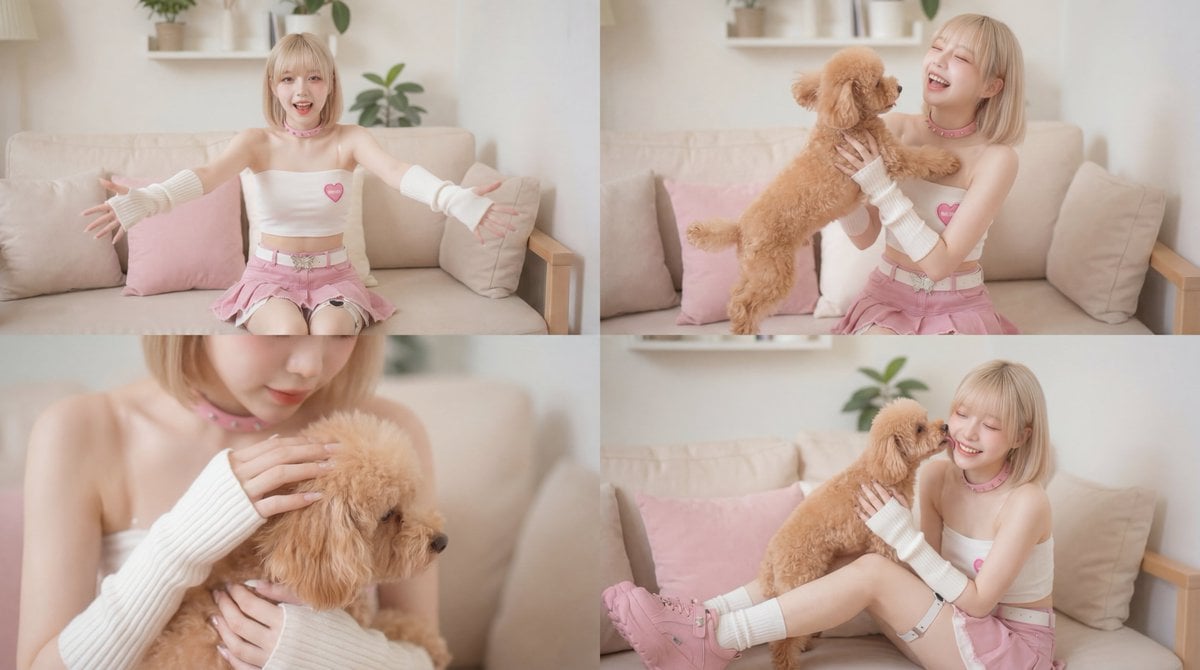
Cinematic Scene of Person Hugging a Toy Poodle
Browse template categories
Cinematic Lakeside Night Portrait questions
How do I use the Cinematic Lakeside Night Portrait template?
Add your photo if the template asks for one, edit the prompt if you like — the template's model and format are already selected — and press Generate. Your version opens in PicX Studio.
Can I customize the Cinematic Lakeside Night Portrait template?
Yes. You can change the subject, setting, lighting, mood, format, and available model controls before creating your image.
Is the Cinematic Lakeside Night Portrait template free?
Opening and editing this template is free. Generating uses credits, shown on the Generate button when you are signed in.
Which AI model should I use?
Start with Nano Banana 2, which is the model associated with this template. You can compare another compatible model for a different finish.
Looking for something else? Browse all templates.

Your photo, any look
Thousands of ready templates for every top image and video model, from one credit balance.