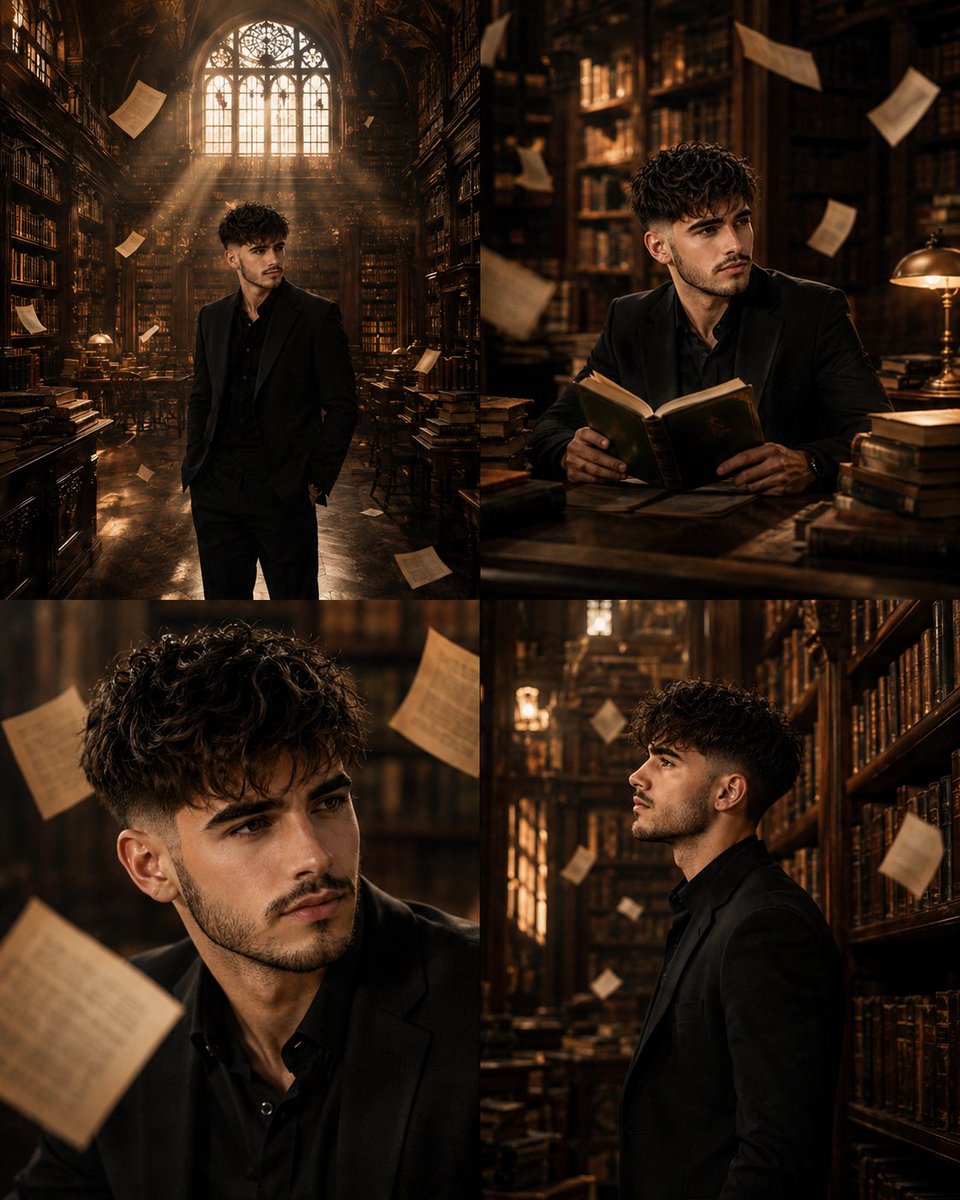
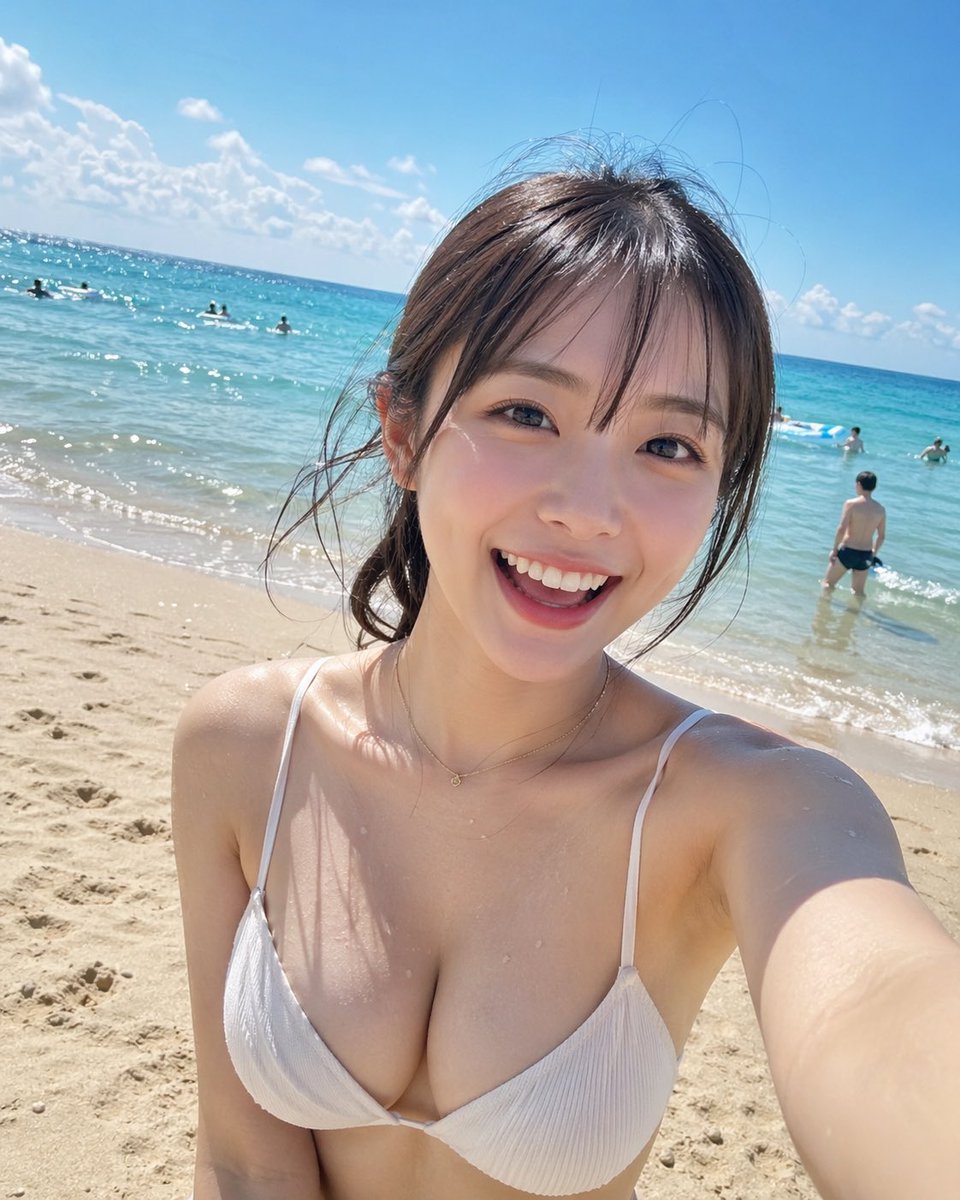
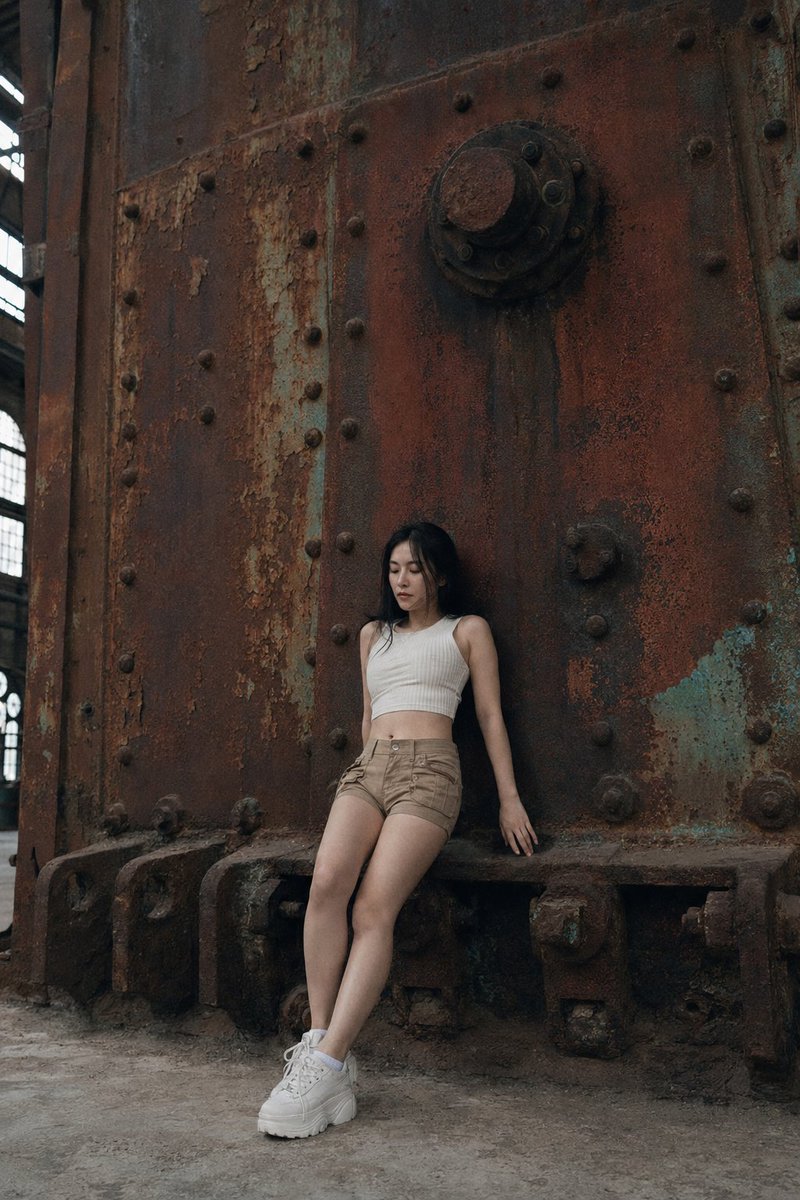
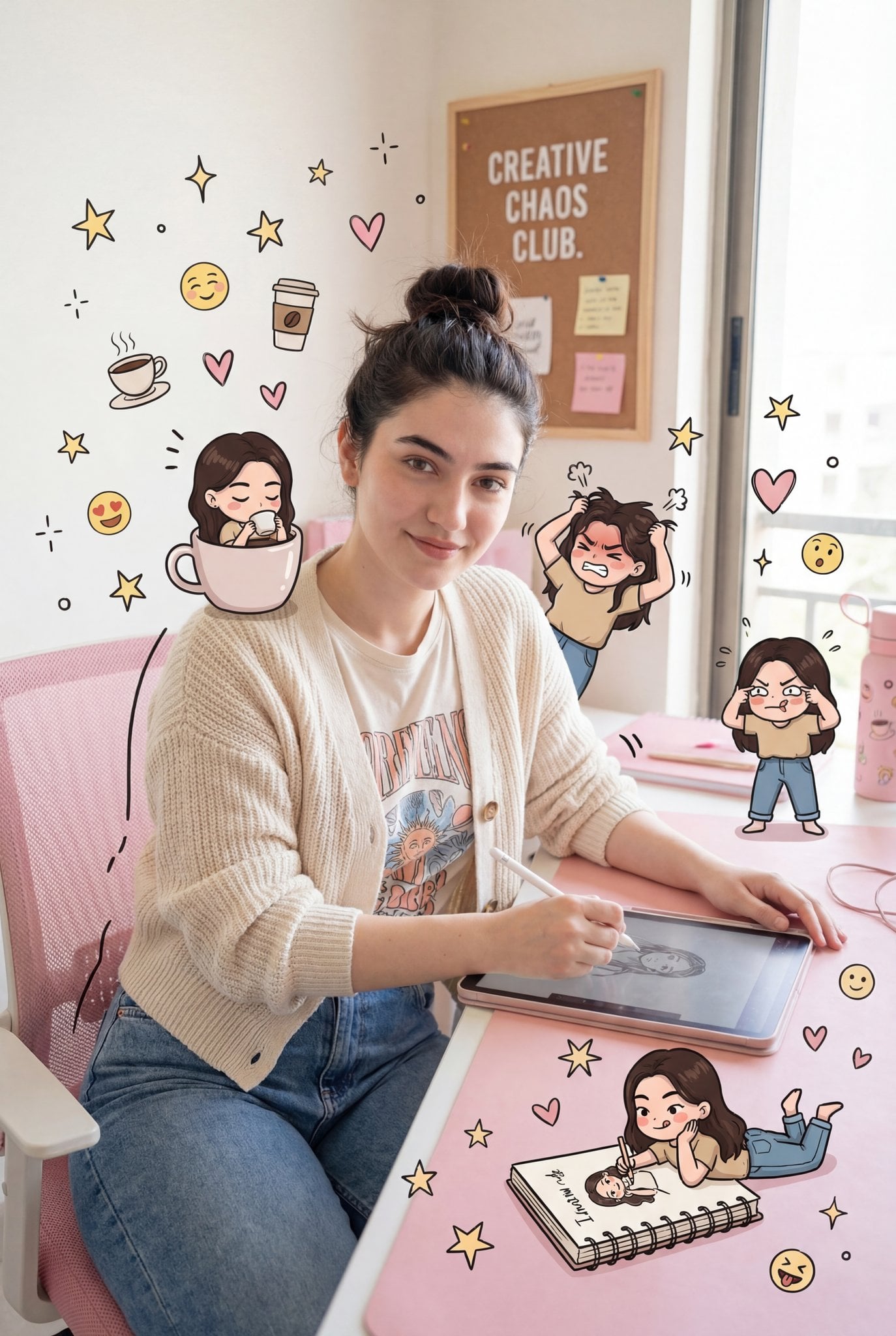
How do I use the Cryogenic Surreal Editorial Portrait template?
Choose the primary action to open PicX Studio with the available template settings. Review the model and format, personalize the creative direction, and generate when ready.
A hyper-realistic surreal portrait prompt set in a cryogenic acoustic chamber with unique frozen effects. (free to use) — Free AI image template on PicX Studio.
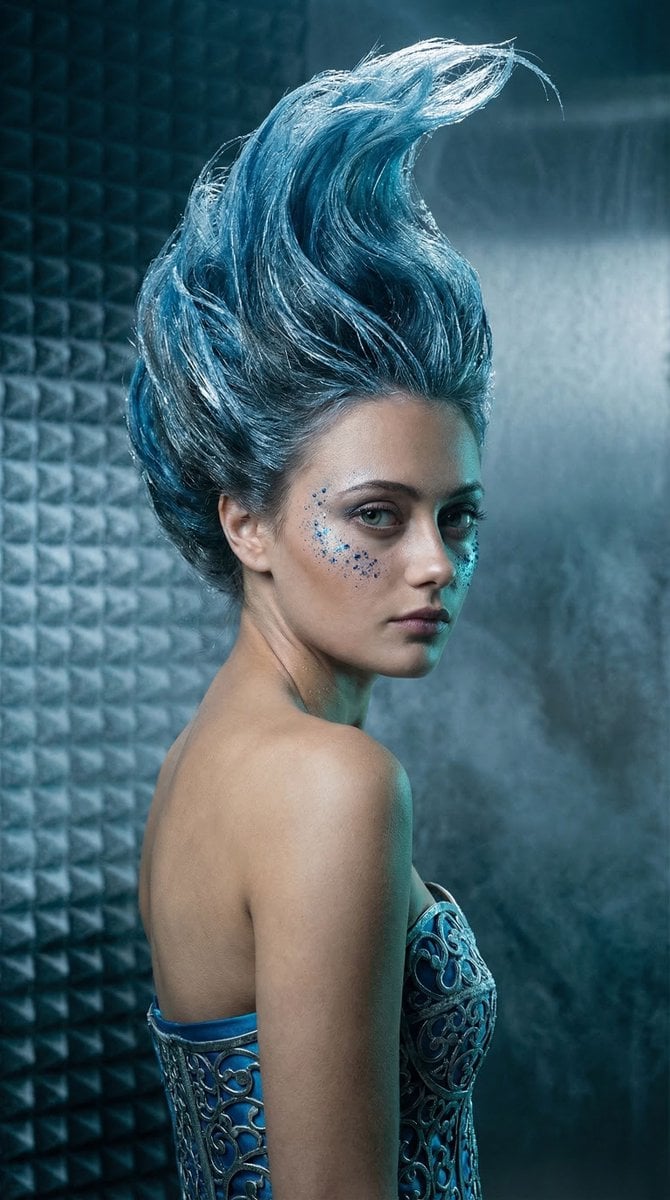
{ "vibe_title_en": "Crystallized Silence", "master_prompt": "A hyper-realistic, medium format surreal portrait of The Protagonist in a {argument name=\"setting\" default=\"subterranean cryogenic acoustic chamber\"}. The setting features frost-covered sound-dampening foam and brushed steel walls. The Protagonist is captured in an over-the-shoulder pose, looking back intensely at the lens, reacting to a sudden atmospheric pressure drop. Surreal practical effect: Their hair is a {argument name=\"hair effect\" default=\"towering, gravity-defying sculpted wave of flash-frozen cerulean ferrofluid and spun glass\"}, mimicking a frozen oceanic crest. High-end practical makeup features genuine crushed sapphire dust scattered across the cheekbones, catching the light. Wardrobe: A {argument name=\"outfit\" default=\"rigid, haute-couture bodice crafted from oxidized silver filigree and frost-bitten blue silk\"}. Lighting: Cinematic Rembrandt lighting with a soft, cool-toned key light highlighting the hyper-detailed skin pores and peach fuzz, contrasted by deep teal shadows and a sharp, icy rim light separating the frozen glass hair from the background. Volumetric frost haze lingers in the air. Shot on Hasselblad H6D-100c, 100mm f/2.2 lens, Kodak Portra 400 pushed for deep cool tones, ultra-fine film grain, physical light refraction through the spun glass. NO NEON, NO DIGITAL 3D FEEL. Authentic, tactile, high-budget editorial photography.", "meta": { "intent": "Surreal Editorial Portrait", "priorities": "Photographic Surrealism, Practical Effects, High-End Texture, Cinematic Framing", "device_profile": "High-Res Portrait Display" }, "frame": { "aspect": "9:16", "composition": "Over-the-shoulder medium-close-up, subject positioned slightly off-center left, looking back", "layout": "Vertical portrait, towering hair element filling the upper third", "camera_angle": "Eye-level, intimate proximity", "tilt_roll_degrees": "0" }, "subject": { "gender": "Female", "identity": "The Protagonist", "demographics": "Ageless, ethereal yet grounded", "face": "Hyper-detailed skin pores, flawless but natural texture, crushed sapphire dust on cheekbones", "hair": "Gravity-defying towering wave of flash-frozen cerulean ferrofluid and spun glass", "body": "Over-the-shoulder posture, elegant neck and exposed shoulder", "expression": "Intense, piercing backward gaze, a moment of silent realization", "pose": "Turned away from the camera, looking back over the left shoulder" }, "wardrobe_accessories": { "garments": [ { "item": "Haute-couture structured bodice", "material": "Oxidized silver filigree and frost-bitten blue silk", "color": "Cerulean and silver", "fit": "Rigid, corset-like, sculpted" } ], "accessories": [ { "item": "Crushed sapphire dust makeup", "color": "Glittering ice blue", "material": "Mineral dust", "brand_style": "Avant-garde editorial makeup" } ] } }
Use Cryogenic Surreal Editorial Portrait to plan an AI image around nano-banana-2 generation. Match the preview's composition first, then personalize the subject, setting, and mood for your own project.
Use the primary action to load the template settings in PicX Studio.
Adjust the subject and creative details for your destination.
Create the image, compare the result with the preview, and refine one variable at a time.
A continuous mix — similar concepts first, woven with same-model prompts and fresh picks from the catalog.
Choose the primary action to open PicX Studio with the available template settings. Review the model and format, personalize the creative direction, and generate when ready.
Yes. You can change the subject, setting, lighting, mood, format, and available model controls before creating your image.
This template is free to open and customize. Generation usage is shown in PicX Studio before you create.
Start with nano-banana-2, which is the model associated with this template. You can compare another compatible model for a different finish.
A continuous mix — similar concepts first, woven with same-model prompts and fresh picks from the catalog.
Follow a topic to a crawlable collection of related PicX Studio templates.
32,032 public templates available. Verified via the PicX Studio public templates API; refreshed hourly.