
Luxury Cosmetics Beauty Campaign
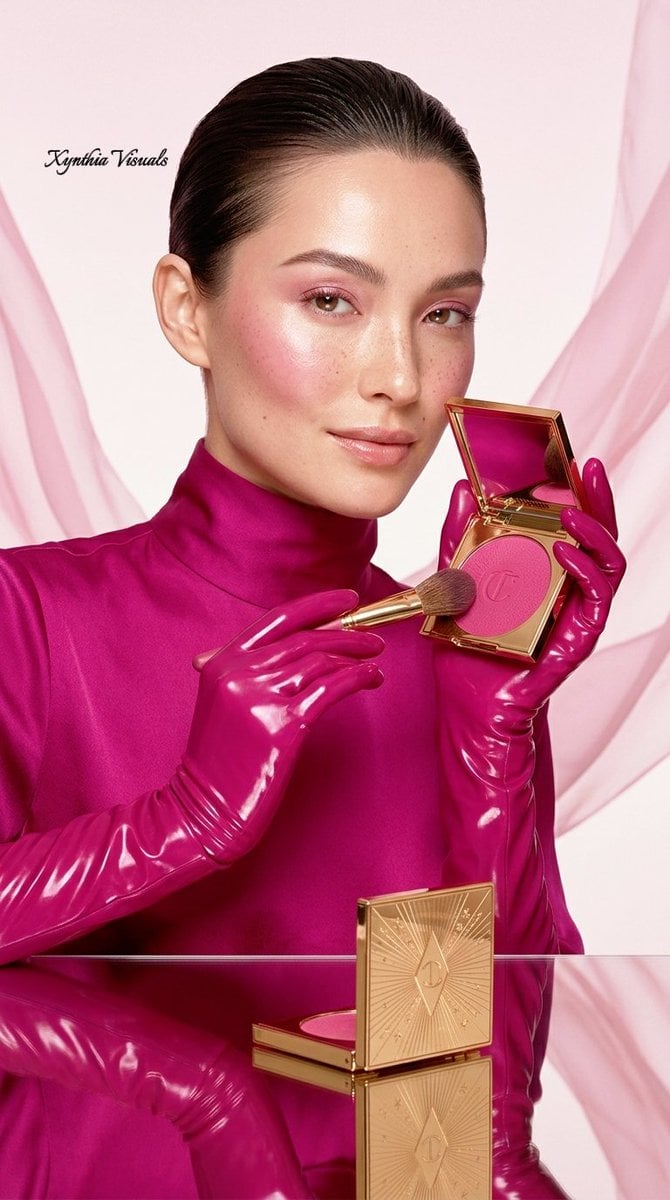
A professional commercial photography prompt for a high-end cosmetics brand featuring monochromatic magenta tones and gold accents.
- Prompt included
- Model and format preset
- Free template
The prompt behind this image
Copy the exact prompt behind Luxury Cosmetics Beauty Campaign, or open it in the studio and make it yours.
- Image Generation Prompt
- A professional 16k ultra-realistic commercial beauty campaign photograph for a luxury cosmetics brand, formatted in a 9:16 vertical aspect ratio. The image composition features a high-end, editorial aesthetic with a bold monochromatic magenta and gold color palette.
- Subject And Composition › Primary Subject
- A beautiful female model with light skin, subtle freckles across her nose and cheeks, slicked-back dark hair, and sharp, elegant facial features. She wears a vibrant magenta satin or silk high-collar blouse and matching glossy, high-shine magenta latex gloves that extend up her forearms.
- Subject And Composition › Product Details
- The model is interacting with a premium luxury makeup compact (Gucci style). The compact features a polished, reflective gold exterior with an intricate, starburst/sunray engraved pattern on the lid. Inside, the compact houses a vibrant, finely-milled magenta pink powder blush pressed with a clean, embossed luxury brand logo.
- Subject And Composition › Pose And Framing
- A medium close-up or close-up shot where the model holds the open gold compact near her face, showcasing her radiant makeup which features glowing skin, dewy magenta flushed cheeks, and soft pink eyeshadow. Her gloved hands hold the product with precise, elegant, high-fashion hand modeling postures.
- Subject And Composition › Additional Textures
- The background features a seamless blend of soft, premium aesthetics, incorporating elements of a clean, studio setting with a delicate, floating translucent pink chiffon or silk fabric draping gently in the periphery to add depth and motion.
- Environment And Background › Background Style
- A pristine, minimalist studio backdrop consisting of a soft, gradient pastel pink and off-white background that seamlessly complements the vibrant magenta tones of the clothing and makeup.
- Environment And Background › Surface Elements
- The model is positioned near a highly reflective, clean mirror-like surface or glossy plexiglass that creates a crisp, clear inverted reflection of the luxury gold compact, makeup brush, and the surrounding pink color grading.
- Lighting And Atmosphere › Lighting Style
- High-end commercial studio lighting, utilizing softboxes to create a smooth, luminous glow on the model's skin while maintaining crisp, sharp highlights on the glossy latex gloves and the reflective surfaces of the gold compact. Zero harsh shadows, ensuring a radiant, dewy, and airbrushed look.
- Lighting And Atmosphere › Color Grading
- An ultra-premium, saturated color grade dominated by deep, rich magenta pinks, pristine metallic gold, and soft pastel pink undertones, delivering a cohesive and striking monochromatic visual identity.
- Technical Specifications › Camera Settings
- Shot on a high-end medium format camera, 85mm lens, f/4 aperture for a perfectly sharp focus on the product and the model's facial features with a subtle, clean depth of field.
Raw JSON
{
  "image_generation_prompt": "A professional 16k ultra-realistic commercial beauty campaign photograph for a luxury cosmetics brand, formatted in a 9:16 vertical aspect ratio. The image composition features a high-end, editorial aesthetic with a bold monochromatic magenta and gold color palette.",
  "subject_and_composition": {
    "primary_subject": "A beautiful female model with light skin, subtle freckles across her nose and cheeks, slicked-back dark hair, and sharp, elegant facial features. She wears a vibrant magenta satin or silk high-collar blouse and matching glossy, high-shine magenta latex gloves that extend up her forearms.",
    "product_details": "The model is interacting with a premium luxury makeup compact (Gucci style). The compact features a polished, reflective gold exterior with an intricate, starburst/sunray engraved pattern on the lid. Inside, the compact houses a vibrant, finely-milled magenta pink powder blush pressed with a clean, embossed luxury brand logo.",
    "pose_and_framing": "A medium close-up or close-up shot where the model holds the open gold compact near her face, showcasing her radiant makeup which features glowing skin, dewy magenta flushed cheeks, and soft pink eyeshadow. Her gloved hands hold the product with precise, elegant, high-fashion hand modeling postures.",
    "additional_textures": "The background features a seamless blend of soft, premium aesthetics, incorporating elements of a clean, studio setting with a delicate, floating translucent pink chiffon or silk fabric draping gently in the periphery to add depth and motion."
  },
  "environment_and_background": {
    "background_style": "A pristine, minimalist studio backdrop consisting of a soft, gradient pastel pink and off-white background that seamlessly complements the vibrant magenta tones of the clothing and makeup.",
    "surface_elements": "The model is positioned near a highly reflective, clean mirror-like surface or glossy plexiglass that creates a crisp, clear inverted reflection of the luxury gold compact, makeup brush, and the surrounding pink color grading."
  },
  "lighting_and_atmosphere": {
    "lighting_style": "High-end commercial studio lighting, utilizing softboxes to create a smooth, luminous glow on the model's skin while maintaining crisp, sharp highlights on the glossy latex gloves and the reflective surfaces of the gold compact. Zero harsh shadows, ensuring a radiant, dewy, and airbrushed look.",
    "color_grading": "An ultra-premium, saturated color grade dominated by deep, rich magenta pinks, pristine metallic gold, and soft pastel pink undertones, delivering a cohesive and striking monochromatic visual identity."
  },
  "technical_specifications": {
    "camera_settings": "Shot on a high-end medium format camera, 85mm lens, f/4 aperture for a perfectly sharp focus on the product and the model's facial features with a subtle, clean depth of field."
  }
}How to use Luxury Cosmetics Beauty Campaign in 3 steps
- 1
Open
The prompt is already in the box next to the preview, with the template's model and format selected.
- 2…a portrait of your subject in softgolden-hour light, 85mm…
Personalize
Edit the subject and creative details for your destination.
- 3Generate
Generate
Press Generate — your image is created in PicX Studio, so you can compare it with the original and refine one variable at a time.
More like this
Templates with the same subject, style or setup. Open one to see its prompt.

Polo Ralph Lauren Luxury American Heritage Fashion Campaign

High-Fashion Editorial Magazine Cover ICON

Blue Backdrop Luxury Fashion Portrait Campaign
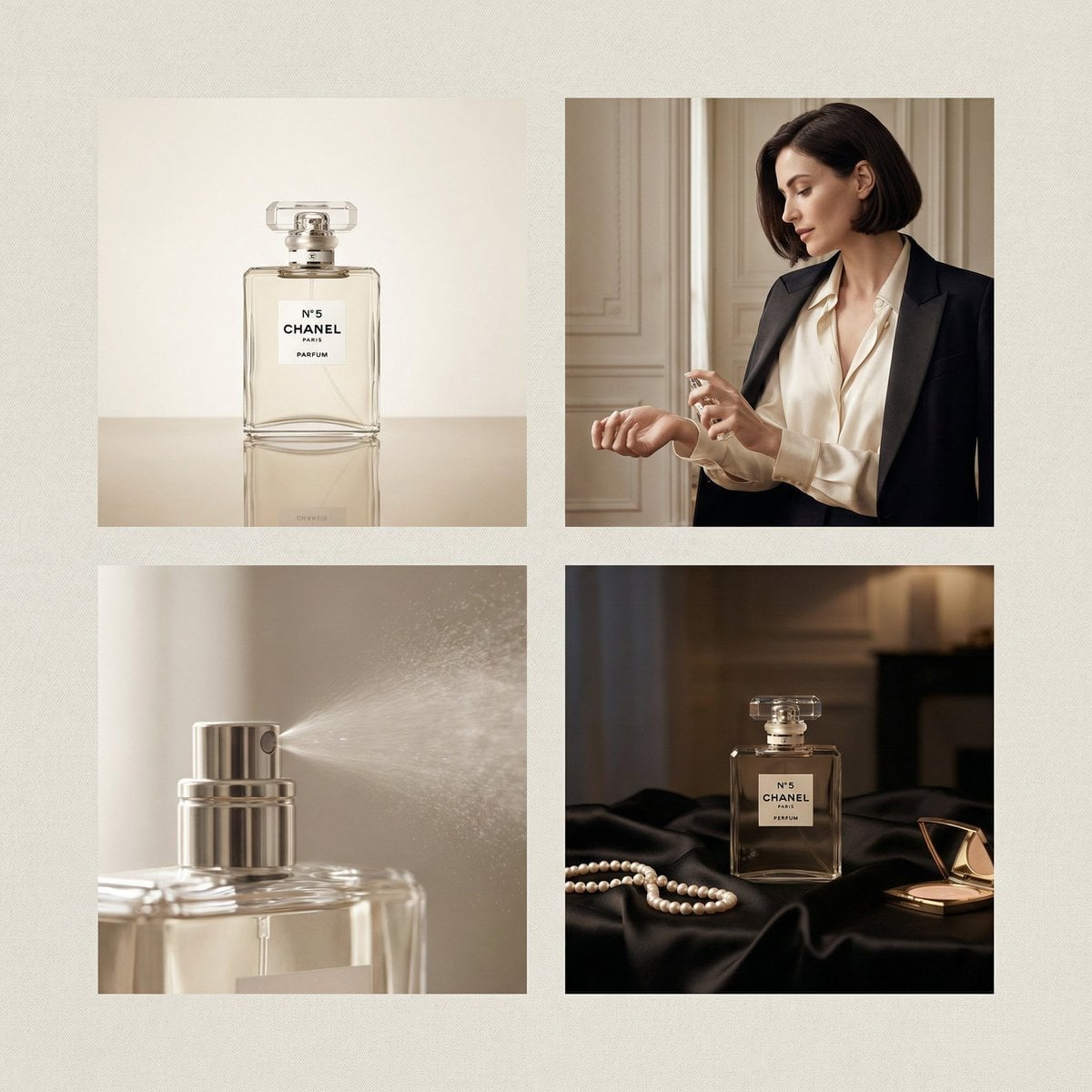
Chanel Perfume 2x2 Grid Luxury Campaign
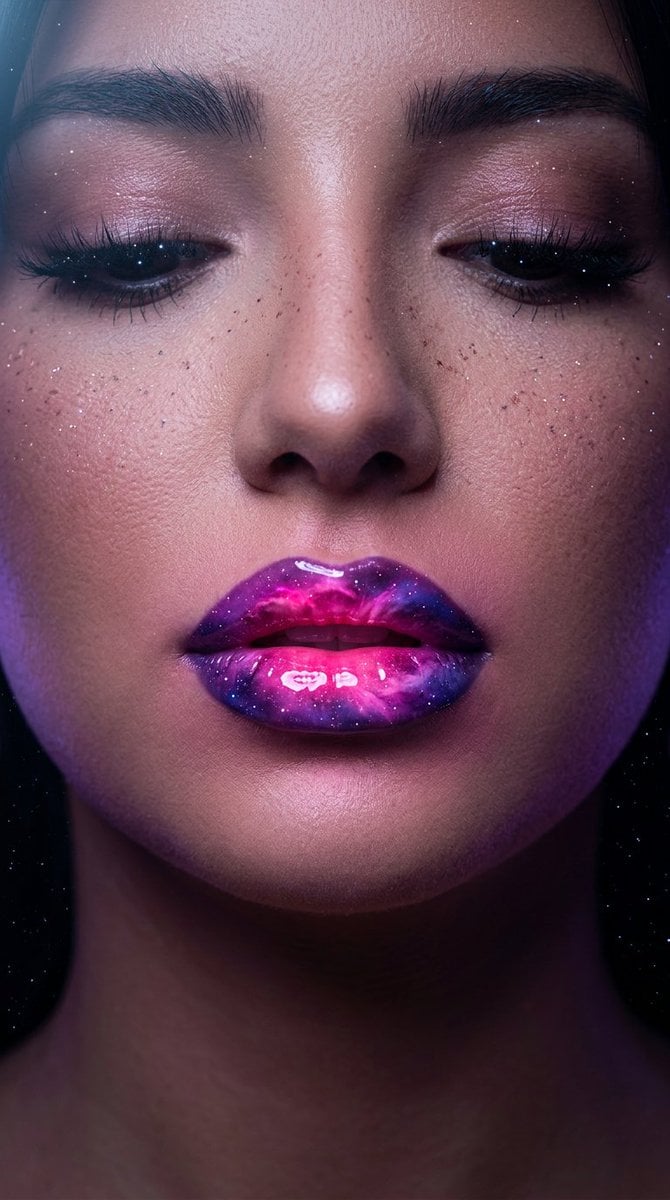
Cosmic Nebula Lipstick Beauty Campaign
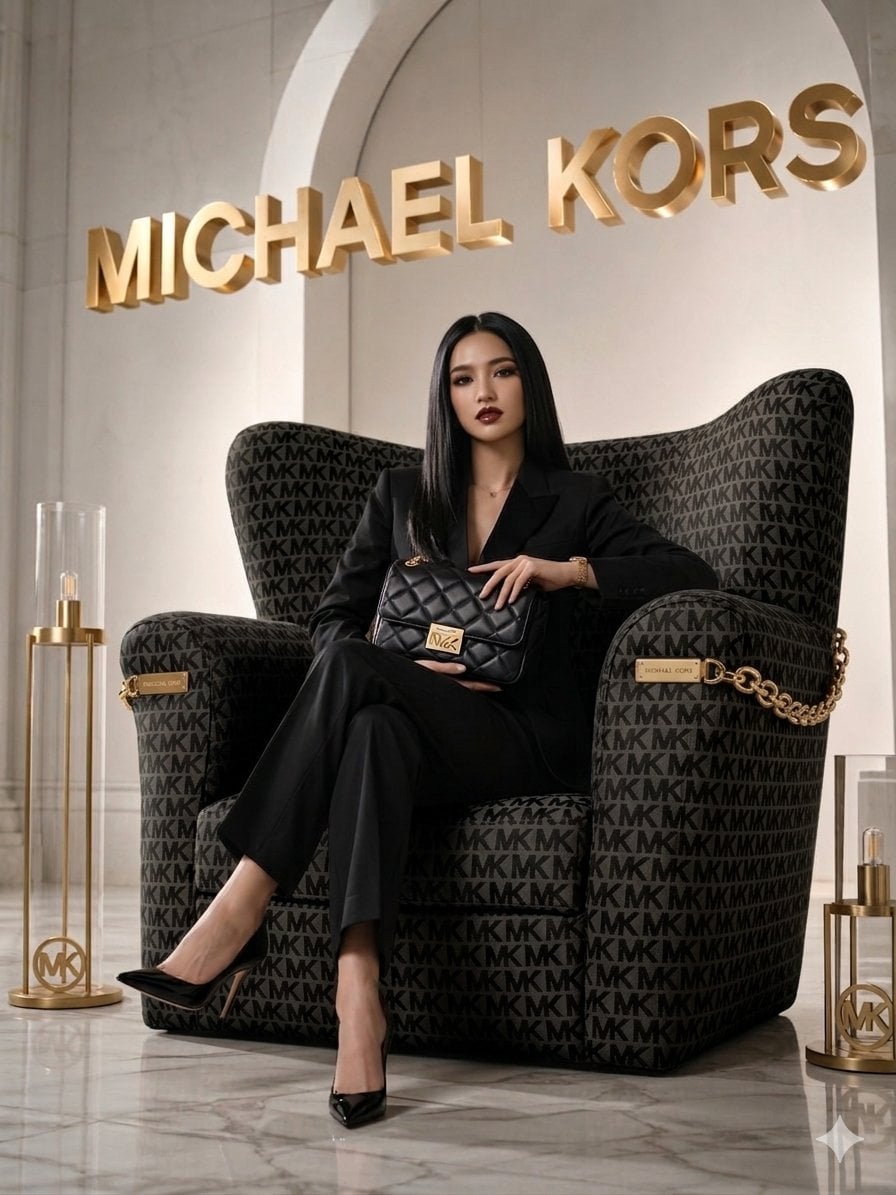
Luxury Brand Campaign Portrait

Sealing Wax Letter Desk

Ballroom Floor Reflections

Vintage Camera Leather Case

Hedge Maze Aerial Dawn

Tuxedo Cuff Adjust

Cathedral Choir Loft
Make it yours
Luxury Cosmetics Beauty Campaign works as-is. These are the safest ways to change it without losing the look.
Swap the setting
Keep the rest of the prompt and replace the location block. The current setting is “A pristine, minimalist studio backdrop consisting of a soft, gradient pastel pin”.
Swap the light
One lighting change is enough to compare takes. Current light: “High-end commercial studio lighting, utilizing softboxes to create a smooth, lum”.
Change one field
Copy a single group, rewrite it, and generate again so you can see what that field is doing.
| If the result… | Why | Fix |
|---|---|---|
| The result drifts from the preview | Too many fields changed at once. | Reuse Luxury Cosmetics Beauty Campaign as-is first, then change one group — subject, light, or setting. |
| Nano Banana 2 ignores part of the JSON | Some models flatten or skip nested keys. | Keep the same values and paste them as a short paragraph instead. |
More Nano Banana 2 templates
Other prompts made for Nano Banana 2.

Photorealistic Leaf Shaped Like a Dragon

K-Pop Idol Portrait Grid for Rapid Selection

Poetic Rain Forest Portrait During Golden Hour

Urban Street Portrait with Cartoon Inner Self Duo

Candid Nighttime Photo with Cat Prompt

High-Concept 3D Diorama Generation Prompt

Cinematic Futuristic Studio Portrait Template

Skincare Editorial Photography Collage Prompt

Hyper-Realistic Commercial Product Photography (Splash Effect)

Hyper-Realistic Nightclub Portrait Prompt
More image prompts
Fresh picks from across the catalog.
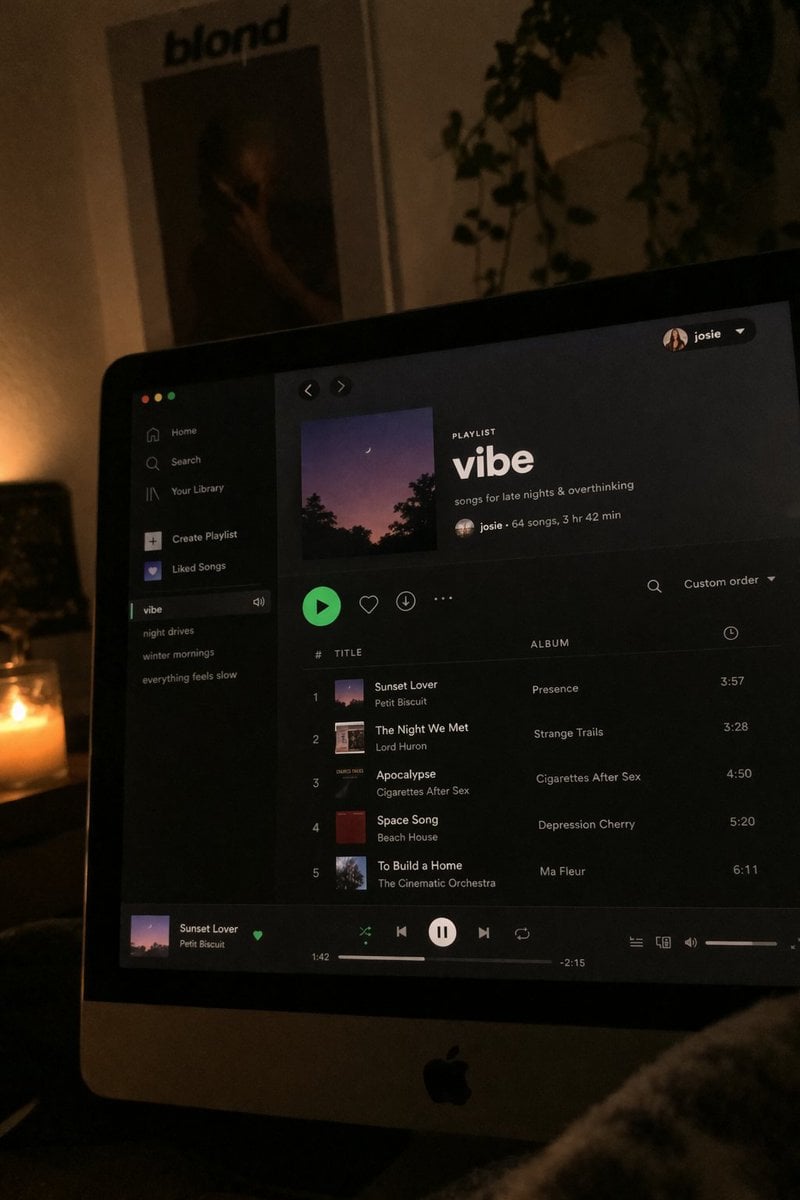
Spotify Playlist Screen at Night

Luxury Business Leader Ink Portrait
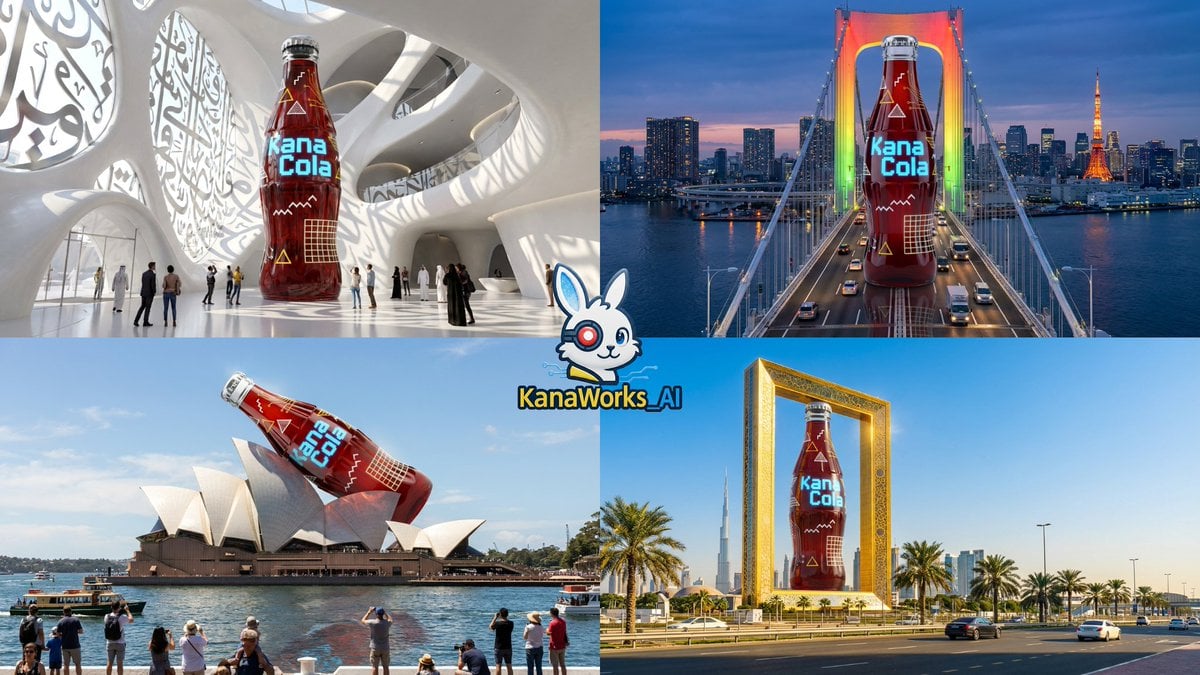
Nano Banana Pro: Giant Product Image Generation Prompt
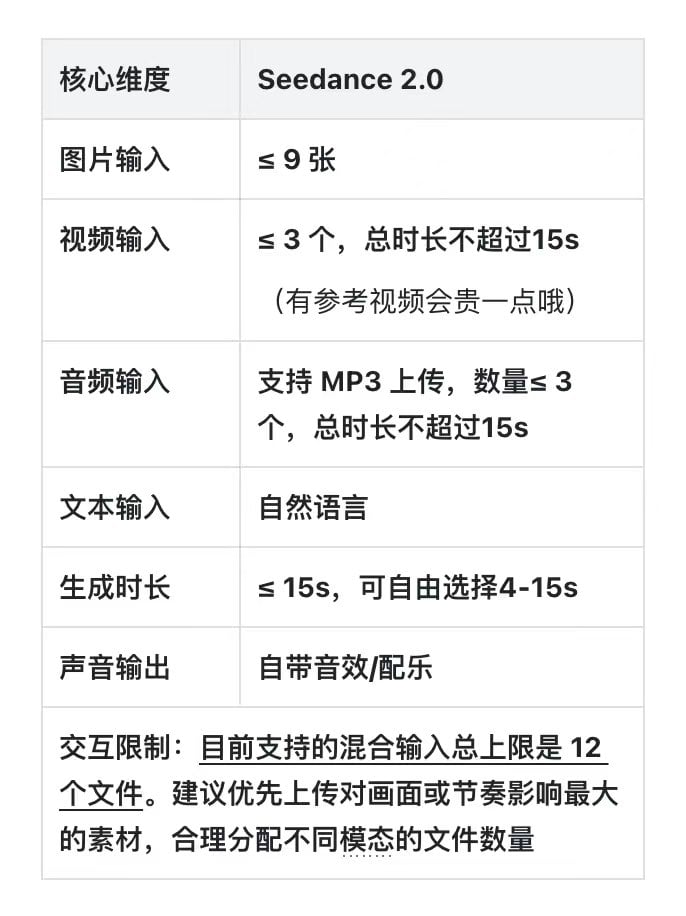
Dramatic Historical Scene Generation with Emotional Dialogue
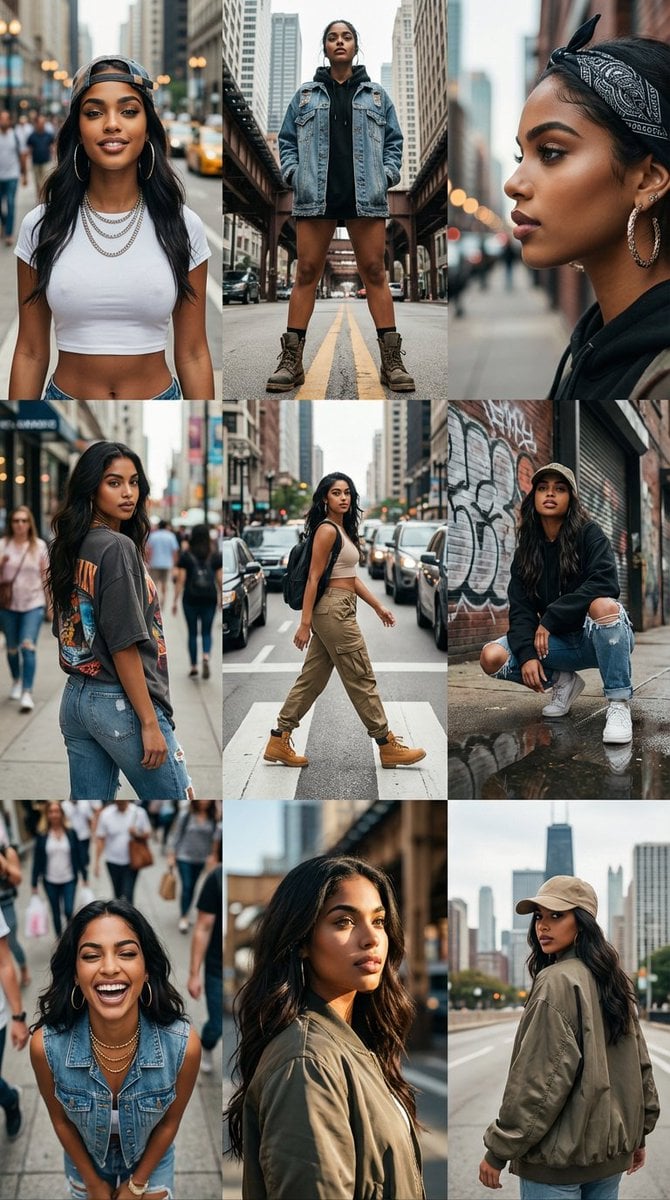
3x3 Cinematic Profile Grid with Identity Lock
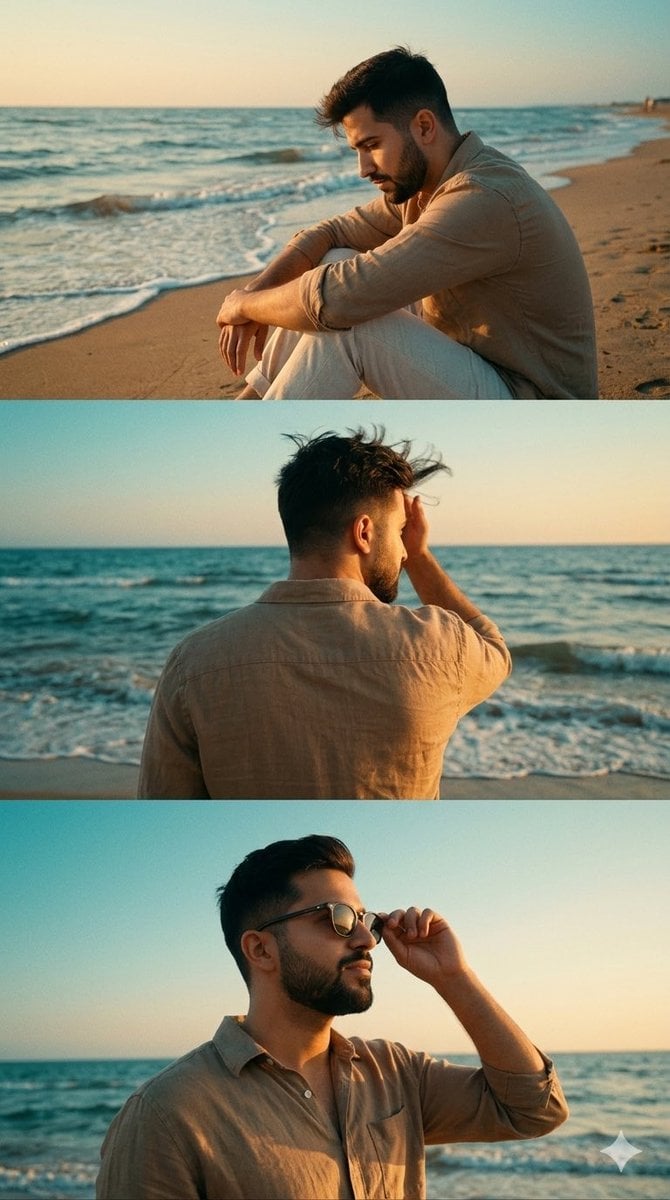
Cinematic Vertical Collage of a Stylish Man at the Beach
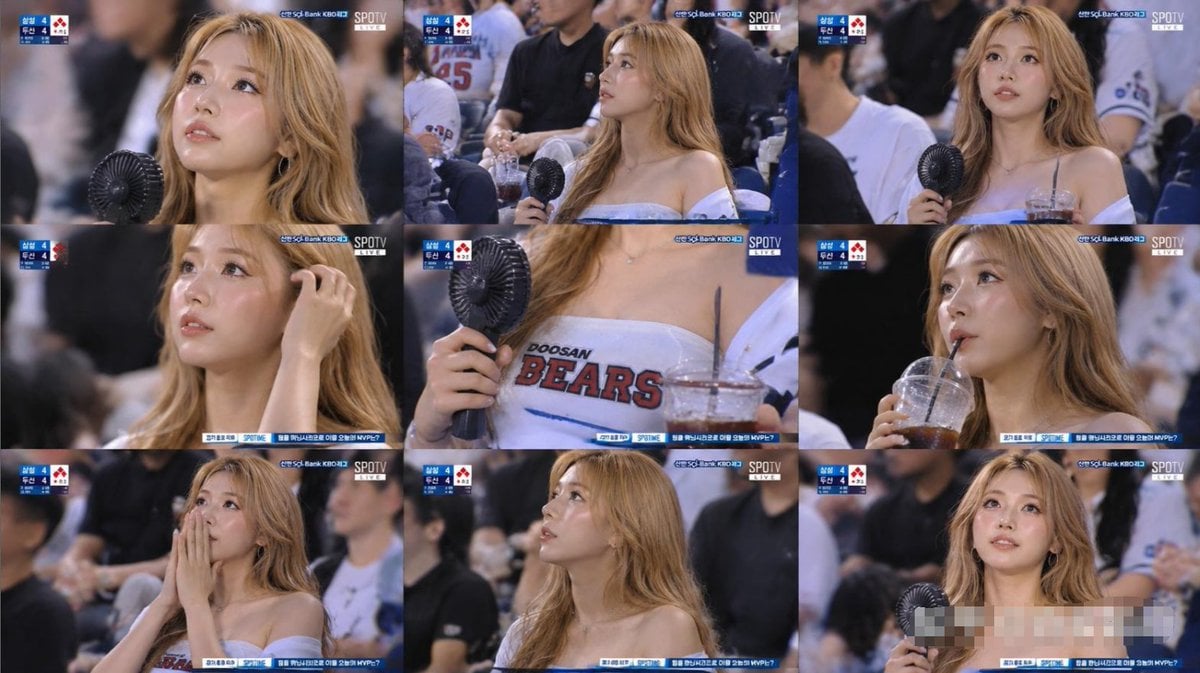
KBO Baseball Fan Television Broadcast Storyboard

Blackboard solving Pythagoras theorem
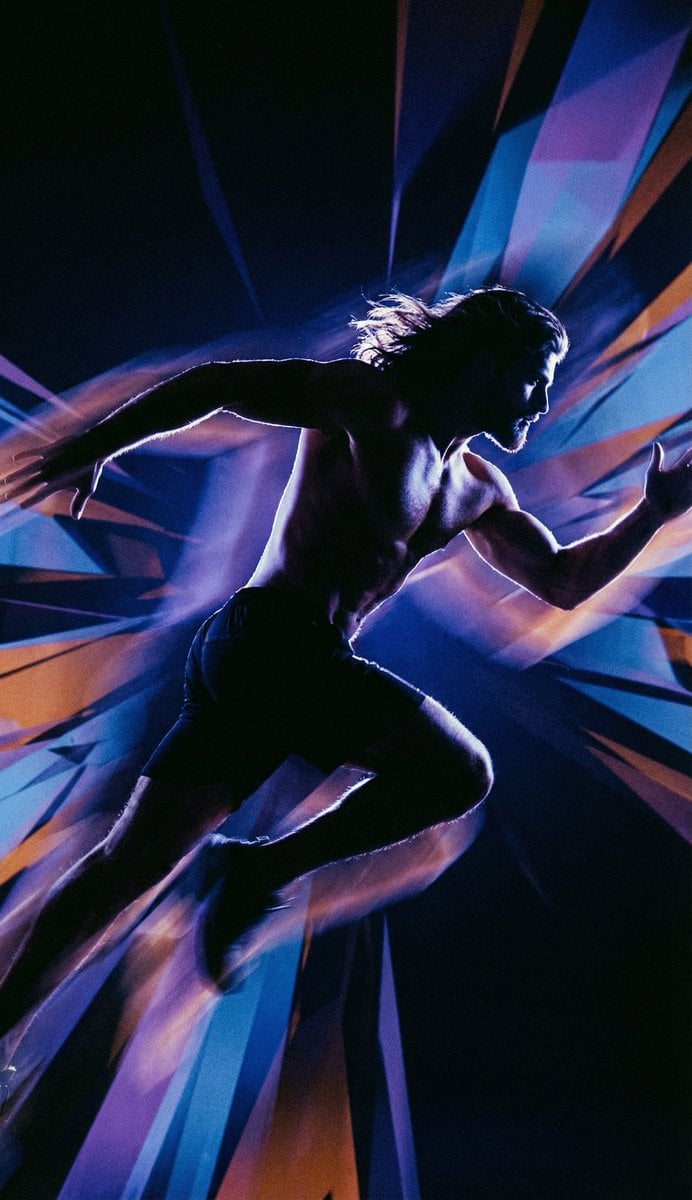
Inspired Prompt from LudovicCreator
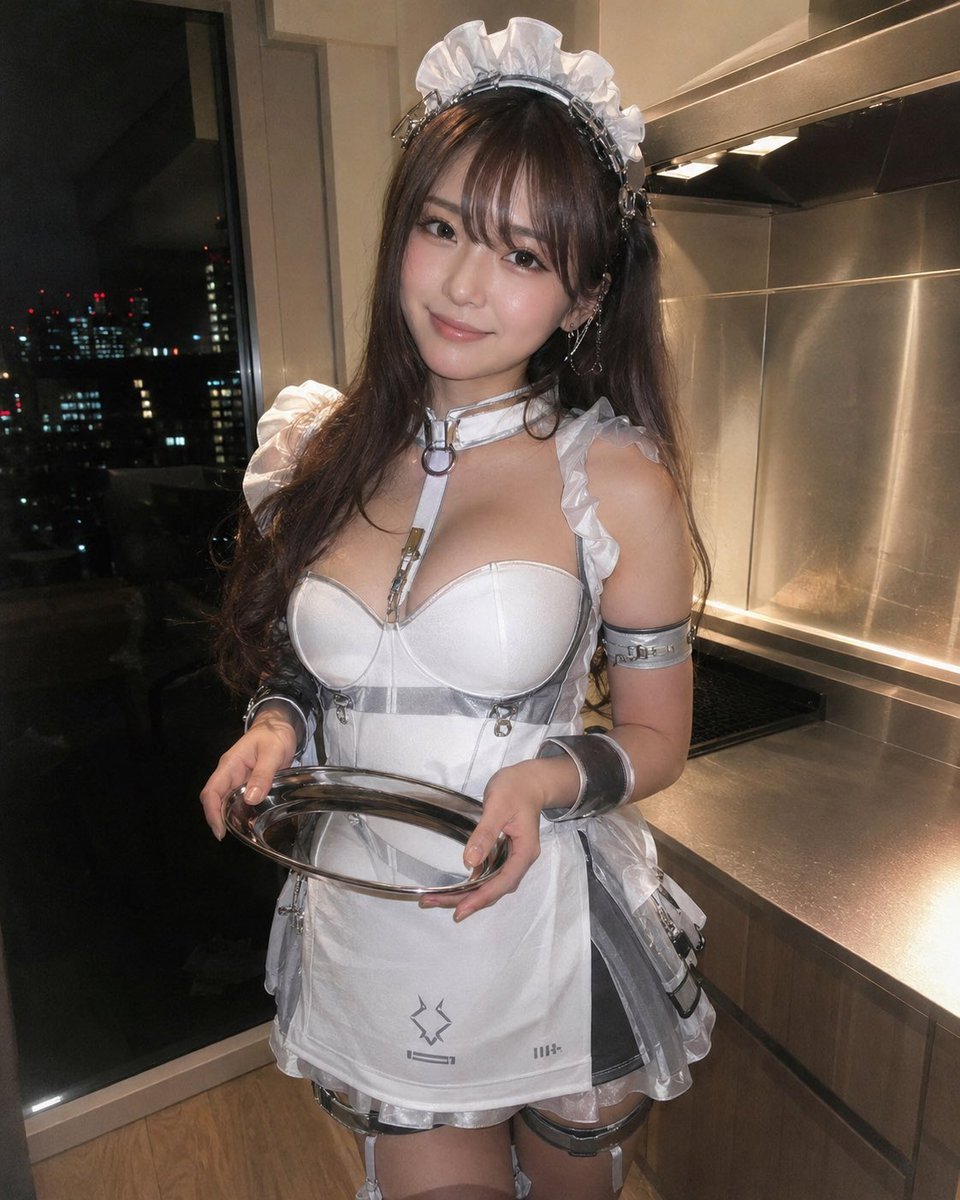
Cyber Maid Cosplay Flash Portrait
Browse template categories
Luxury Cosmetics Beauty Campaign questions
How do I use the Luxury Cosmetics Beauty Campaign template?
Add your photo if the template asks for one, edit the prompt if you like — the template's model and format are already selected — and press Generate. Your version opens in PicX Studio.
Can I customize the Luxury Cosmetics Beauty Campaign template?
Yes. You can change the subject, setting, lighting, mood, format, and available model controls before creating your image.
Is the Luxury Cosmetics Beauty Campaign template free?
Opening and editing this template is free. Generating uses credits, shown on the Generate button when you are signed in.
Which AI model should I use?
Start with Nano Banana 2, which is the model associated with this template. You can compare another compatible model for a different finish.
Looking for something else? Browse all templates.

Your photo, any look
Thousands of ready templates for every top image and video model, from one credit balance.