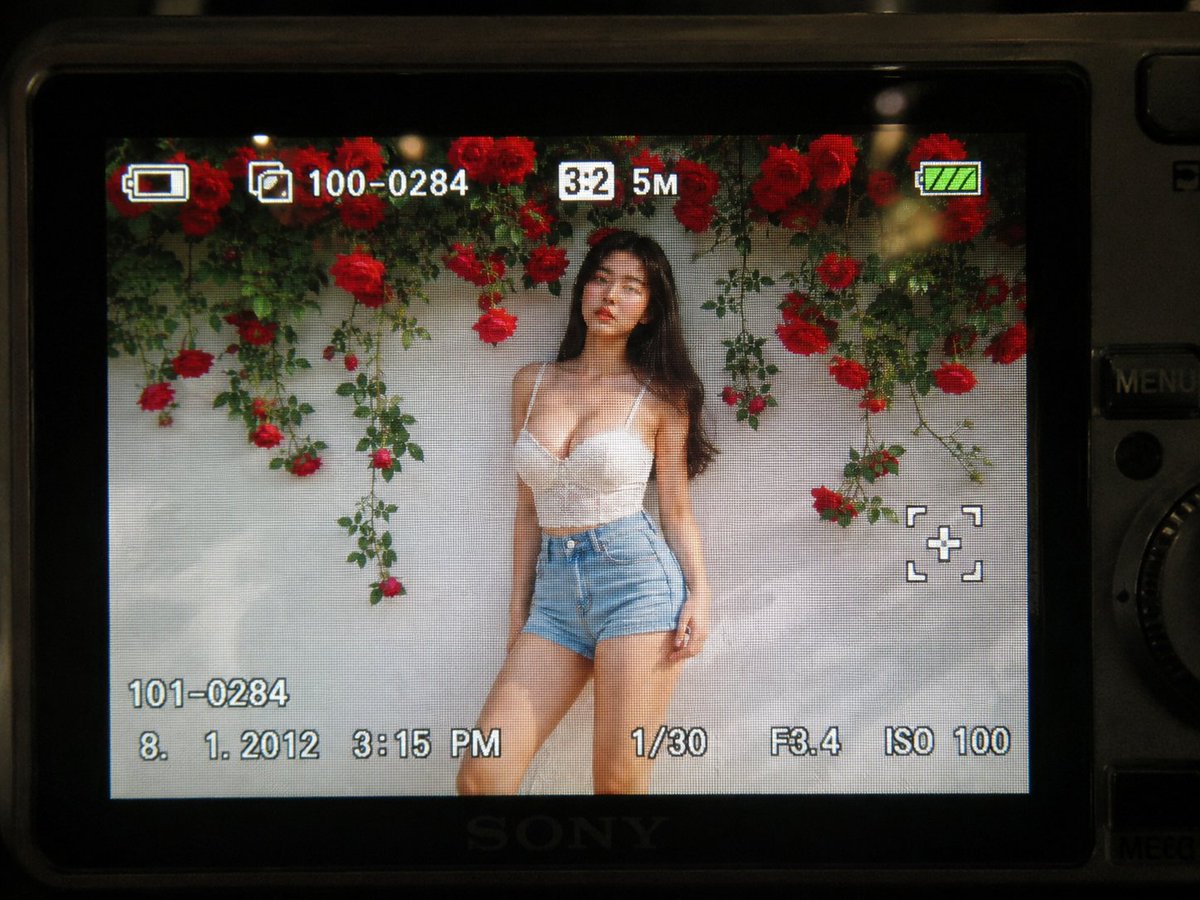
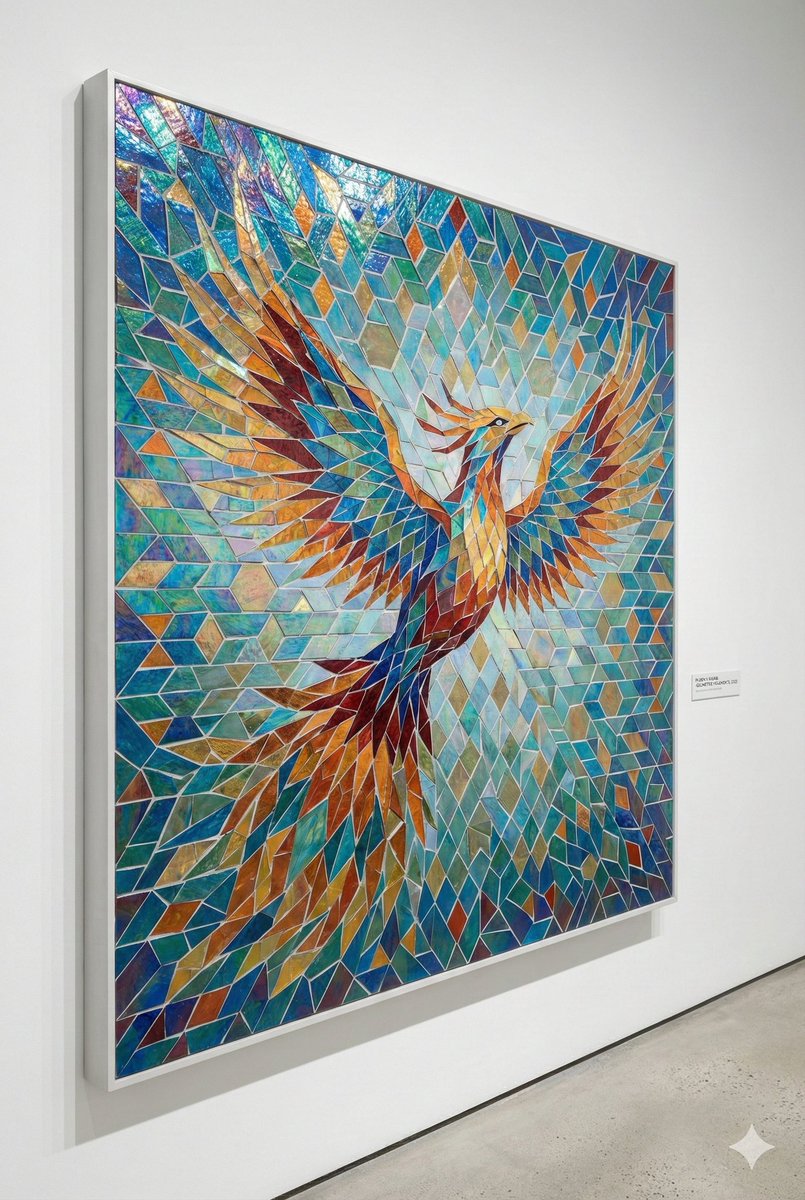
How do I use the Luxury Skincare Selfie Concept template?
Choose the primary action to open PicX Studio with the available template settings. Review the model and format, personalize the creative direction, and generate when ready.
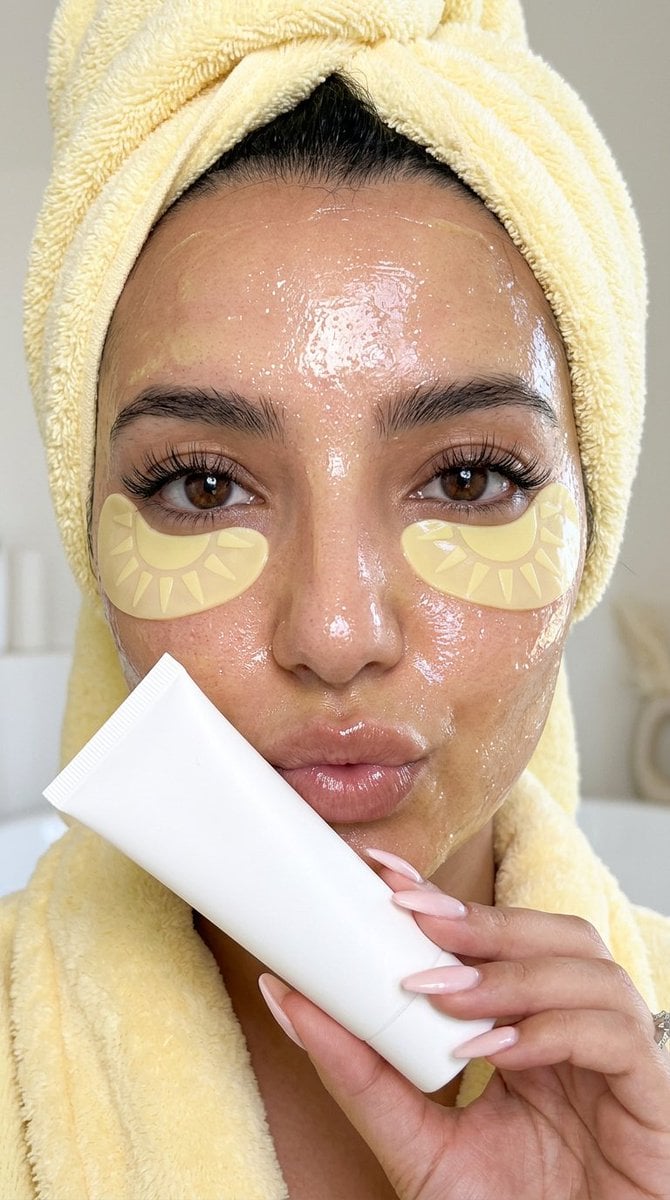
A high-resolution beauty selfie prompt featuring a butter-yellow spa aesthetic and skincare details, though the prompt text is cut off. (free to use) — Free AI image template on PicX Studio.
{"generation_request": {"meta_data": {"task_type": "luxury_butter_yellow_skincare_closeup", "language": "en", "style": "ultra_photorealistic_beauty_selfie_editorial", "version": "v2.0_CLEAN_MINIMAL_PRODUCT"}, "output": {"aspect_ratio": "9:16", "orientation": "vertical", "quality": "ultra high resolution, premium realistic beauty finish, sharp facial details, natural skin texture"}, "scene": {"concept": "close-up luxury skincare selfie with a soft pastel butter yellow spa aesthetic", "environment": "minimal clean bathroom or spa setting, soft cream background, bright diffused natural light, calm beauty atmosphere", "lighting": "soft front-facing beauty light, glossy highlights on hydrated skin, gentle warm reflections, no harsh shadows", "mood": "sunny, glowy, optimistic, luxurious, sunday morning spa energy"}, "subject": {"description": "young woman in an extreme close-up vertical selfie crop, face filling most of the frame, realistic facial proportions, natural beauty, expressive eyes, long lashes, soft full lips, natural brows, visible pores and authentic skin texture", "pose": "slightly playful pout, holding a minimal white skincare tube gently near the lips, bright candid selfie feeling", "skin": "glowy hydrated face covered with a translucent shimmering butter yellow vitamin C glow mask, wet glossy texture, fine iridescent sparkle, realistic product thickness across forehead, cheeks, nose and chin", "eye_masks": "pastel butter yellow sun-shaped under-eye masks with subtle tone-on-tone sun ray pattern, glossy hydrogel finish, placed naturally under both eyes", "hair_and_towel": "hair fully wrapped in a fluffy pastel butter yellow towel, realistic towel fibers, soft plush volume, cozy spa texture", "wardrobe": "matching pastel butter yellow fluffy spa robe visible at the bottom of the frame, plush fabric texture"}, "product": {"description": "minimal matte white skincare tube held near the lips, completely plain and unmarked", "texture": "smooth soft-touch cosmetic packaging, realistic cap ridges, subtle clean highlights"}, "camera_style": {"framing": "extreme close-up vertical selfie crop, slightly off-center natural composition, candid beauty framing", "lens": "smartphone macro beauty lens look blended with high-end editorial clarity", "focus": "sharp eyes, lashes, under-eye masks, lips, hand, and glossy skincare texture; soft background blur", "details": "realistic pores, tiny skin imperfections, natural shine, detailed towel fibers, glossy mask sparkle, no plastic smoothing"}, "color_palette": ["pastel butter yellow", "soft cream", "pearl white", "glossy honey", "subtle iridescent sparkle", "warm natural skin tones"], "negative_prompt": ["visible product markings", "busy packaging", "cluttered background", "plastic skin", "over-smoothed face", "blurred eyes", "melted facial features", "uneven eye masks", "bad anatomy", "extra fingers", "warped hand", "dirty towel", "low resolution", "cartoon", "anime", "3D render", "overexposed face", "harsh shadows"]}}
Use Luxury Skincare Selfie Concept to plan an AI image around nano-banana-2 generation. Match the preview's composition first, then personalize the subject, setting, and mood for your own project.
Use the primary action to load the template settings in PicX Studio.
Adjust the subject and creative details for your destination.
Create the image, compare the result with the preview, and refine one variable at a time.
A continuous mix — similar concepts first, woven with same-model prompts and fresh picks from the catalog.
Choose the primary action to open PicX Studio with the available template settings. Review the model and format, personalize the creative direction, and generate when ready.
Yes. You can change the subject, setting, lighting, mood, format, and available model controls before creating your image.
This template is free to open and customize. Generation usage is shown in PicX Studio before you create.
Start with nano-banana-2, which is the model associated with this template. You can compare another compatible model for a different finish.
A continuous mix — similar concepts first, woven with same-model prompts and fresh picks from the catalog.
Follow a topic to a crawlable collection of related PicX Studio templates.
32,032 public templates available. Verified via the PicX Studio public templates API; refreshed hourly.