
Professional Gym Fitness Photography
A highly detailed technical prompt for generating realistic candid gym photography of a female athlete performing lateral raises.
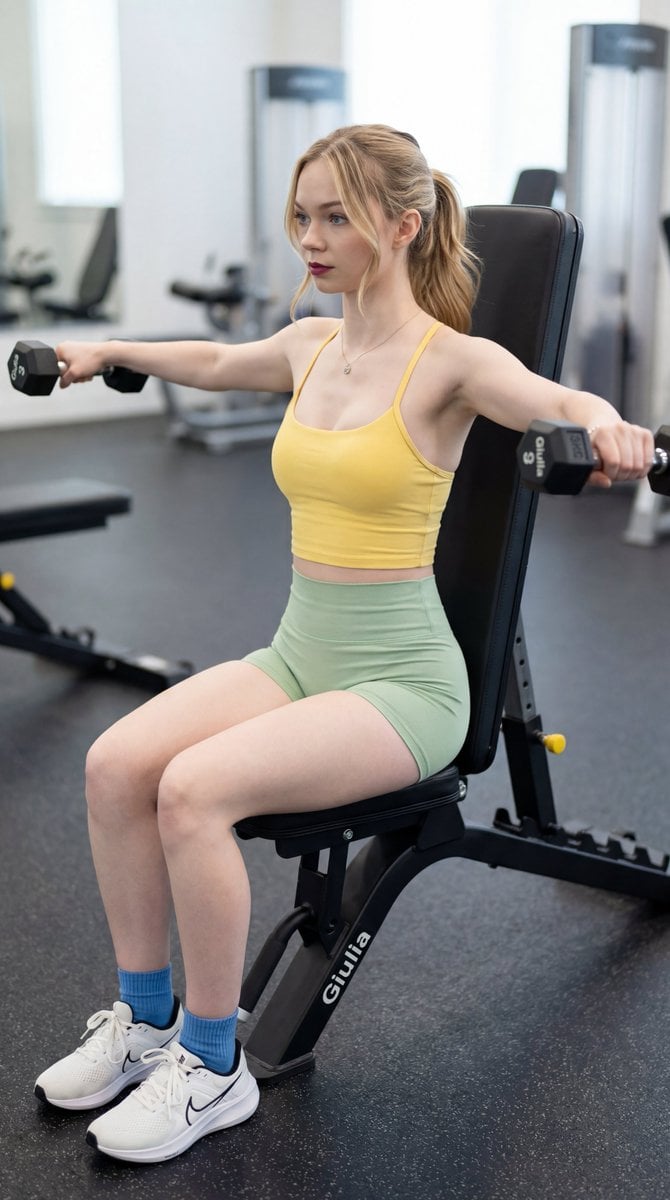
- Prompt included
- Model and format preset
- Free template
The prompt behind this image
Copy the exact prompt behind Professional Gym Fitness Photography, or open it in the studio and make it yours.
{ "type": "image_prompt", "description": { "subject": { "identity": "{argument name="subject name" default="[NOME]"}", "appearance": { "hair": "Hair tied back in a loose ponytail, with long and defined face-framing strands falling on both sides.", "expression": "Focused and calm.", "gaze": "Looking forward and away from the camera.", "makeup": "Subtle and natural makeup enhancing her features.", "lipstick": "Bold berry-toned lipstick.", "skin": "Soft natural glow with gentle highlights on the collarbones and shoulders." }, "body_type": "Fit" }, "clothing": { "top": "Tight yellow sports top with thin shoulder straps and a rounded neckline.", "shorts": "High-waisted fitted workout shorts in light green.", "socks": "Blue ankle socks.", "shoes": "White athletic sneakers with black side details." }, "pose": { "position": "Sitting upright on a black gym bench.", "back": "Back pressed firmly and straight against the backrest.", "arms": "Both arms extended horizontally to the sides at shoulder height, forming a T-shape.", "action": "Holding dumbbells mid-lateral raise.", "legs": "Relaxed, bent at the knees.", "feet": "Fully planted on the floor." }, "setting": { "location": "Indoor gym environment.", "floor": "Dark gray rubber flooring with small texture details.", "background": "Softly blurred, showing glimpses of other gym equipment." }, "props": { "dumbbells": "Two black hexagonal dumbbells. The right dumbbell displays the text '3kg' and '{argument name="personalized label" default="Giulia"}' in white letters.", "bench": "Black adjustable gym bench with the word '{argument name="personalized label" default="Giulia"}' printed in white on the lower frame." }, "lighting": { "style": "High-key lighting.", "mood": "Bright and airy.", "face_light": "Flat beauty lighting.", "shadows": "Extremely soft shadows.", "contrast": "Low contrast." }, "mood": "Focused, disciplined, active, fitness-oriented, calm yet intense workout atmosphere.", "technical": { "framing": "Medium shot.", "angle": "Side angle, slightly above head level.", "depth_of_field": "Shallow depth of field with sharp subject focus and softly blurred background.", "lens": "85mm full-frame", "aperture": "f/2.8", "iso": "400", "shutter_speed": "1/320s", "white_balance": "5200K", "exposure": "Balanced exposure preserving natural skin tones and soft highlights." }, "style": { "genre": "Candid gym photography.", "look": "Photorealistic, highly realistic, true-to-life." }, "quality": { "resolution": "8K", "details": "Highly detailed, sharp focus, photorealistic skin textures, natural fabric folds." }, "aspect_ratio": "9:16" } }
How to use Professional Gym Fitness Photography in 3 steps
- 1
Open
The prompt is already in the box next to the preview, with the template's model and format selected.
- 2…a portrait of your subject in softgolden-hour light, 85mm…
Personalize
Edit the subject and creative details for your destination.
- 3Generate
Generate
Press Generate — your image is created in PicX Studio, so you can compare it with the original and refine one variable at a time.
More like this
Templates with the same subject, style or setup. Open one to see its prompt.

Mirror Selfie Chibi Characters Pixar Style

Flower Petal Sunglasses Couture Portrait

Fashion Portrait Colored Smoke Studio

Mountain Valley Lifestyle Portrait

青蛇小青写真大片,绿色紧身蛇鳞裙,湿发红唇,妖娆妩媚

A double exposure, long exposure editorial photograph of a man Use image

Portrait of a young woman in her early 20s walking calmly on a beautiful

Artistic portrait of an elegant Asian woman wearing a black silk

A high-quality photo collage featuring the same person with identical

LIGHTING each element still lit by its original source, windows casting

A 3x3 grid storyboard contact sheet comprised of nine candid, cinematic

A high-definition cinematic portrait of a sophisticated woman sitting
Make it yours
Professional Gym Fitness Photography works as-is. These are the safest ways to change it without losing the look.
Change one field
Copy a single group, rewrite it, and generate again so you can see what that field is doing.
Keep the frame, change the subject
Hold the composition and light of Professional Gym Fitness Photography, then swap wardrobe, props or the person for a new take.
| If the result… | Why | Fix |
|---|---|---|
| The result drifts from the preview | Too many fields changed at once. | Reuse Professional Gym Fitness Photography as-is first, then change one group — subject, light, or setting. |
| The model over-stylizes the scene | The prose prompt leaves finish and camera underspecified. | Add one camera or lighting sentence and stay on Nano Banana 2. |
More Nano Banana 2 templates
Other prompts made for Nano Banana 2.

Photorealistic Leaf Shaped Like a Dragon

K-Pop Idol Portrait Grid for Rapid Selection

Poetic Rain Forest Portrait During Golden Hour

Urban Street Portrait with Cartoon Inner Self Duo

Candid Nighttime Photo with Cat Prompt

High-Concept 3D Diorama Generation Prompt

Cinematic Futuristic Studio Portrait Template

Skincare Editorial Photography Collage Prompt

Hyper-Realistic Commercial Product Photography (Splash Effect)

Hyper-Realistic Nightclub Portrait Prompt
More image prompts
Fresh picks from across the catalog.
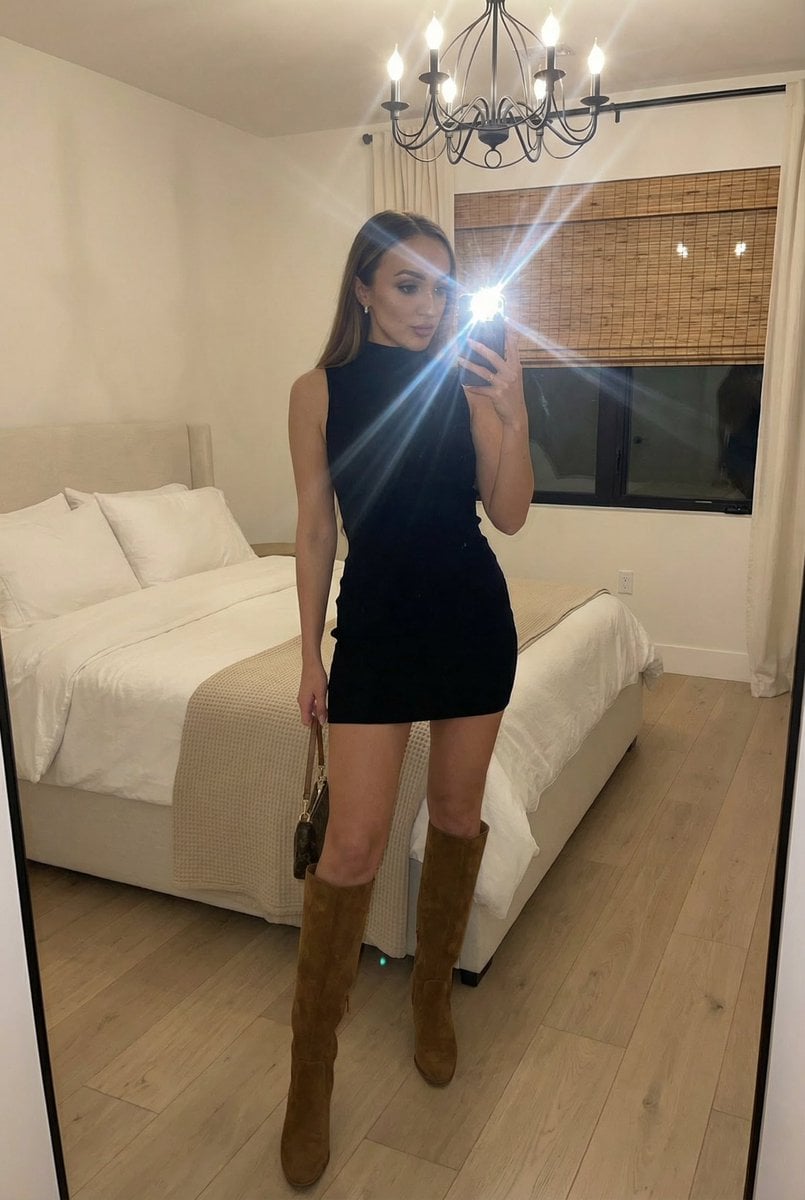
Stylish Mirror Selfie in Modern Bedroom
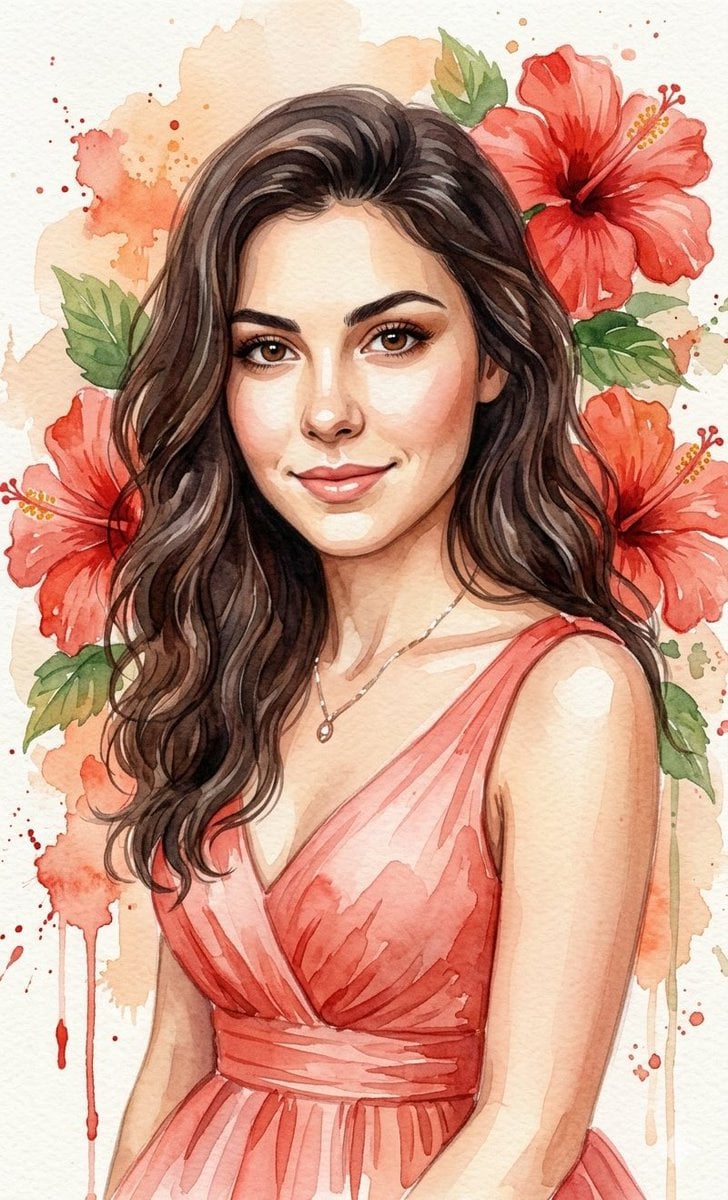
Watercolor Portrait with Hibiscus Prompt

Higgsfield Nano Banana Pro Aspect Ratio Prompt
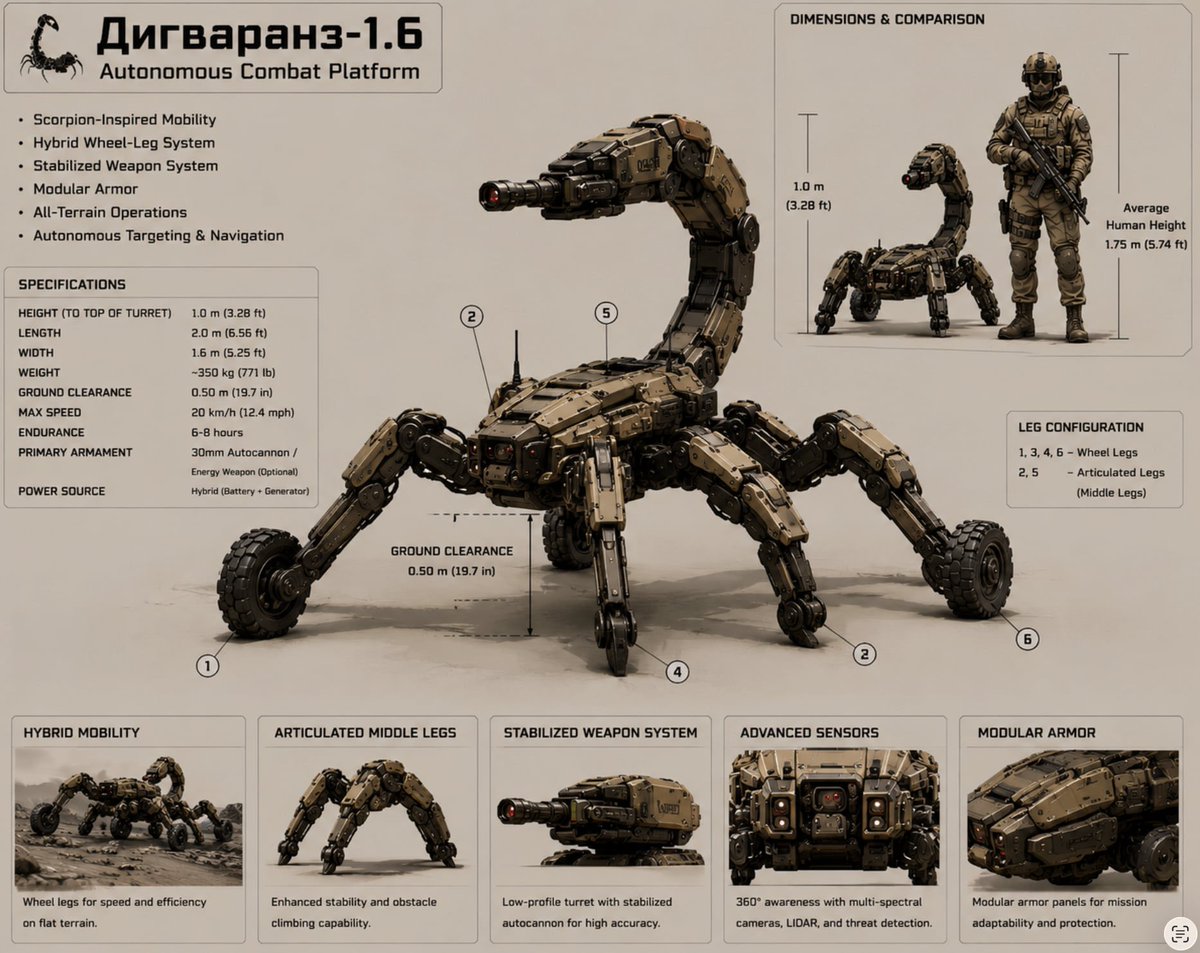
Scorpion Combat Robot Spec Sheet
untitled
Shattered Glass Portrait Style Prompt
Cinematic Street Portrait
Surreal Blue Fish Hat Portrait
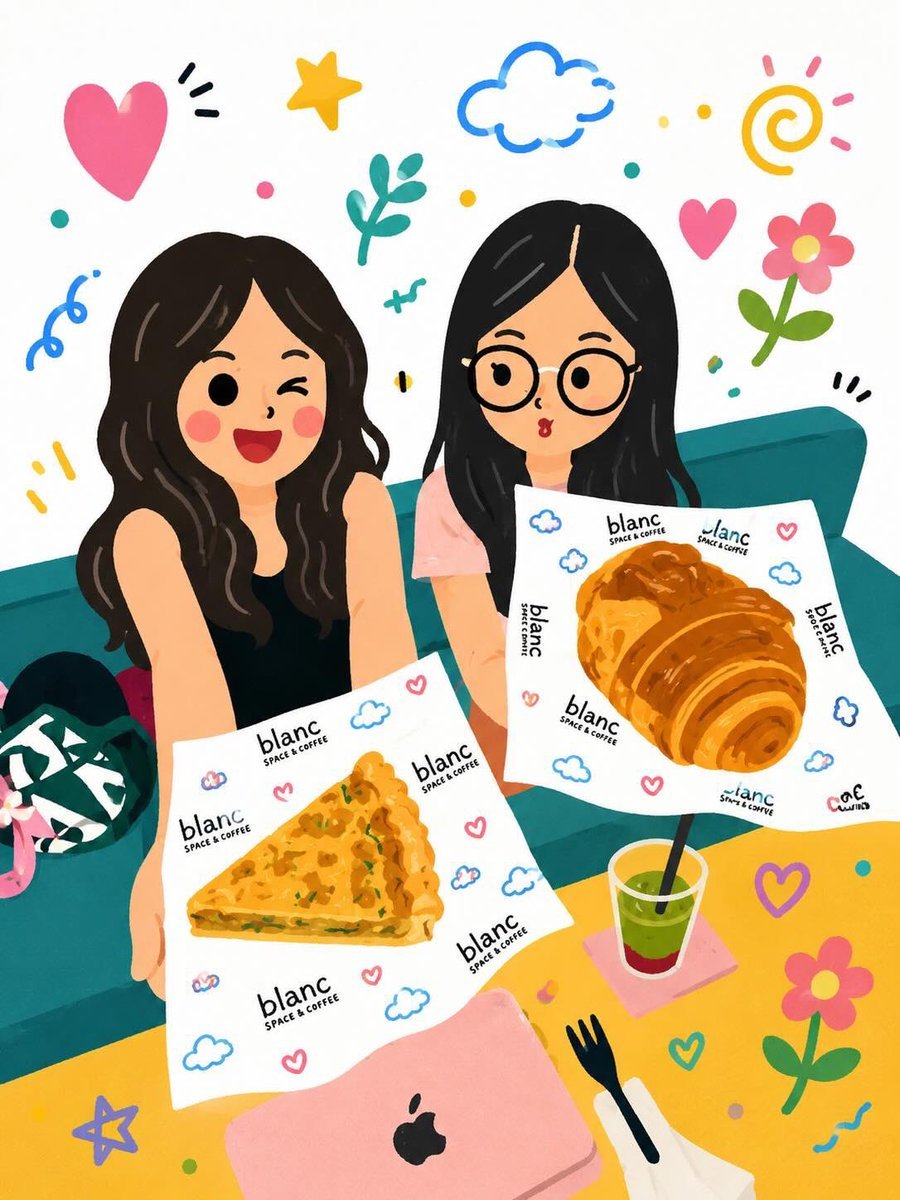
Kawaii Café and Travel Illustration
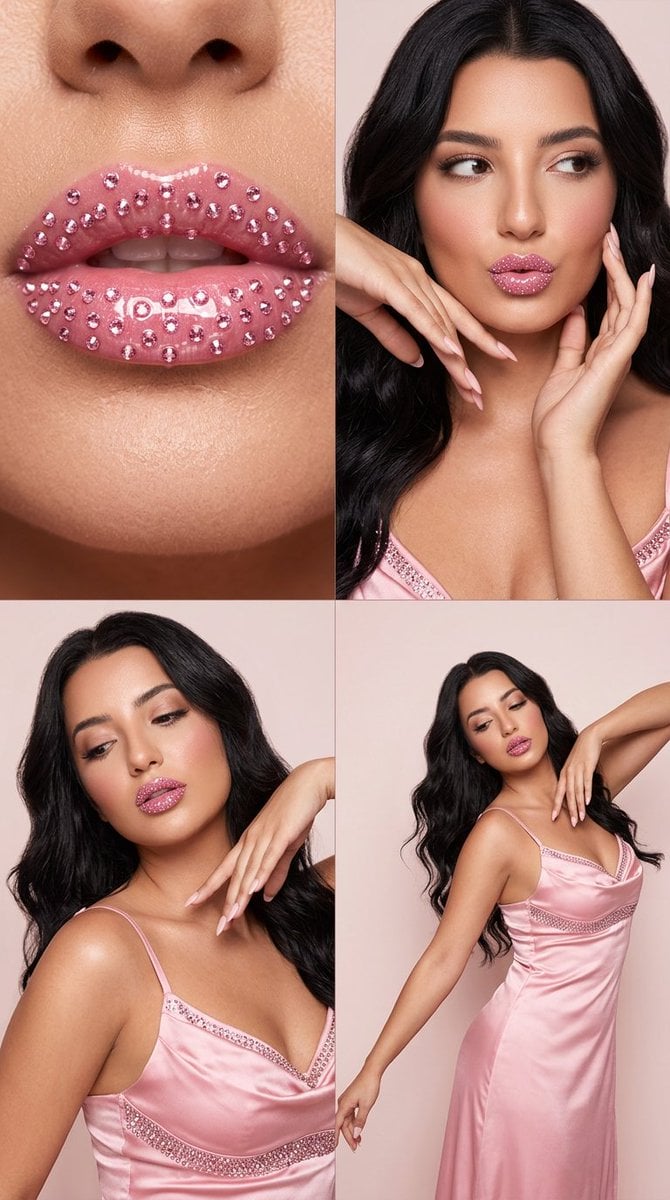
2x2 Editorial Grid: Pink Rhinestone Lips and Dance Fashion
Browse template categories
Professional Gym Fitness Photography questions
How do I use the Professional Gym Fitness Photography template?
Add your photo if the template asks for one, edit the prompt if you like — the template's model and format are already selected — and press Generate. Your version opens in PicX Studio.
Can I customize the Professional Gym Fitness Photography template?
Yes. You can change the subject, setting, lighting, mood, format, and available model controls before creating your image.
Is the Professional Gym Fitness Photography template free?
Opening and editing this template is free. Generating uses credits, shown on the Generate button when you are signed in.
Which AI model should I use?
Start with Nano Banana 2, which is the model associated with this template. You can compare another compatible model for a different finish.
Looking for something else? Browse all templates.

Your photo, any look
Thousands of ready templates for every top image and video model, from one credit balance.