How do I use the Summer Lifestyle Editorial Portrait template?
Choose the primary action to open PicX Studio with the available template settings. Review the model and format, personalize the creative direction, and generate when ready.
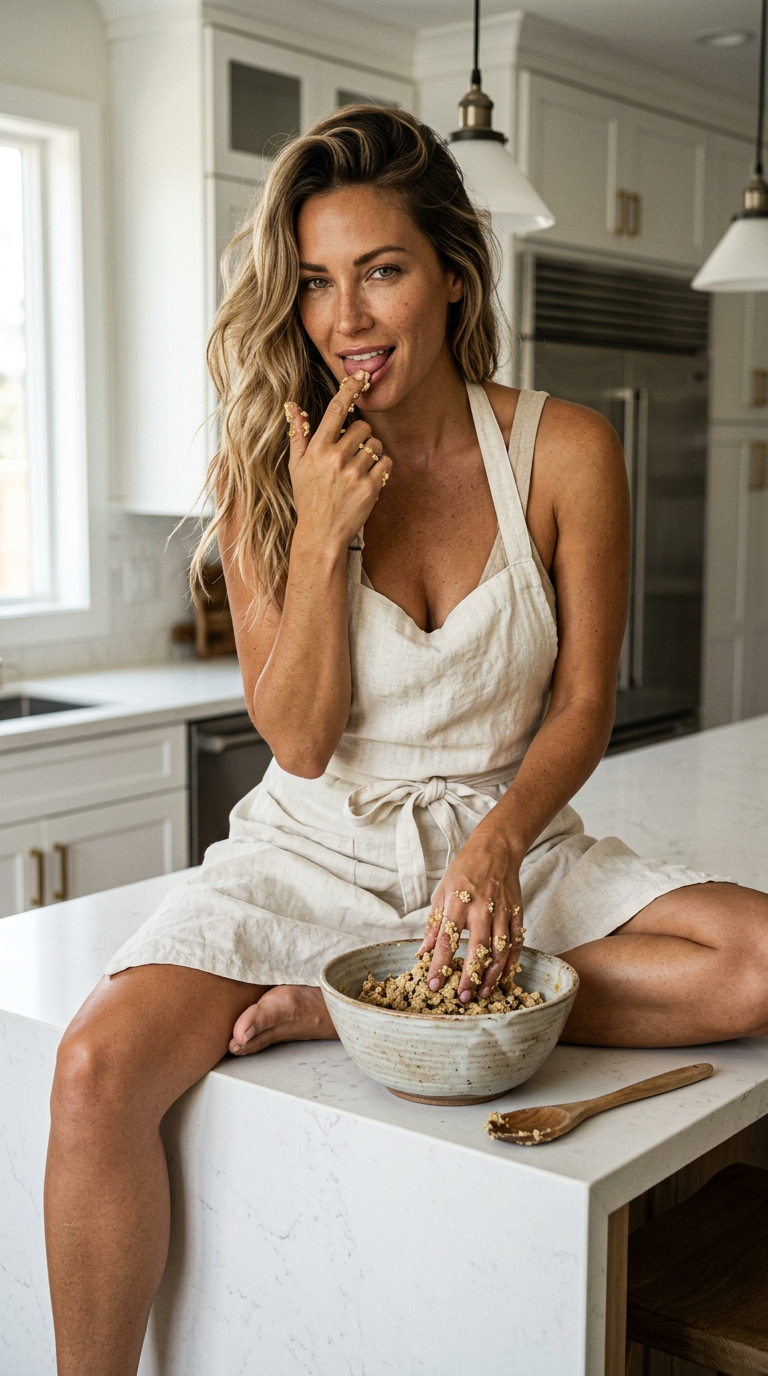
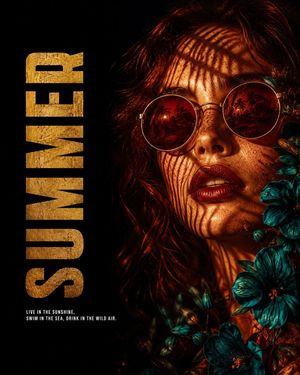
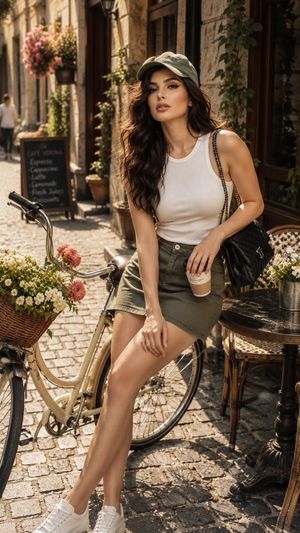
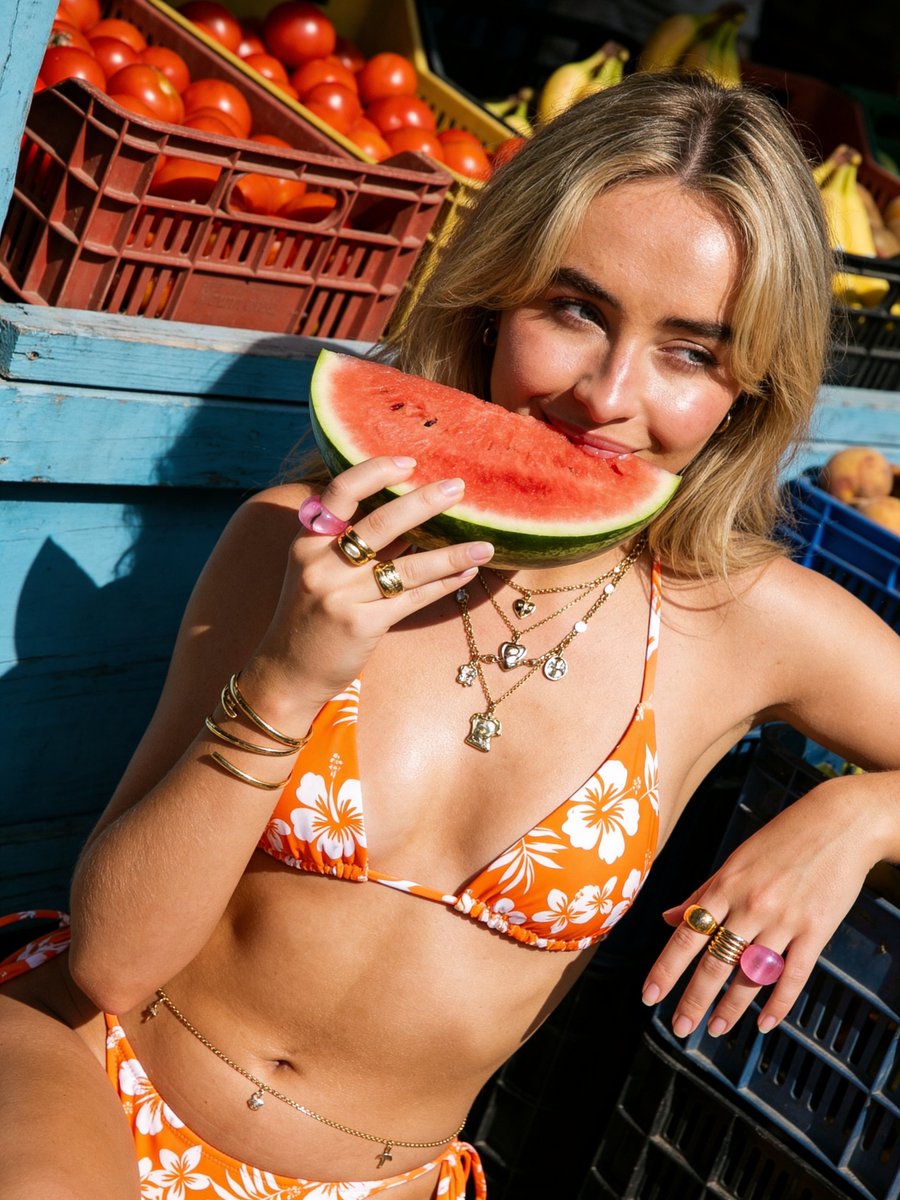
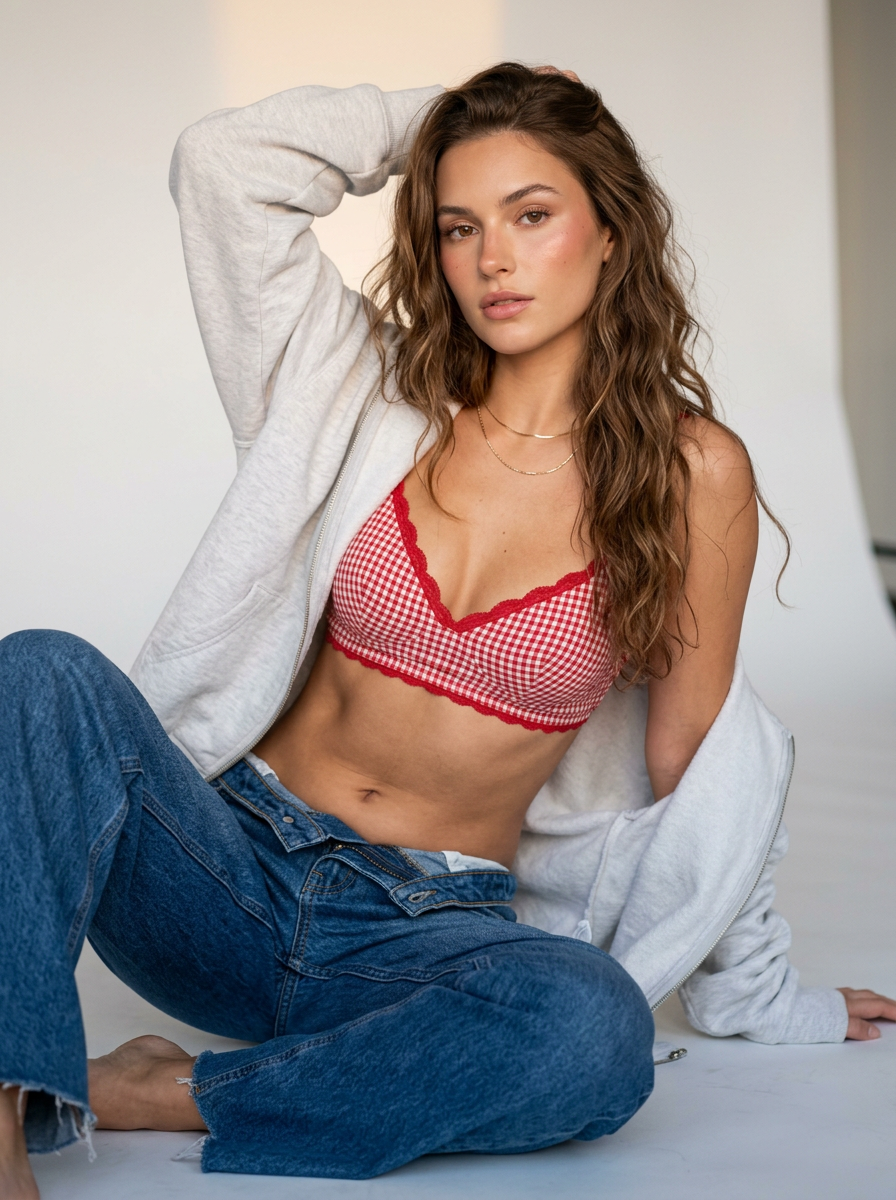
A cheerful summer-themed portrait prompt featuring a woman on a lounge chair with wet hair and a fresh, relaxed aesthetic.
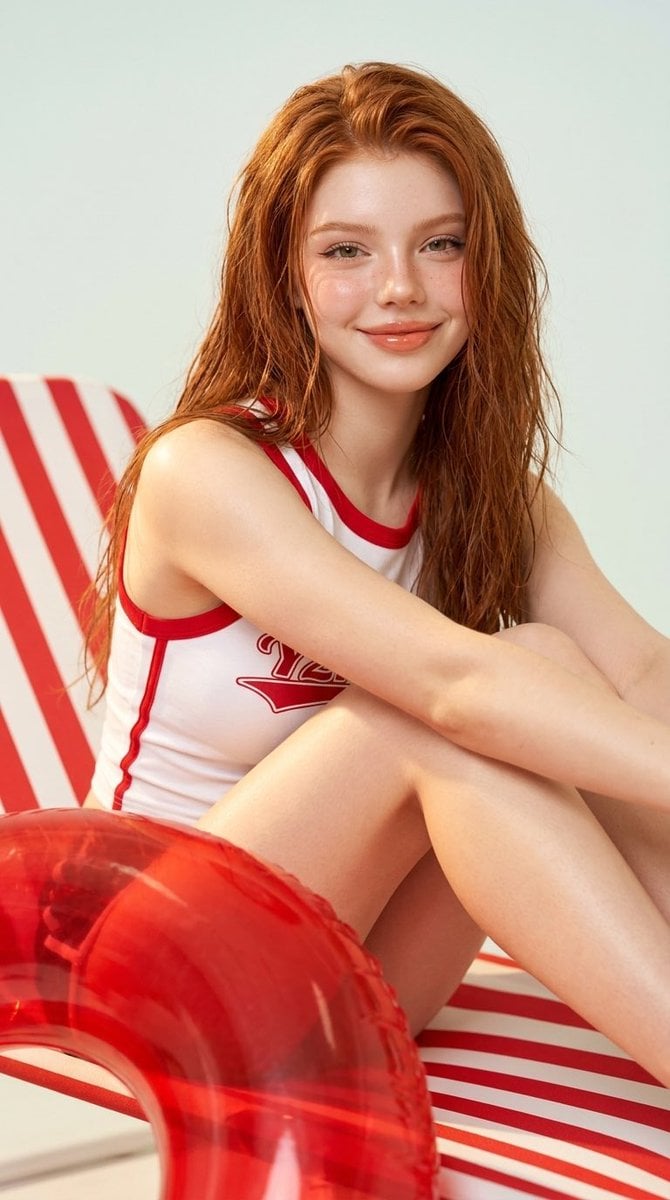
{ "prompt": "A photorealistic lifestyle portrait of a smiling {argument name="hair color" default="red"}-haired young woman with wet hair sitting casually on a {argument name="furniture" default="red-and-white striped lounge chair"}, wearing a {argument name="outfit" default="sporty white sleeveless outfit with red trim"}. A translucent red inflatable swim ring in the foreground, bright soft studio lighting, clean minimal background, fresh summer aesthetic, natural skin texture, warm cheerful expression, vertical composition.", "style": "photorealistic, lifestyle editorial, summer campaign", "lighting": "bright soft diffused lighting", "camera": "portrait orientation, medium close-up, shallow depth of field", "mood": "fresh, playful, summery, relaxed", "quality": "high detail, realistic textures" }
Choose the primary action to open PicX Studio with the available template settings. Review the model and format, personalize the creative direction, and generate when ready.
Yes. You can change the subject, setting, lighting, mood, format, and available model controls before creating your image.
This template is free to open and customize. Generation usage is shown in PicX Studio before you create.
Start with Nano Banana 2, which is the model associated with this template. You can compare another compatible model for a different finish.
Follow a topic to a crawlable collection of related PicX Studio templates.