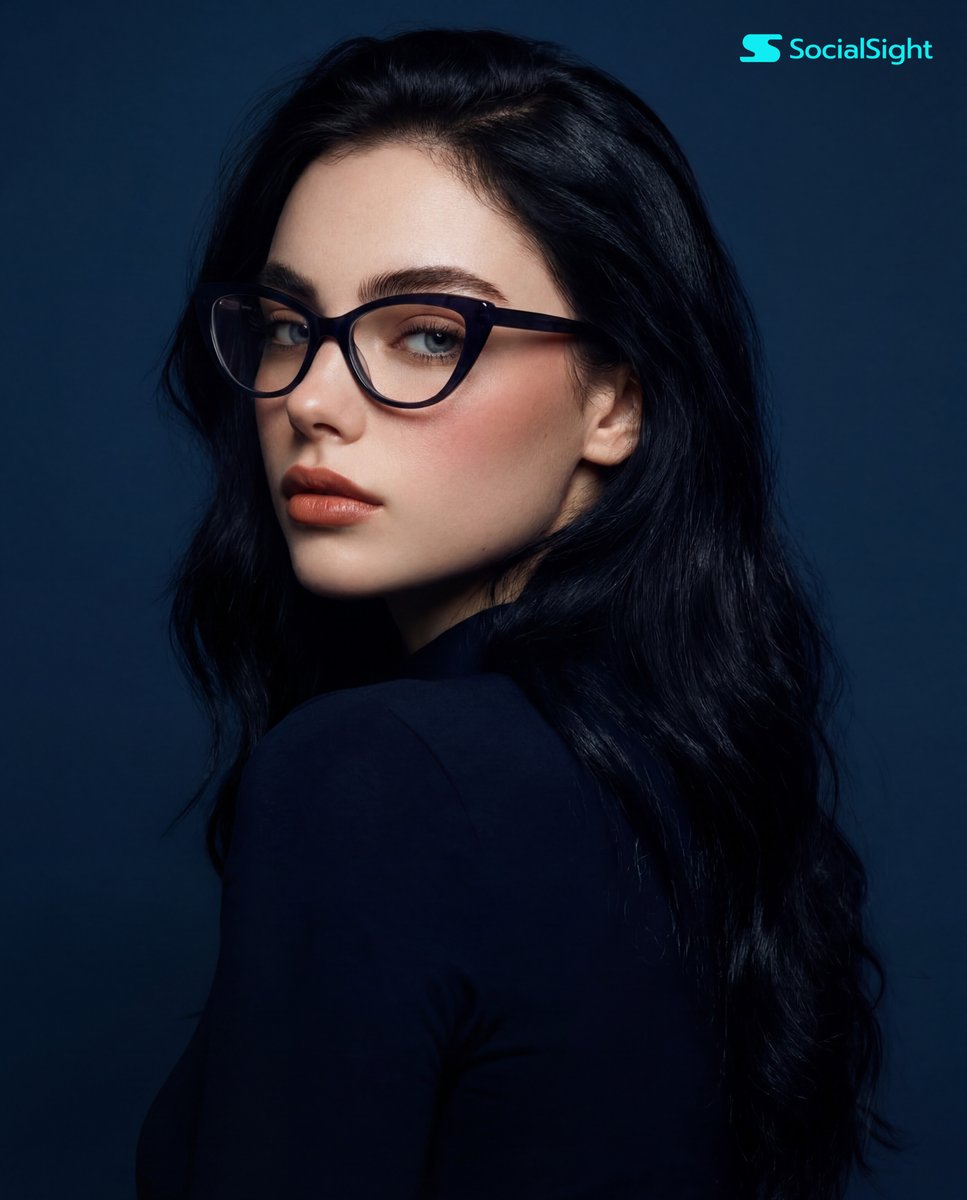
How do I use the Ultra Realistic 4K Square Portrait template?
Choose the primary action to open PicX Studio with the available template settings. Review the model and format, personalize the creative direction, and generate when ready.
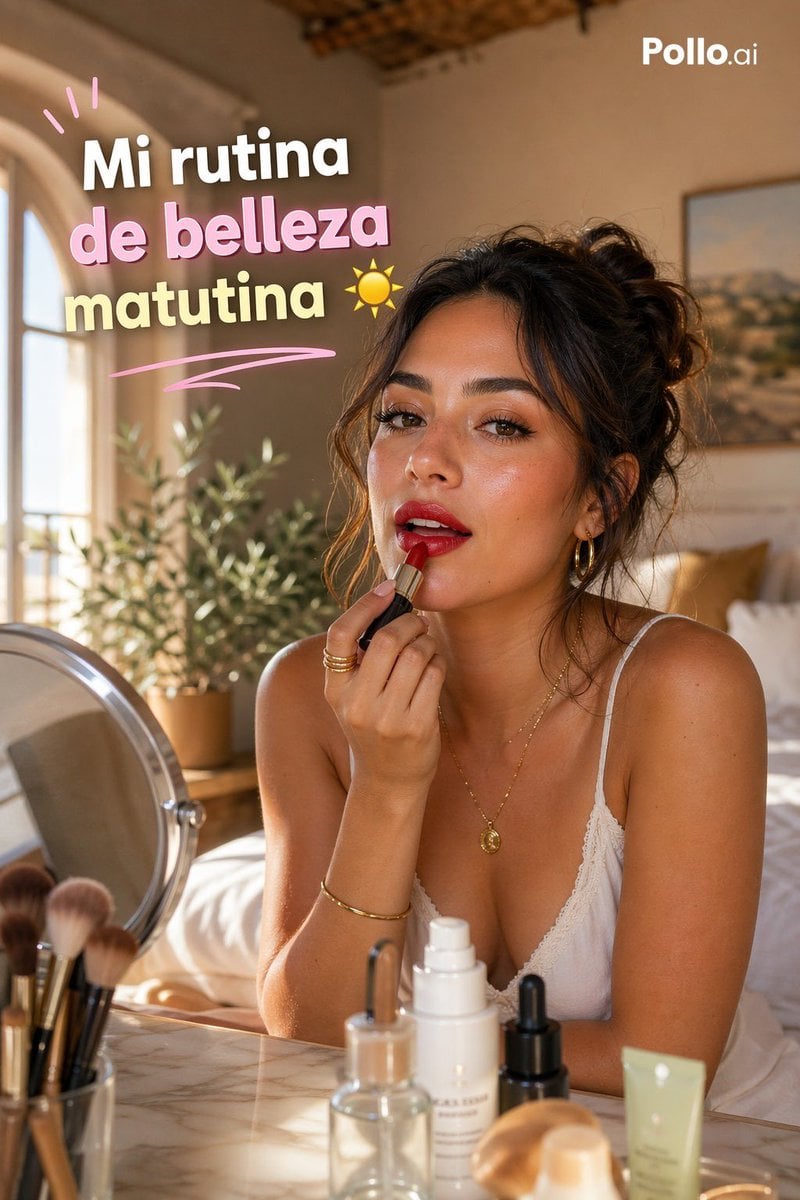
A highly detailed prompt for generating a lifelike portrait with natural skin textures and cinematic lighting.

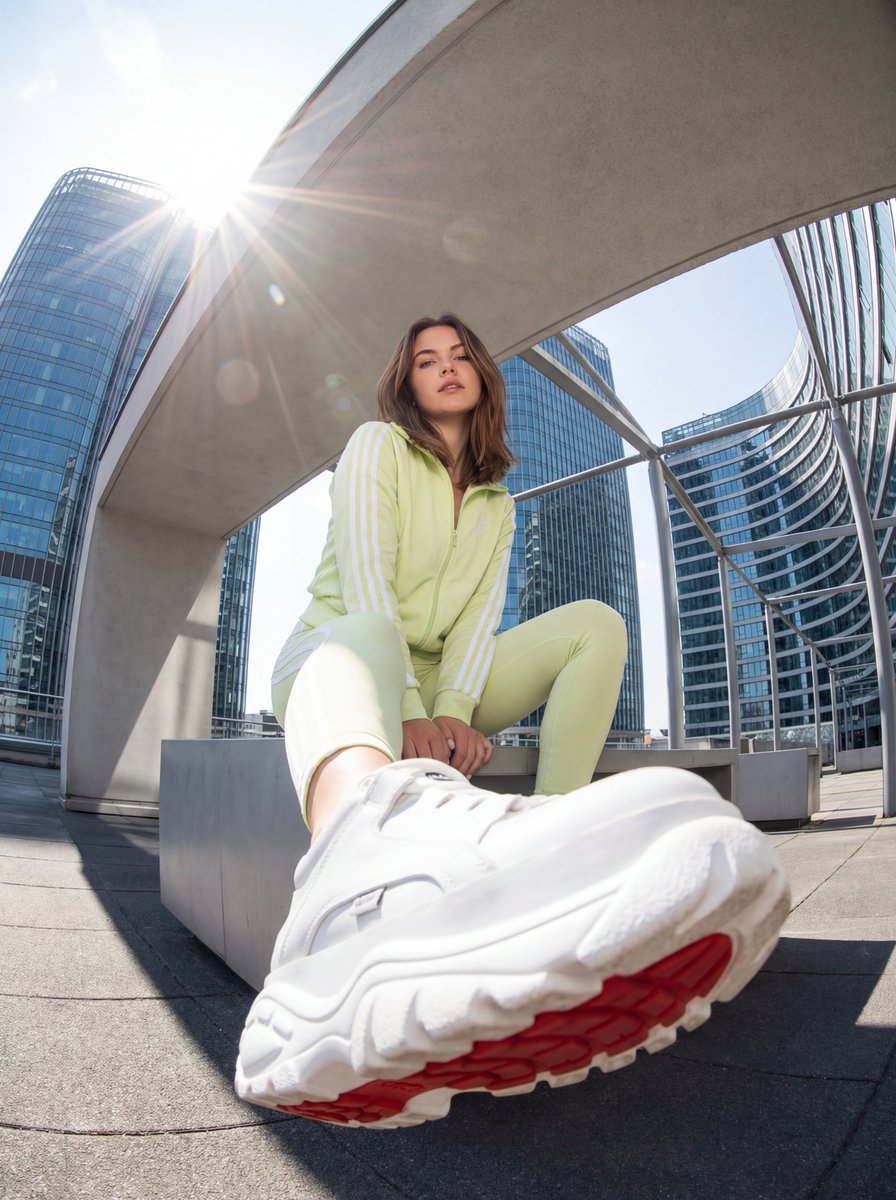
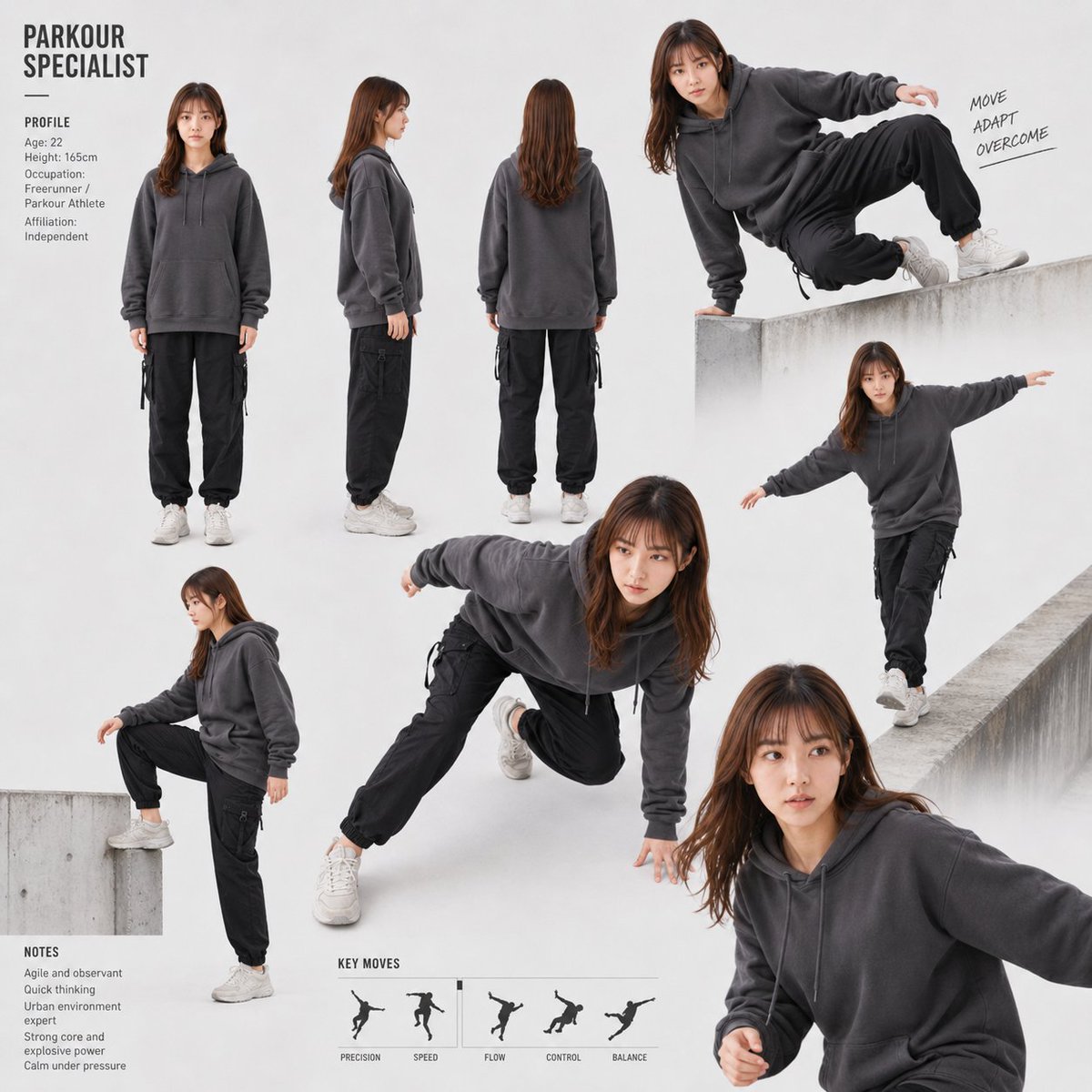
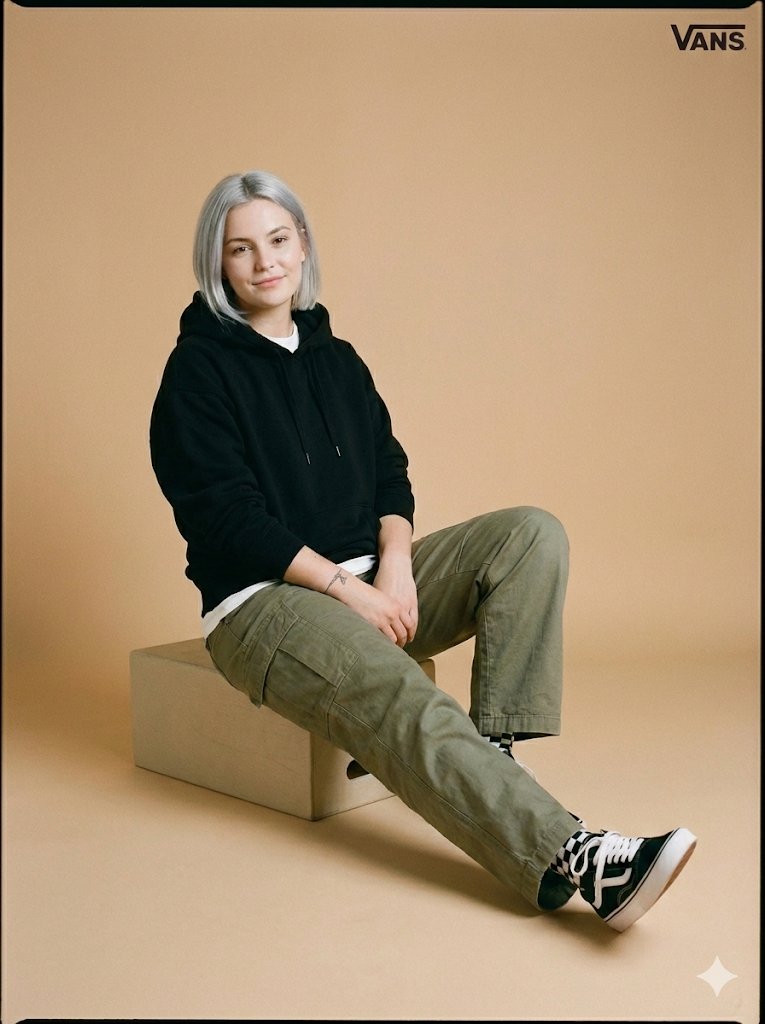
Ultra-realistic 4K square portrait, 1:1 aspect ratio. A striking {argument name="subject" default="young woman"} standing naturally and looking directly into the camera, confident yet relaxed expression. Highly detailed realistic skin texture with visible pores, subtle natural imperfections, soft peach-fuzz, lifelike eyes with sharp reflections, defined eyelashes, naturally shaped brows, soft glossy lips. Elegant {argument name="hair color" default="dark"} flowing hair with individual strands visible, gently moving as if caught by a light breeze. Cinematic soft natural lighting with realistic shadows and depth, premium editorial fashion photography style. Shot with a high-end full-frame camera, {argument name="lens" default="85mm"} portrait lens, shallow depth of field, crisp focus on eyes, creamy realistic background bokeh. Neutral refined outfit with modern minimal styling. Photorealistic color grading, ultra-detailed facial anatomy, realistic proportions, luxury magazine quality, no plastic skin, no artificial CGI look, no distortion, no extra fingers, no exaggerated beauty filter.
Choose the primary action to open PicX Studio with the available template settings. Review the model and format, personalize the creative direction, and generate when ready.
Yes. You can change the subject, setting, lighting, mood, format, and available model controls before creating your image.
This template is free to open and customize. Generation usage is shown in PicX Studio before you create.
Start with Nano Banana 2, which is the model associated with this template. You can compare another compatible model for a different finish.
Follow a topic to a crawlable collection of related PicX Studio templates.