How do I use the Minimalist Fashion Editorial Studio Portrait template?
Choose the primary action to open PicX Studio with the available template settings. Review the model and format, personalize the creative direction, and generate when ready.
A clean and vibrant fashion editorial prompt for a studio portrait.
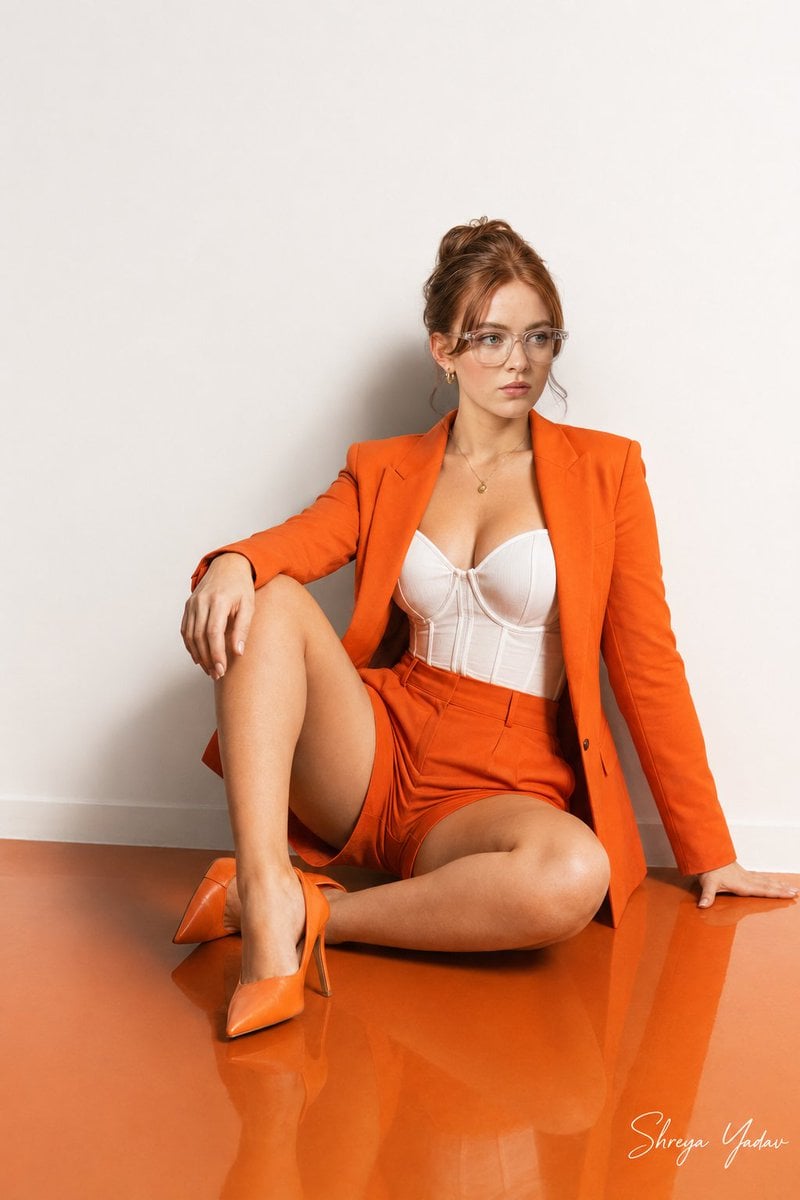
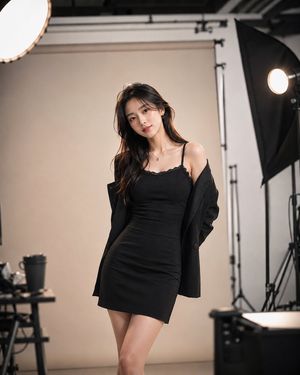
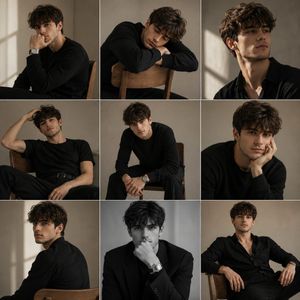
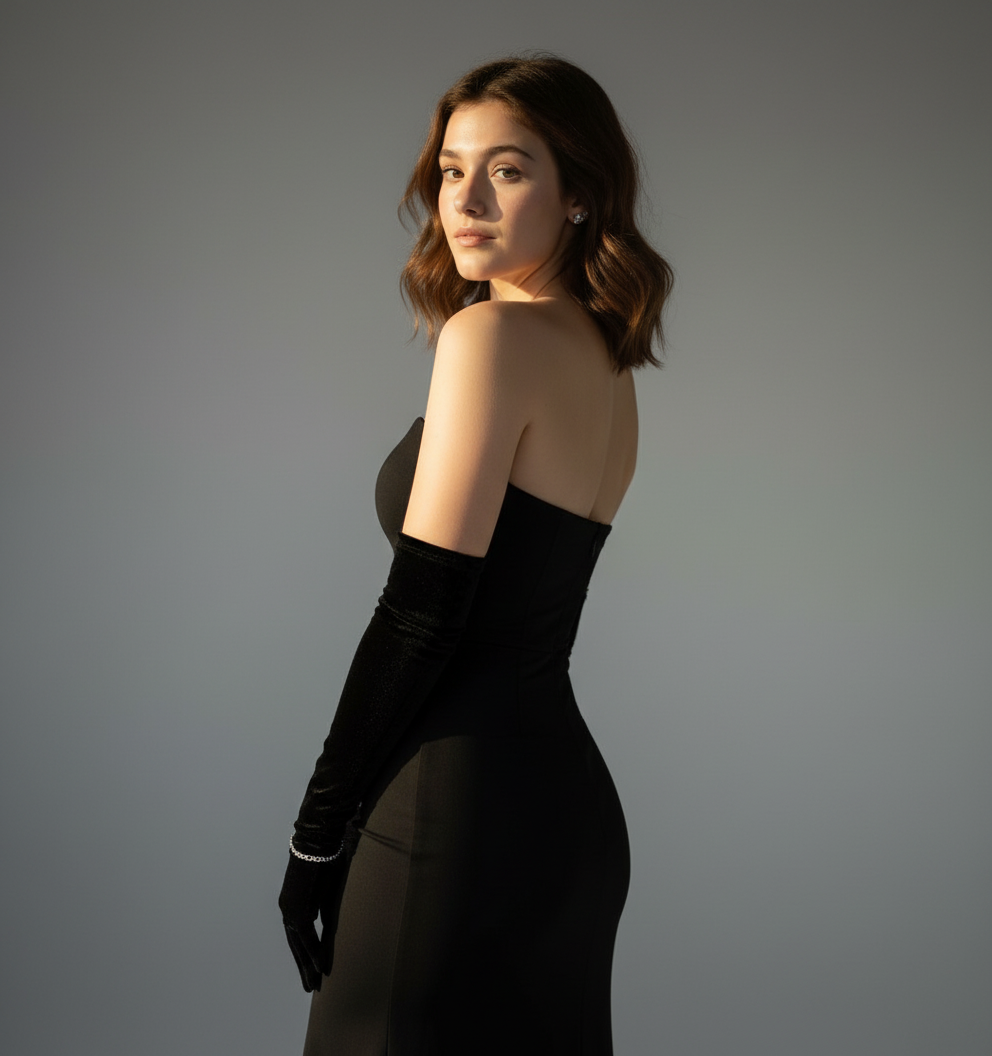
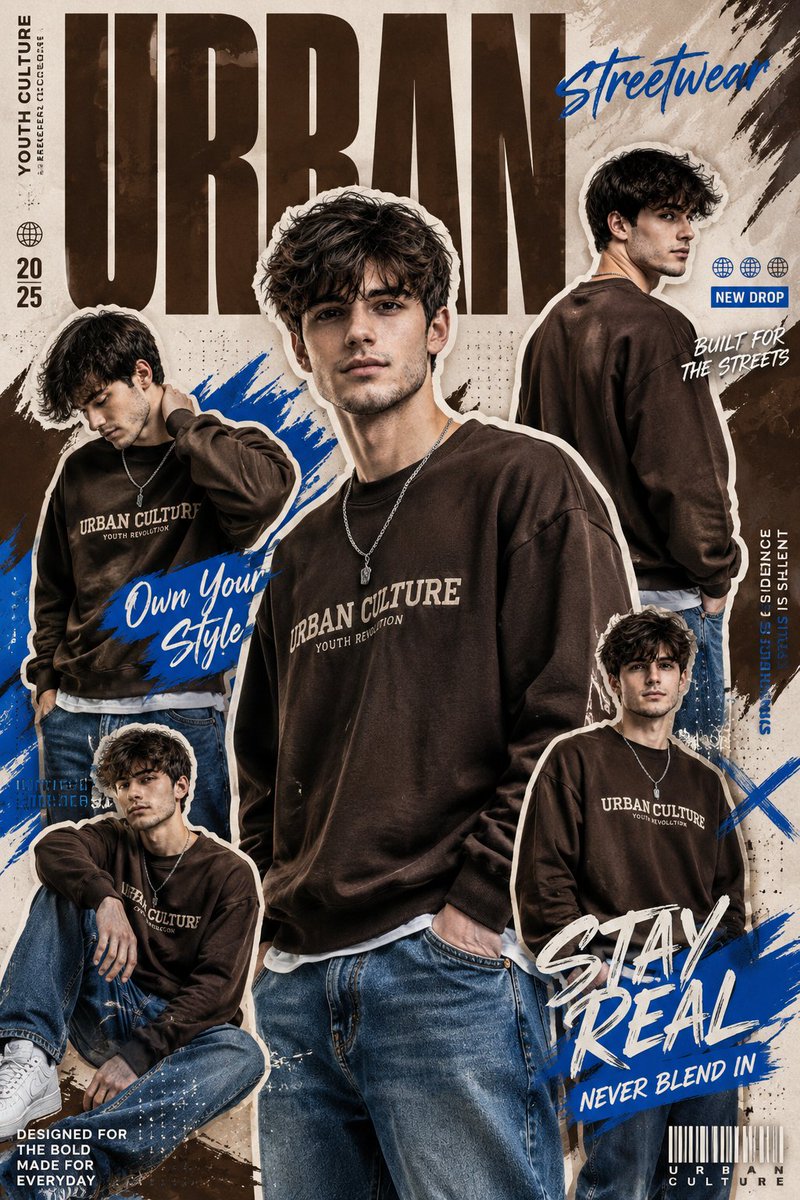
Photorealistic full-body fashion editorial portrait of a confident woman seated on a glossy {argument name="floor color" default="Orange"} floor against a plain white wall, wearing a bright {argument name="outfit color" default="Orange"} tailored blazer and matching high-waist shorts over a structured white corset bustier, Orange stiletto heels, clear framed glasses and a simple pendant necklace; {argument name="hair style" default="medium brown long wavy hair"} loose around her shoulders, natural warm-medium skin tone, soft matte red lip, subtle eye makeup, looking off to the right with a composed, slightly aloof expression. Pose: one leg bent and raised, the other leg tucked, left hand resting on the floor for balance, right hand lightly on knee. Studio softbox lighting from upper-left creating gentle shadows and highlights on fabric textures and skin, controlled reflection on glossy floor, shallow depth of field (f/2.8) for subject isolation, high detail on hair, fabric weave, skin pores and jewelry, vibrant saturated reds, clean minimalist composition, editorial mood, realistic retouching, cinematic color grading, 2:3 vertical crop.
Choose the primary action to open PicX Studio with the available template settings. Review the model and format, personalize the creative direction, and generate when ready.
Yes. You can change the subject, setting, lighting, mood, format, and available model controls before creating your image.
This template is free to open and customize. Generation usage is shown in PicX Studio before you create.
Start with Nano Banana 2, which is the model associated with this template. You can compare another compatible model for a different finish.
Follow a topic to a crawlable collection of related PicX Studio templates.