
Luxury Jewelry Retail Candid Photography
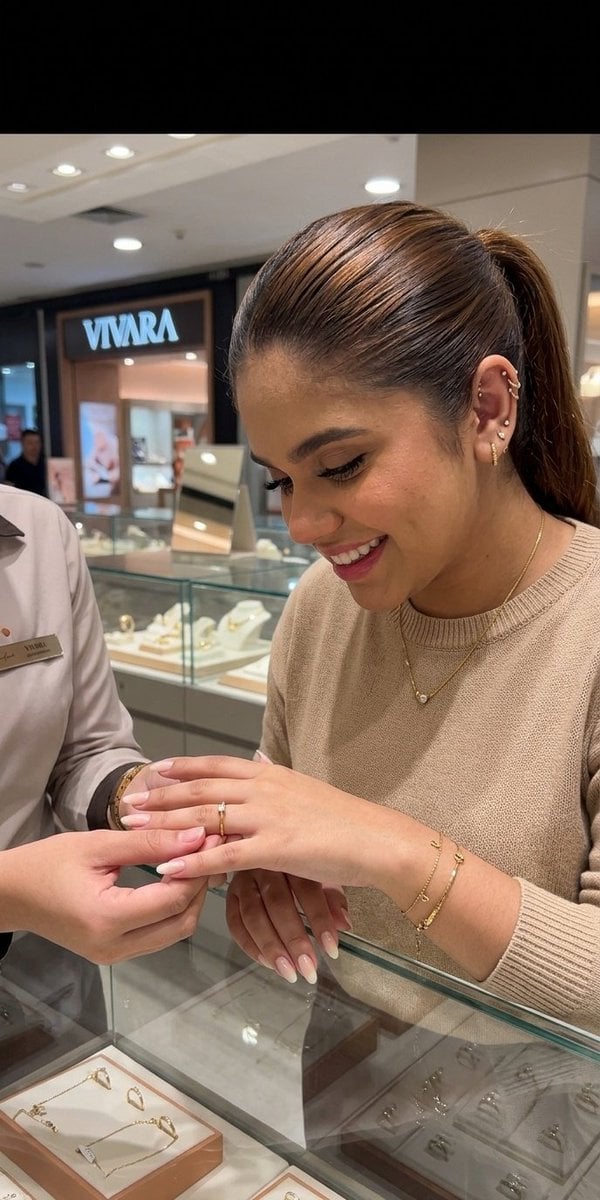
A candid iPhone-style photograph prompt capturing an intimate moment of a person trying on a gold ring in a luxury jewelry store, with warm ambient lighting and soft bokeh.
- Prompt included
- Model and format preset
- Free template
The prompt behind this image
Copy the exact prompt behind Luxury Jewelry Retail Candid Photography, or open it in the studio and make it yours.
Close candid {argument name="camera" default="iPhone 14 Pro"} photograph capturing a realistic, intimate moment inside a {argument name="store name" default="Vivara jewelry store"} located in a modern Brazilian shopping mall. The scene focuses on a person standing near a glass display counter, gently trying on a delicate {argument name="jewelry item" default="gold ring"} with careful attention and curiosity. The framing is close-up and personal, emphasizing the hands, the jewelry, and subtle emotional expression rather than a full body view, creating a sense of authenticity and natural storytelling. The subject is dressed in a refined yet minimal outfit suitable for a luxury retail environment, such as a soft neutral blouse or tailored shirt paired with simple, elegant accessories that do not distract from the jewelry. The overall appearance is polished but understated, aligning with the sophisticated ambiance of a high end jewelry store. The hands are the focal point of the composition, softly illuminated as they hold and adjust the gold ring, highlighting texture, shine, and craftsmanship. The background features softly blurred glass display cases filled with other fine jewelry pieces, creating a luxurious and premium retail atmosphere. Warm ambient lighting from the store gently reflects off polished surfaces, producing a golden glow that enhances the richness of the scene. The lighting is balanced and natural, mimicking real indoor mall illumination rather than studio lighting, contributing to an authentic candid feel. Shot in shallow depth of field using an iPhone 14 Pro camera, the focus remains sharp on the hands and ring while the background melts into smooth bokeh, adding depth and cinematic quality. Skin tones appear natural and accurate, with realistic texture and subtle imperfections preserved to maintain authenticity. The reflections on the gold ring are soft yet detailed, capturing fine highlights and metallic warmth. The overall composition conveys a quiet, personal moment of consideration and desire, as if the subject is deciding on a meaningful purchase. The image feels unposed, spontaneous, and emotionally grounded, blending lifestyle photography with luxury retail aesthetics.
How to use Luxury Jewelry Retail Candid Photography in 3 steps
- 1
Open
The prompt is already in the box next to the preview, with the template's model and format selected.
- 2…a portrait of your subject in softgolden-hour light, 85mm…
Personalize
Edit the subject and creative details for your destination.
- 3Generate
Generate
Press Generate — your image is created in PicX Studio, so you can compare it with the original and refine one variable at a time.
More like this
Templates with the same subject, style or setup. Open one to see its prompt.

A 3x3 grid storyboard contact sheet comprised of nine candid, cinematic

A luxury brand advertisement featuring three stylish arranged
Gold Jewelry Cash Nest

Sunday Afternoon, 1988

Our Song was on a Cassette

The Date After College

80s College Gate
Luxury Jewelry Campaign Poster

Flower Petal Sunglasses Couture Portrait

Mountain Valley Lifestyle Portrait

Teen Girl Alpine Lake Mountain View

青蛇小青写真大片,绿色紧身蛇鳞裙,湿发红唇,妖娆妩媚
Make it yours
Luxury Jewelry Retail Candid Photography works as-is. These are the safest ways to change it without losing the look.
Change one field
Copy a single group, rewrite it, and generate again so you can see what that field is doing.
Keep the frame, change the subject
Hold the composition and light of Luxury Jewelry Retail Candid Photography, then swap wardrobe, props or the person for a new take.
| If the result… | Why | Fix |
|---|---|---|
| The result drifts from the preview | Too many fields changed at once. | Reuse Luxury Jewelry Retail Candid Photography as-is first, then change one group — subject, light, or setting. |
| The model over-stylizes the scene | The prose prompt leaves finish and camera underspecified. | Add one camera or lighting sentence and stay on Nano Banana 2. |
More Nano Banana 2 templates
Other prompts made for Nano Banana 2.

Photorealistic Leaf Shaped Like a Dragon

K-Pop Idol Portrait Grid for Rapid Selection

Poetic Rain Forest Portrait During Golden Hour

Urban Street Portrait with Cartoon Inner Self Duo

Candid Nighttime Photo with Cat Prompt

High-Concept 3D Diorama Generation Prompt

Cinematic Futuristic Studio Portrait Template

Skincare Editorial Photography Collage Prompt

Hyper-Realistic Commercial Product Photography (Splash Effect)

Hyper-Realistic Nightclub Portrait Prompt
More image prompts
Fresh picks from across the catalog.
Cinematic Street Portrait
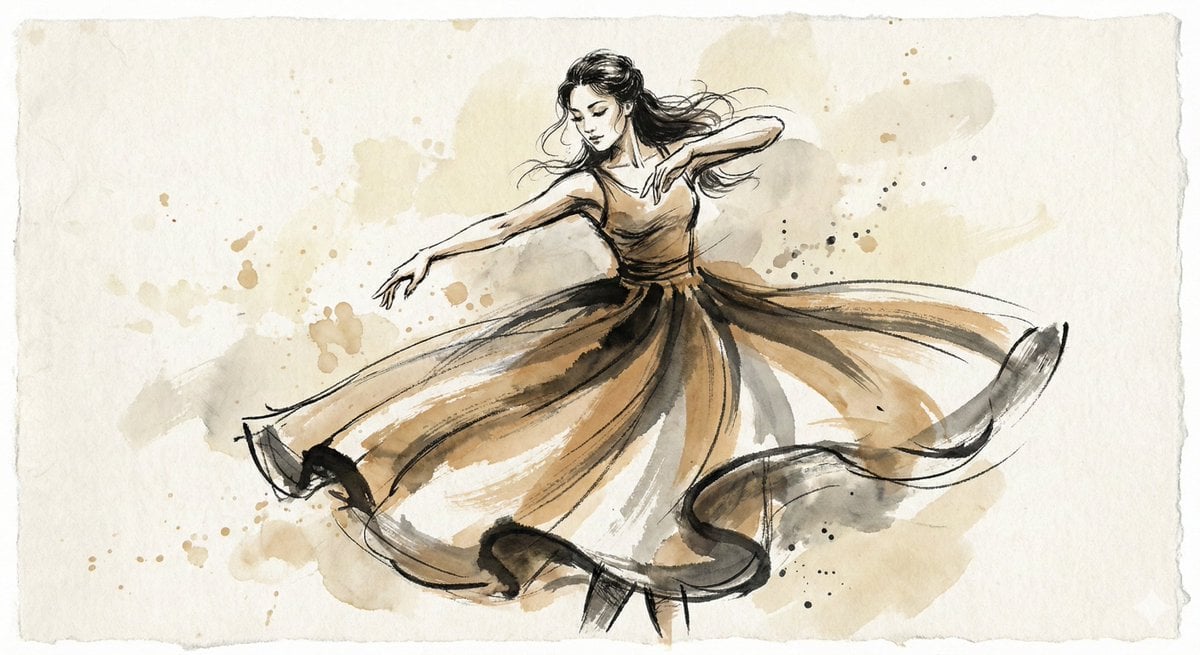
Ink and Wash Illustration Generator
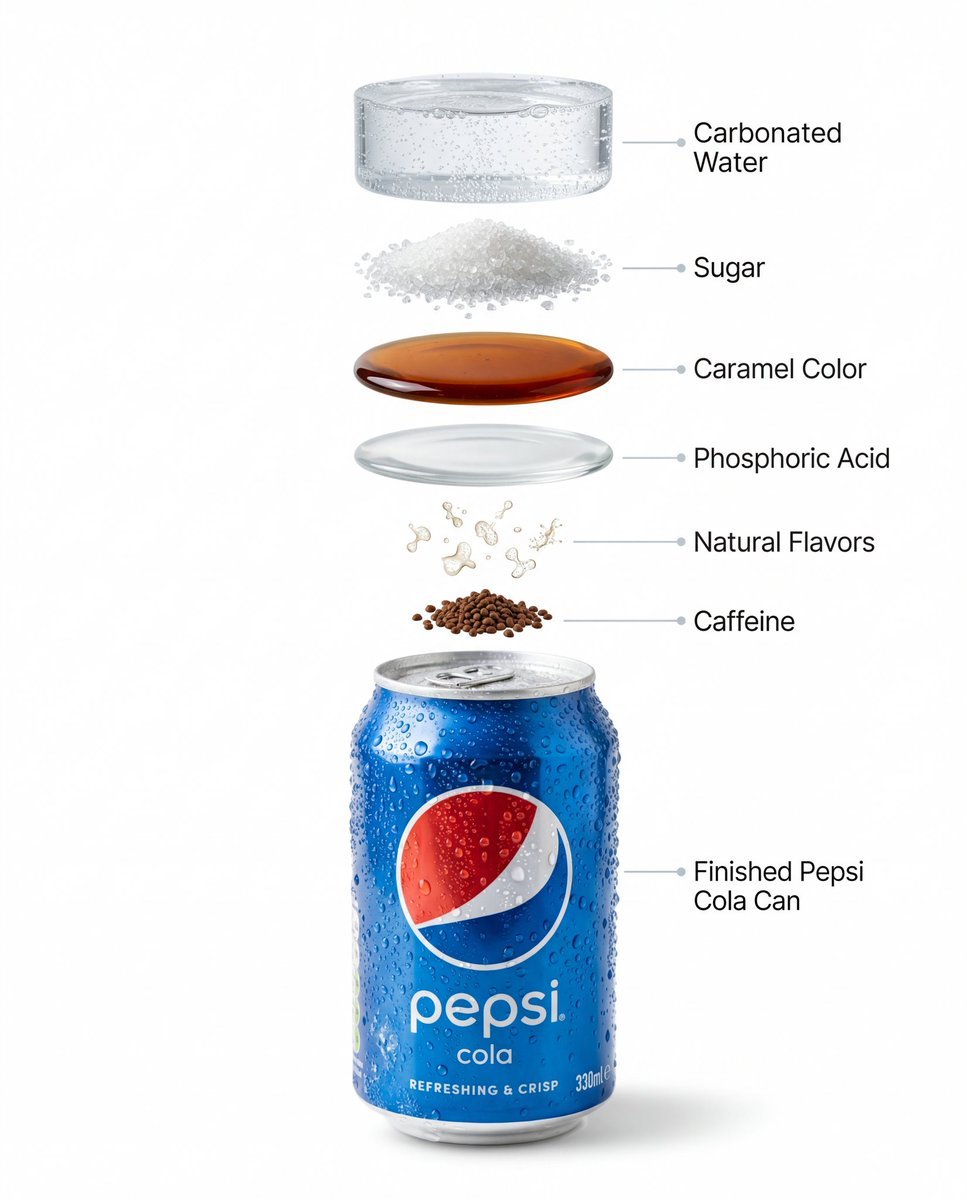
Hyper-Realistic Product Photography and Infographic Prompts for Pepsi
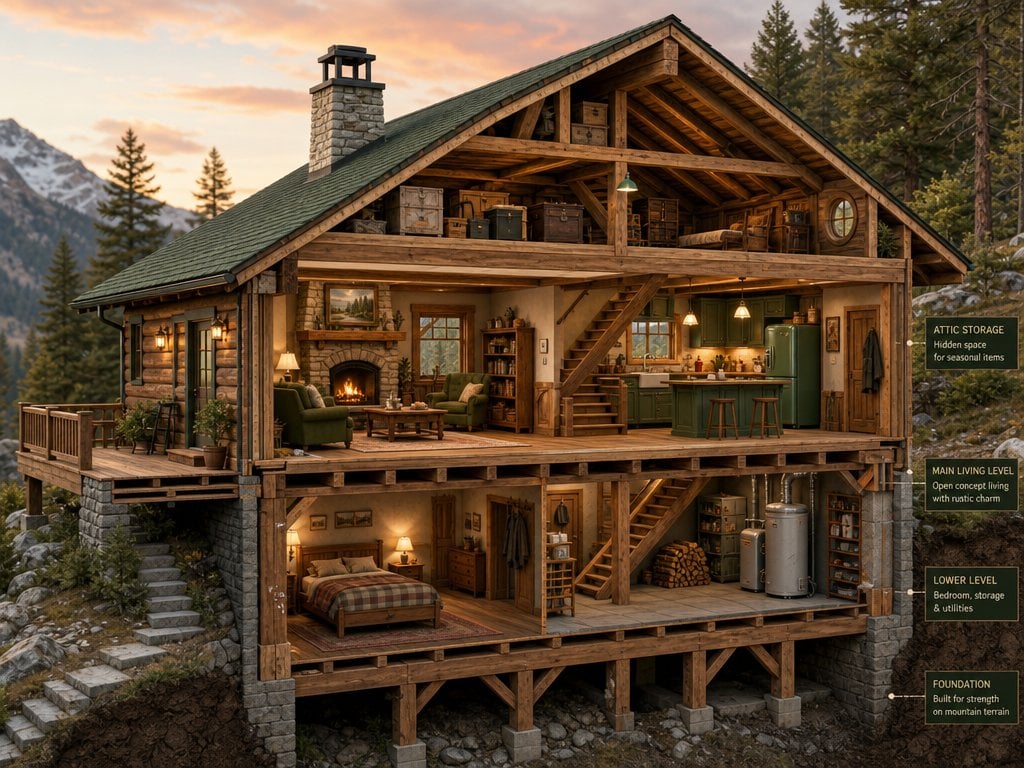
Cross-Section Cutaway Render
Image Editing Prompt for Mirror Seam Removal
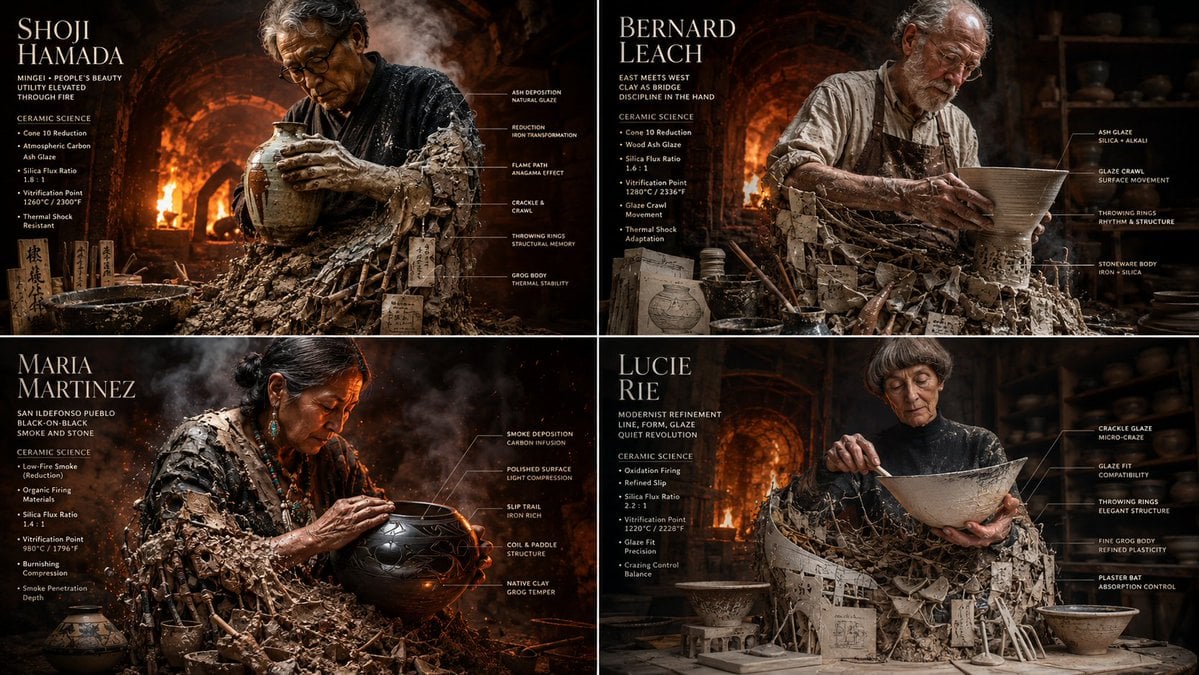
Master Potter Ceramic Infographic Grid
Odaiba Gundam Construction Process Visualization
Lounge Portrait in Champagne Coupe Swing Chair
Japanese Goldfish Aquarium Portrait
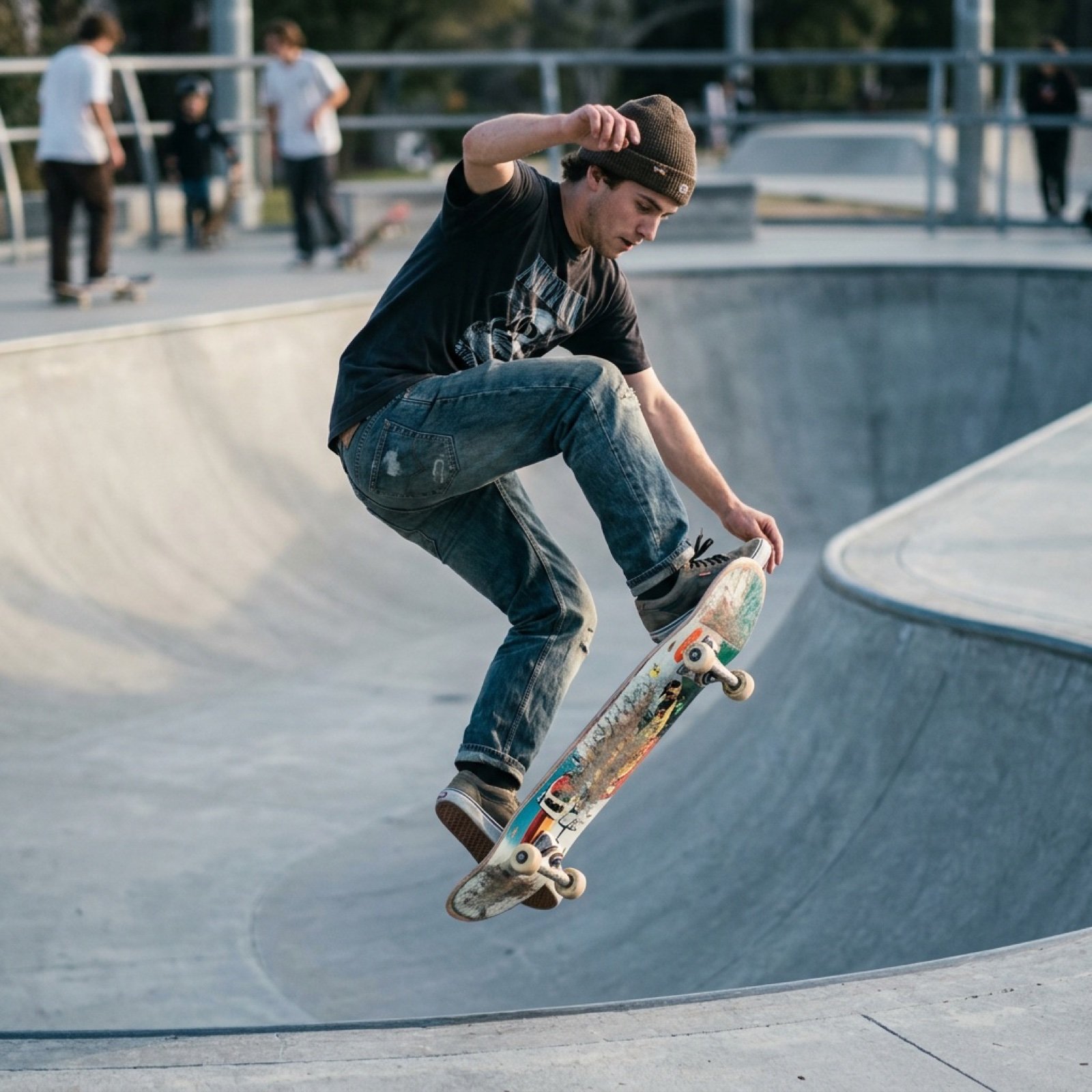
Grok Video Prompt: Skateboarding in a Sushi Restaurant
Browse template categories
Luxury Jewelry Retail Candid Photography questions
How do I use the Luxury Jewelry Retail Candid Photography template?
Add your photo if the template asks for one, edit the prompt if you like — the template's model and format are already selected — and press Generate. Your version opens in PicX Studio.
Can I customize the Luxury Jewelry Retail Candid Photography template?
Yes. You can change the subject, setting, lighting, mood, format, and available model controls before creating your image.
Is the Luxury Jewelry Retail Candid Photography template free?
Opening and editing this template is free. Generating uses credits, shown on the Generate button when you are signed in.
Which AI model should I use?
Start with Nano Banana 2, which is the model associated with this template. You can compare another compatible model for a different finish.
Looking for something else? Browse all templates.

Your photo, any look
Thousands of ready templates for every top image and video model, from one credit balance.