How do I use the Minimalist Luxury Dessert Ad template?
Choose the primary action to open PicX Studio with the available template settings. Review the model and format, personalize the creative direction, and generate when ready.
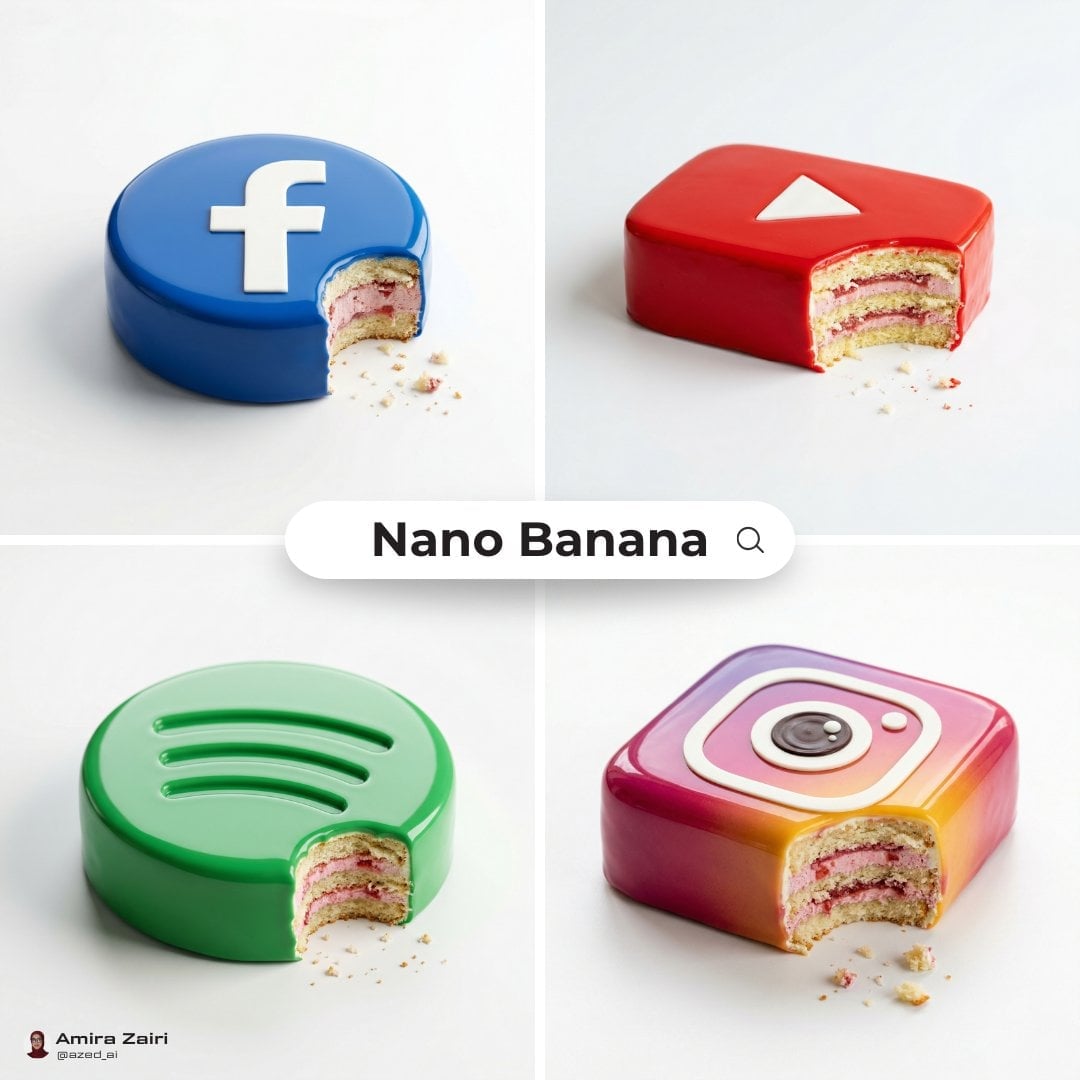
A commercial photography prompt for a luxury dessert advertisement featuring a subject and premium food details.
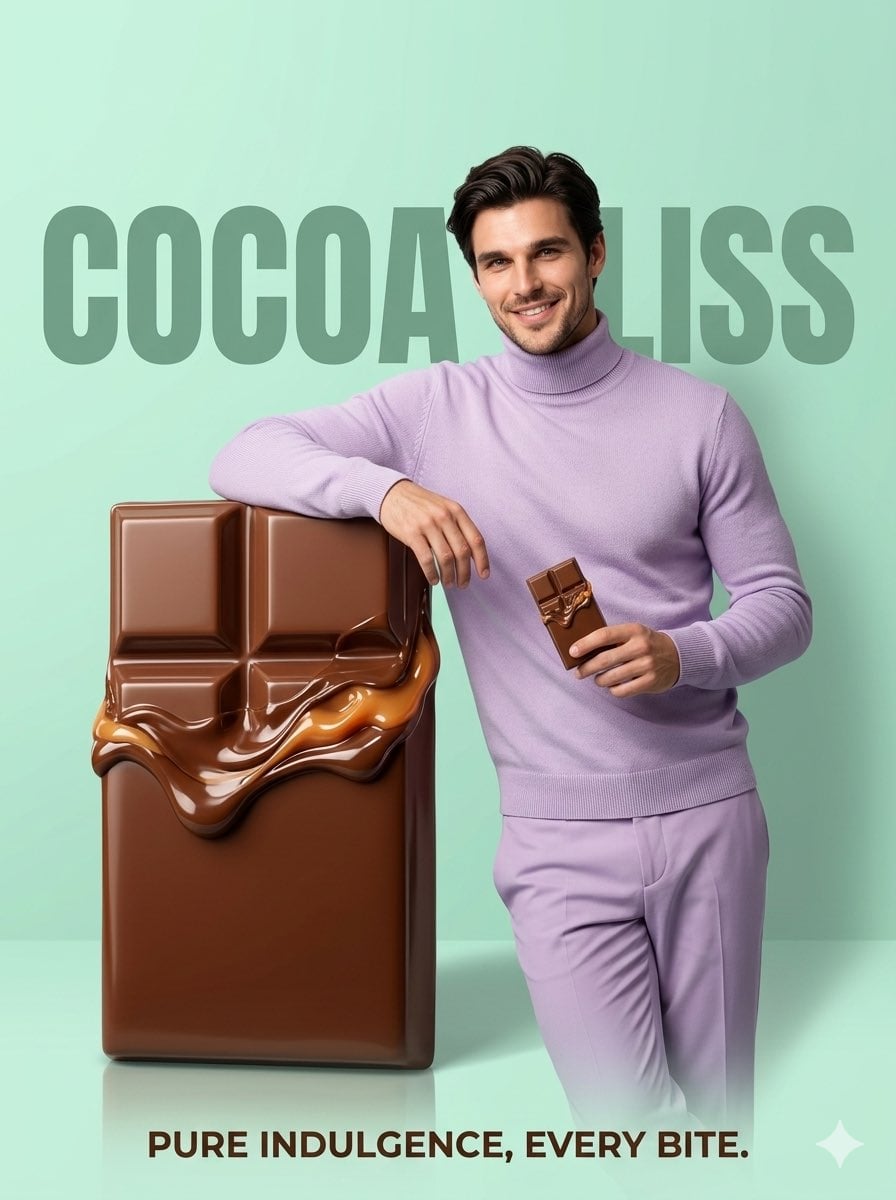
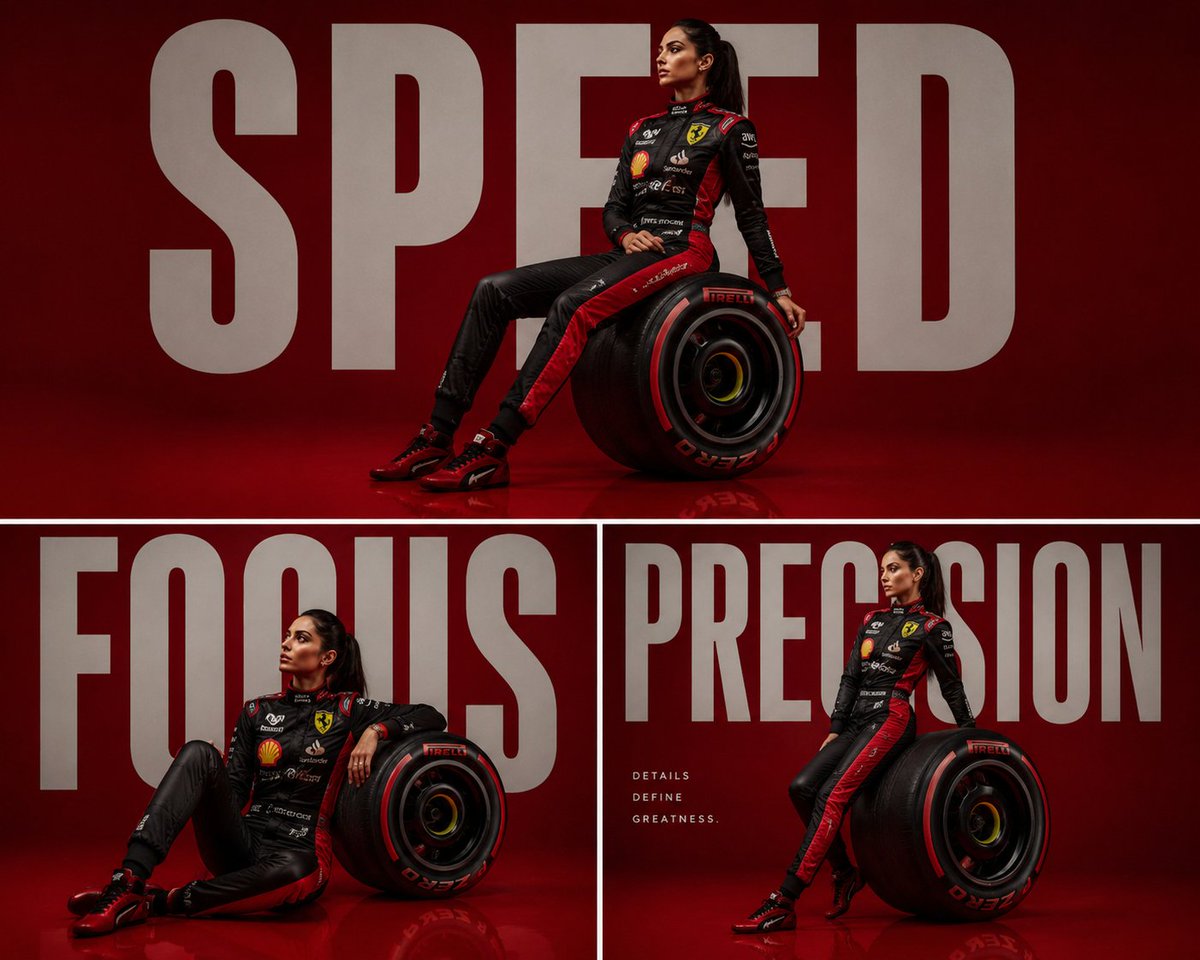
Ultra-realistic commercial poster, minimalist studio setup with a smooth pastel background ({argument name="background color" default="soft lavender or mint green"}). Replace the model with the uploaded person’s face and features, keeping natural skin tone and realistic lighting. The subject stands confidently, slightly leaning against an {argument name="product" default="oversized luxury chocolate bar"} (or premium dessert like a layered cake or ice cream sandwich), holding a smaller version of the same product in hand with a subtle smile and relaxed pose. Outfit: {argument name="outfit style" default="clean aesthetic streetwear"} in coordinated tones matching the background, soft fabric textures, modern fit. The product is hyper-detailed, glossy, and mouth-watering, with visible textures like melted chocolate, creamy layers, or crunchy toppings. Composition is balanced, with the product dominating the frame and the subject adding lifestyle appeal. Add large bold typography in the background with the brand name (customizable), partially behind the subject for depth. Include a short tagline at the bottom like “Pure indulgence, every bite.” Lighting: soft studio lighting with gentle shadows and slight reflections on the floor for a premium ad feel. Depth of field slightly shallow for cinematic focus. 4K resolution, sharp focus, commercial food photography style, vibrant yet clean color grading, editorial advertising quality.
Choose the primary action to open PicX Studio with the available template settings. Review the model and format, personalize the creative direction, and generate when ready.
Yes. You can change the subject, setting, lighting, mood, format, and available model controls before creating your image.
This template is free to open and customize. Generation usage is shown in PicX Studio before you create.
Start with Nano Banana 2, which is the model associated with this template. You can compare another compatible model for a different finish.
Follow a topic to a crawlable collection of related PicX Studio templates.