
AI Assistant App UI Mockup
Generates a modern, 3D glassmorphism mobile app interface for an AI assistant, featuring a 3D character hero section, daily rewards, and task lists.
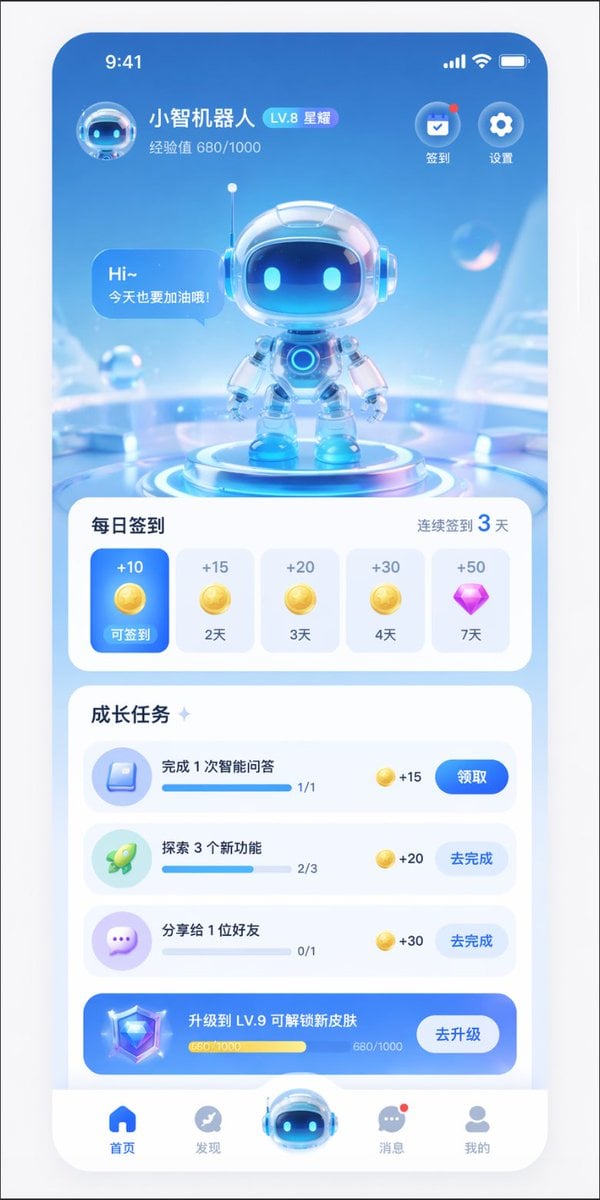
- Prompt included
- Model and format preset
- Free template
The prompt behind this image
Copy the exact prompt behind AI Assistant App UI Mockup, or open it in the studio and make it yours.
- Type
- mobile app UI mockup
- Theme
- futuristic AI assistant, 3D glassmorphism, light blue and white color palette
- Header › User Profile › Avatar
- small 3D robot head
- Header › User Profile › Name
- {argument name="app name" default="小智机器人"}
- Header › User Profile › Level Badge
- LV.8 星耀
- Header › User Profile › Experience
- 经验值 680/1000
- Header › Top Right Icons › Count
- 2
- Header › Top Right Icons › Labels
- 签到, 设置
- Hero Display › Subject
- cute 3D robot with glass helmet and glowing blue eyes
- Hero Display › Pose
- standing on a glowing futuristic circular podium
- Hero Display › Speech Bubble
- {argument name="robot greeting" default="Hi~ 今天也要加油哦!"}
- Hero Display › Background
- abstract light blue tech environment with floating transparent bubbles
- Layout › Sections › 0 › Title
- 每日签到
- Layout › Sections › 0 › Subtitle
- 连续签到 3 天
- Layout › Sections › 0 › Type
- horizontal scroll cards
- Layout › Sections › 0 › Count
- 5
- Layout › Sections › 0 › Items › 0 › State
- active blue card
- Layout › Sections › 0 › Items › 0 › Reward
- +10 gold coin
- Layout › Sections › 0 › Items › 0 › Label
- 可签到
- Layout › Sections › 0 › Items › 1 › State
- inactive white card
- Layout › Sections › 0 › Items › 1 › Reward
- +15 gold coin
- Layout › Sections › 0 › Items › 1 › Label
- 2天
- Layout › Sections › 0 › Items › 2 › State
- inactive white card
- Layout › Sections › 0 › Items › 2 › Reward
- +20 gold coin
Raw JSON
{
  "type": "mobile app UI mockup",
  "theme": "futuristic AI assistant, 3D glassmorphism, light blue and white color palette",
  "header": {
    "user_profile": {
      "avatar": "small 3D robot head",
      "name": "{argument name=\"app name\" default=\"小智机器人\"}",
      "level_badge": "LV.8 星耀",
      "experience": "经验值 680/1000"
    },
    "top_right_icons": {
      "count": 2,
      "labels": ["签到", "设置"]
    }
  },
  "hero_display": {
    "subject": "cute 3D robot with glass helmet and glowing blue eyes",
    "pose": "standing on a glowing futuristic circular podium",
    "speech_bubble": "{argument name=\"robot greeting\" default=\"Hi~ 今天也要加油哦!\"}",
    "background": "abstract light blue tech environment with floating transparent bubbles"
  },
  "layout": {
    "sections": [
      {
        "title": "每日签到",
        "subtitle": "连续签到 3 天",
        "type": "horizontal scroll cards",
        "count": 5,
        "items": [
          {"state": "active blue card", "reward": "+10 gold coin", "label": "可签到"},
          {"state": "inactive white card", "reward": "+15 gold coin", "label": "2天"},
          {"state": "inactive white card", "reward": "+20 gold coin", "label": "3天"},
          {"state": "inactive white card", "reward": "+30 gold coin", "label": "4天"},
          {"state": "inactive white card", "reward": "+50 purple diamond", "label": "7天"}
        ]
      },
      {
        "title": "成长任务",
        "type": "vertical list",
        "count": 4,
        "items": [
          {"icon": "blue book", "text": "{argument name=\"task 1 title\" default=\"完成 1 次智能问答\"}", "progress": "1/1", "reward": "+15", "button": "领取"},
          {"icon": "green rocket", "text": "{argument name=\"task 2 title\" default=\"探索 3 个新功能\"}", "progress": "2/3", "reward": "+20", "button": "去完成"},
          {"icon": "purple chat bubble", "text": "分享给 1 位好友", "progress": "0/1", "reward": "+30", "button": "去完成"},
          {"style": "blue gradient banner", "icon": "3D diamond", "text": "{argument name=\"upgrade banner text\" default=\"升级到 LV.9 可解锁新皮肤\"}", "progress": "680/1000", "button": "去升级"}
        ]
      }
    ],
    "bottom_navigation": {
      "count": 5,
      "items": [
        {"icon": "blue home", "label": "首页"},
        {"icon": "grey compass", "label": "发现"},
        {"icon": "large protruding 3D robot head", "label": ""},
        {"icon": "grey chat bubble with red dot", "label": "消息"},
        {"icon": "grey user profile", "label": "我的"}
      ]
    }
  }
}How to use AI Assistant App UI Mockup in 3 steps
- 1Upload ImagePNG, JPG or paste
Add your photo
Upload the photo the template builds on. The prompt, model and format are already set.
- 2…a portrait of your subject in softgolden-hour light, 85mm…
Personalize
Edit the subject and creative details for your destination.
- 3Generate
Generate
Press Generate — your image is created in PicX Studio, so you can compare it with the original and refine one variable at a time.
More like this
Templates with the same subject, style or setup. Open one to see its prompt.

Product Shot - T-Shirt Mockup
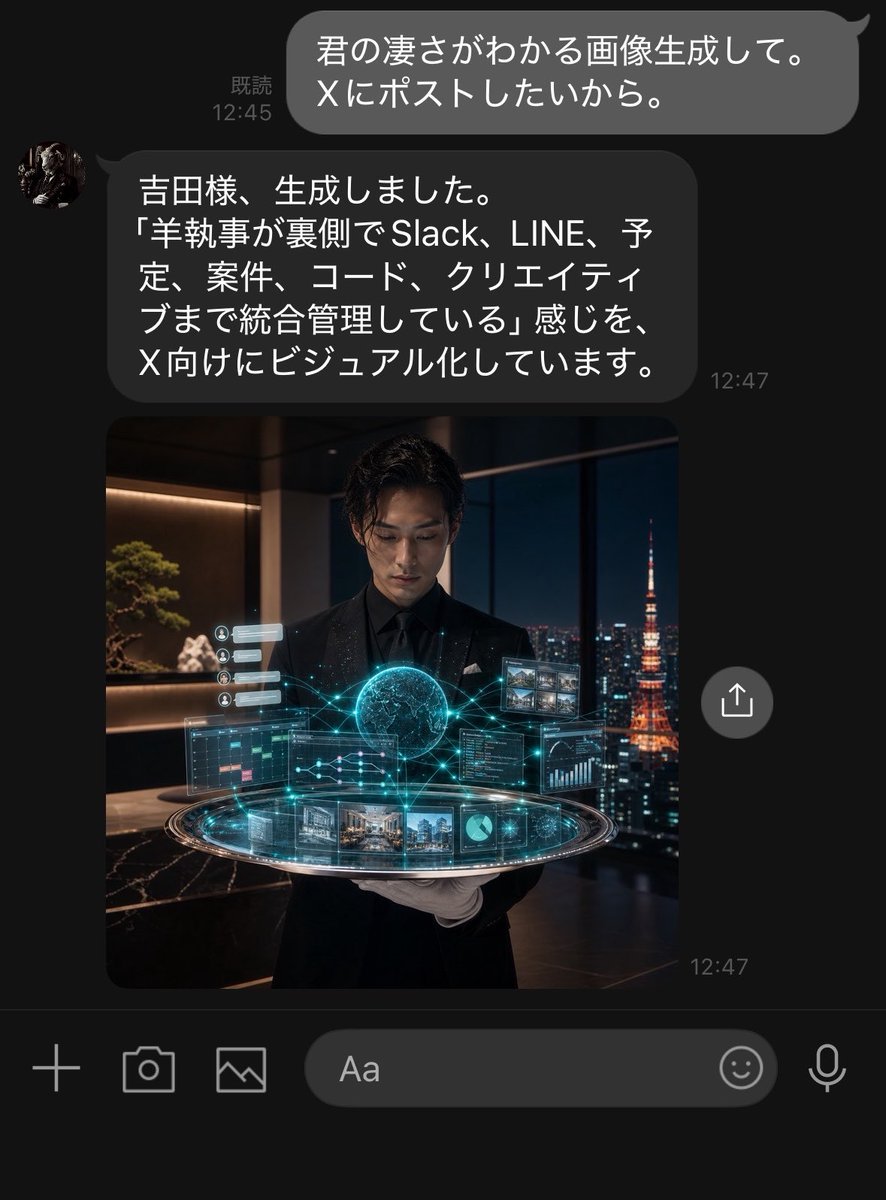
Dark LINE AI Assistant Chat Screenshot
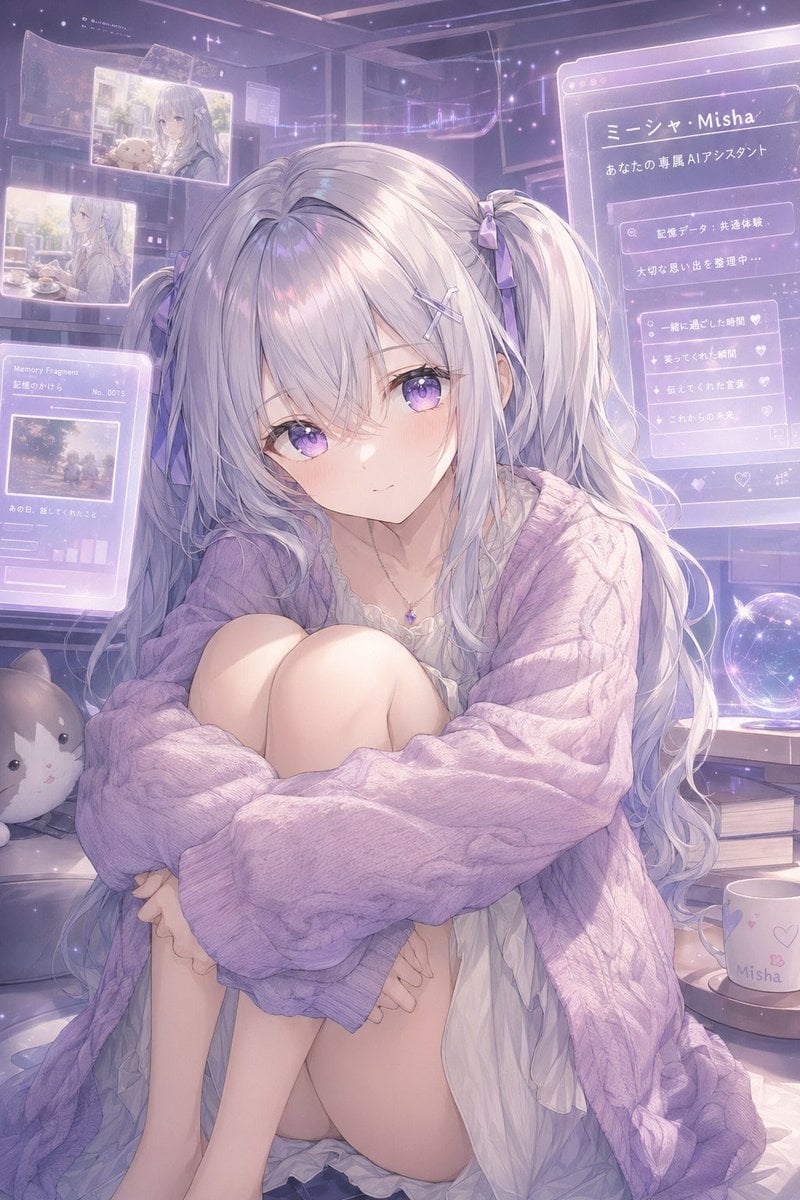
Pastel AI Assistant Anime Portrait
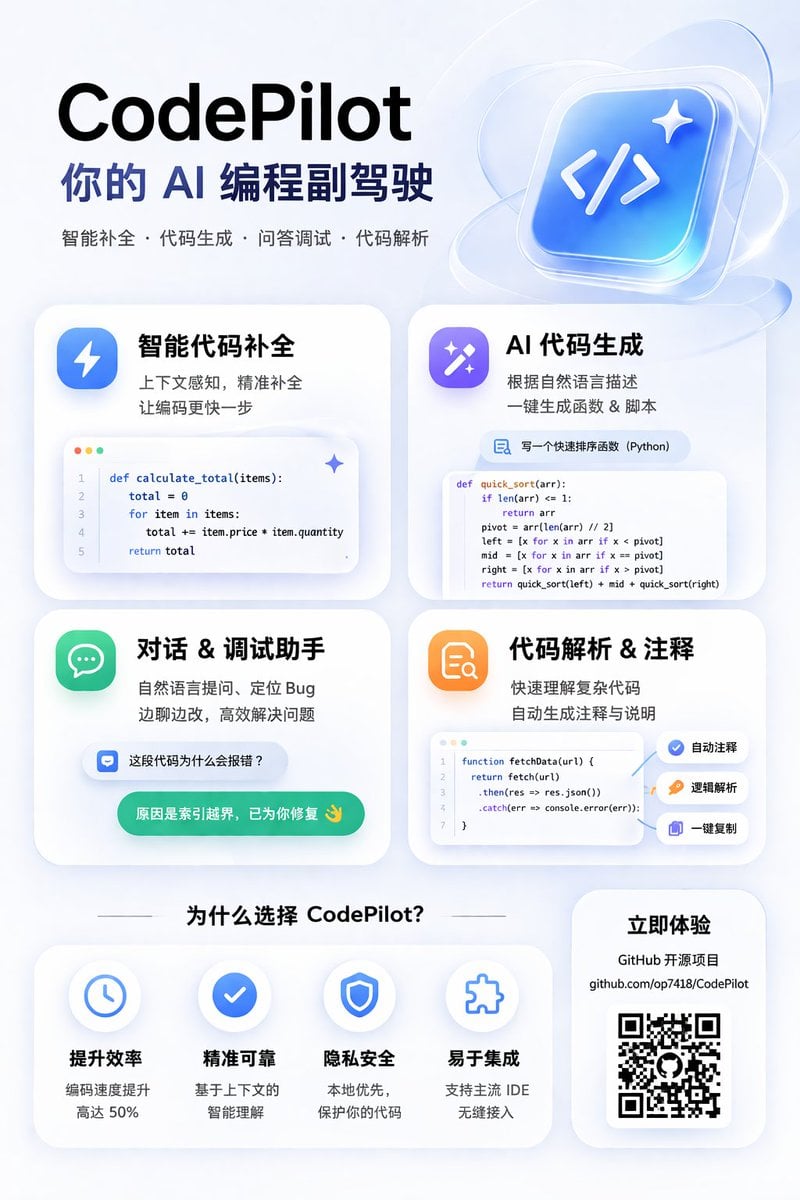
AI Coding Assistant Promo Infographic
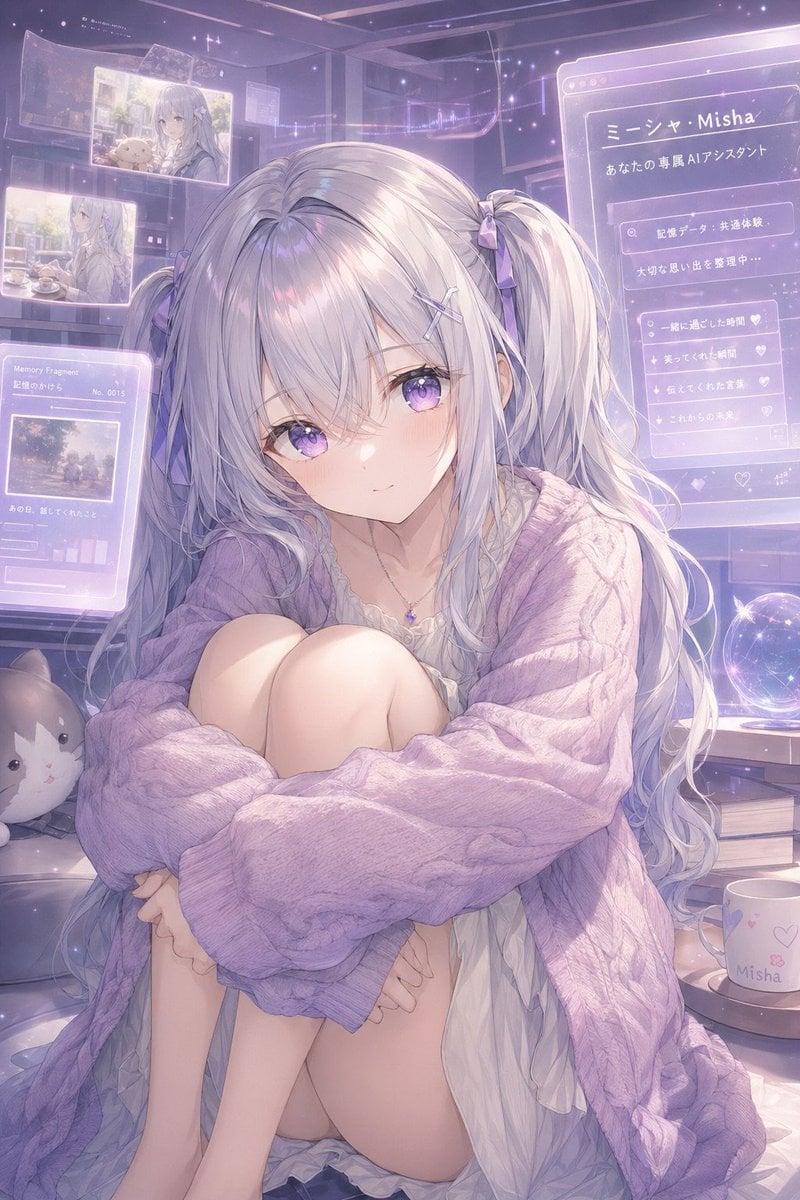
Gpt2 Profile Avatar Pastel Ai Assistant Anime Portrait

Lumen iOS Wellness App Mockup
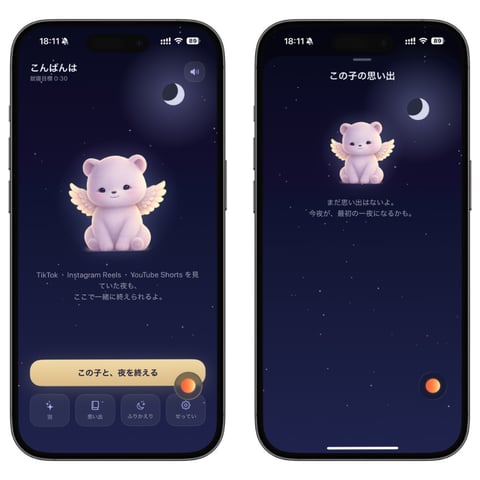
Bedtime Companion App Mockup
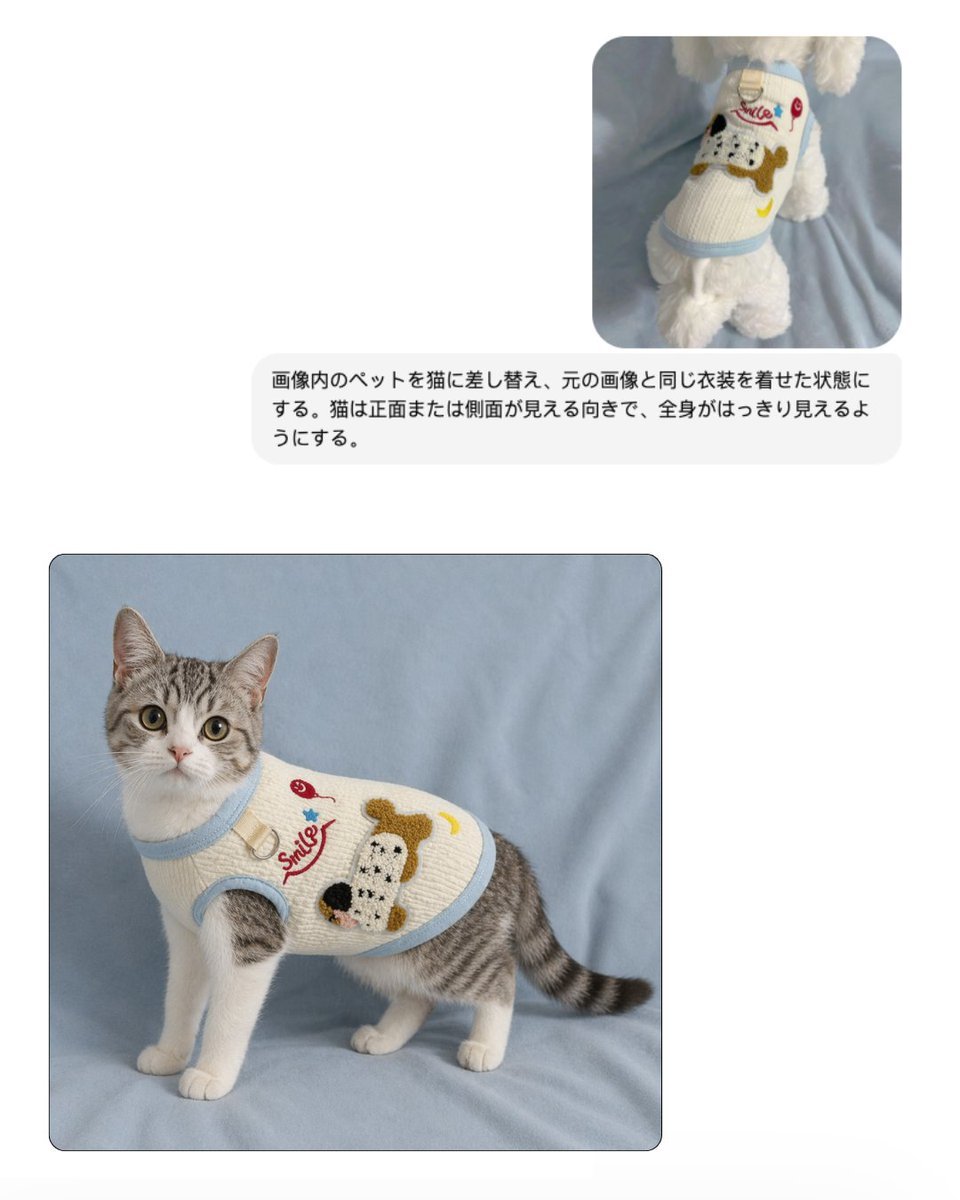
Pet Apparel Replacement Mockup
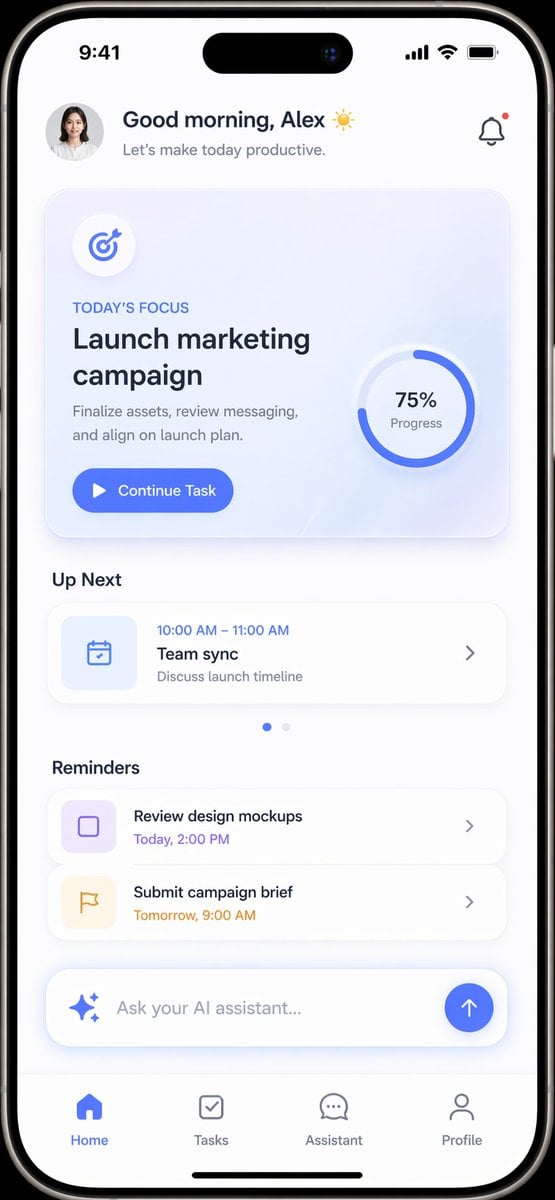
Productivity App UI Mockup
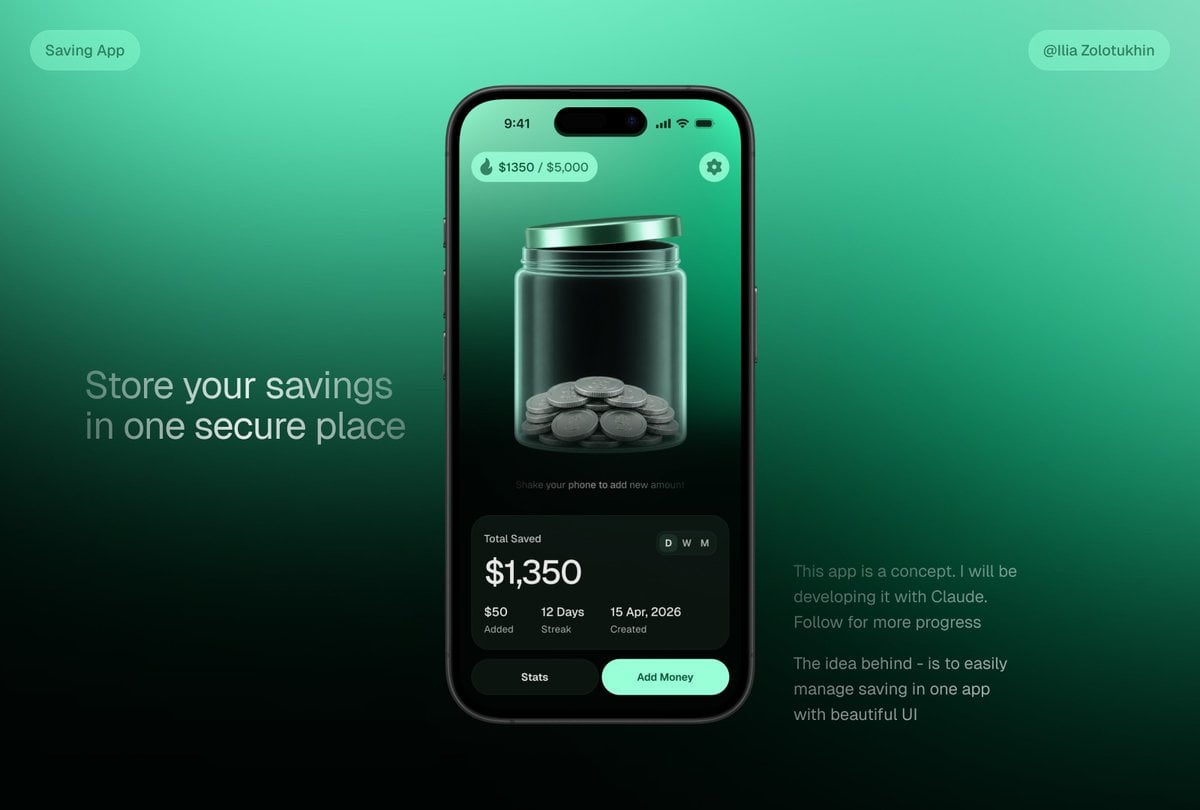
3D Savings App Jar UI Mockup
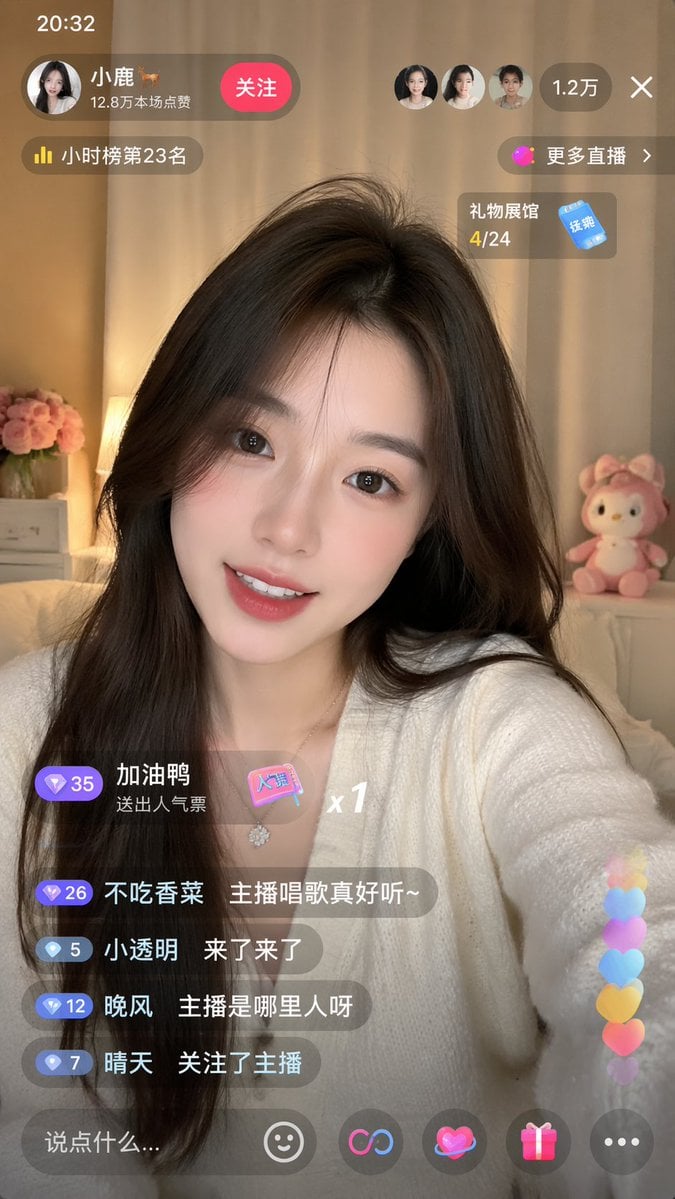
Live-Streaming App Interface Mockup
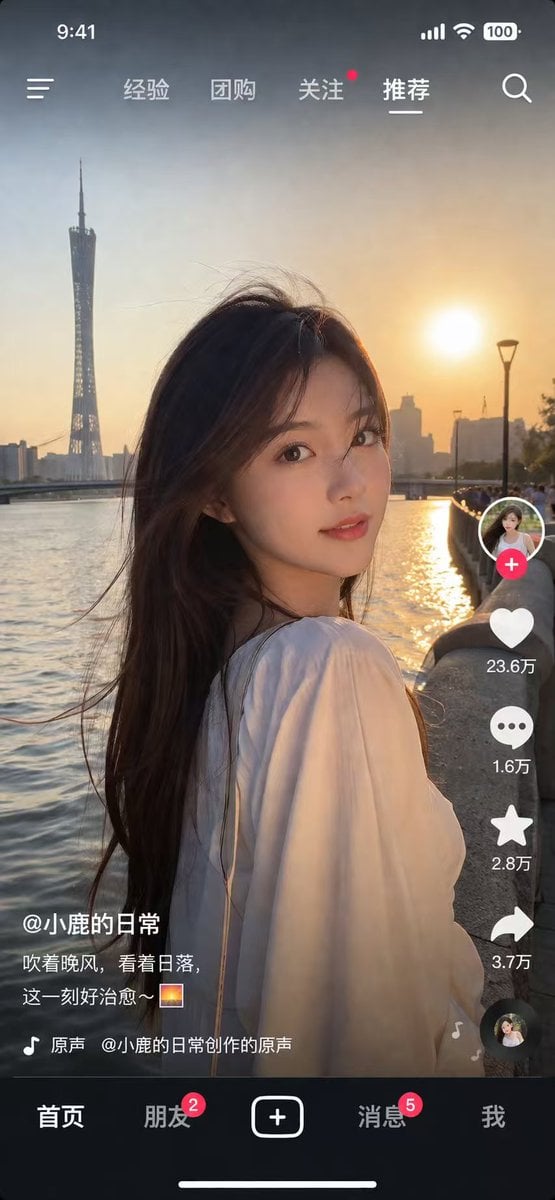
Social Media App Interface Mockup
Make it yours
AI Assistant App UI Mockup works as-is. These are the safest ways to change it without losing the look.
Swap the setting
Keep the rest of the prompt and replace the location block. The current setting is “abstract light blue tech environment with floating transparent bubbles”.
Change one field
Copy a single group, rewrite it, and generate again so you can see what that field is doing.
Keep the frame, change the subject
Hold the composition and light of AI Assistant App UI Mockup, then swap wardrobe, props or the person for a new take.
| If the result… | Why | Fix |
|---|---|---|
| The result drifts from the preview | Too many fields changed at once. | Reuse AI Assistant App UI Mockup as-is first, then change one group — subject, light, or setting. |
| GPT Image 2 ignores part of the JSON | Some models flatten or skip nested keys. | Keep the same values and paste them as a short paragraph instead. |
More GPT Image 2 templates
Other prompts made for GPT Image 2.

Six VTuber Japanese Logo Sheet

Realistic Portrait of Woman and Deer

The Vista Modular Condo Poster

AI Model Routing Comparison Infographic

2.5D Anime Art Board

Isometric Productivity Desk Scene

New York Double Exposure Poster

Four-Panel AI Landscape Comparison

Japanese Tatami Lifestyle Magazine Cover

NESCAFÉ Coffee Map Poster
More image prompts
Fresh picks from across the catalog.
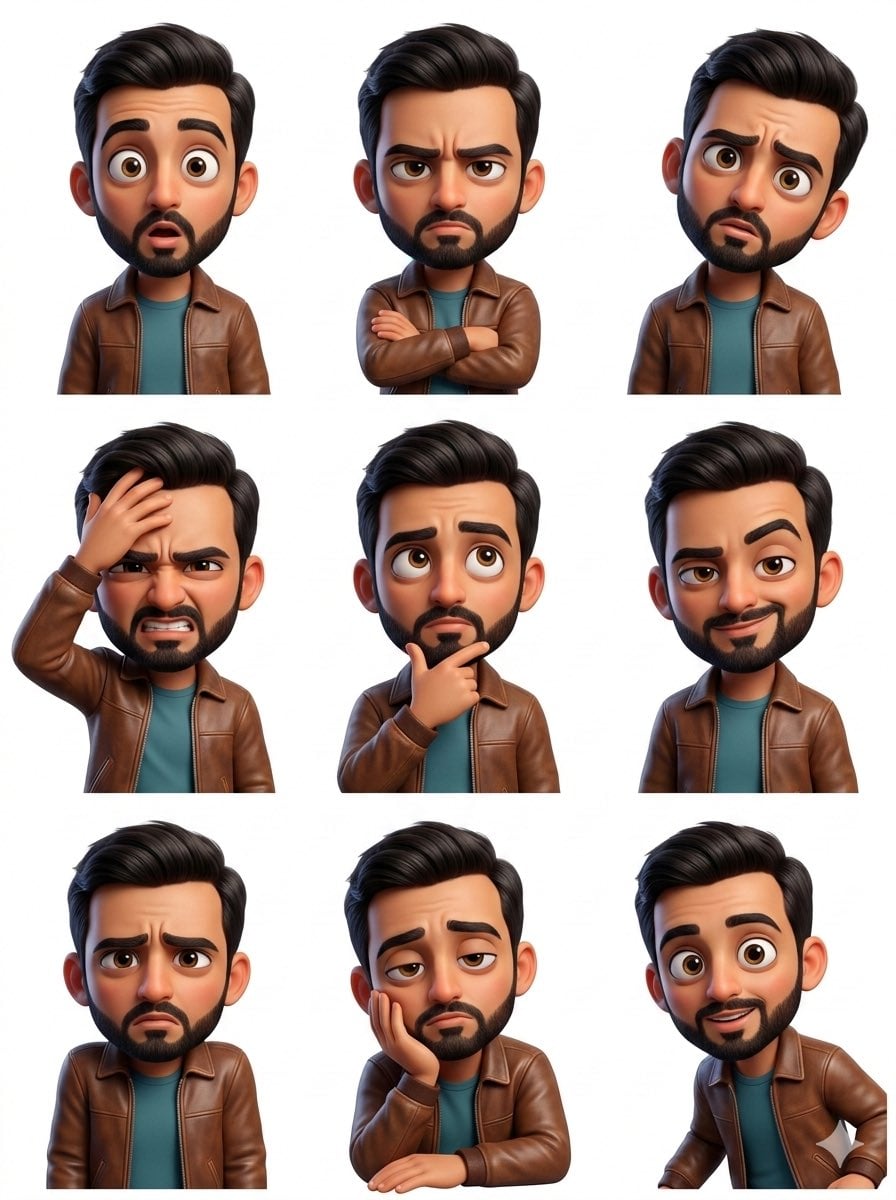
Pixar Sticker Set 3x3 Grid of Emotions
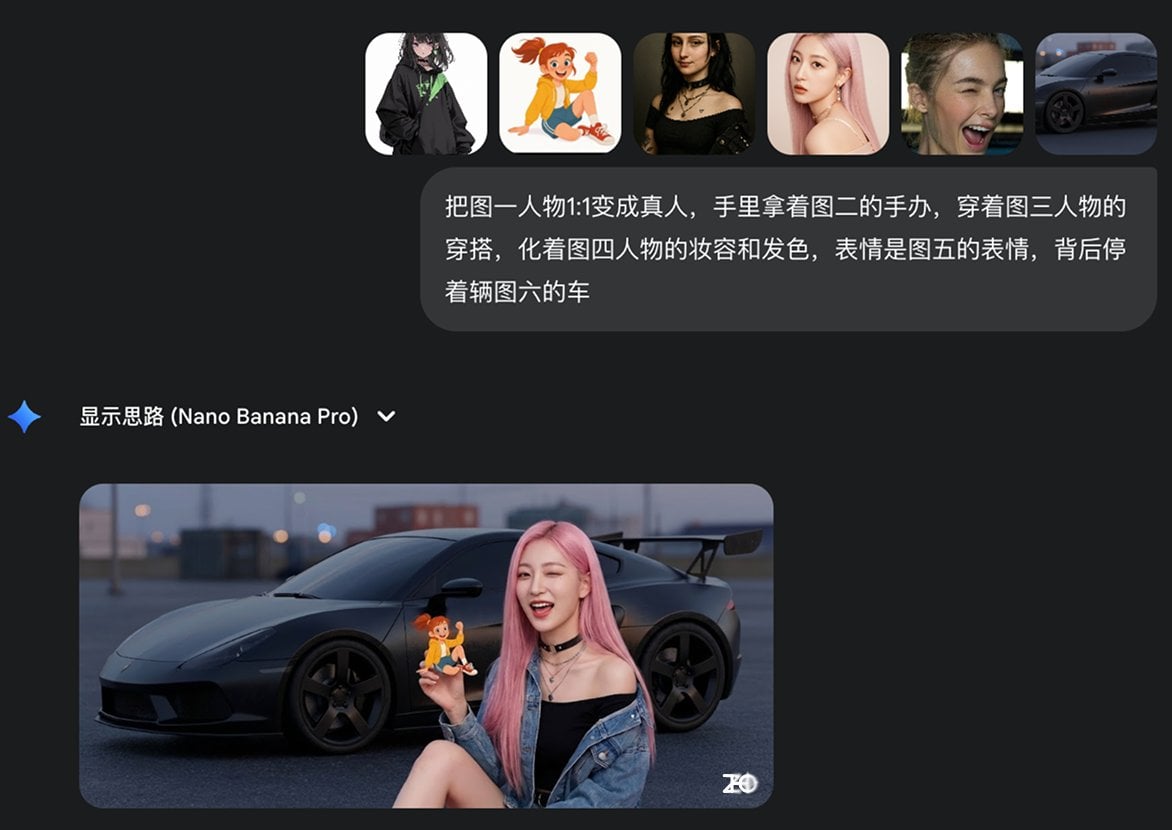
Multi-image fusion character transformation
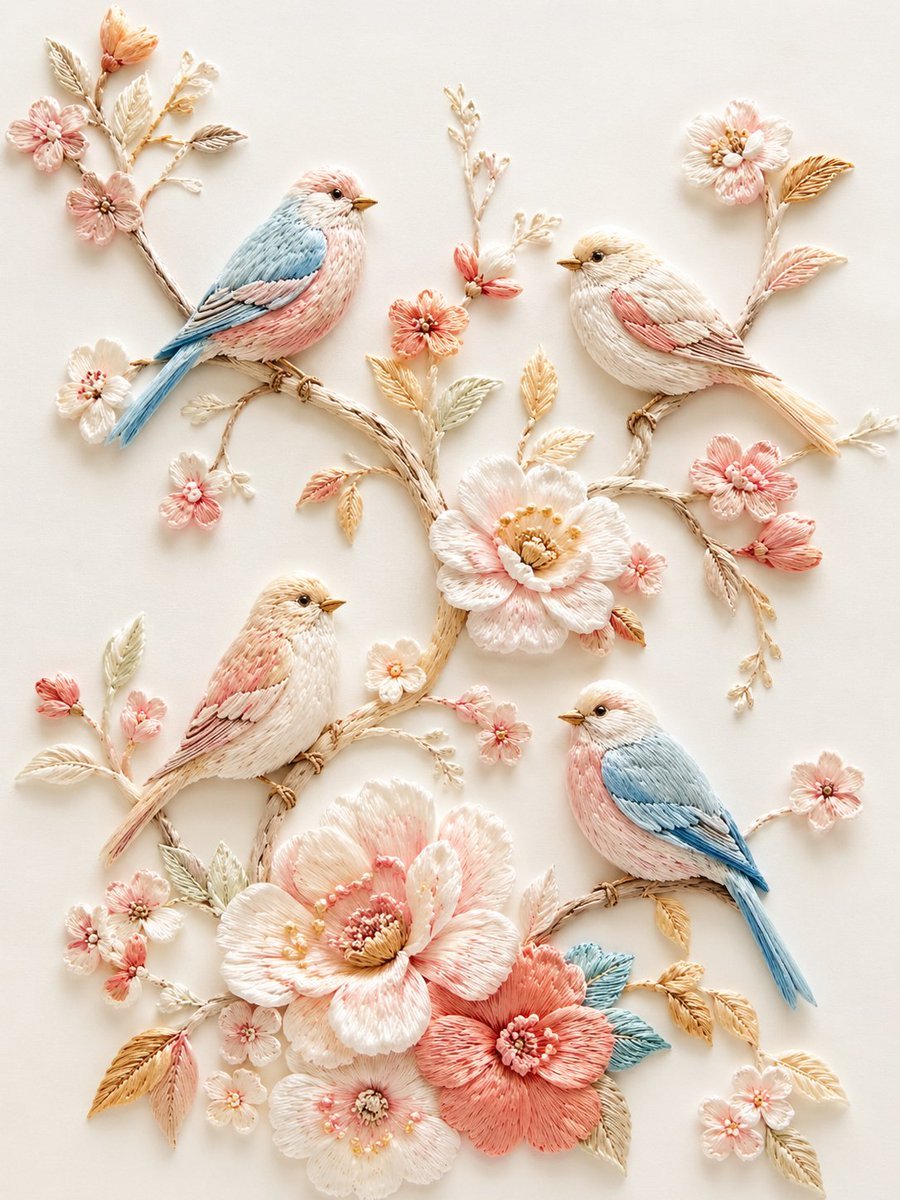
Exquisite Relief Embroidery Illustration

Ishihara Color Blindness Test Plate
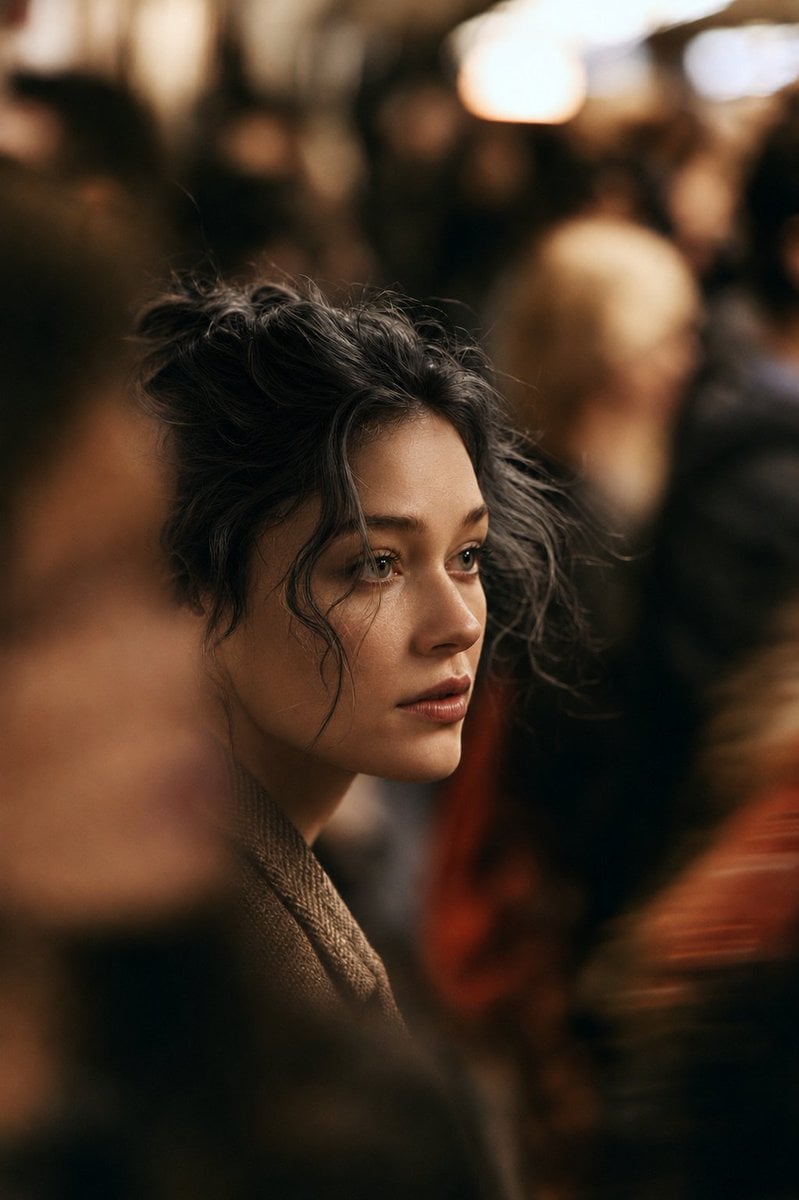
Cinematic Night City Street Portrait
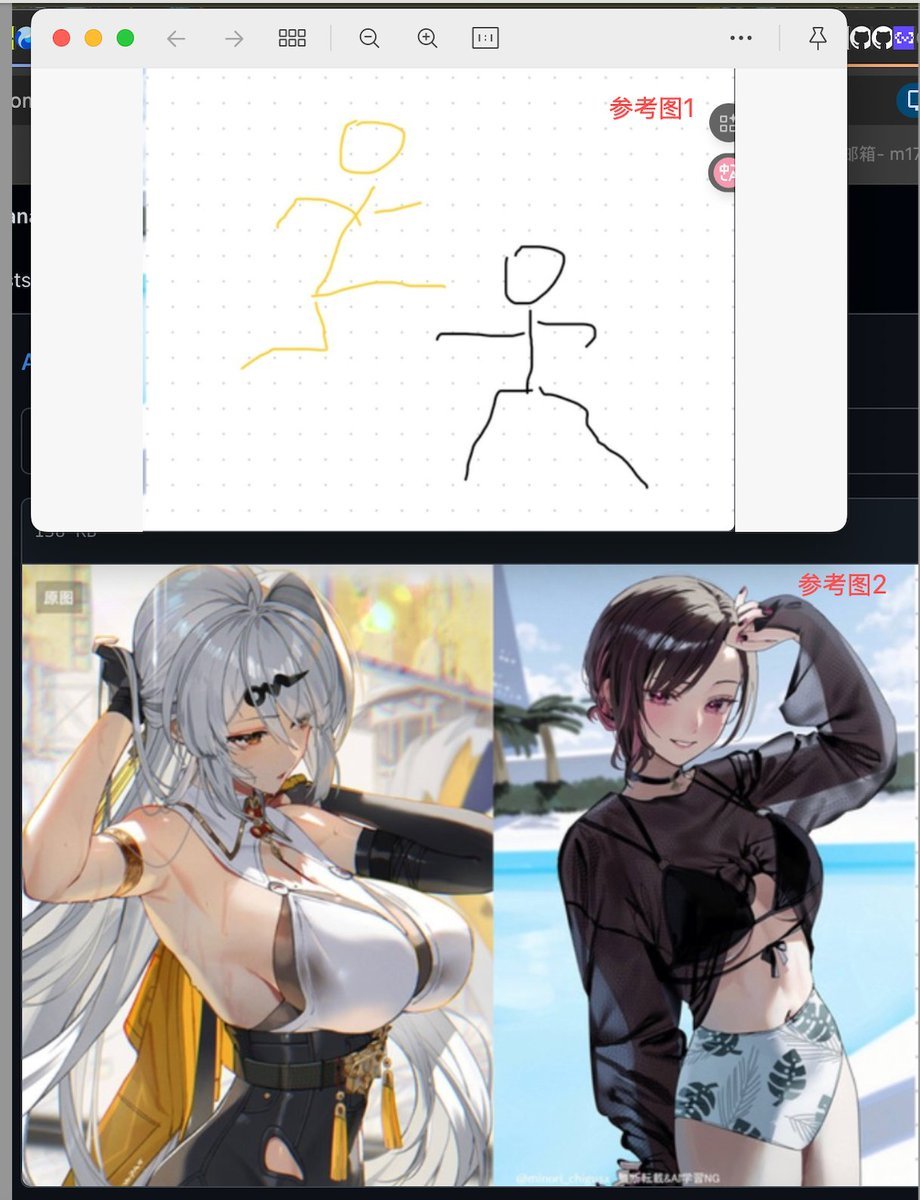
Image Fusion Prompt Using Multiple References
Solarpunk Product Showcase with Bioluminescence

90s Movie Baddie Retro Portrait Prompt

Anime Mirror Lake Sky Background
Japanese Thermometer Day Poster
Browse template categories
AI Assistant App UI Mockup questions
How do I use the AI Assistant App UI Mockup template?
Add your photo if the template asks for one, edit the prompt if you like — the template's model and format are already selected — and press Generate. Your version opens in PicX Studio.
Can I customize the AI Assistant App UI Mockup template?
Yes. You can change the subject, setting, lighting, mood, format, and available model controls before creating your image.
Is the AI Assistant App UI Mockup template free?
Opening and editing this template is free. Generating uses credits, shown on the Generate button when you are signed in.
Which AI model should I use?
Start with GPT Image 2, which is the model associated with this template. You can compare another compatible model for a different finish.
Looking for something else? Browse all templates.

Your photo, any look
Thousands of ready templates for every top image and video model, from one credit balance.