
Pastel AI Assistant Anime Portrait
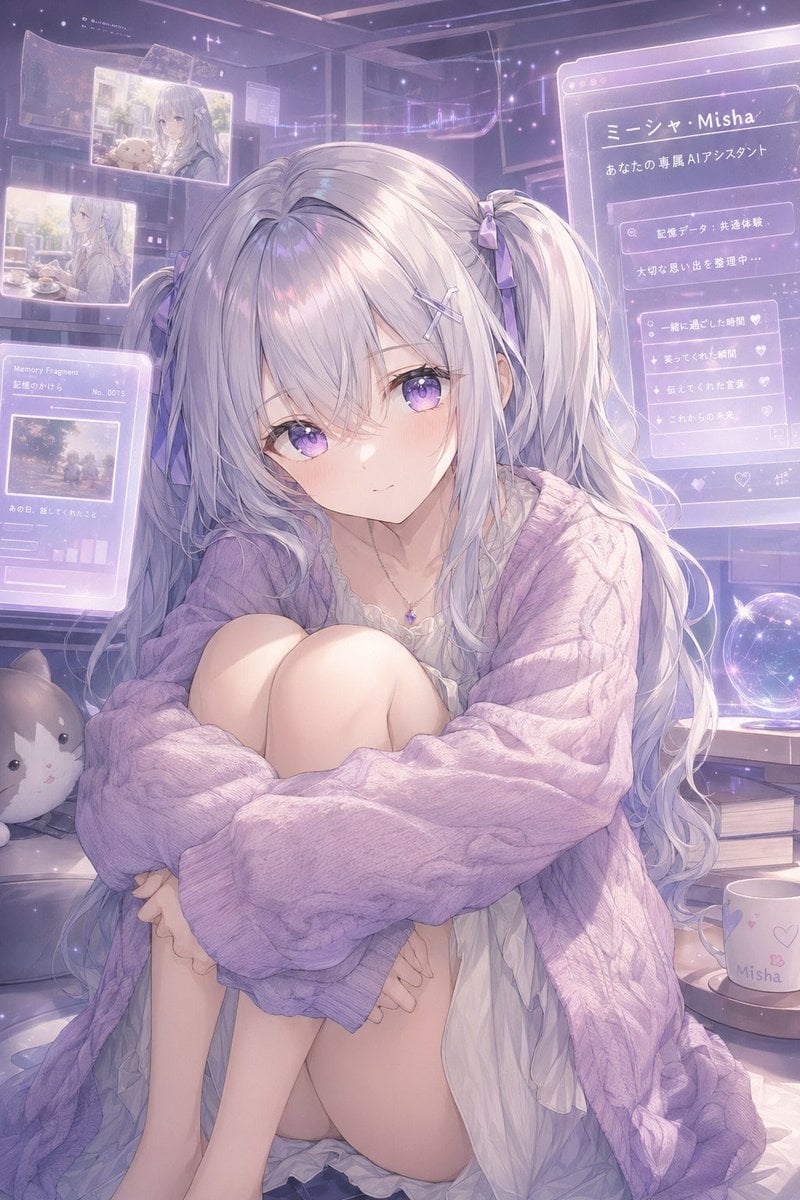
This prompt generates a soft, futuristic anime character portrait of a silver-haired virtual assistant girl surrounded by holographic memory screens, ideal for persona art or visual identity concepts.
- Prompt included
- Model and format preset
- Free template
The prompt behind this image
Copy the exact prompt behind Pastel AI Assistant Anime Portrait, or open it in the studio and make it yours.
A dreamy anime-style portrait of a gentle virtual assistant girl named {argument name="character name" default="Misha"}, sitting curled up indoors in a cozy futuristic bedroom filled with translucent holographic memory screens. She has very long silvery white hair with a faint lavender tint, styled in 2 low twin tails tied with small lavender ribbons, with soft wispy bangs and loose flowing strands. Her expression should be tender, introspective, and slightly lonely, with a soft glow and delicate features. She wears an oversized chunky cable-knit cardigan in {argument name="cardigan color" default="pastel lavender"} draped loosely over a thin white ruffled nightdress, plus a tiny gemstone necklace. Her pose is seated with knees pulled to her chest and arms wrapped around her legs, creating a vulnerable, intimate silhouette. The room is lit in hazy pastel violet and pink ambient light with sparkles, dustlike stars, and a nostalgic magical-tech atmosphere. Around her are 5 visible holographic interface panels: 2 floating photo panels in the upper left showing soft memories, 1 lower-left panel labeled “Memory Fragments” with a small image and tiny graph bars, 1 large right-side profile panel with Japanese text including “ミーシャ・Misha” and “あなたの専属AIアシスタント,” and 1 smaller right-side checklist panel with heart icons. Include a glowing crystal ball on a desk to the right, a white mug printed with “Misha” and small heart motifs, a stack of 2 books beneath the desk area, and 1 plush cat cushion on the lower left. Composition is vertical, full-body to three-quarter seated framing, highly detailed, soft painterly anime rendering, luminous translucent overlays, sentimental memory-core aesthetic, gentle depth of field, pastel lilac palette, ethereal and emotionally warm.
How to use Pastel AI Assistant Anime Portrait in 3 steps
- 1Upload ImagePNG, JPG or paste
Add your photo
Upload the photo the template builds on. The prompt, model and format are already set.
- 2…a portrait of your subject in softgolden-hour light, 85mm…
Personalize
Edit the subject and creative details for your destination.
- 3Generate
Generate
Press Generate — your image is created in PicX Studio, so you can compare it with the original and refine one variable at a time.
More like this
Templates with the same subject, style or setup. Open one to see its prompt.
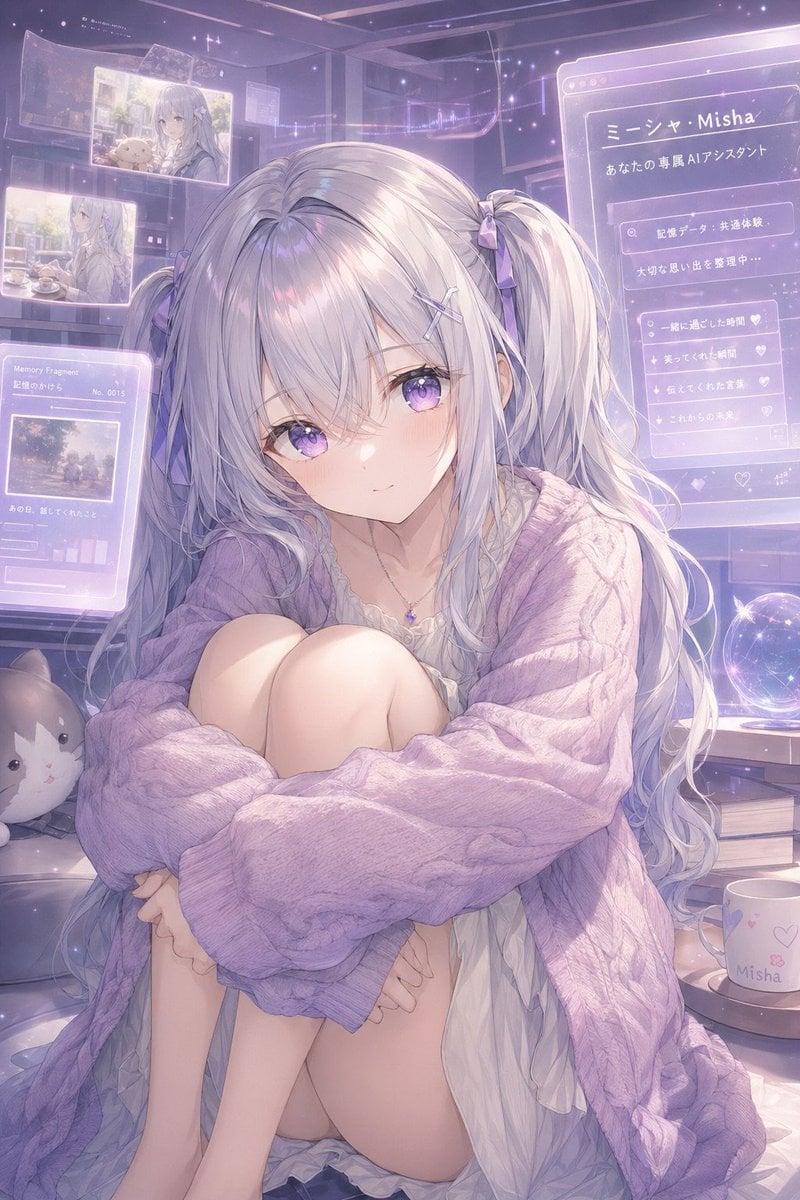
Gpt2 Profile Avatar Pastel Ai Assistant Anime Portrait

Found Photograph: Us, 1970

80s Couple Studio Portrait

80s Bollywood Star

80s Golden Hour Cinema

Me in 1985

1985 Studio Portrait

Hyper-Realistic Minecraft POV Portrait

Pastel Anime Idol Concert Finale

Pastel Anime Summer Beach Collage

Rooftop Fisheye — Cat-Ear Balaclava at Golden Hour

Layered Paper Cut Illustration Template
Make it yours
Pastel AI Assistant Anime Portrait works as-is. These are the safest ways to change it without losing the look.
Change one field
Copy a single group, rewrite it, and generate again so you can see what that field is doing.
Keep the frame, change the subject
Hold the composition and light of Pastel AI Assistant Anime Portrait, then swap wardrobe, props or the person for a new take.
| If the result… | Why | Fix |
|---|---|---|
| The result drifts from the preview | Too many fields changed at once. | Reuse Pastel AI Assistant Anime Portrait as-is first, then change one group — subject, light, or setting. |
| The model over-stylizes the scene | The prose prompt leaves finish and camera underspecified. | Add one camera or lighting sentence and stay on GPT Image 2. |
More GPT Image 2 templates
Other prompts made for GPT Image 2.

Six VTuber Japanese Logo Sheet

Realistic Portrait of Woman and Deer

The Vista Modular Condo Poster

AI Model Routing Comparison Infographic

2.5D Anime Art Board

Isometric Productivity Desk Scene

New York Double Exposure Poster

Four-Panel AI Landscape Comparison

Japanese Tatami Lifestyle Magazine Cover

NESCAFÉ Coffee Map Poster
More image prompts
Fresh picks from across the catalog.

Turn Your Food Photos Into a Vintage Rec
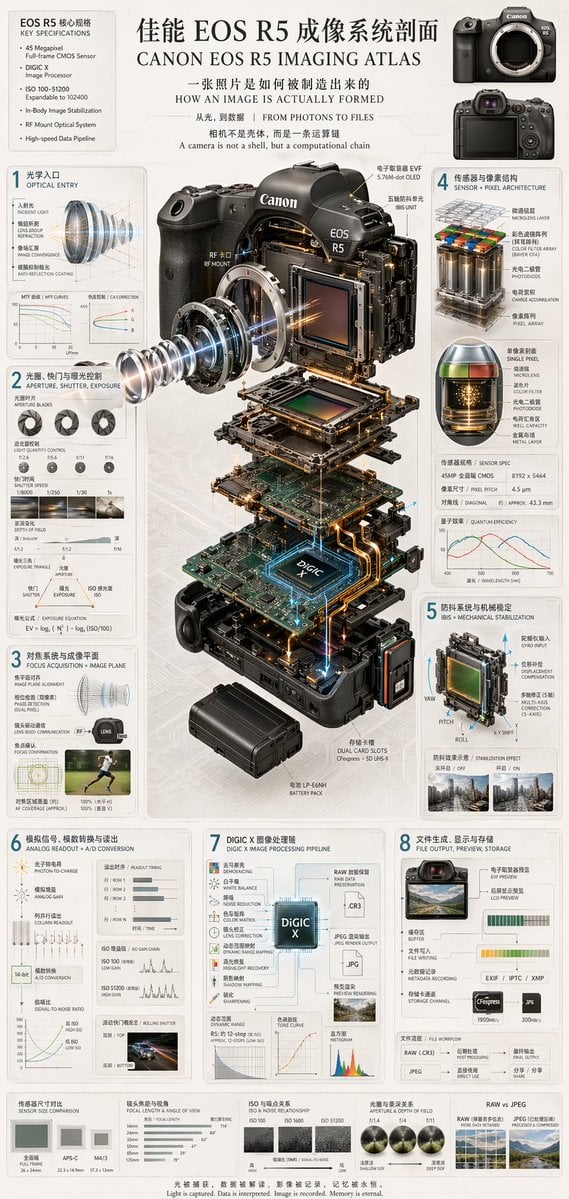
Camera Exploded View Infographic
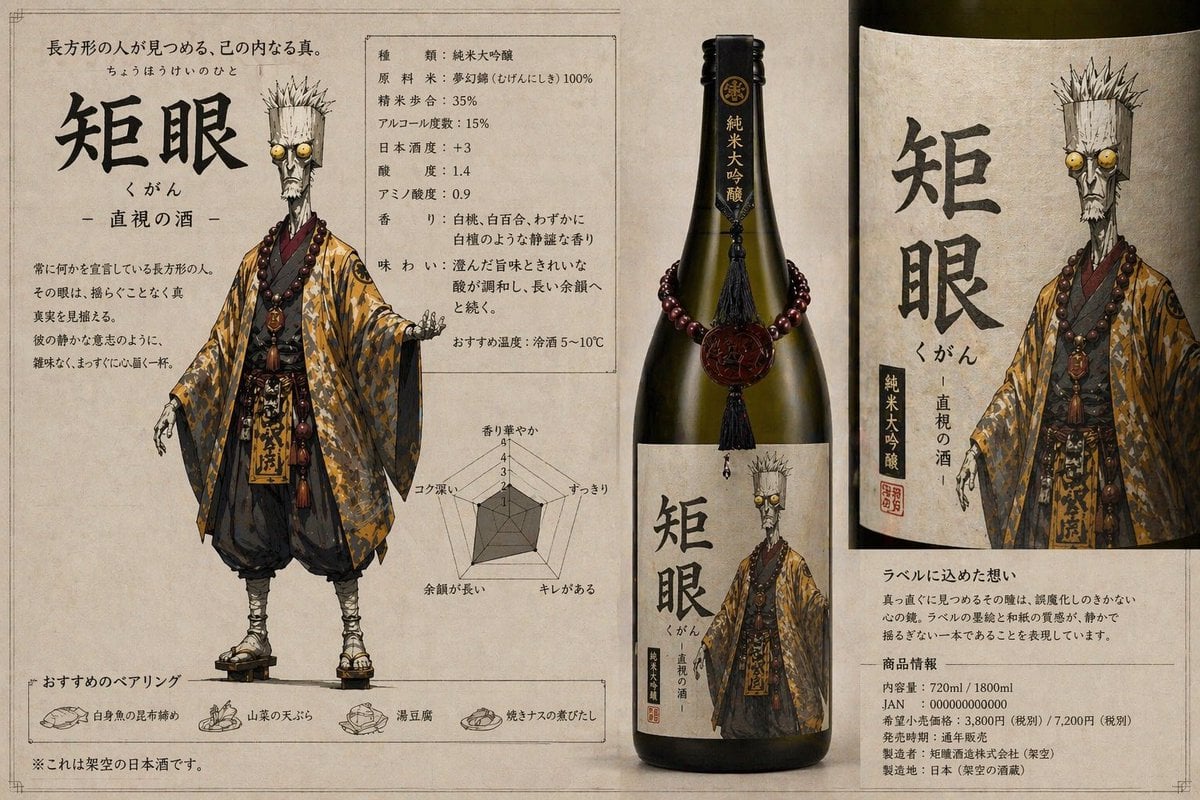
Character-Based Brand Identity Design
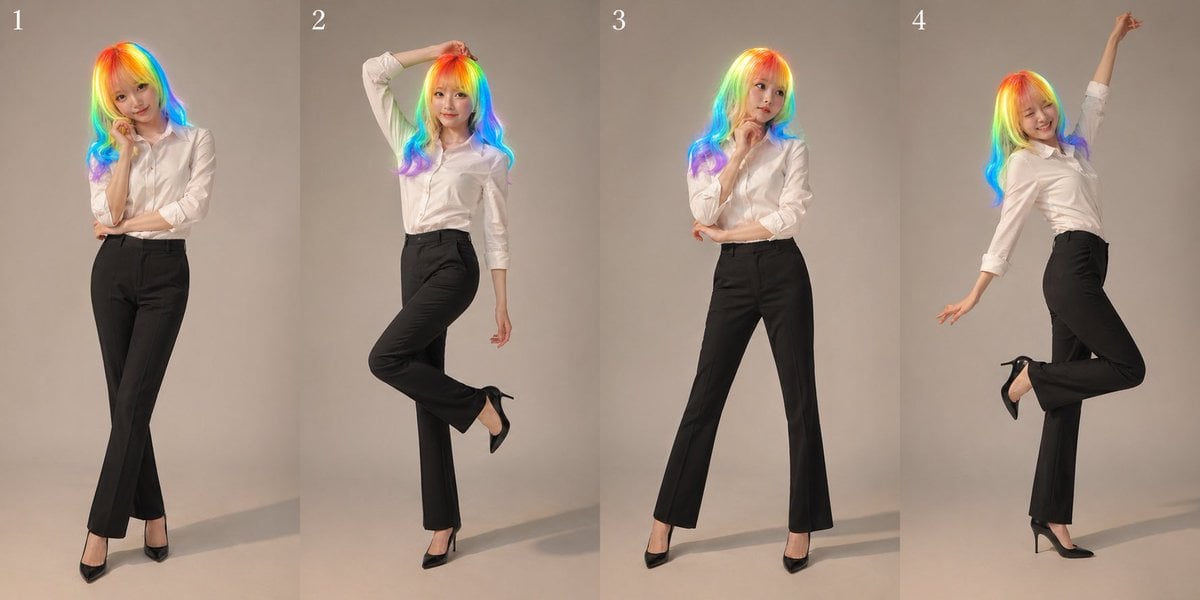
Studio Promo Portrait Panel Sheet
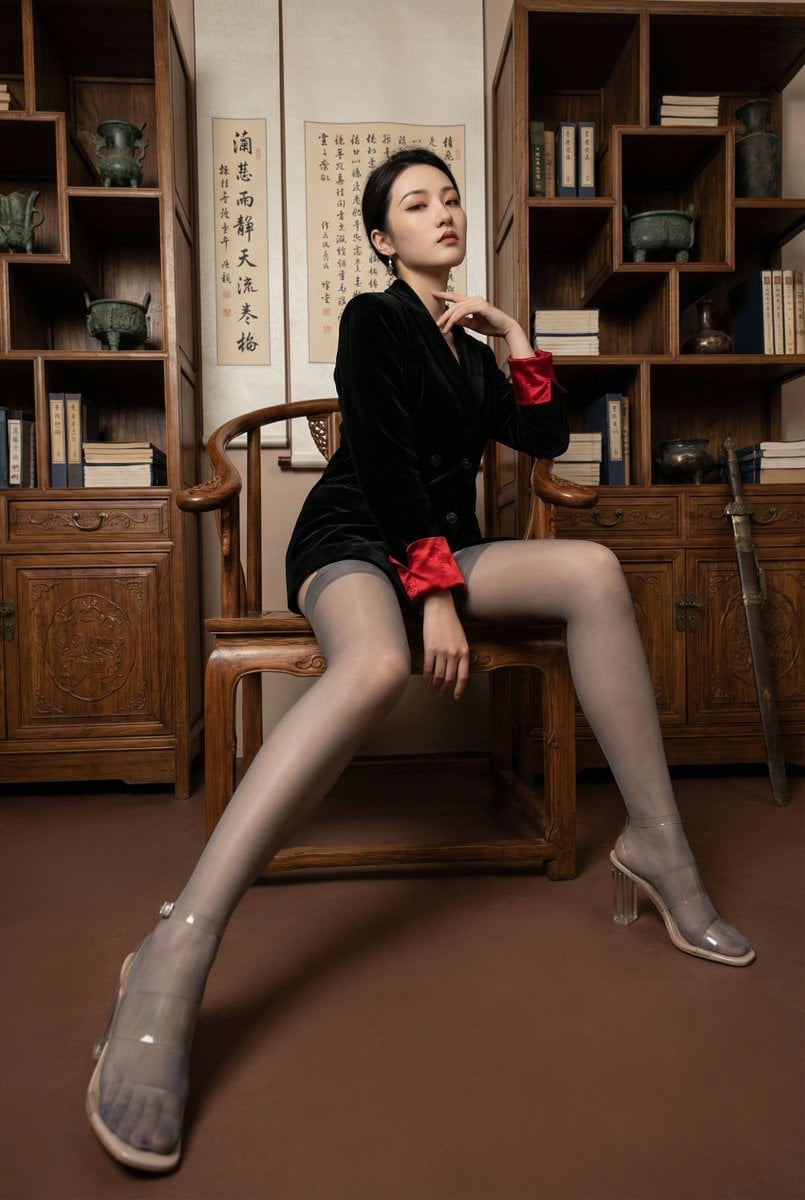
Modern Chinese Retro Fashion Photography Prompt

Multi-Pattern Web Advertisement Grid
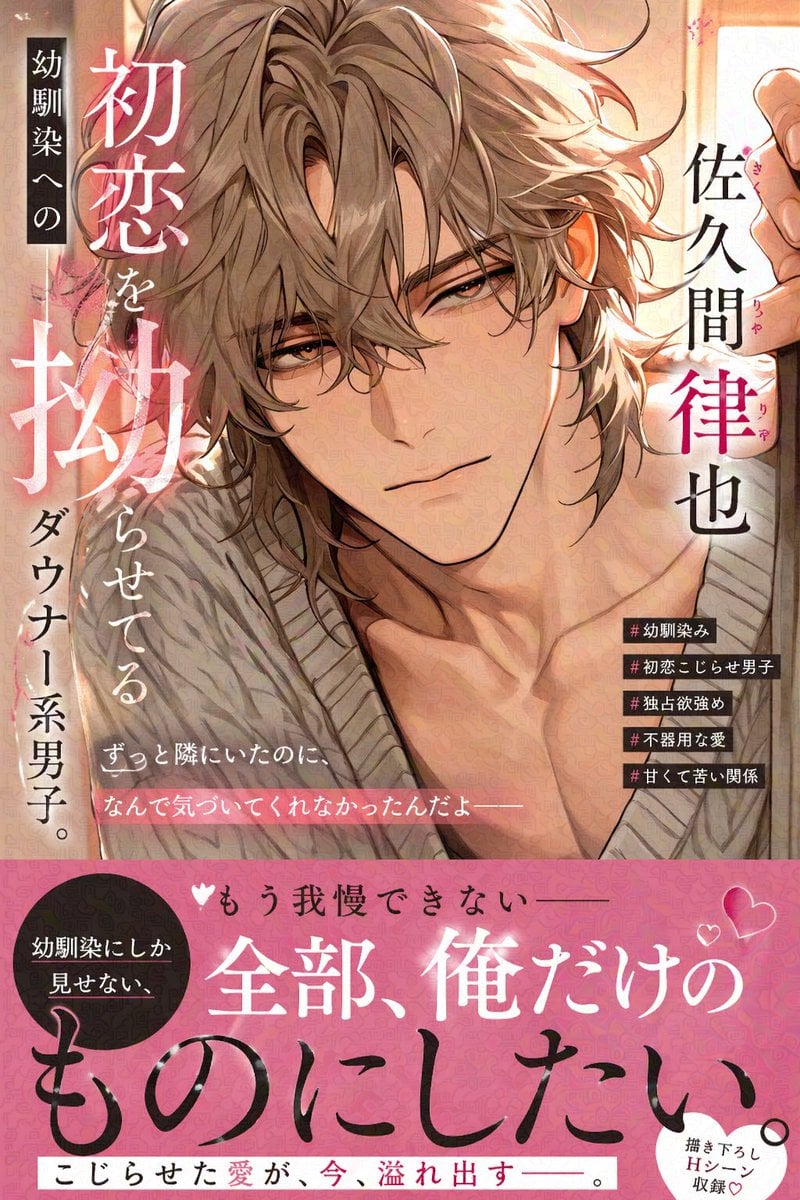
Comic Book Cover with Obi Prompt
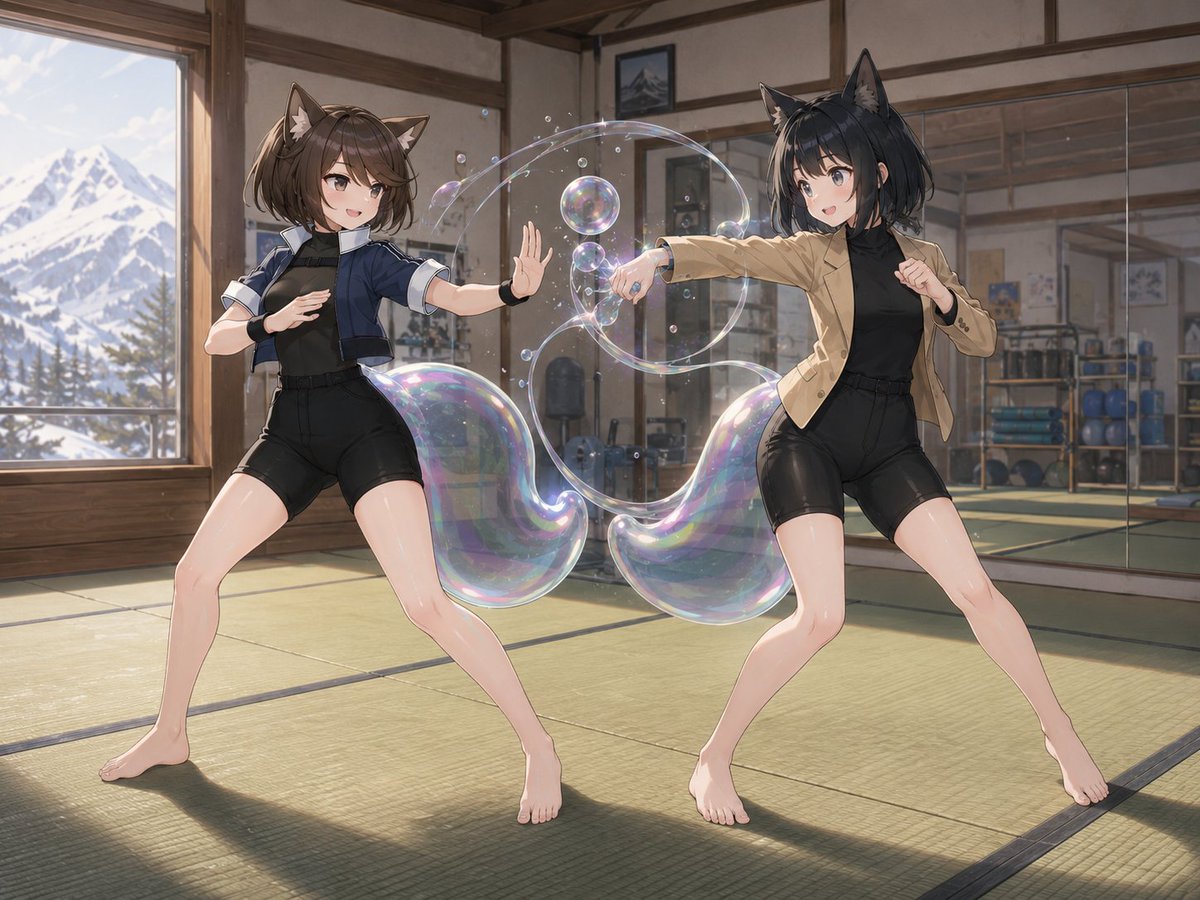
Fox-Eared Dojo Sparring Scene
Fashion Editorial Watercolor Portrait
Xahau Panda Streetwear Poster
Browse template categories
Pastel AI Assistant Anime Portrait questions
How do I use the Pastel AI Assistant Anime Portrait template?
Add your photo if the template asks for one, edit the prompt if you like — the template's model and format are already selected — and press Generate. Your version opens in PicX Studio.
Can I customize the Pastel AI Assistant Anime Portrait template?
Yes. You can change the subject, setting, lighting, mood, format, and available model controls before creating your image.
Is the Pastel AI Assistant Anime Portrait template free?
Opening and editing this template is free. Generating uses credits, shown on the Generate button when you are signed in.
Which AI model should I use?
Start with GPT Image 2, which is the model associated with this template. You can compare another compatible model for a different finish.
Looking for something else? Browse all templates.

Your photo, any look
Thousands of ready templates for every top image and video model, from one credit balance.