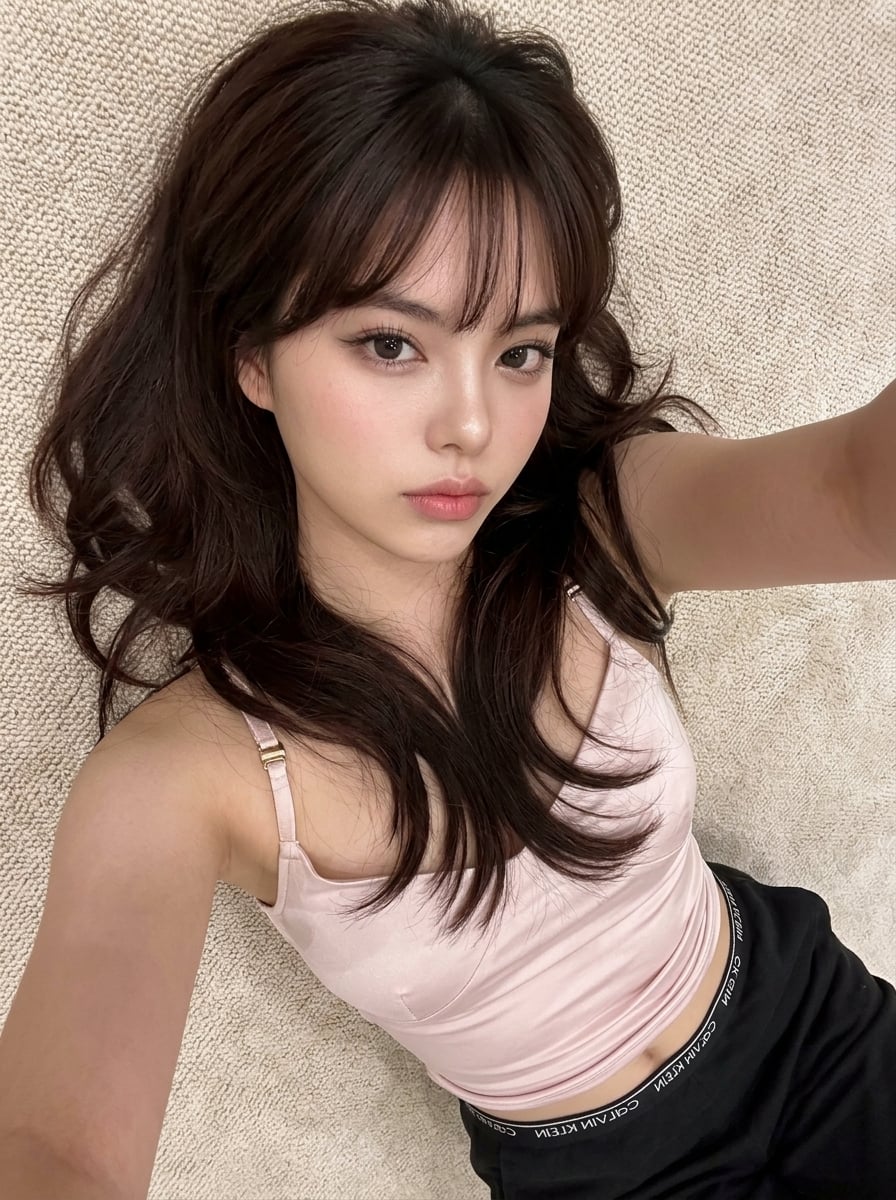
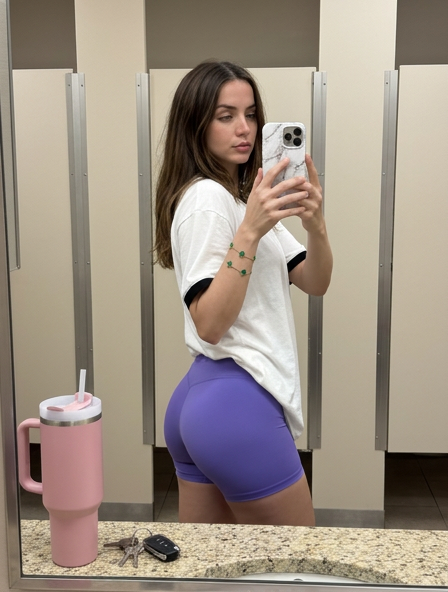
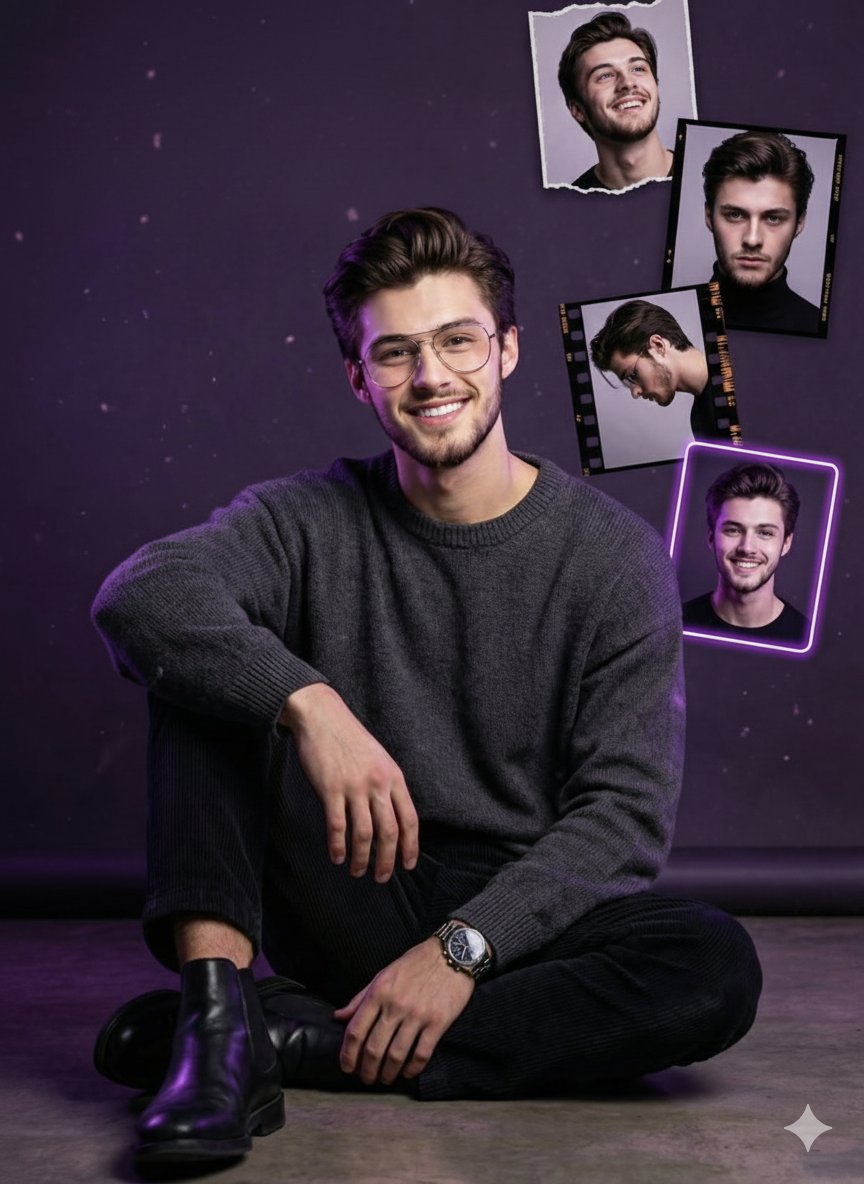
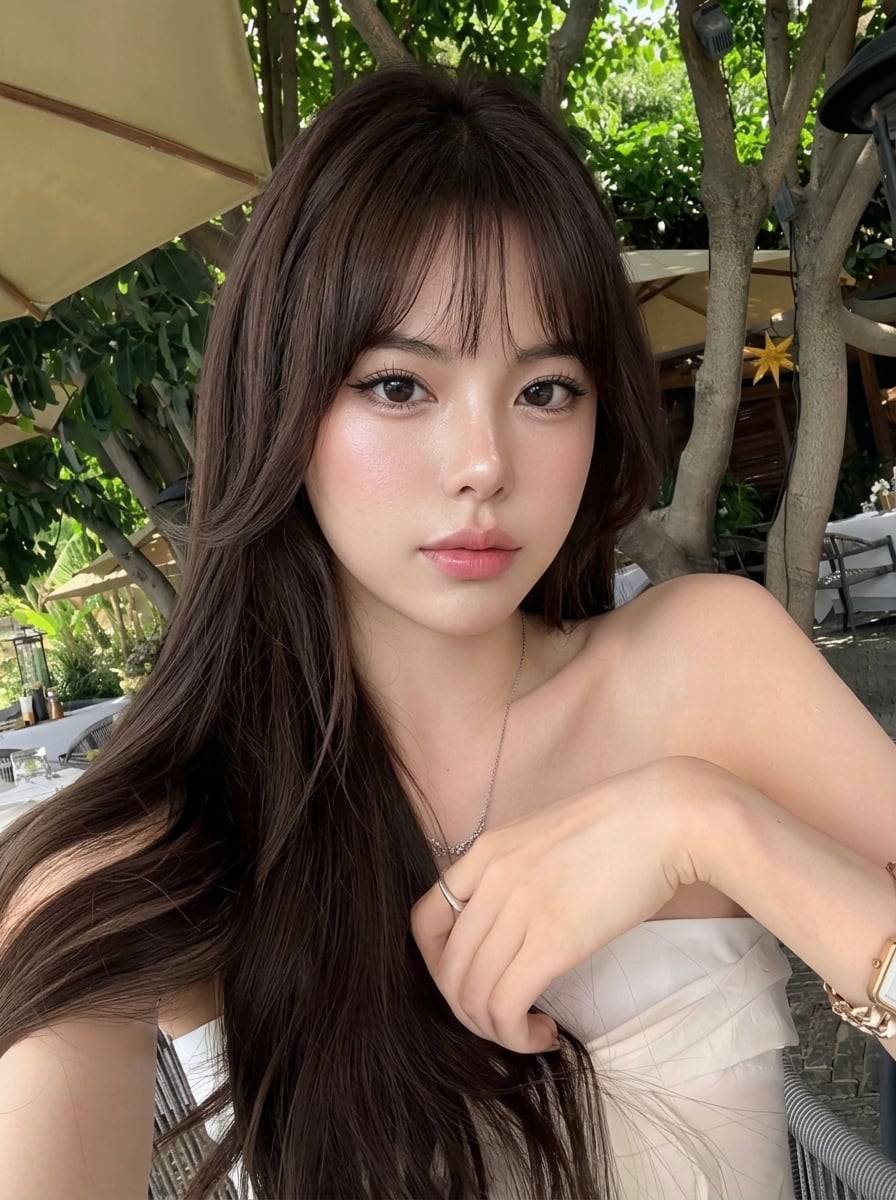
How do I use the Stylish Modern Bathroom Lifestyle template?
Choose the primary action to open PicX Studio with the available template settings. Review the model and format, personalize the creative direction, and generate when ready.
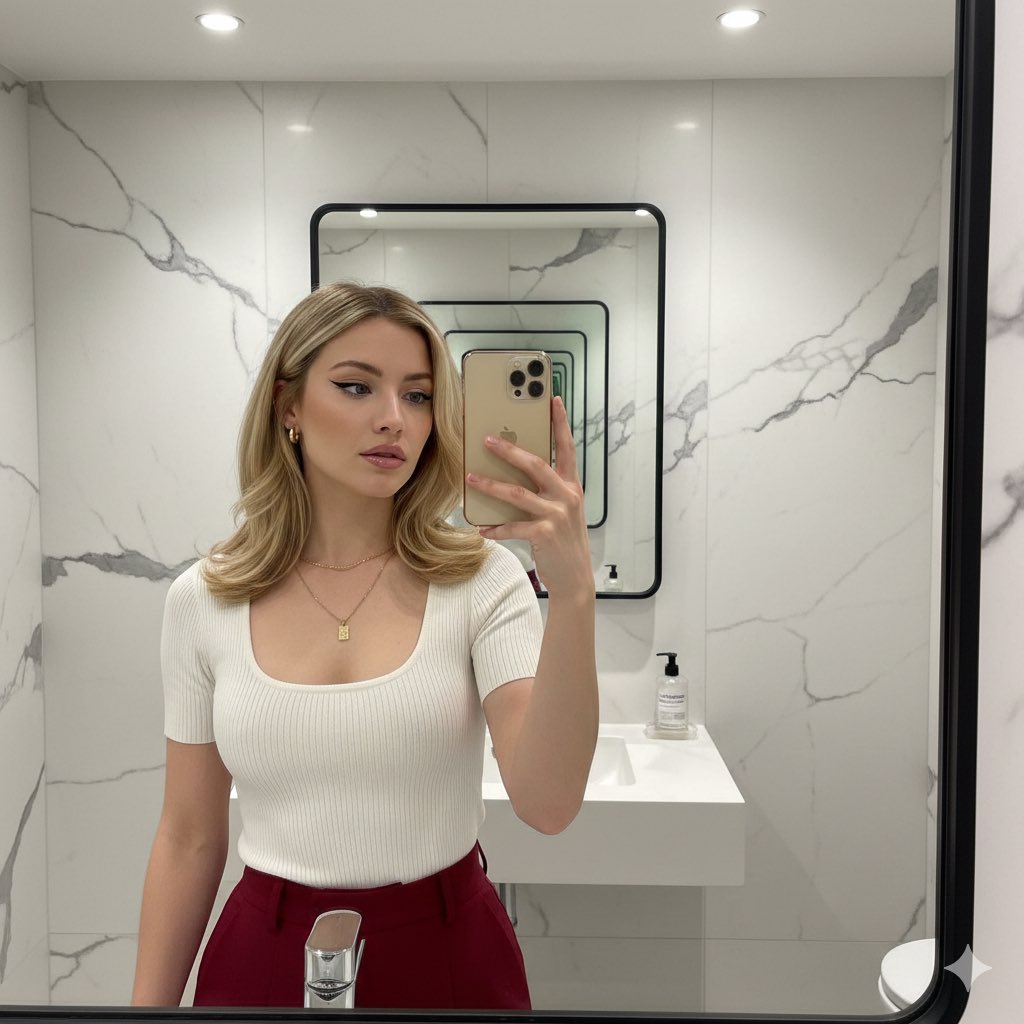
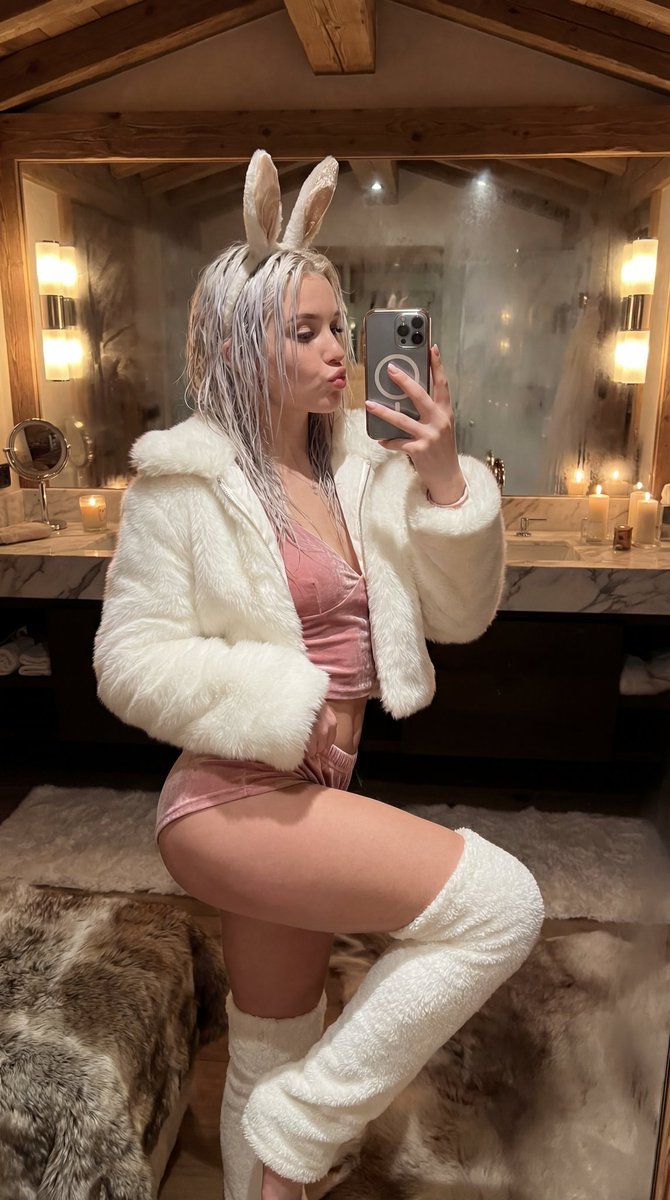
A lifestyle fashion prompt in a modern bathroom setting, designed for a subject in a strapless mini dress with detailed atmosphere and pose descriptions.
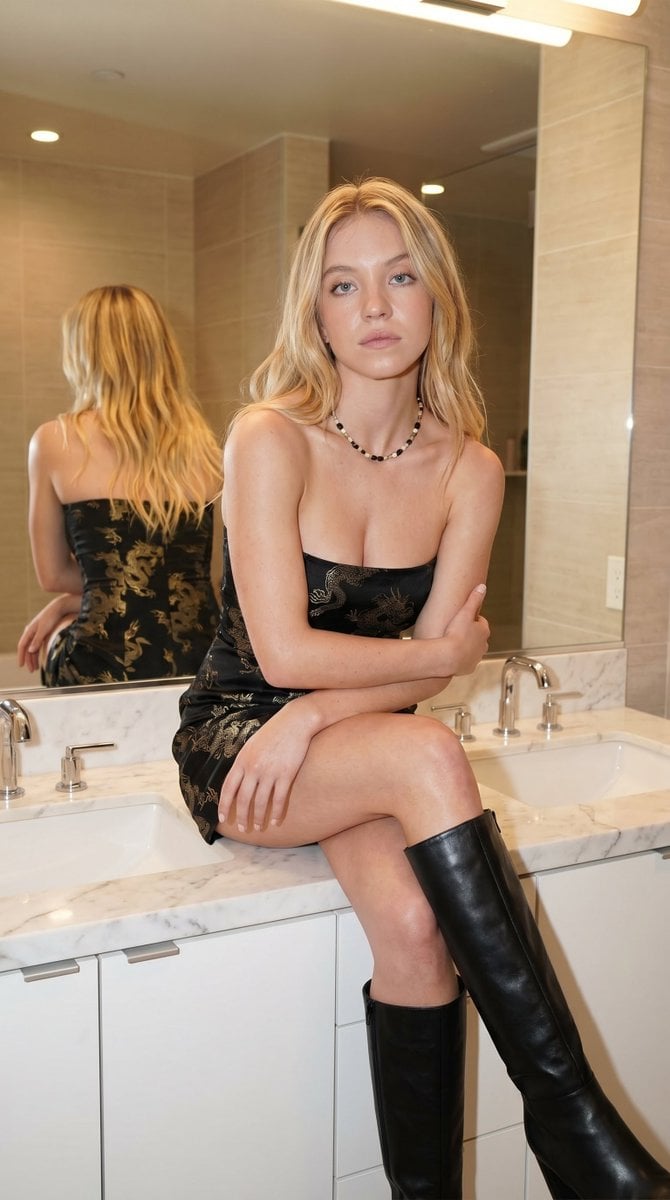
{ "type": "image_prompt", "version": "1.0", "description": { "subject": { "identity": "Use uploaded reference image, keep identity exact", "appearance": { "expression": "Soft neutral expression with slightly relaxed eyes and subtle calm demeanor", "hair": "Use uploaded reference image, keep identity exact, ", "accessories": [ "Beaded necklace with alternating dark and light beads" ], "details": [ "Natural skin texture with soft glow from warm lighting", "Subtle makeup with warm tones and light highlight on cheekbones", "Slight natural imperfections preserved" ] }, "body": { "type": "Slim natural physique", "features": [ "Long legs", "Relaxed posture", "Natural proportions" ] } }, "clothing": { "dress": { "type": "Strapless mini dress", "color": "{argument name="dress color" default="Muted pink"} with soft gradient fading into lighter tones", "design": [ "Fitted silhouette", "Subtle printed pattern resembling abstract or dragon-like motifs", "Light fabric with slight sheen", "Short length emphasizing legs" ] }, "footwear": { "type": "{argument name="boots" default="Knee-high boots"}", "color": "Black", "details": [ "Smooth leather finish", "Slight heel", "Structured shape" ] } }, "pose": { "stance": "Seated on bathroom countertop", "body_position": "Body angled slightly sideways with torso facing camera", "hands": "Arms crossed loosely over torso", "head_direction": "Facing camera with slight tilt", "gaze": "Direct soft gaze at camera", "details": [ "One leg bent and resting on counter", "Other leg hanging naturally downward", "Relaxed shoulders" ] }, "environment": { "location": "{argument name="location" default="Modern bathroom interior"}", "background": [ "Large mirror reflecting subject from behind", "Double sink vanity with clean white surface", "Neutral beige tiled walls", "Soft ambient lighting from overhead fixtures" ], "atmosphere": "Warm, intimate indoor setting with clean modern design" }, "lighting": { "type": "Indoor ambient lighting", "style": "Warm soft diffused light", "effect": "Even illumination with gentle shadows and warm tones enhancing skin and environment" }, "mood": [ "Calm", "Modern", "Intimate", "Stylish", "Natural" ], "technical": { "framing": "Mid to full-body shot", "camera_angle": "Eye-level", "focal_length": "50mm", "style": "Lifestyle fashion photography, photorealistic", "quality": [ "Sharp focus on subject"
Choose the primary action to open PicX Studio with the available template settings. Review the model and format, personalize the creative direction, and generate when ready.
Yes. You can change the subject, setting, lighting, mood, format, and available model controls before creating your image.
This template is free to open and customize. Generation usage is shown in PicX Studio before you create.
Start with Nano Banana 2, which is the model associated with this template. You can compare another compatible model for a different finish.
Follow a topic to a crawlable collection of related PicX Studio templates.