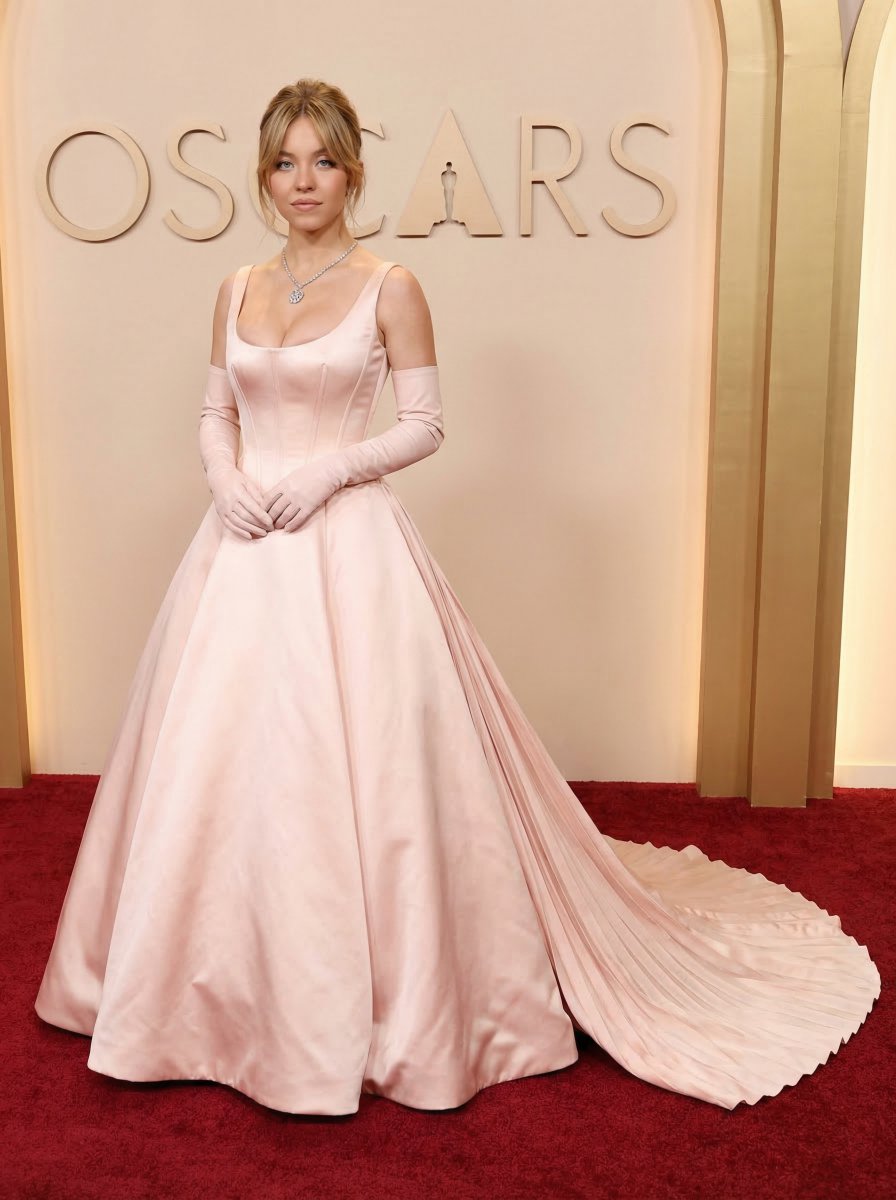
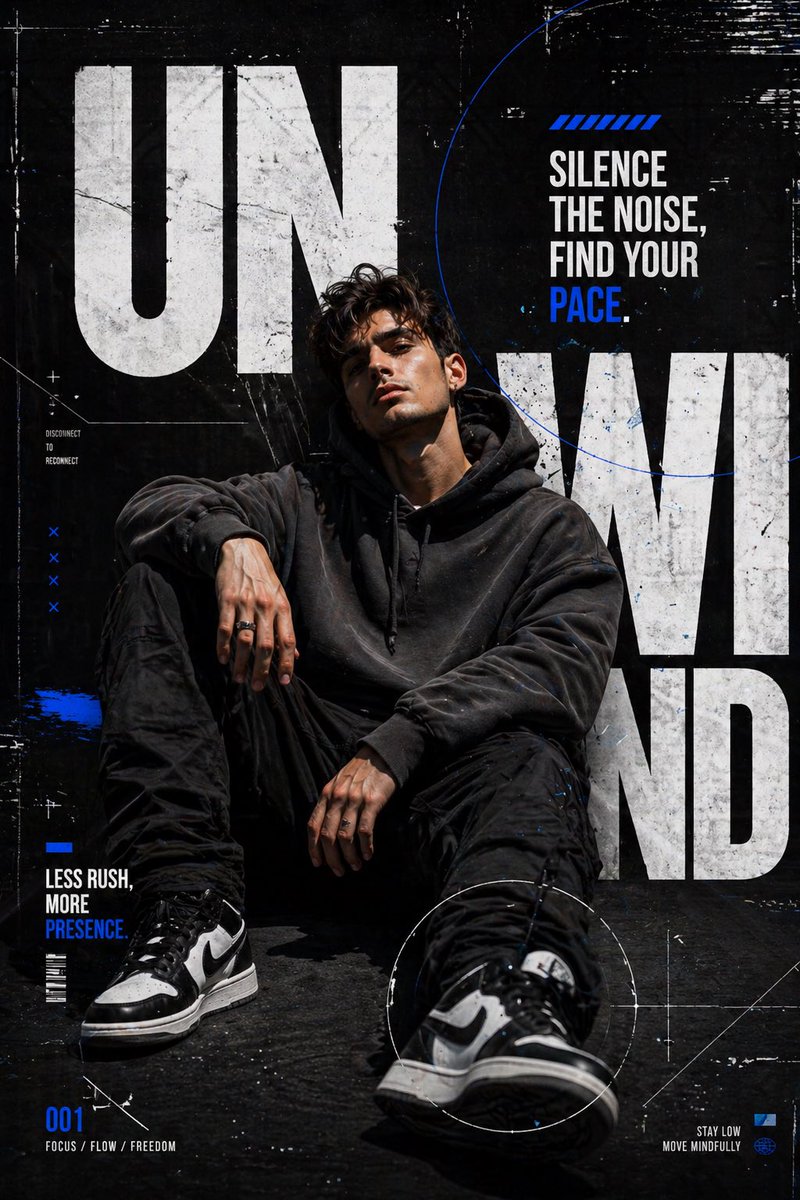
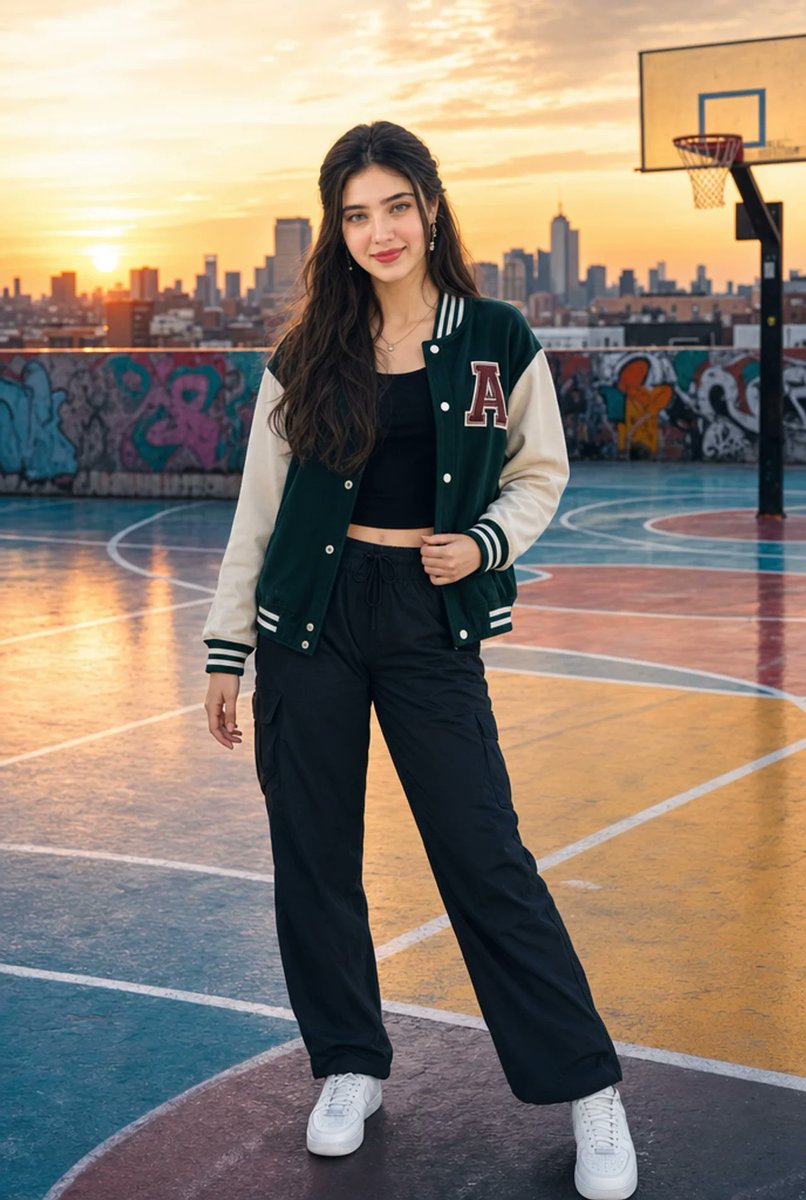
How do I use the High-Fashion Shopping Cart Portrait template?
Choose the primary action to open PicX Studio with the available template settings. Review the model and format, personalize the creative direction, and generate when ready.
A detailed prompt for generating a celebrity-inspired high-fashion lifestyle portrait involving a shopping cart and a supermarket background. Change the subject, setting, or lighting one variable at a time.
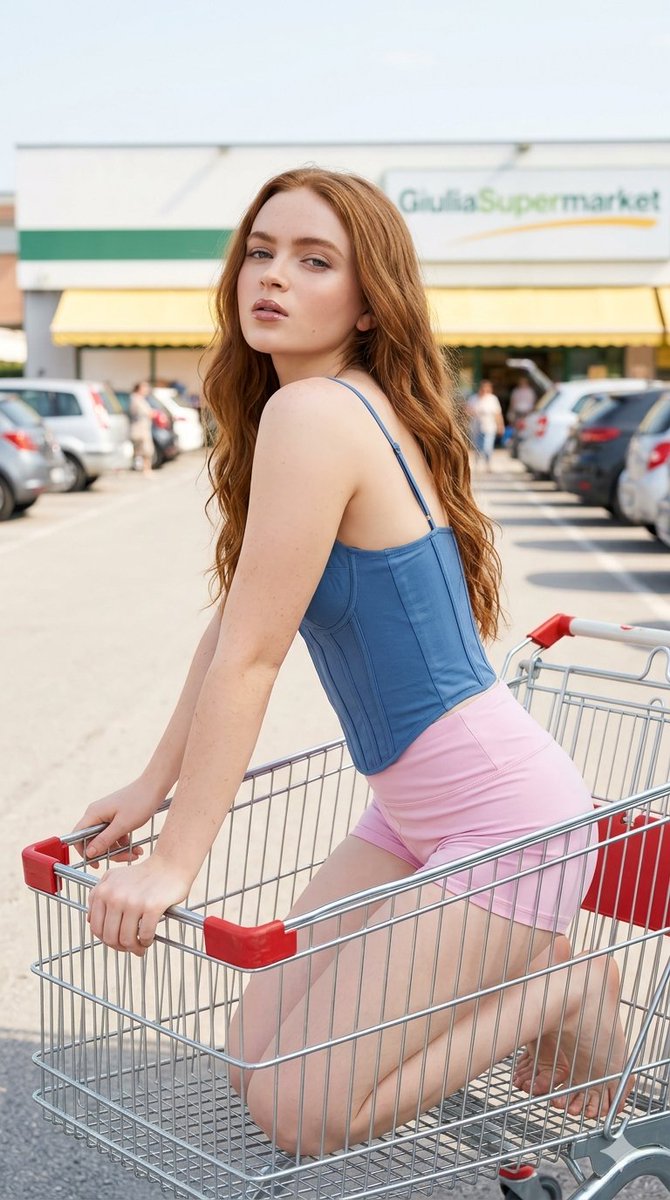
{ "prompt_metadata": { "type": "image_generation", "target_model": "Gemini 3 Flash Image", "aspect_ratio": "9:16" }, "prompt_components": { "subject": { "identity": "{argument name="person name" default="Millie Bobby Brown"}", "physical_appearance": "Long wavy hair cascading down her back and over her left shoulder. Natural-looking makeup, defined eyebrows, lip gloss, and subtle contouring.", "expression": "Looking directly at the camera with slightly parted lips and a confident expression.", "clothing": "{argument name="outfit style" default="Tight sleeveless black corset-style top with spaghetti straps and structured vertical seams. Short yellow pleated miniskirt"}. Barefoot." }, "pose_and_action": "Kneeling sideways inside the basket of a metal shopping cart. Body leaning inside the cart, with the upper torso and head turned sharply backward over the left shoulder to face the viewer. Both hands are resting on the front metal edge and the red plastic handle of the cart.", "environment": { "setting": "Outdoor commercial parking lot on a bright, sunny day.", "background": "Supermarket with a white and green facade, a yellow awning, and a clearly visible '{argument name="store name" default="GiuliaSupermarket"}' sign.", "props": [ "Metal shopping cart with a red plastic handle" ] }, "cinematography_and_lighting": { "camera_shot": "Medium shot from a slightly elevated angle relative to her kneeling position.", "depth_of_field": "Shallow depth of field creating a soft bokeh effect on the cars and building in the background.", "lighting": "Natural sunny daylight, bright and clean sunlight, beautifully illuminated skin, soft to moderate shadows, balanced contrast, and vibrant tones." }, "style_and_quality": { "aesthetic": "Photorealistic casual lifestyle portrait. Clear cinematic atmosphere.", "rendering": "Highly detailed, ultra-sharp focus on the subject, high resolution." } } }
Choose the primary action to open PicX Studio with the available template settings. Review the model and format, personalize the creative direction, and generate when ready.
Yes. You can change the subject, setting, lighting, mood, format, and available model controls before creating your image.
This template is free to open and customize. Generation usage is shown in PicX Studio before you create.
Start with Nano Banana 2, which is the model associated with this template. You can compare another compatible model for a different finish.
Follow a topic to a crawlable collection of related PicX Studio templates.
43,474 public templates available. Verified via the PicX Studio public templates API; refreshed hourly.








![69-untitled — FORMAT: 15s / 145 BPM / 14 SHOTS
SUBJECT: @[image1]
WARDROBE: Clean modern outfit
ENVIRONMENT: Street / indoor transitions
MOOD: Discovery → contr](/_next/image?url=https%3A%2F%2Fcdn.picxstudio.com%2Fuploads%2Fpost69_img0_d45faecf-38c3-4bcb-81a4-f6eb1cf42bb2.jpg&w=828&q=100)
![118-google-nano-banana-pro-skincare-product- — A professional skincare shot of a [product container] with [cap/lid], labeled [brand, product, descriptor, volume](/_next/image?url=https%3A%2F%2Fcdn.picxstudio.com%2Fuploads%2Fpost118_img0_332898b8-29ea-42a9-87ab-9ed746a3f944.jpg&w=828&q=100)









![Naive doodle-style subject illustration — A doodle-style {argument name="subject" default="[subject]"}, naive lines, humorous shape exaggeration](https://pbs.twimg.com/media/G6Wl2YxbsAARB2b.jpg)
















![Generating Pokémon Zukan (Illustrated Guide) Style Art — このキャラクターを参照して、ポケモン図鑑風のイラストを生成。図鑑No.は{argument name="図鑑ナンバー" default="[図鑑No.を記載]"}。背景は白。図鑑の解説文は{argument](https://pbs.twimg.com/media/HCOoVFubEAAoja7.jpg)