How do I use the High-Fashion Editorial Portrait template?
Choose the primary action to open PicX Studio with the available template settings. Review the model and format, personalize the creative direction, and generate when ready.
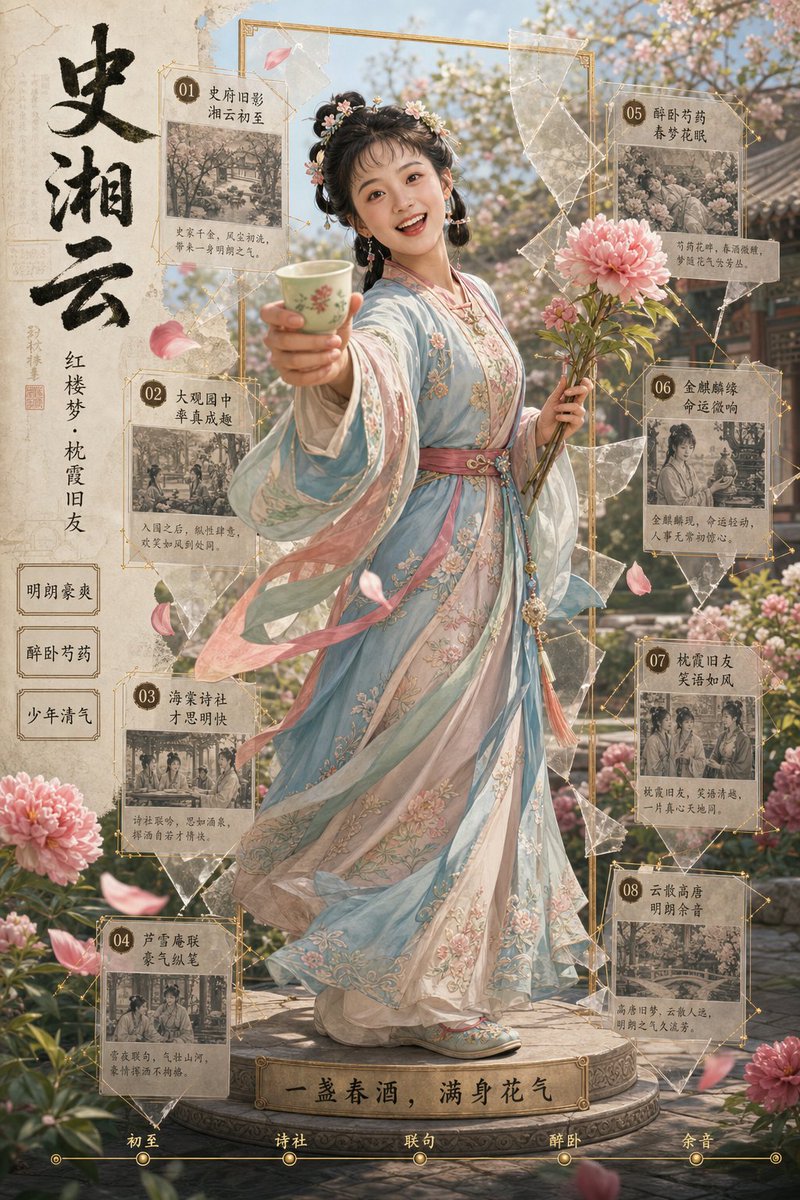
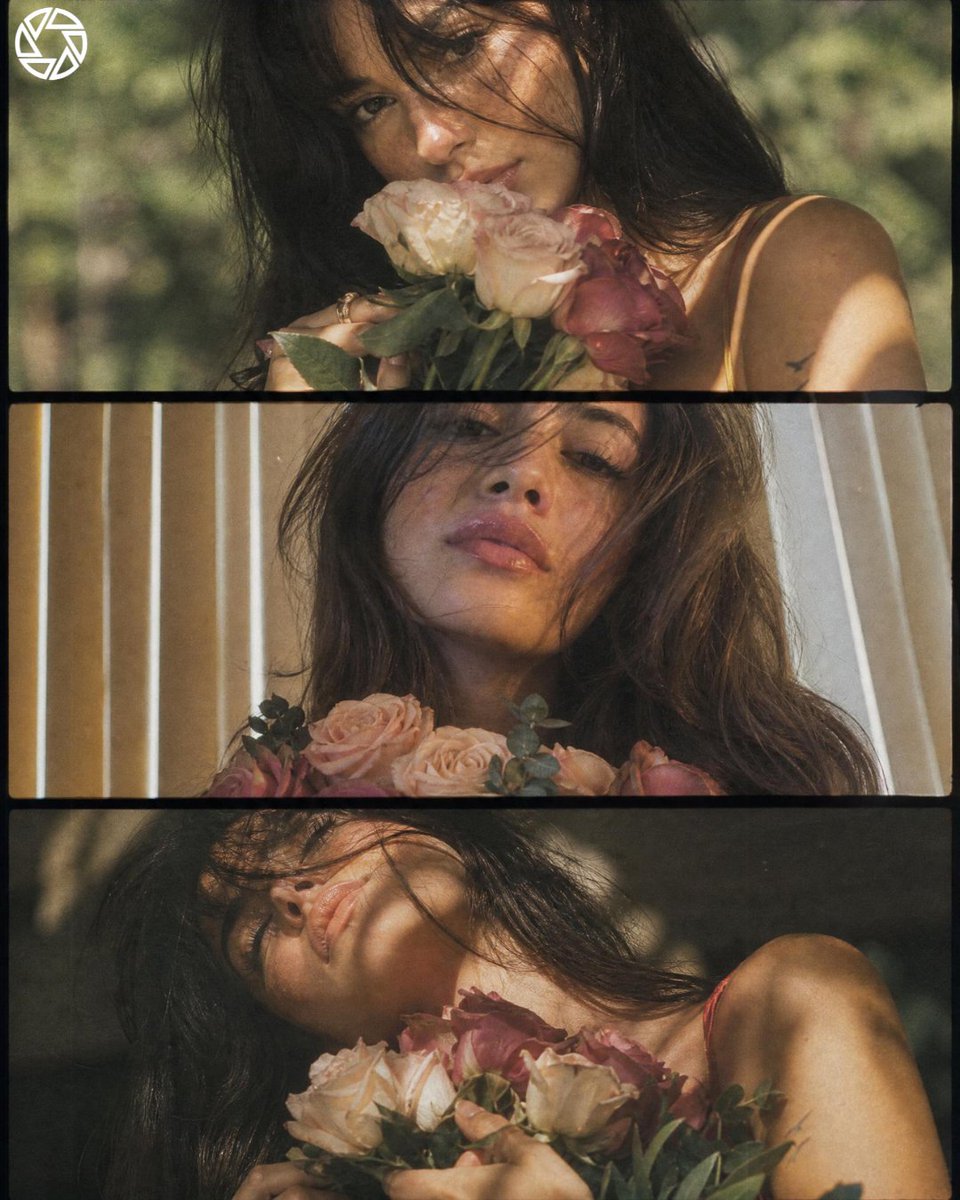
An ultra-realistic prompt for a high-fashion editorial portrait of a woman in a traditional dress within an art gallery setting.
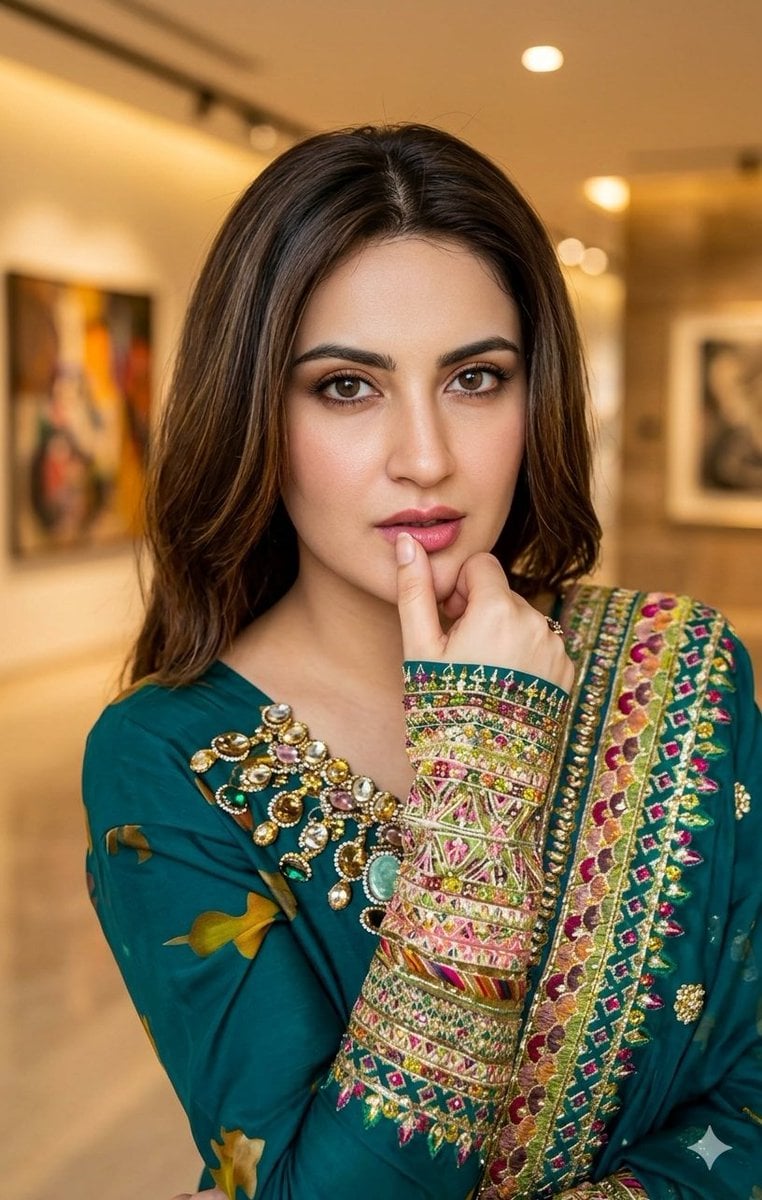
{ "prompt": "An ultra-realistic, high-fashion editorial portrait of a stunning young woman. She is wearing a {argument name="dress color" default="teal-green"} traditional dress with heavy, intricate gold and multi-colored embroidery and beadwork on the sleeves and neckline. She has a thoughtful pose with one finger touching her lip. The lighting is soft and cinematic, highlighting her refined facial features. The background is a {argument name="setting" default="sophisticated, blurred art gallery setting"} with warm ambient lighting and abstract paintings. Captured in 8k resolution with a shallow depth of field for a professional commercial photography look.", "aspect_ratio": "4:5", "style": "Cinematic Noir meets High-End Editorial" }
Choose the primary action to open PicX Studio with the available template settings. Review the model and format, personalize the creative direction, and generate when ready.
Yes. You can change the subject, setting, lighting, mood, format, and available model controls before creating your image.
This template is free to open and customize. Generation usage is shown in PicX Studio before you create.
Start with Nano Banana 2, which is the model associated with this template. You can compare another compatible model for a different finish.
Follow a topic to a crawlable collection of related PicX Studio templates.