How do I use the Floating Skyscraper HUD Fly-through template?
Edit the prompt in the box under the preview — the template's model and format are already selected — and press Generate. Your version appears right on this page.
A complex sci-fi architectural visualization prompt featuring a floating skyscraper with an interactive holographic interface.
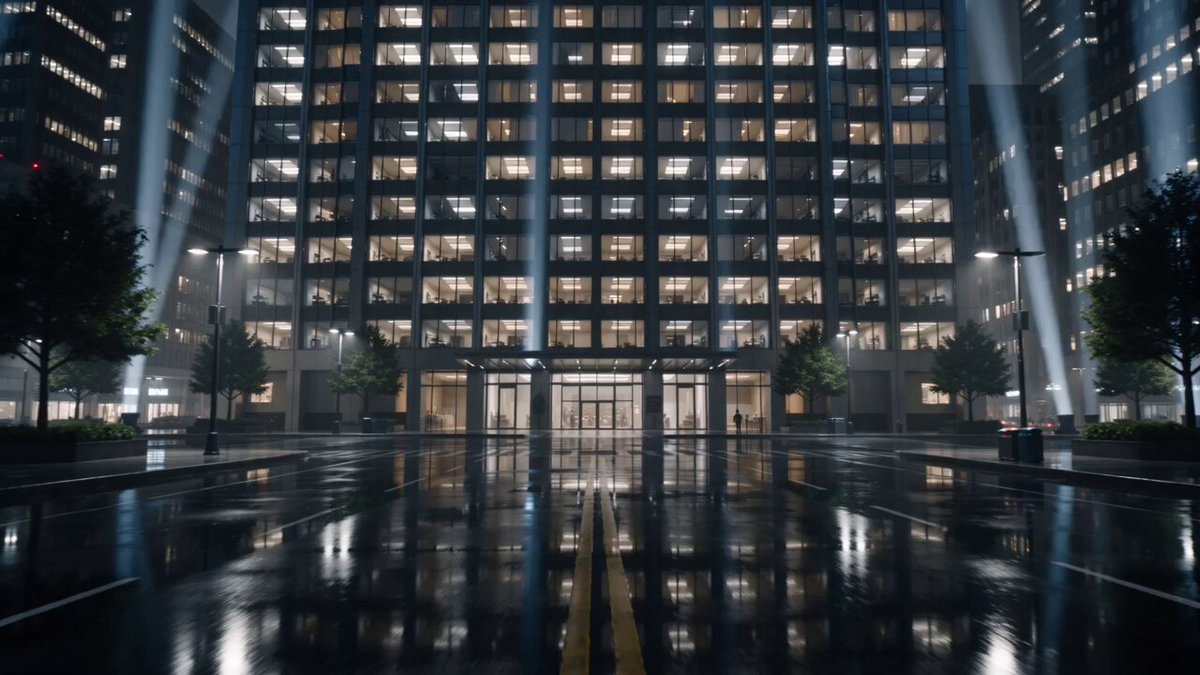
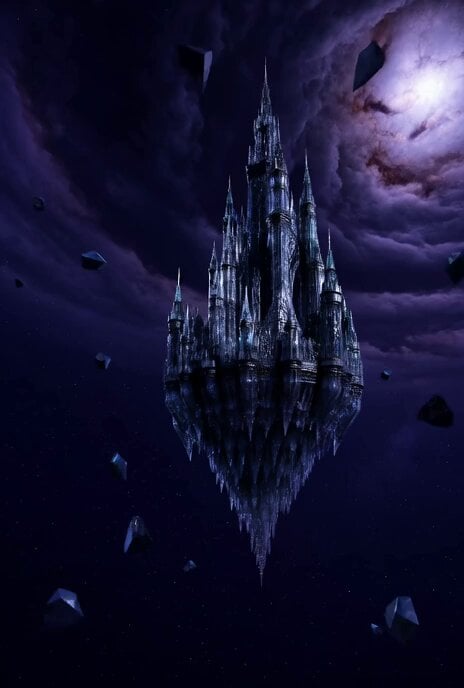
A futuristic luxury residential skyscraper floating on a massive rock above a dark cloudy sky, glowing with warm lights. The camera flies toward the twin towers as a transparent sci-fi HUD interface appears with digital data panels, graphs, and scanning reticles selecting a penthouse unit. A holographic window labeled “LUXUMY LOGON” opens, showing a luxury living room preview; a cursor clicks and the camera seamlessly zooms through the glass into the real penthouse interior. Inside, seven elegantly dressed guests relax on plush sofas with drinks, surrounded by floor-to-ceiling windows, a city skyline at dusk, warm lighting, a modern fireplace, and ultra-modern minimalist décor. Cinematic, futuristic, high-end architectural visualization, photorealistic.
A futuristic luxury residential skyscraper floating on a massive rock above a dark cloudy sky, glowing with warm lights. The camera flies toward the twin towers as a transparent sci-fi HUD interface appears with digital data panels, graphs, and scanning reticles selecting a penthouse unit. A holographic window labeled “LUXUMY LOGON” opens, showing a luxury living room preview; a cursor clicks and the camera seamlessly zooms through the glass into the real penthouse interior. Inside, seven elegantly dressed guests relax on plush sofas with drinks, surrounded by floor-to-ceiling windows, a city skyline at dusk, warm lighting, a modern fireplace, and ultra-modern minimalist décor. Cinematic, futuristic, high-end architectural visualization, photorealistic.
Edit the prompt in the box under the preview — the template's model and format are already selected — and press Generate. Your version appears right on this page.
Yes. You can change the subject, setting, lighting, mood, format, and available model controls before creating your video.
Opening and editing this template is free. Generating uses credits, shown on the Generate button when you are signed in.
Start with Seedance 2.0, which is the model associated with this template. You can compare another compatible model for a different finish.
Follow a topic to a crawlable collection of related PicX Studio templates.