
Cinematic Rap Music Video Lipsync
A technical video prompt for a rap music video, emphasizing precise lipsync coordination, character consistency, and nighttime cinematic lighting.
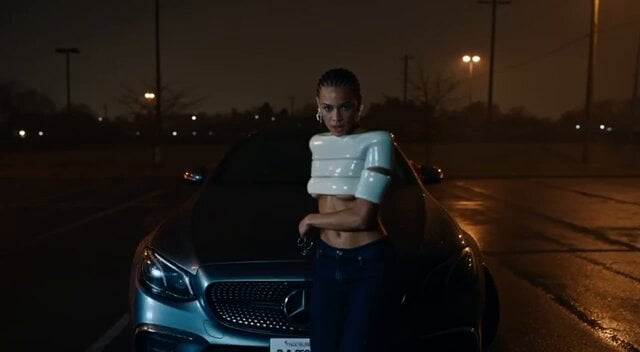
- Prompt included
- Model and format preset
- Premium template
The prompt behind this video
Copy the exact prompt behind Cinematic Rap Music Video Lipsync, or open it in the studio and make it yours.
@Image1 is the performer — preserve her exact identity: cornrow braids, septum ring, statement earrings, sculptural white designer top, dark indigo denim. @Audio1 is the finished master track — the only audio; no invented music, no new vocals. SHE RAPS THE VOCAL ON CAMERA — PRECISE LIPSYNC IS THE TOP PRIORITY. Mouth articulates every syllable of @Audio1 exactly on time; face visible and sharp through every vocal line, no cutaways mid-word. LIPSYNC MAP: 0.0–0.5 instrumental. 0.5–2.8 "I'm standing on the edge / Say it with your chest / Or keep it on the deck" + "Hey!" 3.2–6.7 "I walk in, whole room gets tense / I don't need luck, I'm the consequence / If you really want to test my intent / Come correct, come correct or get bent" + "Woo!" 7.5–13.7 same hook verbatim second time, escalated. 14.5–15.0 instrumental hold. Music-video route: performance, night drive exterior. Director thesis: she raps in the beams of a single car's headlights on an empty wet asphalt lot — minimal, cinematic, all attitude. Visual world: empty asphalt lot at night after rain, one matte black sedan parked with headlights on, wet ground mirroring the beams, distant sodium streetlights, light steam rising off the asphalt. Palette: headlight white, sodium amber, wet black, bone white top blazing in the beams, indigo. No neon signage, no particles. Shot flow: 0–2.8s she leans against the car hood in silhouette; on the first word she pushes off and steps into the beams — medium shot, she raps straight down the lens, double shadows fanning behind her. 2.8–3.2s on "Hey!" hard cut to a low wide: her figure blazing between the headlights. 3.2–6.7s backward-dollying medium as she stalks toward camera through the beams rapping, each snare hitting with a sharp head isolation, wet ground doubling her figure; finger to lens on "come correct". 7.5–10s cut on the kick to a tight close-up lit only by headlight glow: second hook with bared teeth intensity, breath faintly visible in the cold air, jaw snapping every consonant. 10–13.7s slow orbital around her in the beams, steam drifting through the light, she raps while carving angular vogue lines with one hand, earrings flaring. 13.7–15s on "Woo!" she stops dead center of the beams, arm high, frozen; the headlights flick to high-beam for the final frame, hold. Performance rules: cold, cocky, unbothered; articulation crisp and readable; never smiles. Continuity: same woman, same wardrobe, same lot and car. Audio intent: @Audio1 only, mouth locked to it; faint idle engine and wet-ground foley under the track. Quality bar: expensive cinematic rap video, no AI gloss, no glow effects.
How to use Cinematic Rap Music Video Lipsync in 3 steps
- 1
Open
The prompt is already in the box next to the preview, with the template's model and format selected.
- 2…a portrait of your subject in softgolden-hour light, 85mm…
Personalize
Edit the subject and creative details for your destination.
- 3Generate
Generate
Press Generate — your video is created in PicX Studio, so you can compare it with the original and refine one variable at a time.
More like this
Templates with the same subject, style or setup. Open one to see its prompt.
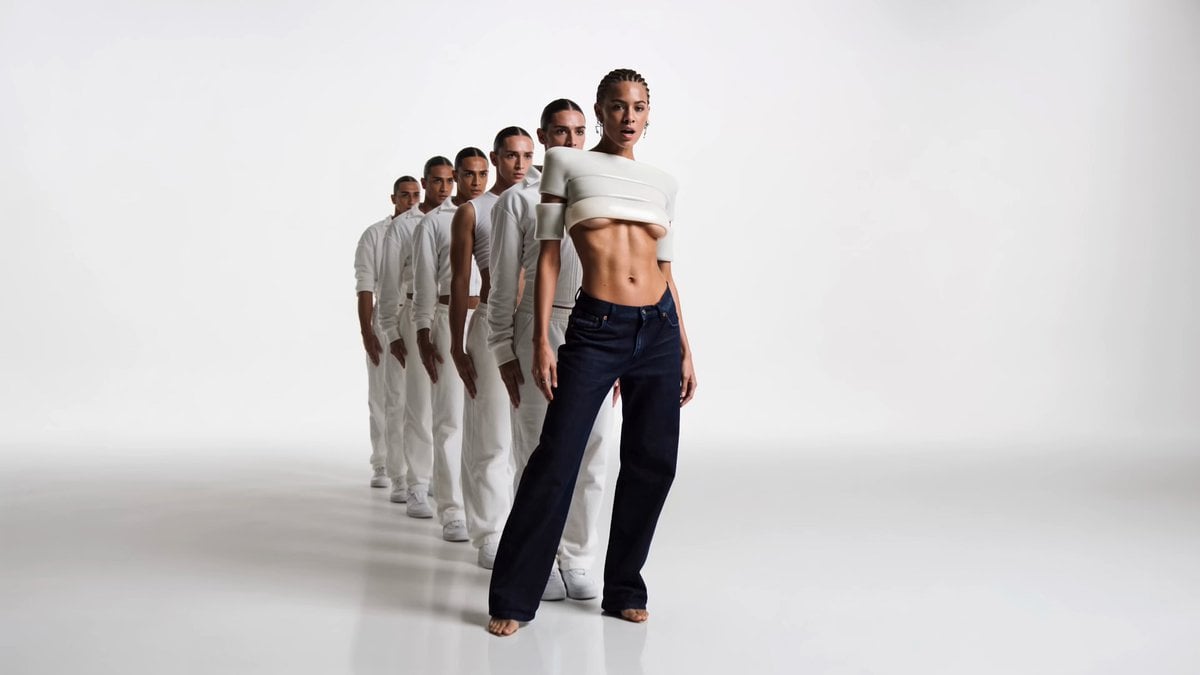
Infinity Studio Rap Video Lipsync
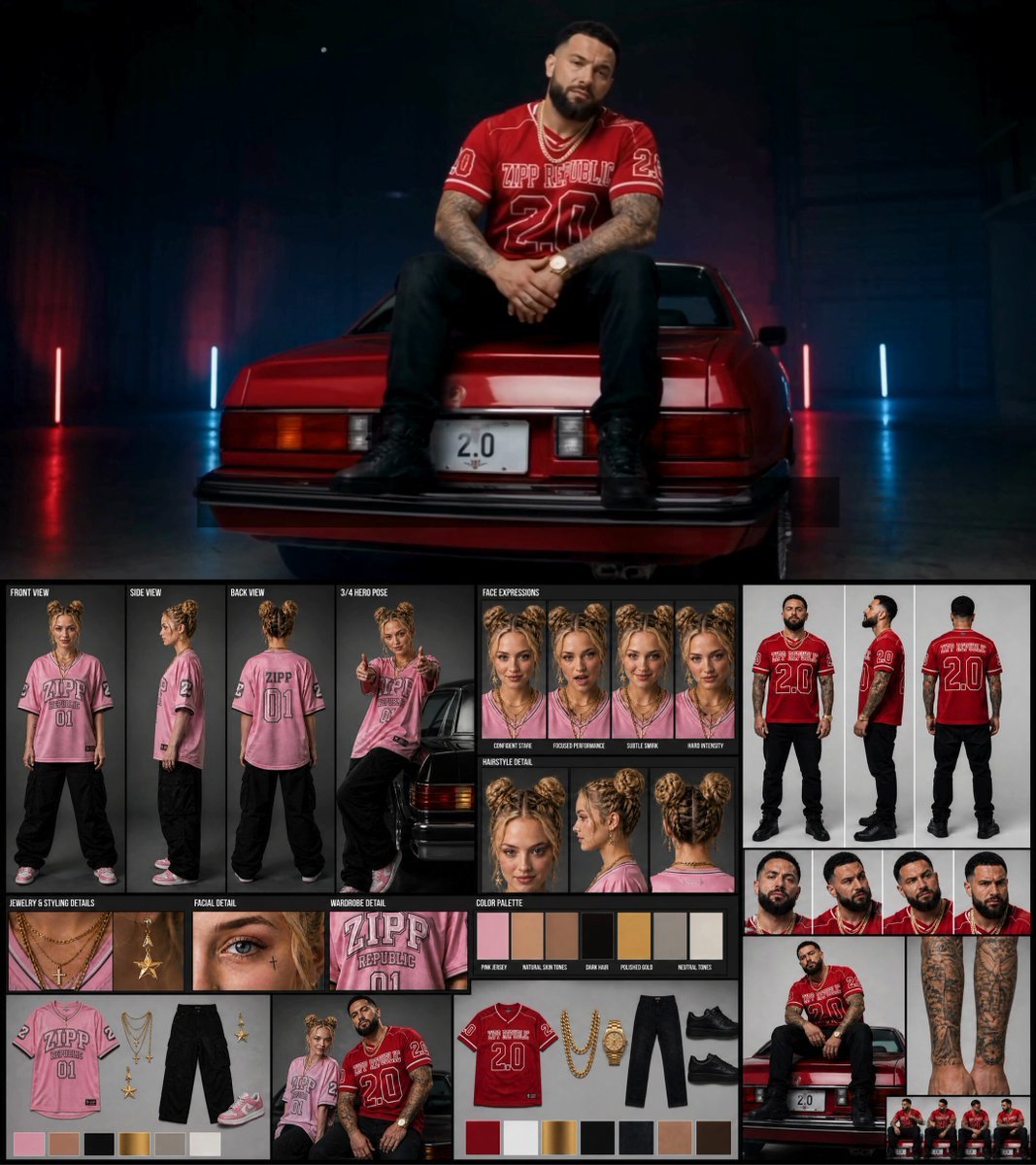
Female Rapper Performance Music Video

Cinematic Rap Music Video Performance
NYC Rap Music Video Segment
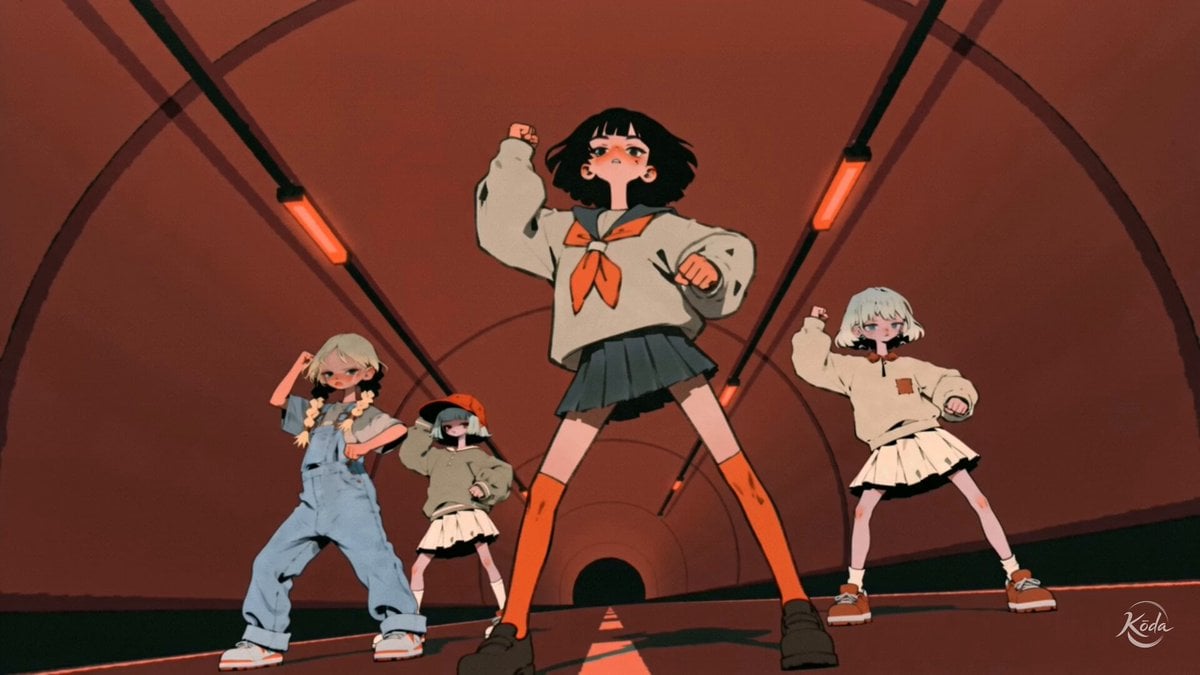
Music Video Choreography and Identity
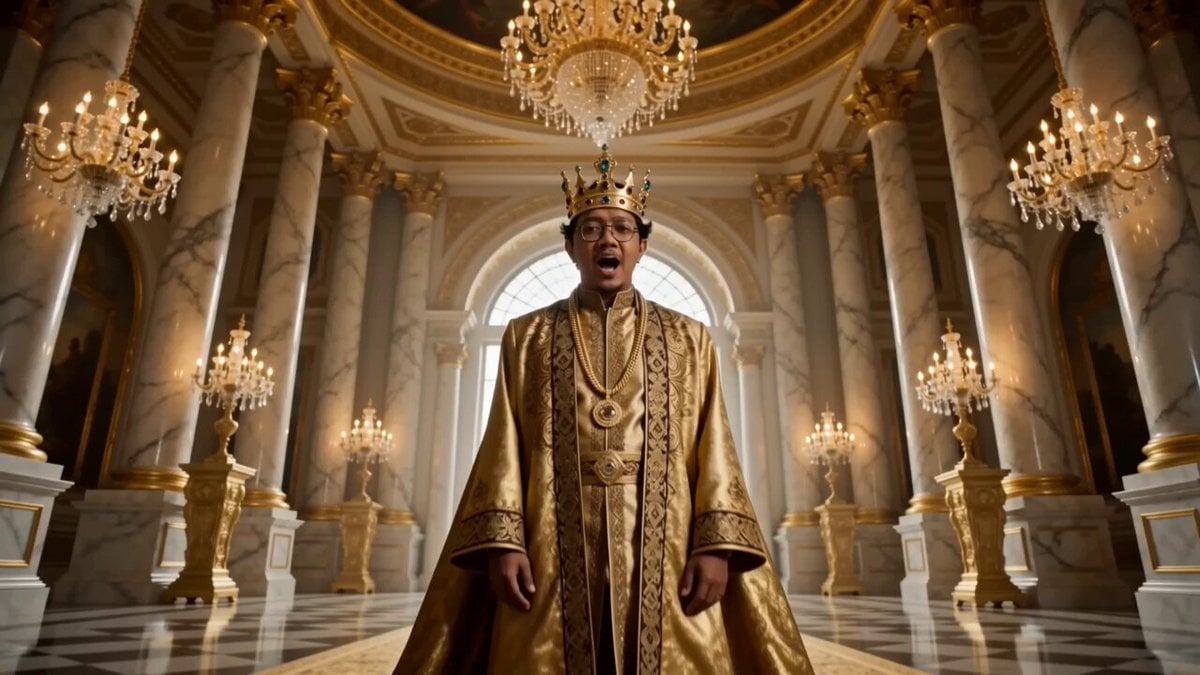
Golden Royal King Rap Music Video
Japanese Rap Music Video Prompt with Reference Images
Surreal Rap Battle Animation
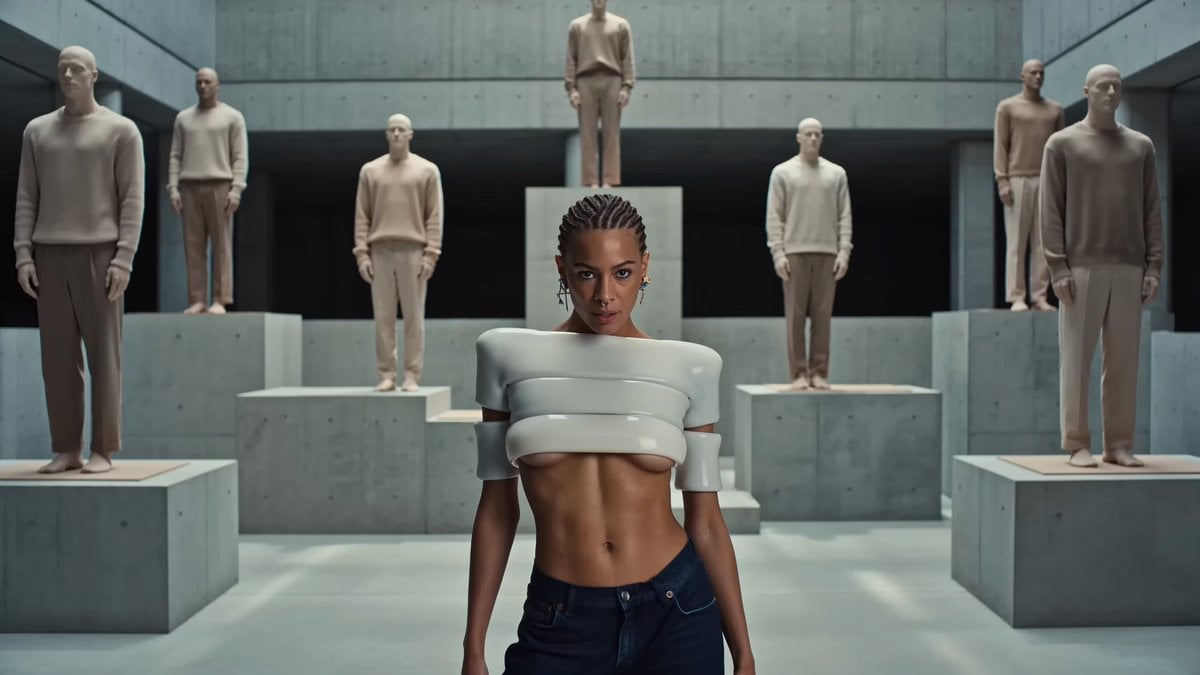
Brutalist Sculpture Atrium Rap Video
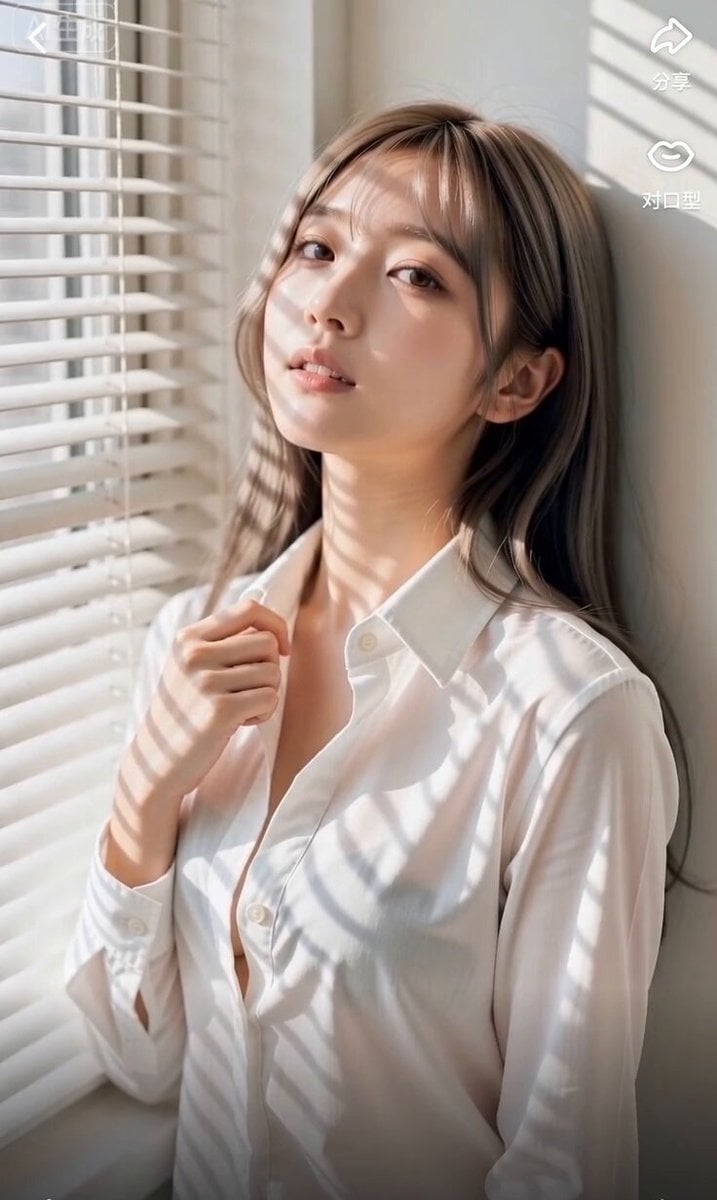
East Asian Woman Rap Scene

Good Friday Rap Song Generation
Motivational rap lyrics video
Make it yours
Cinematic Rap Music Video Lipsync works as-is. These are the safest ways to change it without losing the look.
Change one field
Copy a single group, rewrite it, and generate again so you can see what that field is doing.
Keep the frame, change the subject
Hold the composition and light of Cinematic Rap Music Video Lipsync, then swap wardrobe, props or the person for a new take.
| If the result… | Why | Fix |
|---|---|---|
| The result drifts from the preview | Too many fields changed at once. | Reuse Cinematic Rap Music Video Lipsync as-is first, then change one group — subject, light, or setting. |
| The model over-stylizes the scene | The prose prompt leaves finish and camera underspecified. | Add one camera or lighting sentence and stay on Seedance 2.0. |
More Seedance 2.0 templates
Other prompts made for Seedance 2.0.

Comical Martial Arts Punch Scene

Maglev Train Action Sequence

Martial Arts Fight Sequence

Wuxia Protection and Trust Script

Vintage Korean Arcade MiniDV Vlog

Mercedes 190 SL Luxury Ad

Rainy Night Supernatural Reverse Comedy Video Script

Amazon Civilization Discovery

Futuristic South Asian City Transformation

Cozy Luxury Cafe Commercial
More video prompts
Fresh picks from across the catalog.
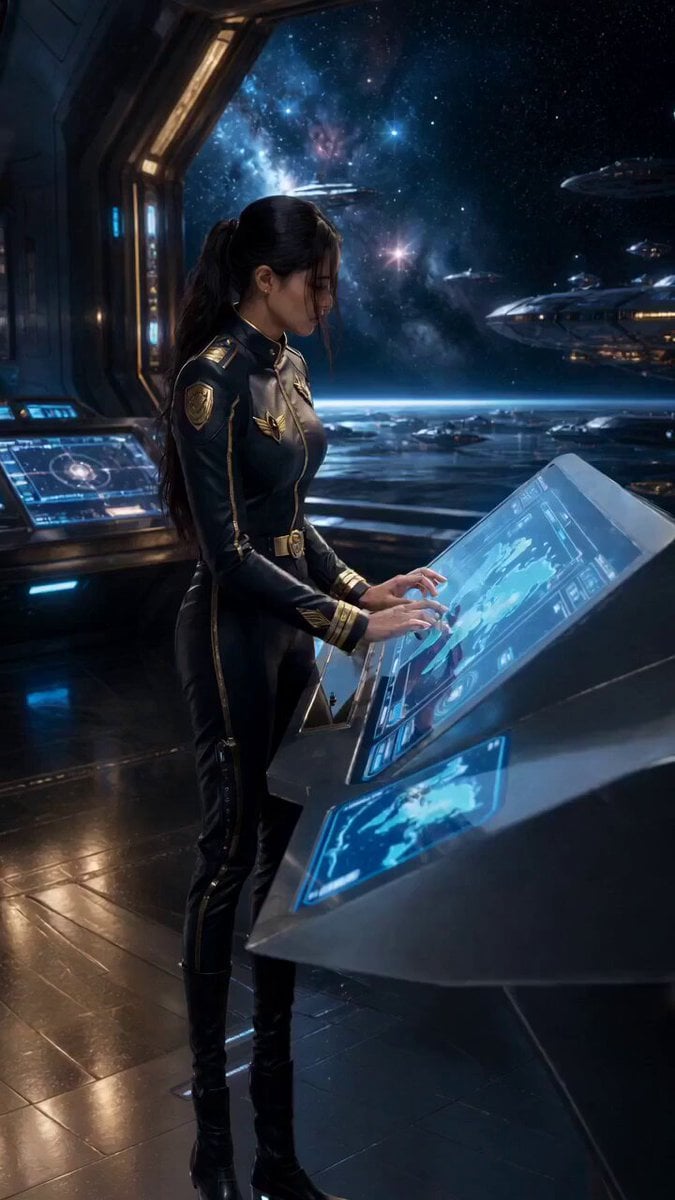
Sci-Fi Captain Mission Speech
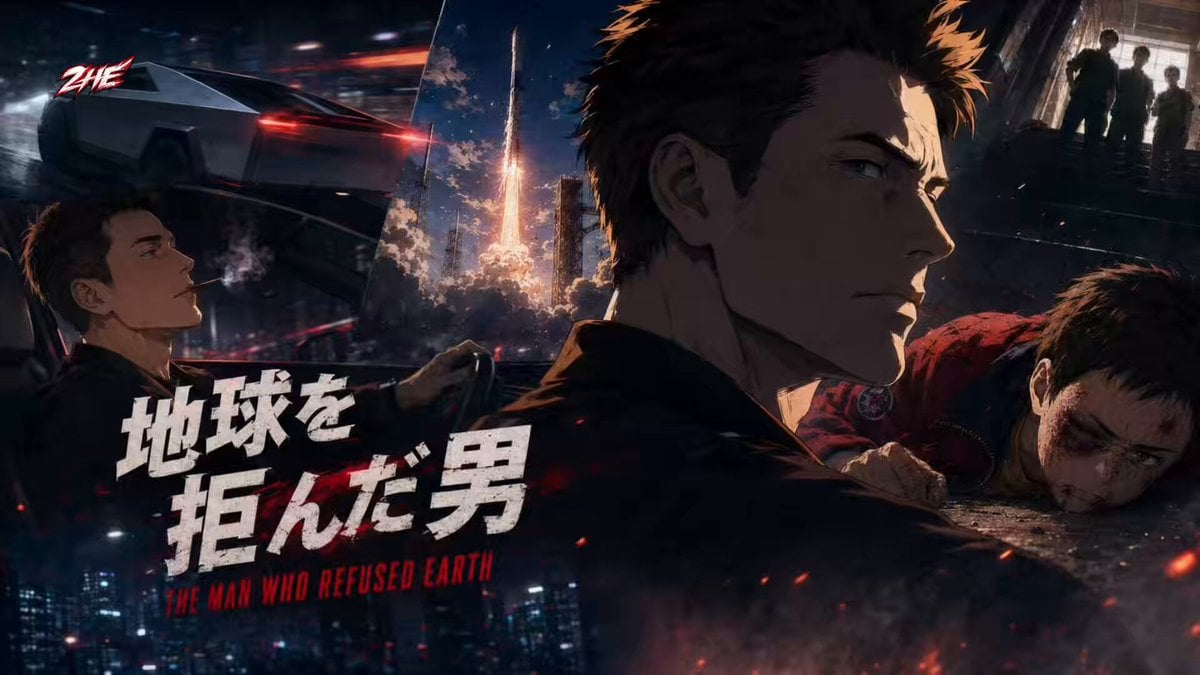
Trillionaire Anime Story
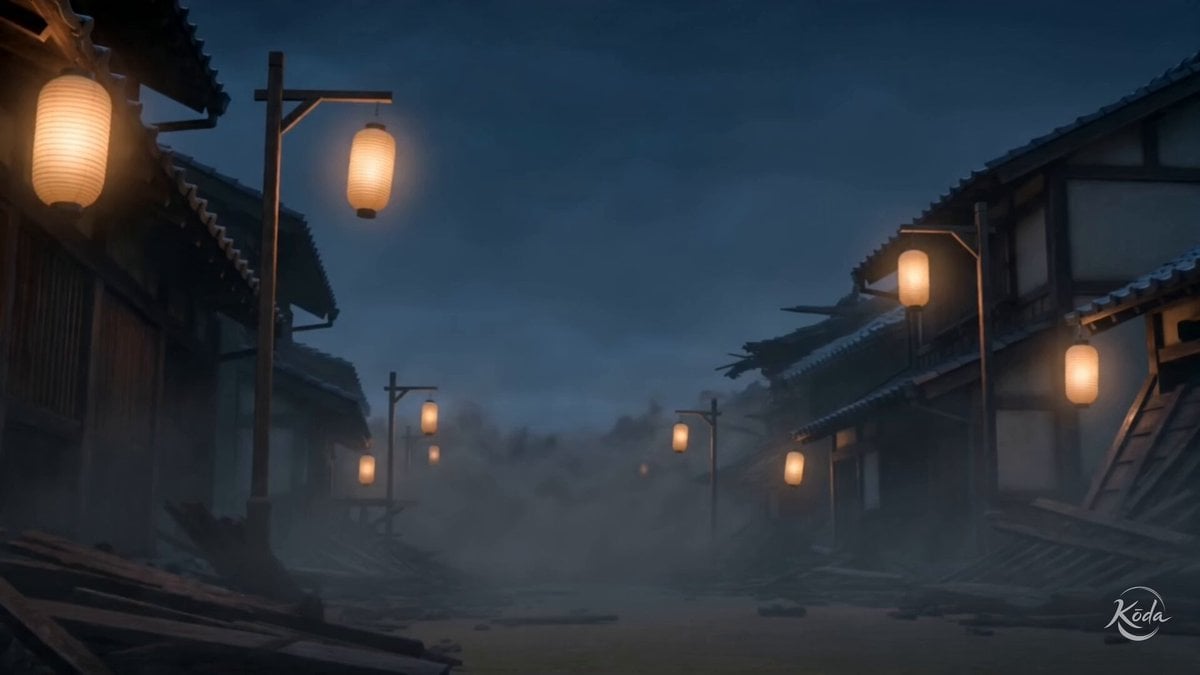
Edo Street Smoke Creature
Ethereal Mermaid Underwater Scene
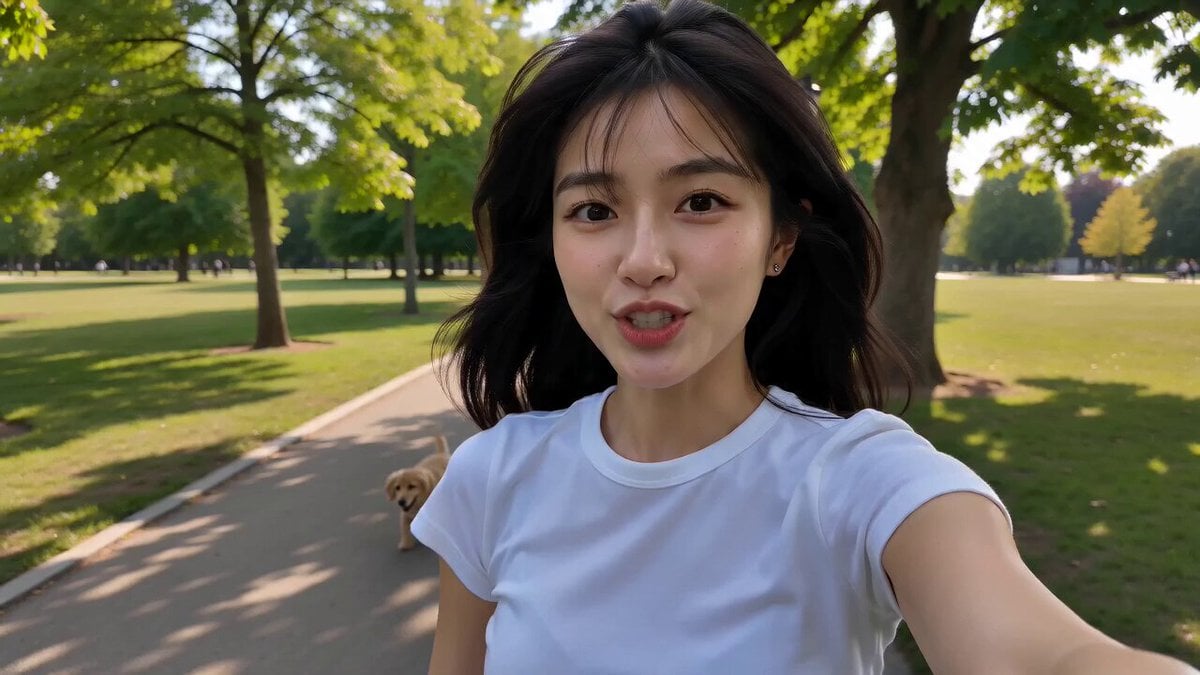
Korean Park Selfie Vlog with Puppy
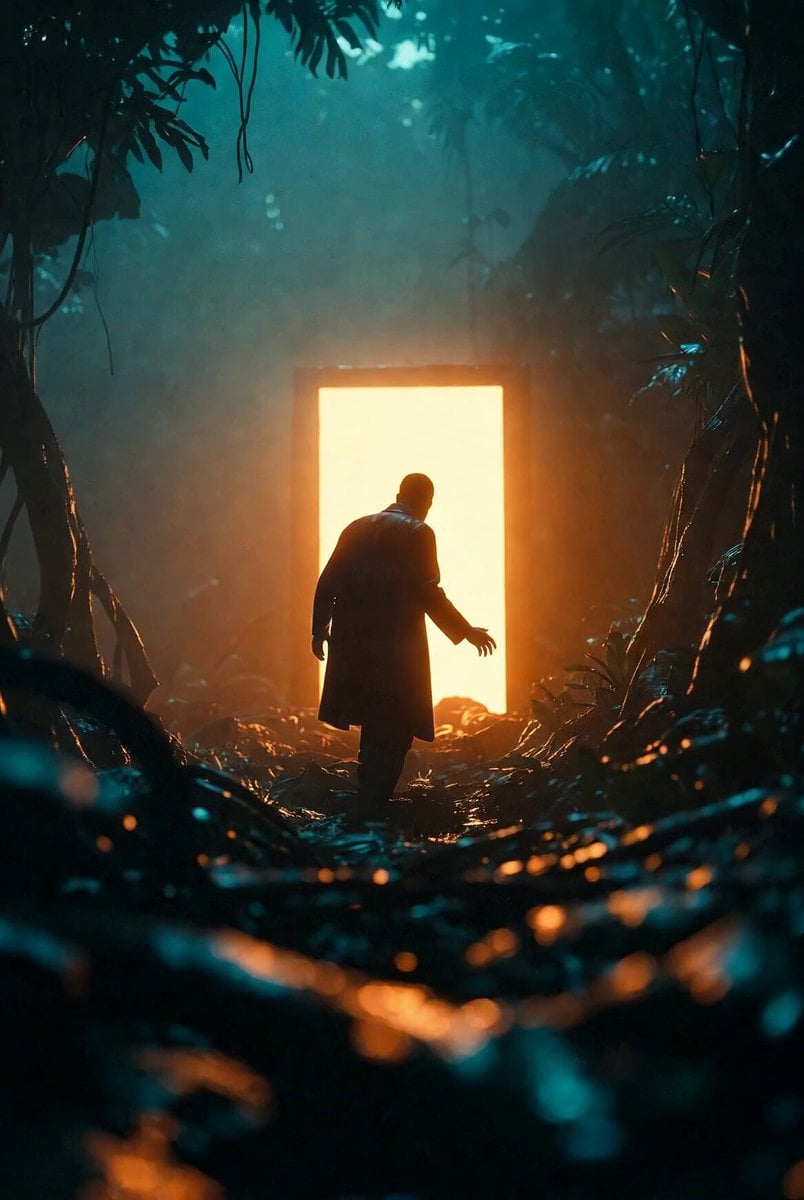
Portal Approach through Fire

Japanese 2D Anime Ramen Cooking
Hyperrealistic Close-up Video of Cosplay Model
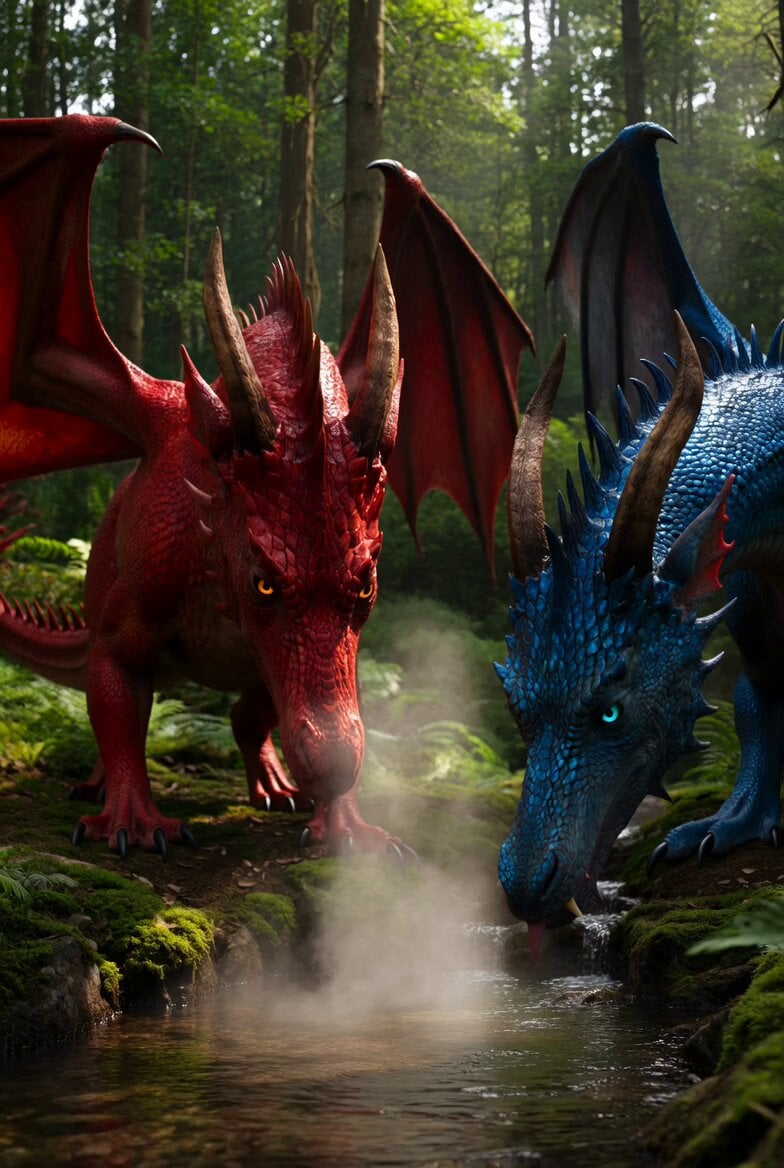
Dragons drinking from a stream
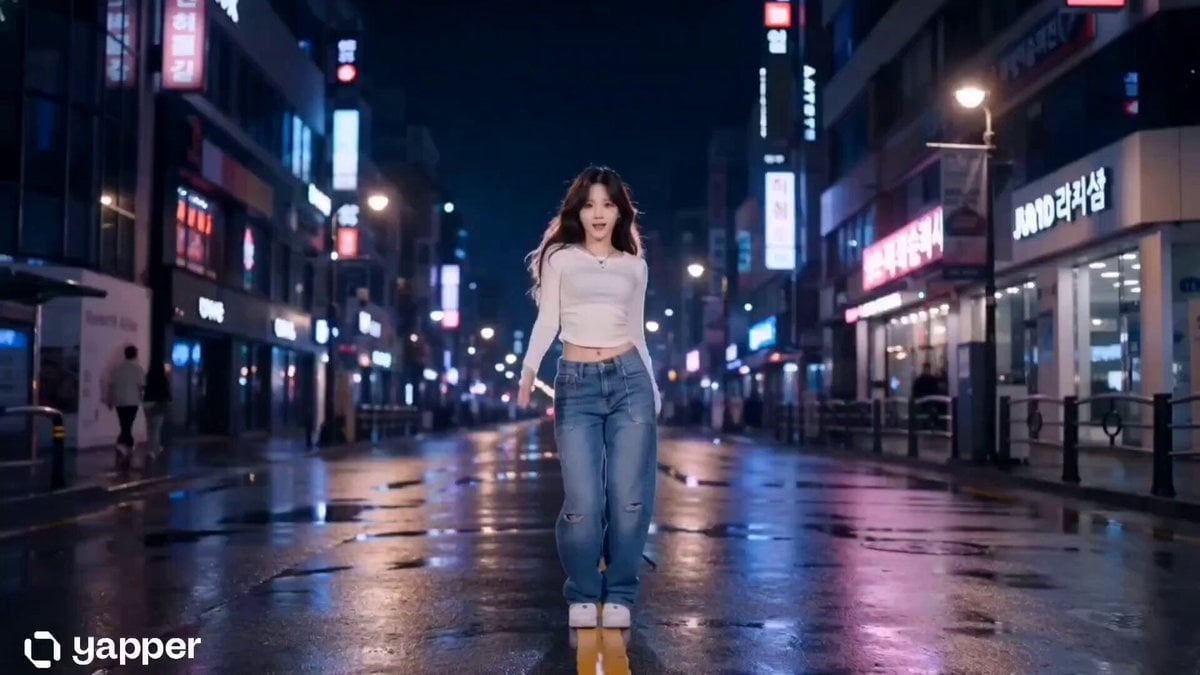
Cinematic K-Pop Dance Video
Browse template categories
Cinematic Rap Music Video Lipsync questions
How do I use the Cinematic Rap Music Video Lipsync template?
Add your photo if the template asks for one, edit the prompt if you like — the template's model and format are already selected — and press Generate. Your version opens in PicX Studio.
Can I customize the Cinematic Rap Music Video Lipsync template?
Yes. You can change the subject, setting, lighting, mood, format, and available model controls before creating your video.
Is the Cinematic Rap Music Video Lipsync template free?
Opening and editing this template is free. Generating uses credits, shown on the Generate button when you are signed in.
Which AI model should I use?
Start with Seedance 2.0, which is the model associated with this template. You can compare another compatible model for a different finish.
Looking for something else? Browse all templates.

Your photo, any look
Thousands of ready templates for every top image and video model, from one credit balance.