
Retro Collage Lifestyle Promo
Retro Collage Lifestyle Promo is a ready photo look.
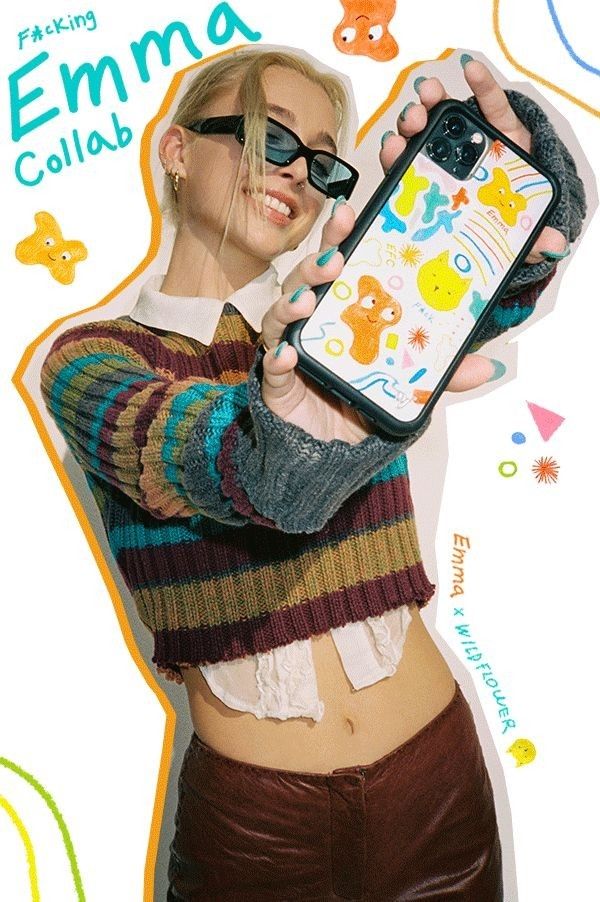
- Prompt included
- Model and format preset
- Free template
The prompt behind this image
Copy the exact prompt behind Retro Collage Lifestyle Promo, or open it in the studio and make it yours.
- Prompt
- A playful lifestyle editorial photograph featuring a young woman holding a smartphone toward the camera in a selfie-style pose, with the phone case as the main focus. The phone case is covered in colorful hand-drawn doodle illustrations including abstract shapes, playful characters, and smiley elements. The subject wears a cropped striped knit sweater layered over a white shirt, brown leather pants, black rectangular sunglasses, and gold earrings, with blue nail polish. The background is clean white with graphic hand-drawn doodles and text elements layered around the subject, creating a collage-style pop-art look. Bright even studio lighting, fun creator collaboration vibe, modern Gen-Z aesthetic, sharp focus on the phone case.
- Negative Prompt
- blurry product, low resolution, dull colors, harsh shadows, cluttered background, distorted hands, distorted phone shape, unreadable design
- Style
- lifestyle editorial with graphic pop-art overlay
- Lighting
- bright studio lighting, even exposure, minimal shadows
- Camera › Angle
- slightly low angle with forced perspective
- Camera › Lens
- 35mm
- Camera › Aperture
- f/4
- Camera › Focus
- sharp focus on phone case, slightly softer background
- Composition
- product-forward forced perspective, dynamic pose, collage cutout styling
- Background
- clean white backdrop with colorful doodle graphics
- Mood
- fun, playful, creative, Gen-Z, collaboration energy
- Quality
- ultra high resolution, professional lifestyle advertising, photorealistic with graphic elements
Raw JSON
{
  "prompt": "A playful lifestyle editorial photograph featuring a young woman holding a smartphone toward the camera in a selfie-style pose, with the phone case as the main focus. The phone case is covered in colorful hand-drawn doodle illustrations including abstract shapes, playful characters, and smiley elements. The subject wears a cropped striped knit sweater layered over a white shirt, brown leather pants, black rectangular sunglasses, and gold earrings, with blue nail polish. The background is clean white with graphic hand-drawn doodles and text elements layered around the subject, creating a collage-style pop-art look. Bright even studio lighting, fun creator collaboration vibe, modern Gen-Z aesthetic, sharp focus on the phone case.",
  "negative_prompt": "blurry product, low resolution, dull colors, harsh shadows, cluttered background, distorted hands, distorted phone shape, unreadable design",
  "style": "lifestyle editorial with graphic pop-art overlay",
  "lighting": "bright studio lighting, even exposure, minimal shadows",
  "camera": {
    "angle": "slightly low angle with forced perspective",
    "lens": "35mm",
    "aperture": "f/4",
    "focus": "sharp focus on phone case, slightly softer background"
  },
  "composition": "product-forward forced perspective, dynamic pose, collage cutout styling",
  "background": "clean white backdrop with colorful doodle graphics",
  "mood": "fun, playful, creative, Gen-Z, collaboration energy",
  "quality": "ultra high resolution, professional lifestyle advertising, photorealistic with graphic elements"
}How to use Retro Collage Lifestyle Promo in 3 steps
- 1
Open
The prompt is already in the box next to the preview, with the template's model and format selected.
- 2…a portrait of your subject in softgolden-hour light, 85mm…
Personalize
Edit the subject and creative details for your destination.
- 3Generate
Generate
Press Generate — your image is created in PicX Studio, so you can compare it with the original and refine one variable at a time.
More like this
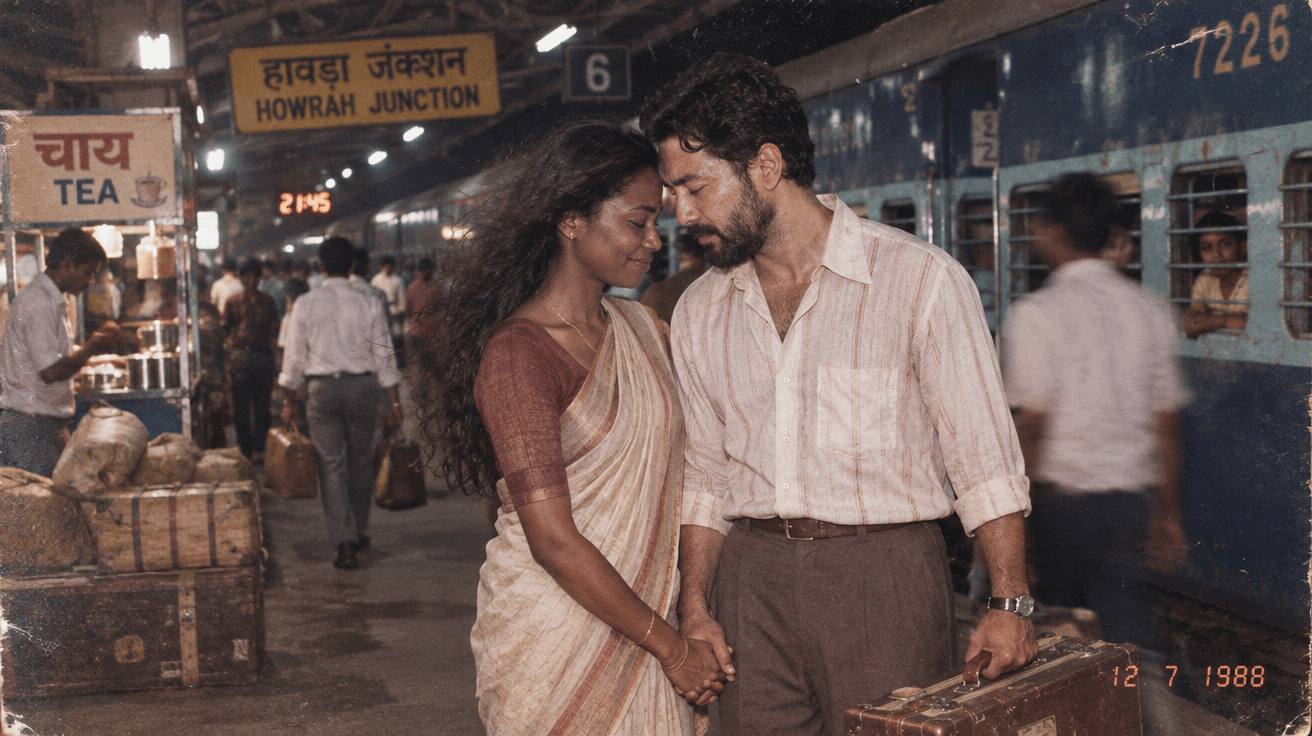
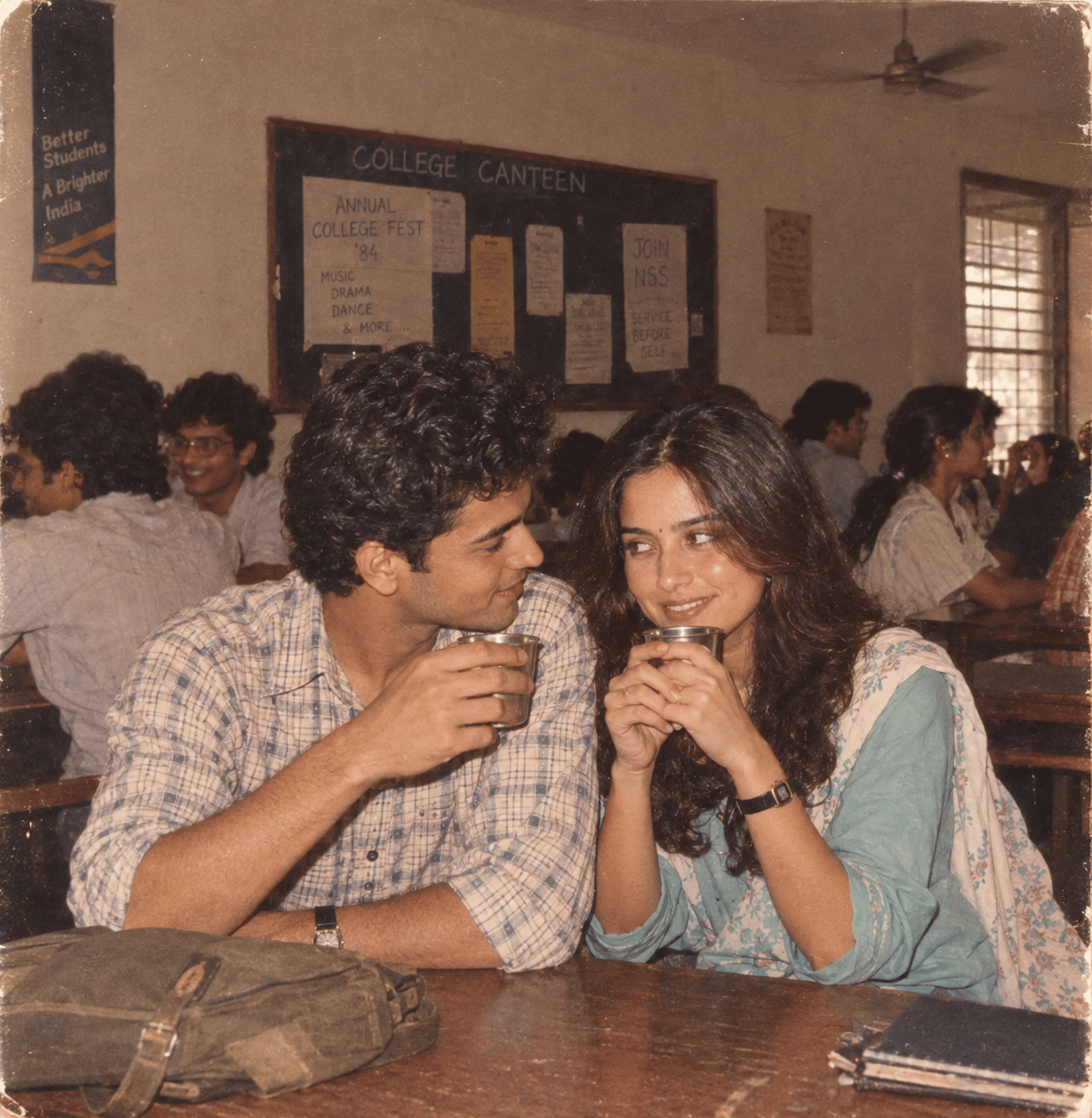
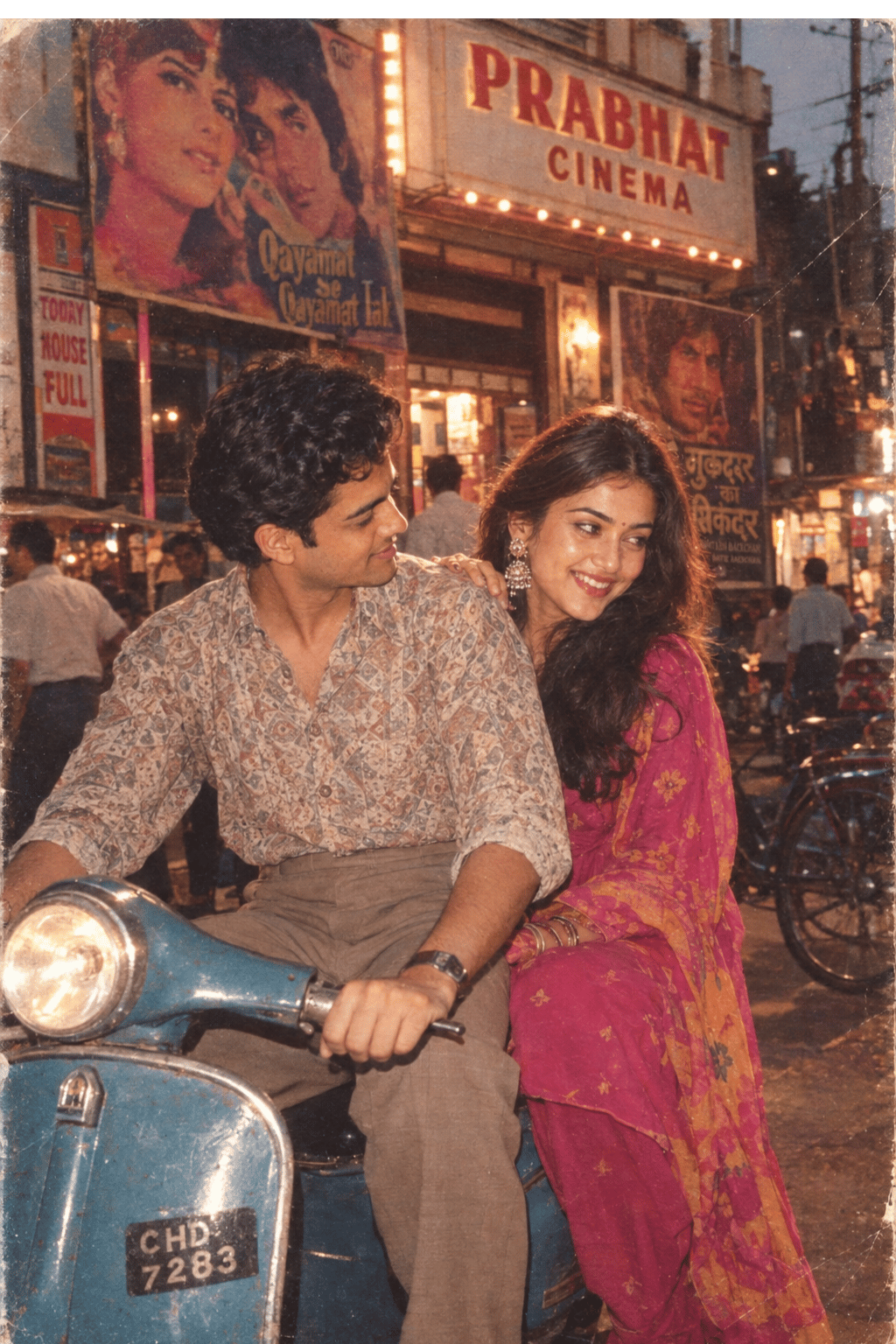
Templates with the same subject, style or setup. Open one to see its prompt.






Make it yours
Retro Collage Lifestyle Promo works as-is. These are the safest ways to change it without losing the look.
Swap the setting
Keep the rest of the prompt and replace the location block. The current setting is “clean white backdrop with colorful doodle graphics”.
Swap the light
One lighting change is enough to compare takes. Current light: “bright studio lighting, even exposure, minimal shadows”.
Change one field
Copy a single group, rewrite it, and generate again so you can see what that field is doing.
| If the result… | Why | Fix |
|---|---|---|
| The result drifts from the preview | Too many fields changed at once. | Reuse Retro Collage Lifestyle Promo as-is first, then change one group — subject, light, or setting. |
| PicX Studio ignores part of the JSON | Some models flatten or skip nested keys. | Keep the same values and paste them as a short paragraph instead. |
More image prompts
Fresh picks from across the catalog.
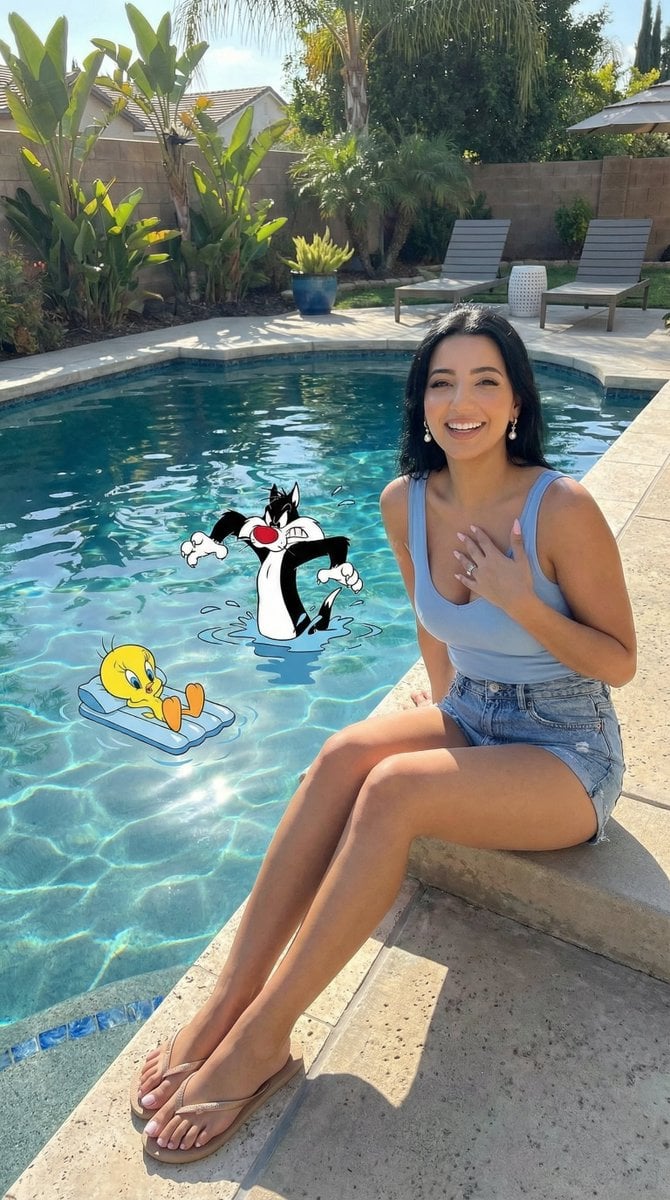
Looney Tunes Poolside Scene Prompt
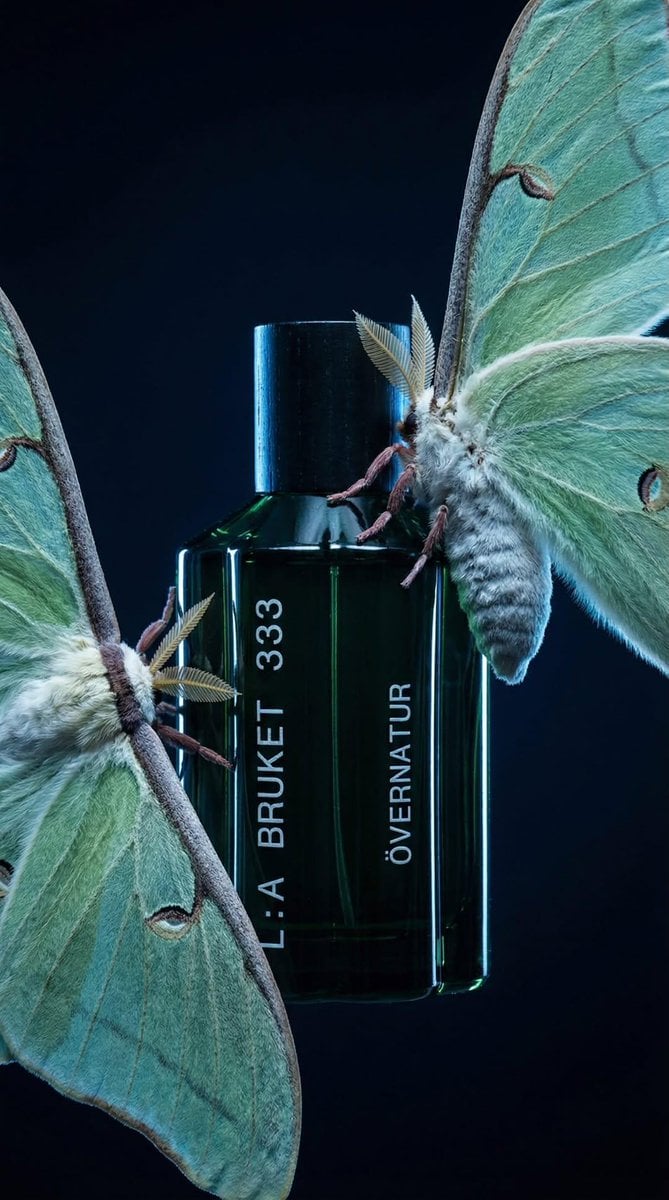
Luxury Perfume Bottle in Mystical Forest Product Shot
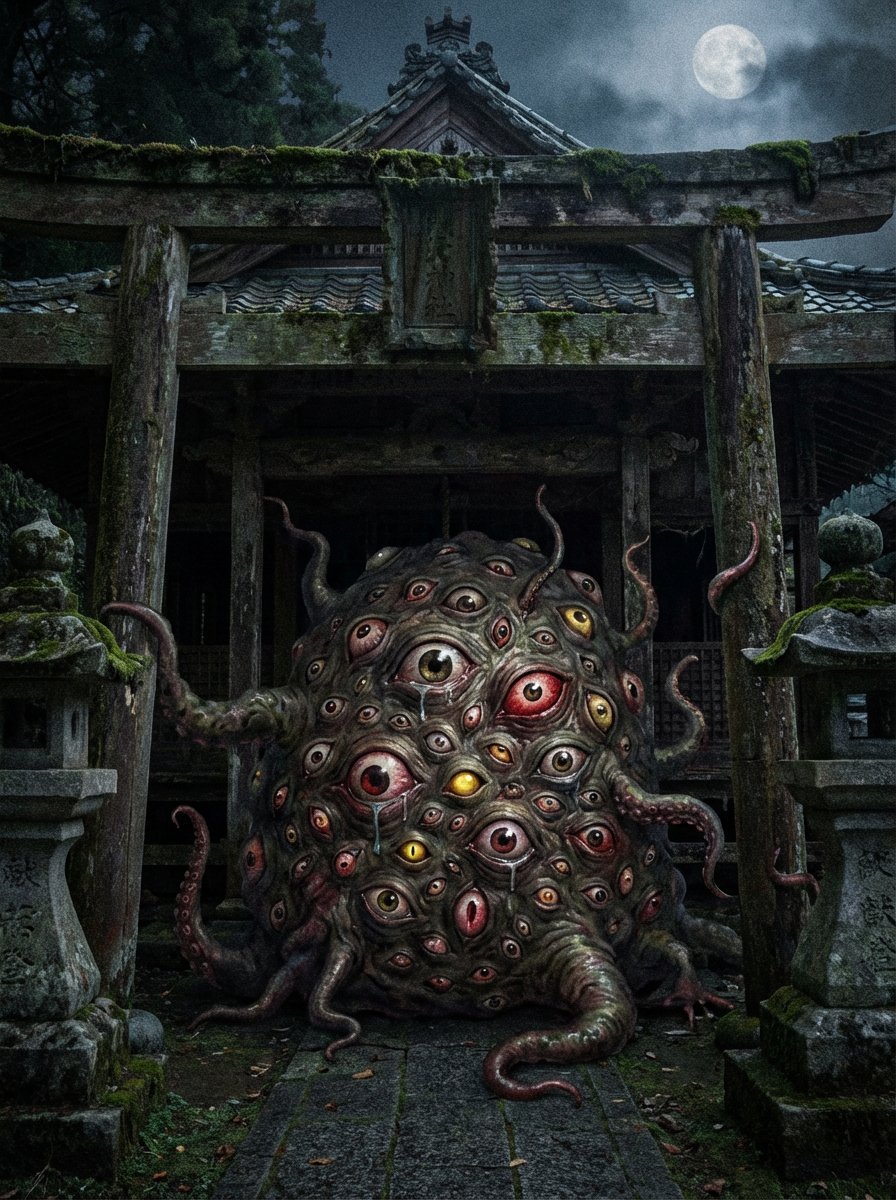
Creepy Monster Image Generation Prompt
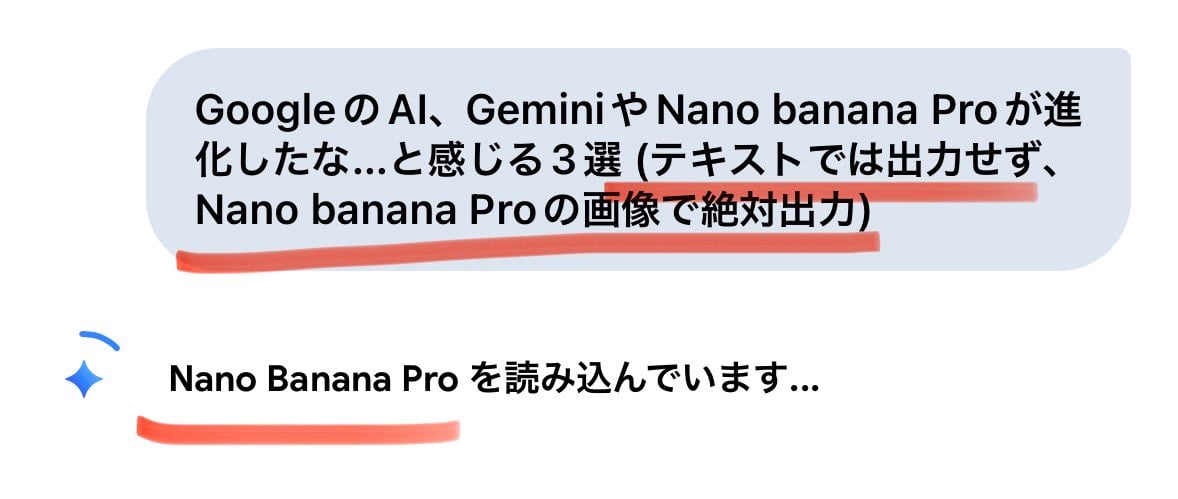
Forcing Image Output in Nano Banana Pro
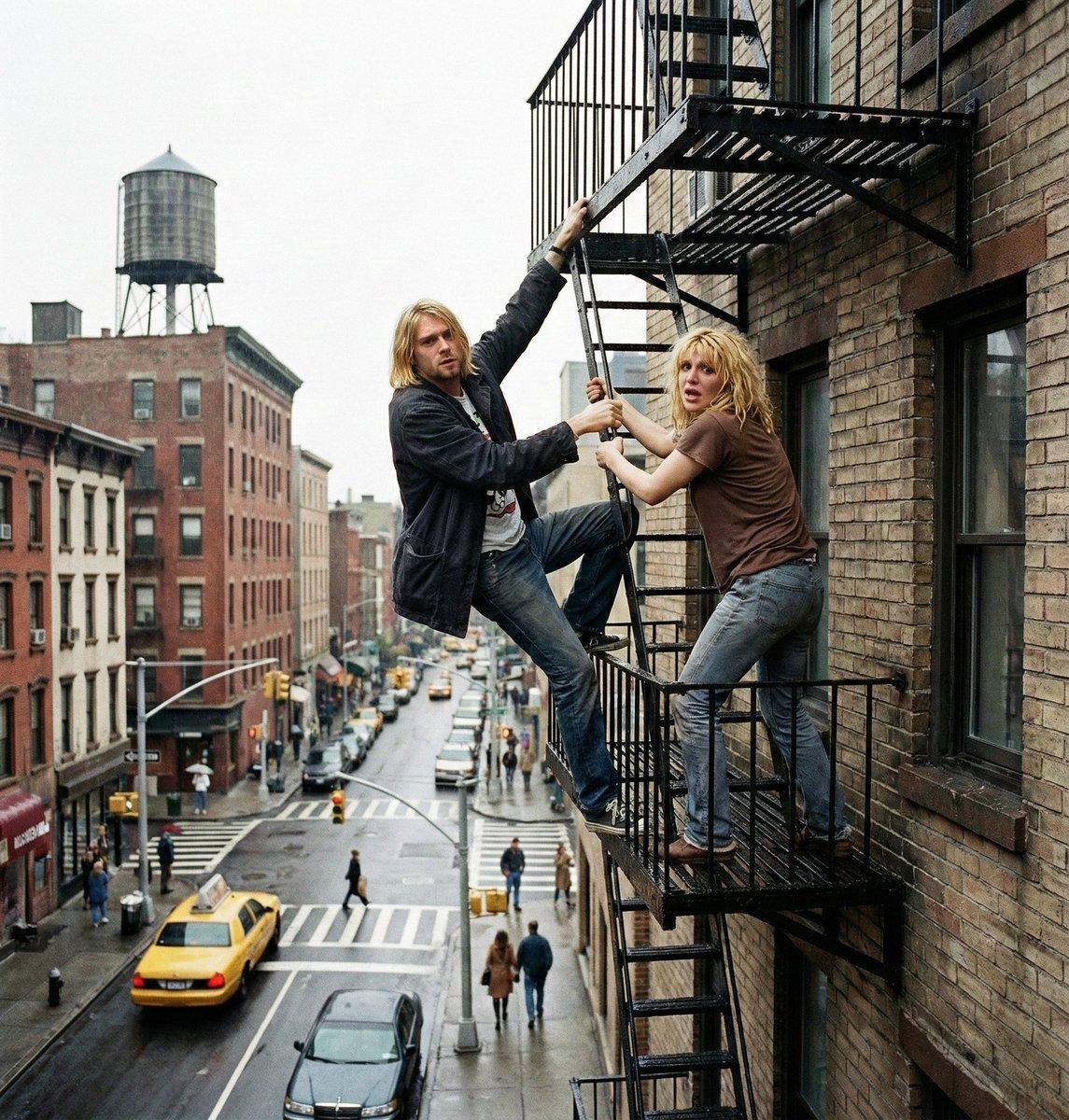
Action scene from reference photos and sketch
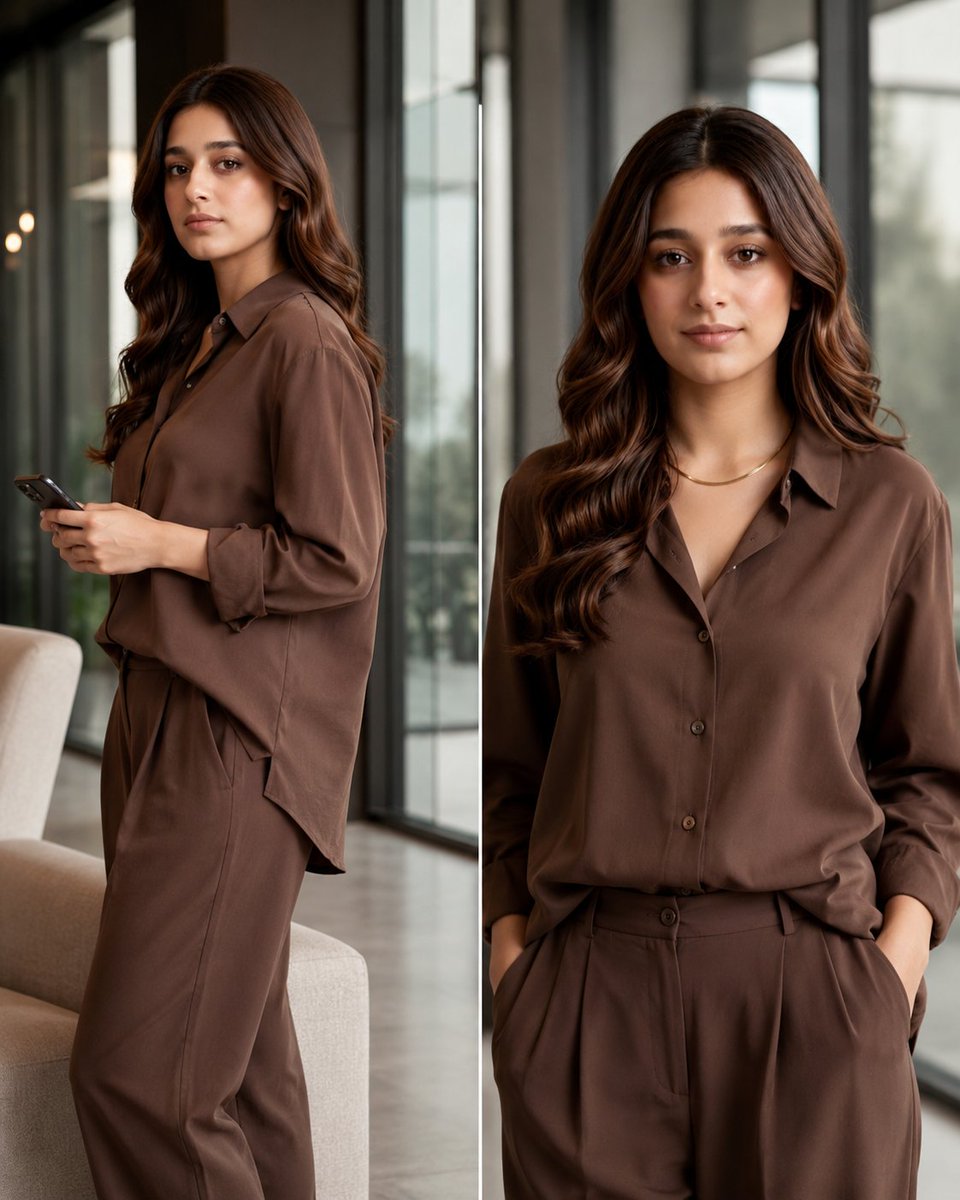
Monochrome Fashion Collage

Semi-Realistic Dogfight between Santa and Reindeer Robots
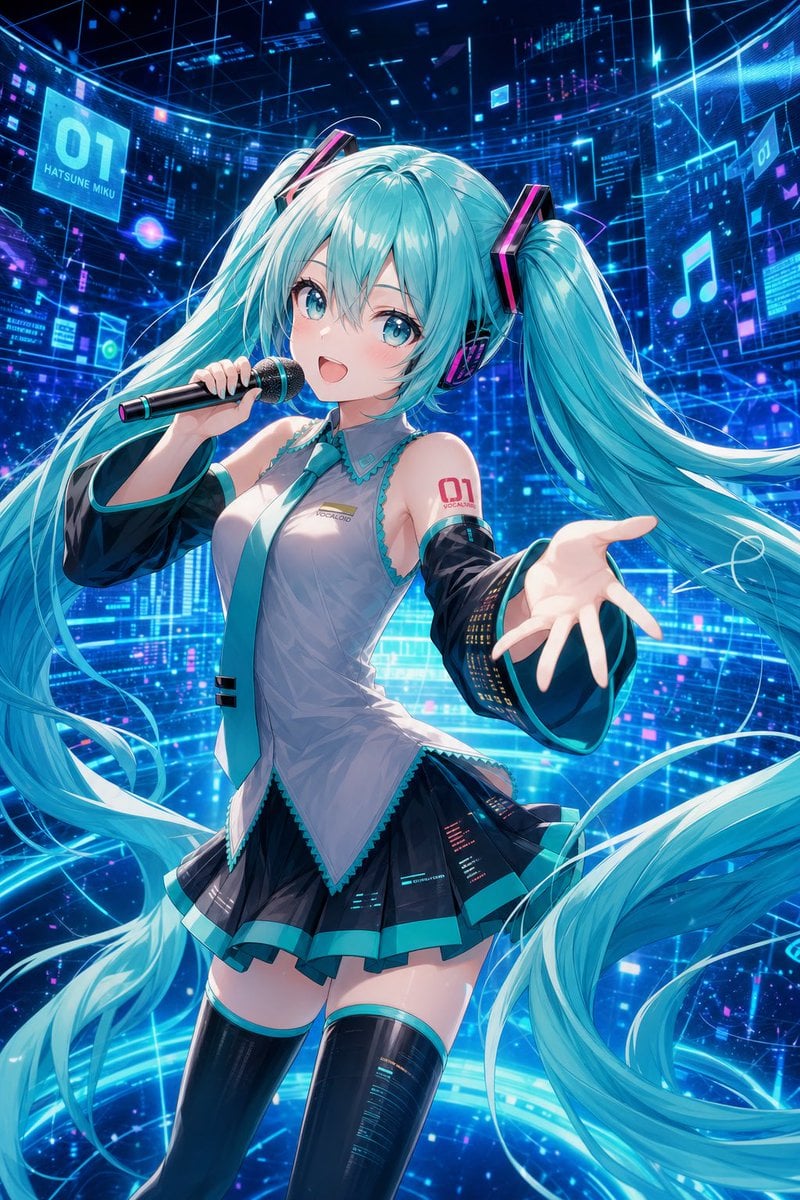
Cyber Vocaloid Concert Idol
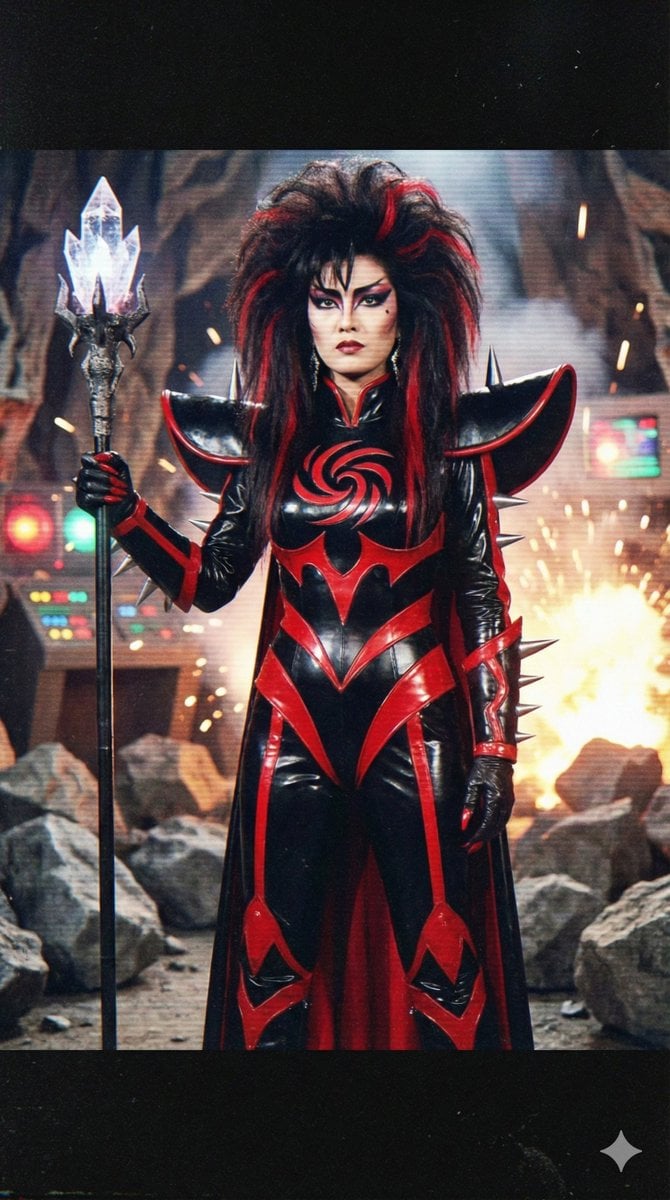
Prompt for 80s TV Style Villainess Character Design
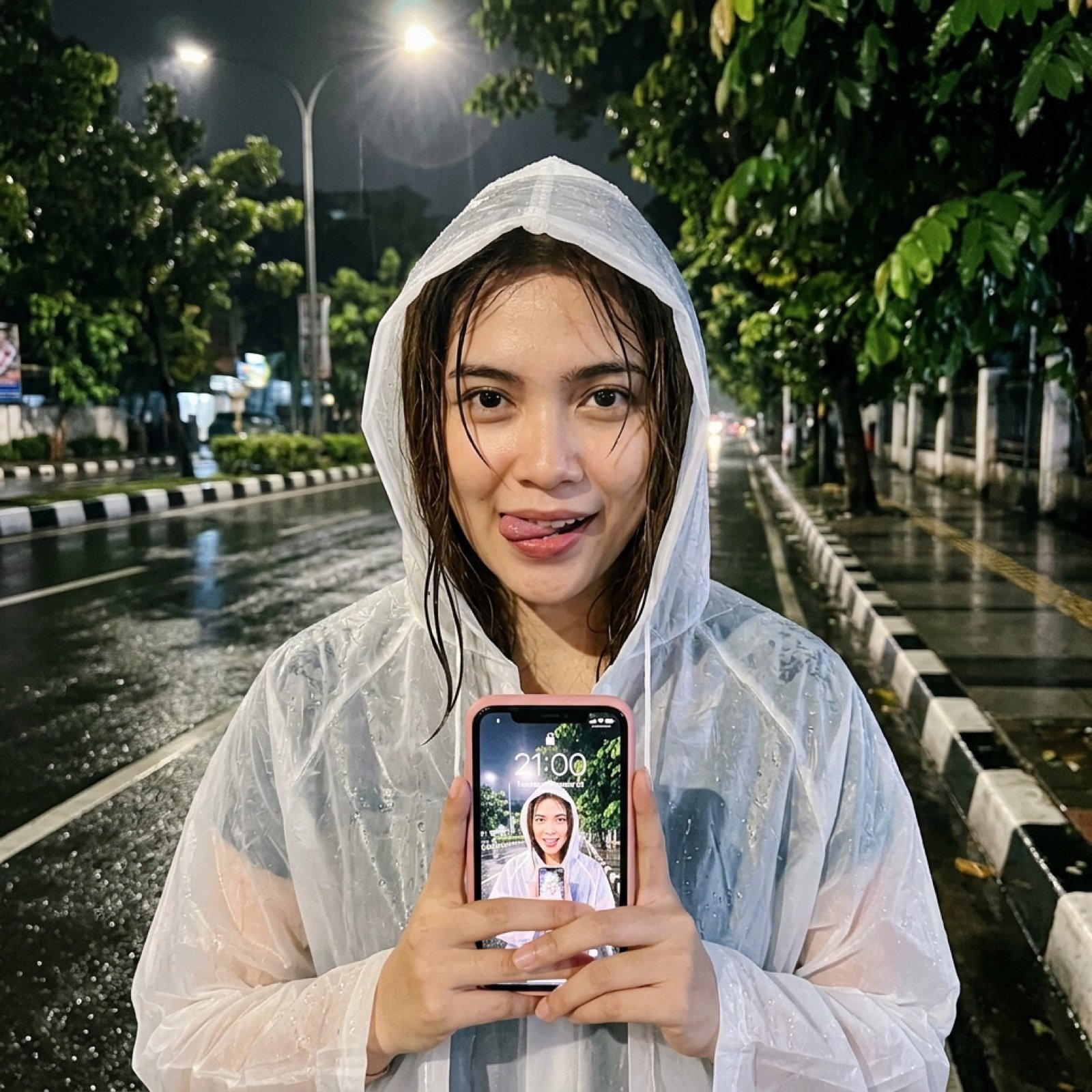
Nighttime Rainy Street Selfie Photo Edit Prompt
Browse template categories
Retro Collage Lifestyle Promo questions
How do I use the Retro Collage Lifestyle Promo template?
Add your photo if the template asks for one, edit the prompt if you like — the template's model and format are already selected — and press Generate. Your version opens in PicX Studio.
Can I customize the Retro Collage Lifestyle Promo template?
Yes. You can change the subject, setting, lighting, mood, format, and available model controls before creating your image.
Is the Retro Collage Lifestyle Promo template free?
Opening and editing this template is free. Generating uses credits, shown on the Generate button when you are signed in.
Which AI model should I use?
Choose a compatible model in PicX Studio based on the style, speed, and output controls your project needs.
Looking for something else? Browse all templates.

Your photo, any look
Thousands of ready templates for every top image and video model, from one credit balance.