How do I use the GTA VI Vice City Car Wash Mission template?
Edit the prompt in the box under the preview — the template's model and format are already selected — and press Generate. Your version appears right on this page.
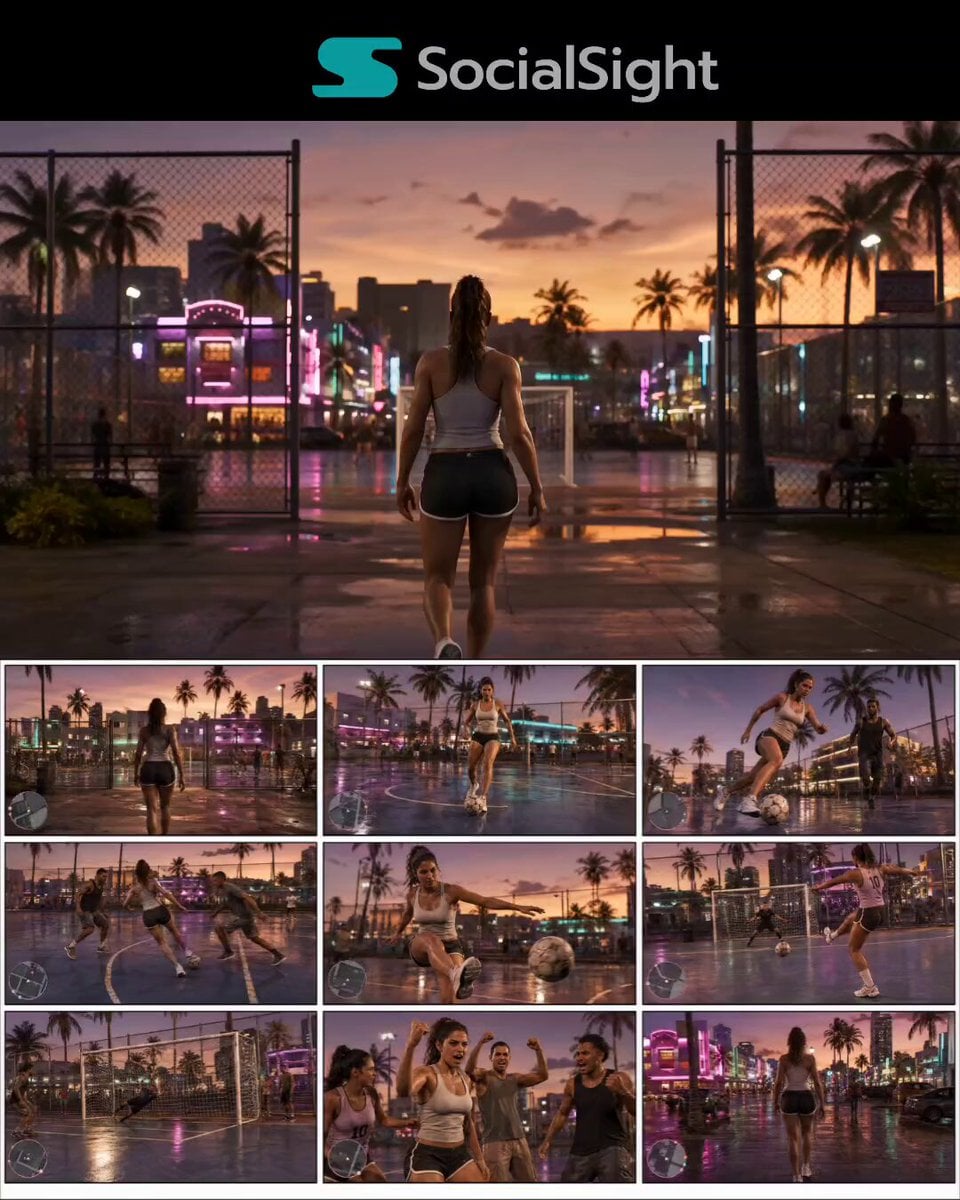
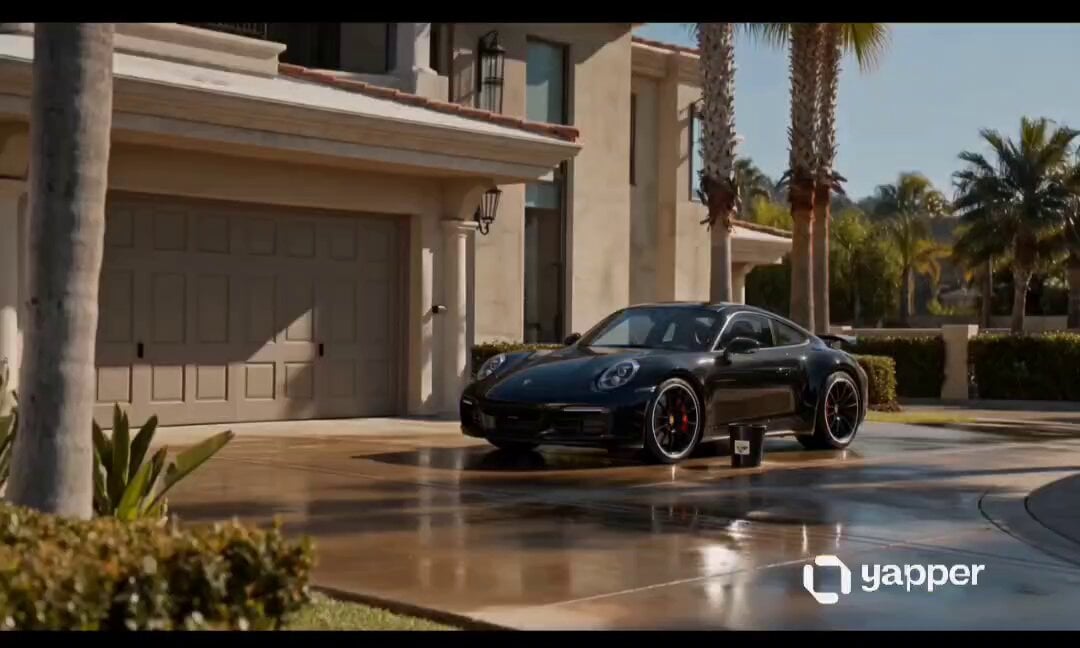
A detailed 30-second GTA VI gameplay cinematic featuring a character at a car wash with realistic water physics and AAA graphics.
GTA VI Style: Car Wash Mission Create a 30-second cinematic GTA VI-style gameplay video set in neon-lit Vice City during golden hour. The protagonist is a beautiful young woman with long brunette hair tied in a ponytail, wearing a white fitted crop top, white denim shorts, white sneakers, and sunglasses on her head. She remains perfectly consistent throughout the video. The hero car is a glossy purple sports coupe parked at a premium self-service car wash. Ultra-realistic AAA game graphics, ray tracing, cinematic lighting, wet pavement reflections, realistic water physics, detailed NPCs, GTA-style HUD, 4K, 60 FPS. Scene 1: The girl walks confidently into the self-service car wash carrying a pressure washer nozzle while the purple sports car waits under bright neon lights. Scene 2: She connects the water hose, selects the wash mode on the control panel, and picks up the pressure washer as water pressure builds. Scene 3: She starts spraying the front of the car with a powerful water jet. Dirt washes away while sunlight creates sparkling droplets and rainbow mist. Scene 4: Slow-motion cinematic shots of the high-pressure water hitting the hood, windshield, wheels, and side panels with realistic splash physics. Scene 5: She covers the car in thick white foam using a foam cannon. Rich soap bubbles slide down the glossy paint while reflections dance across the bodywork. Scene 6: She scrubs the car with a large soft sponge, carefully cleaning every panel, smiling as the camera circles around her and the vehicle. Scene 7: She rinses away the foam using the water jet. Crystal-clear water streams off the paint, revealing a mirror-like finish. Scene 8: She dries the car with a microfiber towel and gives the hood a final polish. The sports car gleams under the neon lights. Scene 9: She steps back to admire the freshly cleaned car, smiles confidently, gets into the driver's seat, starts the engine, and slowly drives out of the car wash as the camera rises into a cinematic aerial shot overlooking the glowing streets of Vice City. Style: GTA VI gameplay realism, cinematic third-person camera, realistic facial animation, dynamic water simulation, ultra-detailed reflections, smooth character movement, immersive ambient city sounds, premium AAA game trailer quality, no text, no watermarks, no logos.
GTA VI Style: Car Wash Mission Create a 30-second cinematic GTA VI-style gameplay video set in neon-lit Vice City during golden hour. The protagonist is a beautiful young woman with long brunette hair tied in a ponytail, wearing a white fitted crop top, white denim shorts, white sneakers, and sunglasses on her head. She remains perfectly consistent throughout the video. The hero car is a glossy purple sports coupe parked at a premium self-service car wash. Ultra-realistic AAA game graphics, ray tracing, cinematic lighting, wet pavement reflections, realistic water physics, detailed NPCs, GTA-style HUD, 4K, 60 FPS. Scene 1: The girl walks confidently into the self-service car wash carrying a pressure washer nozzle while the purple sports car waits under bright neon lights. Scene 2: She connects the water hose, selects the wash mode on the control panel, and picks up the pressure washer as water pressure builds. Scene 3: She starts spraying the front of the car with a powerful water jet. Dirt washes away while sunlight creates sparkling droplets and rainbow mist. Scene 4: Slow-motion cinematic shots of the high-pressure water hitting the hood, windshield, wheels, and side panels with realistic splash physics. Scene 5: She covers the car in thick white foam using a foam cannon. Rich soap bubbles slide down the glossy paint while reflections dance across the bodywork. Scene 6: She scrubs the car with a large soft sponge, carefully cleaning every panel, smiling as the camera circles around her and the vehicle. Scene 7: She rinses away the foam using the water jet. Crystal-clear water streams off the paint, revealing a mirror-like finish. Scene 8: She dries the car with a microfiber towel and gives the hood a final polish. The sports car gleams under the neon lights. Scene 9: She steps back to admire the freshly cleaned car, smiles confidently, gets into the driver's seat, starts the engine, and slowly drives out of the car wash as the camera rises into a cinematic aerial shot overlooking the glowing streets of Vice City. Style: GTA VI gameplay realism, cinematic third-person camera, realistic facial animation, dynamic water simulation, ultra-detailed reflections, smooth character movement, immersive ambient city sounds, premium AAA game trailer quality, no text, no watermarks, no logos.
Edit the prompt in the box under the preview — the template's model and format are already selected — and press Generate. Your version appears right on this page.
Yes. You can change the subject, setting, lighting, mood, format, and available model controls before creating your video.
Opening and editing this template is free. Generating uses credits, shown on the Generate button when you are signed in.
Start with Seedance 2.0, which is the model associated with this template. You can compare another compatible model for a different finish.
Follow a topic to a crawlable collection of related PicX Studio templates.