How do I use the Chamberlain Aesthetic Collage Story template?
Edit the prompt in the box under the preview — the template's model and format are already selected — and press Generate. Your version appears right on this page.
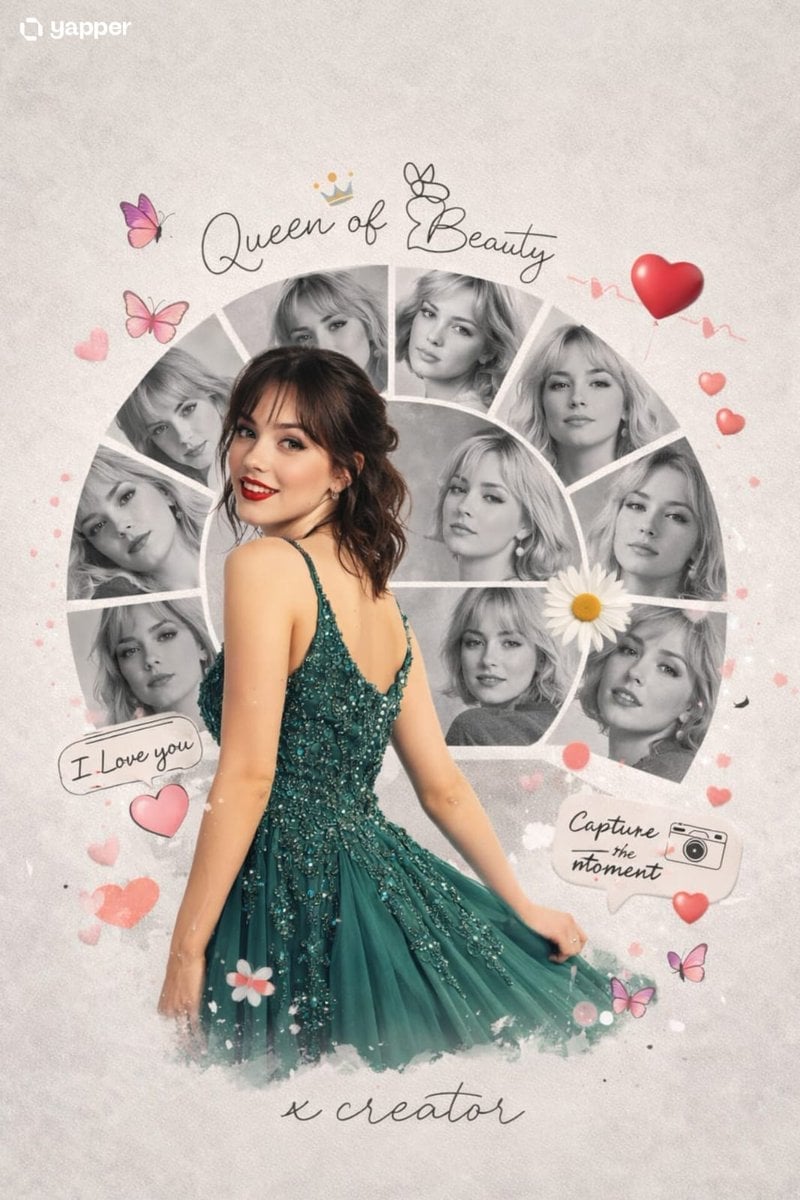
Chamberlain Aesthetic Collage Story is a ready photo look.

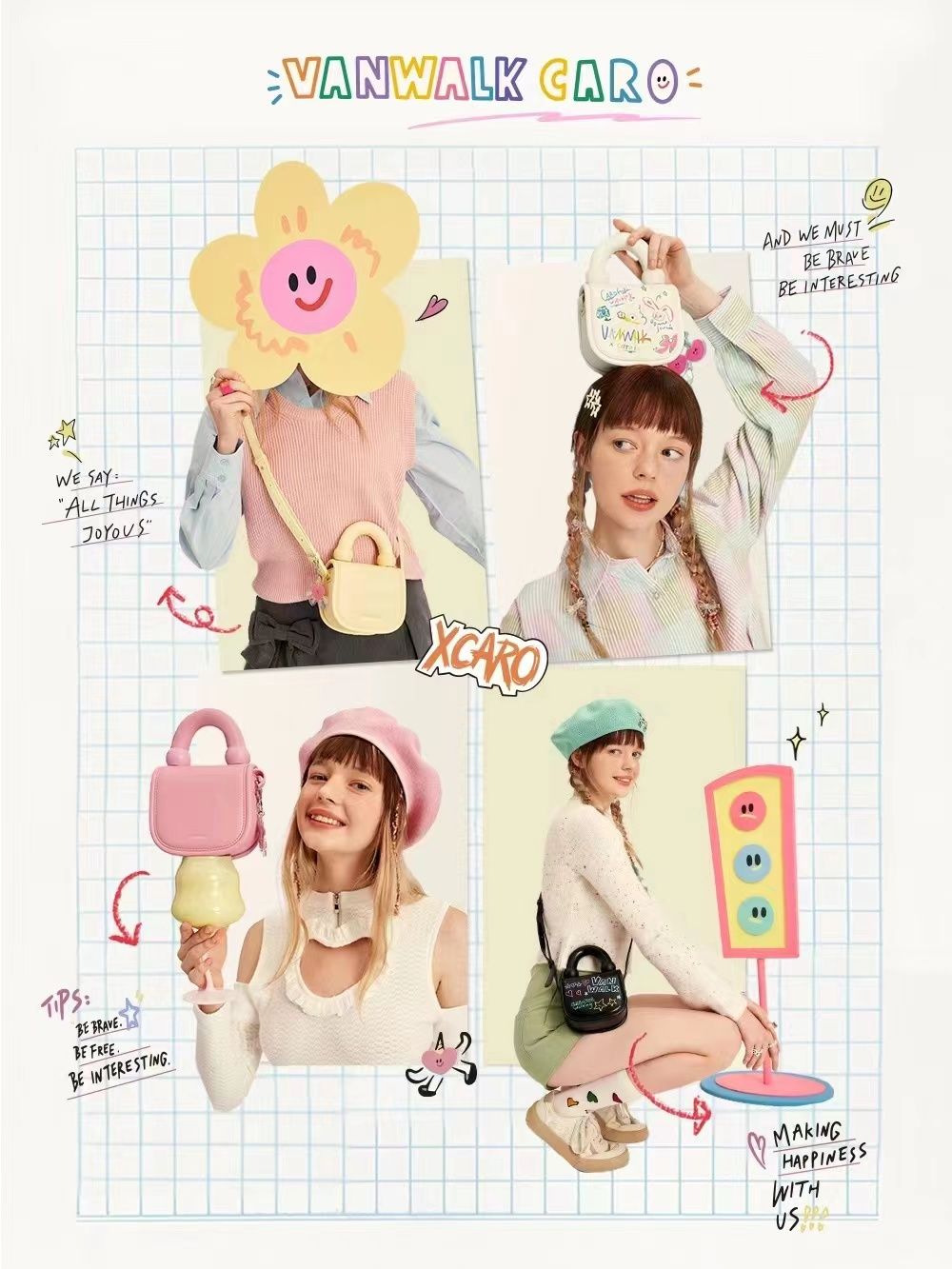
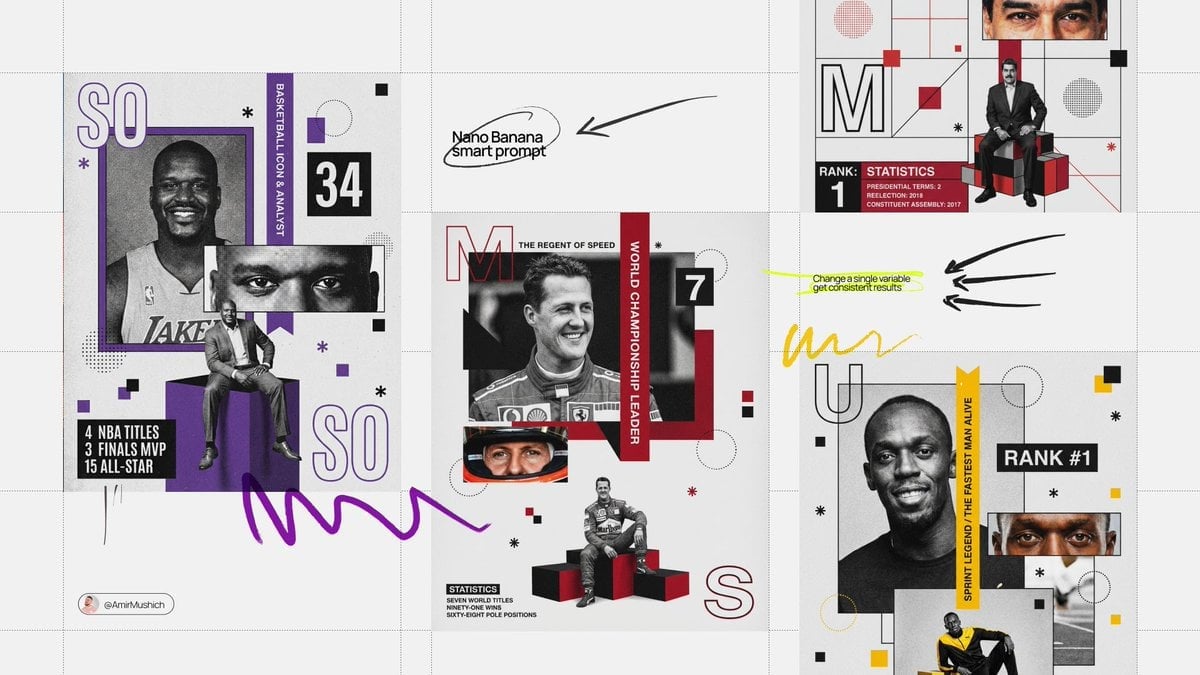
{ "prompt": "A playful creator collaboration campaign collage featuring multiple cut-out photos of the same young female creator in different poses, arranged across a clean white background. The creator wears colorful, fashion-forward outfits including an orange mini dress, white graphic t-shirt with orange pants, and casual knit styling. A smartphone with a colorful doodle-illustrated phone case appears as a recurring hero product in several poses. Hand-drawn graphic elements such as playful doodles, abstract shapes, icons, and handwritten text including collaboration notes and swipe-up cues are layered throughout the composition. The subjects have white sticker-style outlines, creating a scrapbook pop-art aesthetic. Bright even studio lighting, social-media-first design, Gen-Z creator merch campaign vibe.", "negative_prompt": "blurry cutouts, low resolution, dull colors, harsh shadows, cluttered layout, distorted hands, unreadable graphics, messy collage", "style": "creator collaboration lifestyle collage with graphic overlays", "lighting": "bright studio lighting, even exposure", "camera": { "angle": "mixed angles from lifestyle portraits", "lens": "35mm", "aperture": "f/4", "focus": "sharp focus on subjects and product" }, "composition": "asymmetrical collage layout, sticker-style cutouts, layered graphic elements", "background": "clean white canvas with colorful doodle illustrations", "mood": "fun, playful, Gen-Z, creator-driven, social media energy", "quality": "ultra high resolution, professional campaign artwork, photorealistic subjects with graphic design elements" }
Edit the prompt in the box under the preview — the template's model and format are already selected — and press Generate. Your version appears right on this page.
Yes. You can change the subject, setting, lighting, mood, format, and available model controls before creating your image.
Opening and editing this template is free. Generating uses credits, shown on the Generate button when you are signed in.
Choose a compatible model in PicX Studio based on the style, speed, and output controls your project needs.
Follow a topic to a crawlable collection of related PicX Studio templates.