
Emerald Aurora Nike Fashion Campaign
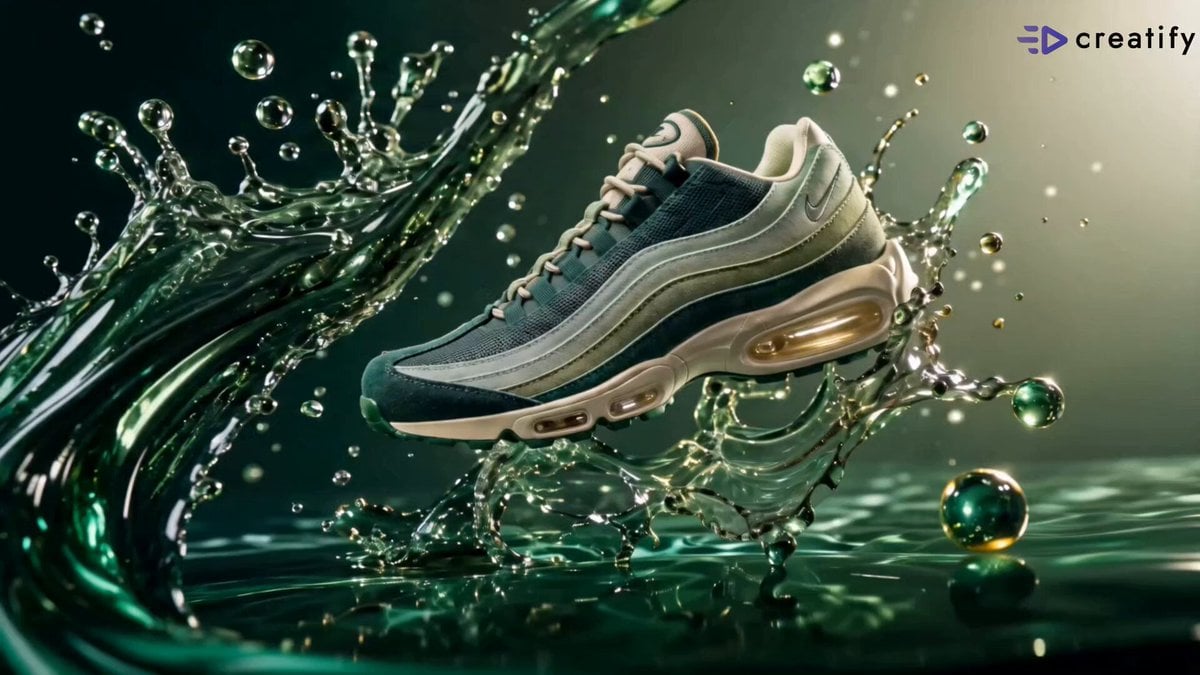
A cinematic fashion film prompt for a Nike campaign featuring an emerald-green color palette, macro shots of sneakers, and dynamic athletic motion.
- Prompt included
- Model and format preset
- Free template
The prompt behind this video
Copy the exact prompt behind Emerald Aurora Nike Fashion Campaign, or open it in the studio and make it yours.
VIDEO PROMPT — "EMERALD AURORA" Nike Air Max 95 Big Bubble Campaign Film (15s) Style & Mood Premium athletic fashion campaign film. Monochromatic emerald palette — deep emerald green, jade, mint green, pale sage, warm cream — across every surface, garment, background, and product. Soft diffused studio light with warm emerald ambient fill and dramatic single spotlight for silhouette shots. Fluid emerald liquid-glass splashes, motion blur streaks, and champagne-gloss reflections as recurring visual elements. Confident feminine energy. Every frame is editorial-poster quality. Model: Mid-20s Western female, fair sun-kissed skin, striking emerald-green eyes, long tousled honey-blonde hair in loose waves, toned athletic build. Same face, hair, and styling consistent across every shot — no drift. Dynamic Description Shot 01 — Aurora Bloom (0–2.5s): Wide macro product hero — the Nike Air Max 95 Big Bubble in Emerald Aurora floats at a dynamic diagonal angle above a swirling jade-green liquid surface, the liquid curling upward in slow-motion silk waves on both sides of the shoe, translucent emerald spherical droplets suspended in the air around the sole, the champagne-tinted Air bubble unit sharp at frame bottom. Camera pushes slowly toward the sneaker from a low front angle. Text "AURORA BLOOM" fades in lower left in thin white sans-serif. Hard cut. Shot 02 — Air Max 95 Macro Reveal (2.5–5s): 100mm macro slow right-to-left slide — the heel section fills the frame, the large champagne-tinted Air bubble unit glowing warmly under diffused studio light, the quilted sage-green suede panels with stitching lines sharp in the foreground, the deep emerald leather overlay curving across the upper third. Camera slides slowly revealing the Air bubble left to right, light raking across the suede grain and gradient color transitions. Text "AIR MAX 95" fades in upper left. Hard cut. Shot 03 — In Motion Walk (5–7.5s): Wide stabilized shot — the model in a cream crop top and loose sage-green cargo trousers walks directly toward camera in slow motion, honey-blonde hair flowing behind her as she strides forward, wearing the Emerald Aurora sneakers, a single warm spotlight from above casting a soft shadow ahead of her, background a warm emerald-toned empty studio, soft jade light wrapping her left side. Camera holds at chest height, very slow forward drift. Text "IN MOTION" fades in lower right. Hard cut. Shot 04 — Built to Move (7.5–10s): 35mm dynamic handheld — the model leaps mid-air from left to right in a presidential jump, both feet off the ground, right knee raised, arms swinging, the Emerald Aurora sneakers sharp at the bottom of the frame, motion blur streaks of deep emerald trailing behind her across the frame, hair horizontal in motion, background a gradient of warm cream to deep jade. Camera at mid-body height, slightly handheld, following the arc of the leap. Text "BUILT TO MOVE. / MADE TO STAND OUT." fades in lower left in spaced white caps. Hard cut. Shot 05 — Big Bubble Product Packshot (10–12.5s): Static locked-off center composition — the Nike Air Max 95 Big Bubble sits alone on a minimal pale-sage surface at a clean three-quarter angle, full shoe visible, the oversized champagne-tinted Air bubble unit prominent at the heel, deep emerald lace cage and swoosh logo sharp, small leaf-shaped charm on the lace eyelet catching the light. Soft overhead studio light, no distractions. Camera holds completely still. Text "AIR MAX 95 / BIG BUBBLE" fades in upper center in thin white type. Hard cut. Shot 06 — Just Do It Silhouette End Frame (12.5–15s): 85mm static locked-off — background transitions to a deep rich forest-emerald with a single warm spotlight circle on the wall behind. The model stands in confident pose slightly right of center, one hand on hip, head turned in profile, ponytail falling over one shoulder, the Emerald Aurora sneakers visible on her feet, her silhouette almost entirely in dark shadow against the glowing emerald backdrop with only the edge of the spotlight defining her outline and catching the cream sole of the shoe. The Nike Swoosh logo in solid white appears upper right, beneath it "JUST DO IT." in white spaced tracking. Frame holds locked. Slow fade to black.
How to use Emerald Aurora Nike Fashion Campaign in 3 steps
- 1
Open
The prompt is already in the box next to the preview, with the template's model and format selected.
- 2…a portrait of your subject in softgolden-hour light, 85mm…
Personalize
Edit the subject and creative details for your destination.
- 3Generate
Generate
Press Generate — your video is created in PicX Studio, so you can compare it with the original and refine one variable at a time.
More like this
Templates with the same subject, style or setup. Open one to see its prompt.

Sneaker Product Commercial

Cinematic Short Film Scene
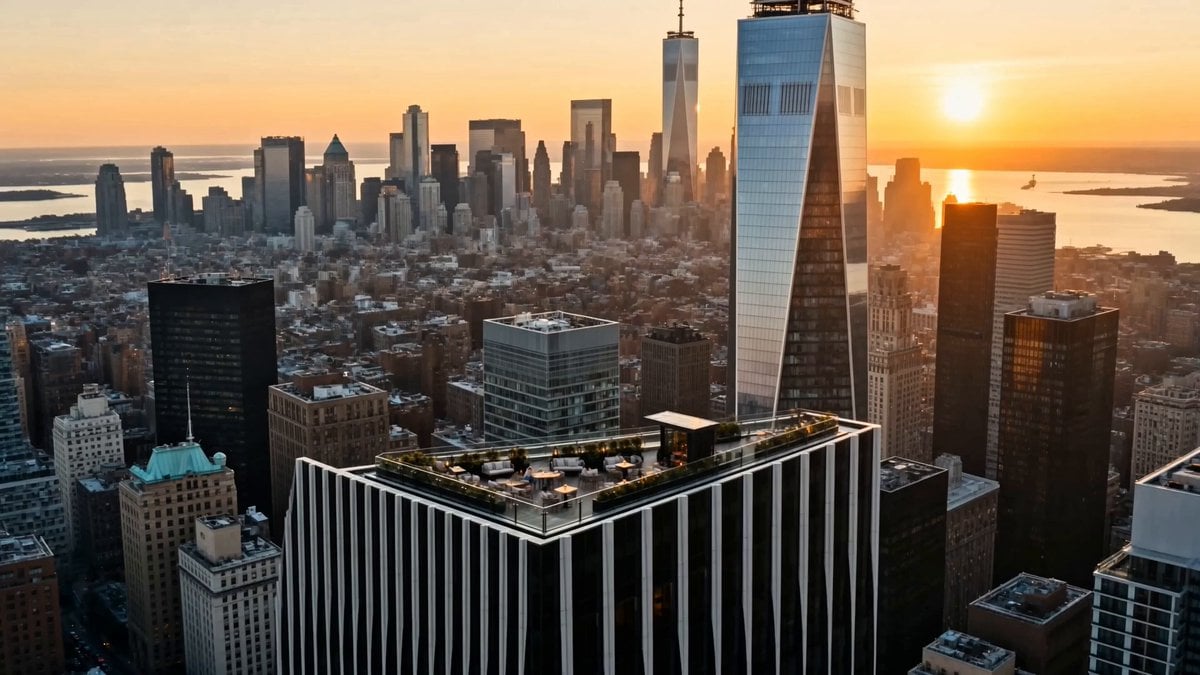
Luxury Lifestyle Day Vlog
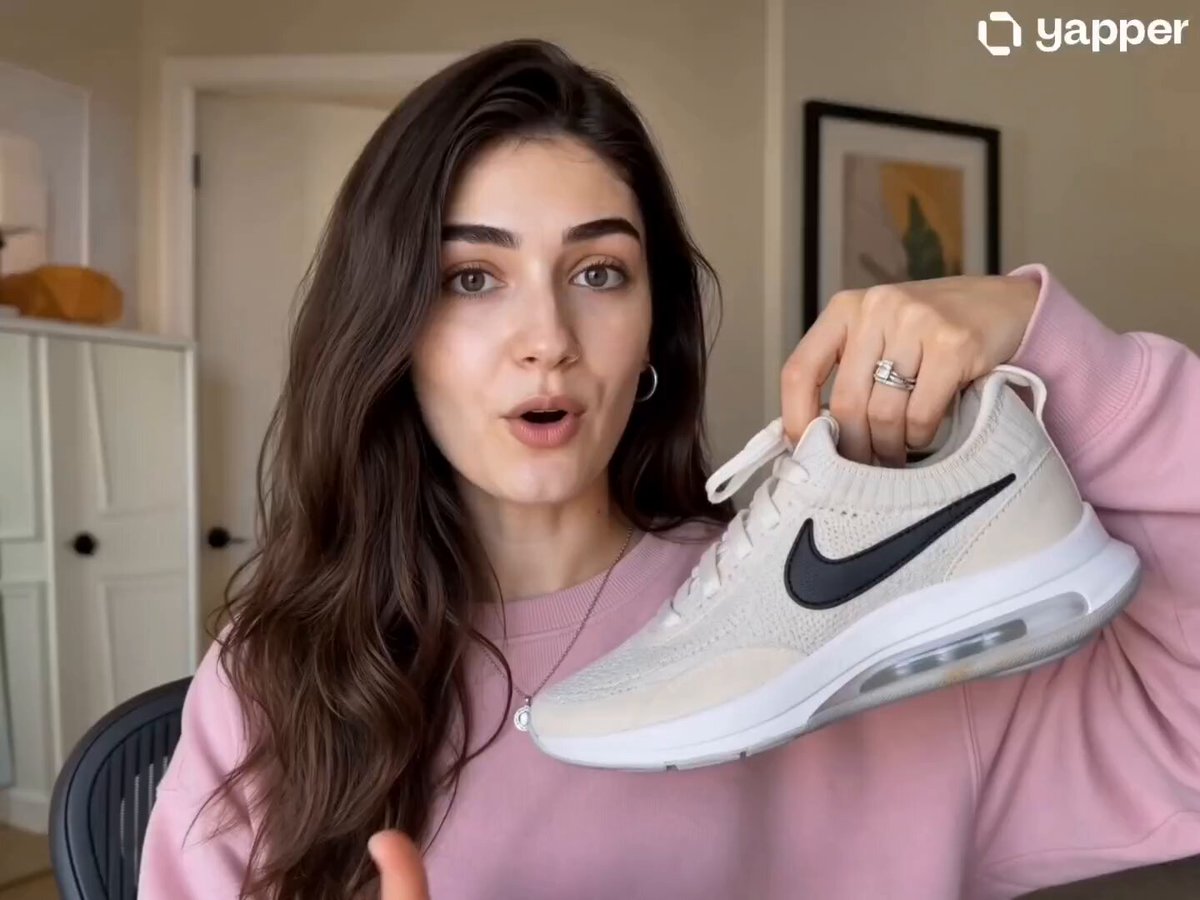
Nike Sneakers Lifestyle Campaign
Ice Queen — Frozen Battlefield Time Control (Seedance)
Luxury Handbag Commercial — Hollywood VFX Ad
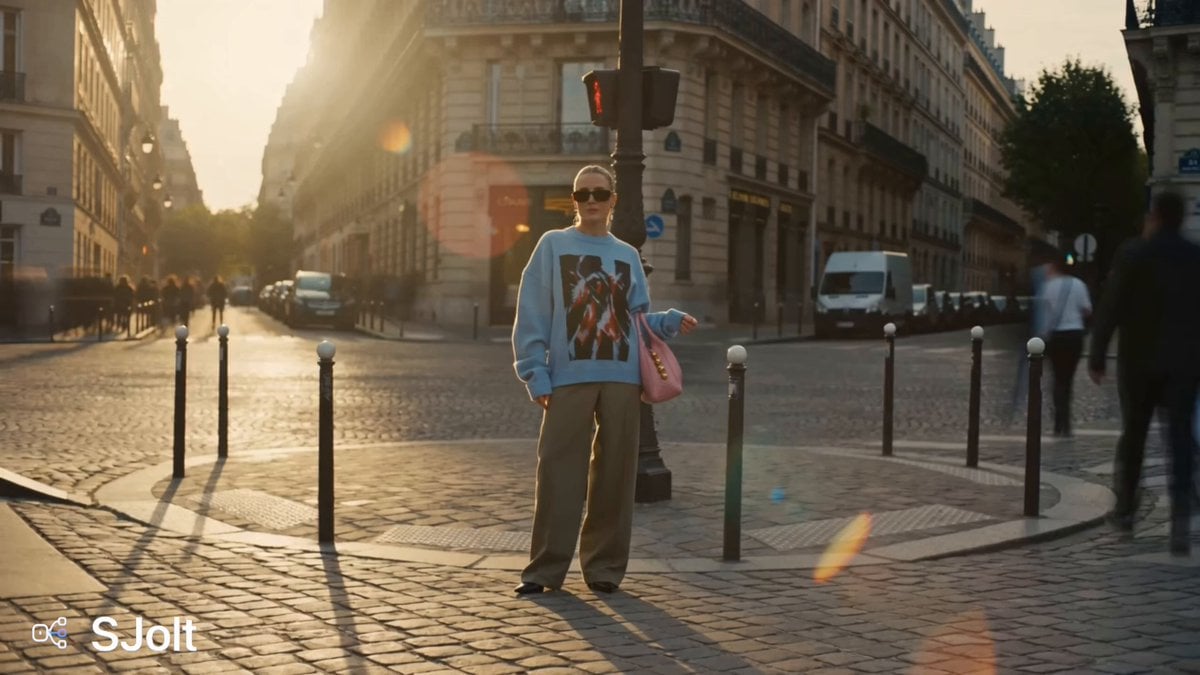
Parisian Fashion Campaign Streetwear Editorial
Luxury Fashion Campaign Spiral Staircase
Global Luxury Fashion Cultural Campaign
High-End Fashion UGC Campaign
Arctic Aurora Cinematic Landscape
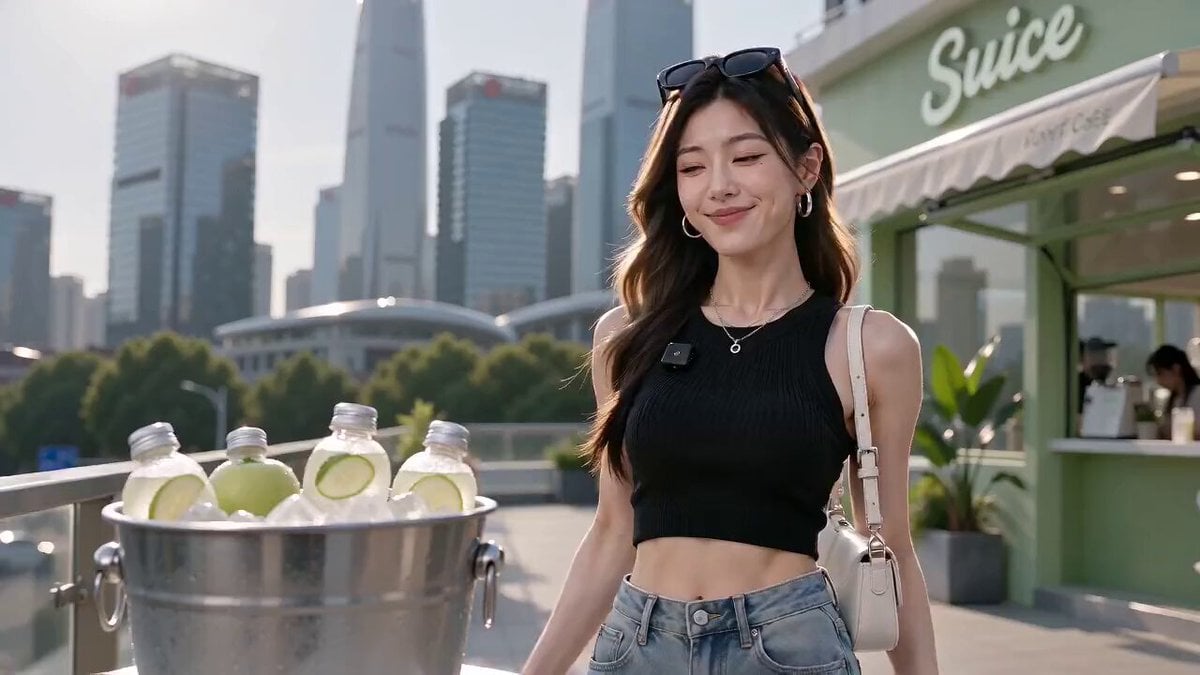
Luxury Fresh Apple Juice Video Campaign
Make it yours
Emerald Aurora Nike Fashion Campaign works as-is. These are the safest ways to change it without losing the look.
Change one field
Copy a single group, rewrite it, and generate again so you can see what that field is doing.
Keep the frame, change the subject
Hold the composition and light of Emerald Aurora Nike Fashion Campaign, then swap wardrobe, props or the person for a new take.
| If the result… | Why | Fix |
|---|---|---|
| The result drifts from the preview | Too many fields changed at once. | Reuse Emerald Aurora Nike Fashion Campaign as-is first, then change one group — subject, light, or setting. |
| The model over-stylizes the scene | The prose prompt leaves finish and camera underspecified. | Add one camera or lighting sentence and stay on Seedance 2.0. |
More Seedance 2.0 templates
Other prompts made for Seedance 2.0.

Comical Martial Arts Punch Scene

Maglev Train Action Sequence

Martial Arts Fight Sequence

Wuxia Protection and Trust Script

Vintage Korean Arcade MiniDV Vlog

Mercedes 190 SL Luxury Ad

Rainy Night Supernatural Reverse Comedy Video Script

Amazon Civilization Discovery

Futuristic South Asian City Transformation

Cozy Luxury Cafe Commercial
More video prompts
Fresh picks from across the catalog.
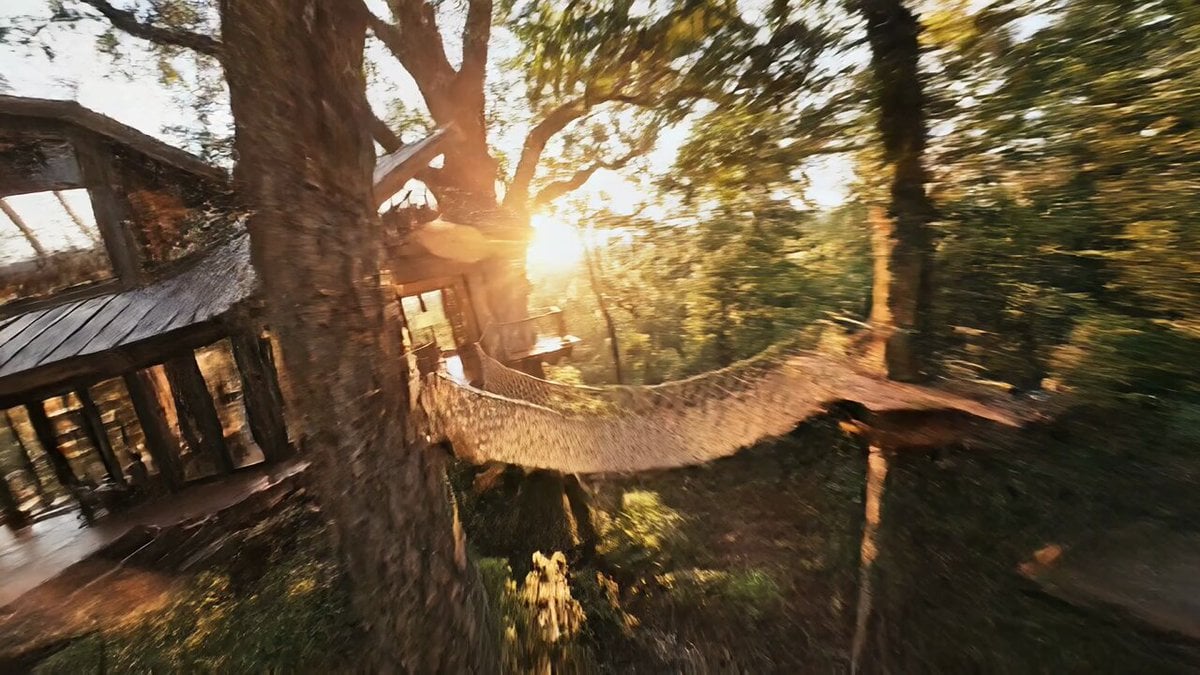
FPV Cinematic Flight Through a Hyper-Realistic Treehouse
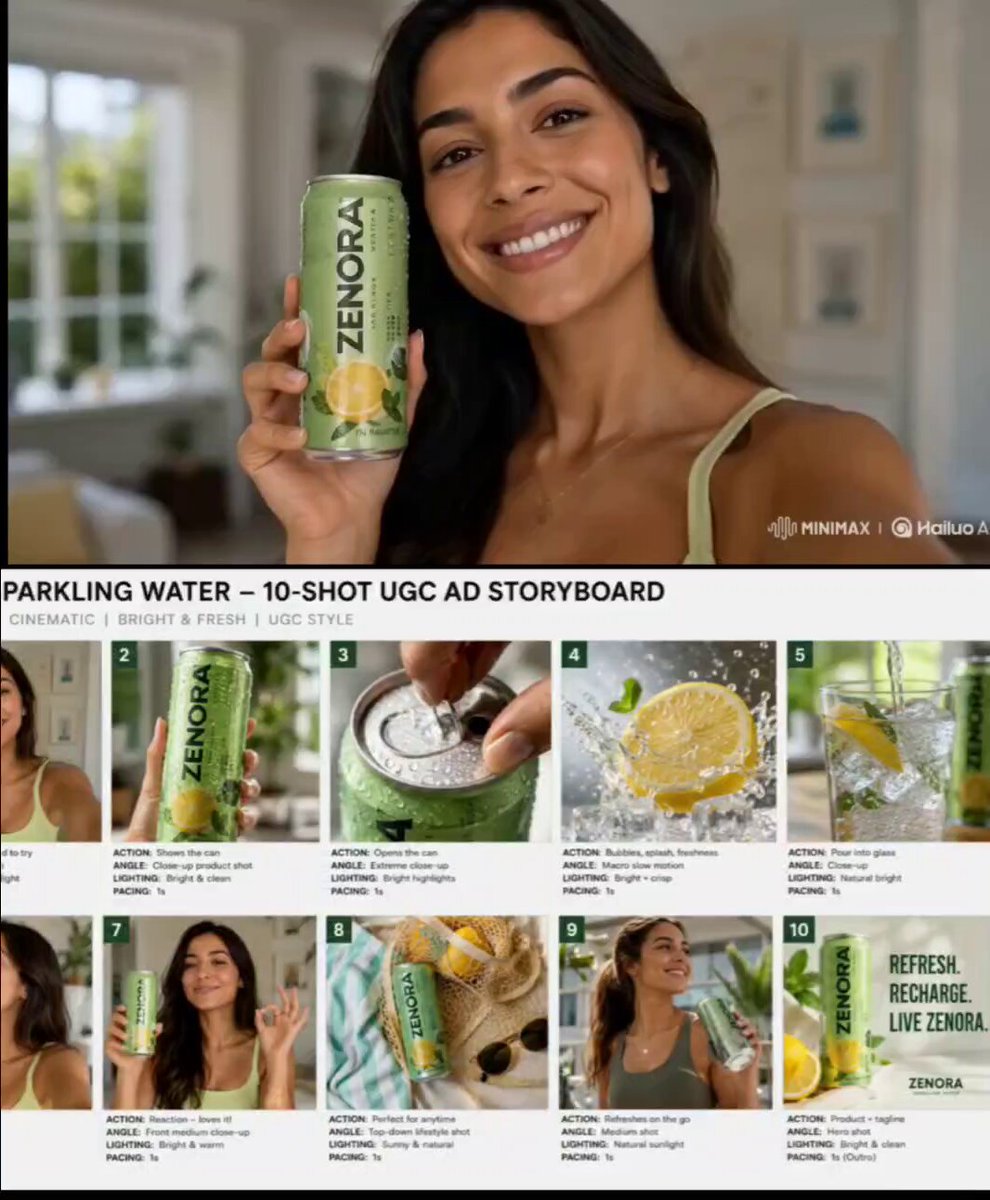
Premium Beverage UGC Commercial
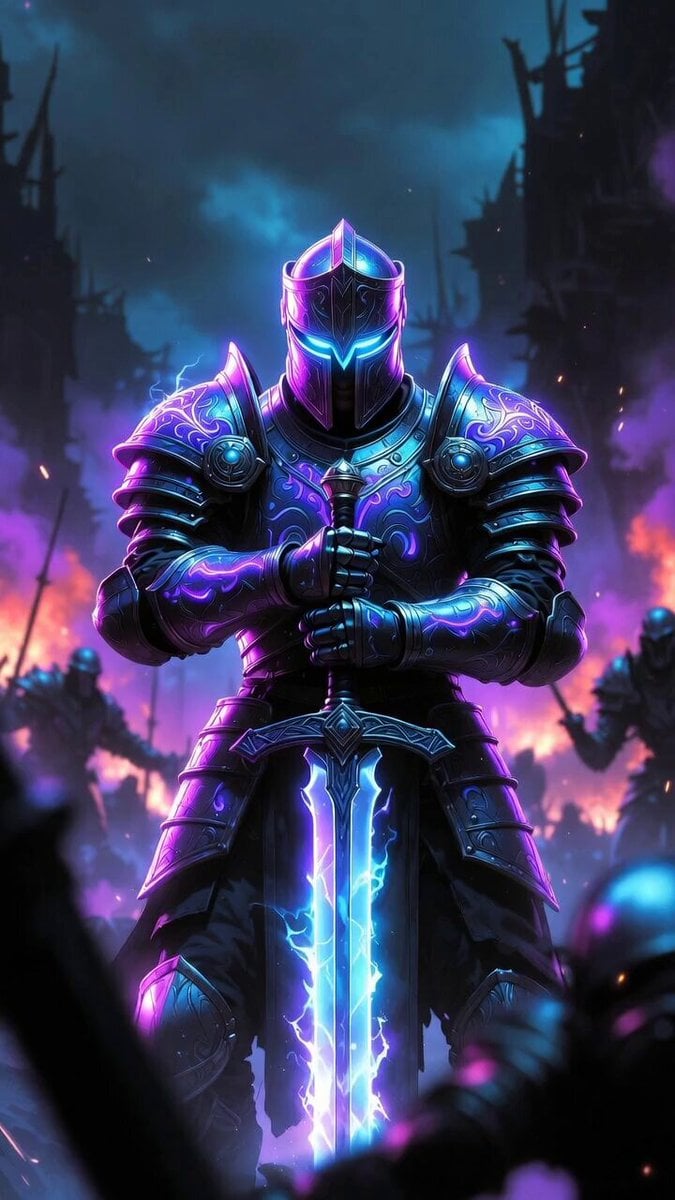
Sir Kekius Maximus, Cyber-Fantasy Knight
3D CG Animation of a Monk Riding a White Horse
Cinematic Drama Series Betrayal Storyboard
Surreal Collage Animation Prompt
Slow Head Tilt and Camera Zoom

Overlapping Realities Sci-Fi Video Prompt
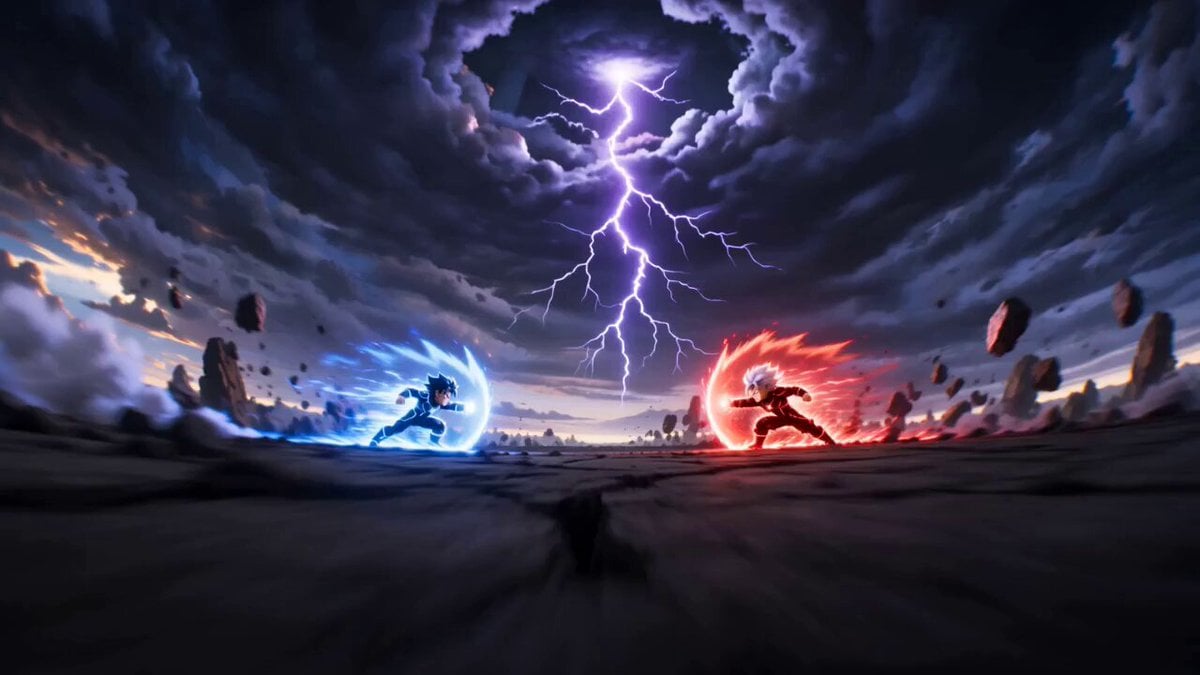
Cartoon Fight Scene Animation Frame
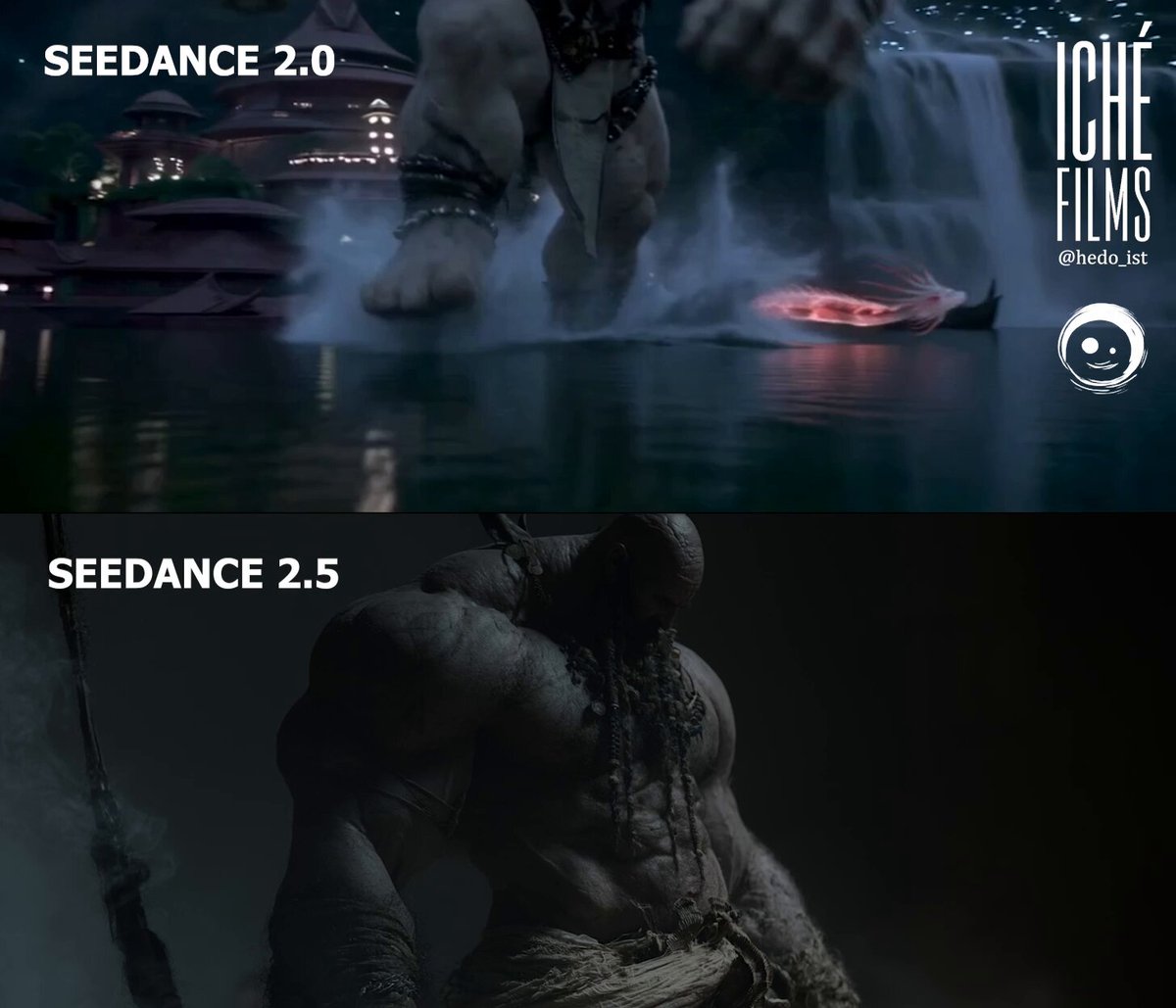
Giant and Dragon Cinematic Duel
Browse template categories
Emerald Aurora Nike Fashion Campaign questions
How do I use the Emerald Aurora Nike Fashion Campaign template?
Add your photo if the template asks for one, edit the prompt if you like — the template's model and format are already selected — and press Generate. Your version opens in PicX Studio.
Can I customize the Emerald Aurora Nike Fashion Campaign template?
Yes. You can change the subject, setting, lighting, mood, format, and available model controls before creating your video.
Is the Emerald Aurora Nike Fashion Campaign template free?
Opening and editing this template is free. Generating uses credits, shown on the Generate button when you are signed in.
Which AI model should I use?
Start with Seedance 2.0, which is the model associated with this template. You can compare another compatible model for a different finish.
Looking for something else? Browse all templates.

Your photo, any look
Thousands of ready templates for every top image and video model, from one credit balance.