
Vintage Y2K Collage Lookbook
Vintage Y2K Collage Lookbook is a ready photo look.
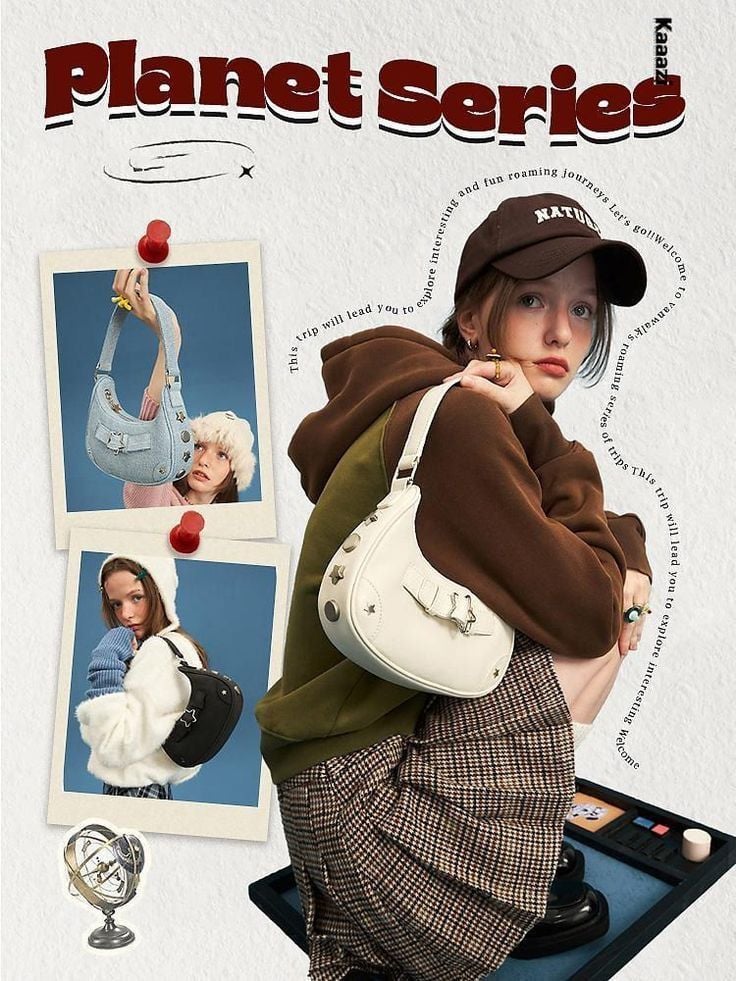
- Prompt included
- Model and format preset
- Free template
The prompt behind this image
Copy the exact prompt behind Vintage Y2K Collage Lookbook, or open it in the studio and make it yours.
- Prompt
- An editorial fashion lookbook poster with a scrapbook collage aesthetic titled 'Planet Series'. A young female model wearing a brown hoodie, checkered pants, and a baseball cap poses thoughtfully while carrying a small crescent-shaped shoulder bag as the hero product. Additional mini handbags in different colors appear in polaroid-style photos pinned with red push pins on the left side. The layout includes curved handwritten-style text wrapping around the model, travel-themed doodles such as airplane trails and a globe, and layered paper elements. The background is an off-white textured paper surface, giving a printed magazine or travel journal feel. Soft studio lighting, calm shadows, cozy indie fashion mood, youthful travel-inspired lifestyle branding.
- Negative Prompt
- harsh lighting, glossy luxury style, cluttered layout, dull colors, blurry images, distorted hands, unreadable text, modern tech aesthetic
- Style
- editorial fashion lookbook with scrapbook collage design
- Lighting
- soft studio lighting, natural shadows
- Camera › Angle
- editorial portrait angle
- Camera › Lens
- 35mm
- Camera › Aperture
- f/4
- Camera › Focus
- sharp focus on model and handbag
- Composition
- asymmetrical collage layout, hero model with supporting polaroid cutouts
- Background
- off-white textured paper with graphic overlays
- Mood
- cozy, curious, youthful, travel-inspired
- Quality
- ultra high resolution, professional fashion campaign artwork, photorealistic subjects with graphic elements
Raw JSON
{
  "prompt": "An editorial fashion lookbook poster with a scrapbook collage aesthetic titled 'Planet Series'. A young female model wearing a brown hoodie, checkered pants, and a baseball cap poses thoughtfully while carrying a small crescent-shaped shoulder bag as the hero product. Additional mini handbags in different colors appear in polaroid-style photos pinned with red push pins on the left side. The layout includes curved handwritten-style text wrapping around the model, travel-themed doodles such as airplane trails and a globe, and layered paper elements. The background is an off-white textured paper surface, giving a printed magazine or travel journal feel. Soft studio lighting, calm shadows, cozy indie fashion mood, youthful travel-inspired lifestyle branding.",
  "negative_prompt": "harsh lighting, glossy luxury style, cluttered layout, dull colors, blurry images, distorted hands, unreadable text, modern tech aesthetic",
  "style": "editorial fashion lookbook with scrapbook collage design",
  "lighting": "soft studio lighting, natural shadows",
  "camera": {
    "angle": "editorial portrait angle",
    "lens": "35mm",
    "aperture": "f/4",
    "focus": "sharp focus on model and handbag"
  },
  "composition": "asymmetrical collage layout, hero model with supporting polaroid cutouts",
  "background": "off-white textured paper with graphic overlays",
  "mood": "cozy, curious, youthful, travel-inspired",
  "quality": "ultra high resolution, professional fashion campaign artwork, photorealistic subjects with graphic elements"
}How to use Vintage Y2K Collage Lookbook in 3 steps
- 1
Open
The prompt is already in the box next to the preview, with the template's model and format selected.
- 2…a portrait of your subject in softgolden-hour light, 85mm…
Personalize
Edit the subject and creative details for your destination.
- 3Generate
Generate
Press Generate — your image is created in PicX Studio, so you can compare it with the original and refine one variable at a time.
More like this
Templates with the same subject, style or setup. Open one to see its prompt.
Y2K Windowsill Maple Leaf — Early 2000s Digital Photo
Cinematic Academic Signaling Thumbnail
Blueberry Energy Drink Mockup
Minimalist Fashion Lookbook Collage
Minimalist Golden Hour Selfie
Miniature Self Portrait Collage

Sunday Afternoon, 1988

Two Tickets, One Night

If We Met in 1985

Found Photograph: Us, 1970
One Dance Before Midnight
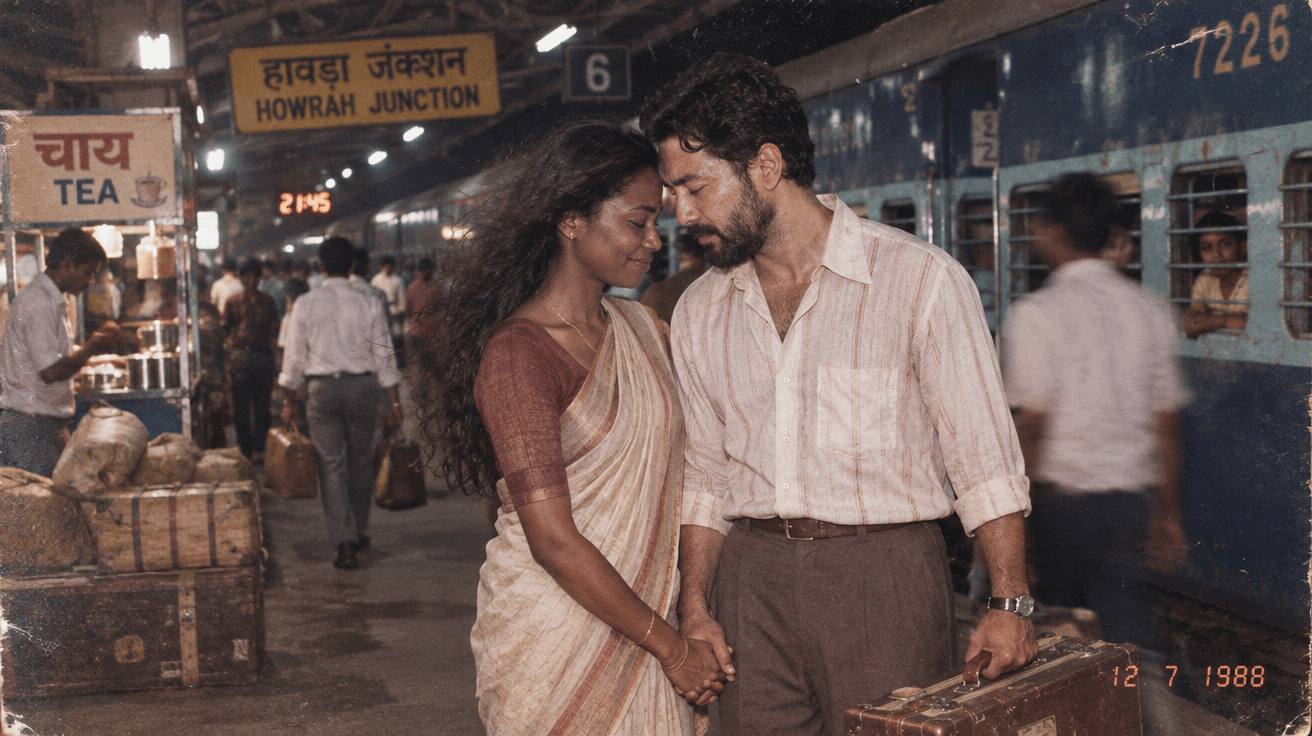
Before We said Goodbye
Make it yours
Vintage Y2K Collage Lookbook works as-is. These are the safest ways to change it without losing the look.
Swap the setting
Keep the rest of the prompt and replace the location block. The current setting is “off-white textured paper with graphic overlays”.
Swap the light
One lighting change is enough to compare takes. Current light: “soft studio lighting, natural shadows”.
Change one field
Copy a single group, rewrite it, and generate again so you can see what that field is doing.
| If the result… | Why | Fix |
|---|---|---|
| The result drifts from the preview | Too many fields changed at once. | Reuse Vintage Y2K Collage Lookbook as-is first, then change one group — subject, light, or setting. |
| PicX Studio ignores part of the JSON | Some models flatten or skip nested keys. | Keep the same values and paste them as a short paragraph instead. |
More image prompts
Fresh picks from across the catalog.
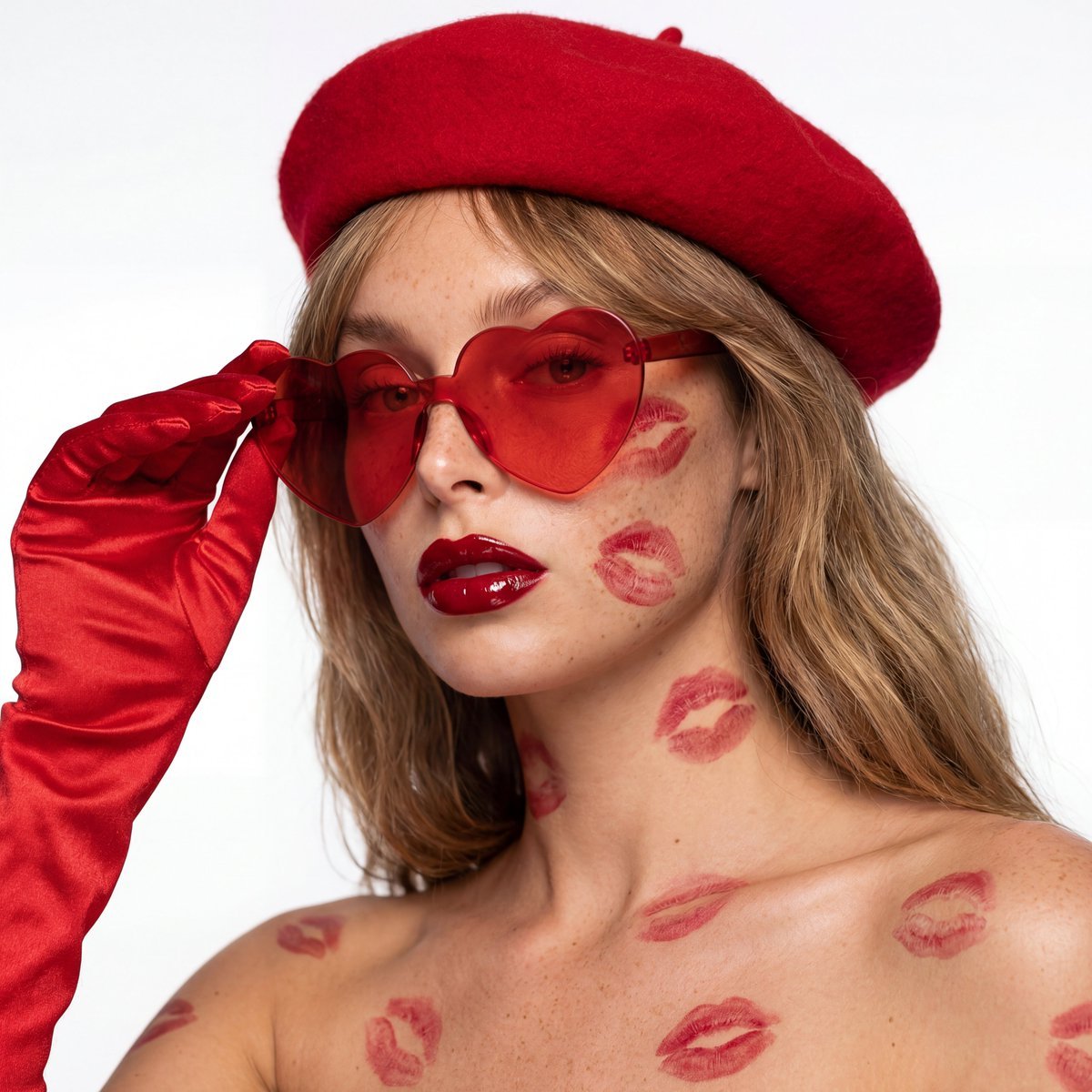
Ultra-Realistic Beauty Editorial with Kiss Marks
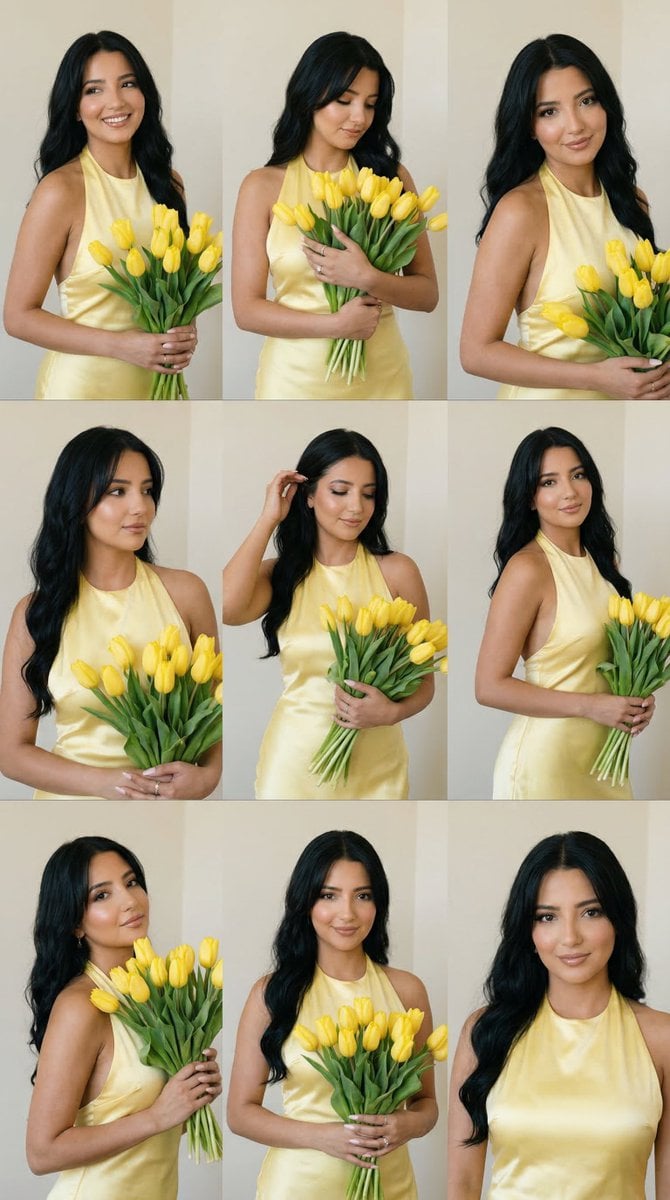
Panel Editorial Grid Prompt for Yellow Satin Halter Dress
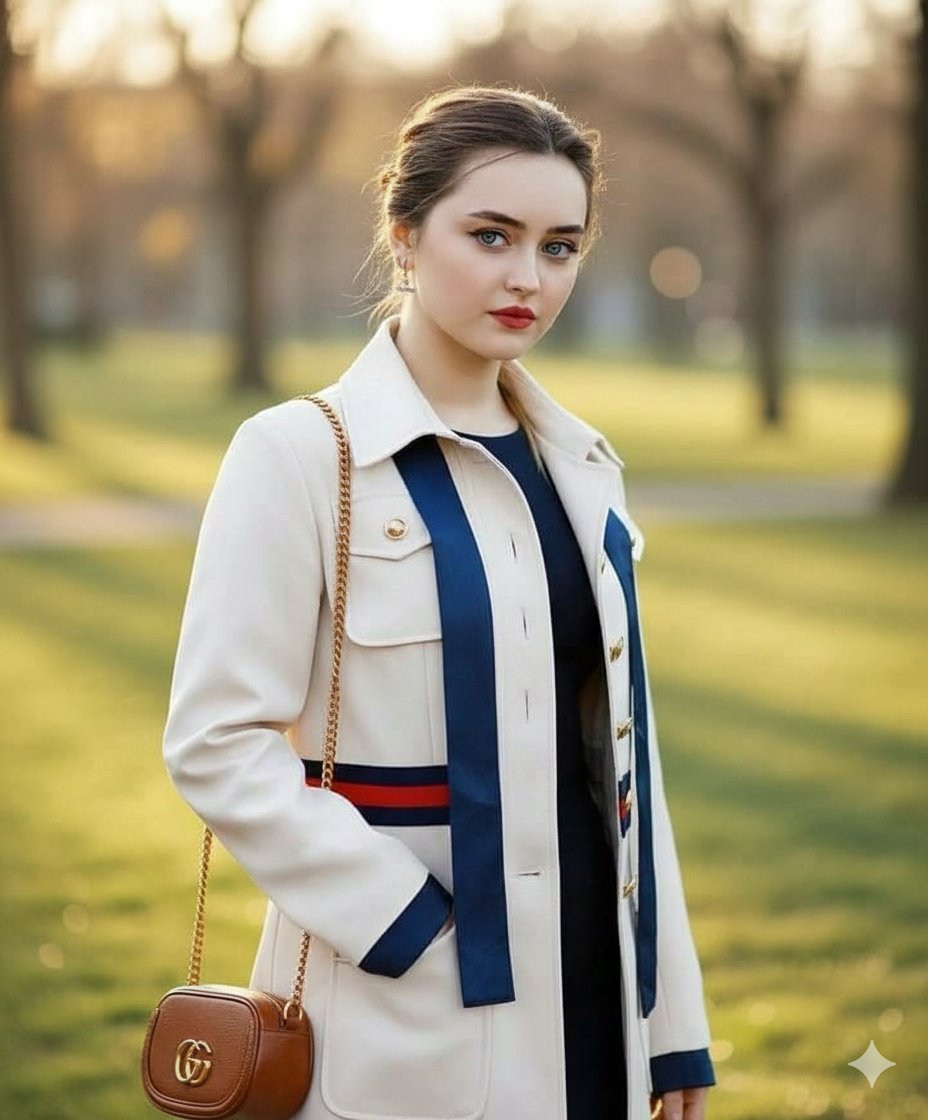
Vogue Style Luxury Trench Coat Fashion Portrait

3D Chibi Character Render (Claymorphism Style)
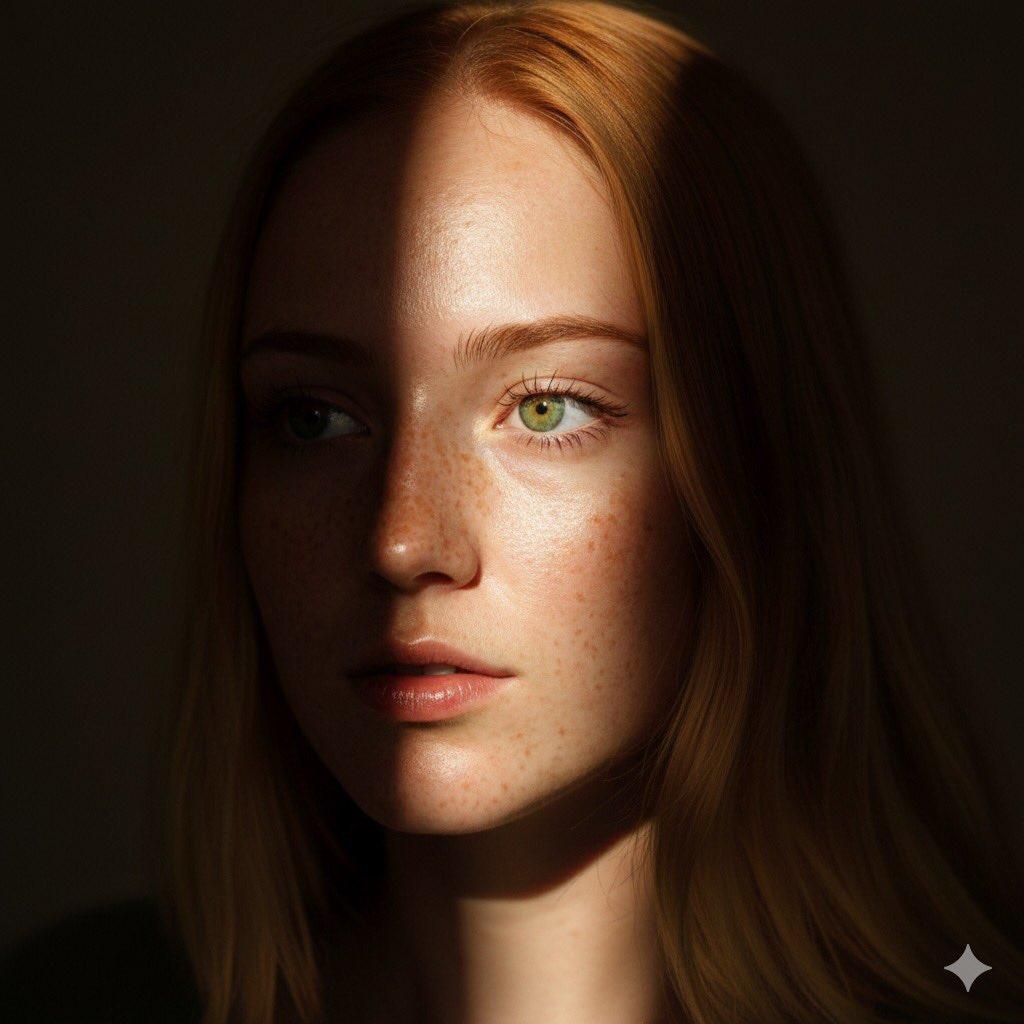
8K Chiaroscuro Portrait JSON
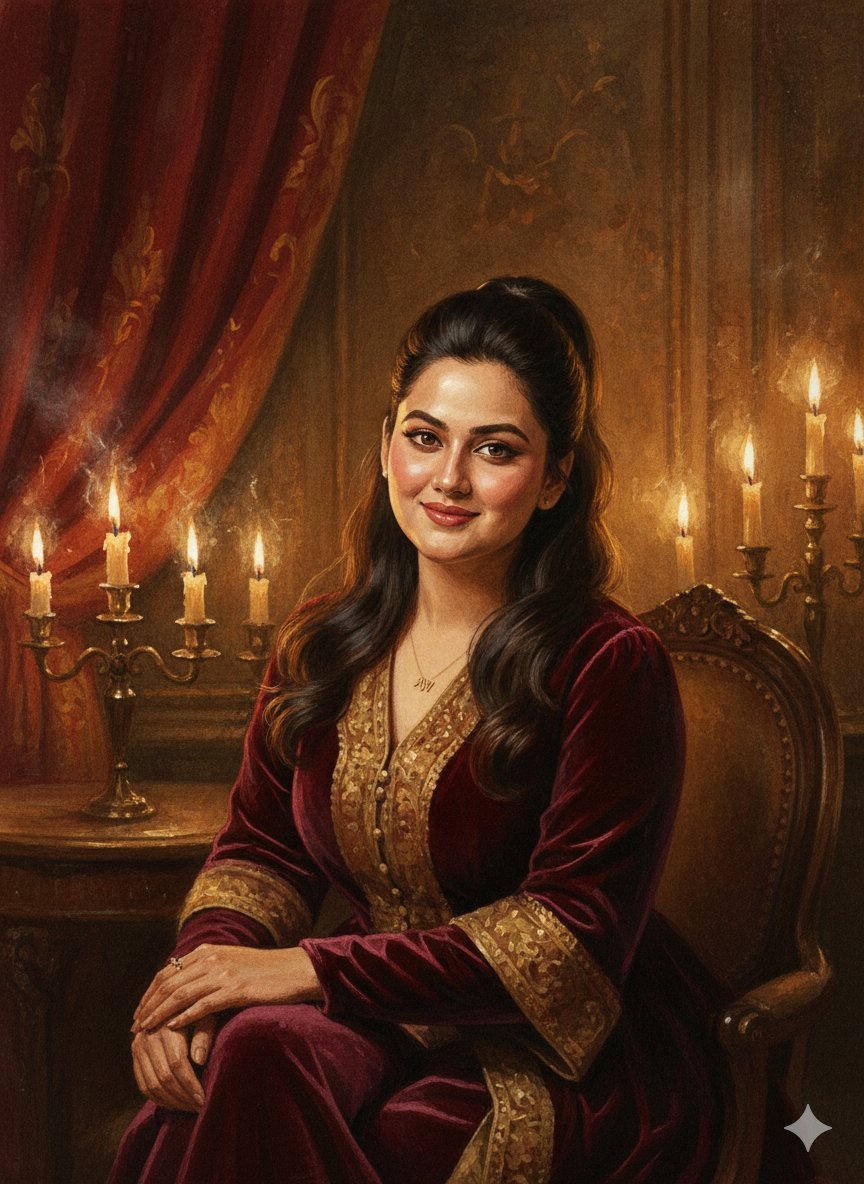
Baroque Candlelight Oil Painting Fusion (Image-to-Image)

Cinematic Wasteland Survivor Portrait (Mad Max Style)

Editorial Lifestyle Prompt for Gemini Nano Banana Pro
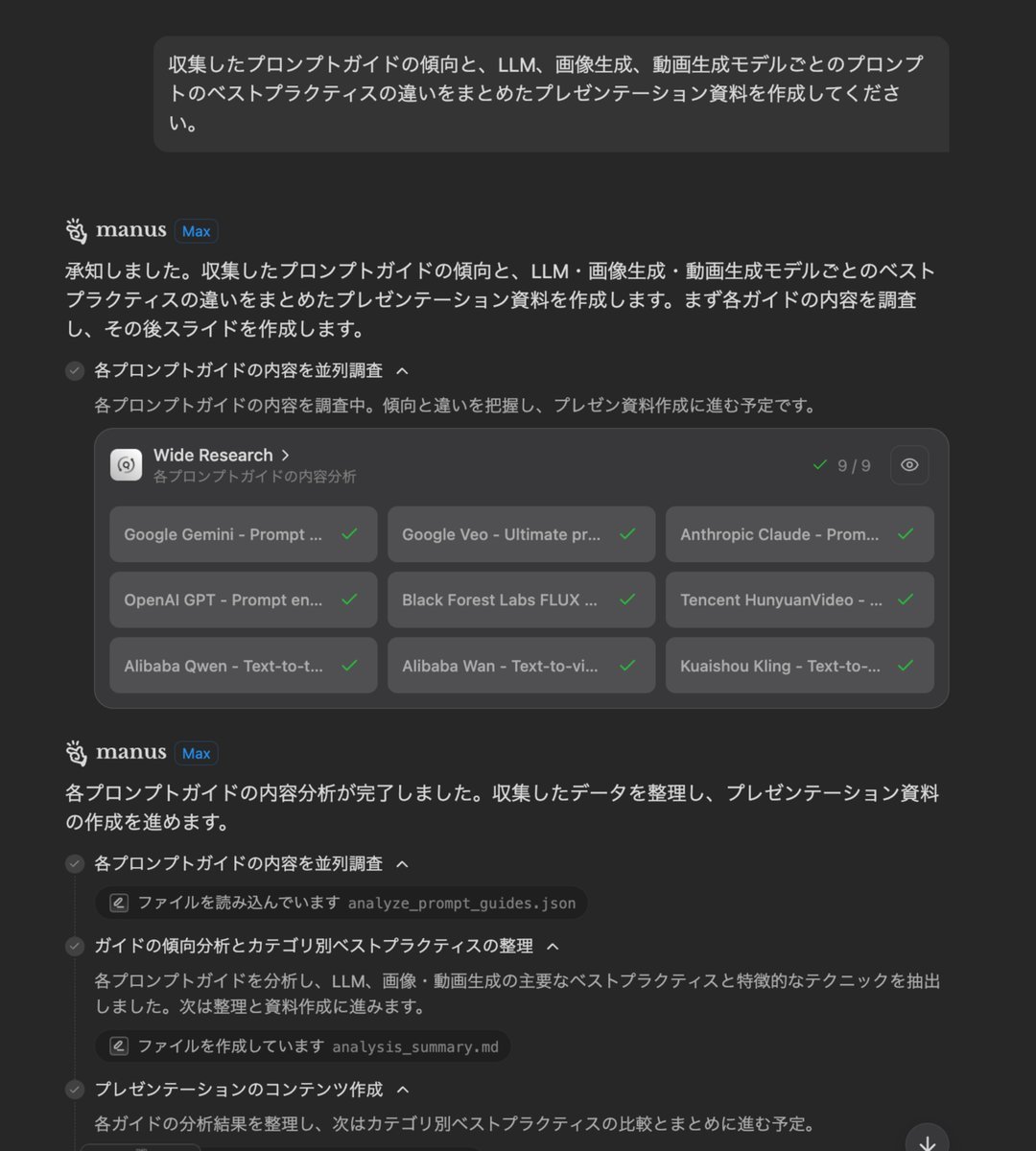
Presentation Slide Generation Prompt
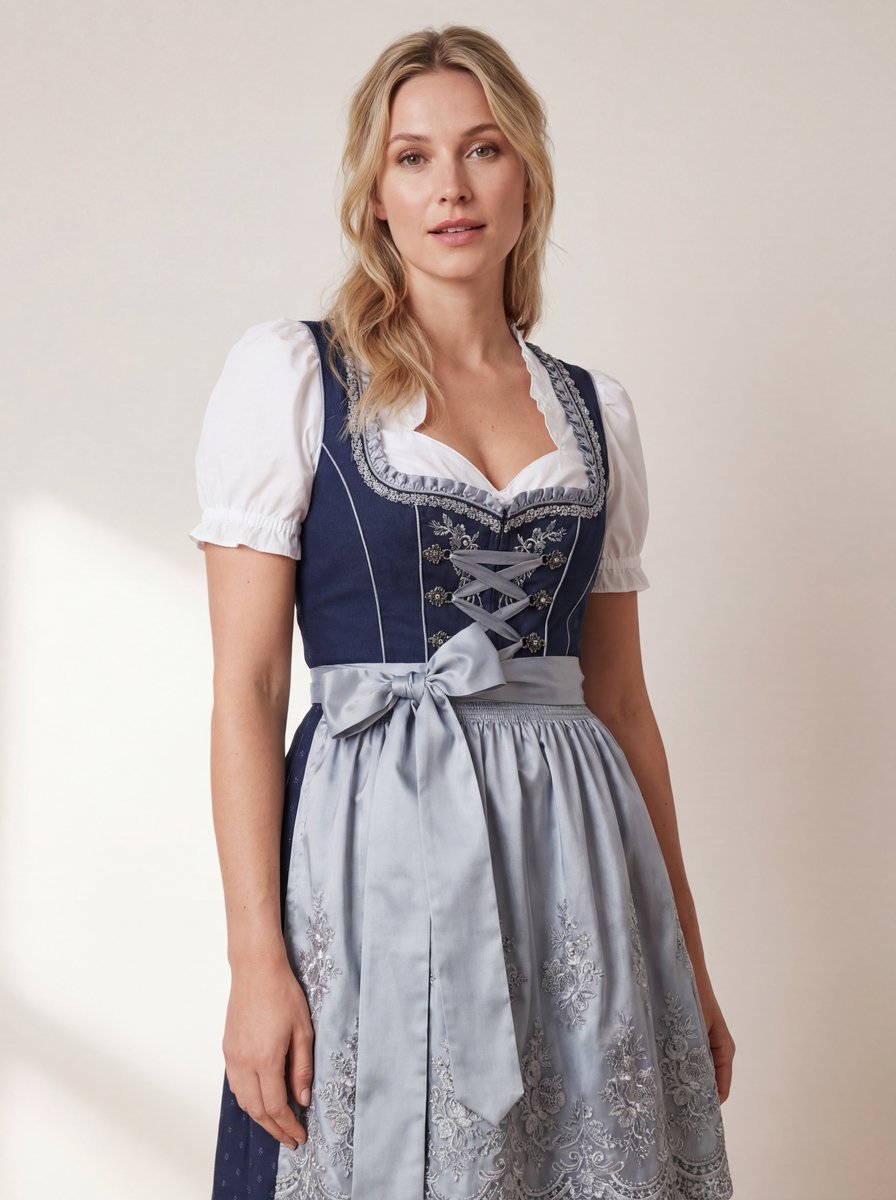
Hyper-Realistic Studio Photo of a Woman in Bavarian Dirndl
Browse template categories
Vintage Y2K Collage Lookbook questions
How do I use the Vintage Y2K Collage Lookbook template?
Add your photo if the template asks for one, edit the prompt if you like — the template's model and format are already selected — and press Generate. Your version opens in PicX Studio.
Can I customize the Vintage Y2K Collage Lookbook template?
Yes. You can change the subject, setting, lighting, mood, format, and available model controls before creating your image.
Is the Vintage Y2K Collage Lookbook template free?
Opening and editing this template is free. Generating uses credits, shown on the Generate button when you are signed in.
Which AI model should I use?
Choose a compatible model in PicX Studio based on the style, speed, and output controls your project needs.
Looking for something else? Browse all templates.

Your photo, any look
Thousands of ready templates for every top image and video model, from one credit balance.