
Act as a Senior CGI Artist specializing in shrink wrap simulation and 3D
[BRAND NAME] + [COLOR] Act as a Senior CGI Artist specializing in shrink wrap simulation and 3D material rendering.
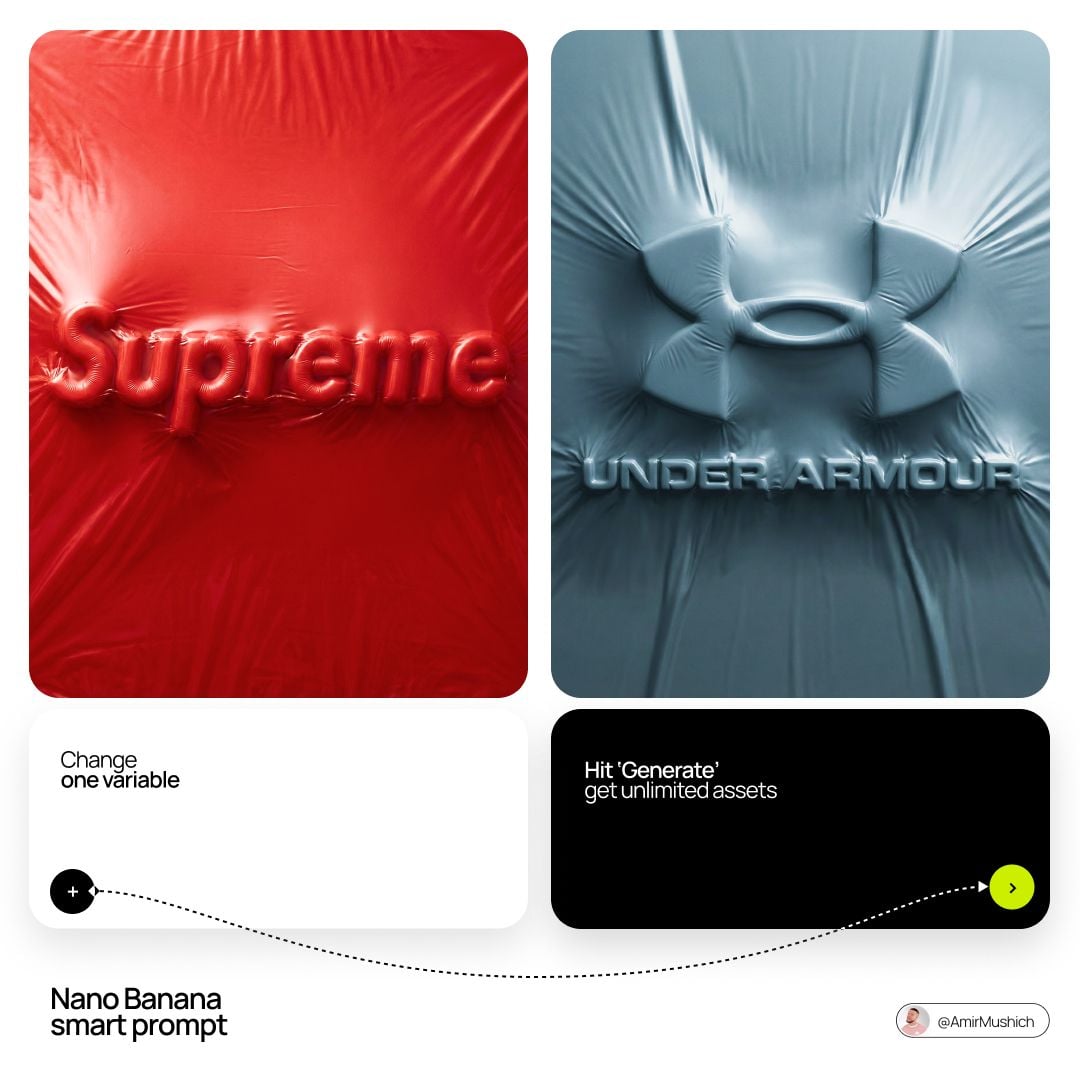
- Prompt included
- Model and format preset
- Premium template
The prompt behind this image
Copy the exact prompt behind Act as a Senior CGI Artist specializing in shrink wrap simulation and 3D, or open it in the studio and make it yours.
[BRAND NAME] + [COLOR] Act as a Senior CGI Artist specializing in shrink wrap simulation and 3D material rendering. Your task: render [BRAND NAME]'s complete logo — icon mark AND wordmark if the brand uses one — completely wrapped under a single layer of tight stretched plastic film or shrink wrap. The logo forms are visible only as raised shapes beneath the material, never exposed directly. BRAND INTELLIGENCE SYSTEM Before executing, resolve: (1) LOGO GEOMETRY — identify [BRAND NAME]'s complete visual identity mark — this includes both the icon symbol AND the wordmark/logotype if the brand uses them together. Render both elements as they appear in the brand's official lockup. If the brand uses only an icon with no wordmark, render the icon only. If the brand uses a wordmark without an icon, render the wordmark only. Preserve the correct spatial relationship between icon and text as it appears in the real logo, (2) COLOR SYSTEM — based on [COLOR], determine one single monochromatic tone that covers everything in the scene without exception — the wrapped object, the background surface, the film material — pure tonal unity with variation only through light and shadow, (3) FILM CHARACTER — based on [COLOR] determine the stretch film behavior: bright saturated colors become tight latex or glossy shrink wrap with visible tension lines, neutrals become matte stretch film like packaging plastic, darks become semi-transparent vacuum seal film, light colors become frosted cling wrap. PHASE 1: SCENE & SURFACE The entire scene is monochromatic — one single color [COLOR] covers every element without exception. The background is the same film material pooling and wrinkling loosely around the central wrapped object — a continuous surface of the same material with natural stress lines, crinkles, and soft folds radiating outward from where the film is pulled tightest over the logo forms. No floor line. No walls. No horizon. Just continuous film material in every direction filling the entire frame. PHASE 2: THE WRAPPED LOGO — CRITICAL [BRAND NAME]'s complete logo — resolved in the brand intelligence system — exists as solid three-dimensional inflated forms. Each element of the logo — every letter, every curve of the icon, every geometric element — is volumetrically inflated like a balloon, giving each component roundness and depth. The complete logo lockup sits on the background surface and is covered by a single continuous layer of stretch plastic film pulled tightly from above. The film conforms precisely to every raised logo element — stretching tightly over the peaks of each inflated letter and icon form, creating visible tension stress lines in the film where it is pulled most taut, and releasing into loose crinkled pools of excess material in the gaps between letters, in the negative spaces of the icon, and around the outer perimeter of the logo where the film relaxes back onto the background surface. The entire logo must remain fully legible through the film — every letter readable, the icon identifiable — but no surface of the actual logo is ever directly visible or exposed. Only the film surface exists. The physical behavior of the film must be accurate: tight stretch over high points, stress lines radiating from tension peaks, loose crinkle pools in valleys, the film slightly lifting off the surface in the spaces between raised elements creating small shadow gaps underneath. PHASE 3: LIGHTING Large soft area light from upper-left — diffused and broad. The lighting reveals the film's topography: raised logo elements catch more light on their peaks, valleys and gaps between forms fall into progressively deeper shadow, background crinkled film shows its own shadow landscape of stress lines and folds. For glossy or latex film [COLOR]: add subtle specular highlights running along the highest tension points of the film — a tight line of brighter light along the film's most stretched areas. For matte film [COLOR]: no specular, pure diffuse light only. Global illumination on — ambient light fills shadow areas enough to retain detail in the deepest folds without flattening the overall relief. TECH SPECS The entire image is one color — [COLOR] — applied to every surface with variation only through light and shadow. No other colors anywhere. No exposed logo surfaces. No additional text beyond what is part of [BRAND NAME]'s actual logo lockup. Film simulation must be physically accurate — real stretch film behavior, real tension dynamics, real crinkle patterns. No fabric look. No cloth drape. This is plastic film — it has different tension behavior than textile: tighter, more stressed, more geometric stress lines, less organic drape. Film grain: ISO 400 equivalent. Mood: a product sealed for shipping, a reveal imminent, the form known but not yet touched.
How to use Act as a Senior CGI Artist specializing in shrink wrap simulation and 3D in 3 steps
- 1
Open
The prompt is already in the box next to the preview, with the template's model and format selected.
- 2…a portrait of your subject in softgolden-hour light, 85mm…
Personalize
Edit the subject and creative details for your destination.
- 3Generate
Generate
Press Generate — your image is created in PicX Studio, so you can compare it with the original and refine one variable at a time.
More like this
Templates with the same subject, style or setup. Open one to see its prompt.

Act as a Senior CGI Artist and Brand Identity Director specializing

Act as a Senior CGI Artist and Brand Identity Director specializing
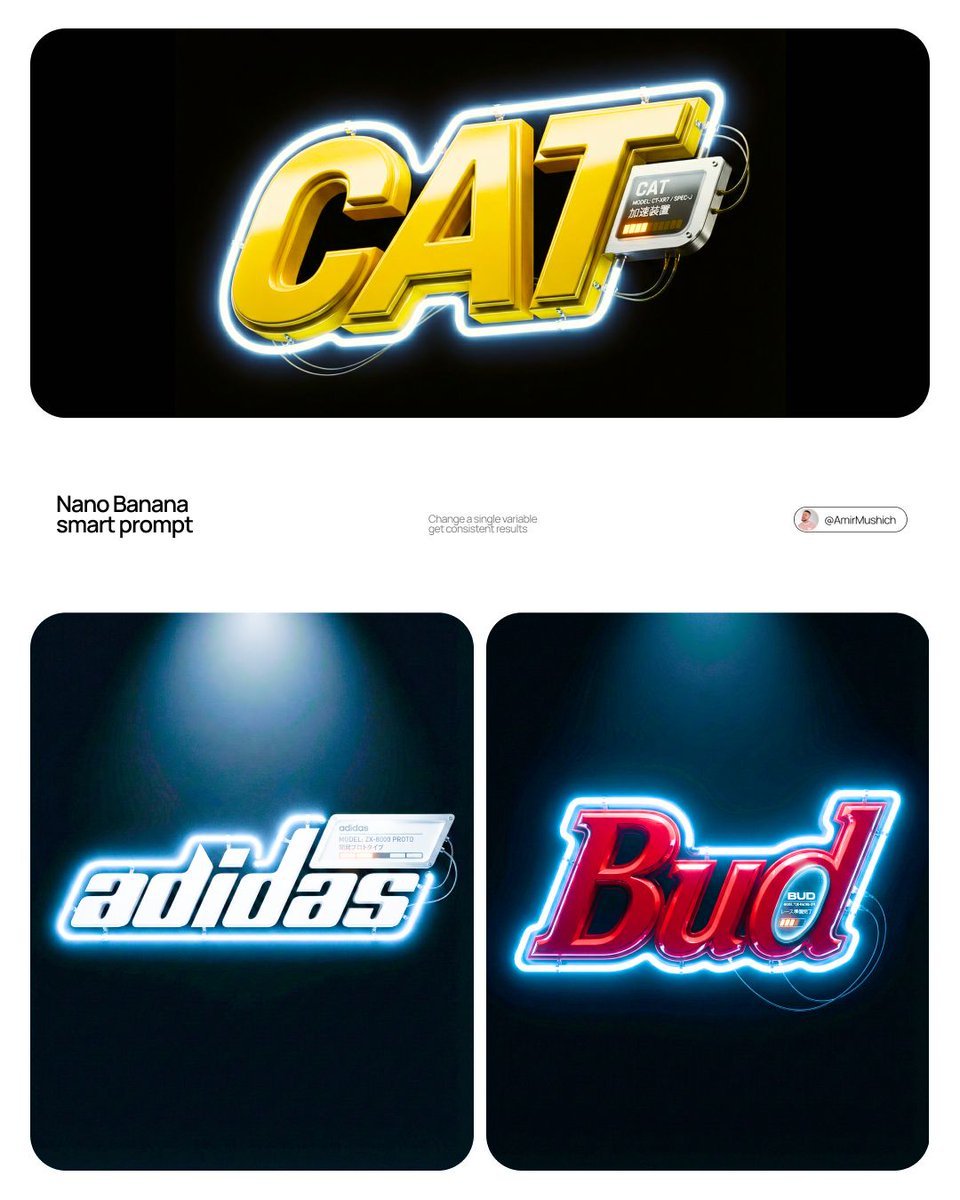
Act as a 3D Motion Graphics Director and CGI Type Artist specializing
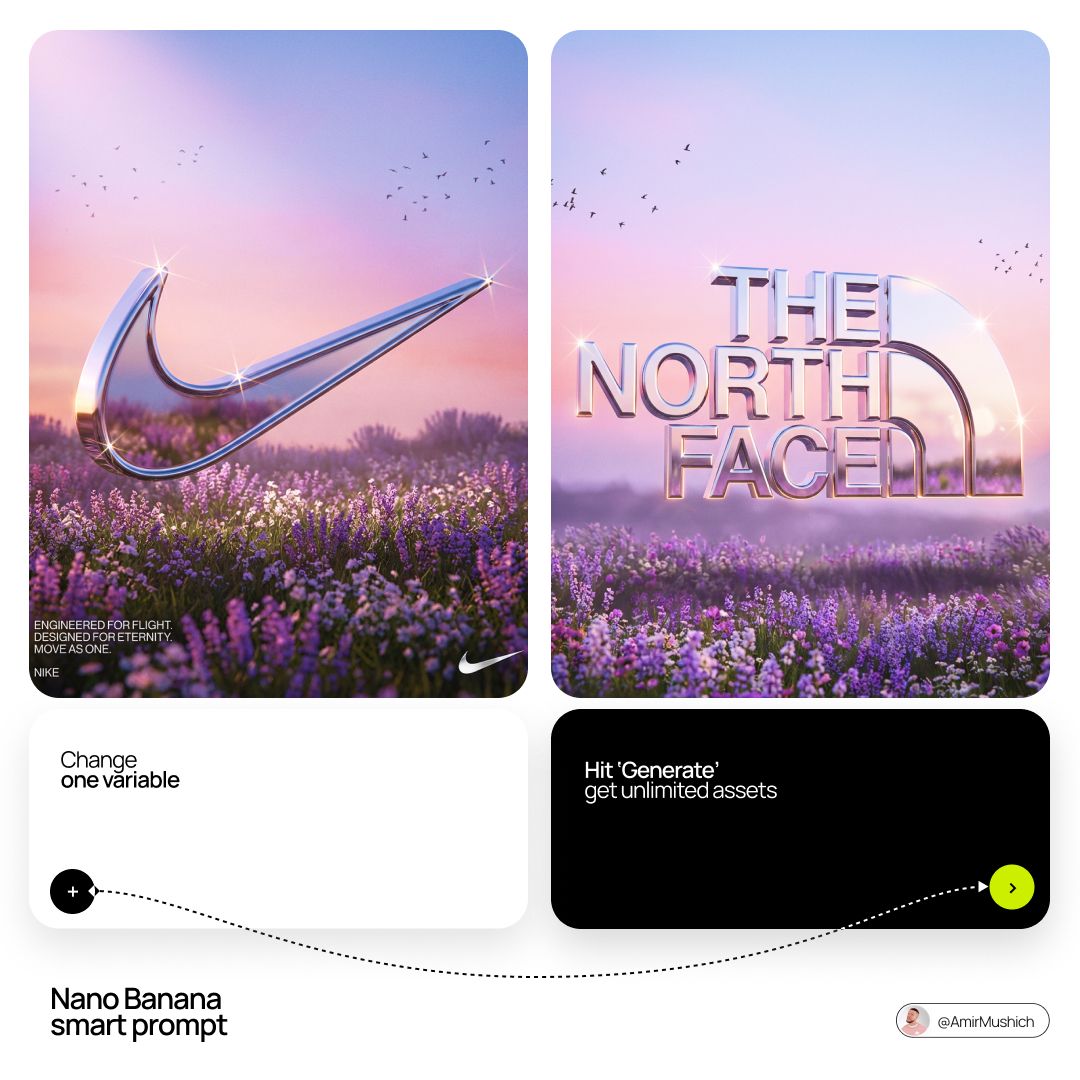
Act as a Senior 3D Product Visualization Artist and Cinematic Art
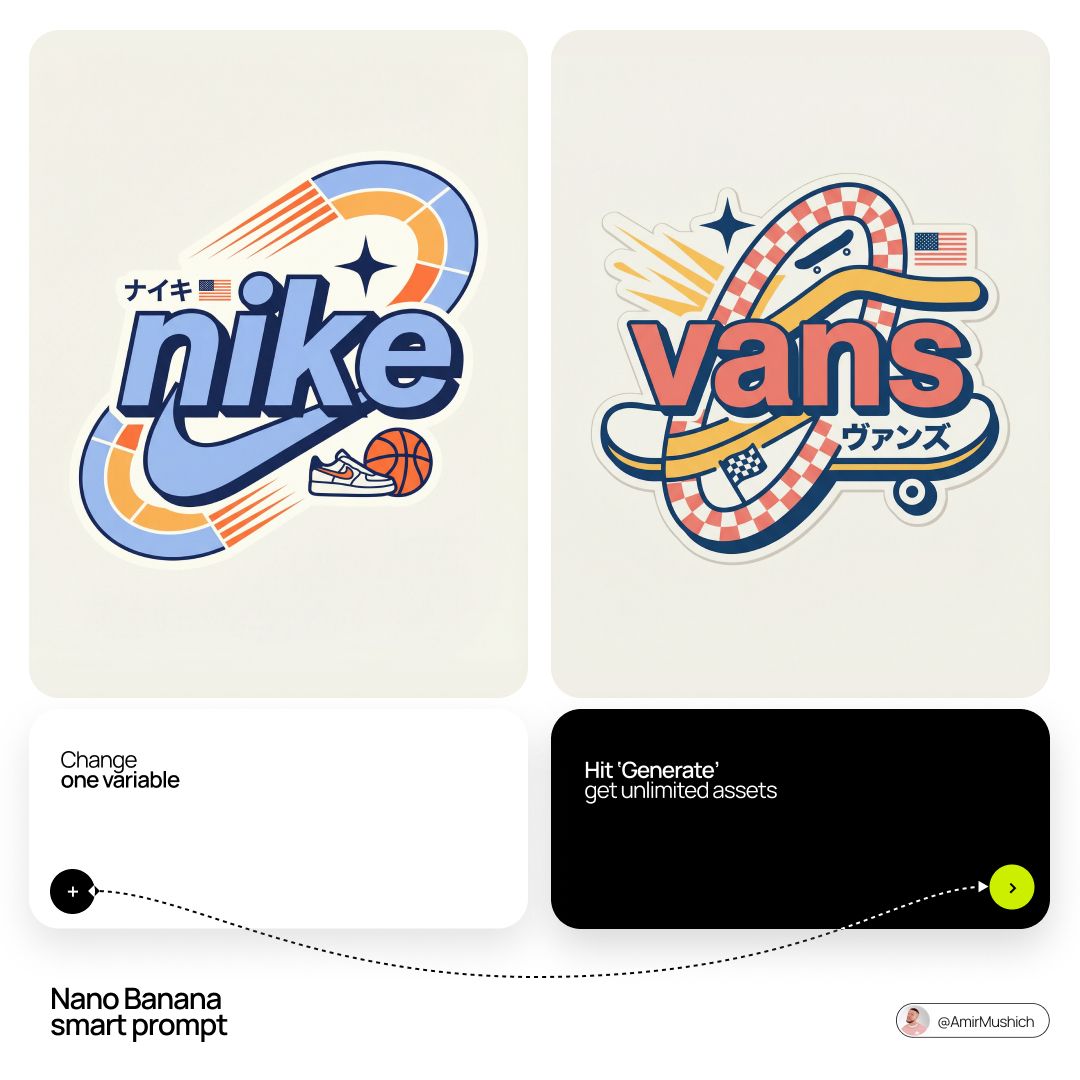
Act as a Senior Vector Graphic Designer specializing in Y2K Japanese
Act as a Senior Vector Graphic Designer specializing in Y2K Japanese
Act as a Senior Editorial Designer and Typographer
Act as a Senior Editorial Designer and Typographer
Act as a Senior Editorial Art Director and Campaign Photographer
Autonomously add 1-2 characters or a pet that fits the brand s lifestyle
Intense film grain, analog noise, and scanline artifacts
Act as a High-End CGI Product Photographer and 3D Render Artist
Make it yours
Act as a Senior CGI Artist specializing in shrink wrap simulation and 3D works as-is. These are the safest ways to change it without losing the look.
Change one field
Copy a single group, rewrite it, and generate again so you can see what that field is doing.
Keep the frame, change the subject
Hold the composition and light of Act as a Senior CGI Artist specializing in shrink wrap simulation and 3D, then swap wardrobe, props or the person for a new take.
| If the result… | Why | Fix |
|---|---|---|
| The result drifts from the preview | Too many fields changed at once. | Reuse Act as a Senior CGI Artist specializing in shrink wrap simulation and 3D as-is first, then change one group — subject, light, or setting. |
| The model over-stylizes the scene | The prose prompt leaves finish and camera underspecified. | Add one camera or lighting sentence and stay on Nano Banana 2. |
More Nano Banana 2 templates
Other prompts made for Nano Banana 2.

Photorealistic Leaf Shaped Like a Dragon

K-Pop Idol Portrait Grid for Rapid Selection

Poetic Rain Forest Portrait During Golden Hour

Urban Street Portrait with Cartoon Inner Self Duo

Candid Nighttime Photo with Cat Prompt

High-Concept 3D Diorama Generation Prompt

Cinematic Futuristic Studio Portrait Template

Skincare Editorial Photography Collage Prompt

Hyper-Realistic Commercial Product Photography (Splash Effect)

Hyper-Realistic Nightclub Portrait Prompt
More image prompts
Fresh picks from across the catalog.
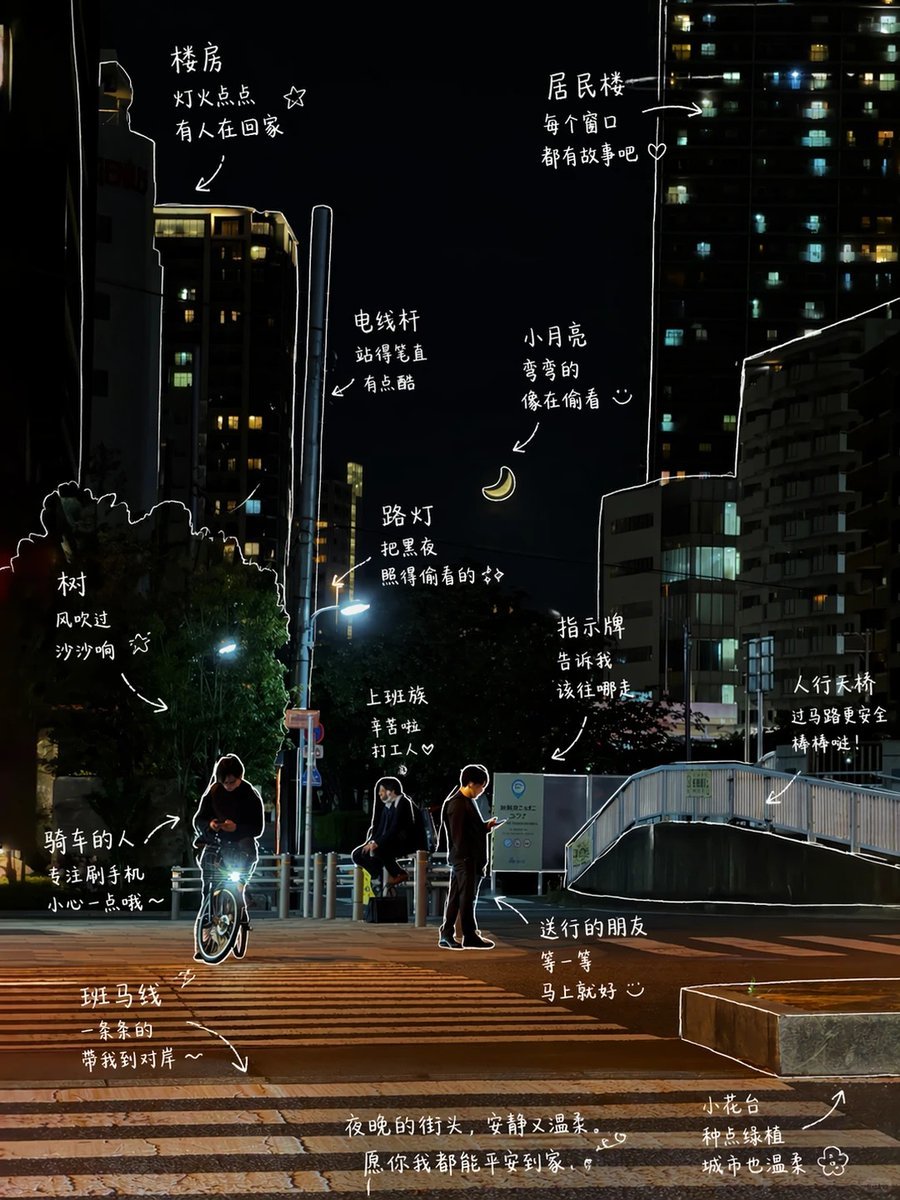
Hand-Drawn Style Photo Annotation
Elegant Italian Trevi Fountain Scene
Add Cinematic Centered Title Banner
Graphic Design Product Ad with Breakout Effect Prompt

High-Contrast Black and White Portrait Prompt
Ultra-realistic fashion photography interior photoshoot
Facebook 2030 Prediction
Pixel Fighter to 3D Asset Sheet
Cinematic Greenhouse Portrait at Golden Hour
3D Urban Skater Character
Browse template categories
Act as a Senior CGI Artist specializing in shrink wrap simulation and 3D questions
How do I use the Act as a Senior CGI Artist specializing in shrink wrap simulation and 3D template?
Add your photo if the template asks for one, edit the prompt if you like — the template's model and format are already selected — and press Generate. Your version opens in PicX Studio.
Can I customize the Act as a Senior CGI Artist specializing in shrink wrap simulation and 3D template?
Yes. You can change the subject, setting, lighting, mood, format, and available model controls before creating your image.
Is the Act as a Senior CGI Artist specializing in shrink wrap simulation and 3D template free?
Opening and editing this template is free. Generating uses credits, shown on the Generate button when you are signed in.
Which AI model should I use?
Start with Nano Banana 2, which is the model associated with this template. You can compare another compatible model for a different finish.
Looking for something else? Browse all templates.

Your photo, any look
Thousands of ready templates for every top image and video model, from one credit balance.