
Maintain the exact same person and facial identity from the reference
Maintain the exact same person and facial identity from the reference photo.
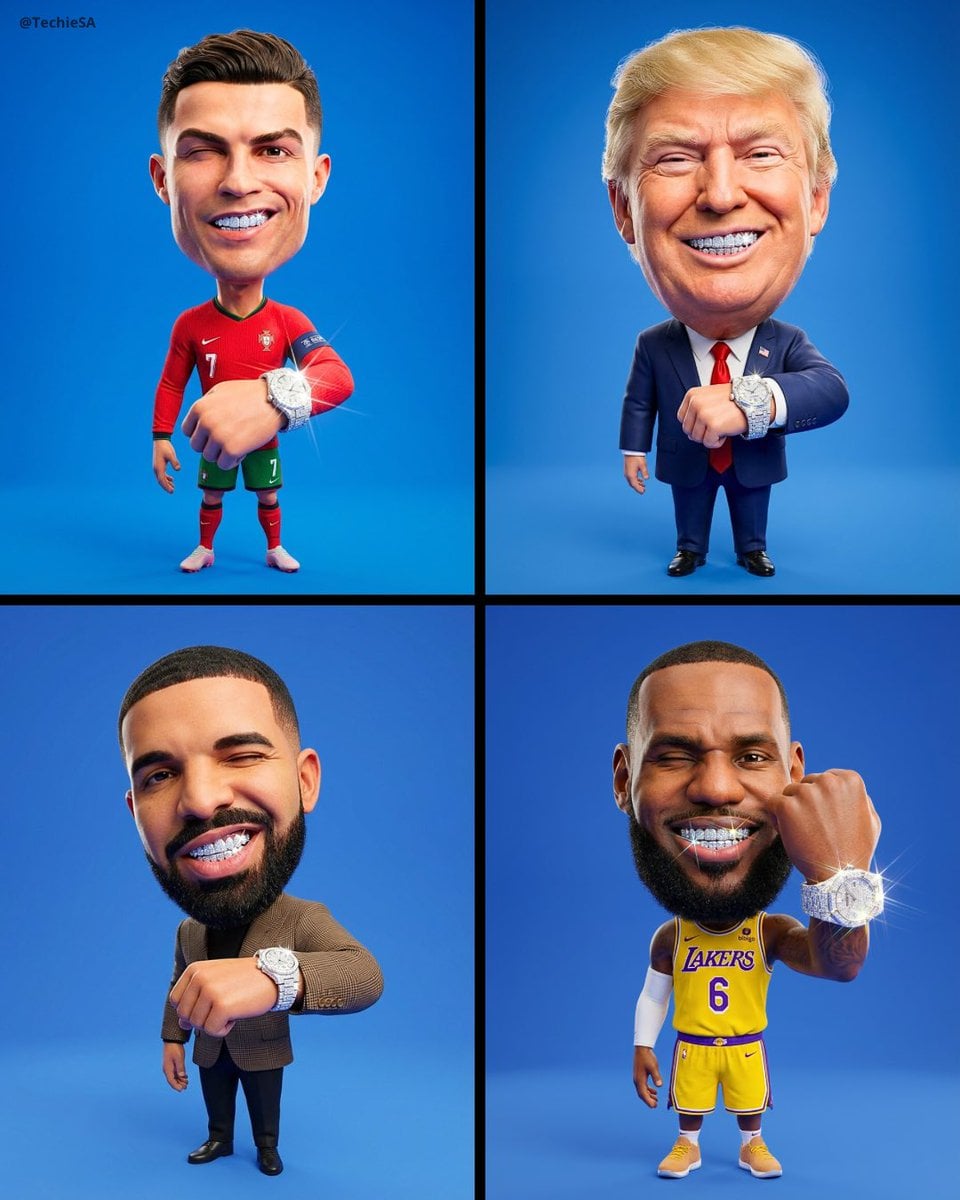
- Prompt included
- Model and format preset
- Premium template
The prompt behind this image
Copy the exact prompt behind Maintain the exact same person and facial identity from the reference, or open it in the studio and make it yours.
Maintain the exact same person and facial identity from the reference photo. Detailed 3D Caricature Prompt: A professional, ultra-detailed full-body 3D stylized caricature portrait of the person from [REFERENCE IMAGE], standing in a confident upright pose. ANATOMY & PROPORTIONS: Extremely exaggerated silhouette featuring a massive, oversized head with a large-scale ratio compared to a tiny, diminutive, and short body. The neck is short and thick to support the giant head. Maintain the subject’s exact facial identity, skin tone, and ethnic features from [REFERENCE IMAGE], but with intentional caricature deformation. The character has a mischievous, confident expression, giving a playful wink toward the lens with one eye. A wide smirk reveals a full set of meticulously detailed, sparkling diamond grillz (teeth) that catch and refract the light. POSE & JEWELRY: The character is standing still but with a dynamic arm gesture; one arm is brought forward, close to the camera lens, to prominently showcase a thick, heavy, iced-out diamond watch on the wrist. Each individual diamond stone on the watch and the grillz is rendered with ray-traced reflections, creating sharp prismatic glints and brilliant sparkles. CLOTHING & TEXTURES: The character is wearing the exact same outfit, jewelry, and accessories as seen in [REFERENCE IMAGE]. Fabrics (cotton, silk, or denim) are rendered with high-fidelity microscopic textures, showing realistic folds and stitching on a miniature scale. Skin is rendered with premium subsurface scattering, appearing smooth, clean, and studio-perfect, avoiding any blemishes, noise, or grain. ENVIRONMENT & LIGHTING: Set against a perfectly clean, seamless, solid vibrant blue studio backdrop with no gradients and no distractions. The lighting is a high-end neutral studio setup using softboxes to provide even, bright illumination across the entire figure. Strictly NO backlighting and NO rim light. Focus on soft, diffused front shadows that define the character’s shape. High-intensity light hits the diamonds to ensure they are the brightest points of the image. TECHNICAL SPECS: Hyper-realistic 3D render, cinematic quality, Octane Render style, 8k resolution, ultra-high definition, sharp focus, clean edges, masterpiece level, no text, no watermarks, no logos, aspect ratio 4:5.
How to use Maintain the exact same person and facial identity from the reference in 3 steps
- 1Upload ImagePNG, JPG or paste
Add your photo
Upload the photo the template builds on. The prompt, model and format are already set.
- 2…a portrait of your subject in softgolden-hour light, 85mm…
Personalize
Edit the subject and creative details for your destination.
- 3Generate
Generate
Press Generate — your image is created in PicX Studio, so you can compare it with the original and refine one variable at a time.
More like this
Templates with the same subject, style or setup. Open one to see its prompt.
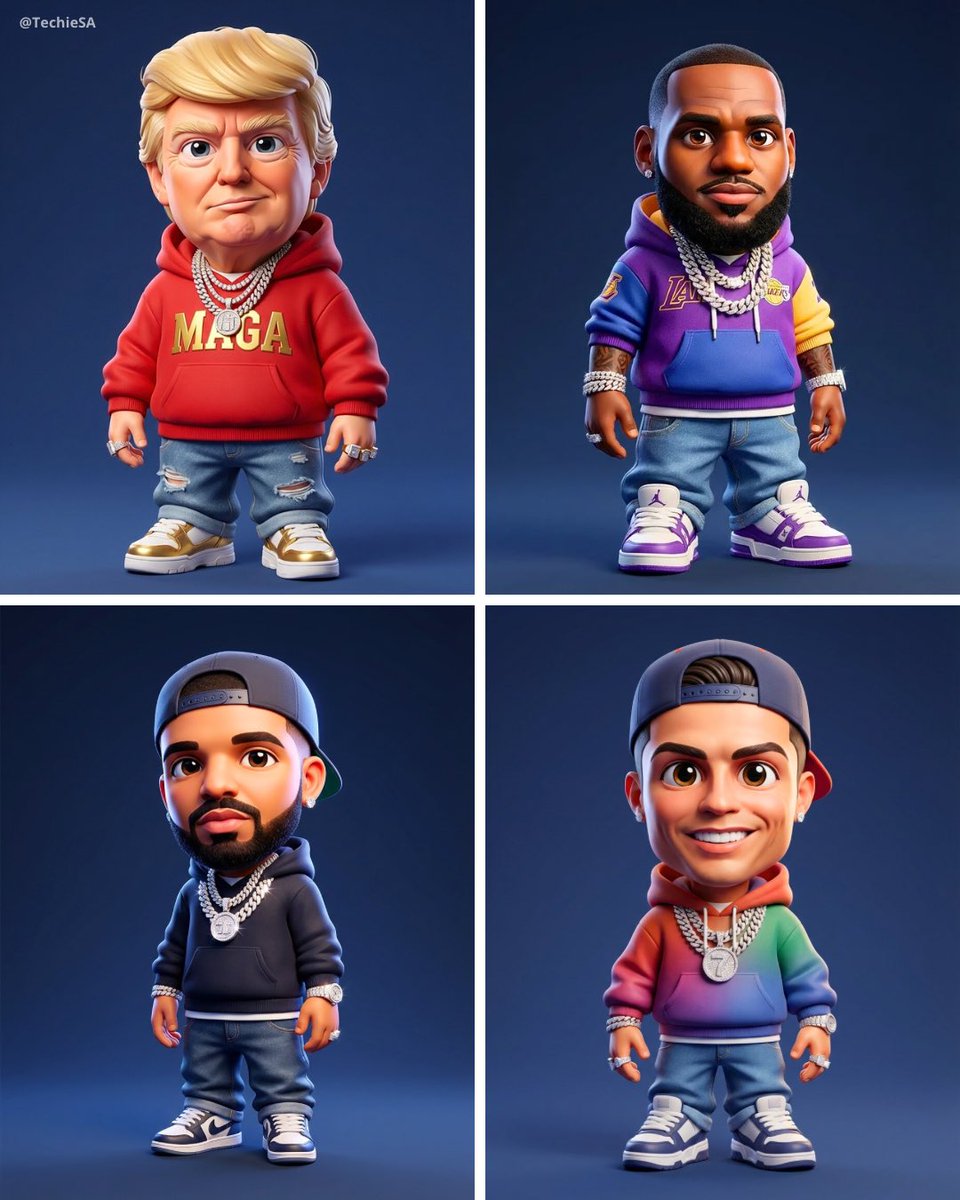
Maintaining the facial features of all creatures
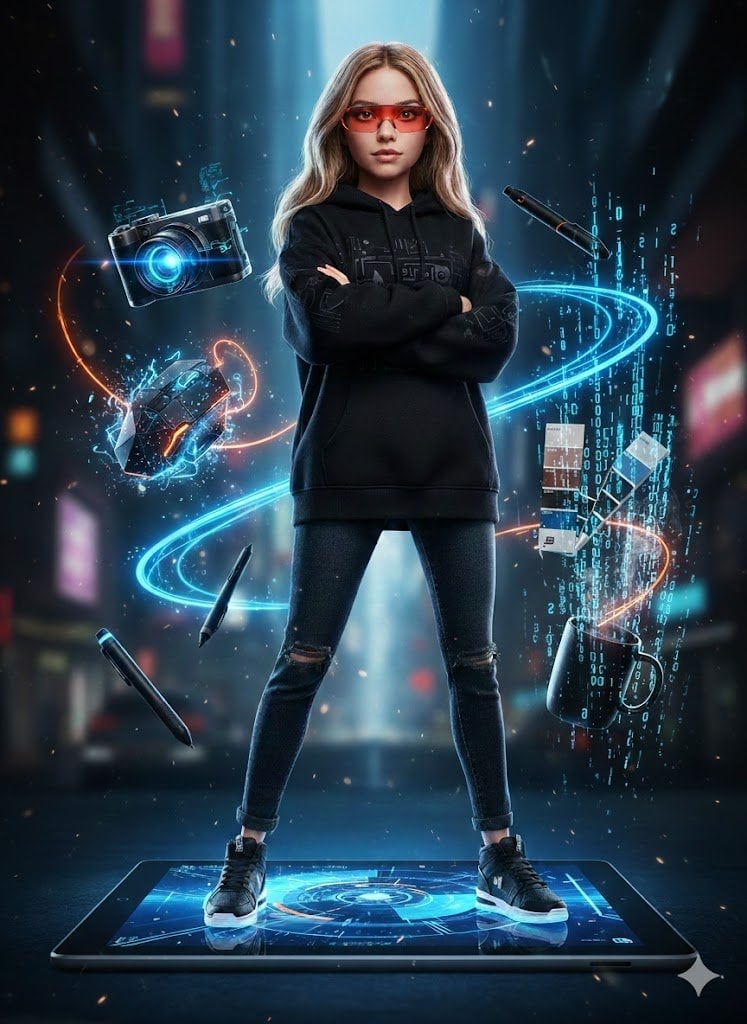
Hyper-realistic full-body portrait of a woman, using the exact pose
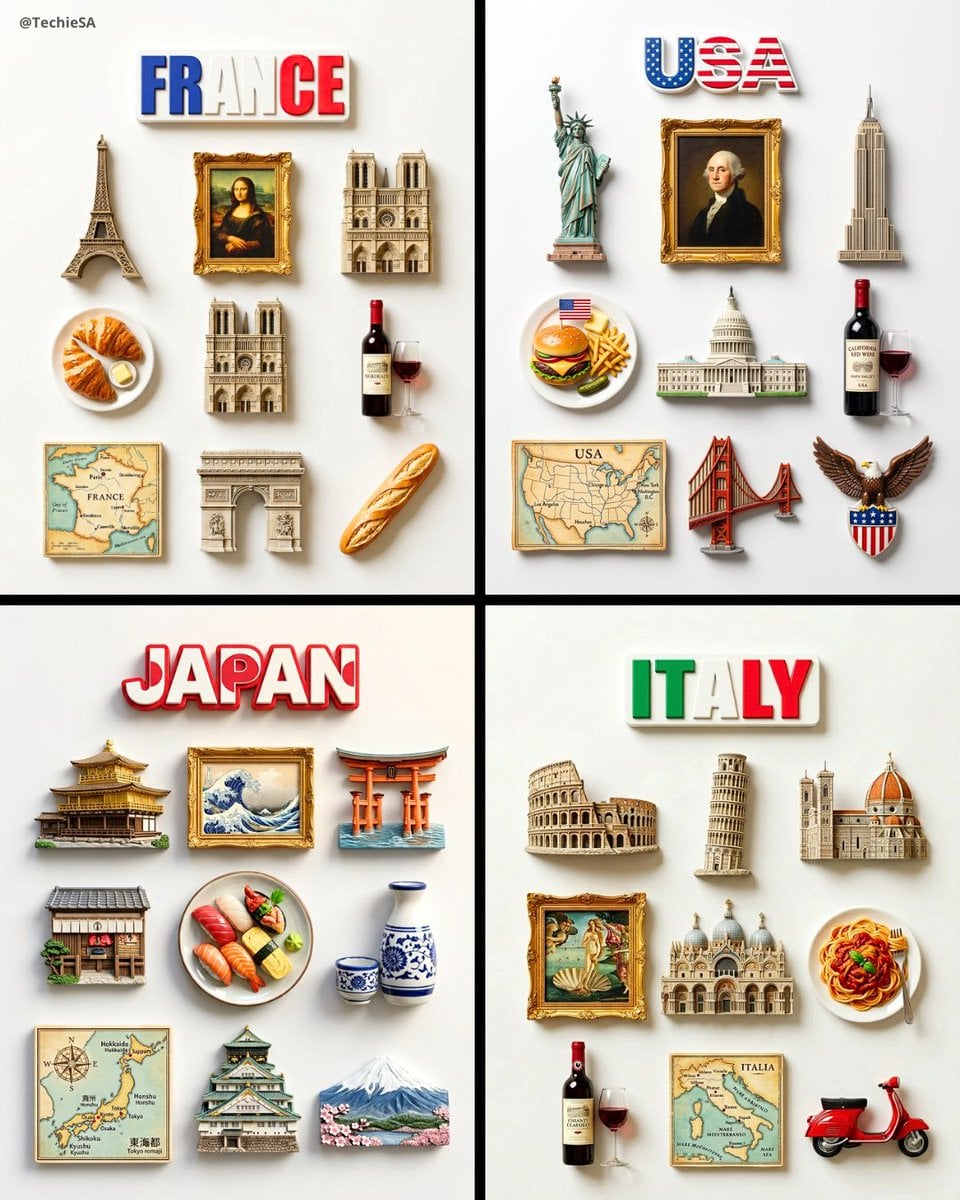
A flat-lay collection of exactly 9 hyper-realistic 3D resin fridge
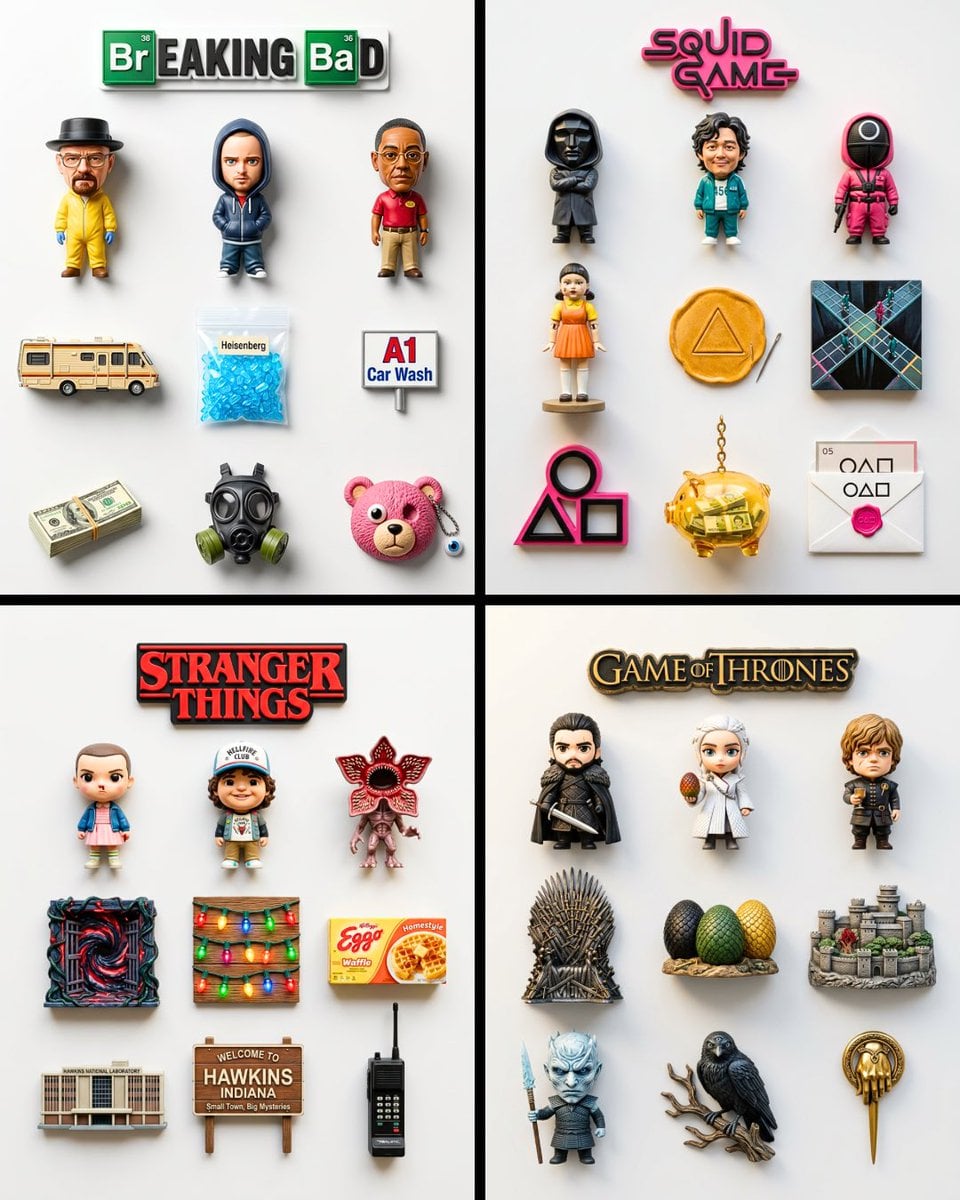
A flat-lay collection of exactly 9 hyper-realistic 3D resin fridge
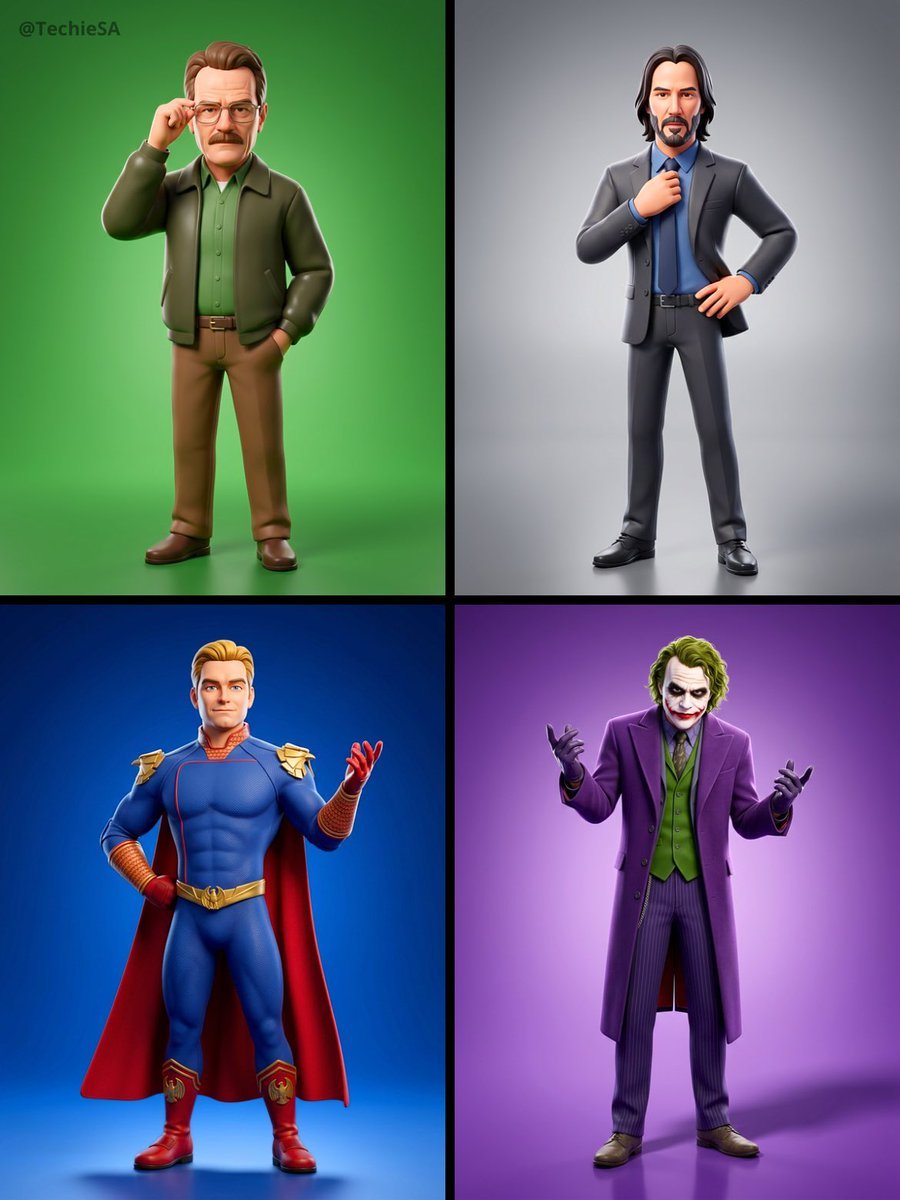
Referenced person into a premium stylized 3D animated character, full
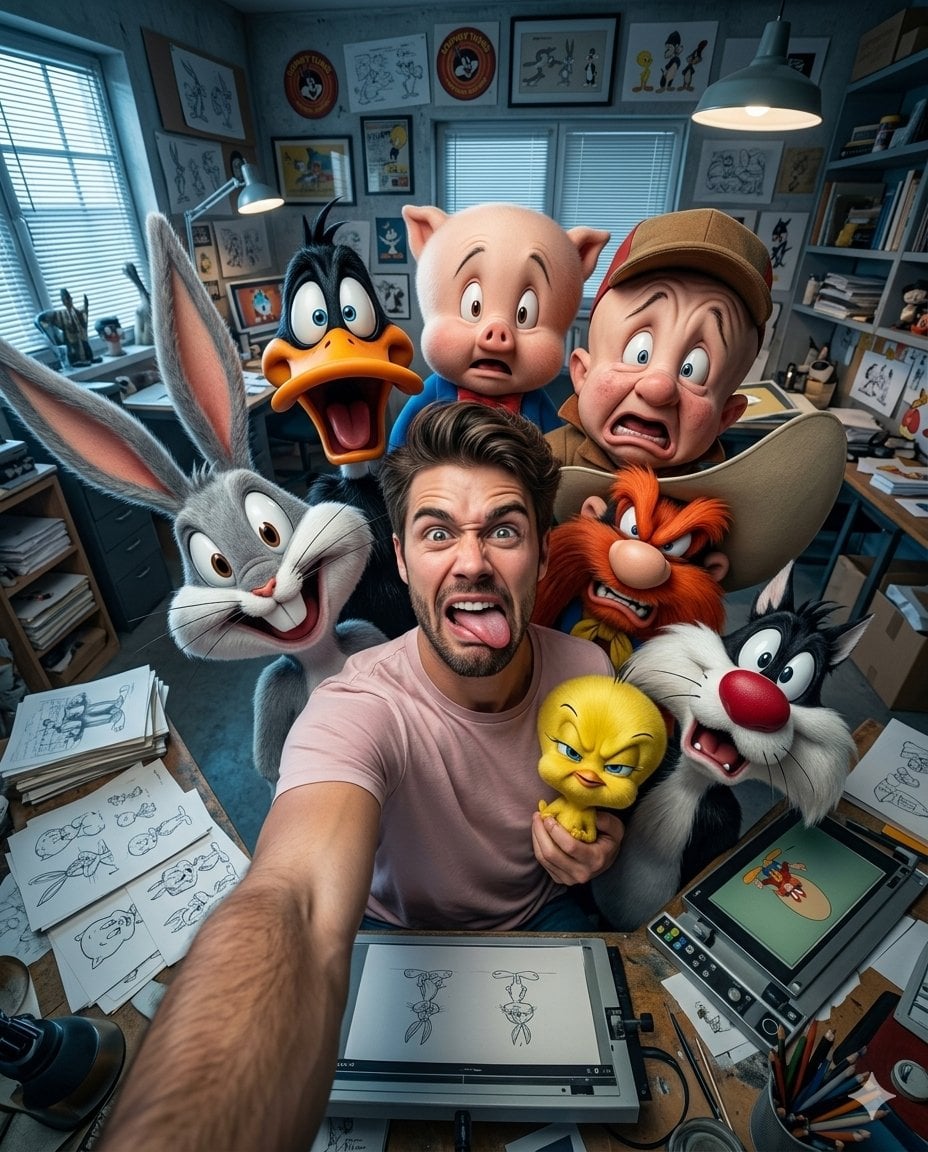
Illustration & 3D Prompt #533
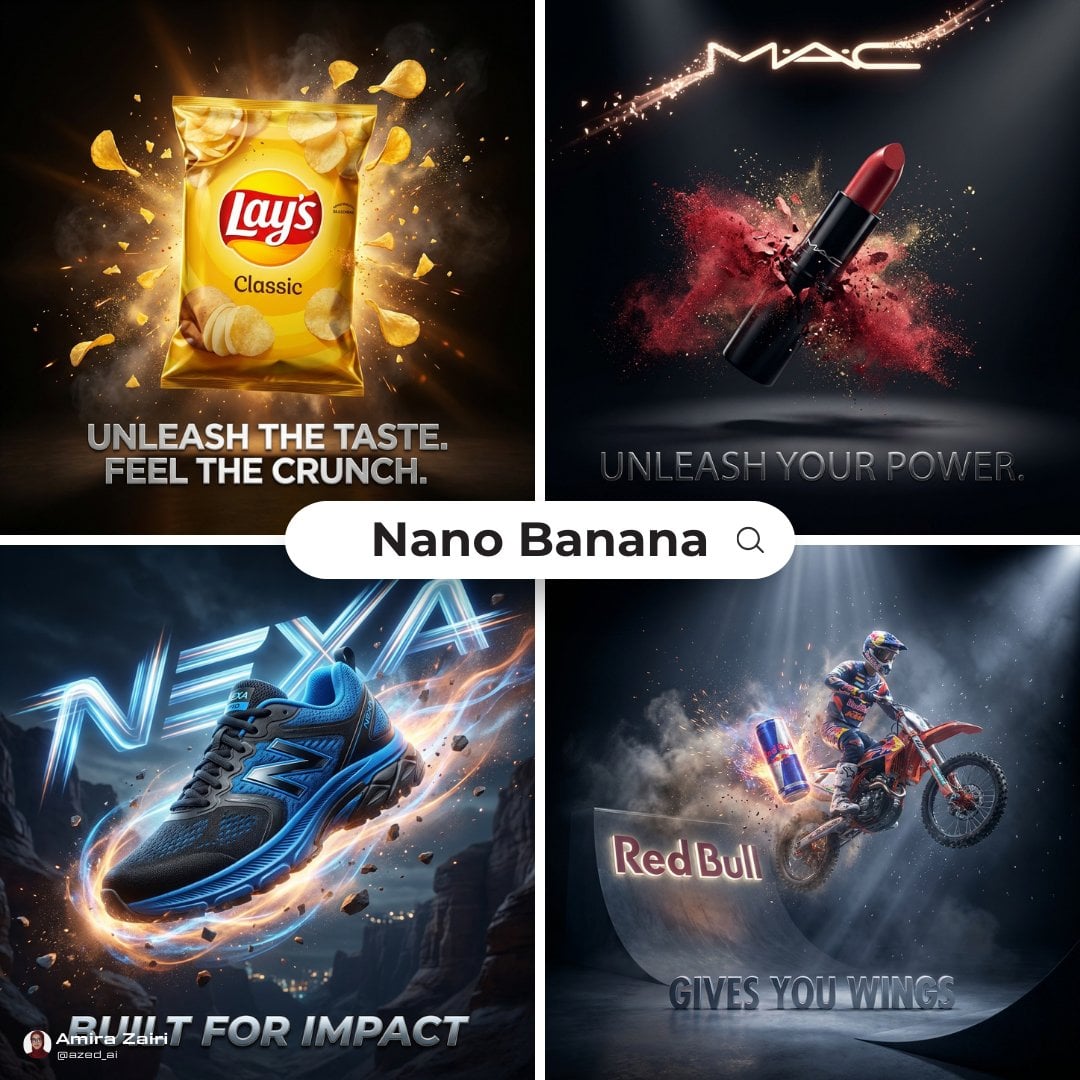
Cinematic 3D action-packed advertisement captured in an intense
Ime characters into realistic human portraits Convert character

A high-quality photo collage featuring the same person with identical

Clear, 45 top-down isometric miniature 3D cartoon scene of the iconic
Illustration & 3D Prompt #1437
To hyper-realistic 3D CGI collectible figurine render
Make it yours
Maintain the exact same person and facial identity from the reference works as-is. These are the safest ways to change it without losing the look.
Change one field
Copy a single group, rewrite it, and generate again so you can see what that field is doing.
Keep the frame, change the subject
Hold the composition and light of Maintain the exact same person and facial identity from the reference, then swap wardrobe, props or the person for a new take.
| If the result… | Why | Fix |
|---|---|---|
| The result drifts from the preview | Too many fields changed at once. | Reuse Maintain the exact same person and facial identity from the reference as-is first, then change one group — subject, light, or setting. |
| The model over-stylizes the scene | The prose prompt leaves finish and camera underspecified. | Add one camera or lighting sentence and stay on Nano Banana 2. |
More Nano Banana 2 templates
Other prompts made for Nano Banana 2.

Photorealistic Leaf Shaped Like a Dragon

K-Pop Idol Portrait Grid for Rapid Selection

Poetic Rain Forest Portrait During Golden Hour

Urban Street Portrait with Cartoon Inner Self Duo

Candid Nighttime Photo with Cat Prompt

High-Concept 3D Diorama Generation Prompt

Cinematic Futuristic Studio Portrait Template

Skincare Editorial Photography Collage Prompt

Hyper-Realistic Commercial Product Photography (Splash Effect)

Hyper-Realistic Nightclub Portrait Prompt
More image prompts
Fresh picks from across the catalog.
Variety Show Surprise Prank Anime Screenshot
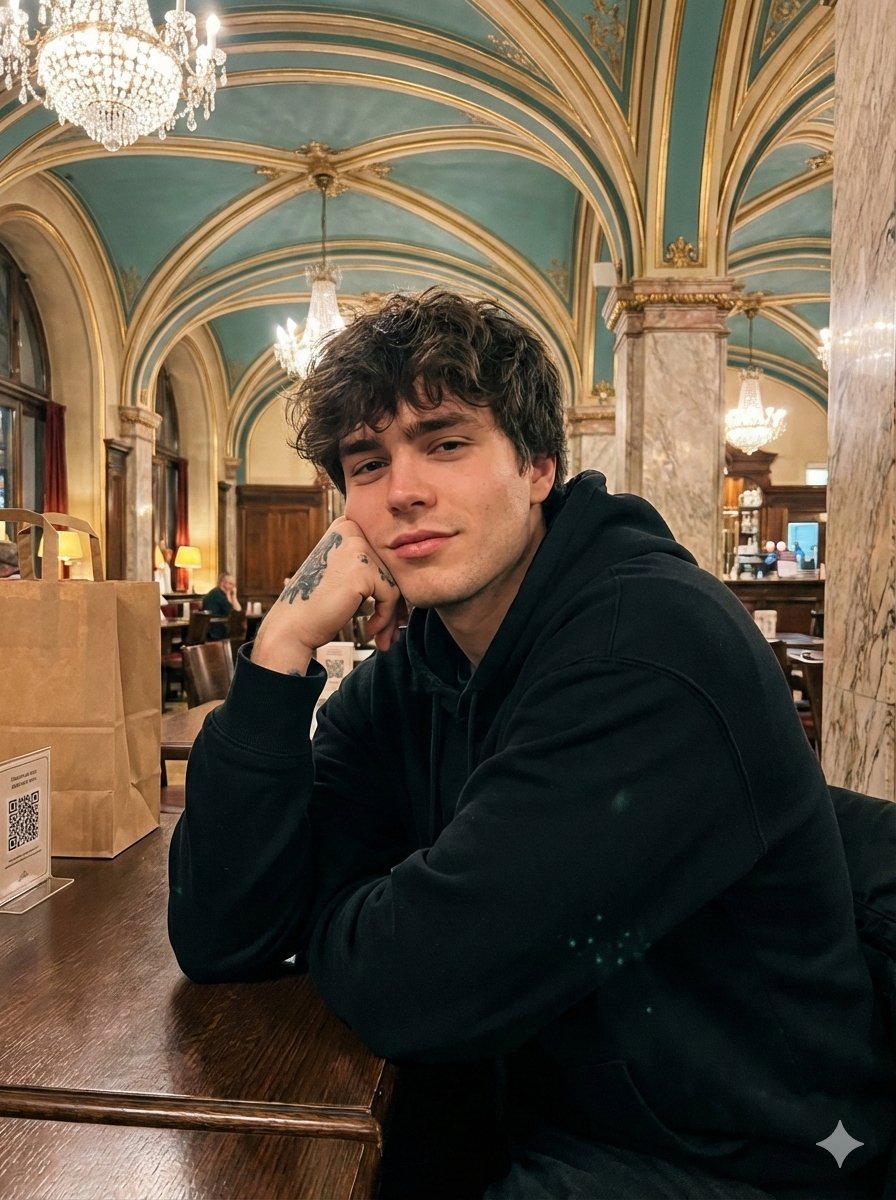
Opulent Café Portrait with Voluminous Hair
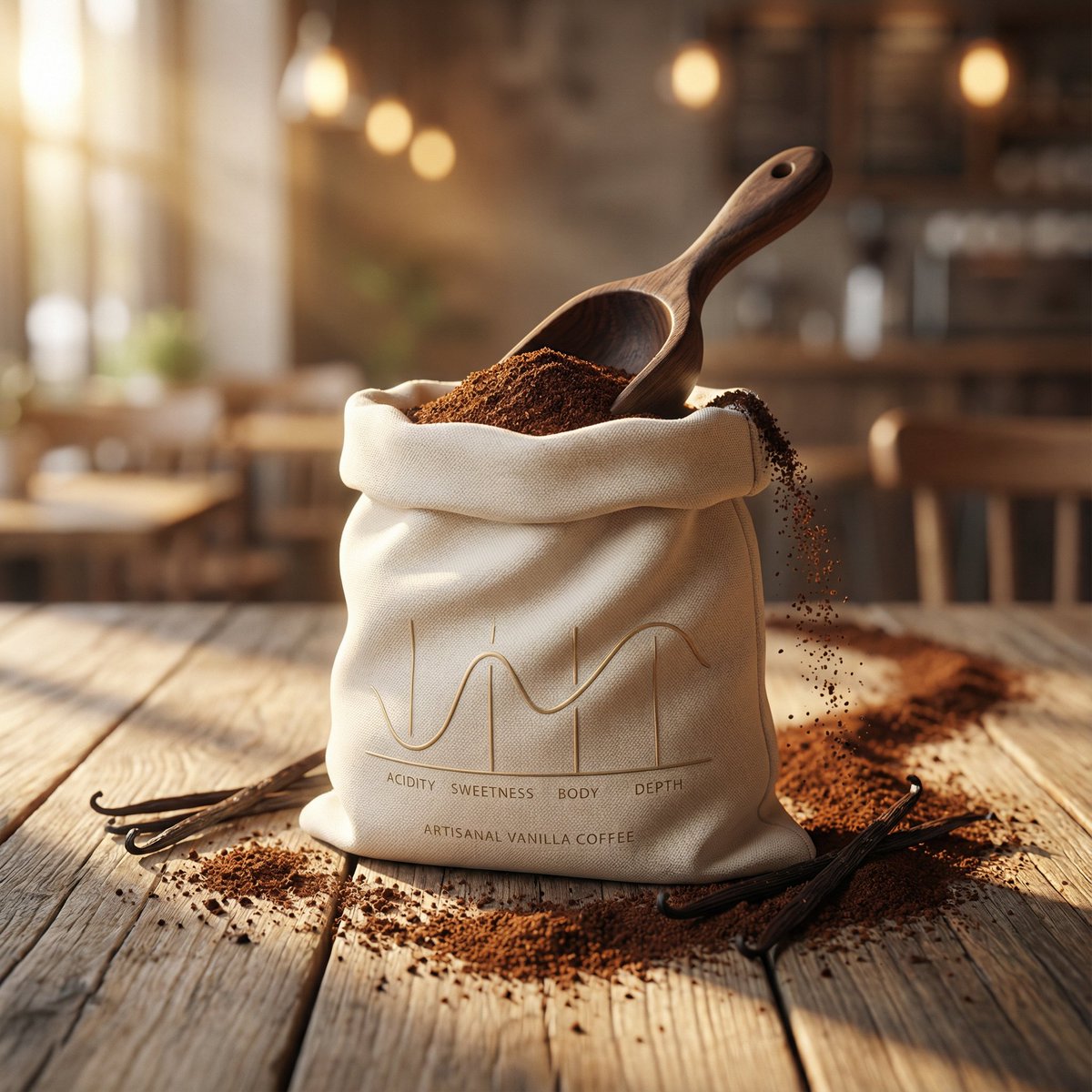
Luxury Product Photography for Artisanal Vanilla Coffee
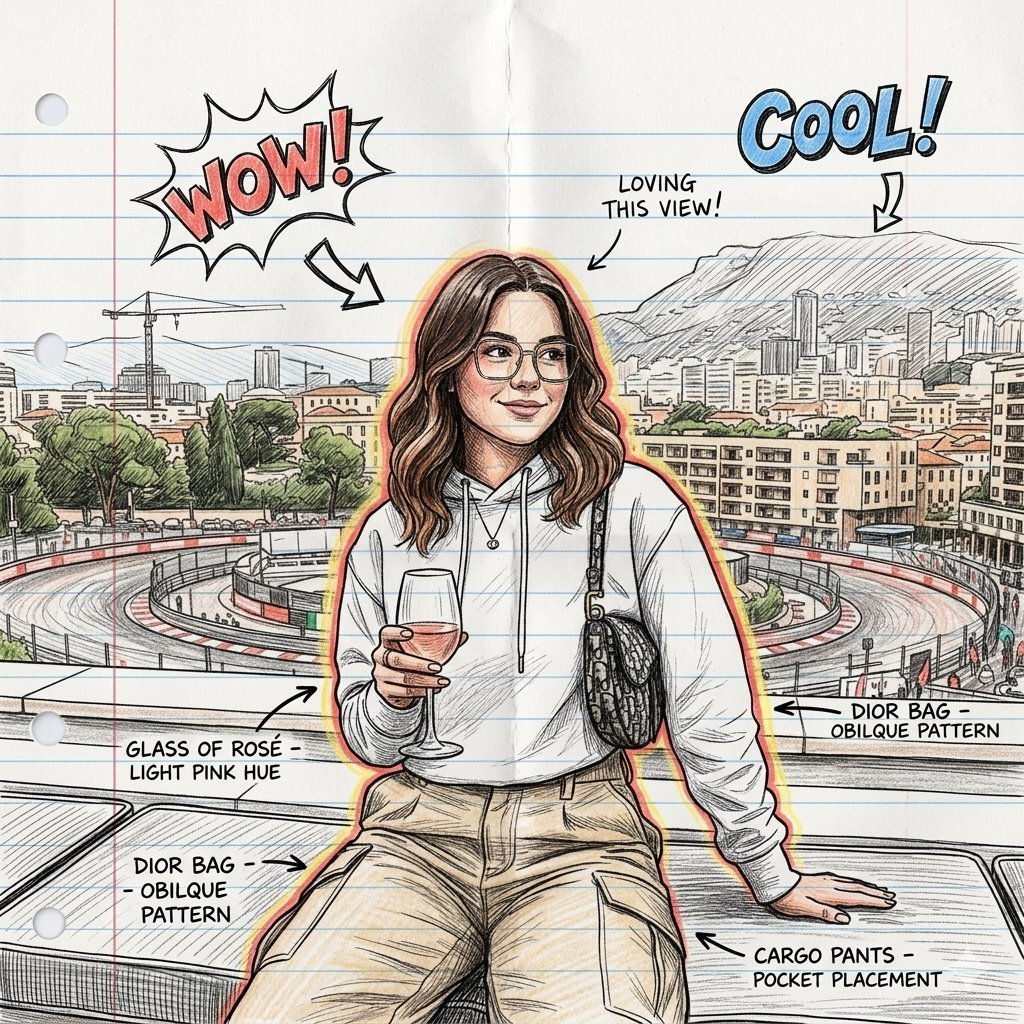
Hand-Drawn Sketch Illustration from Reference Image
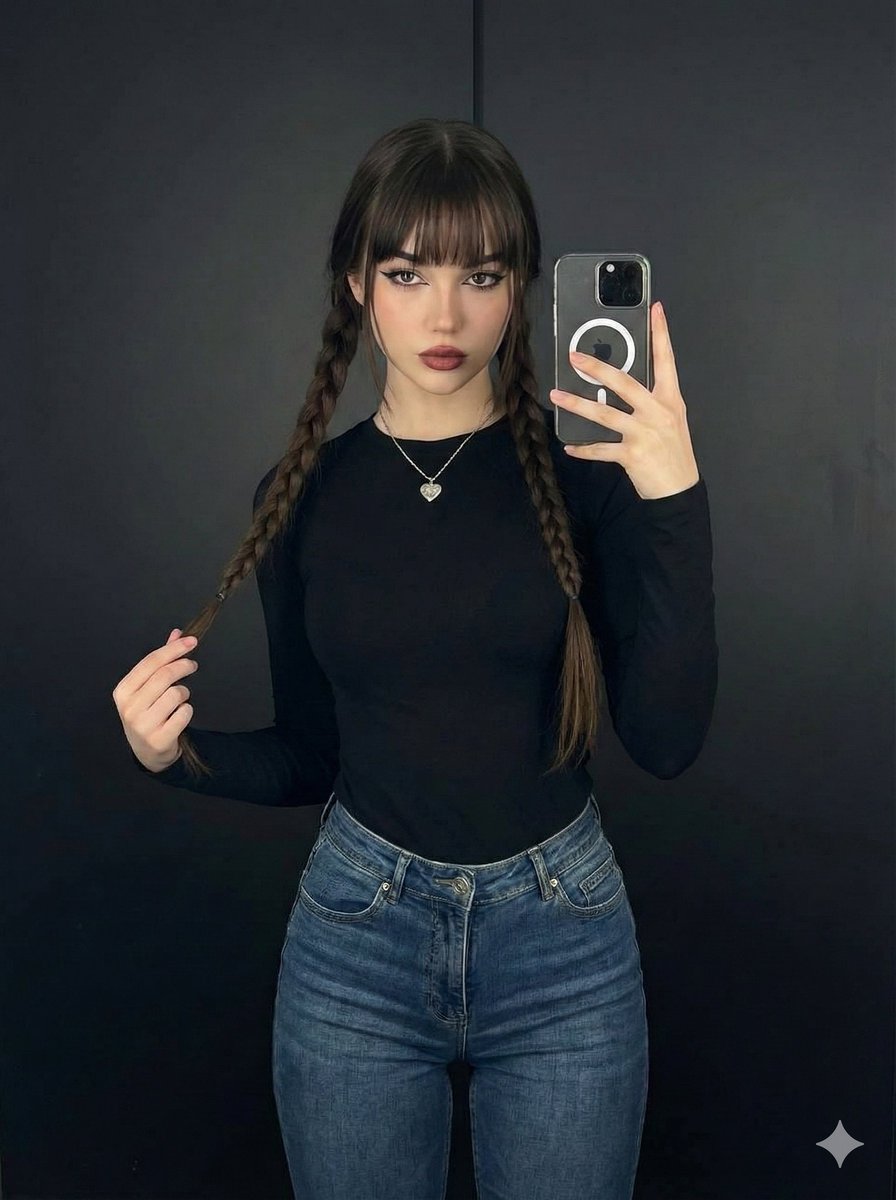
Photorealistic Full-Length Selfie with Identity Preservation (JSON)
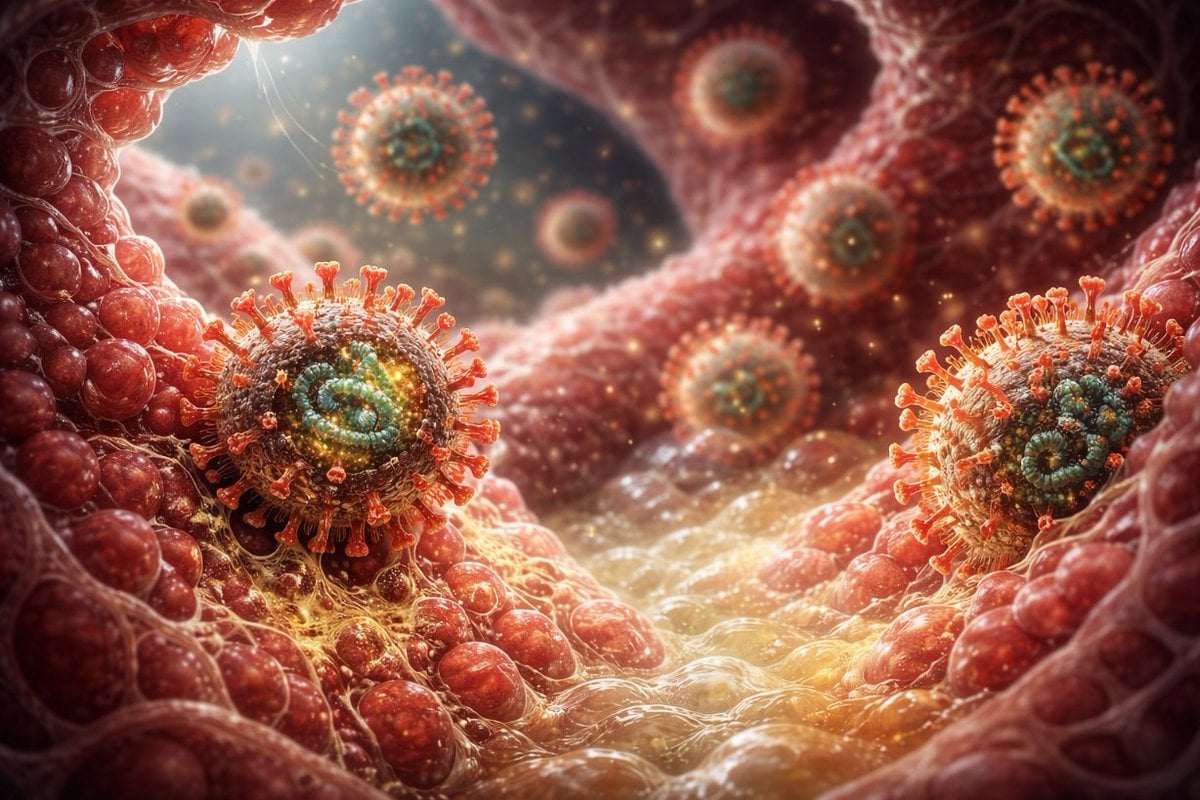
Scary Hantavirus Microscopic Scene
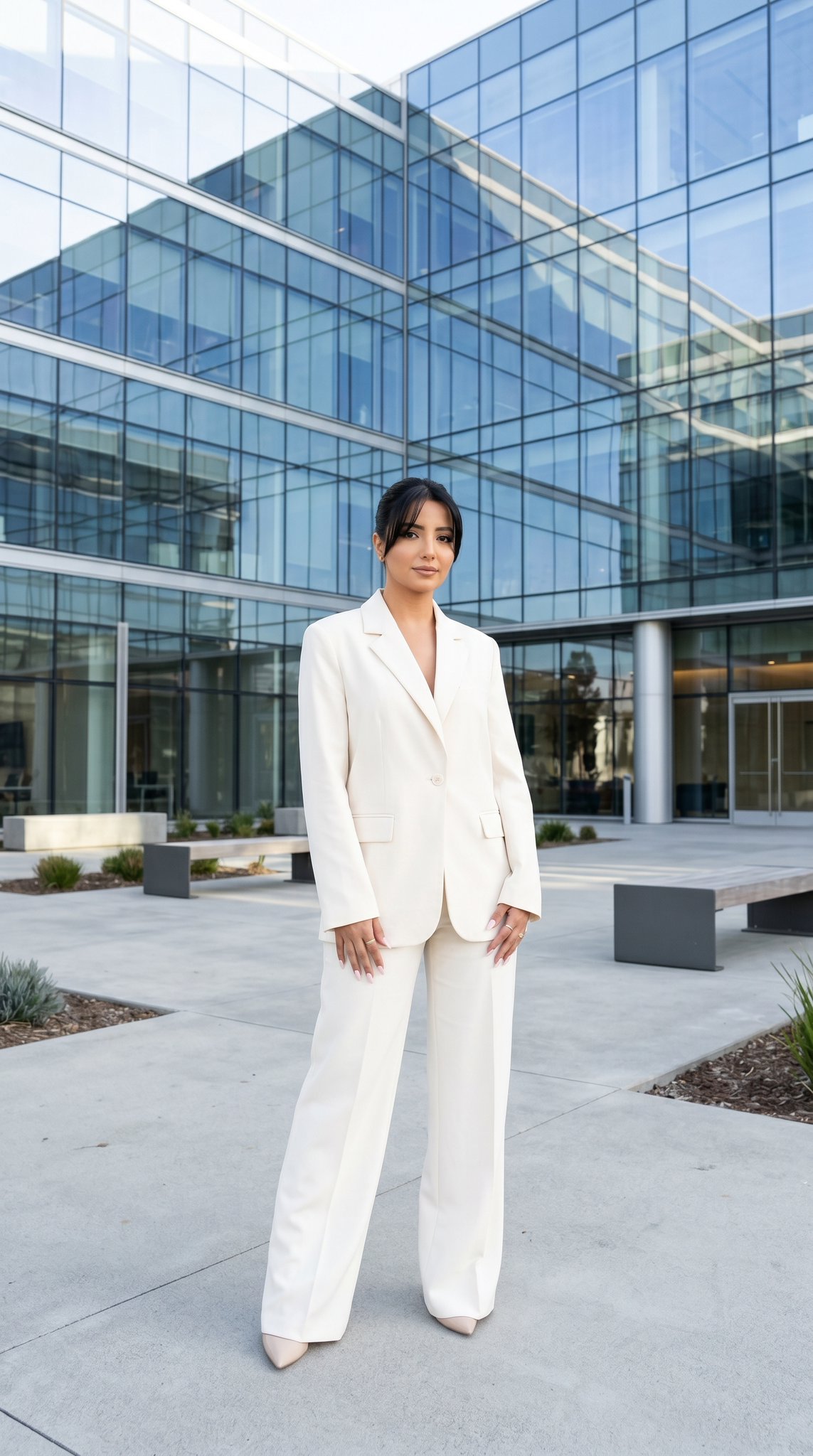
10 Modern Glass HQ Building — California Series
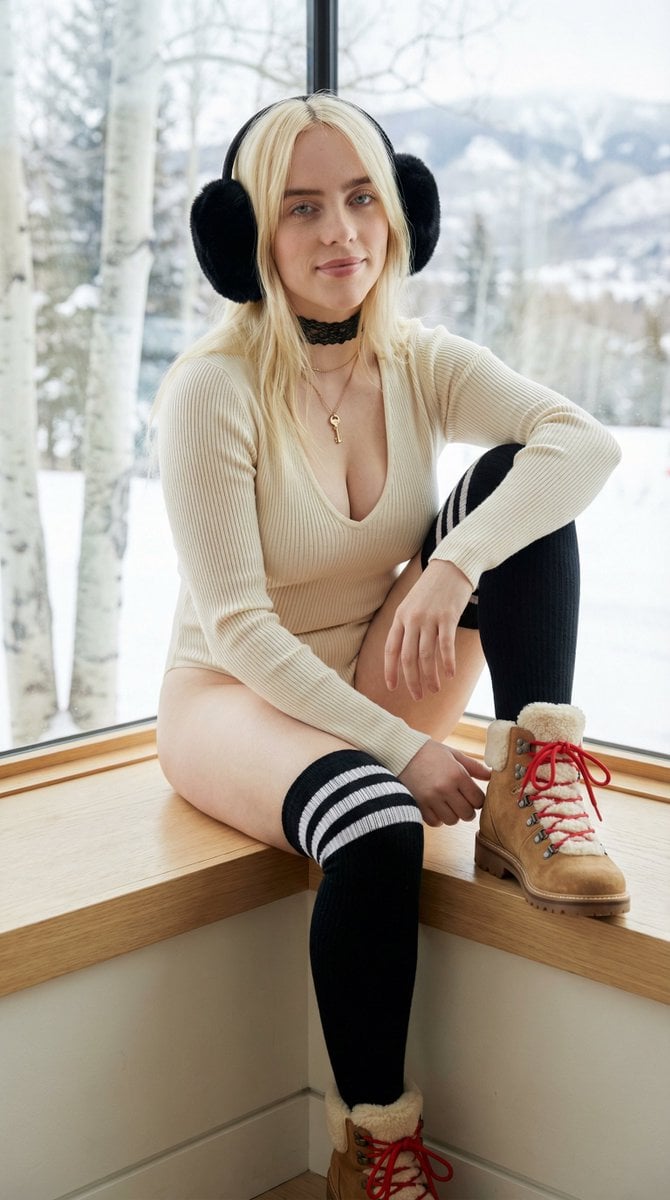
Cozy Winter Window Seat Portrait Prompt
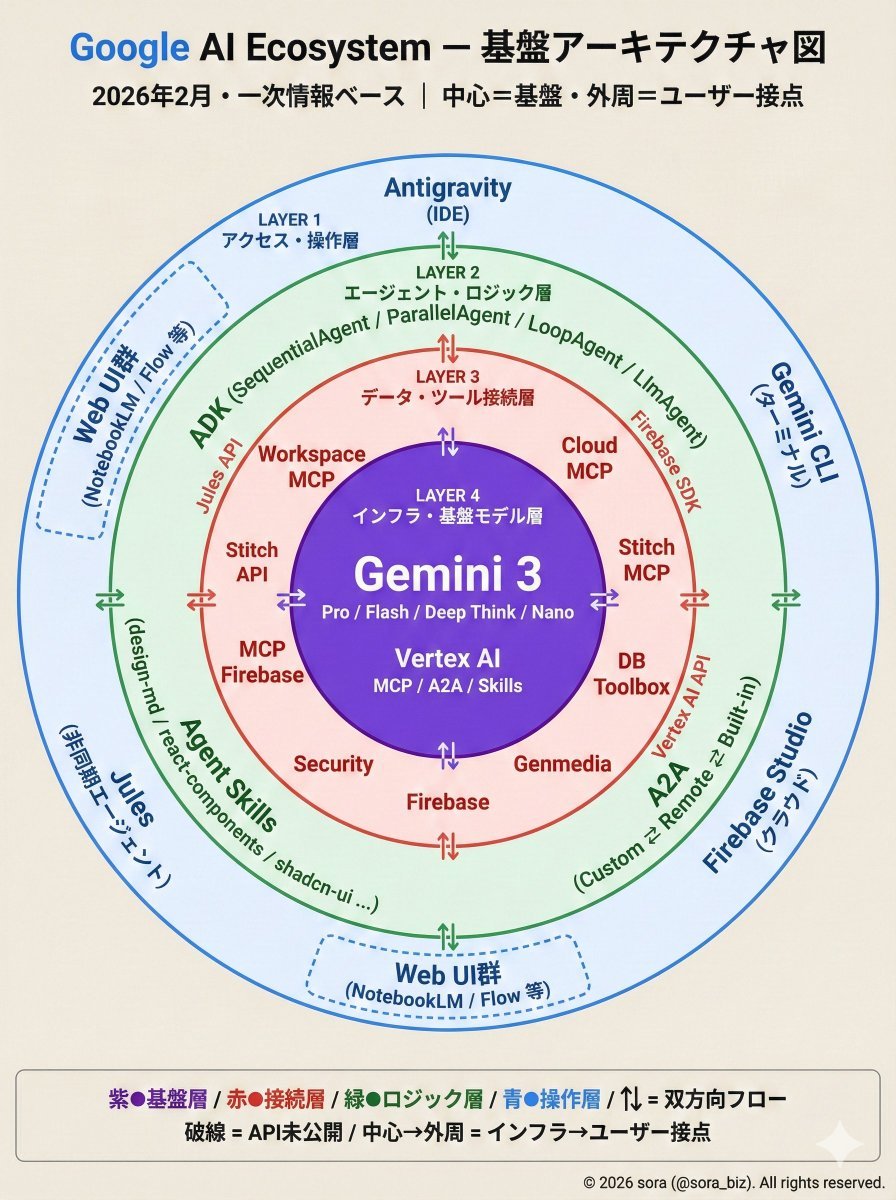
Google AI Ecosystem Diagram Generation
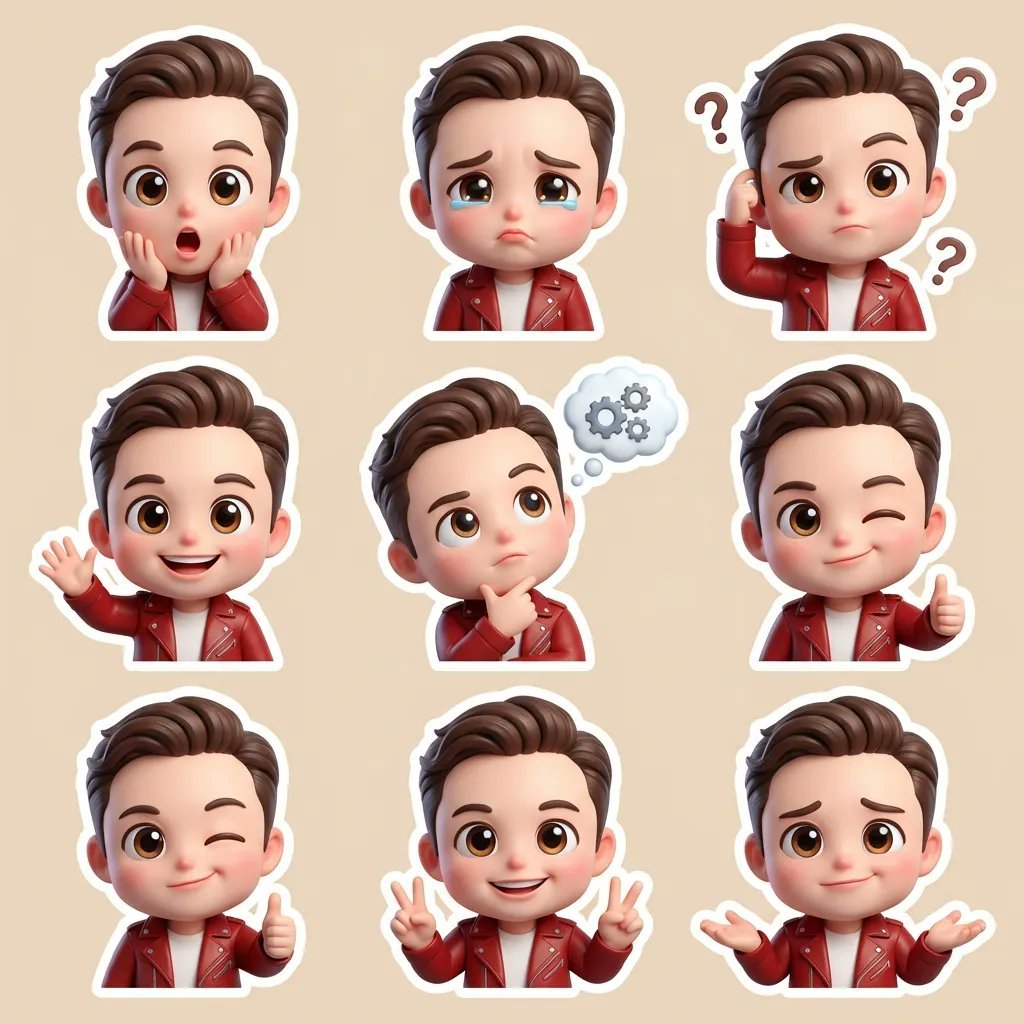
3D Chibi Cartoon Sticker Set Generation Prompt
Browse template categories
Maintain the exact same person and facial identity from the reference questions
How do I use the Maintain the exact same person and facial identity from the reference template?
Add your photo if the template asks for one, edit the prompt if you like — the template's model and format are already selected — and press Generate. Your version opens in PicX Studio.
Can I customize the Maintain the exact same person and facial identity from the reference template?
Yes. You can change the subject, setting, lighting, mood, format, and available model controls before creating your image.
Is the Maintain the exact same person and facial identity from the reference template free?
Opening and editing this template is free. Generating uses credits, shown on the Generate button when you are signed in.
Which AI model should I use?
Start with Nano Banana 2, which is the model associated with this template. You can compare another compatible model for a different finish.
Looking for something else? Browse all templates.

Your photo, any look
Thousands of ready templates for every top image and video model, from one credit balance.