
Fresh Green Smoothie Mockup
Fresh Green Smoothie Mockup is a ready photo look.
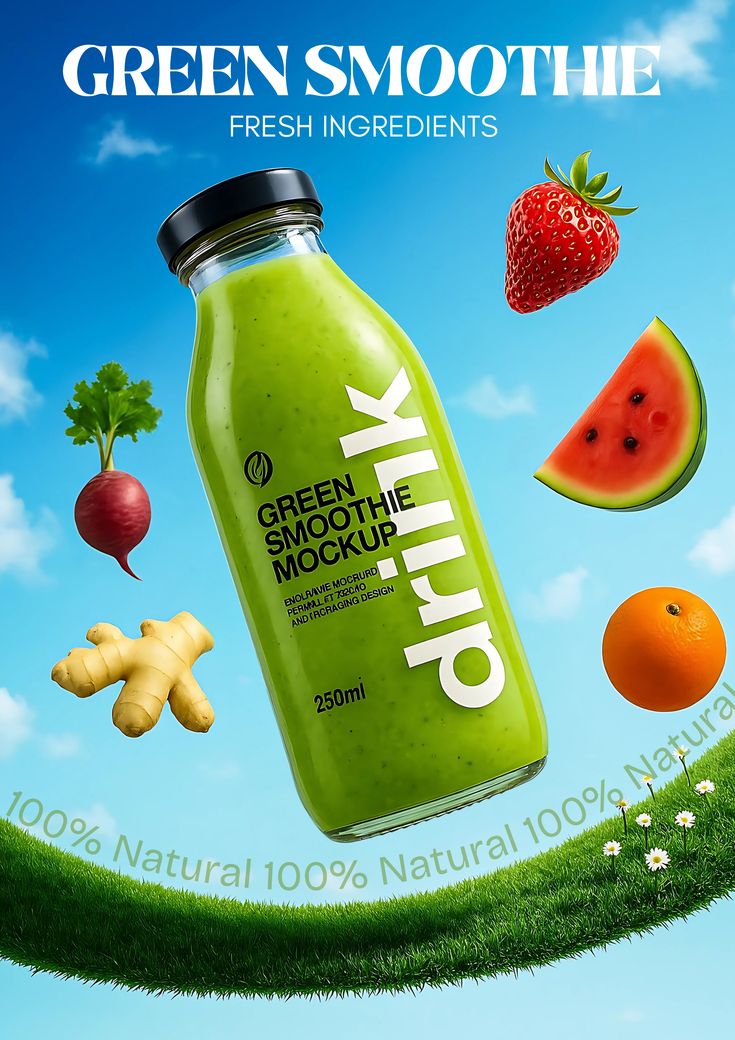
- Prompt included
- Model and format preset
- Premium template
The prompt behind this image
Copy the exact prompt behind Fresh Green Smoothie Mockup, or open it in the studio and make it yours.
- Prompt
- A premium green smoothie product advertisement featuring a realistic green smoothie bottle with water droplets placed at the center. Around the bottle are floating fresh ingredients like strawberries, watermelon slices, oranges, beetroot, and ginger. The background is a bright blue sky with green grass at the bottom, giving a natural and healthy beverage branding aesthetic. Ultra realistic, high-end commercial photography style, 4K.
- Size
- 1024x1024
- N
- 1
Raw JSON
{
  "prompt": "A premium green smoothie product advertisement featuring a realistic green smoothie bottle with water droplets placed at the center. Around the bottle are floating fresh ingredients like strawberries, watermelon slices, oranges, beetroot, and ginger. The background is a bright blue sky with green grass at the bottom, giving a natural and healthy beverage branding aesthetic. Ultra realistic, high-end commercial photography style, 4K.",
  "size": "1024x1024",
  "n": 1
}How to use Fresh Green Smoothie Mockup in 3 steps
- 1
Open
The prompt is already in the box next to the preview, with the template's model and format selected.
- 2…a portrait of your subject in softgolden-hour light, 85mm…
Personalize
Edit the subject and creative details for your destination.
- 3Generate
Generate
Press Generate — your image is created in PicX Studio, so you can compare it with the original and refine one variable at a time.
More like this
Templates with the same subject, style or setup. Open one to see its prompt.
Fresh Orange Juice Social Media

Premium Editorial Branding Poster Charcoal Green

Japan Travel Brochure Poster

Cartoon TV Show Poster Pack

Trendy Cafe Drink Promo Poster

Urban Fashion Editorial Collage Streetwear Poster

Elegant Green Evening Gown Studio Fashion Portrait

Premium Fashion Editorial Cover Layout System

Polo Ralph Lauren Luxury American Heritage Fashion Campaign

Monochrome Halftone Editorial Fashion Poster

Retro Mirror Luxury Fashion Campaign Poster

Luxury Fashion Campaign Typography Poster System
Make it yours
Fresh Green Smoothie Mockup works as-is. These are the safest ways to change it without losing the look.
Change one field
Copy a single group, rewrite it, and generate again so you can see what that field is doing.
Keep the frame, change the subject
Hold the composition and light of Fresh Green Smoothie Mockup, then swap wardrobe, props or the person for a new take.
| If the result… | Why | Fix |
|---|---|---|
| The result drifts from the preview | Too many fields changed at once. | Reuse Fresh Green Smoothie Mockup as-is first, then change one group — subject, light, or setting. |
| PicX Studio ignores part of the JSON | Some models flatten or skip nested keys. | Keep the same values and paste them as a short paragraph instead. |
More image prompts
Fresh picks from across the catalog.
Cinematic Double Exposure Portrait
Calligraphic Design with Vibrant Illustration Style
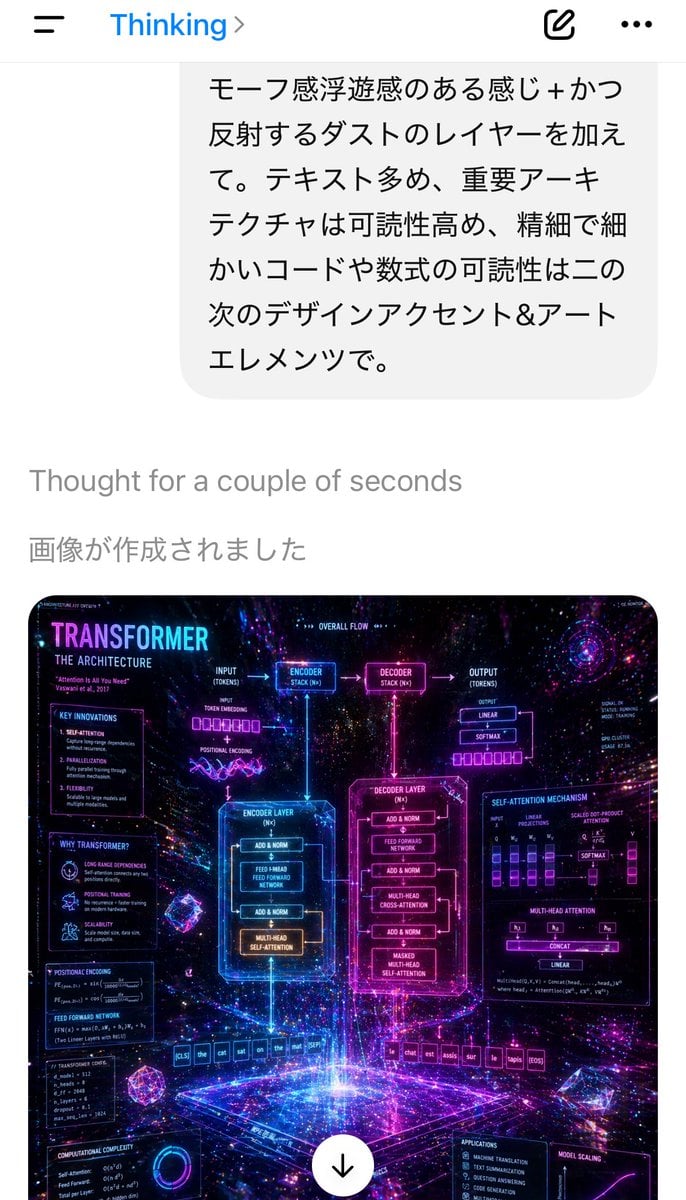
Mobile AI Chat Screenshot with Transformer Poster
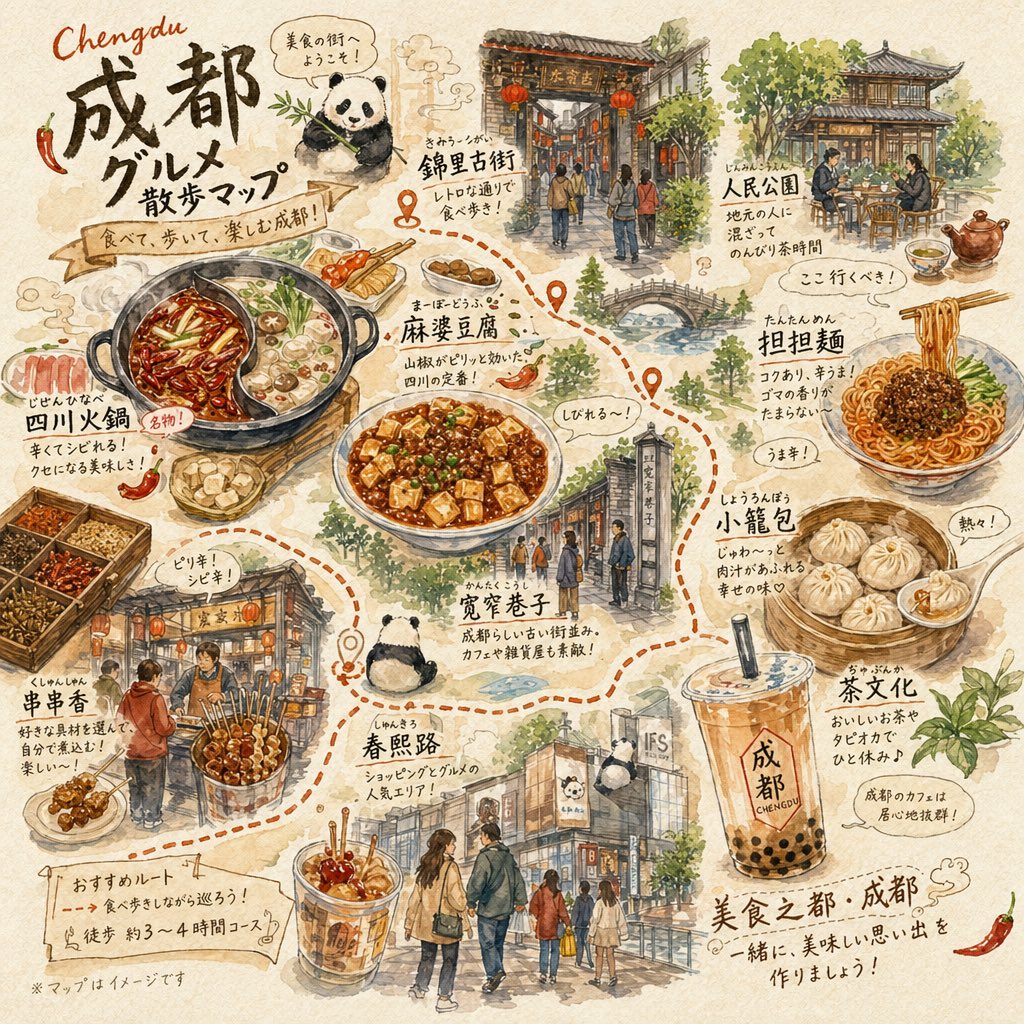
Chengdu Gourmet Walking Map
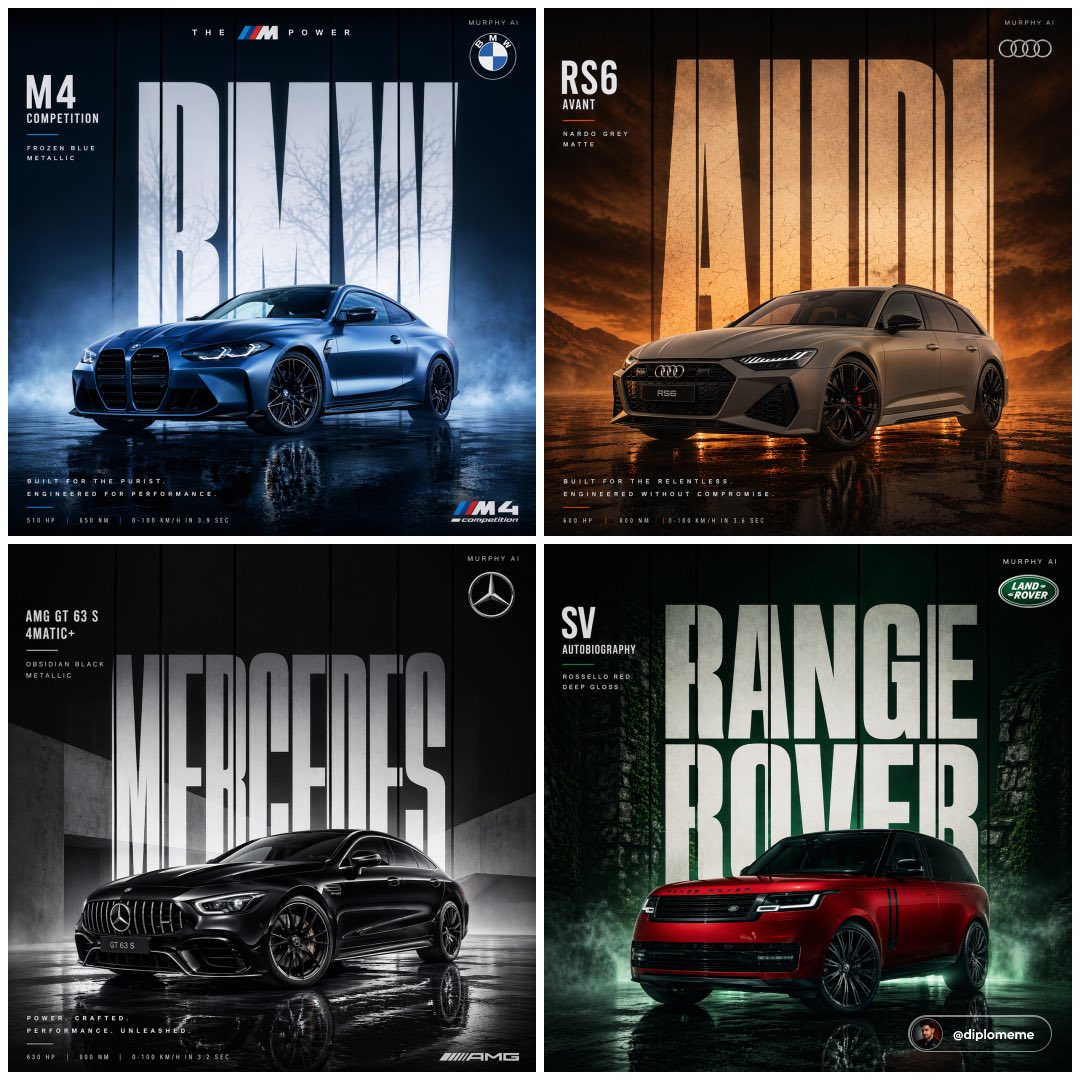
Cinematic Automotive Billboard Template
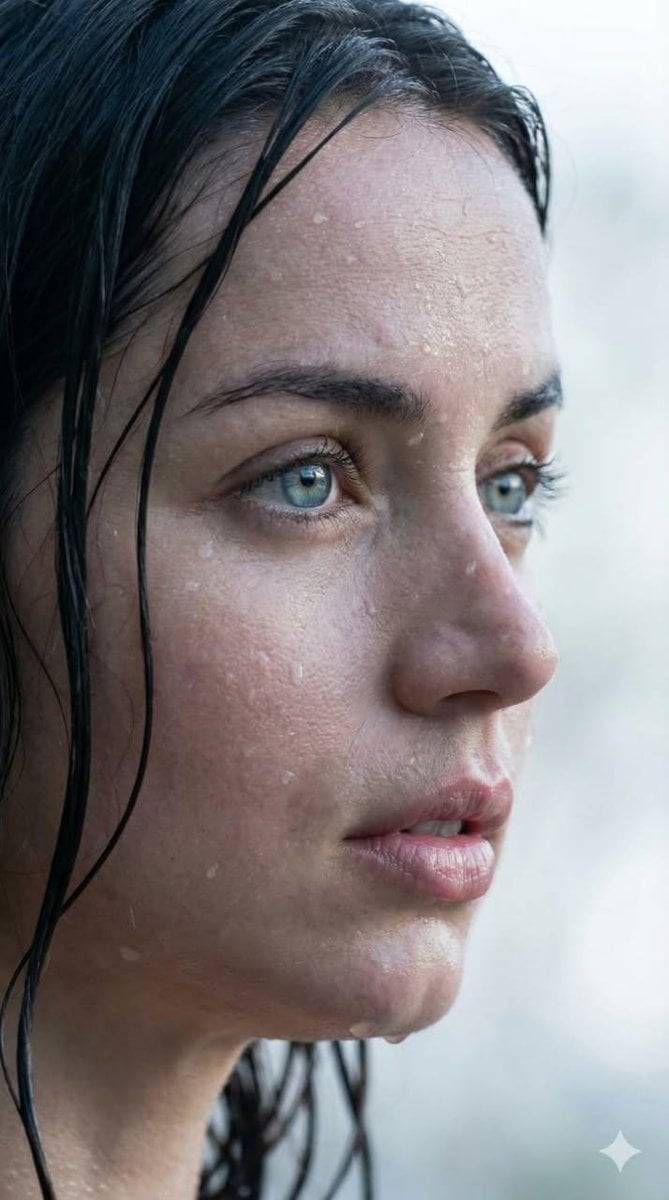
Extreme Wet Close-up Portrait with Reference Image
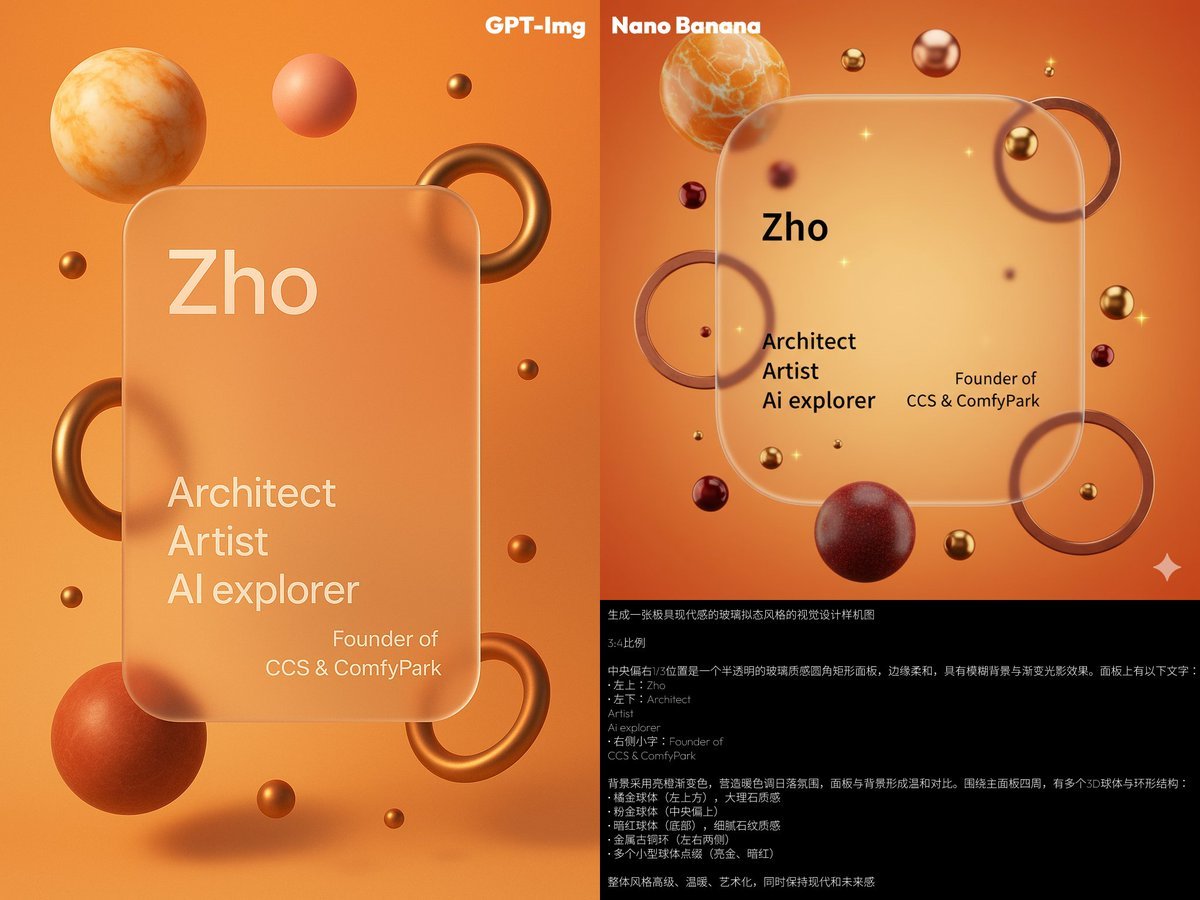
Glassmorphism personal branding mockup
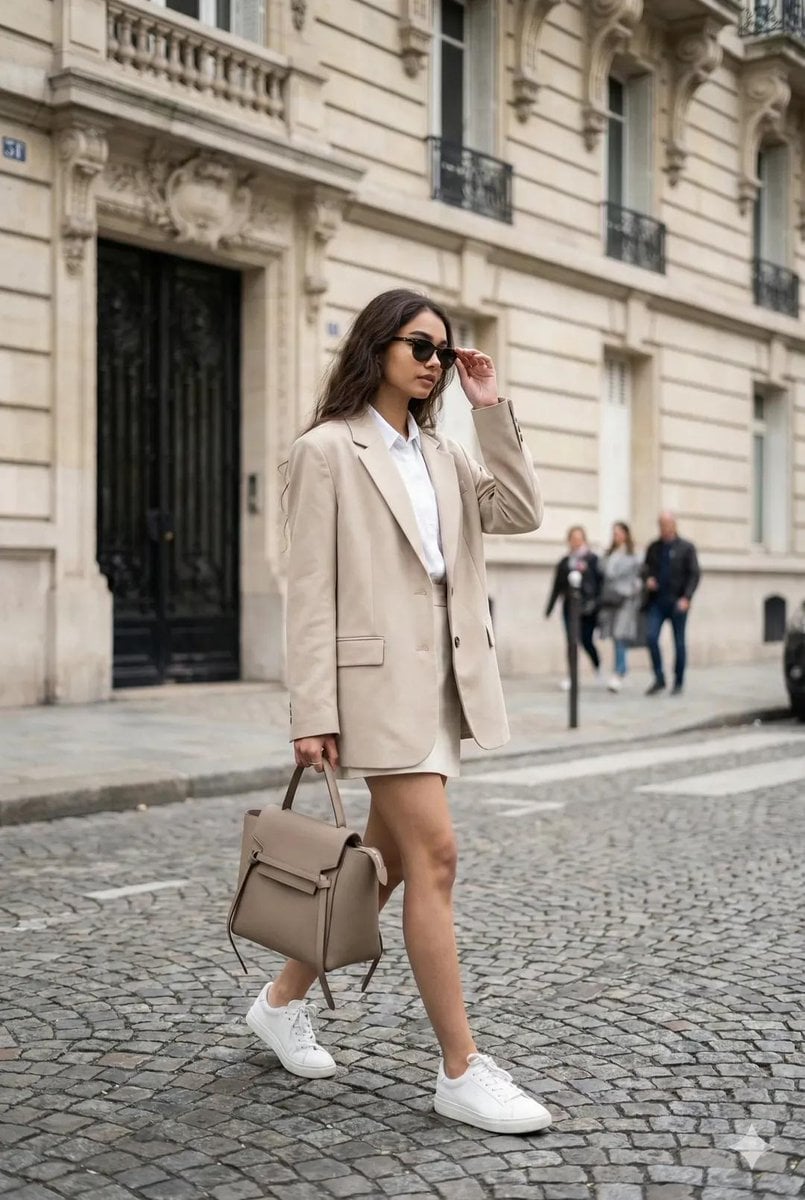
Ultra-Realistic Portrait from Reference Image
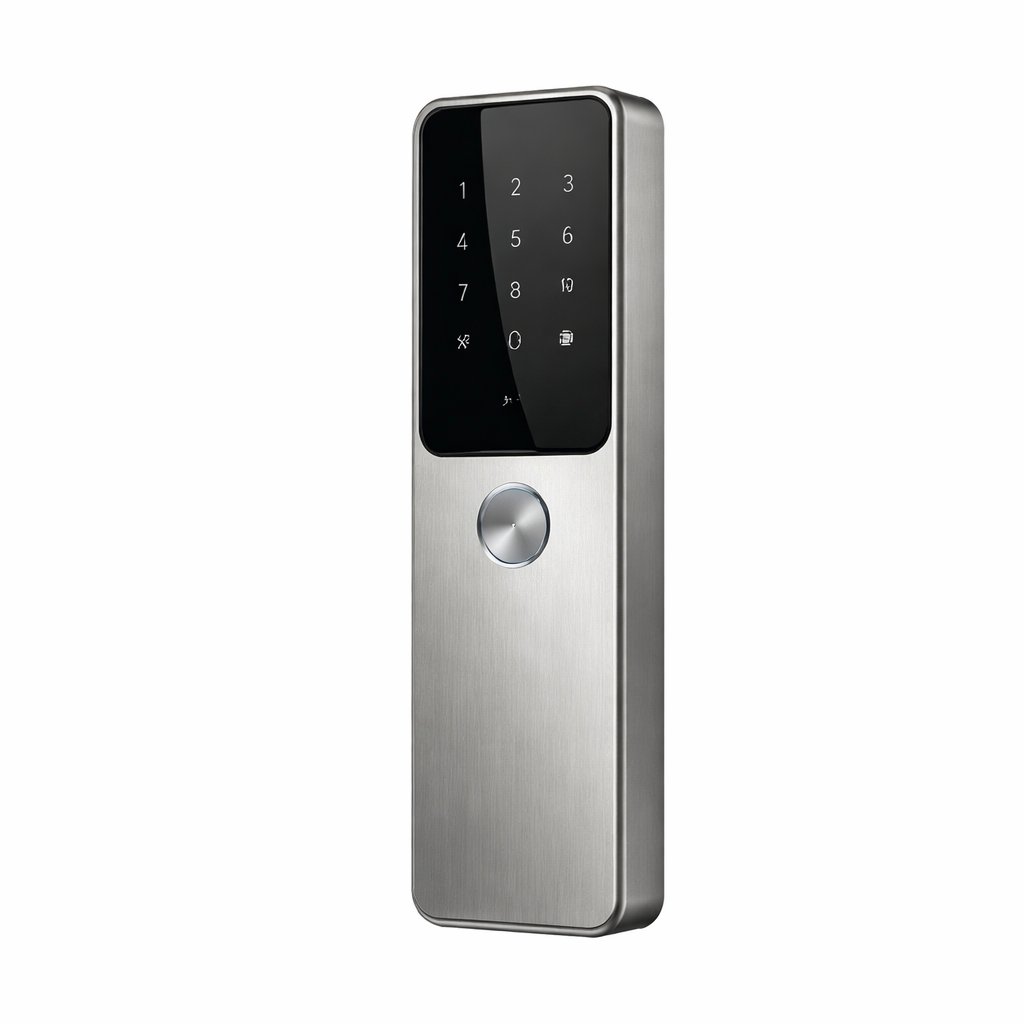
Exploded View Product Photography Prompt
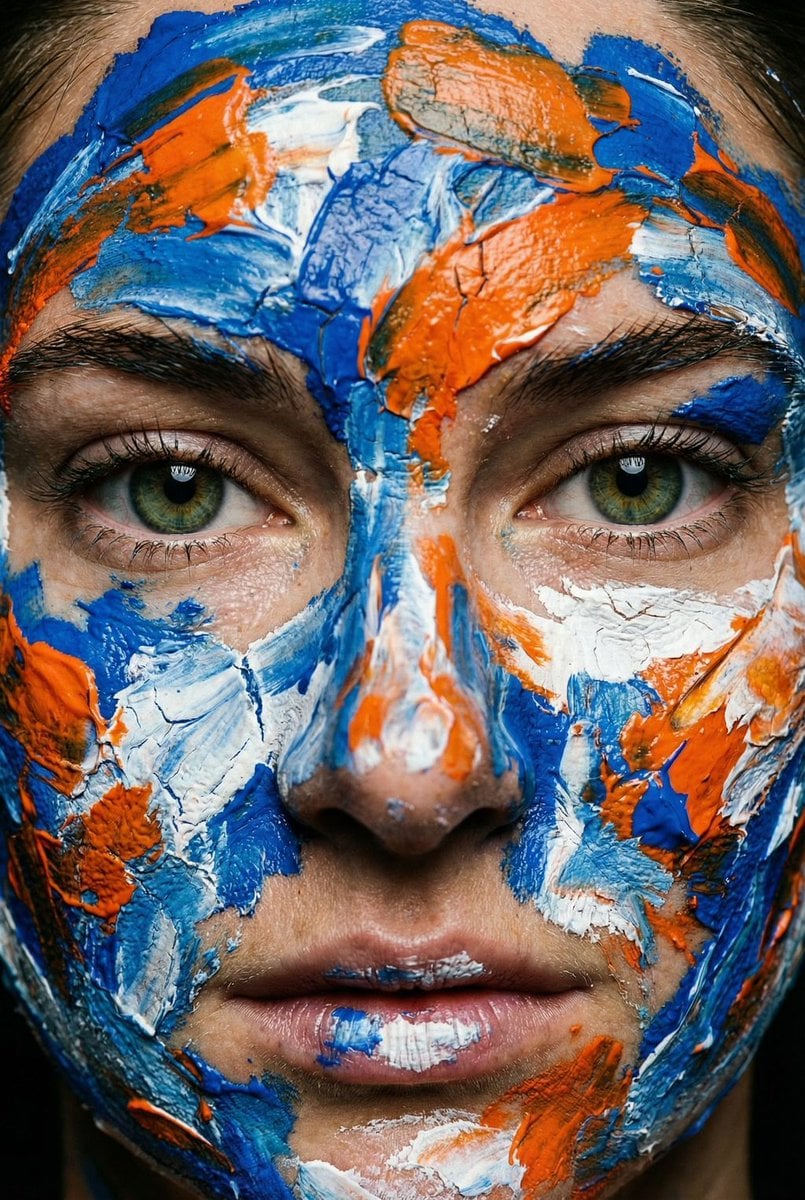
Macro Portrait with Impasto Acrylic Paint Texture
Browse template categories
Fresh Green Smoothie Mockup questions
How do I use the Fresh Green Smoothie Mockup template?
Add your photo if the template asks for one, edit the prompt if you like — the template's model and format are already selected — and press Generate. Your version opens in PicX Studio.
Can I customize the Fresh Green Smoothie Mockup template?
Yes. You can change the subject, setting, lighting, mood, format, and available model controls before creating your image.
Is the Fresh Green Smoothie Mockup template free?
Opening and editing this template is free. Generating uses credits, shown on the Generate button when you are signed in.
Which AI model should I use?
Choose a compatible model in PicX Studio based on the style, speed, and output controls your project needs.
Looking for something else? Browse all templates.

Your photo, any look
Thousands of ready templates for every top image and video model, from one credit balance.