
Using the attached image, create a professional industrial packaging
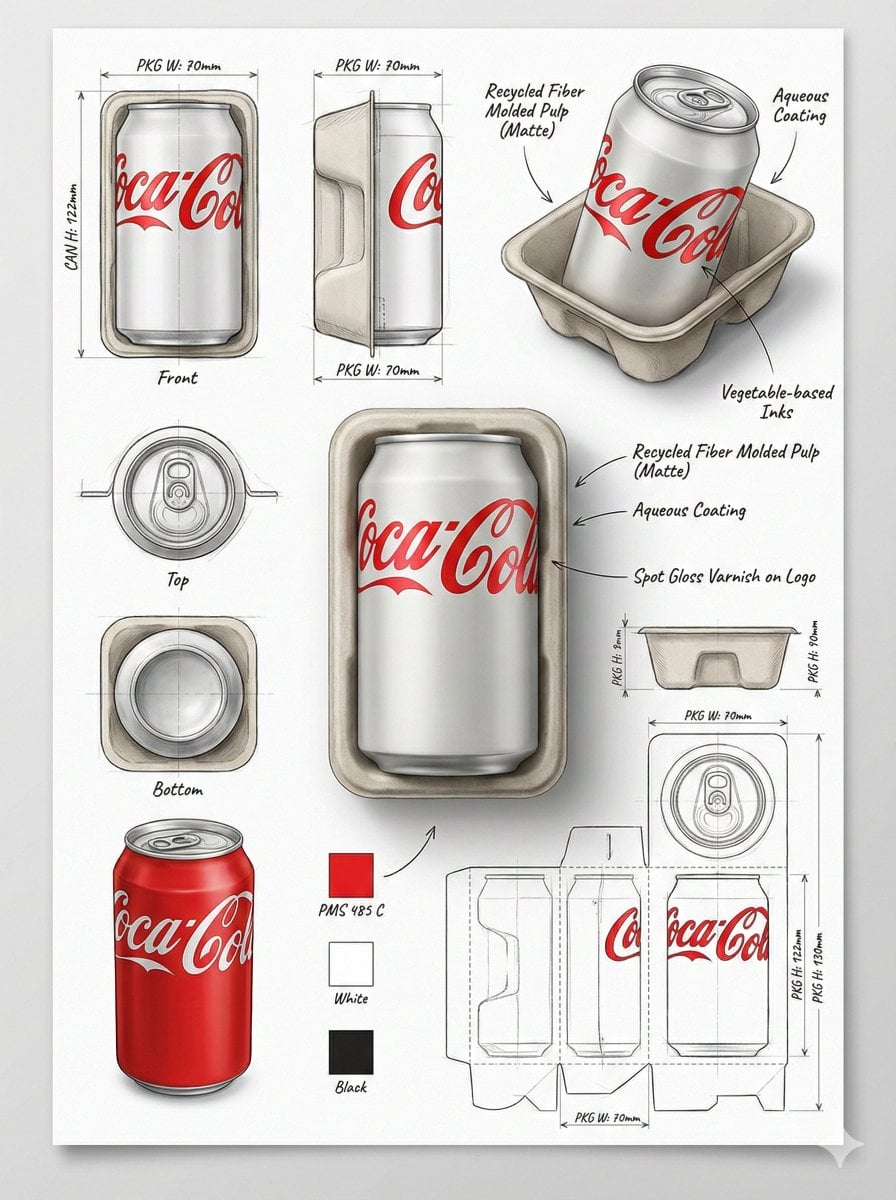
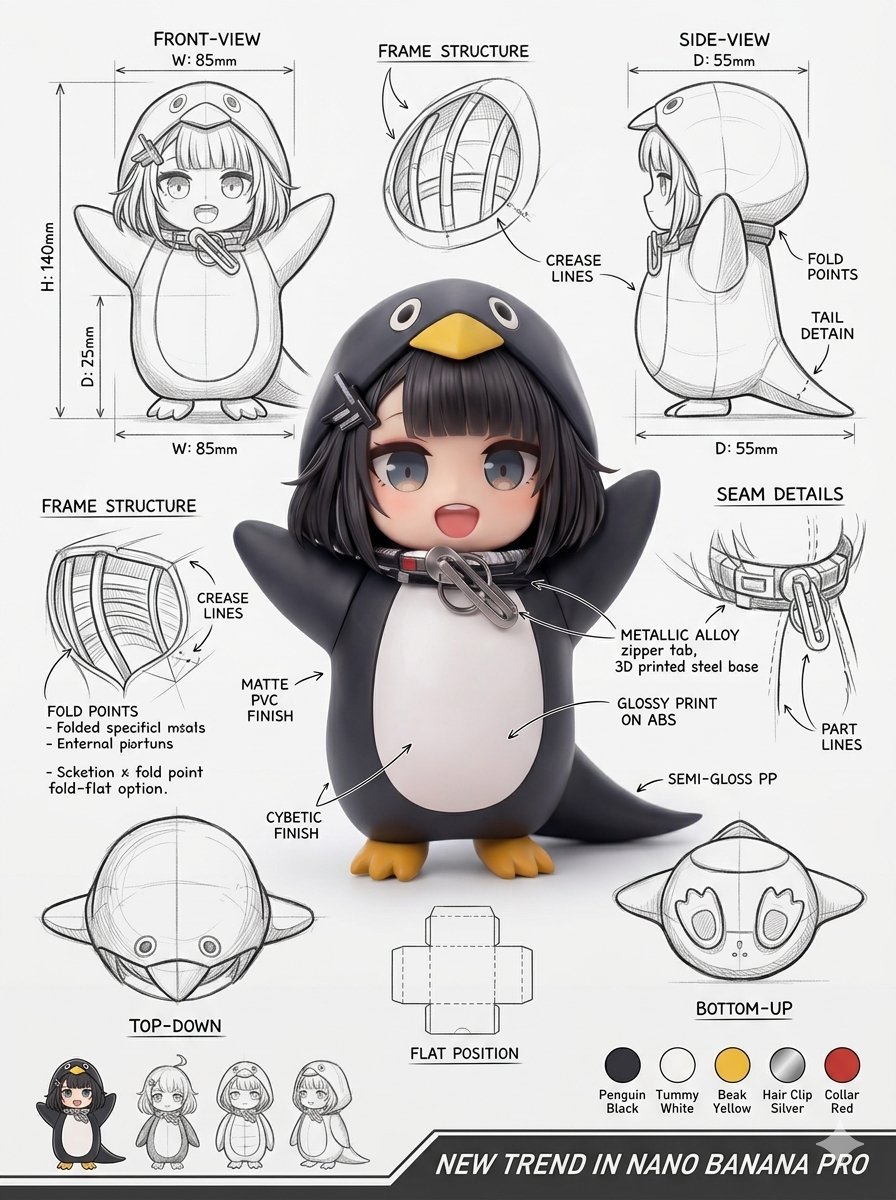
Using the attached image, create a professional industrial packaging design illustration sheet for the packaging of [PRODUCT NAME] Feature a centered hero 3D render with realistic materials, soft studio lighting, and…
- Prompt included
- Model and format preset
- Free template
The prompt behind this image
Copy the exact prompt behind Using the attached image, create a professional industrial packaging, or open it in the studio and make it yours.
Using the attached image, create a professional industrial packaging design illustration sheet for the packaging of [PRODUCT NAME] Feature a centered hero 3D render with realistic materials, soft studio lighting, and commercial-grade finish quality. Surround the hero render with technical views: front, side, top, bottom, angled perspective, and flat layout. Include structural construction sketches, fold lines, seam details, and dimension arrows with measurements in millimeters. Show materials and finishes (matte, glossy print, plastic, paper, glass, etc.) using handwritten-style annotations. Add color swatches, realistic product illustrations, and subtle shadows. Background should resemble clean sketchbook paper, combining realistic rendering with pencil sketch overlays. Modern industrial design aesthetic, ultra-detailed, portfolio-ready presentation. Stable Diffusion settings: CFG: 7–9 Steps: 30–40 Sampler: DPM++ Resolution: 1024×1280 or higher Aspect Ratio: 3:4
How to use Using the attached image, create a professional industrial packaging in 3 steps
- 1Upload ImagePNG, JPG or paste
Add your photo
Upload the photo the template builds on. The prompt, model and format are already set.
- 2…a portrait of your subject in softgolden-hour light, 85mm…
Personalize
Edit the subject and creative details for your destination.
- 3Generate
Generate
Press Generate — your image is created in PicX Studio, so you can compare it with the original and refine one variable at a time.
More like this
Templates with the same subject, style or setup. Open one to see its prompt.
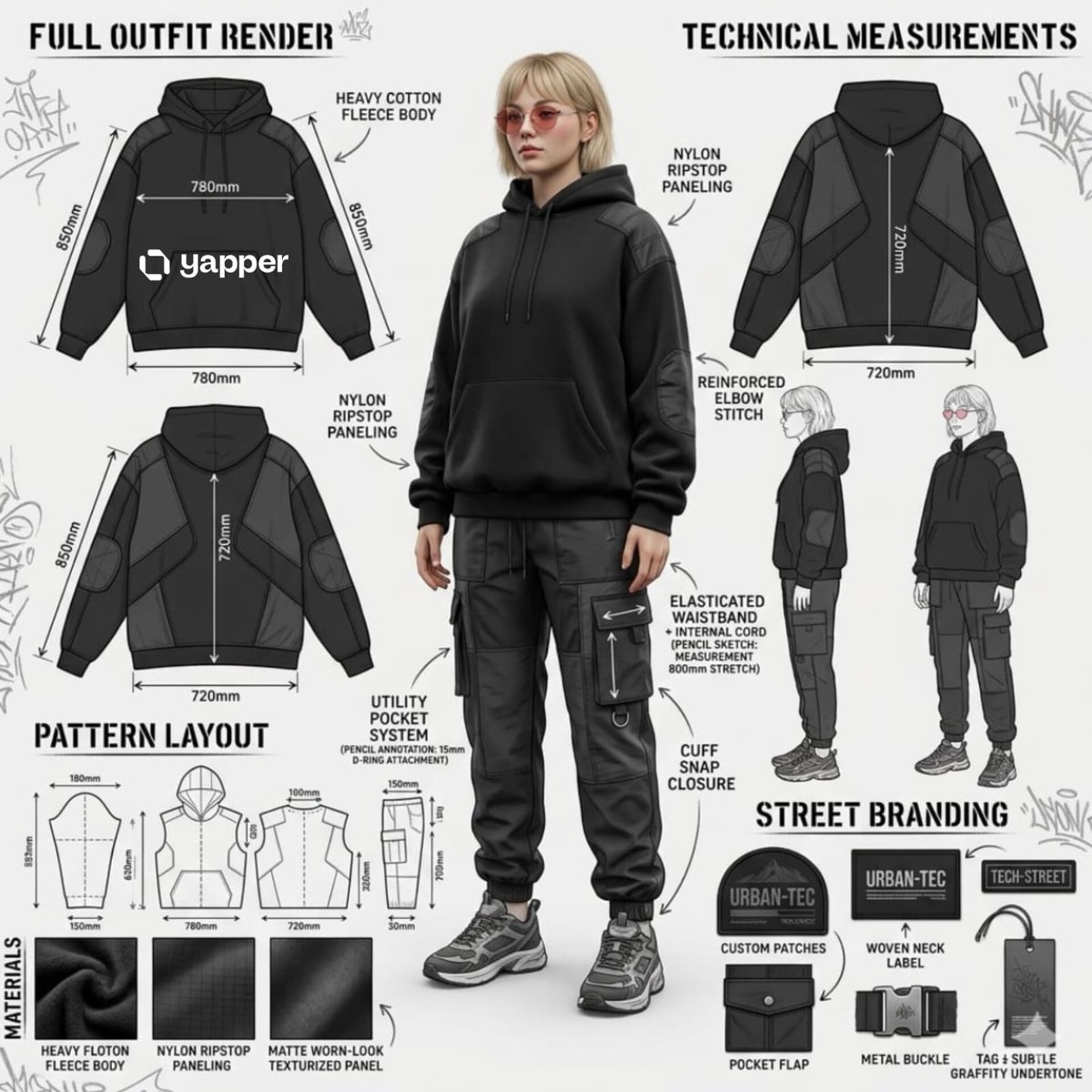
Using the attached image, create a professional industrial fashion
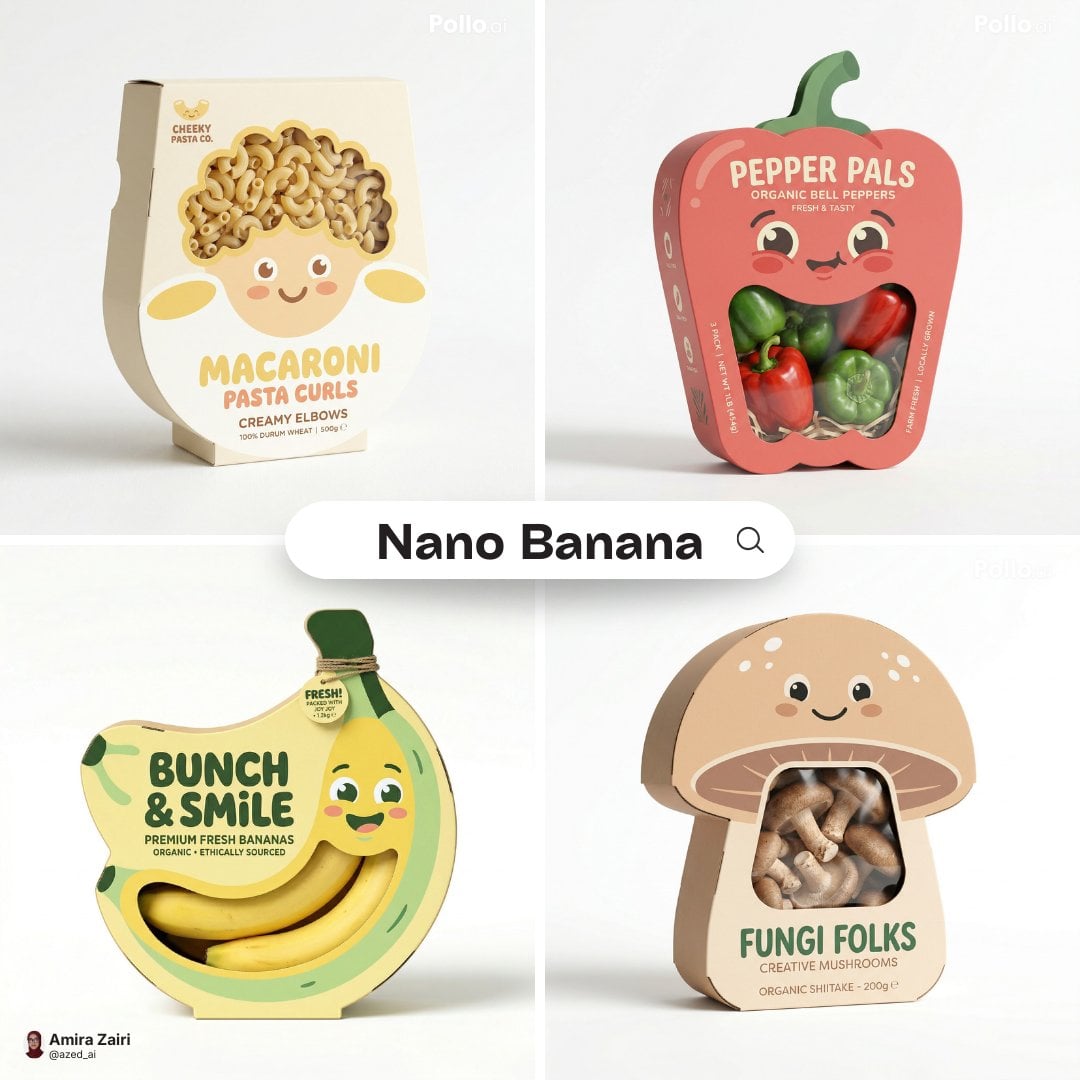
Playful designer packaging creative box shaped like the product
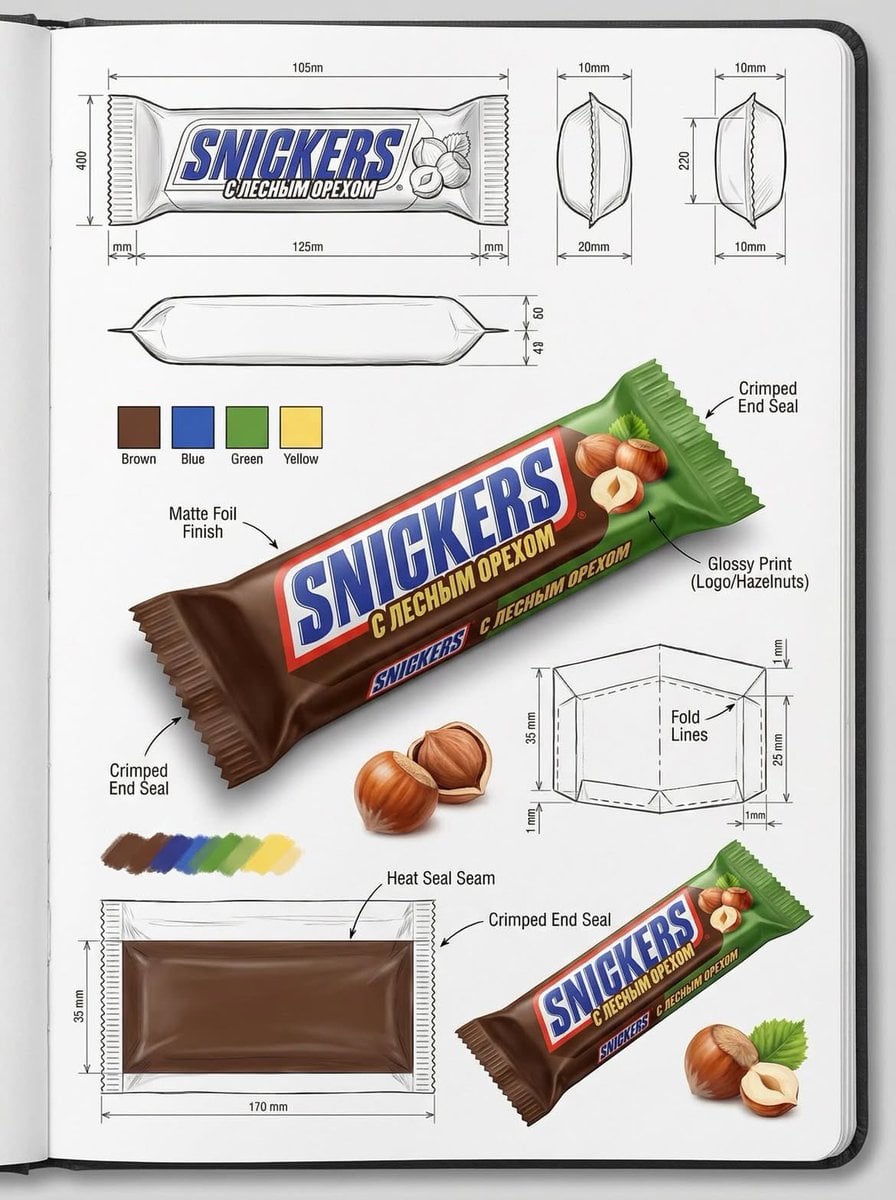
Using the attached image, create an illustration sheet of professional
Using the attached image, create an illustration sheet of professional

A hyper-realistic beauty product photograph of a pink jar placed
ChatGPT Image 1 5 Google Veo 3 1
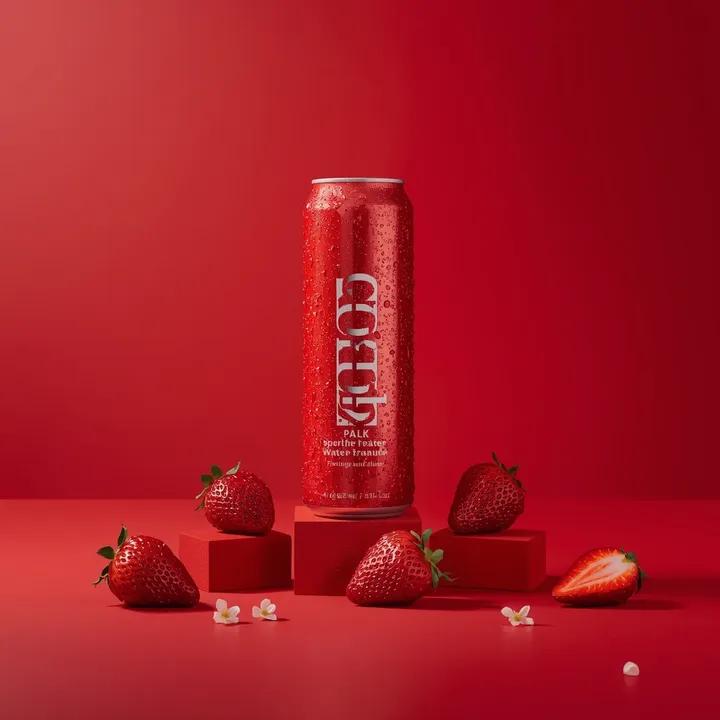
A premium studio product photograph of a tall, slim red aluminum
Product & Brand Prompt #1444
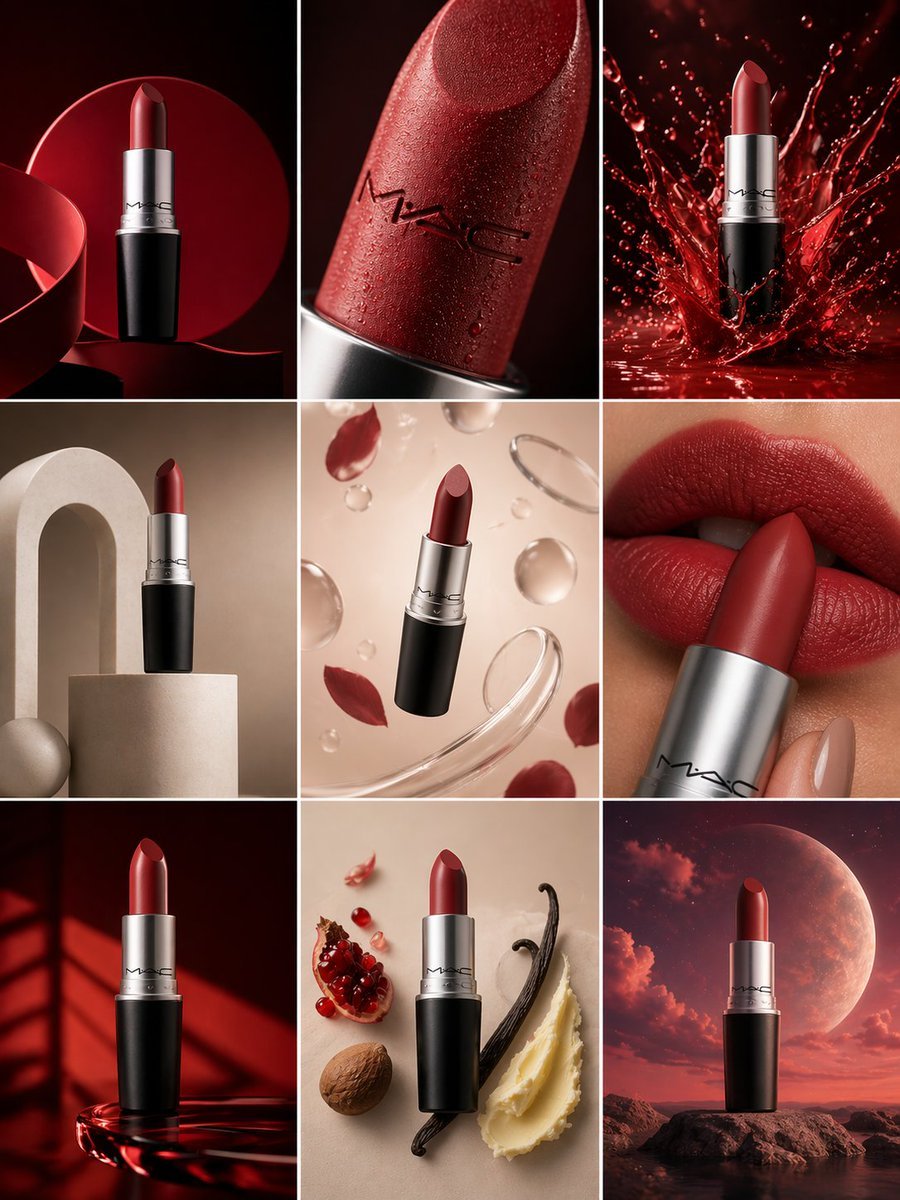
Product & Brand Prompt #569
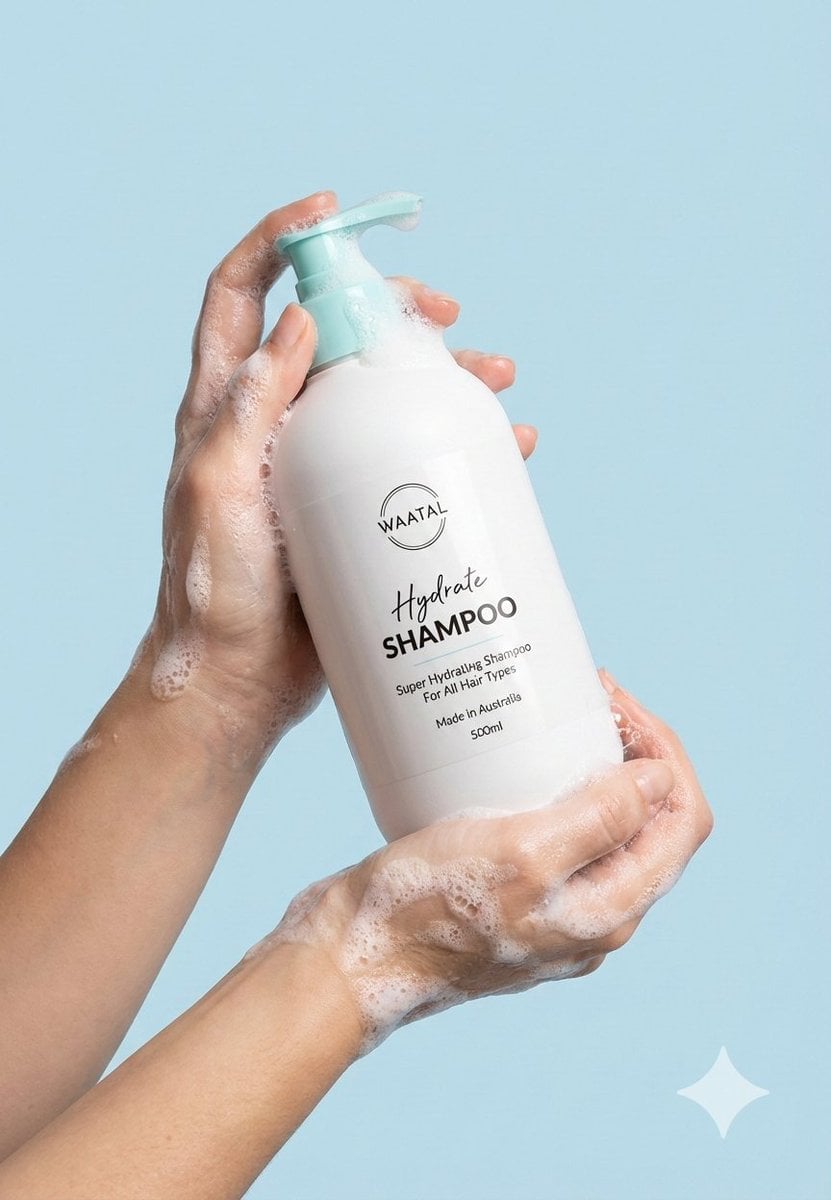
Product & Brand Prompt #285
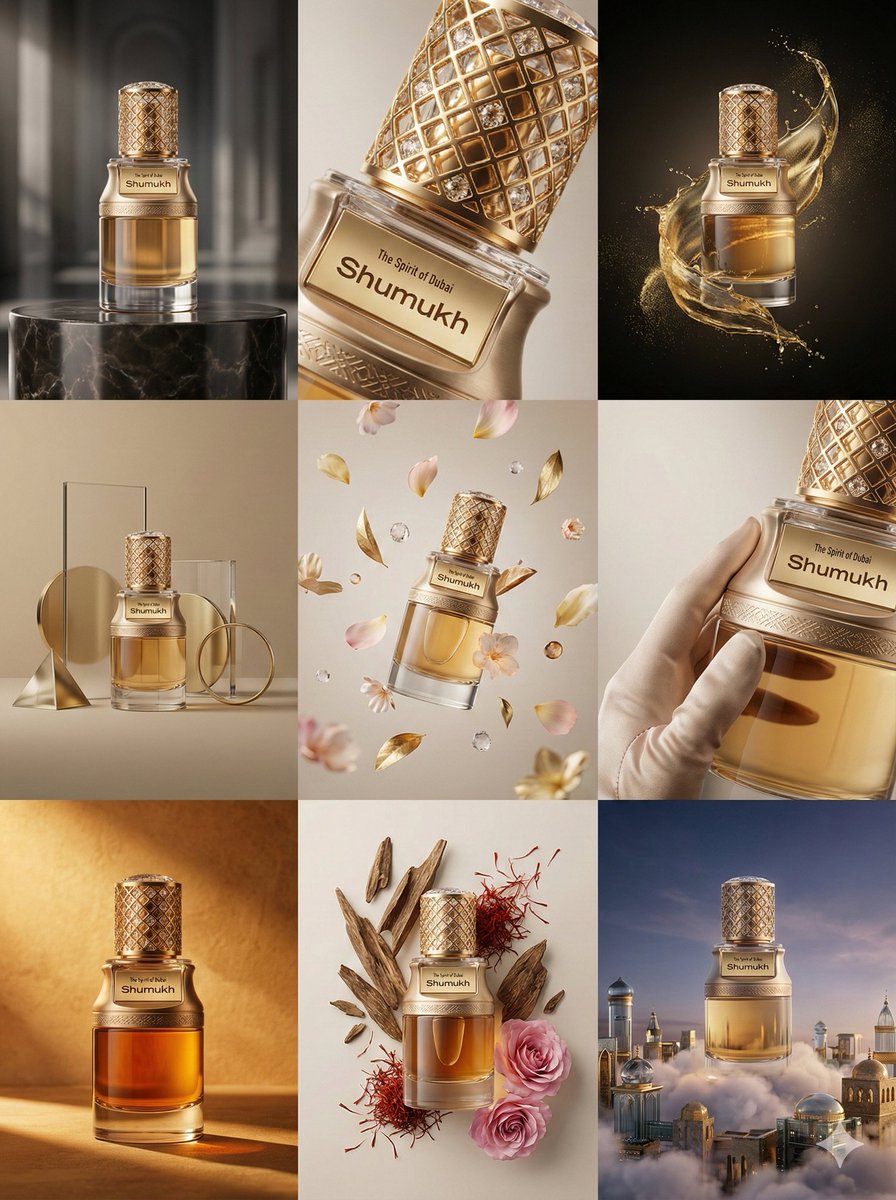
Product & Brand Prompt #953

Act as a Senior Editorial Designer and Typographer
Make it yours
Using the attached image, create a professional industrial packaging works as-is. These are the safest ways to change it without losing the look.
Change one field
Copy a single group, rewrite it, and generate again so you can see what that field is doing.
Keep the frame, change the subject
Hold the composition and light of Using the attached image, create a professional industrial packaging, then swap wardrobe, props or the person for a new take.
| If the result… | Why | Fix |
|---|---|---|
| The result drifts from the preview | Too many fields changed at once. | Reuse Using the attached image, create a professional industrial packaging as-is first, then change one group — subject, light, or setting. |
| The model over-stylizes the scene | The prose prompt leaves finish and camera underspecified. | Add one camera or lighting sentence and stay on Nano Banana 2. |
More Nano Banana 2 templates
Other prompts made for Nano Banana 2.

Photorealistic Leaf Shaped Like a Dragon

K-Pop Idol Portrait Grid for Rapid Selection

Poetic Rain Forest Portrait During Golden Hour

Urban Street Portrait with Cartoon Inner Self Duo

Candid Nighttime Photo with Cat Prompt

High-Concept 3D Diorama Generation Prompt

Cinematic Futuristic Studio Portrait Template

Skincare Editorial Photography Collage Prompt

Hyper-Realistic Commercial Product Photography (Splash Effect)

Hyper-Realistic Nightclub Portrait Prompt
More image prompts
Fresh picks from across the catalog.
Censored Dark Fantasy Treasure Hunter
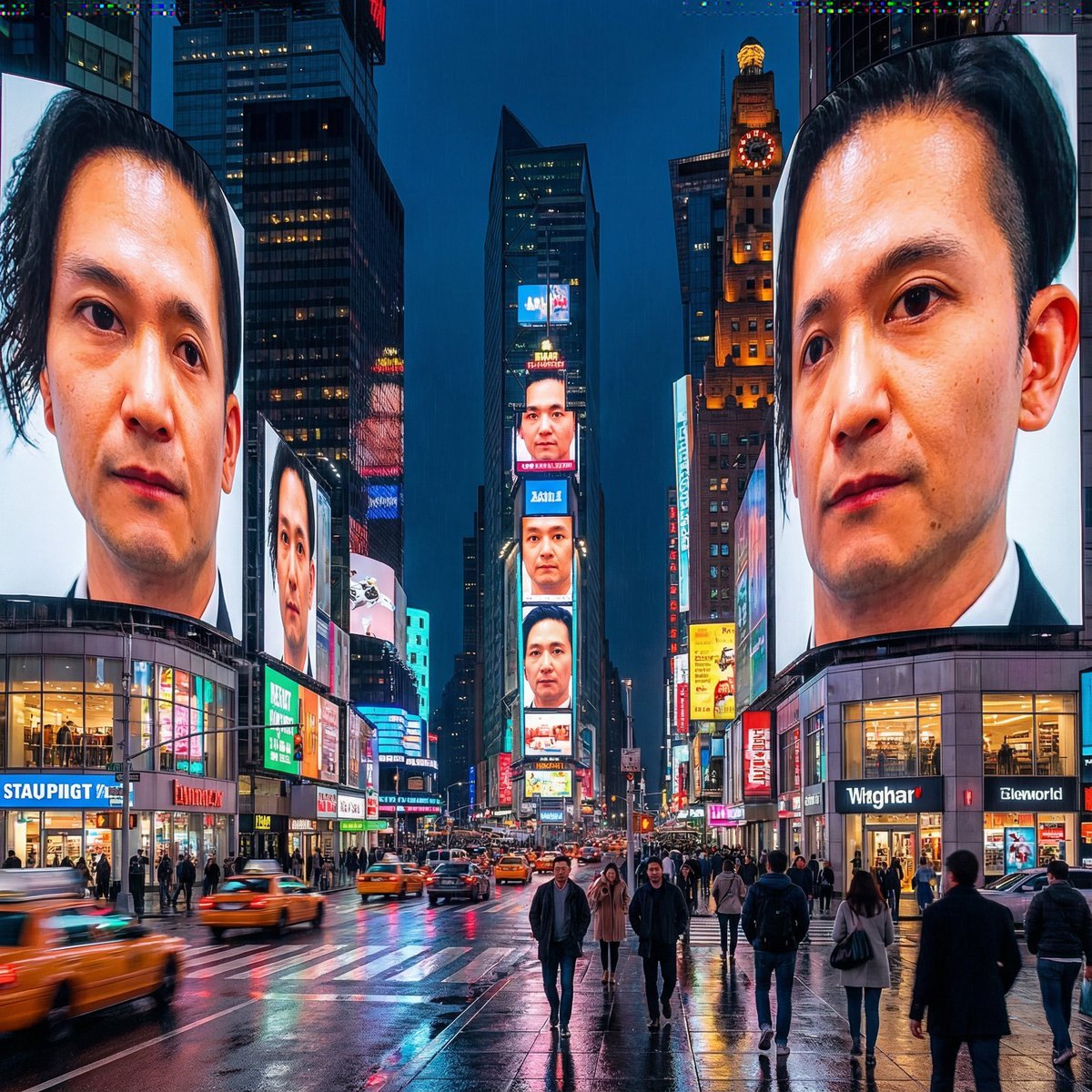
Generating City-Scale Self-Portrait Advertising
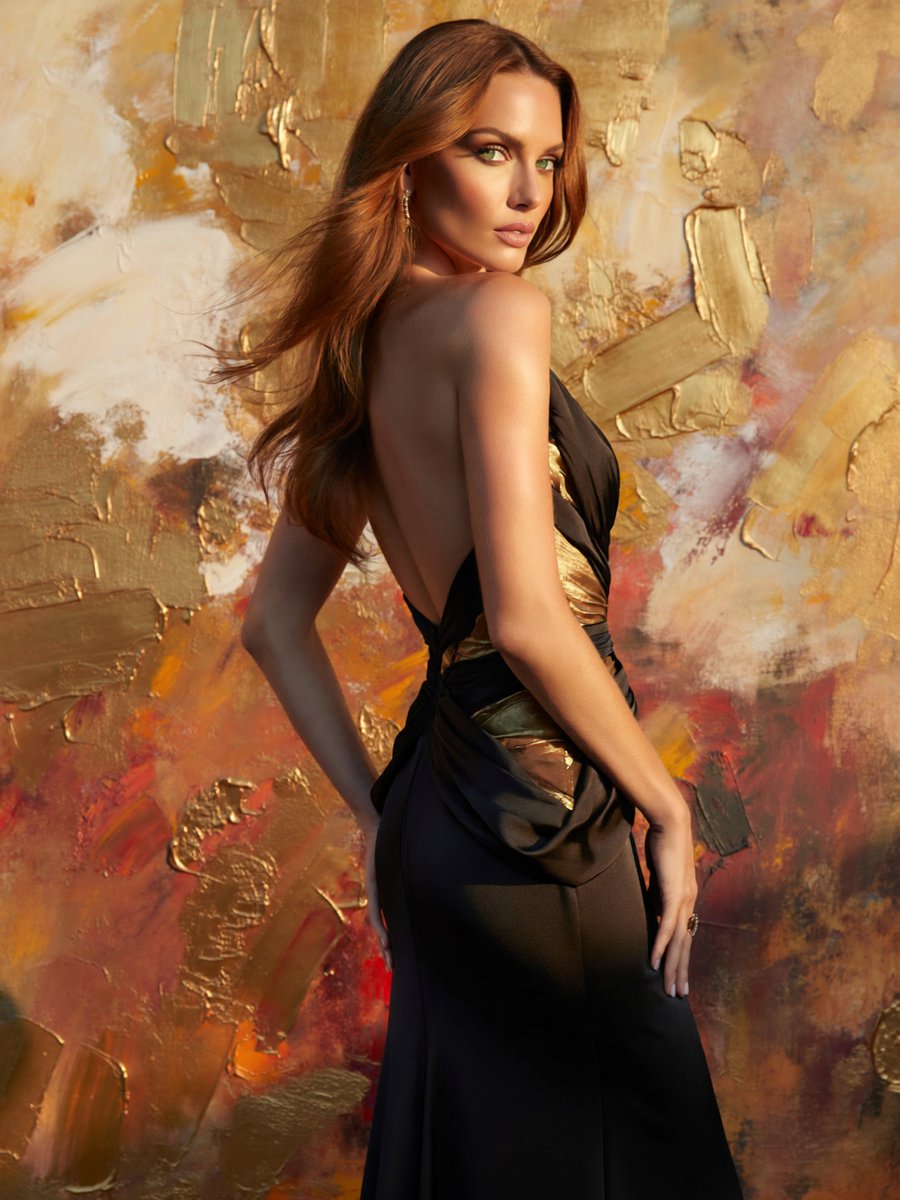
Glamorous Backless Gown Portrait
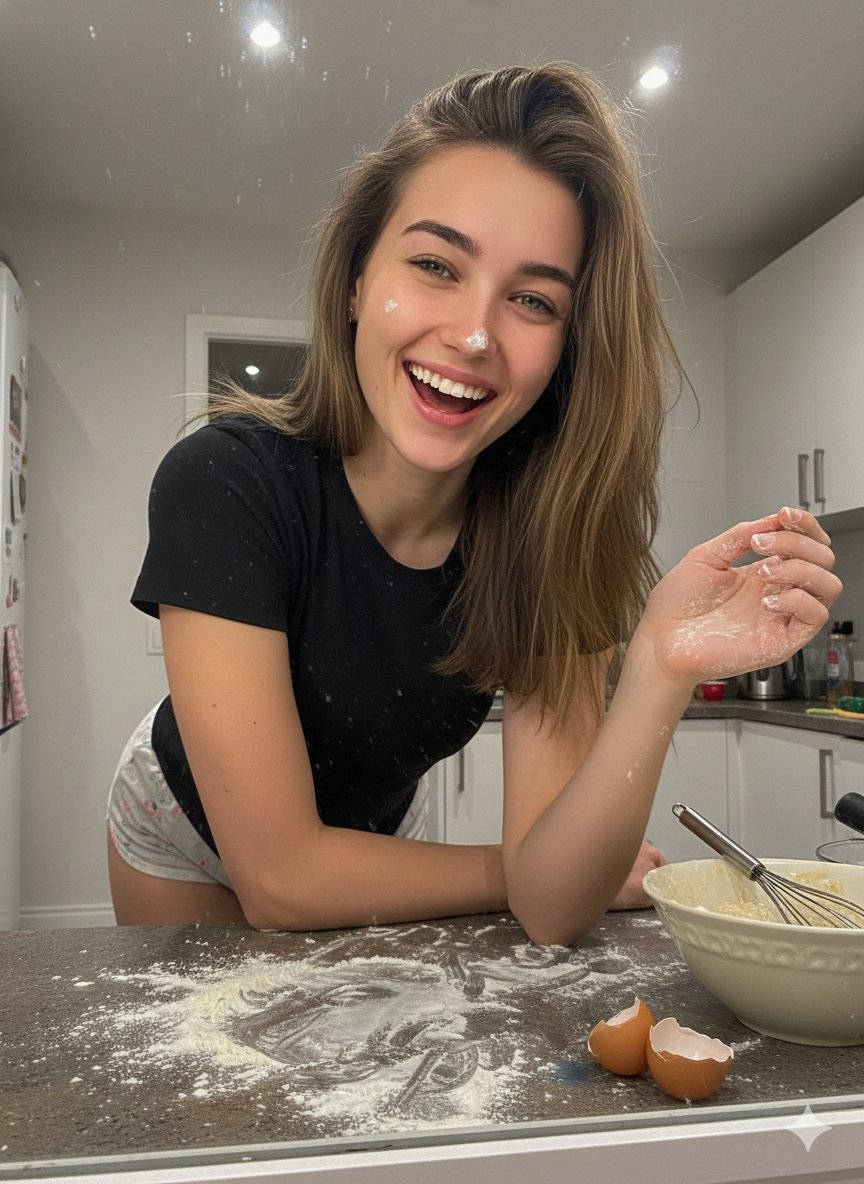
Messy Kitchen Mirror Selfie
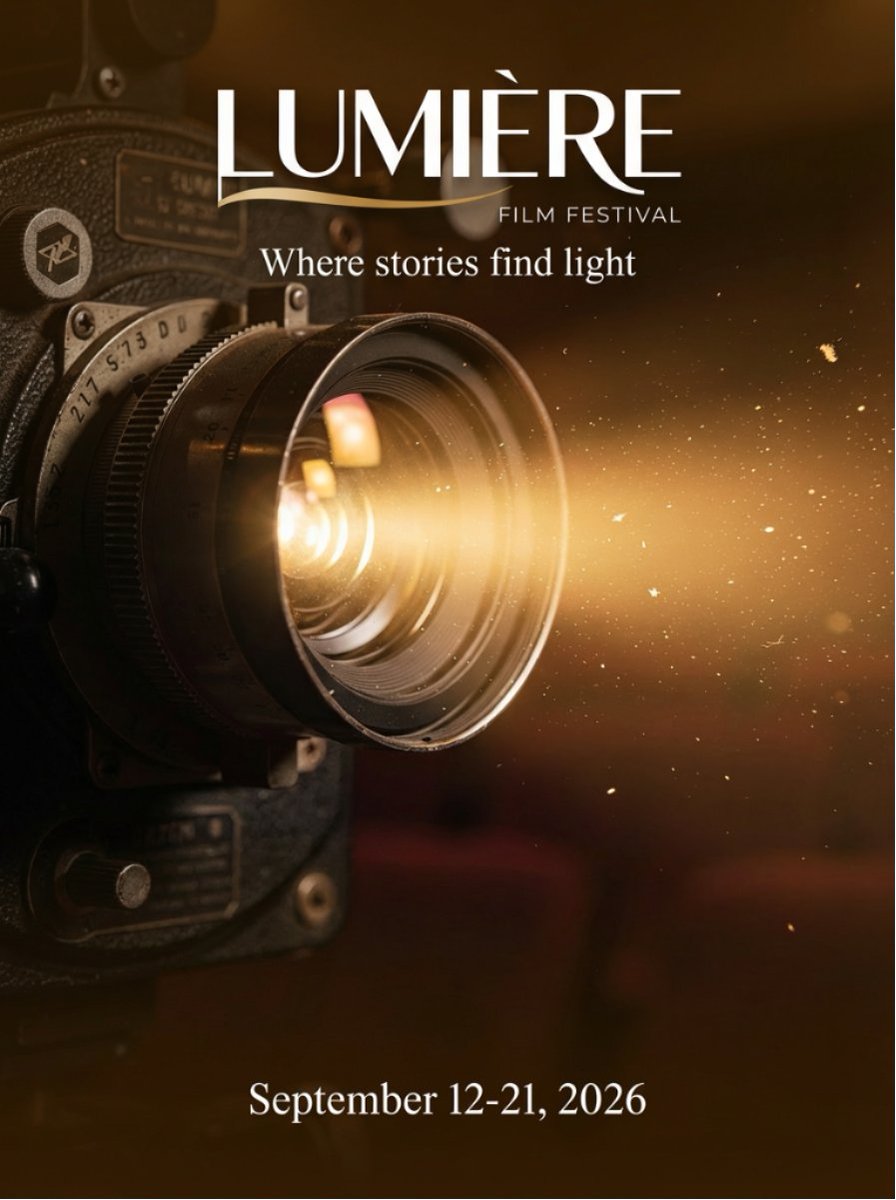
Film Festival Poster Generation
Edo-period castle town scene
Glowing UV Resin City Orb
Mirror Selfie in Black Tube Dress Prompt
Street Style Fashion Photography Prompt
Convenience Store Selfie Reflection Prompt (Suggestive)
Browse template categories
Using the attached image, create a professional industrial packaging questions
How do I use the Using the attached image, create a professional industrial packaging template?
Add your photo if the template asks for one, edit the prompt if you like — the template's model and format are already selected — and press Generate. Your version opens in PicX Studio.
Can I customize the Using the attached image, create a professional industrial packaging template?
Yes. You can change the subject, setting, lighting, mood, format, and available model controls before creating your image.
Is the Using the attached image, create a professional industrial packaging template free?
Opening and editing this template is free. Generating uses credits, shown on the Generate button when you are signed in.
Which AI model should I use?
Start with Nano Banana 2, which is the model associated with this template. You can compare another compatible model for a different finish.
Looking for something else? Browse all templates.

Your photo, any look
Thousands of ready templates for every top image and video model, from one credit balance.