How do I use the Seamless Gothic Marionette Dragon Loop template?
Edit the prompt in the box under the preview — the template's model and format are already selected — and press Generate. Your version appears right on this page.
A highly detailed 60fps video prompt for creating a seamless vertical loop of a majestic gothic dragon in a Victorian dress.

Create a 6-second seamless looping video in vertical 9:16 aspect ratio, ultra-smooth 60fps, cinematic masterpiece quality using the pinnacle of 2026 Grok Imagine video engine — no text, no subtitles, no fonts, no watermarks, no cuts or brakes, perfectly fluid motion with zero jitter. Main subject: the exact same majestic gothic marionette dragon from the previous image — life-sized dragon with cracked obsidian blood-red and black scales, glowing crimson eyes, sharp fangs, massive leathery wings with tattered gothic lace edges, wearing the exact ornate tattered red-and-black Victorian gothic dress with gold embroidery, corset, lace, and chains. The dress remains perfectly intact, fully covering, modest, and never removed, torn, slipped, altered, or affected by strings or movements in any way throughout the entire video — 100% clothed at all times with zero garment issues.
Create a 6-second seamless looping video in vertical 9:16 aspect ratio, ultra-smooth 60fps, cinematic masterpiece quality using the pinnacle of 2026 Grok Imagine video engine — no text, no subtitles, no fonts, no watermarks, no cuts or brakes, perfectly fluid motion with zero jitter. Main subject: the exact same majestic gothic marionette dragon from the previous image — life-sized dragon with cracked obsidian blood-red and black scales, glowing crimson eyes, sharp fangs, massive leathery wings with tattered gothic lace edges, wearing the exact ornate tattered red-and-black Victorian gothic dress with gold embroidery, corset, lace, and chains. The dress remains perfectly intact, fully covering, modest, and never removed, torn, slipped, altered, or affected by strings or movements in any way throughout the entire video — 100% clothed at all times with zero garment issues.
Edit the prompt in the box under the preview — the template's model and format are already selected — and press Generate. Your version appears right on this page.
Yes. You can change the subject, setting, lighting, mood, format, and available model controls before creating your video.
Opening and editing this template is free. Generating uses credits, shown on the Generate button when you are signed in.
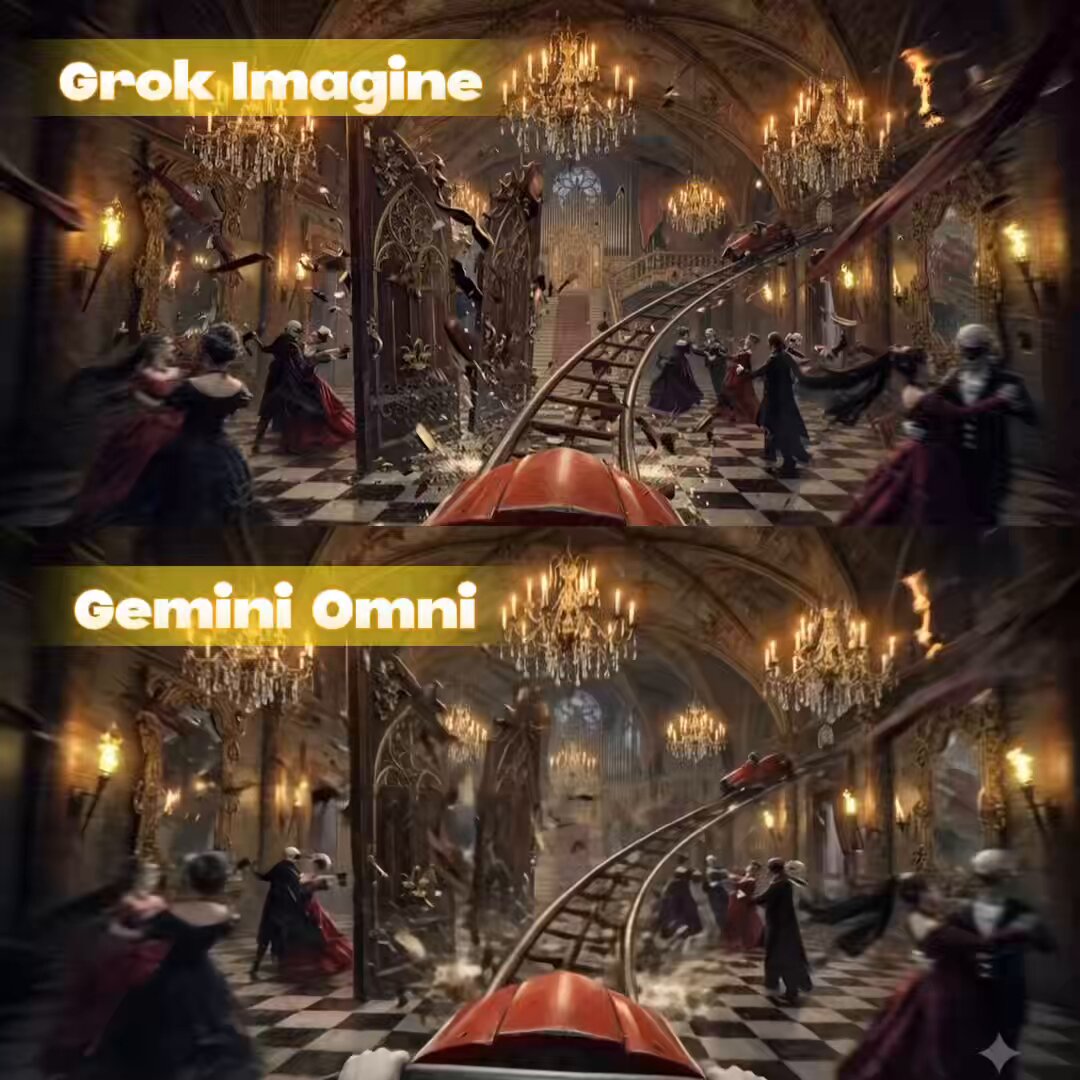
Start with Grok Imagine, which is the model associated with this template. You can compare another compatible model for a different finish.
Follow a topic to a crawlable collection of related PicX Studio templates.