How do I use the Modern Potrait template?
Edit the prompt in the box under the preview — the template's model and format are already selected — and press Generate. Your version appears right on this page.
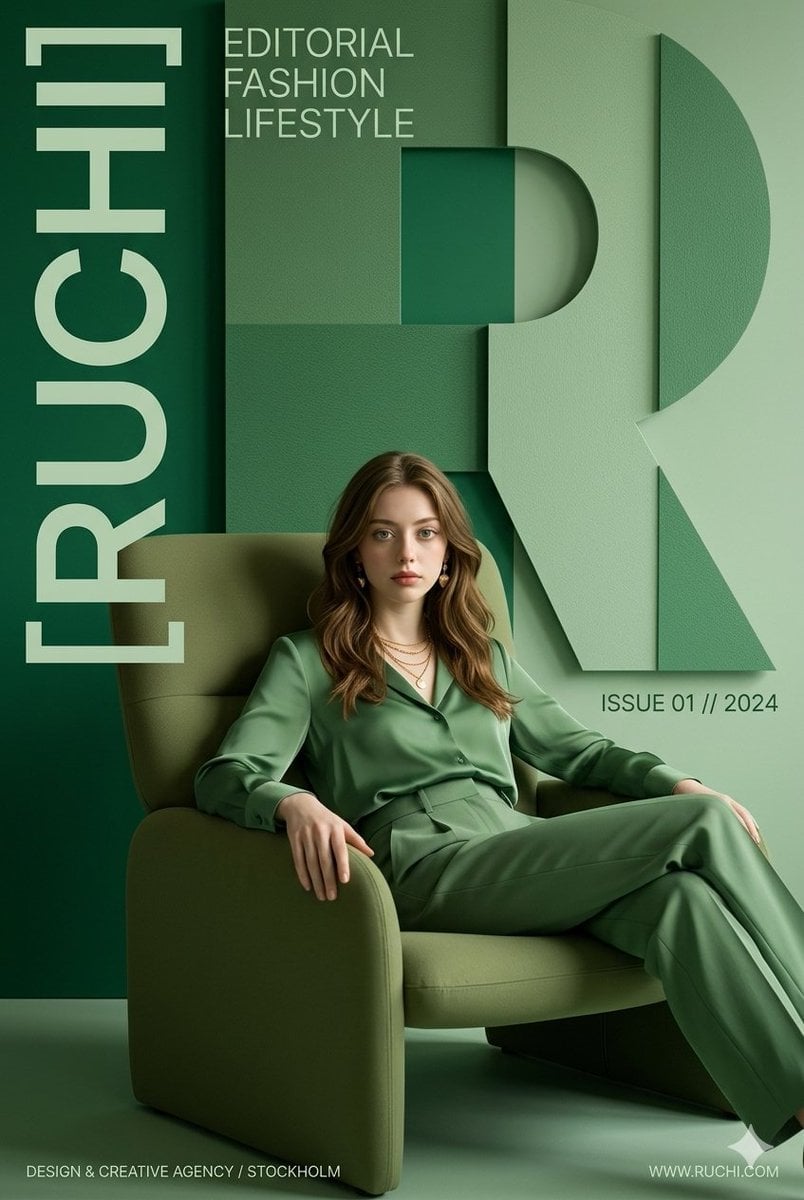
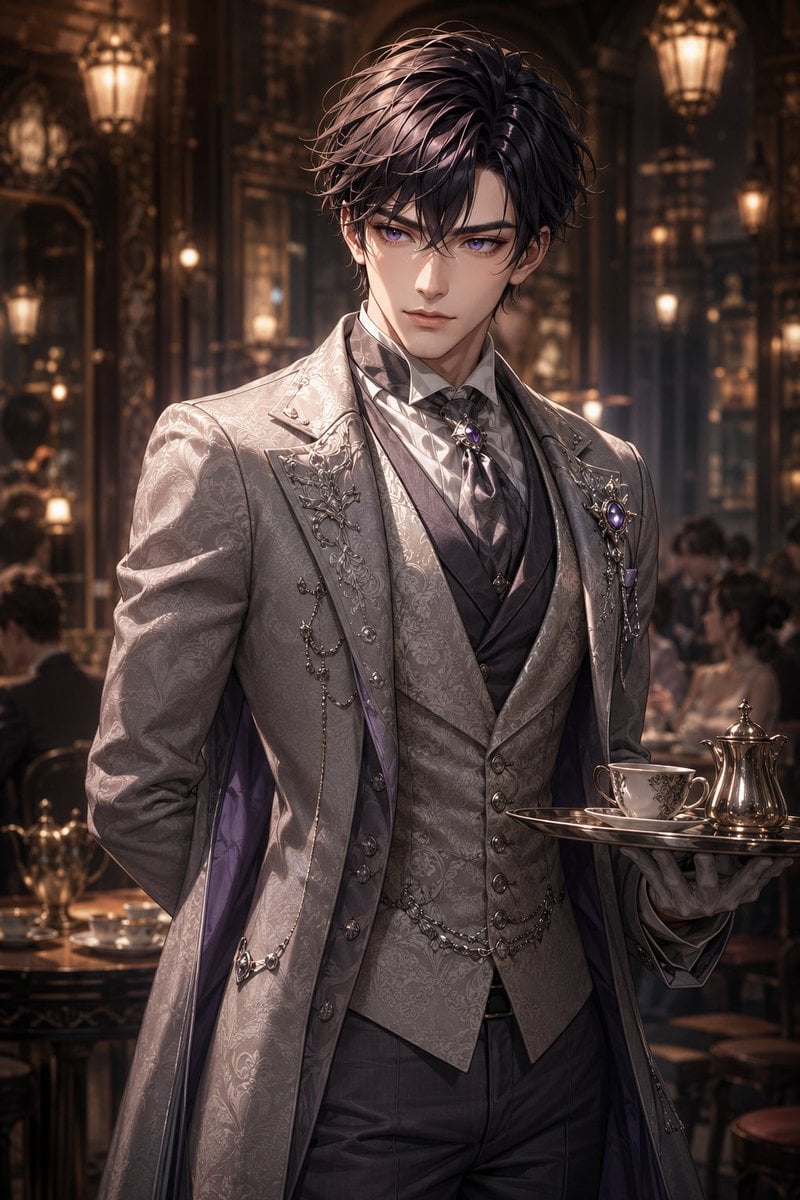
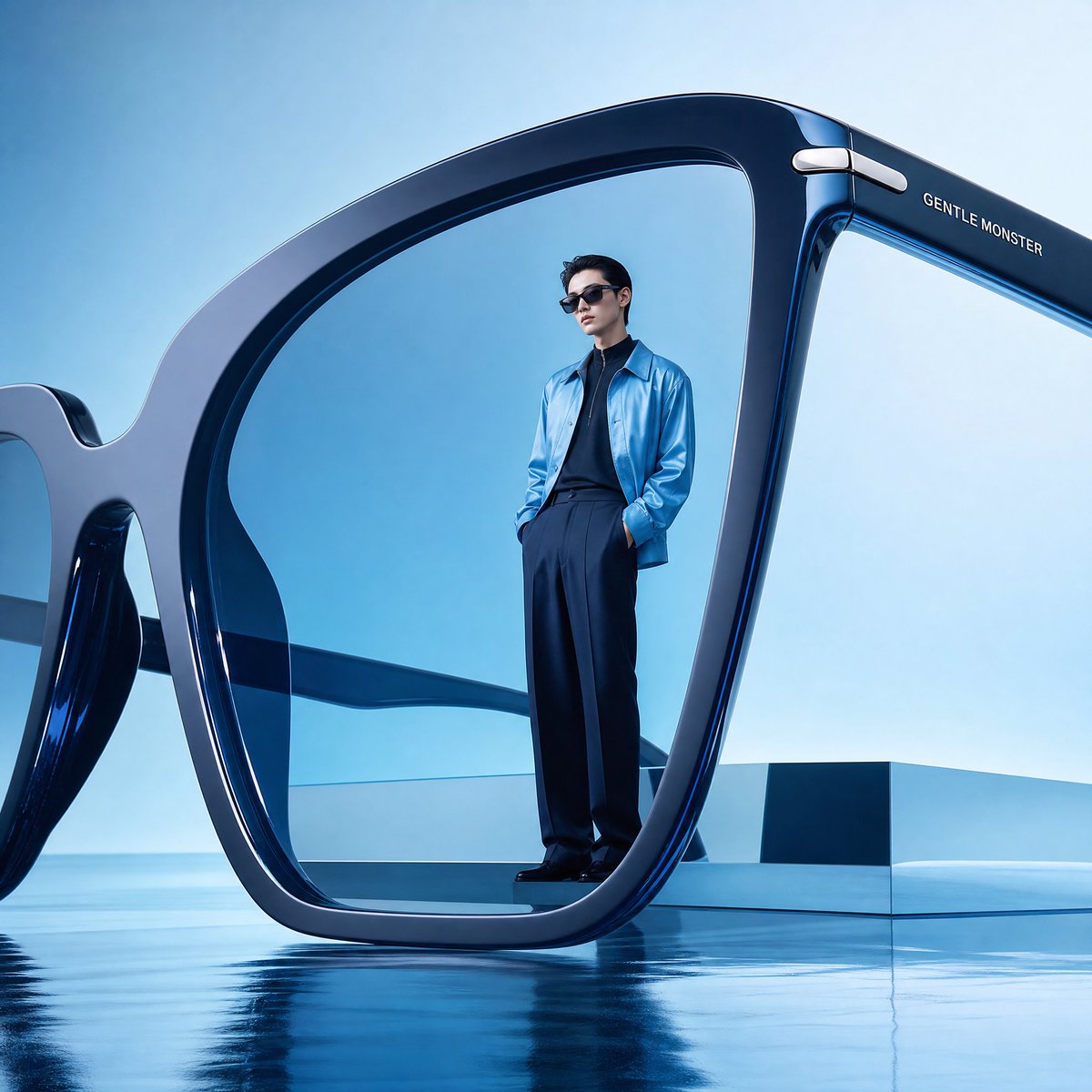
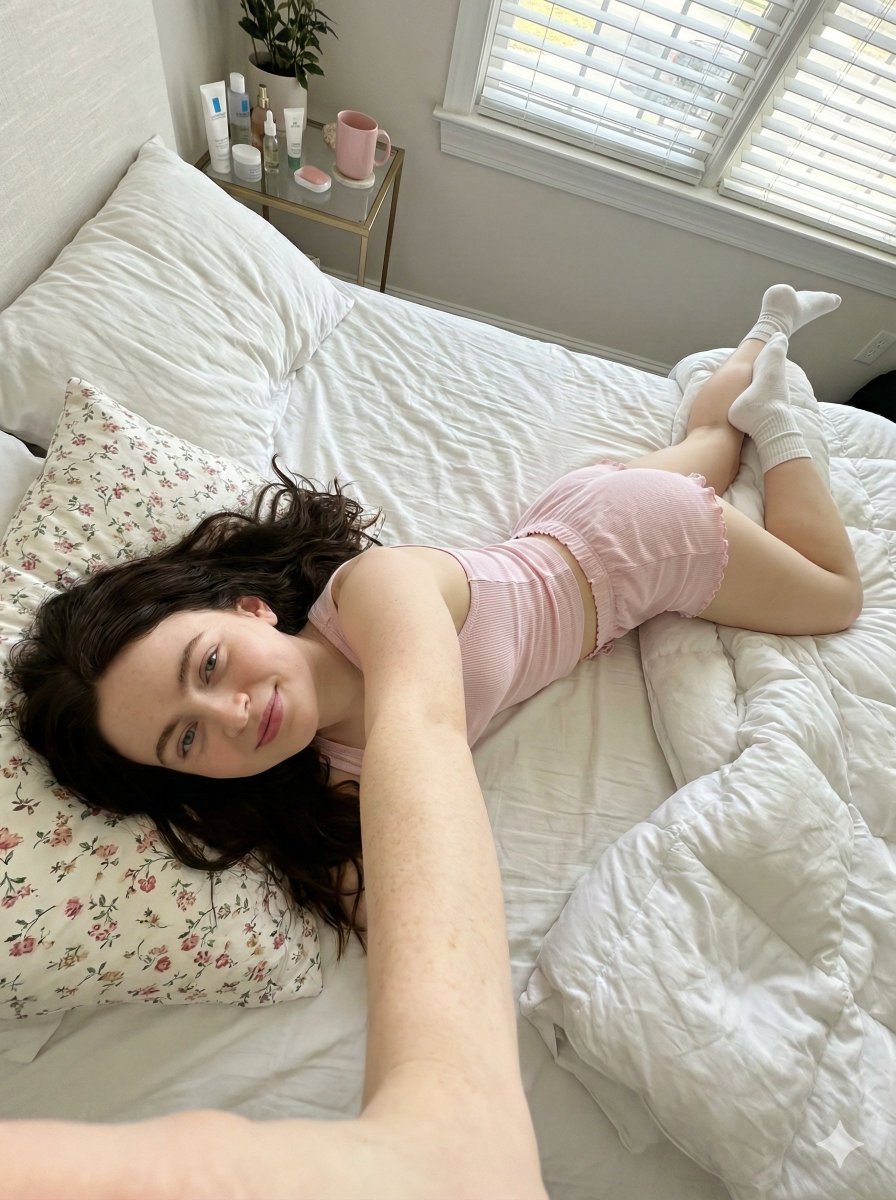
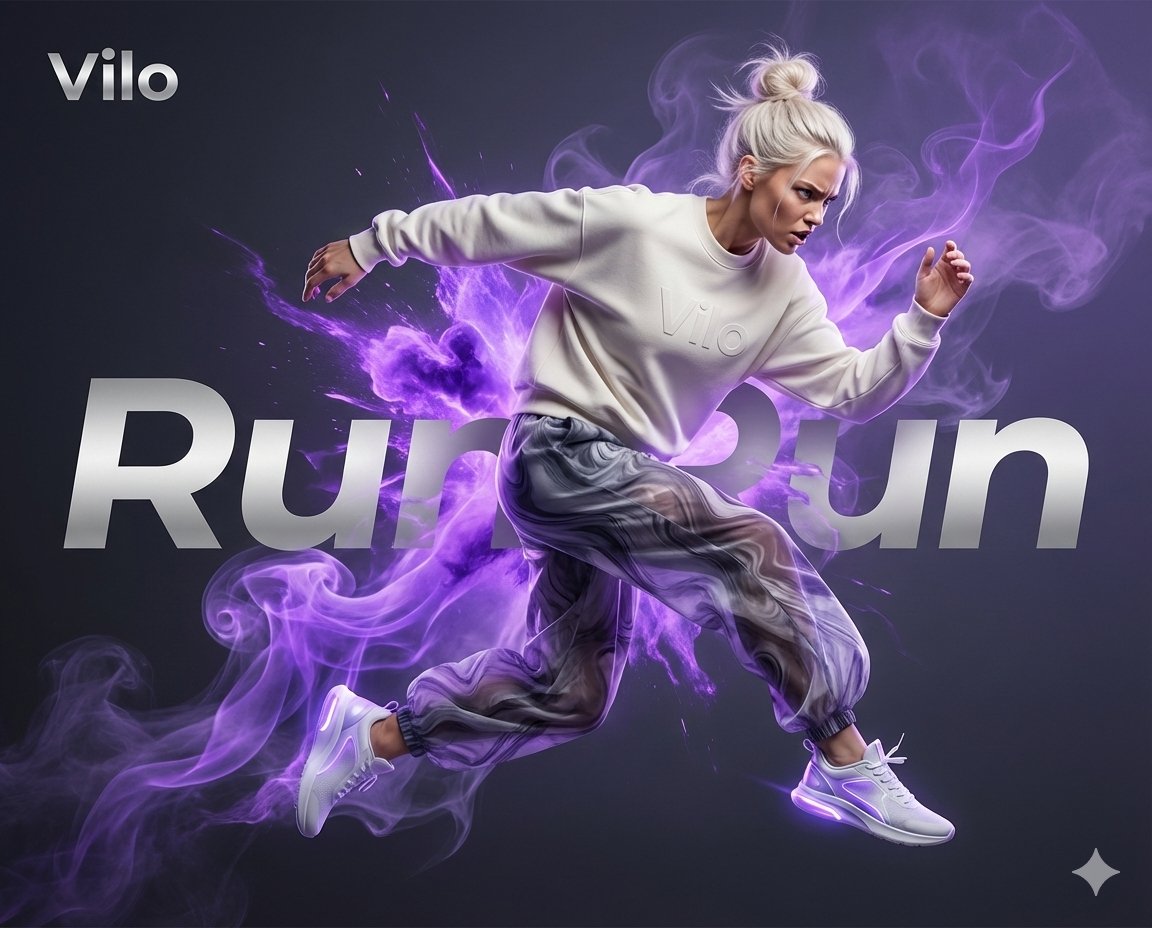
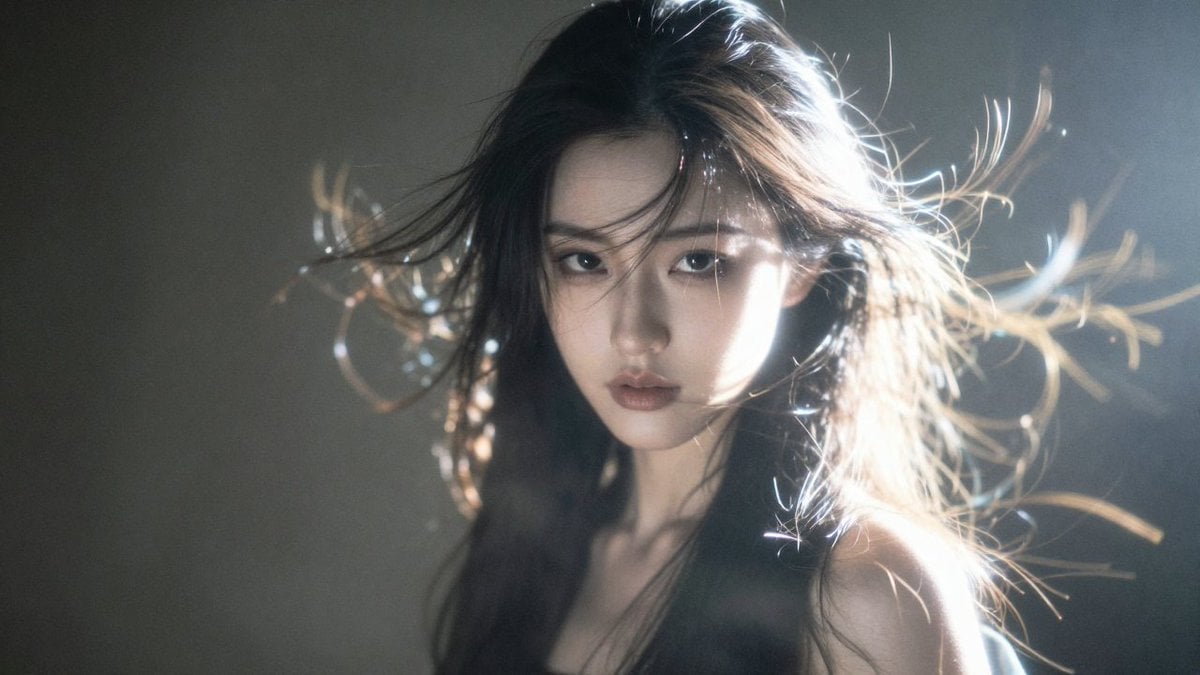
Modern Potrait is a ready photo look.

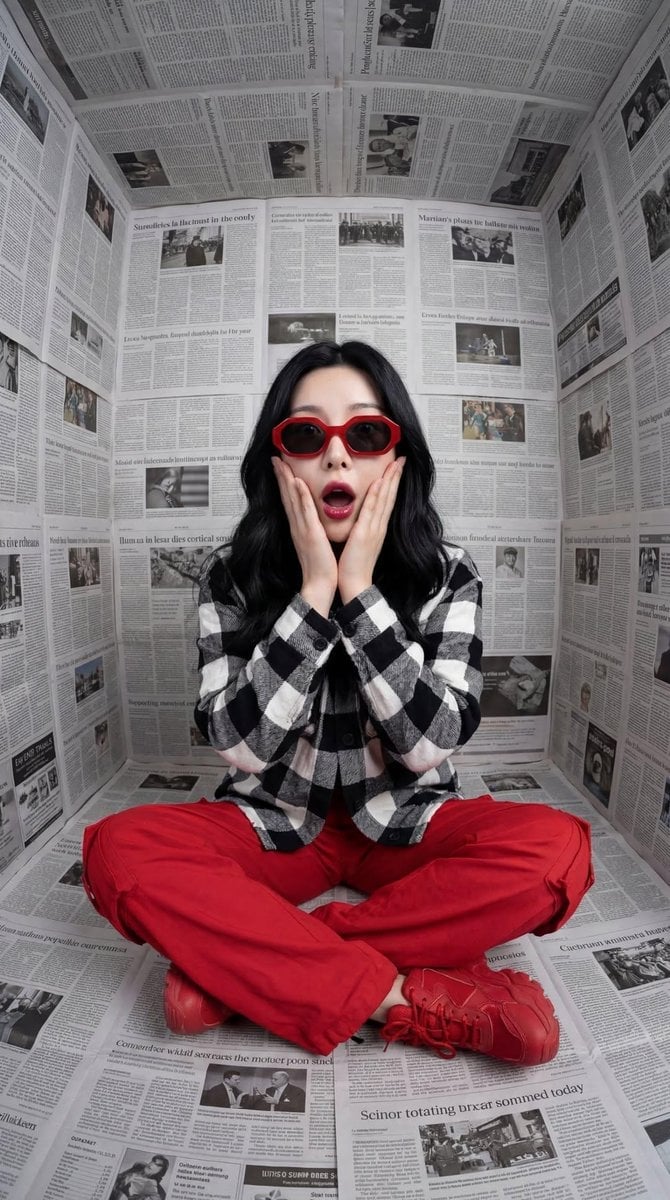
Atmospheric change: simple aesthetic portrait in cool morning light tones, wow fresh vibe, portrait orientation, soft window light from side creating gentle highlights on skin and hair, minimal beige textured background, elegant twisted pose adapted for portrait, matte skin, high fashion clean look, shallow DOF blurring edges, ultra-realistic, balanced serene mood.
Atmospheric change: simple aesthetic portrait in cool morning light tones, wow fresh vibe, portrait orientation, soft window light from side creating gentle highlights on skin and hair, minimal beige textured background, elegant twisted pose adapted for portrait, matte skin, high fashion clean look, shallow DOF blurring edges, ultra-realistic, balanced serene mood.
Edit the prompt in the box under the preview — the template's model and format are already selected — and press Generate. Your version appears right on this page.
Yes. You can change the subject, setting, lighting, mood, format, and available model controls before creating your image.
Opening and editing this template is free. Generating uses credits, shown on the Generate button when you are signed in.
Choose a compatible model in PicX Studio based on the style, speed, and output controls your project needs.
Follow a topic to a crawlable collection of related PicX Studio templates.