
Ultra-clean modern recipe infographic
Ultra-clean modern recipe infographic.
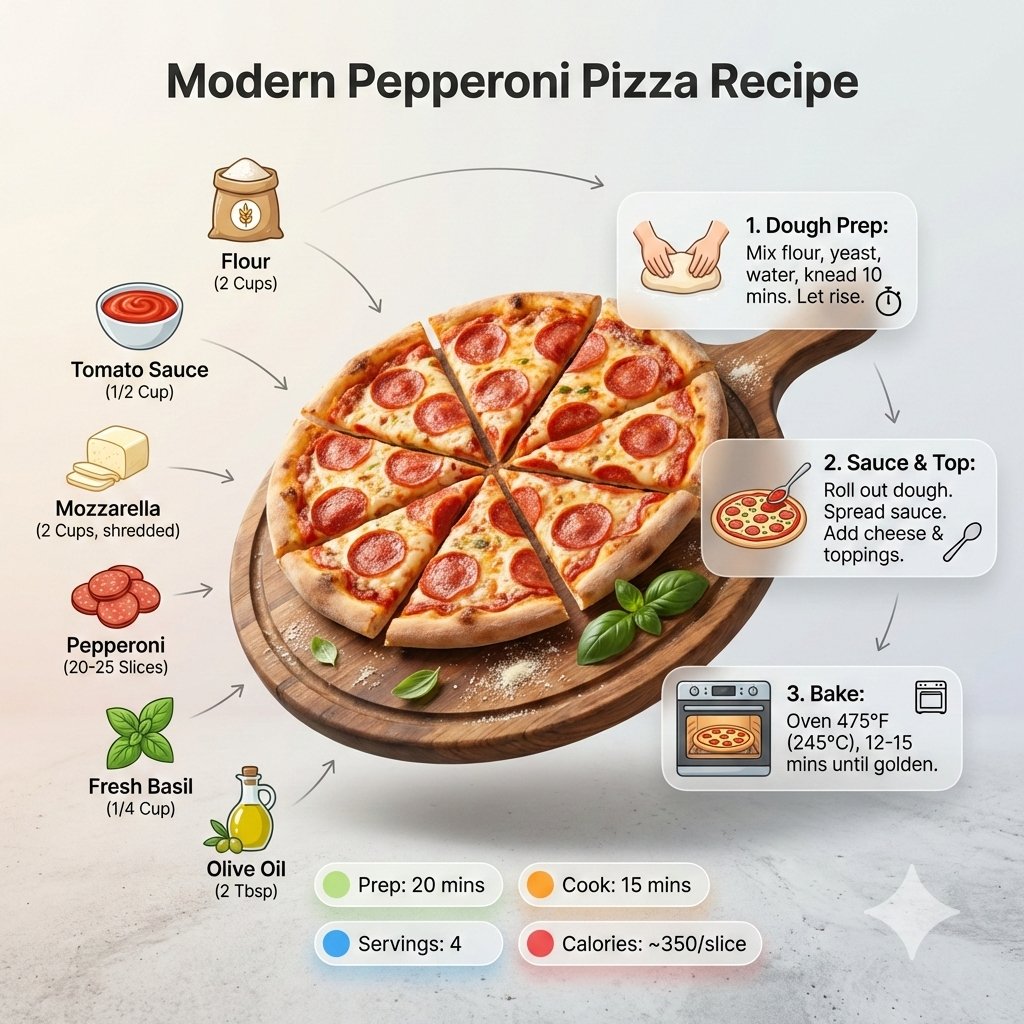
- Prompt included
- Model and format preset
- Free template
The prompt behind this image
Copy the exact prompt behind Ultra-clean modern recipe infographic, or open it in the studio and make it yours.
Ultra-clean modern recipe infographic. Showcase Pizza in a visually appealing finished form—sliced, plated, or portioned—floating slightly in perspective or angled view. Arrange ingredients, steps, and tips around the dish in a dynamic editorial layout, not restricted to top-down. Ingredients Section: Include icons or mini illustrations for each ingredient with quantities. Arrange them in clusters, lists, or circular flows connected visually to the dish. Steps Section: Show preparation steps with numbered panels, arrows, or lines, forming a logical flow around the main dish. Include small cooking icons (knife, pan, oven, timer) where helpful. Additional Info (optional): Total calories, prep/cook time, servings, spice level—displayed as clean bubbles or badges near the dish. Visual Style: Editorial infographic meets lifestyle food photography. Vibrant, natural food colors, subtle drop shadows, clean vector icons, modern typography, soft gradients or glassmorphism for step panels. Accent colors can highlight key info (calories, prep time). Composition Guidelines: Finished meal as hero visual (perspective or angled) Ingredients and steps flow dynamically around the dish Clear visual hierarchy: dish > steps > ingredients > optional stats Enough negative space to keep design airy and readable Lighting & Background: Soft, natural studio lighting, minimal textured or gradient background for premium editorial feel. Output: 1080×1080, ultra-crisp, social-feed optimized, no watermark.”
How to use Ultra-clean modern recipe infographic in 3 steps
- 1
Open
The prompt is already in the box next to the preview, with the template's model and format selected.
- 2…a portrait of your subject in softgolden-hour light, 85mm…
Personalize
Edit the subject and creative details for your destination.
- 3Generate
Generate
Press Generate — your image is created in PicX Studio, so you can compare it with the original and refine one variable at a time.
More like this
Templates with the same subject, style or setup. Open one to see its prompt.
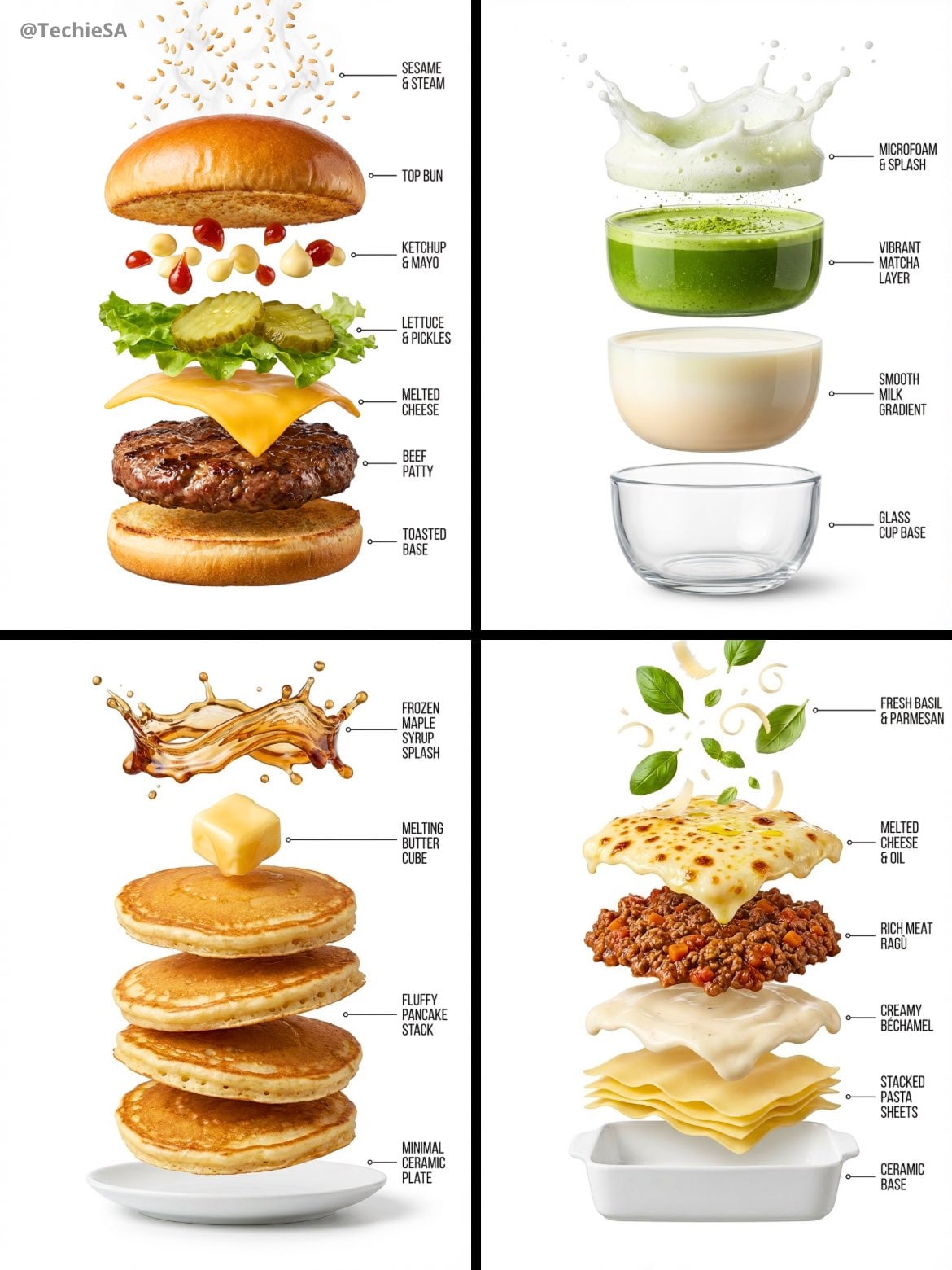
Hyper-realistic exploded vertical infographic composition
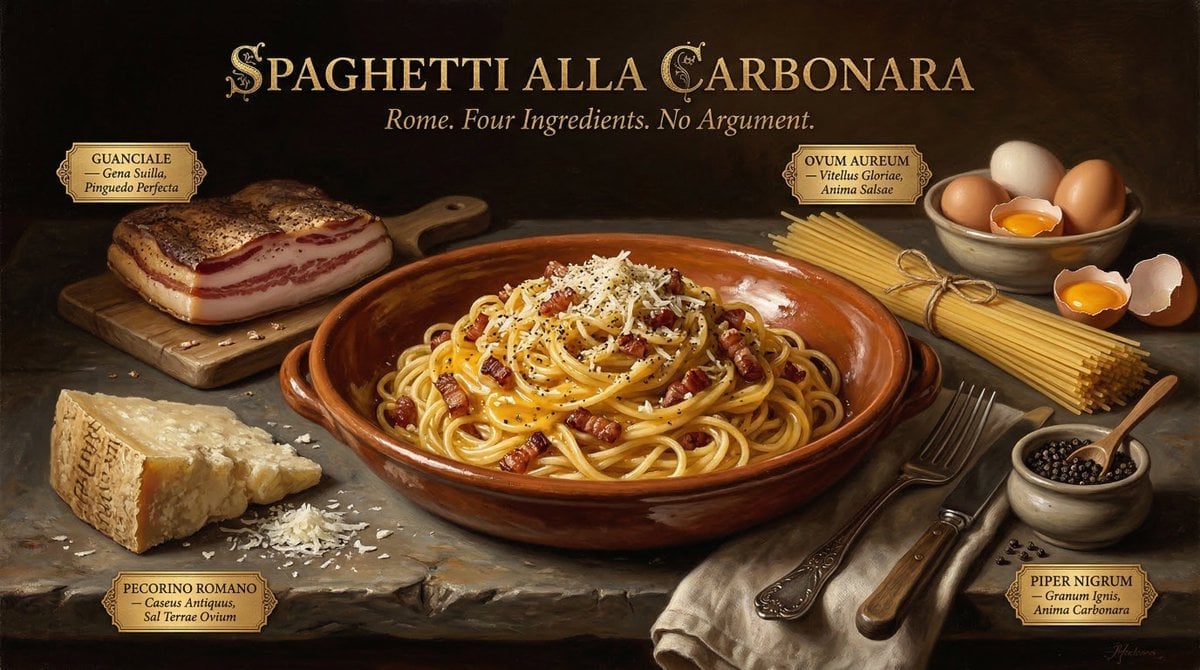
Food & Drink Prompt #913
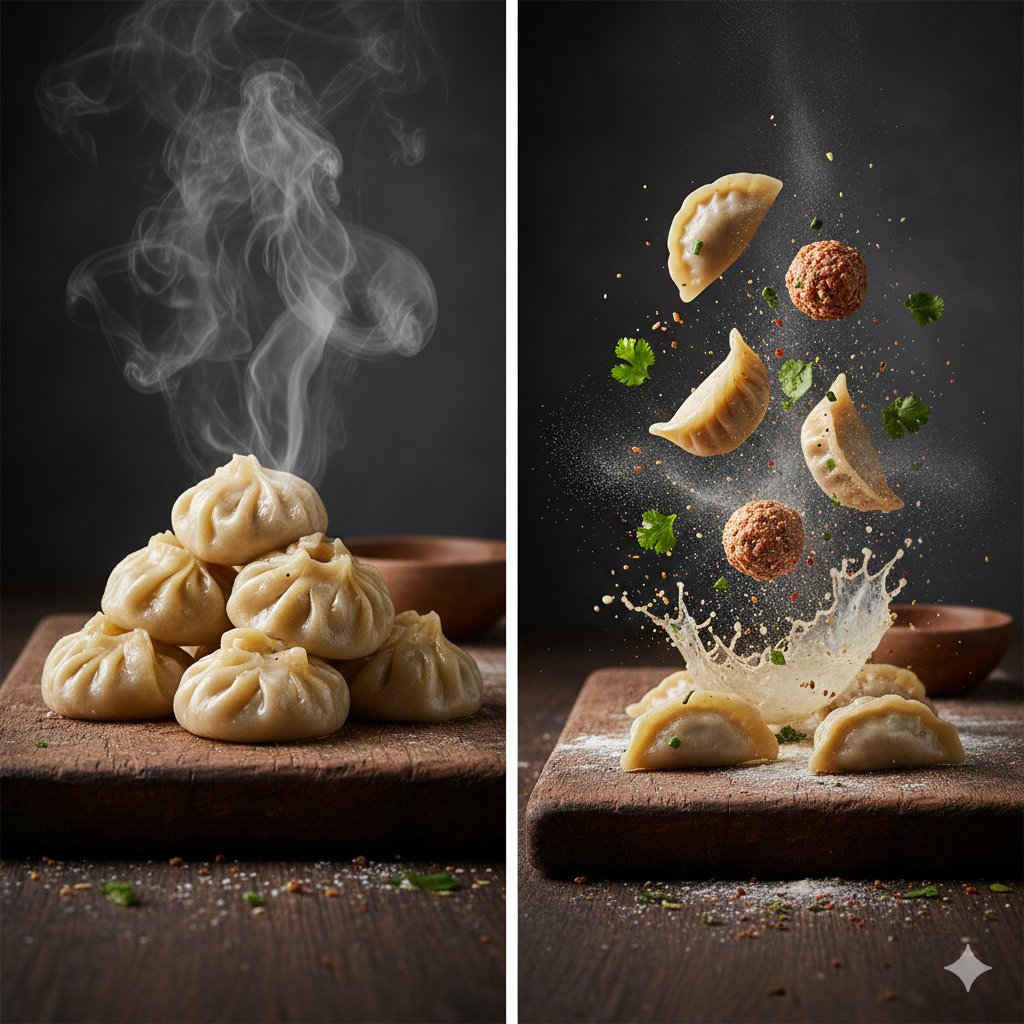
The Cinematic Momo Duo
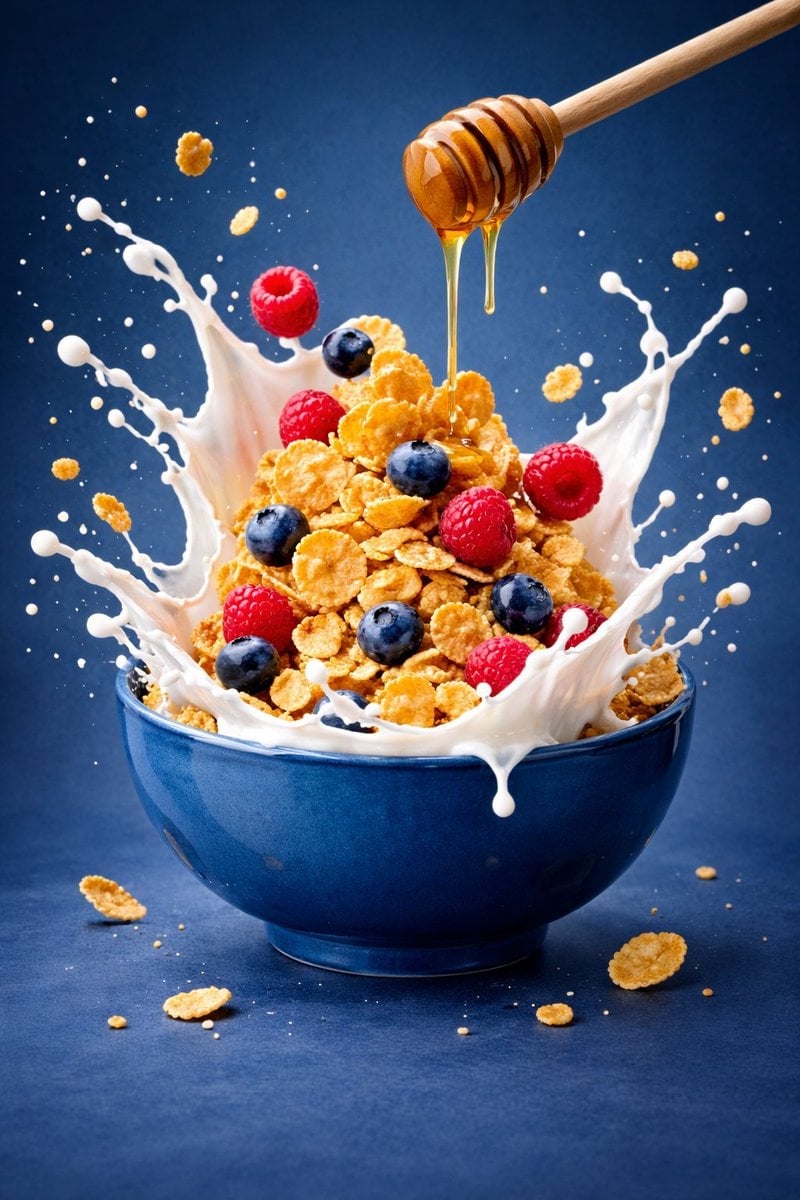
Ultra-premium cinematic food photography, 8K UHD, 3 4 aspect ratio
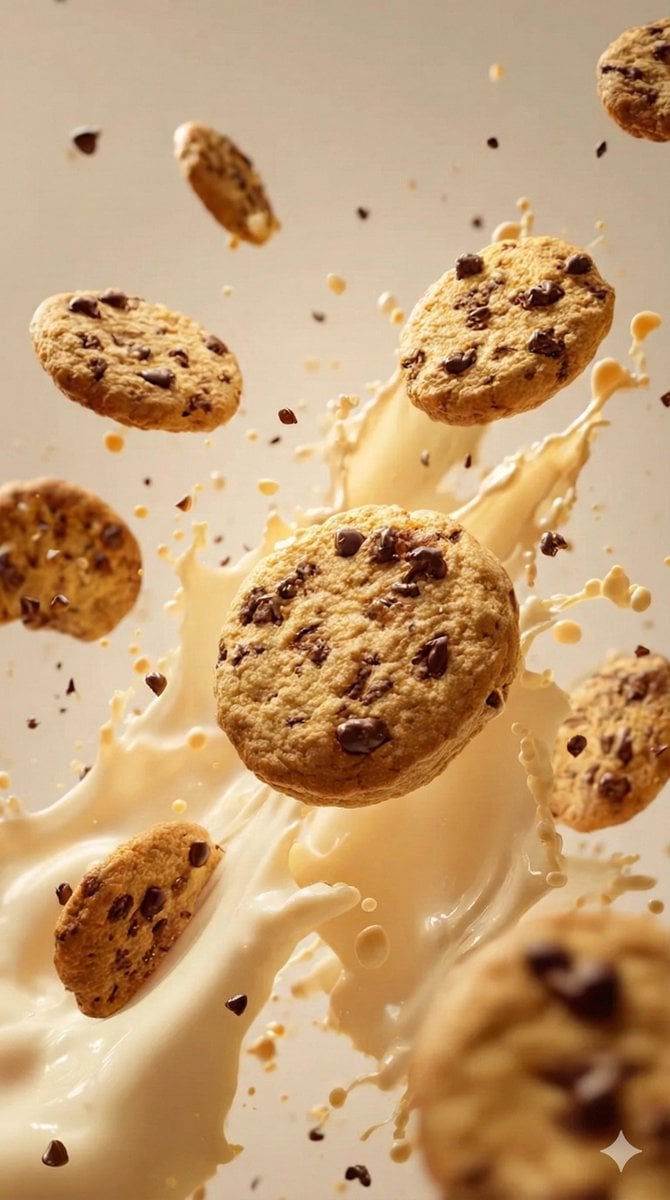
Food & Drink Prompt #1406

Clean, minimalist fashion infographic from an uploaded reference photo

Bold, intense, premium, cinematic, high-impact food commercial aesthetic

Multiple dark purple berries erupting from inside the can
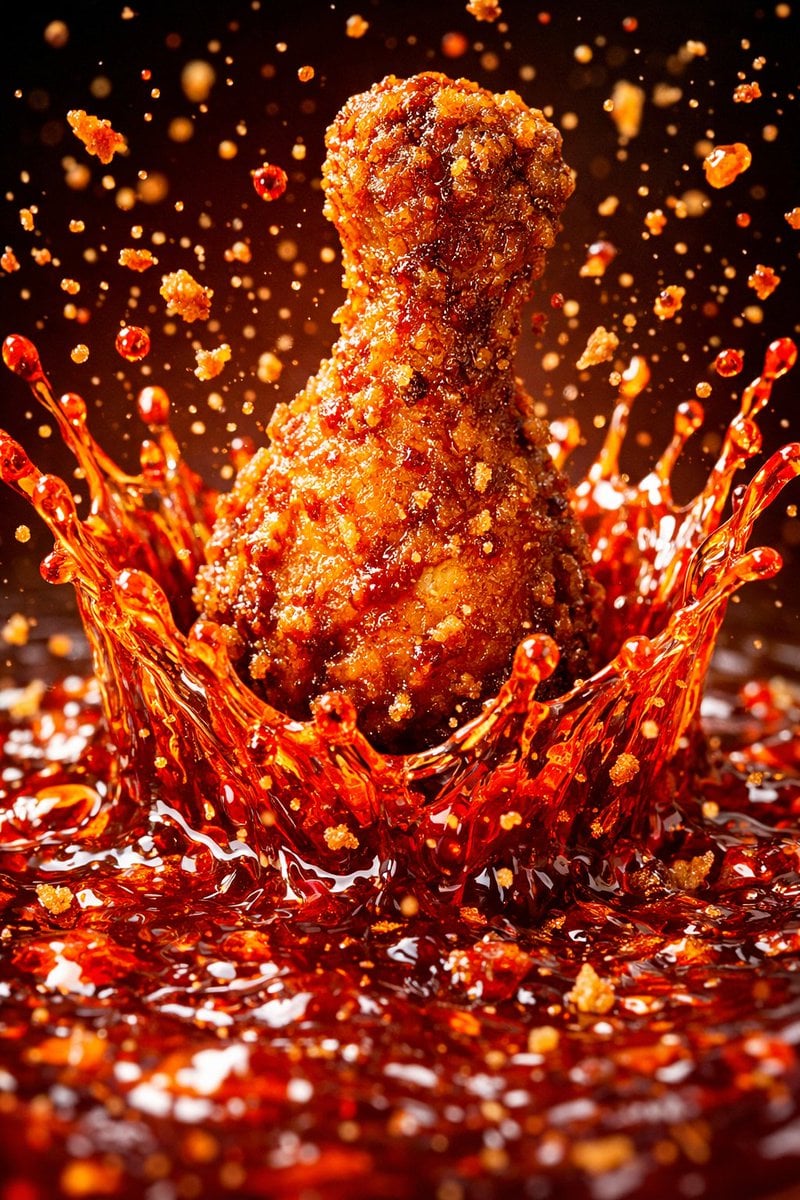
Each module shares structure but maintains unique visual dynamics
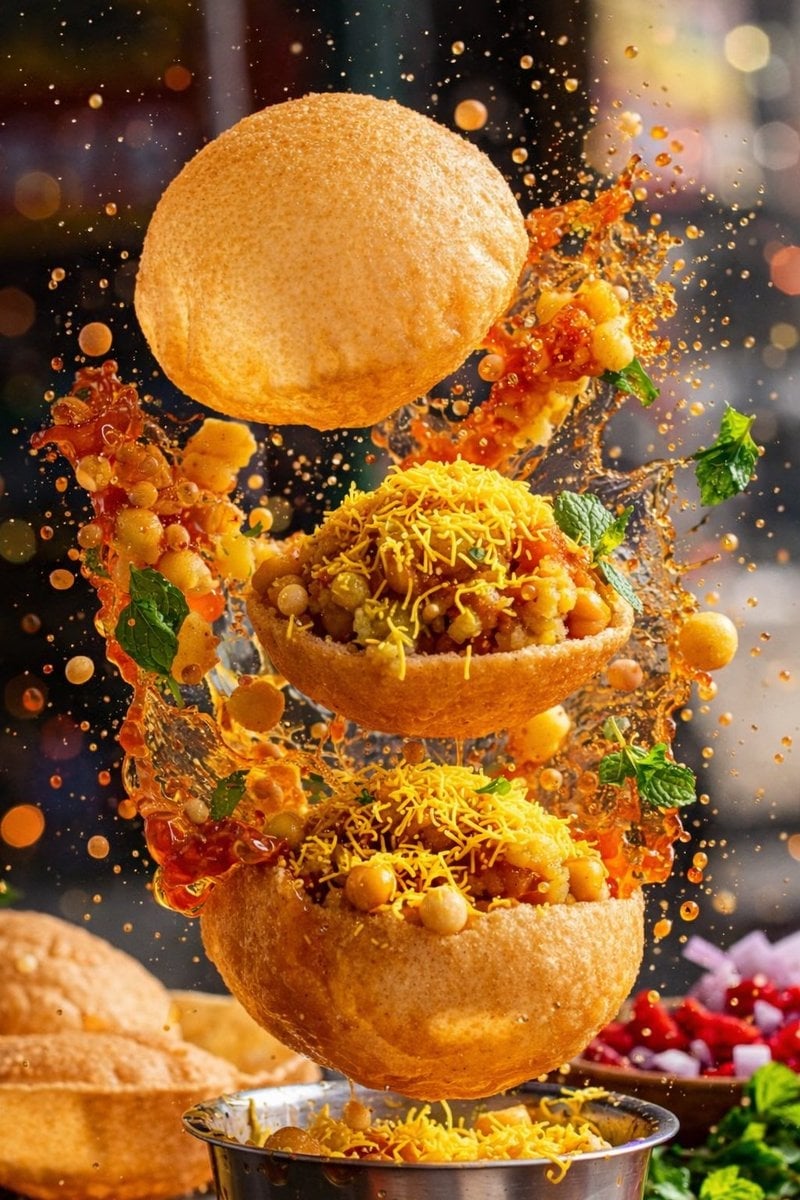
Enhanced realism, minimal alteration from original composition
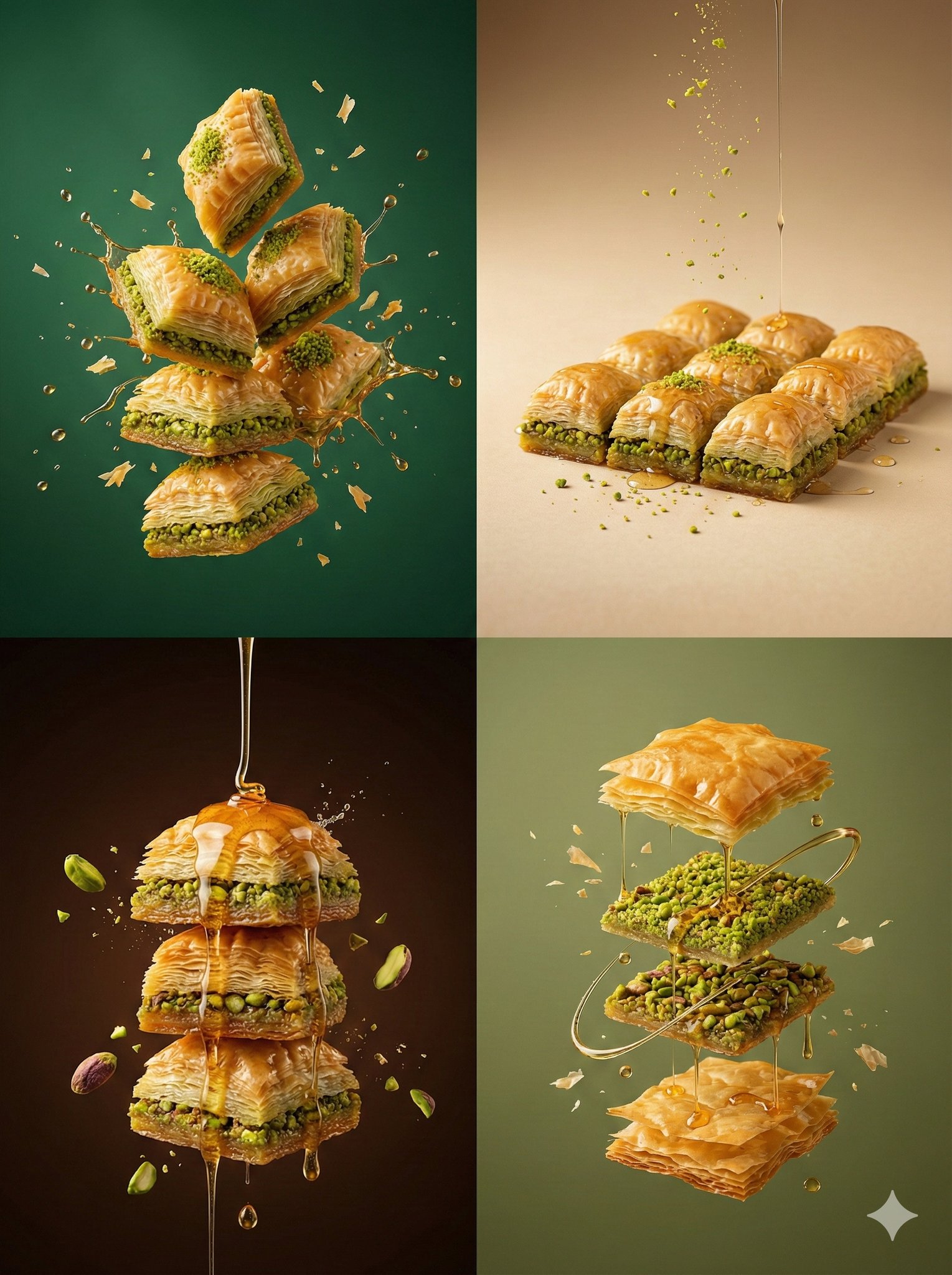
Controlled studio lighting emphasizing texture, layers, and syrup
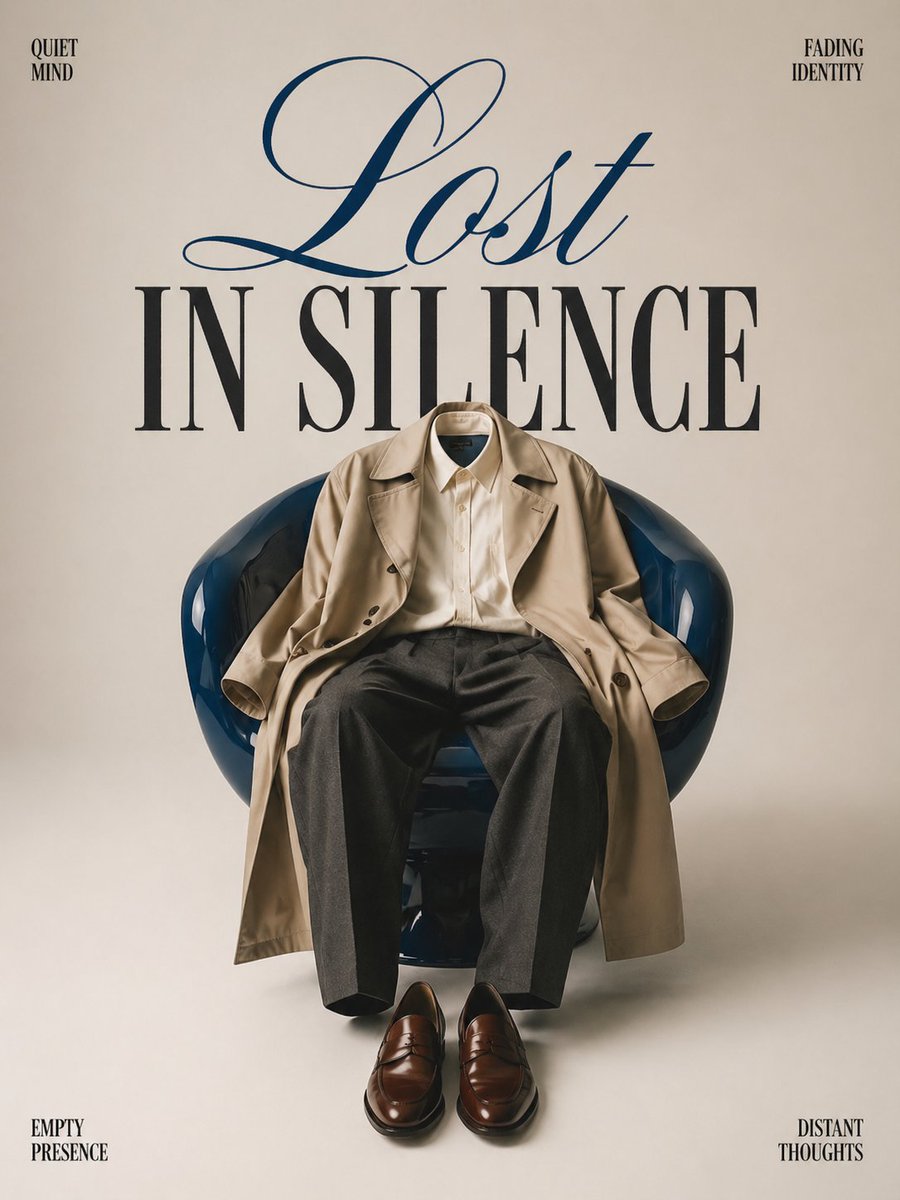
Minimalist conceptual fashion editorial poster, studio shot on a clean
Make it yours
Ultra-clean modern recipe infographic works as-is. These are the safest ways to change it without losing the look.
Change one field
Copy a single group, rewrite it, and generate again so you can see what that field is doing.
Keep the frame, change the subject
Hold the composition and light of Ultra-clean modern recipe infographic, then swap wardrobe, props or the person for a new take.
| If the result… | Why | Fix |
|---|---|---|
| The result drifts from the preview | Too many fields changed at once. | Reuse Ultra-clean modern recipe infographic as-is first, then change one group — subject, light, or setting. |
| The model over-stylizes the scene | The prose prompt leaves finish and camera underspecified. | Add one camera or lighting sentence and stay on Nano Banana 2. |
More Nano Banana 2 templates
Other prompts made for Nano Banana 2.

Photorealistic Leaf Shaped Like a Dragon

K-Pop Idol Portrait Grid for Rapid Selection

Poetic Rain Forest Portrait During Golden Hour

Urban Street Portrait with Cartoon Inner Self Duo

Candid Nighttime Photo with Cat Prompt

High-Concept 3D Diorama Generation Prompt

Cinematic Futuristic Studio Portrait Template

Skincare Editorial Photography Collage Prompt

Hyper-Realistic Commercial Product Photography (Splash Effect)

Hyper-Realistic Nightclub Portrait Prompt
More image prompts
Fresh picks from across the catalog.
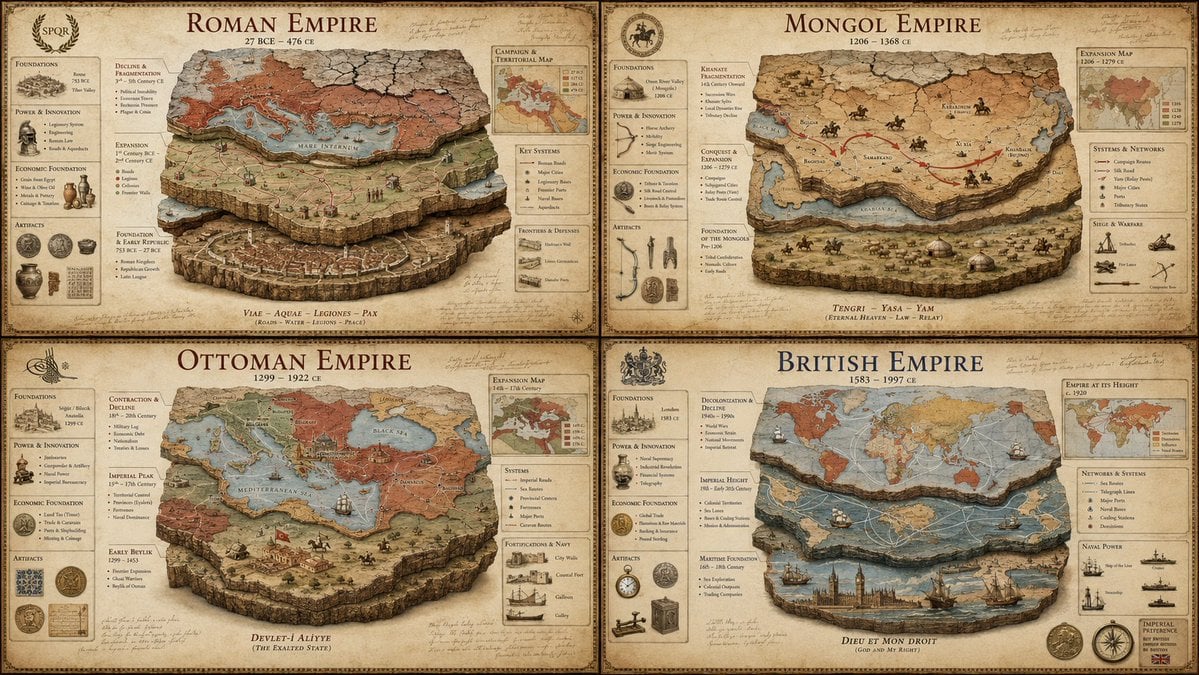
Luxury Empire Stratigraphy Poster
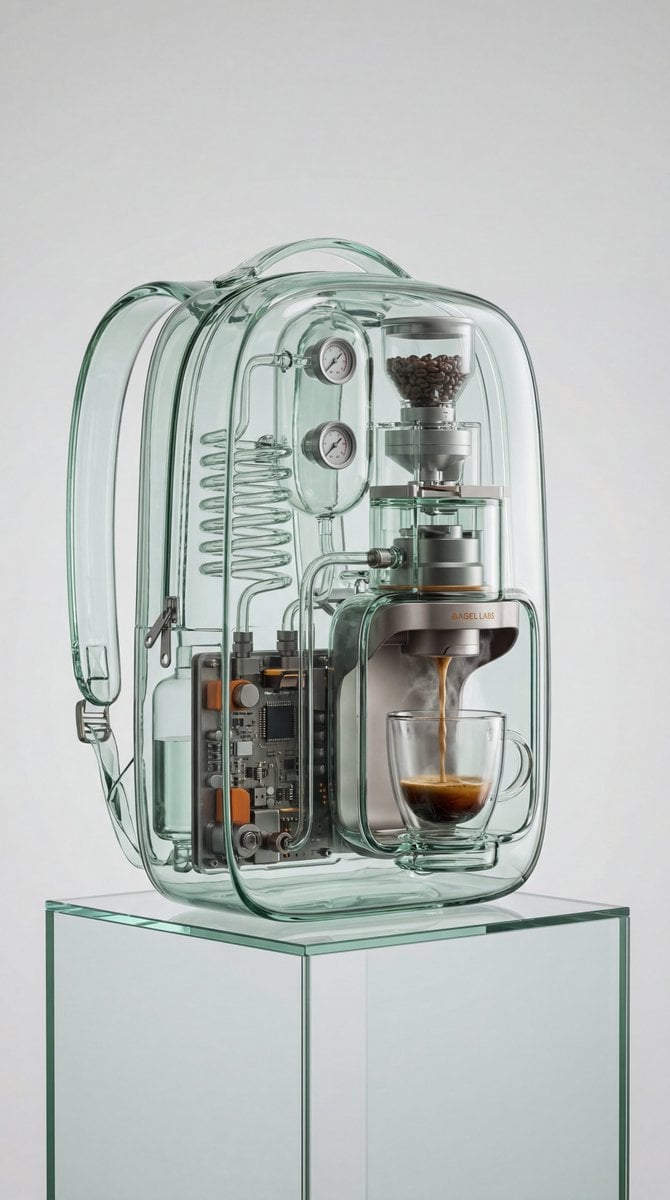
Recontextualized Backpack Espresso Machine Concept Prompt
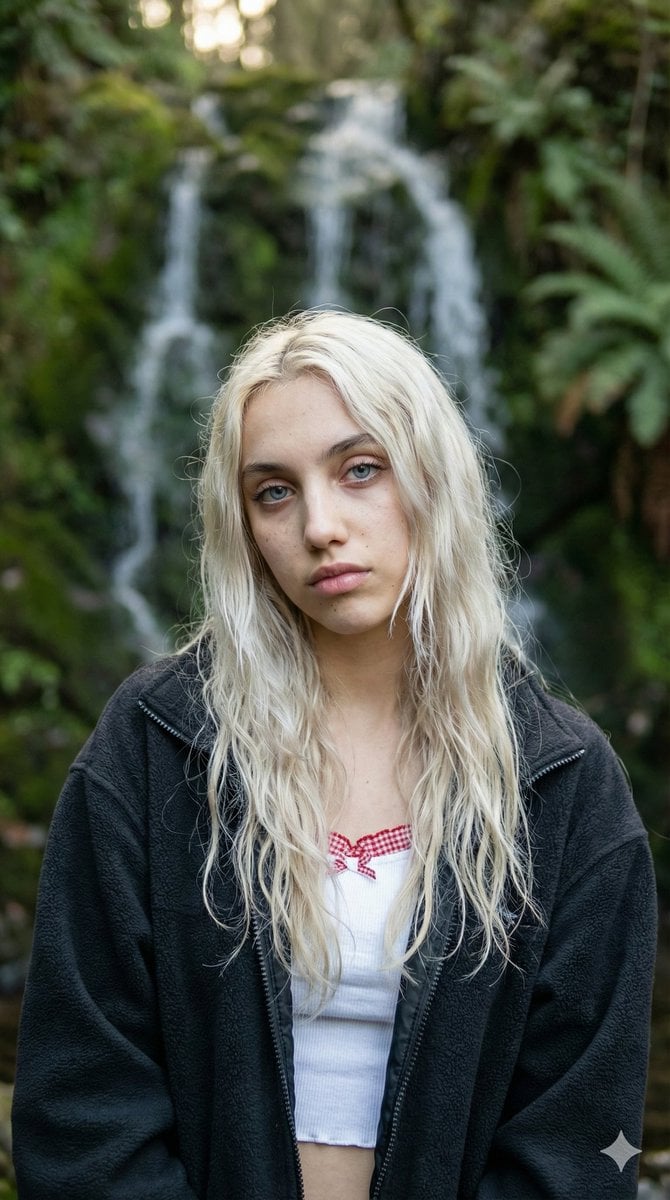
Ethereal Waterfall Selfie Portrait with Natural Imperfections
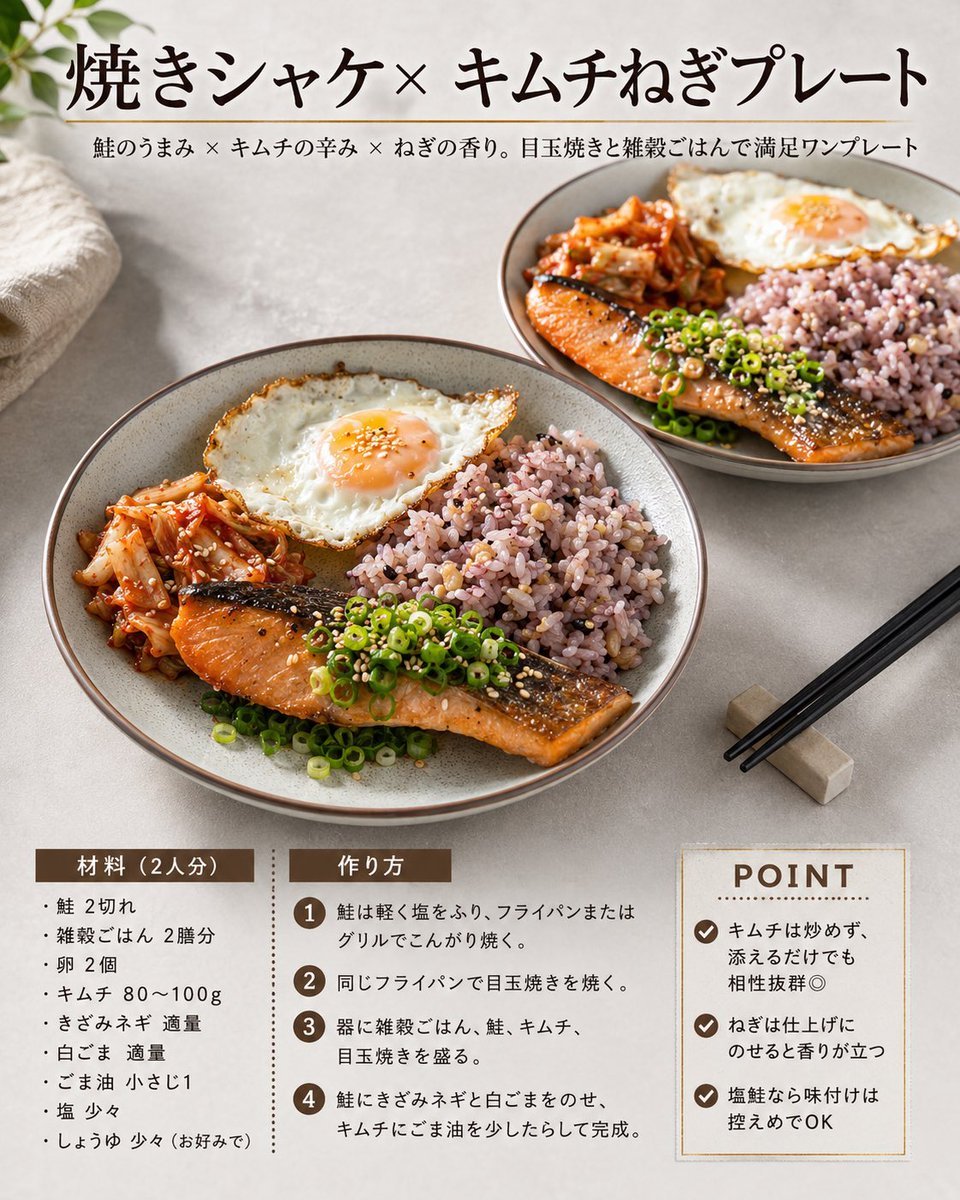
Japanese Salmon Kimchi Recipe Card
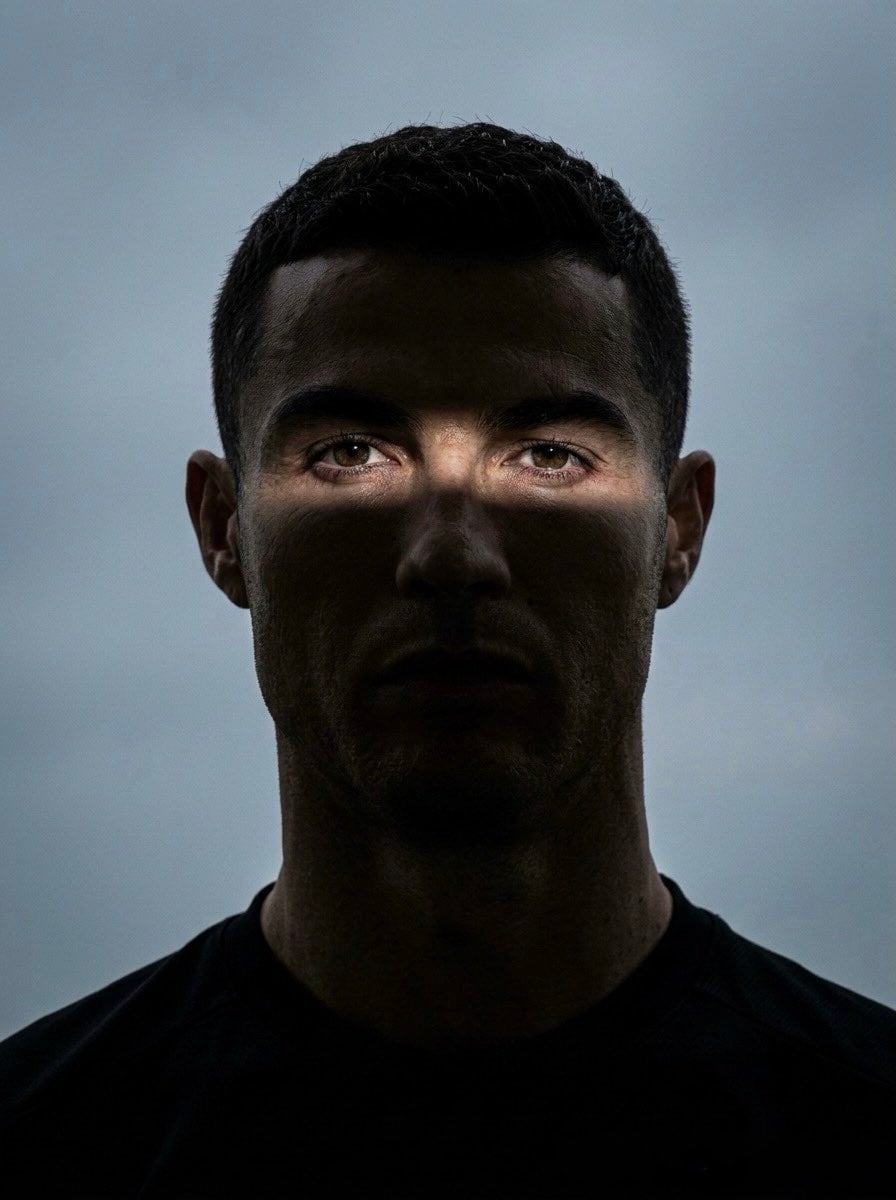
Moody Cinematic Eye Portrait
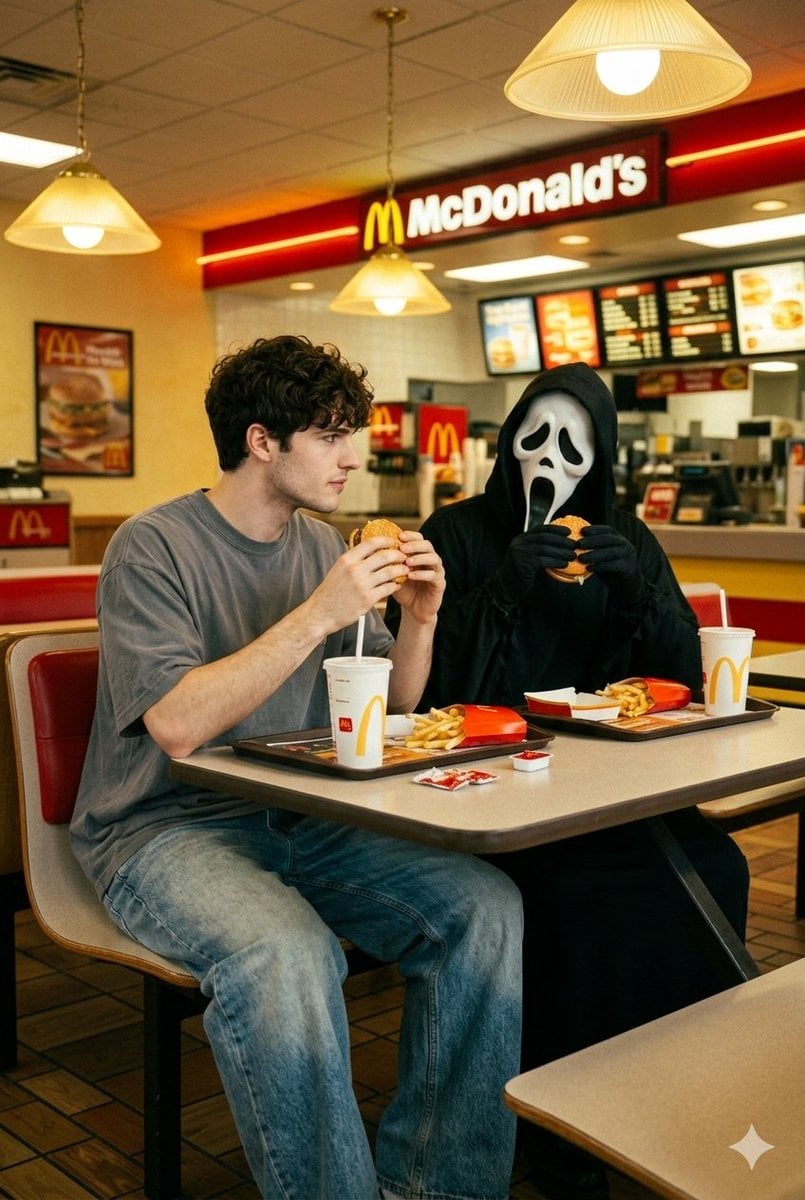
90s Horror McDonald's with Ghostface
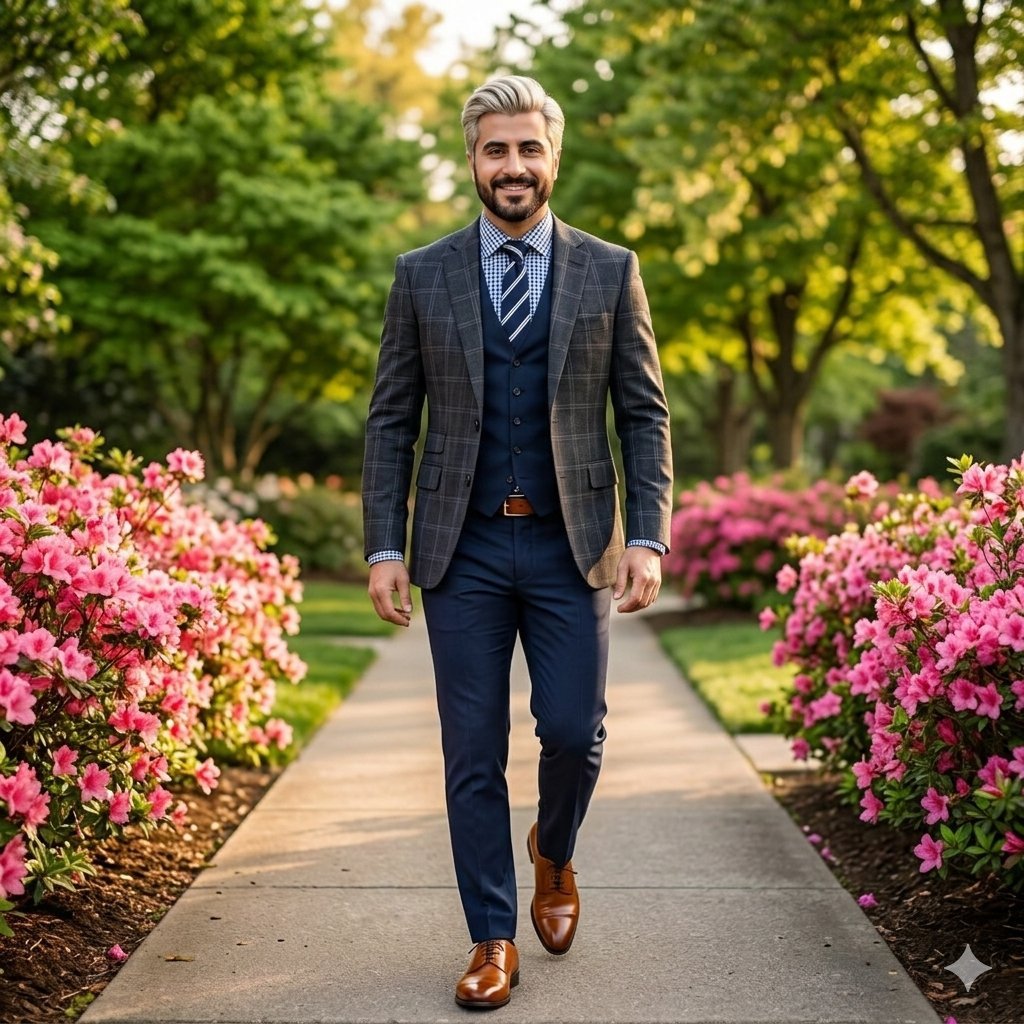
High-End Fashion Portrait of South Asian Man in Garden
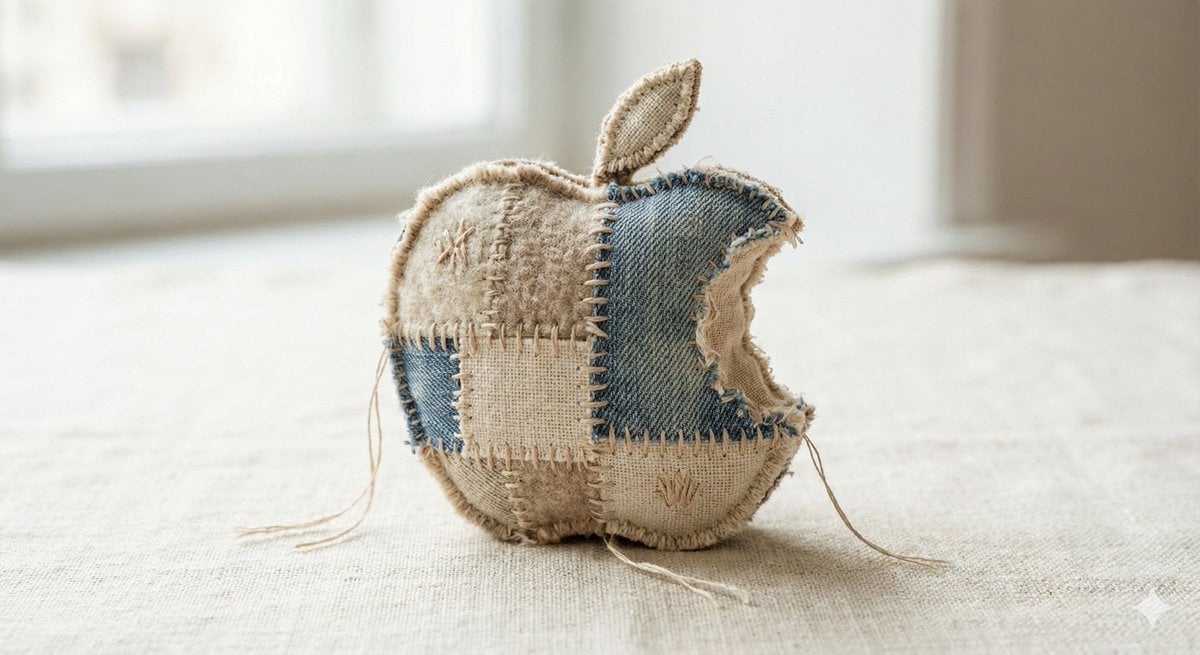
Fabric-Stitched Textile Logo Prompt
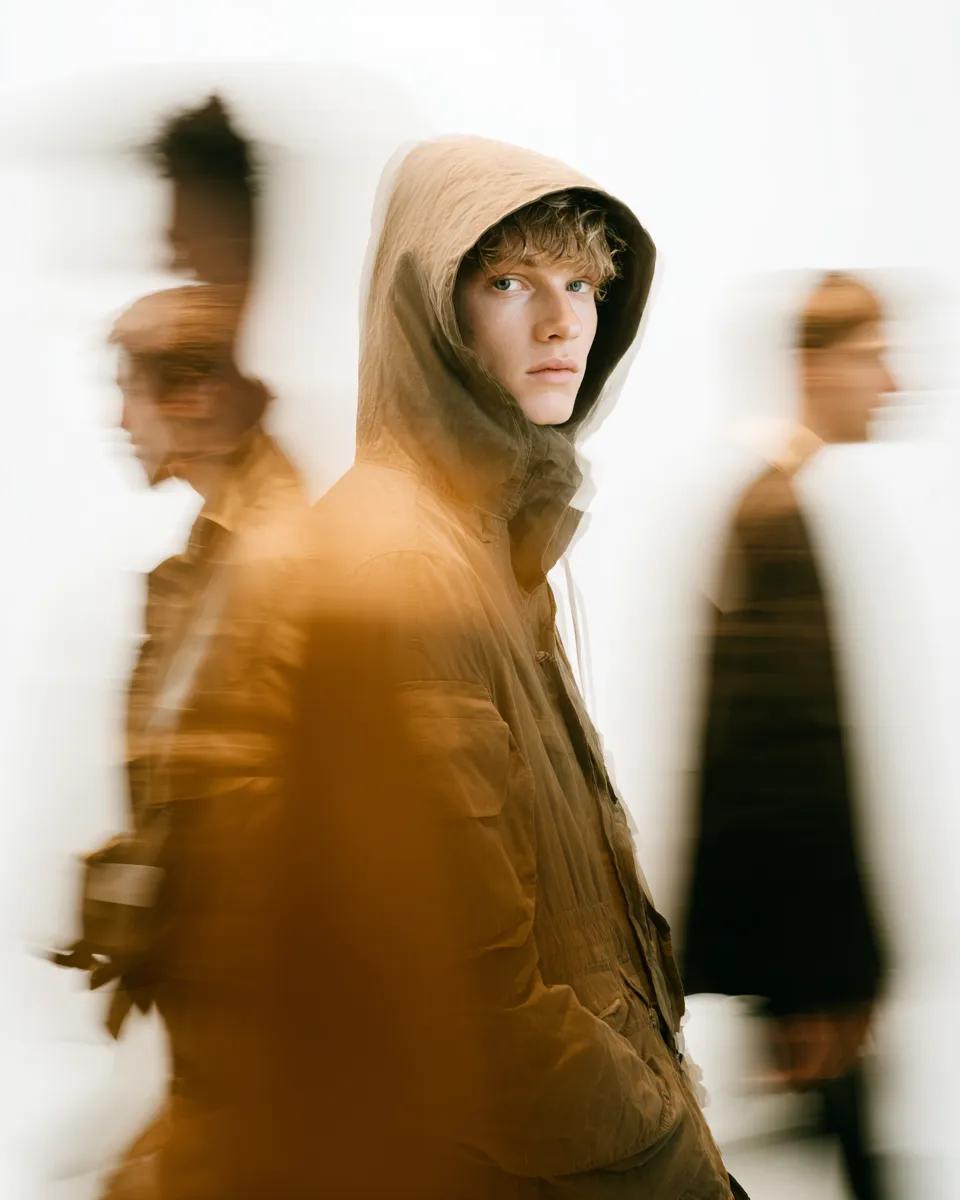
High Fashion Pictorial with Motion Blur
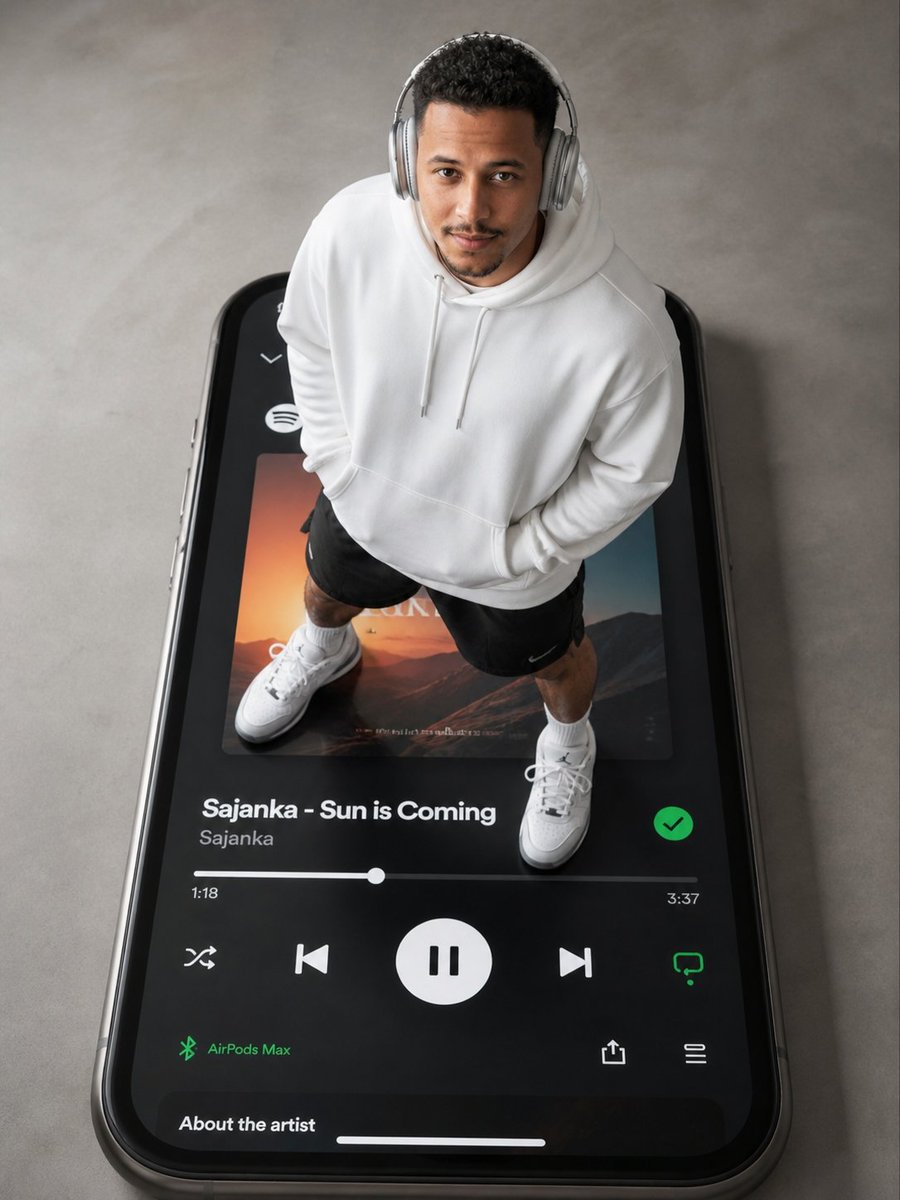
Surreal Top-Down iPhone Fashion
Browse template categories
Ultra-clean modern recipe infographic questions
How do I use the Ultra-clean modern recipe infographic template?
Add your photo if the template asks for one, edit the prompt if you like — the template's model and format are already selected — and press Generate. Your version opens in PicX Studio.
Can I customize the Ultra-clean modern recipe infographic template?
Yes. You can change the subject, setting, lighting, mood, format, and available model controls before creating your image.
Is the Ultra-clean modern recipe infographic template free?
Opening and editing this template is free. Generating uses credits, shown on the Generate button when you are signed in.
Which AI model should I use?
Start with Nano Banana 2, which is the model associated with this template. You can compare another compatible model for a different finish.
Looking for something else? Browse all templates.

Your photo, any look
Thousands of ready templates for every top image and video model, from one credit balance.