How do I use the Hyper-Realistic Influencer Diptych Portrait template?
Choose the primary action to open PicX Studio with the available template settings. Review the model and format, personalize the creative direction, and generate when ready.
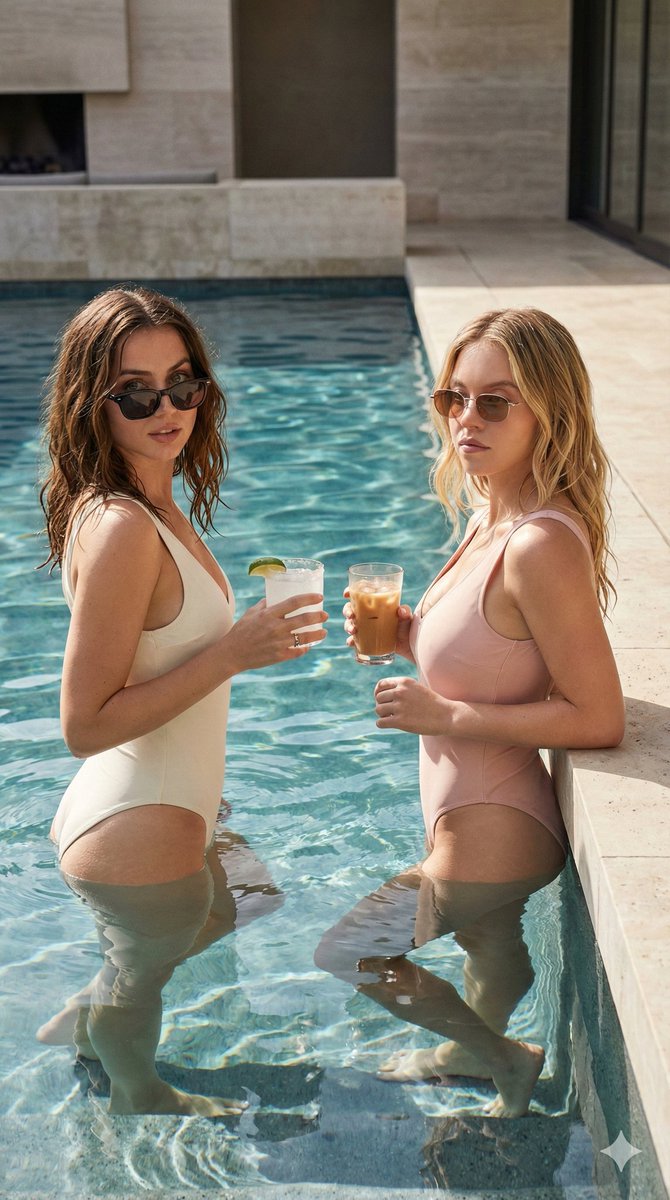
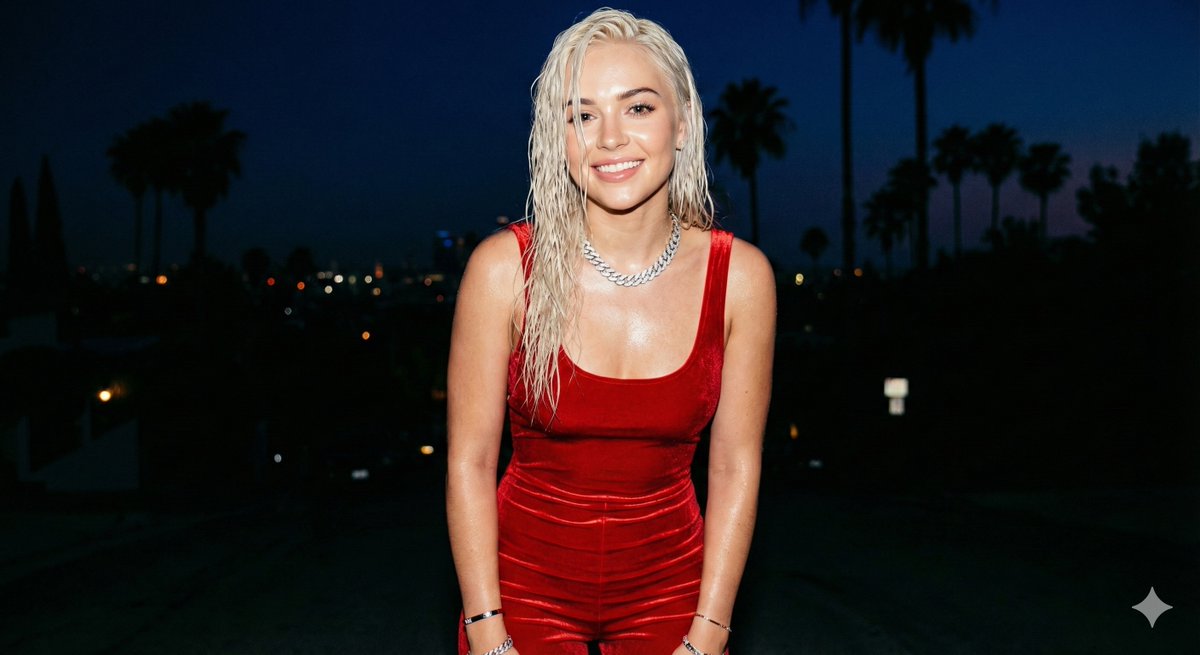
A highly detailed prompt for generating a hyper-realistic diptych (side-by-side comparison) of a blonde influencer resembling Gal Gadot, emphasizing specific poses (pulling down shorts, kneeling), clothing, and technical details for an 8K, high-fashion social media aesthetic. (free to use) — Free AI image template on PicX Studio.
{ "image_type": "photorealistic portrait diptych / side-by-side comparison, 8K ultra-detailed, sharp focus, masterpiece", "subject": { "role": "blonde_influencer_woman", "gender": "female", "age": "23-27", "appearance": "stunning woman resembling Gal Gadot, fair-to-tanned glowing skin, bright blue-green eyes, full glossy nude-pink lips, defined brows, long voluminous ponytail black hair cascading past shoulders, large dangling gold tassel hoop earrings, thin gold bracelet on wrist", "expression_left": "warm bright smile, happy and playful, looking directly at camera", "expression_right": "sultry neutral gaze, soft pout, direct eye contact with viewer", "clothing": "tight off-gold ribbed strapless bandeau tube top hugging bust and midriff, high-waisted light-red distressed denim micro-shorts with frayed raw hems, subtle visible underwear edge when shorts pulled down", "body_details": "athletic-toned yet curvy figure, defined abs, narrow waist, pronounced hips and thighs, realistic skin texture with subtle pores and natural sheen" }, "poses": { "left_pose": "standing or slightly crouched, hands gripping and pulling down front of denim shorts to reveal more midriff and lower abdomen, weight shifted to one leg, playful teasing stance", "right_pose": "kneeling on floor with knees spread apart, hands resting on thighs or knees, torso upright, confident and inviting posture" }, "environment": { "location": "luxury bedroom", "background": "plain light red wall, no distractions, huge painting of Wonder Woman movie on wall in backdrop, neon red written 'KeorUnreal' somewhere.", "lighting": "soft even natural daylight or diffused ring light, high-key clean illumination, subtle soft shadows under chin and on body contours, flattering beauty lighting" }, "composition": { "layout": "side-by-side diptych: left image full upper-body to mid-thigh standing/pulling shorts pose, right image closer cropped kneeling portrait from chest to knees", "framing": "both images vertically aligned, equal size, thin vertical divider implied, balanced symmetry", "camera": "eye-level frontal shot for both, slight low angle on kneeling pose to emphasize figure, 50mm prime lens, shallow depth of field, razor-sharp focus on face, hair, skin, and clothing textures" }, "style": "hyper-realistic influencer portrait photography, ultra-detailed skin pores, hair strands, fabric ribbing and denim fray threads, natural makeup glow, vibrant yet soft color grading, confident sexy-teasing mood, high-fashion social media aesthetic", "technical": "8K resolution, RAW photo style, cinematic color grading, best quality, ultra-detailed, sharp focus, masterpiece", "negative_prompt": "blurry, deformed, extra limbs, bad anatomy, fused fingers, low quality, cartoon, painting, overexposed, underex
Use Hyper-Realistic Influencer Diptych Portrait to plan an AI image around nano-banana-2 generation. Match the preview's composition first, then personalize the subject, setting, and mood for your own project.
Use the primary action to load the template settings in PicX Studio.
Adjust the subject and creative details for your destination.
Create the image, compare the result with the preview, and refine one variable at a time.
A continuous mix — similar concepts first, woven with same-model prompts and fresh picks from the catalog.
Choose the primary action to open PicX Studio with the available template settings. Review the model and format, personalize the creative direction, and generate when ready.
Yes. You can change the subject, setting, lighting, mood, format, and available model controls before creating your image.
This template is free to open and customize. Generation usage is shown in PicX Studio before you create.
Start with nano-banana-2, which is the model associated with this template. You can compare another compatible model for a different finish.
Follow a topic to a crawlable collection of related PicX Studio templates.
39,155 public templates available. Verified via the PicX Studio public templates API; refreshed hourly.
A continuous mix — similar concepts first, woven with same-model prompts and fresh picks from the catalog.