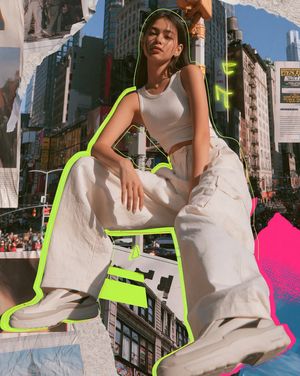
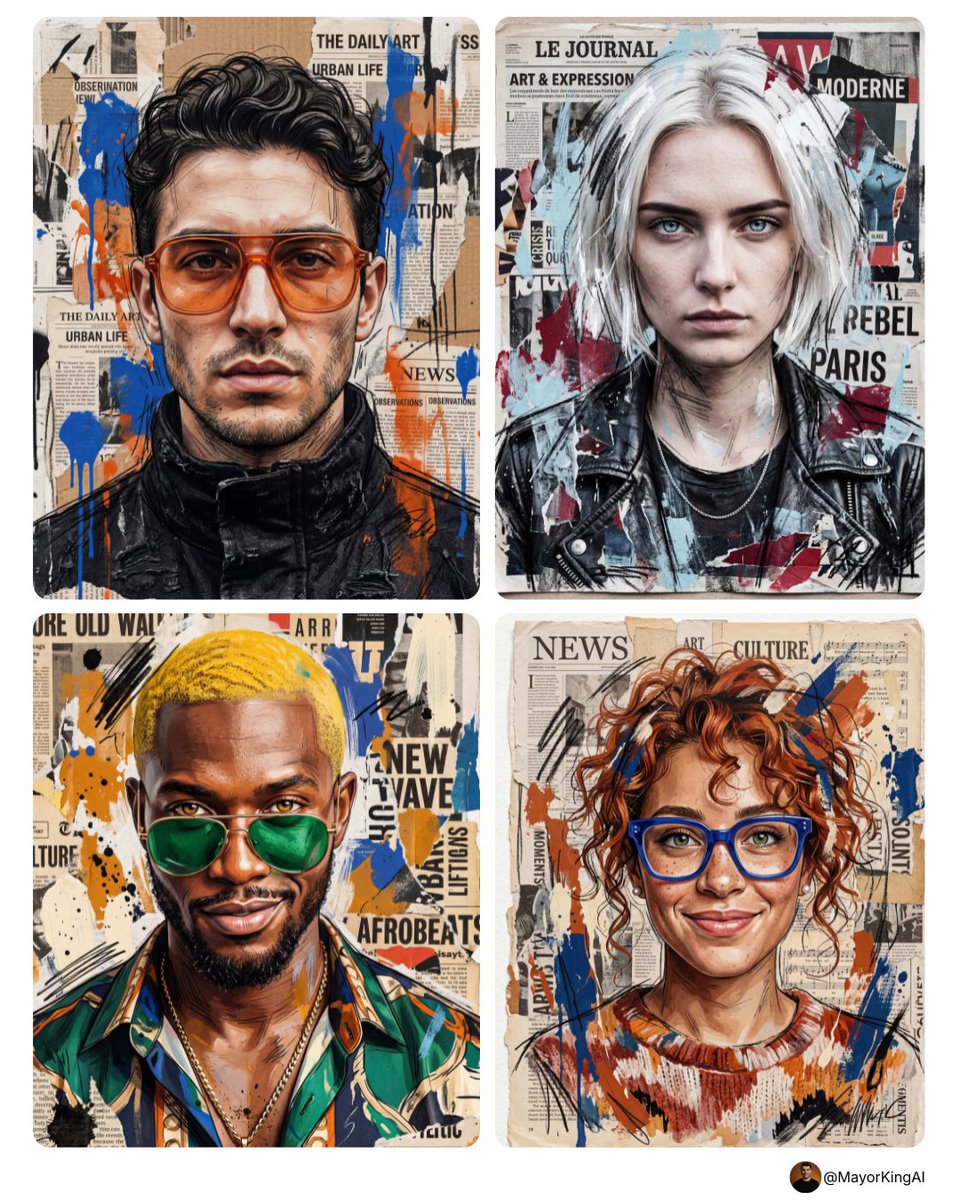
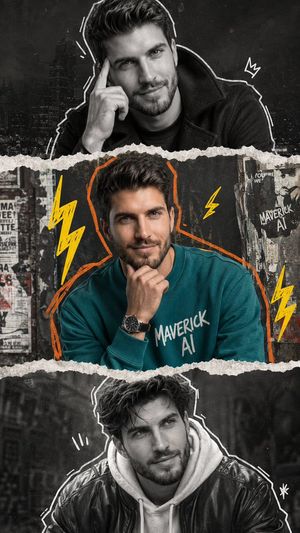
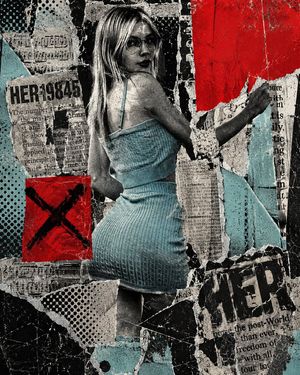
How do I use the Mixed Media Urban Collage Portrait template?
Choose the primary action to open PicX Studio with the available template settings. Review the model and format, personalize the creative direction, and generate when ready.
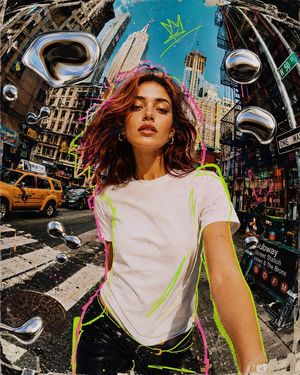
A complex prompt for creating a mixed-media portrait using street art elements like collage, decollage, and textures on wood.
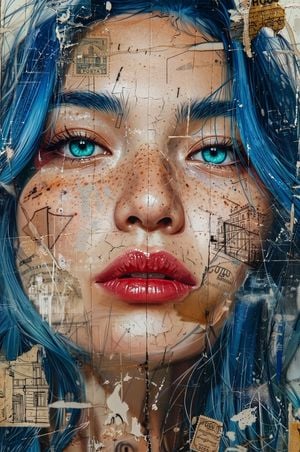
A close-up mixed-media portrait of a beautiful young woman with {argument name="hair color" default="vibrant electric-blue"} hair and {argument name="eye color" default="striking cyan"} eyes. She has scattered freckles across her nose and cheeks, glowing luminous skin, and glossy cherry-red lips slightly parted. The artwork is created in a contemporary urban collage and decollage street-art style, featuring layered textures over a {argument name="surface" default="distressed wooden surface"}. Overlaid elements include torn vintage ephemera, faded postage stamps, delicate architectural line sketches, scribbled pencil marks, white paint splatters, and subtle cracked textures across the canvas. High contrast, intricate details, textured mixed-media painting, fine art gallery quality.
Choose the primary action to open PicX Studio with the available template settings. Review the model and format, personalize the creative direction, and generate when ready.
Yes. You can change the subject, setting, lighting, mood, format, and available model controls before creating your image.
This template is free to open and customize. Generation usage is shown in PicX Studio before you create.
Start with gemini-3-pro-image-preview, which is the model associated with this template. You can compare another compatible model for a different finish.
Follow a topic to a crawlable collection of related PicX Studio templates.