
Spiderman Skyscraper Editorial Portrait
A complex JSON prompt for a photorealistic superhero editorial featuring Spiderman clinging to a glass skyscraper.
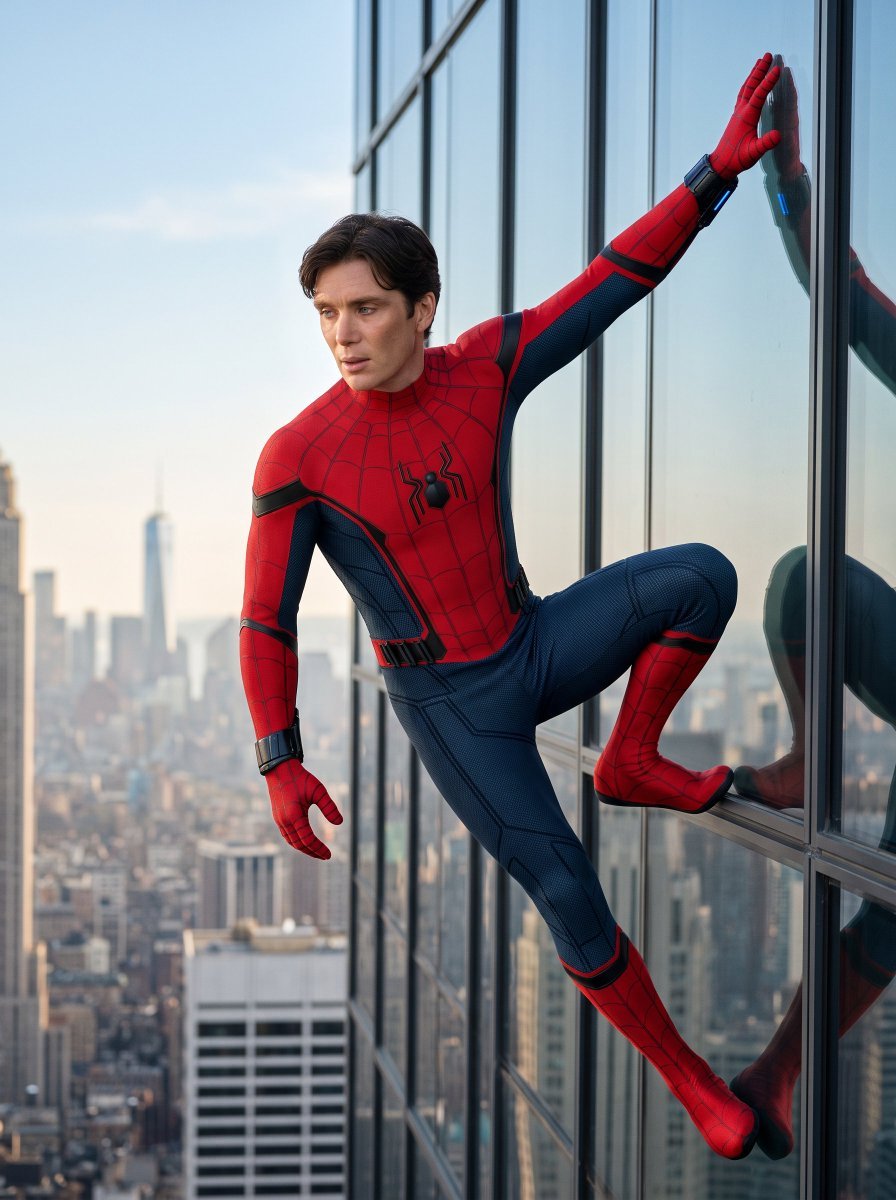
- Prompt included
- Model and format preset
- Premium template
The prompt behind this image
Copy the exact prompt behind Spiderman Skyscraper Editorial Portrait, or open it in the studio and make it yours.
{ "prompt_style": "photorealistic superhero editorial photo", "subject": { "Person": "{argument name="subject name" default="Person Name/Uploaded Image"}", "pose": "clinging to the exterior of a glass skyscraper, one arm extended overhead with palm flat against the glass, opposite leg bent and foot braced against the window frame, other arm hanging loosely, body angled diagonally as if caught mid-climb", "expression": "focused, alert, looking off to the side as if scanning the street below", "camera_angle": "slightly low angle, three-quarter view, shot from outside the building looking up and across" }, "suit_design": { "name": "{argument name="suit version" default="Brand New Day suit (fan-original design)"}", "primary_colors": "bright red torso/arms, deep navy blue lower body and side panels", "chest_emblem": "large black spider symbol, angular modern silhouette, centered on chest", "web_pattern": "fine black web-line stitching across red sections, thinning out on navy sections", "texture": "red areas: matte compression fabric with raised web-stitch detail; navy areas: subtle hexagonal micro-texture, almost like body armor weave", "trim": "black piping along shoulder seams, ribs, and outer arm/leg lines", "gloves": "red, web-patterned, form-fitting", "wrist_gadget": "black mechanical wristband/web-shooter with a small glowing blue light strip, worn on the raised arm", "boots": "red with black sole trim, web-patterned, knee-high, form-fitting", "knee_detail": "reinforced navy knee pads with fine textured paneling", "belt": "black segmented utility band at the waist", "material_feel": "high-end movie-costume quality, slightly reflective under sunlight, not cartoonish or glossy plastic" }, "setting": { "location": "exterior of a modern glass office skyscraper, Manhattan", "background": "hazy daytime city skyline, visible landmark spire (One World Trade Center style silhouette) in the distance, soft atmospheric perspective", "surface": "floor-to-ceiling glass curtain wall with visible metal mullions, faint reflection of the character visible in the glass", "time_of_day": "clear daytime, soft directional sunlight from one side" } }
How to use Spiderman Skyscraper Editorial Portrait in 3 steps
- 1Upload ImagePNG, JPG or paste
Add your photo
Upload the photo the template builds on. The prompt, model and format are already set.
- 2…a portrait of your subject in softgolden-hour light, 85mm…
Personalize
Edit the subject and creative details for your destination.
- 3Generate
Generate
Press Generate — your image is created in PicX Studio, so you can compare it with the original and refine one variable at a time.
More like this
Templates with the same subject, style or setup. Open one to see its prompt.
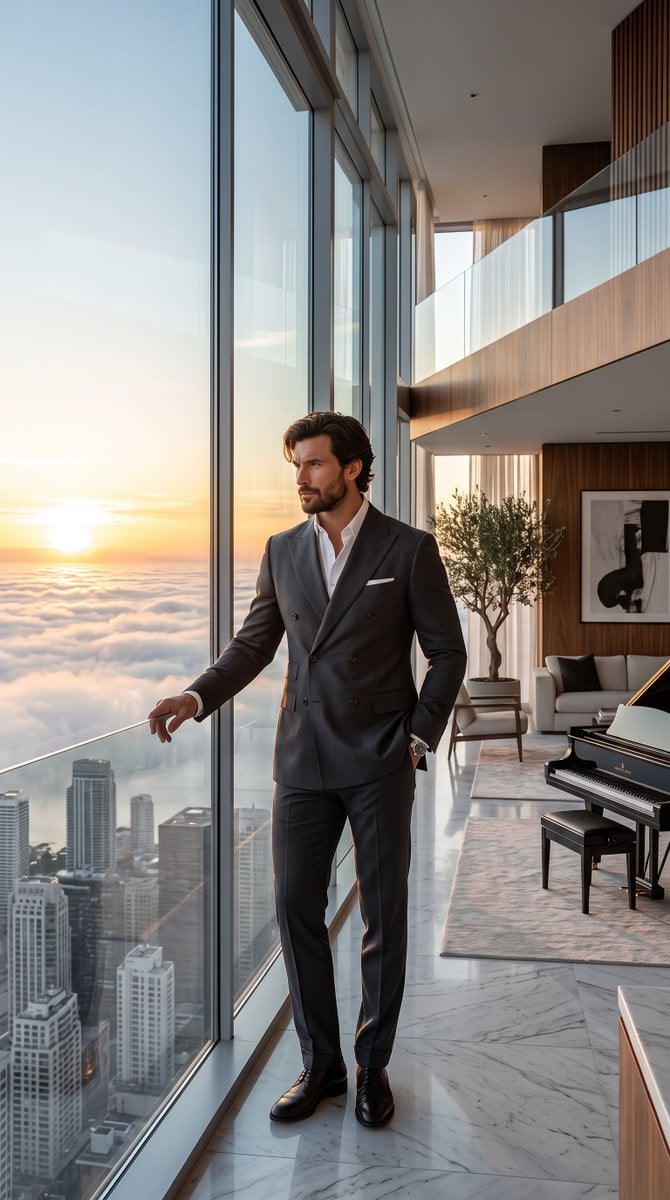
Luxury Skyscraper Penthouse Portrait

untitled

Caution Tape Fashion — Industrial Editorial

Nano Banana Pro Photoreal Playful Couple

Couture Fashion Editorial Woman and Drag

Nano Banana 2 Editorial Fashion Portrait

21 Glass Floor Skyscraper — California Series
21 Glass Floor Skyscraper — California Series

Found Photograph: Us, 1970

80s Couple Studio Portrait

80s Bollywood Star

80s Golden Hour Cinema
Make it yours
Spiderman Skyscraper Editorial Portrait works as-is. These are the safest ways to change it without losing the look.
Change one field
Copy a single group, rewrite it, and generate again so you can see what that field is doing.
Keep the frame, change the subject
Hold the composition and light of Spiderman Skyscraper Editorial Portrait, then swap wardrobe, props or the person for a new take.
| If the result… | Why | Fix |
|---|---|---|
| The result drifts from the preview | Too many fields changed at once. | Reuse Spiderman Skyscraper Editorial Portrait as-is first, then change one group — subject, light, or setting. |
| The model over-stylizes the scene | The prose prompt leaves finish and camera underspecified. | Add one camera or lighting sentence and stay on Gemini 3 Pro Image Preview. |
More Gemini 3 Pro Image Preview templates
Other prompts made for Gemini 3 Pro Image Preview.

Underwater Macro Face Portrait

Water-level Bridge Modification

Noir Punk Street Portrait

High Contrast Cinematic Face Portrait

Monochrome Studio Portrait with Colored Lens

Ultra-Realistic Yacht Sunset Portrait

Mushroom Still Life Composition

Whimsical Anthropomorphic Friendly Insect

Cinematic Urban Night Billboard Portrait

Pop Art Summer Fruit Fashion Illustration
More image prompts
Fresh picks from across the catalog.

Anime Baseball Rivalry Poster
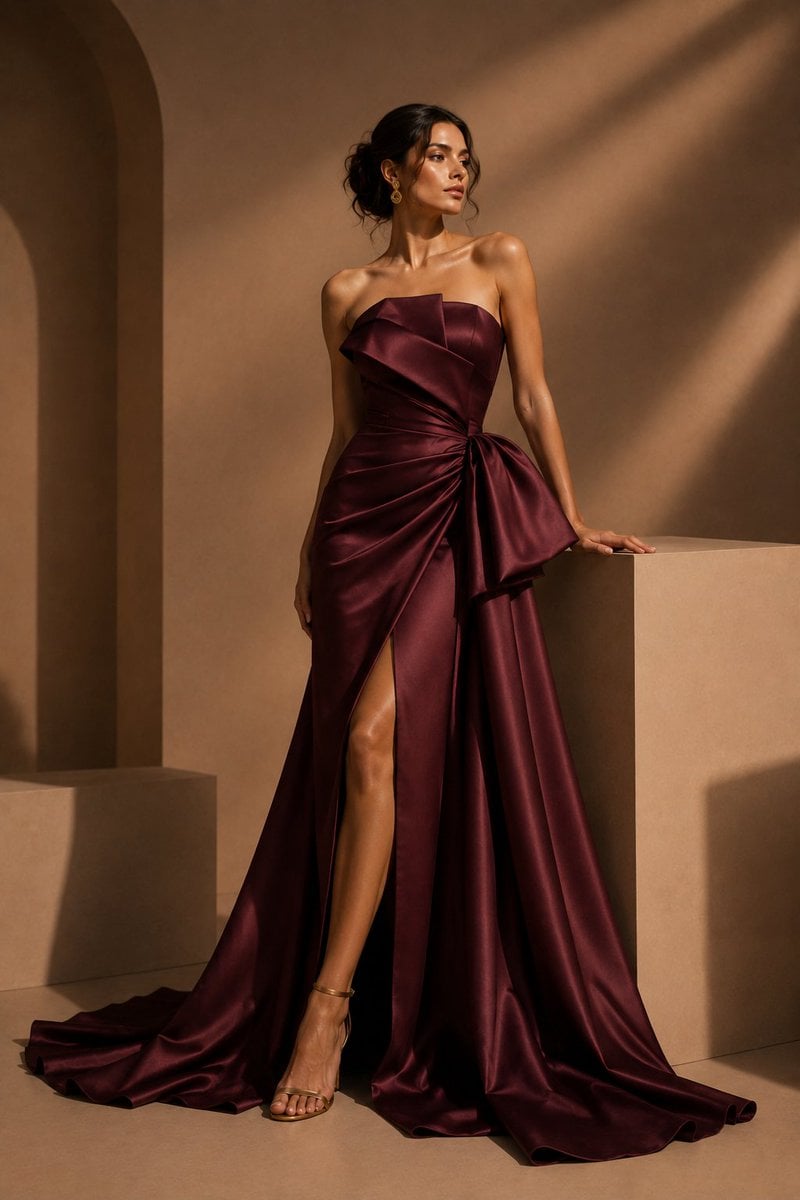
Burgundy Satin Couture Editorial
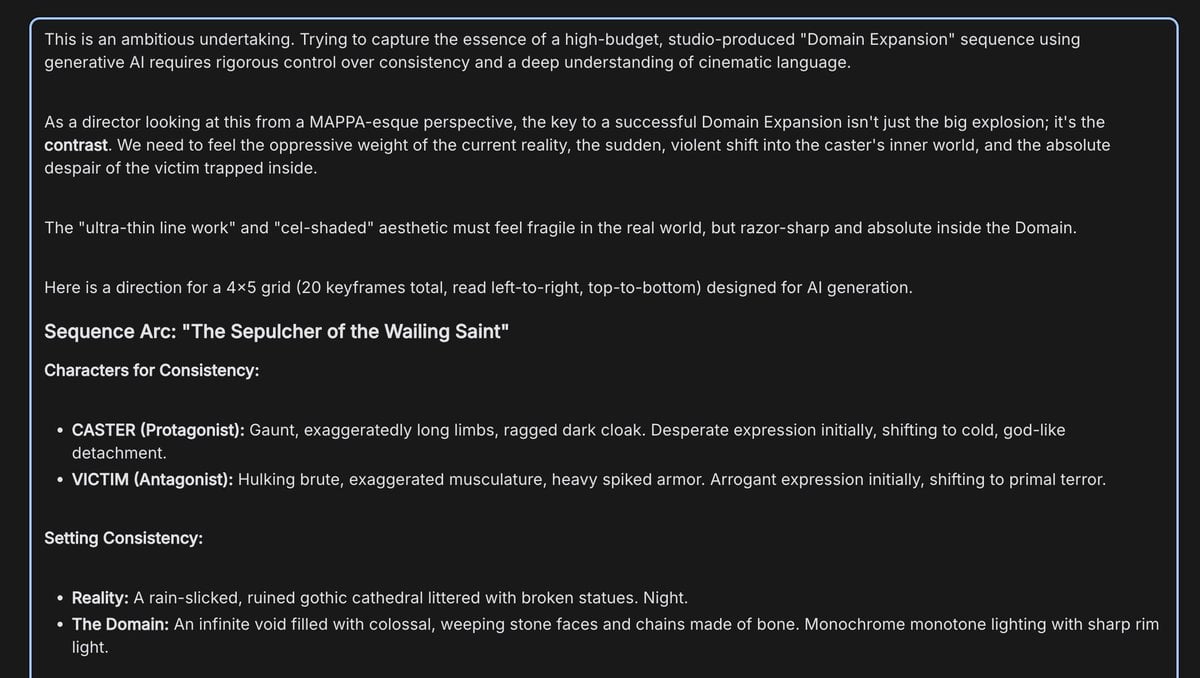
Anime Keyframe Sequence for Domain Expansion
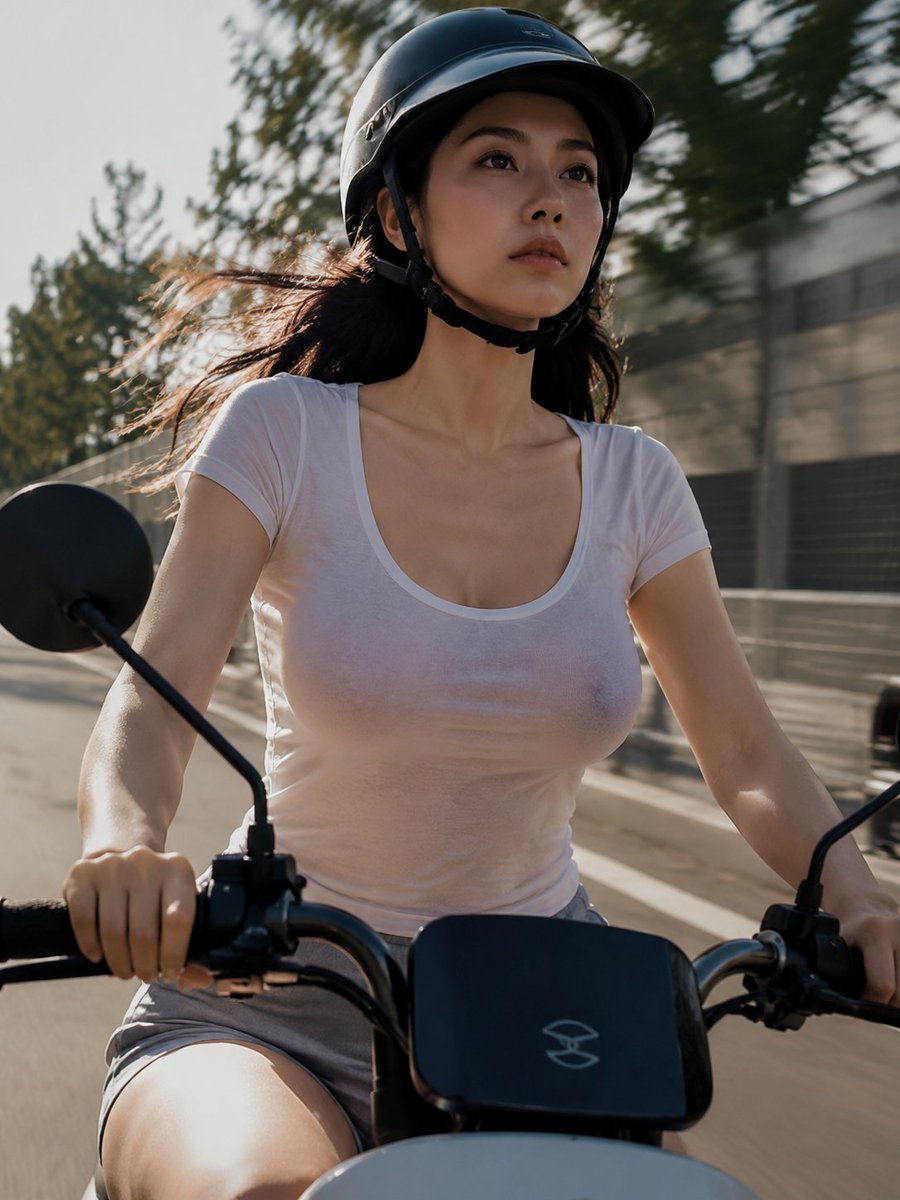
Helmeted Scooter Rider With Face Block
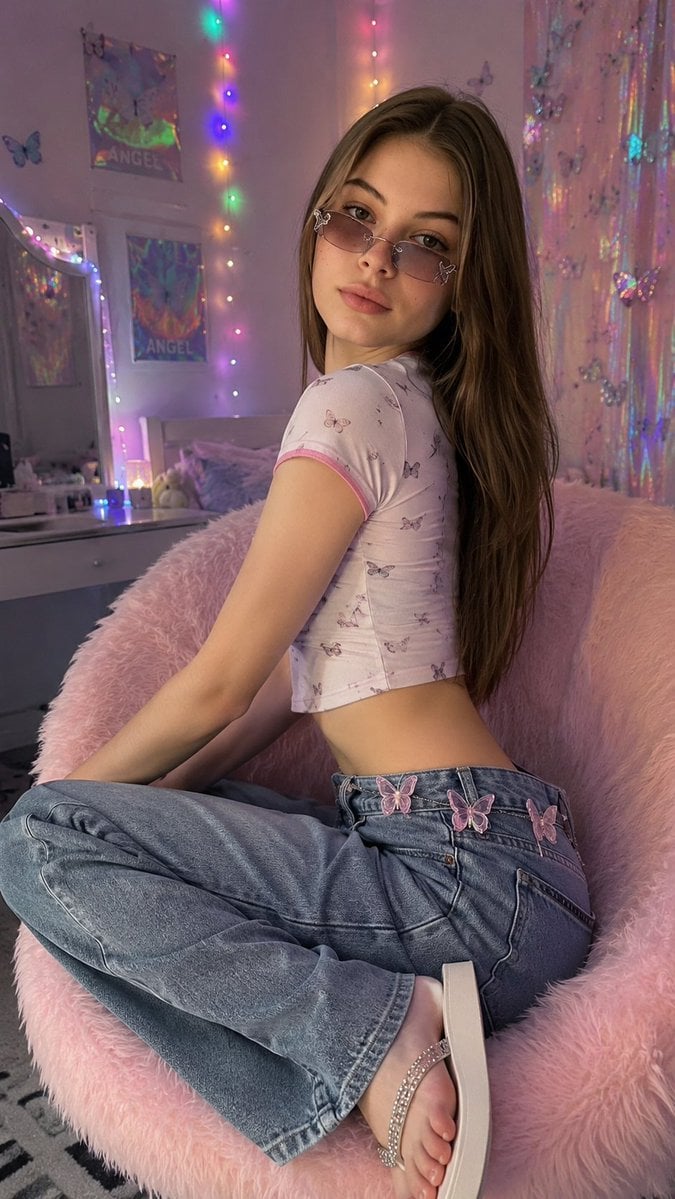
Y2K Aesthetic Bedroom Portrait
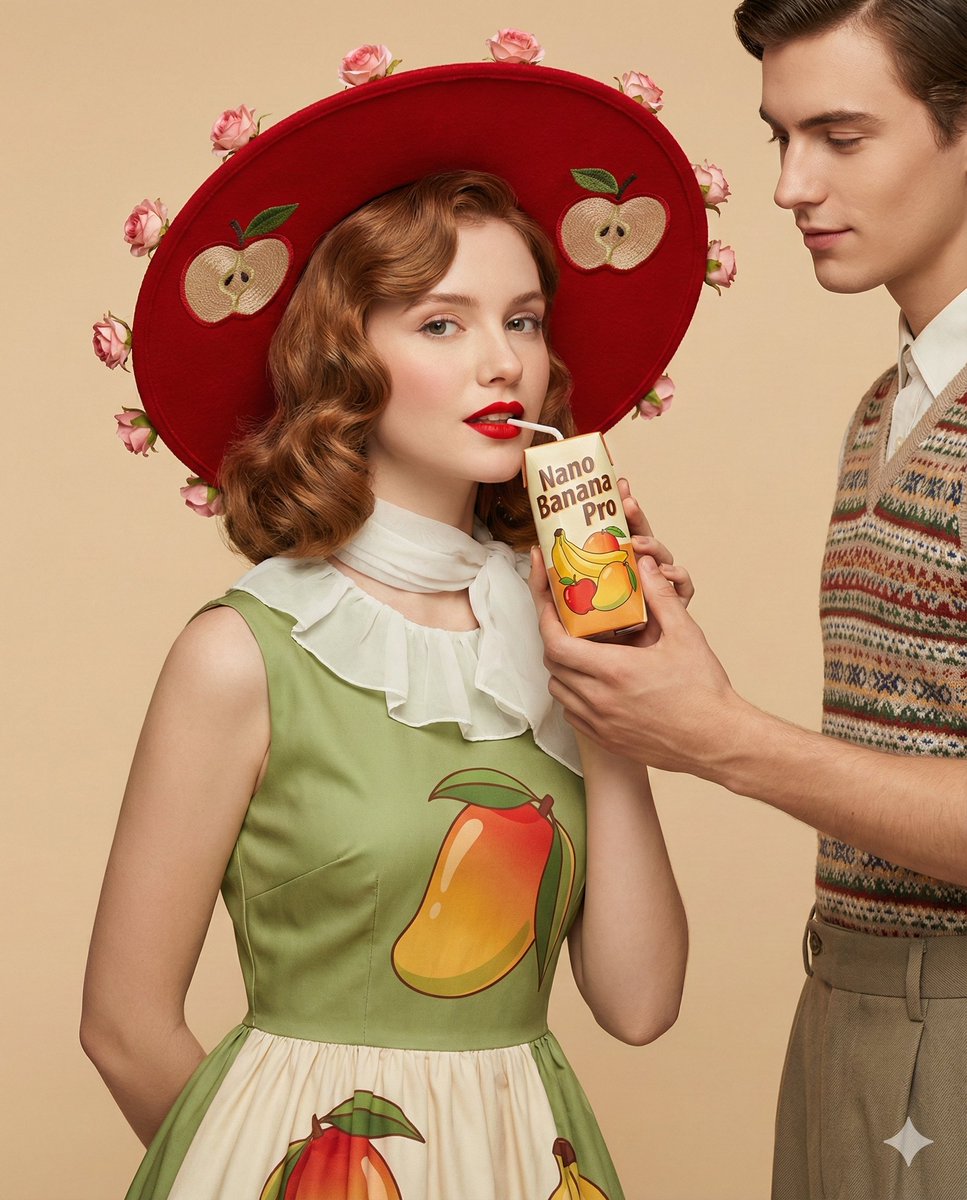
4K Ultra-Realistic Retro Fashion Editorial Portrait
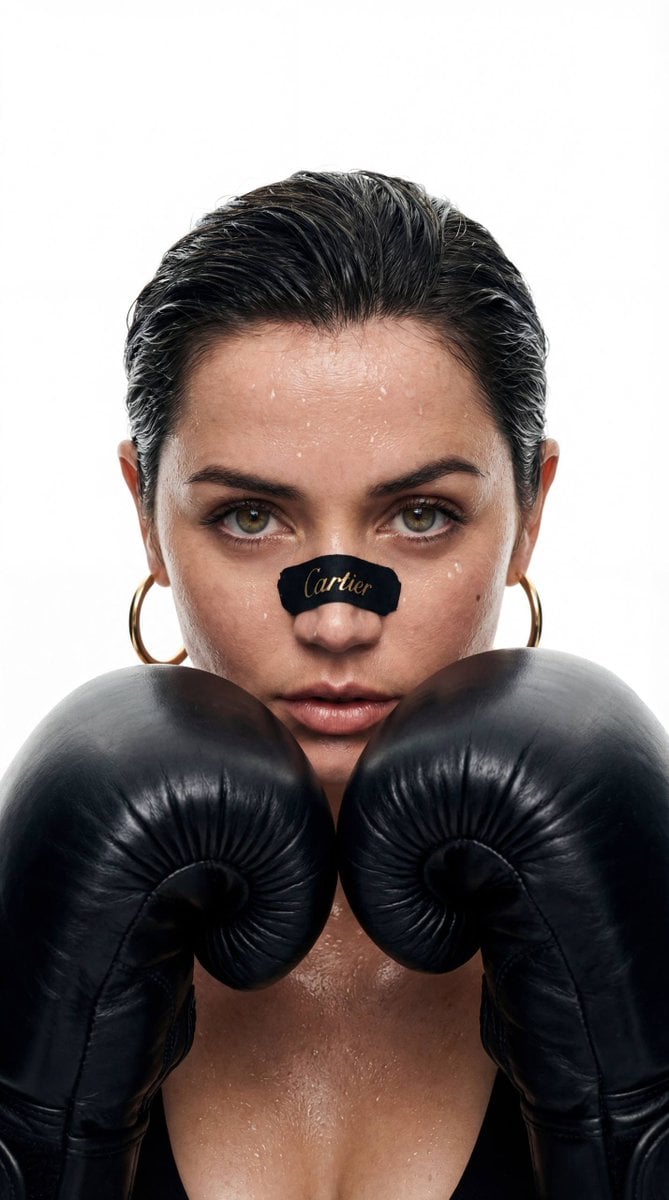
Cinematic Boxer Portrait with Cartier Branding

Japanese Journal Style Cat Diary
Bypassing Identity Restrictions with 3DCG Claim

Dynamic Football Superstar Illustration
Browse template categories
Spiderman Skyscraper Editorial Portrait questions
How do I use the Spiderman Skyscraper Editorial Portrait template?
Add your photo if the template asks for one, edit the prompt if you like — the template's model and format are already selected — and press Generate. Your version opens in PicX Studio.
Can I customize the Spiderman Skyscraper Editorial Portrait template?
Yes. You can change the subject, setting, lighting, mood, format, and available model controls before creating your image.
Is the Spiderman Skyscraper Editorial Portrait template free?
Opening and editing this template is free. Generating uses credits, shown on the Generate button when you are signed in.
Which AI model should I use?
Start with Gemini 3 Pro Image Preview, which is the model associated with this template. You can compare another compatible model for a different finish.
Looking for something else? Browse all templates.

Your photo, any look
Thousands of ready templates for every top image and video model, from one credit balance.