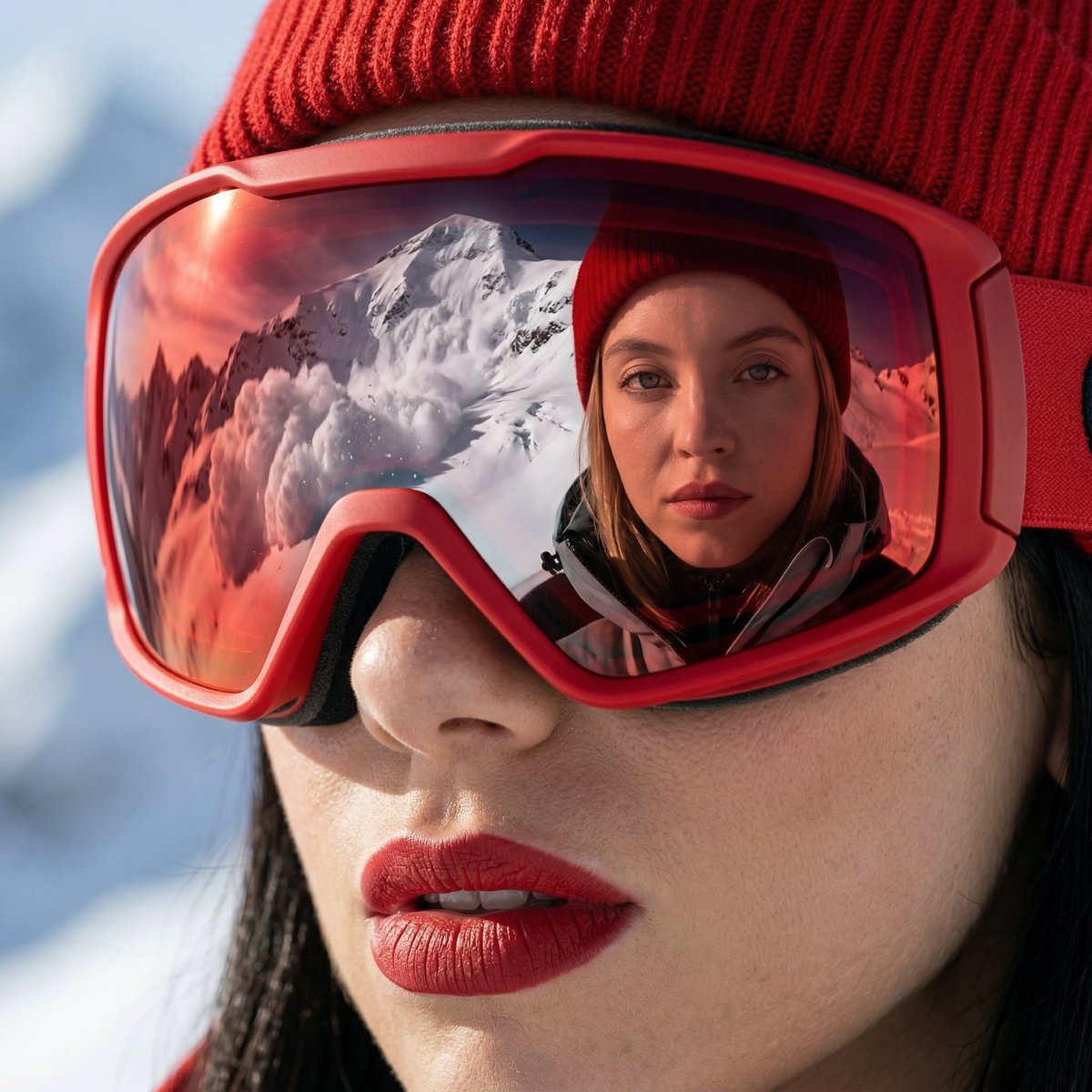
How do I use the Editorial Portrait on the Beach template?
Choose the primary action to open PicX Studio with the available template settings. Review the model and format, personalize the creative direction, and generate when ready.
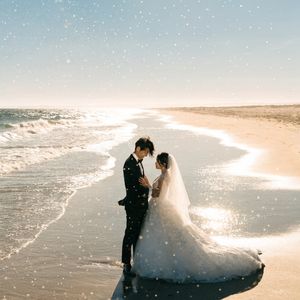
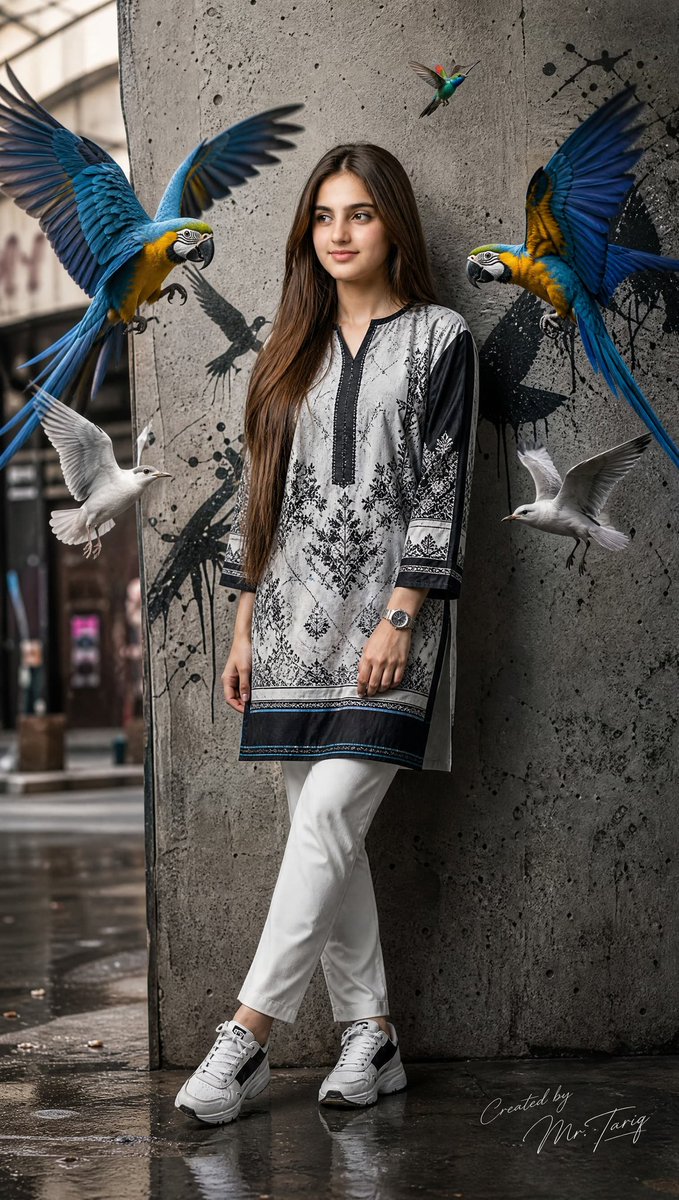
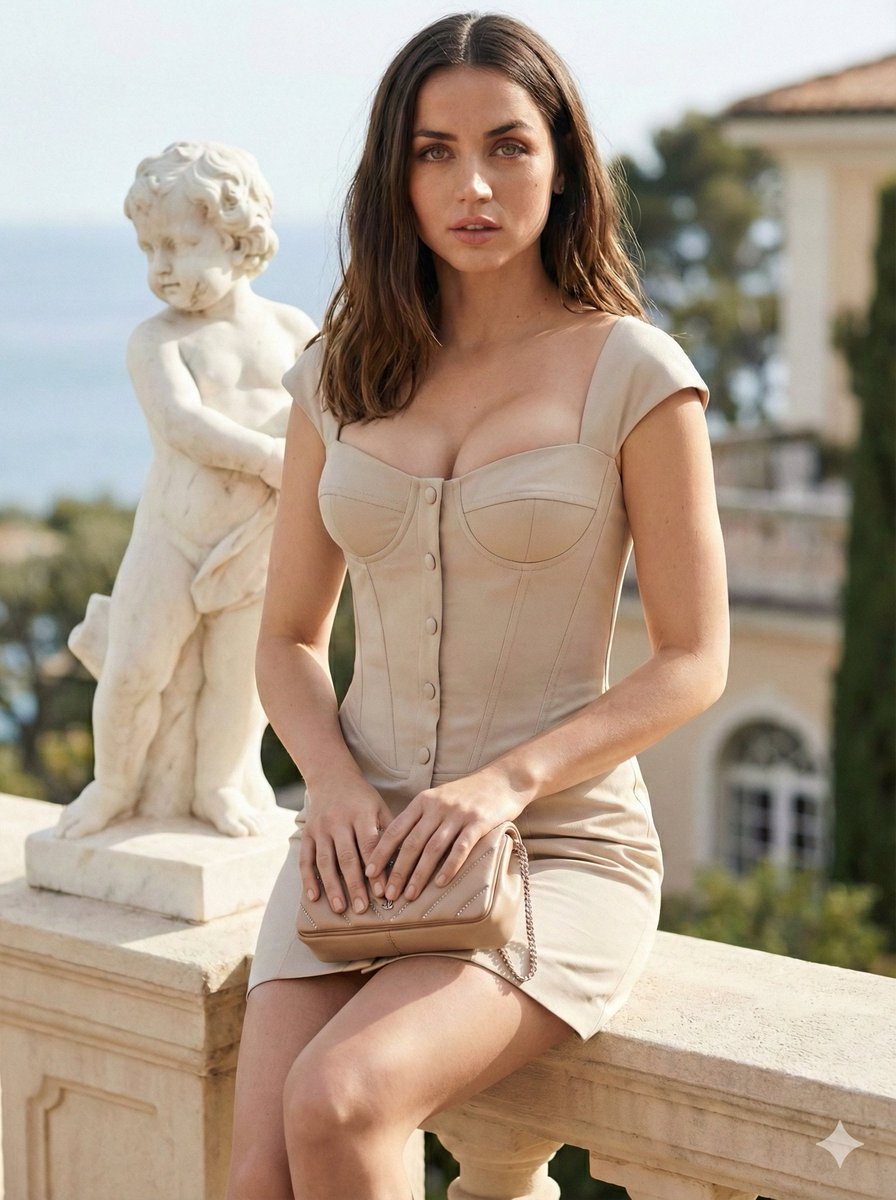
A fashion editorial style portrait of an Asian woman in a striped blazer by the ocean.
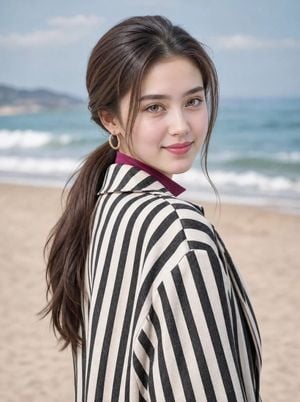
Use 100 percent face refranace given strictly Portrait of a {argument name="subject" default="young Asian woman"} standing by the ocean, looking back over her shoulder at the camera with a soft, confident gaze. She has long brunette hair styled in a low ponytail with face-framing strands, wearing gold hoop earrings. She's dressed in a {argument name="outerwear" default="black-and-white vertical striped oversized blazer"} layered over a modest {argument name="top" default="high-neck magenta top"}. Soft natural daylight, ocean and sandy shore blurred in the background, shallow depth of field, fashion-editorial style, warm skin tones, crisp detail on fabric texture, professional beauty photography.
Choose the primary action to open PicX Studio with the available template settings. Review the model and format, personalize the creative direction, and generate when ready.
Yes. You can change the subject, setting, lighting, mood, format, and available model controls before creating your image.
This template is free to open and customize. Generation usage is shown in PicX Studio before you create.
Start with gemini-3-pro-image-preview, which is the model associated with this template. You can compare another compatible model for a different finish.
Follow a topic to a crawlable collection of related PicX Studio templates.