
Golden Hour Slatted Shadow Portrait
A moody editorial photography prompt featuring dramatic window shadows and warm golden tones on a close-up portrait.
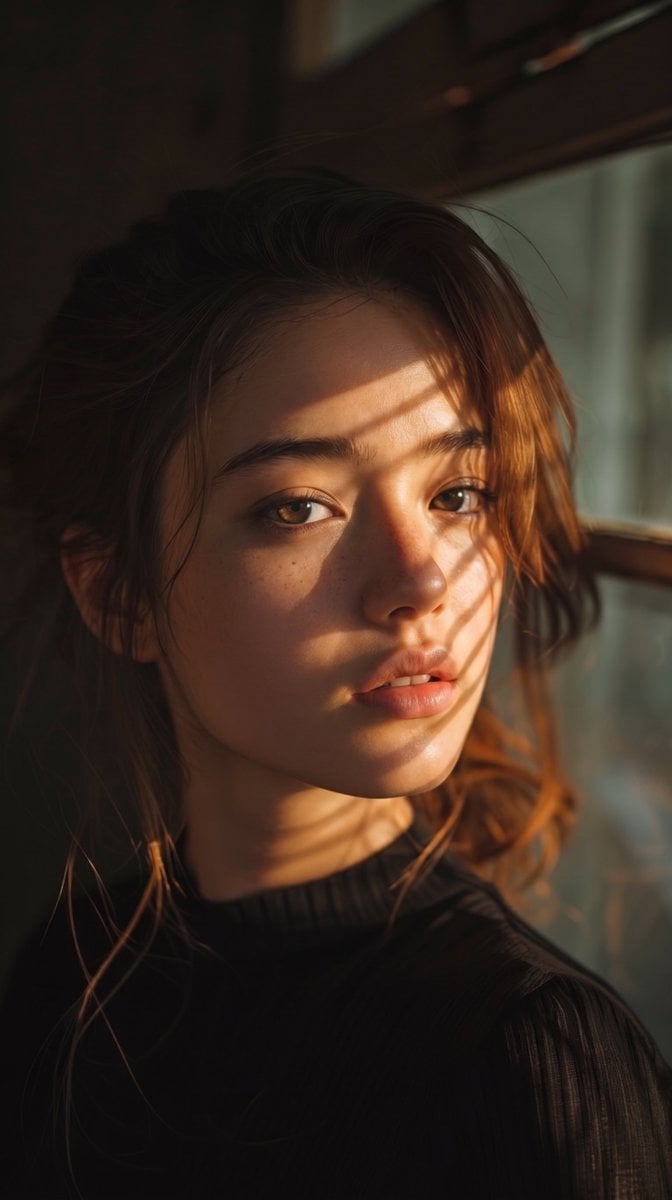
- Prompt included
- Model and format preset
- Premium template
The prompt behind this image
Copy the exact prompt behind Golden Hour Slatted Shadow Portrait, or open it in the studio and make it yours.
A close-up cinematic portrait of a young woman with natural beauty, {argument name="eye color" default="hazel"} eyes, and slightly parted lips. Her wavy, {argument name="hair color" default="warm-brown"} hair is loosely tied back with soft, messy tendrils framing her face. She is wearing a {argument name="clothing" default="fitted black ribbed knit mock-neck top"}. Golden hour sunlight streams through a window, casting sharp, dramatic slatted shadow patterns diagonally across her face and neck. High-contrast chiaroscuro lighting, warm golden tones with deep shadows, visible skin texture and subtle freckles, shot on 85mm f/1.4 lens, shallow depth of field, soft muted background, moody editorial photography.
How to use Golden Hour Slatted Shadow Portrait in 3 steps
- 1
Open
The prompt is already in the box next to the preview, with the template's model and format selected.
- 2…a portrait of your subject in softgolden-hour light, 85mm…
Personalize
Edit the subject and creative details for your destination.
- 3Generate
Generate
Press Generate — your image is created in PicX Studio, so you can compare it with the original and refine one variable at a time.
More like this
Templates with the same subject, style or setup. Open one to see its prompt.

80s Golden Hour Cinema

Rooftop Fisheye — Cat-Ear Balaclava at Golden Hour
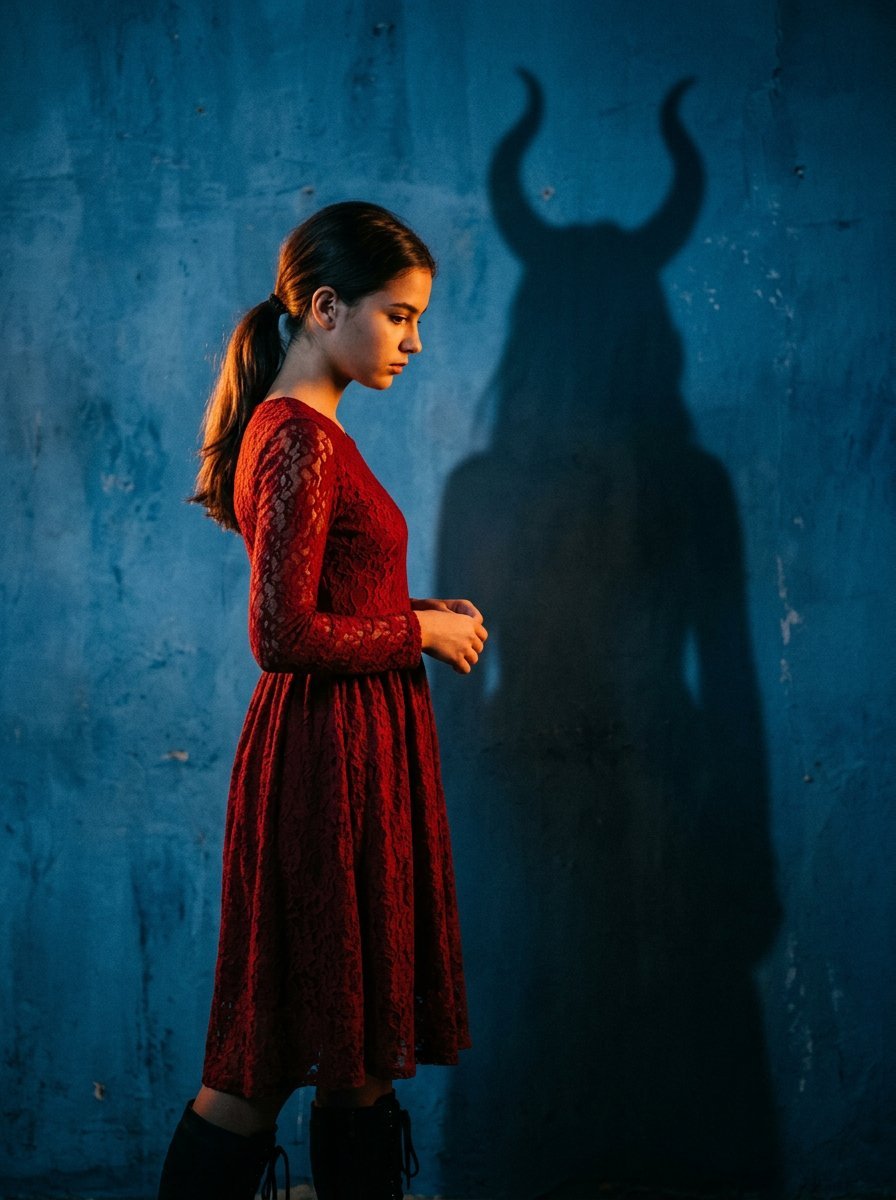
Mysterious Shadow Red Dress Portrait

Nano Banana Pro Photoreal Playful Couple

Underwater Macro Face Portrait

Noir Punk Street Portrait

High Contrast Cinematic Face Portrait

Monochrome Studio Portrait with Colored Lens

Ultra-Realistic Yacht Sunset Portrait

Cinematic Golden Hour Garden Portrait

Cinematic Golden Hour Urban Portrait

Golden Hour Redhead Portrait
Make it yours
Golden Hour Slatted Shadow Portrait works as-is. These are the safest ways to change it without losing the look.
Change one field
Copy a single group, rewrite it, and generate again so you can see what that field is doing.
Keep the frame, change the subject
Hold the composition and light of Golden Hour Slatted Shadow Portrait, then swap wardrobe, props or the person for a new take.
| If the result… | Why | Fix |
|---|---|---|
| The result drifts from the preview | Too many fields changed at once. | Reuse Golden Hour Slatted Shadow Portrait as-is first, then change one group — subject, light, or setting. |
| The model over-stylizes the scene | The prose prompt leaves finish and camera underspecified. | Add one camera or lighting sentence and stay on Gemini 3 Pro Image Preview. |
More Gemini 3 Pro Image Preview templates
Other prompts made for Gemini 3 Pro Image Preview.

Creative Character in Pink Office

Avant-Garde Asian Fashion Model

Water-level Bridge Modification

Mushroom Still Life Composition

Whimsical Anthropomorphic Friendly Insect

Cinematic Urban Night Billboard Portrait

Pop Art Summer Fruit Fashion Illustration

Ultra-Realistic iPhone Selfie with Motion Blur

Cinematic Mirror Reflection Portrait

Elegant Men's Twilight Editorial
More image prompts
Fresh picks from across the catalog.
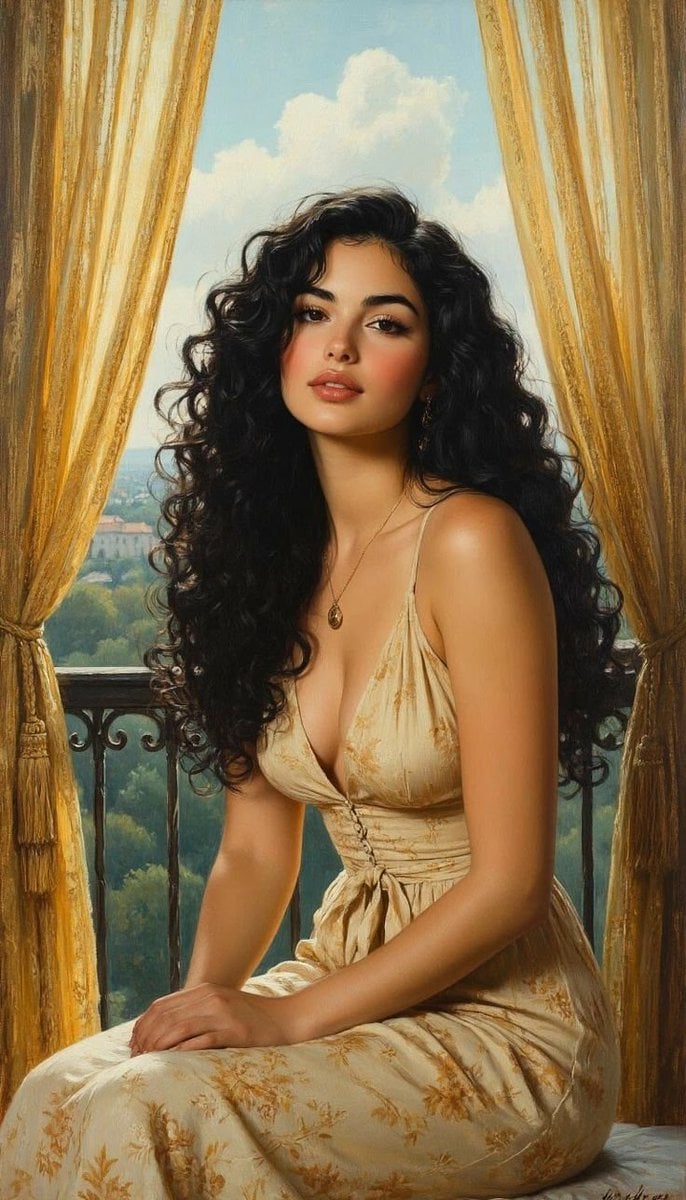
Romantic Painterly Portrait on European Balcony
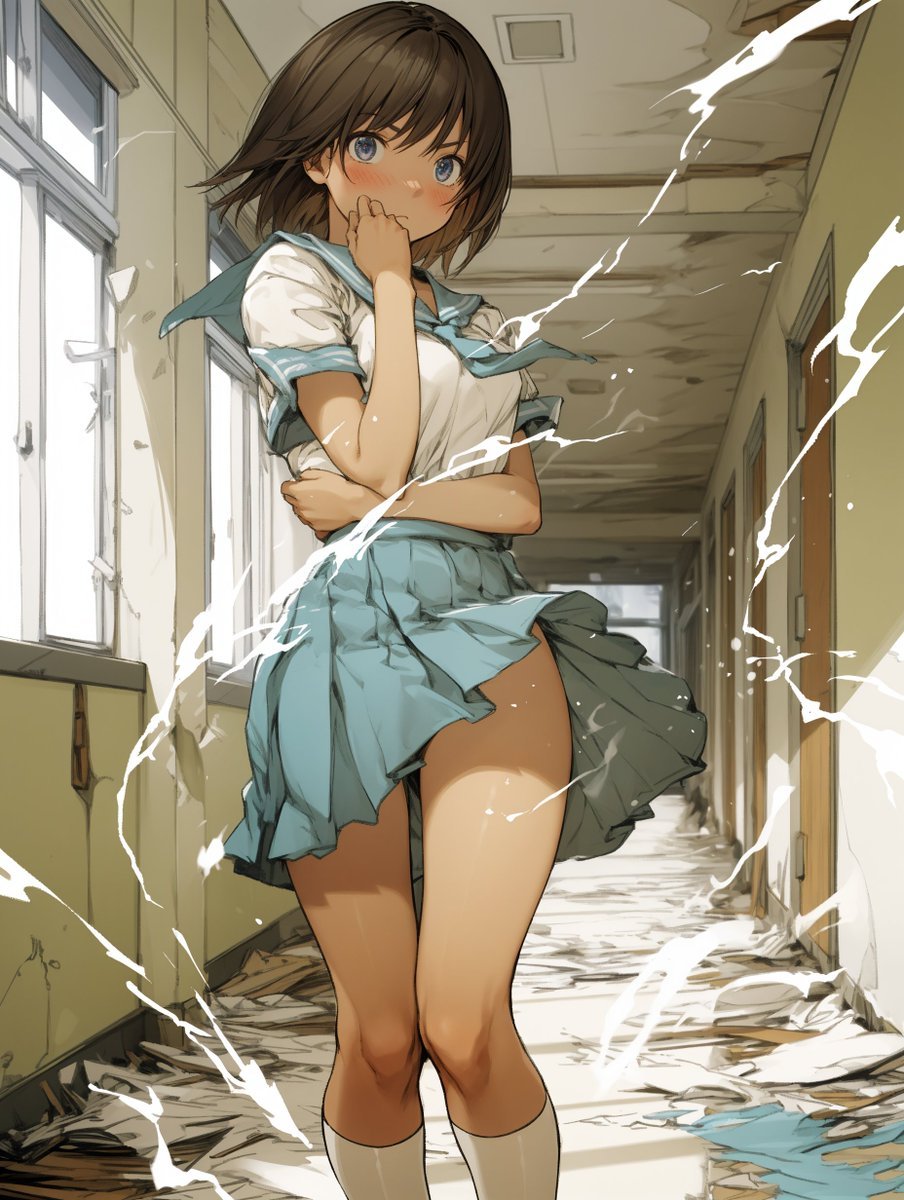
Two-Step Power Release Transformation Prompt (Japanese)
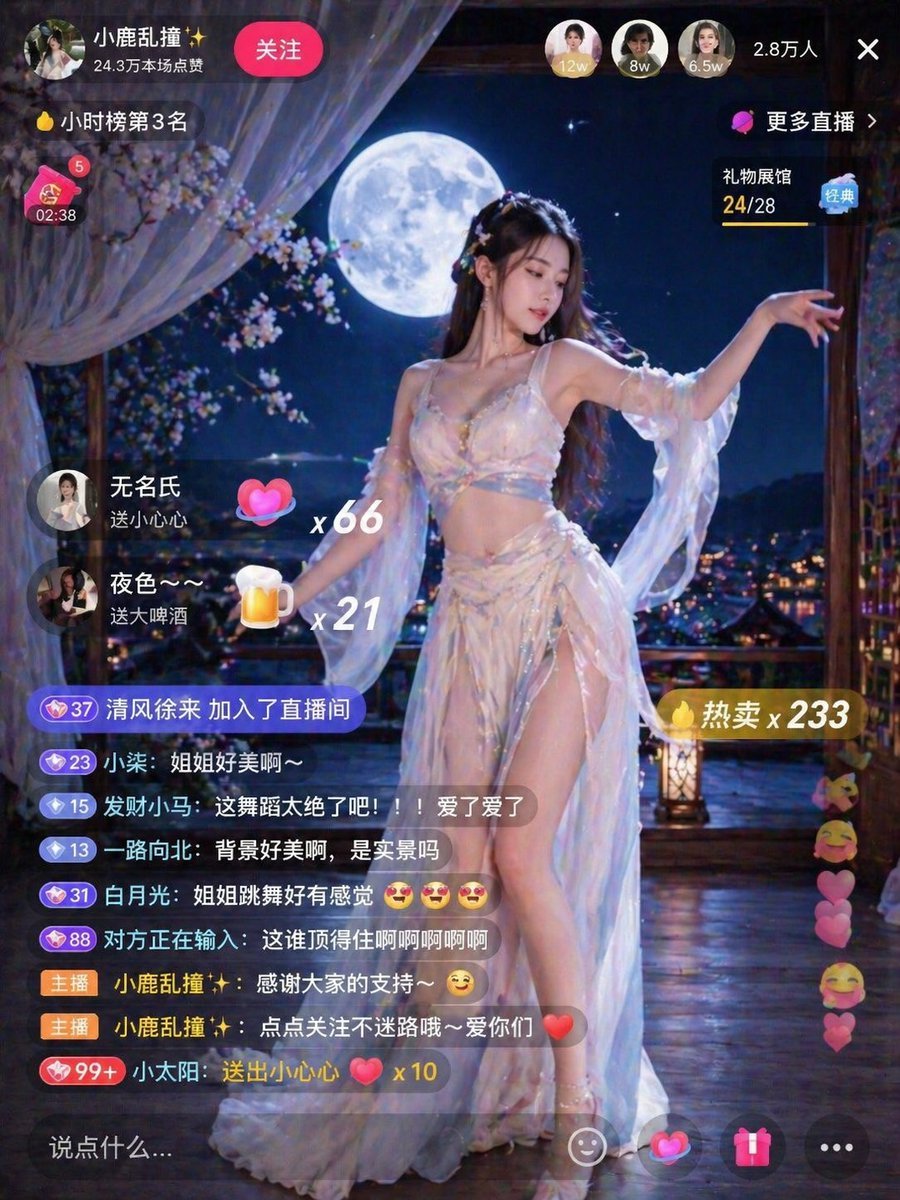
Live Stream Room Scene
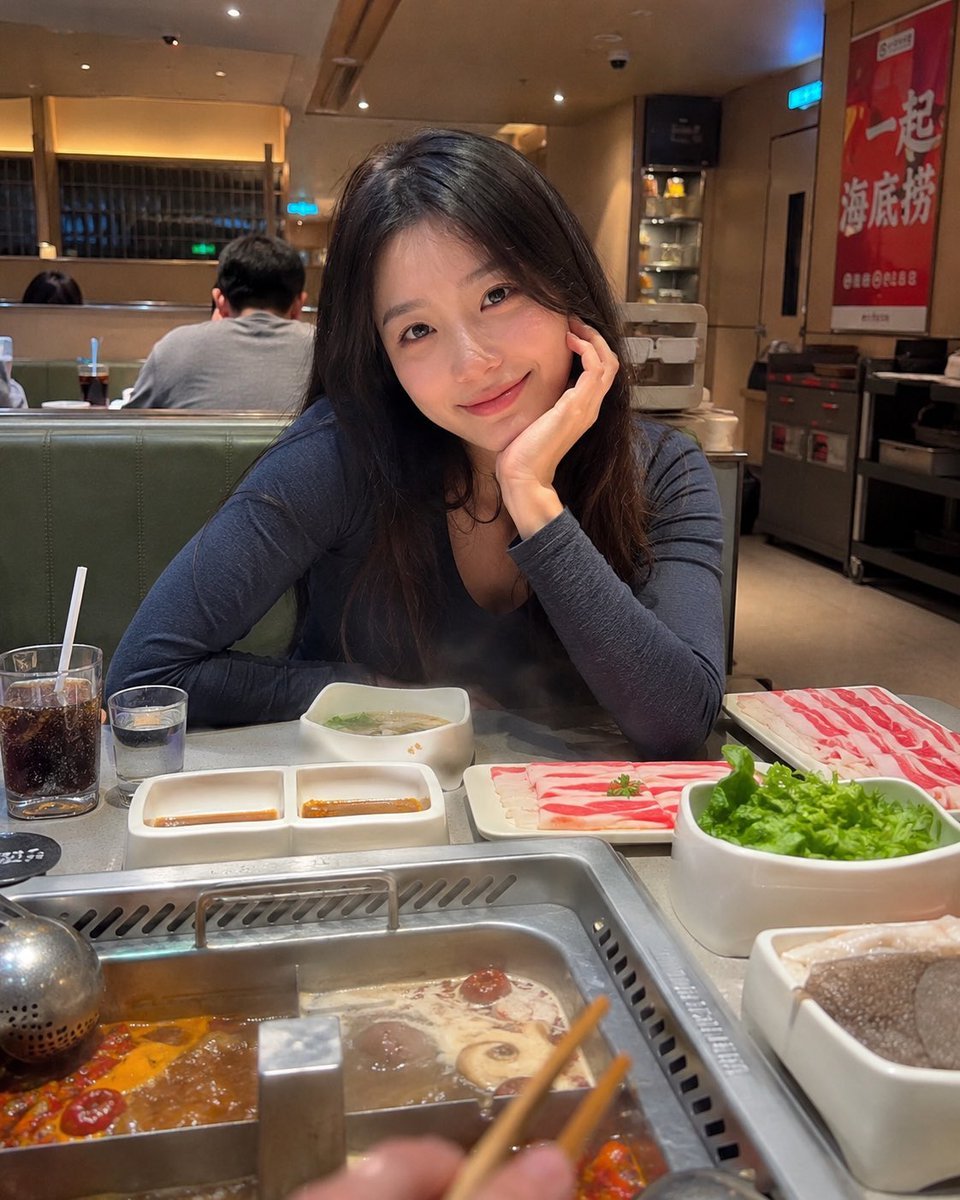
Haidilao Hotpot Date POV

Royal Cartographer Fantasy World Map Prompt (Detailed Scenario)
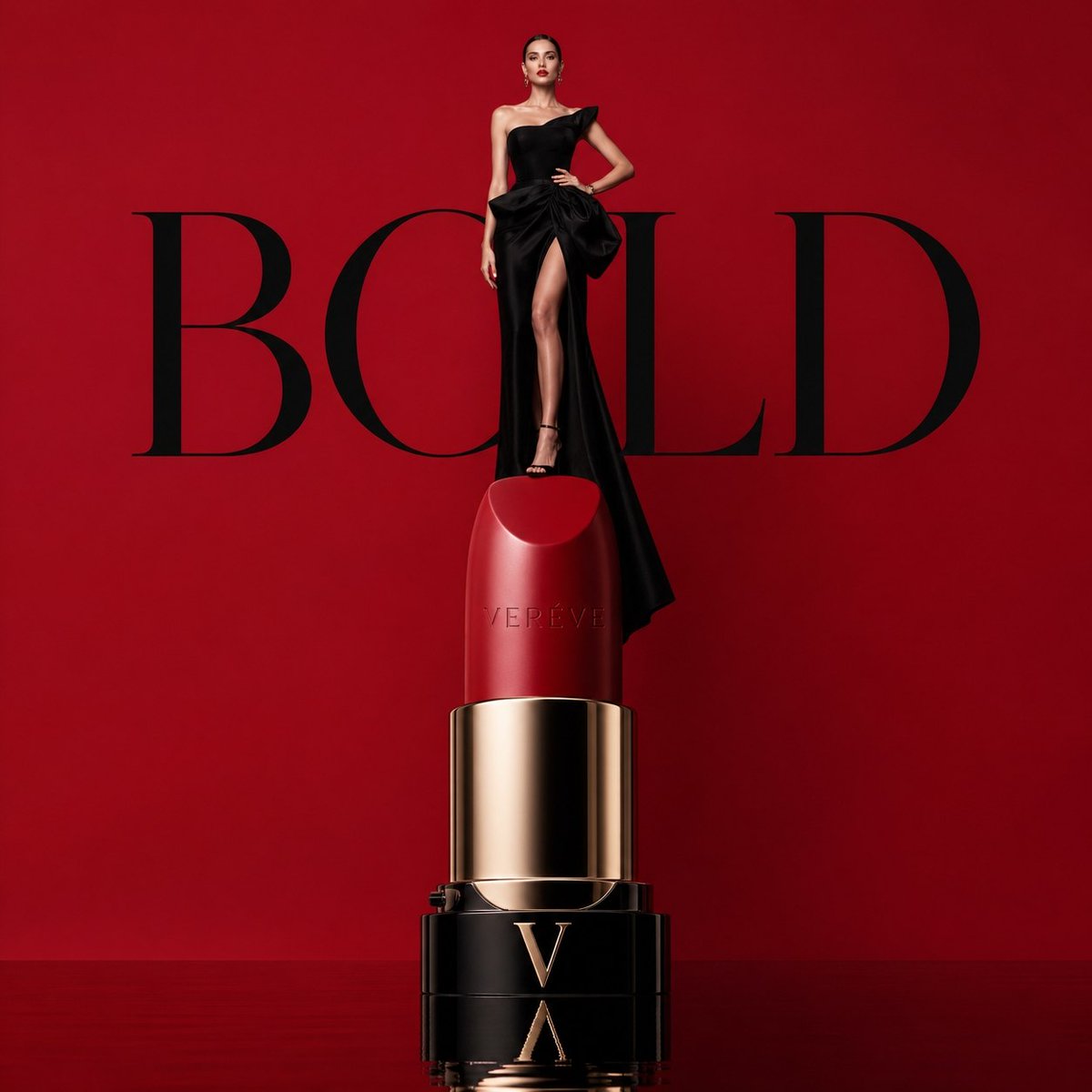
Avant-garde Luxury Beauty Campaign
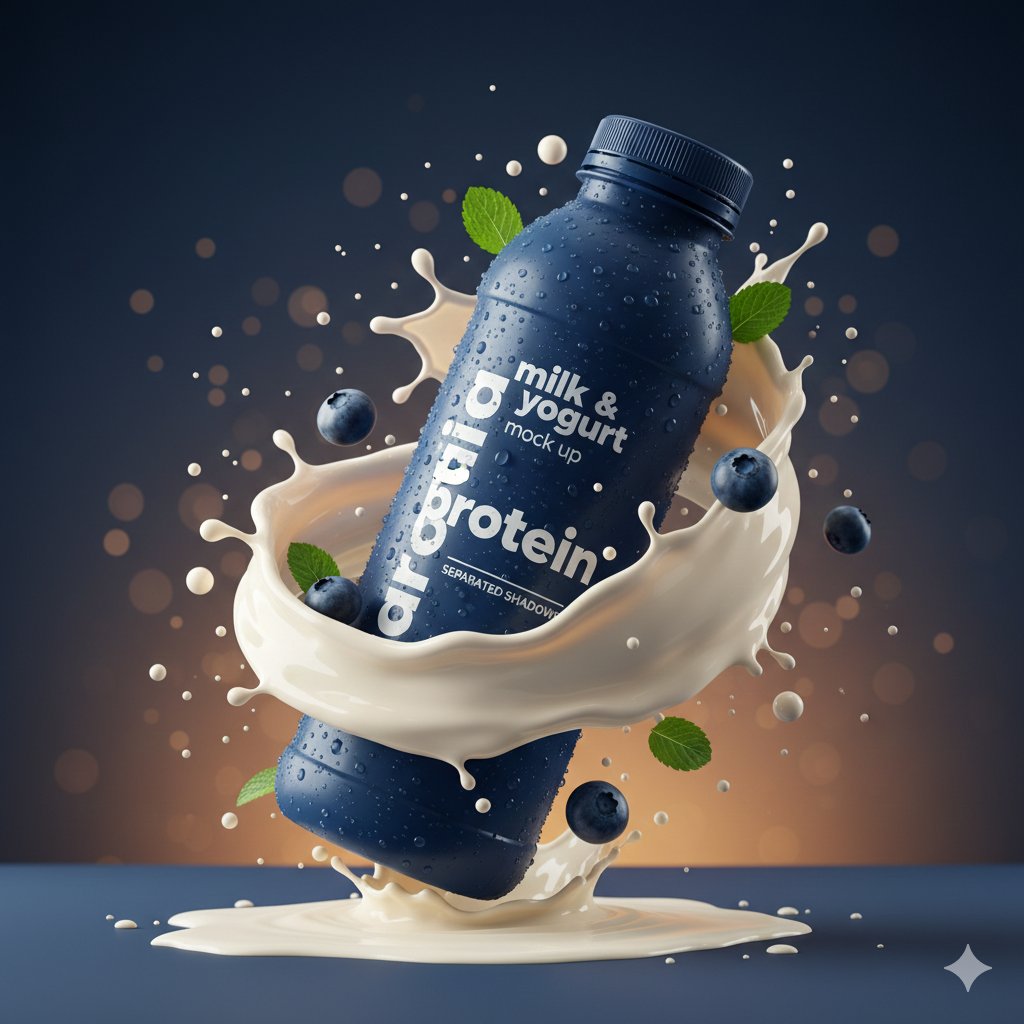
Hyper-realistic Product Photography with Dynamic Splash Effects
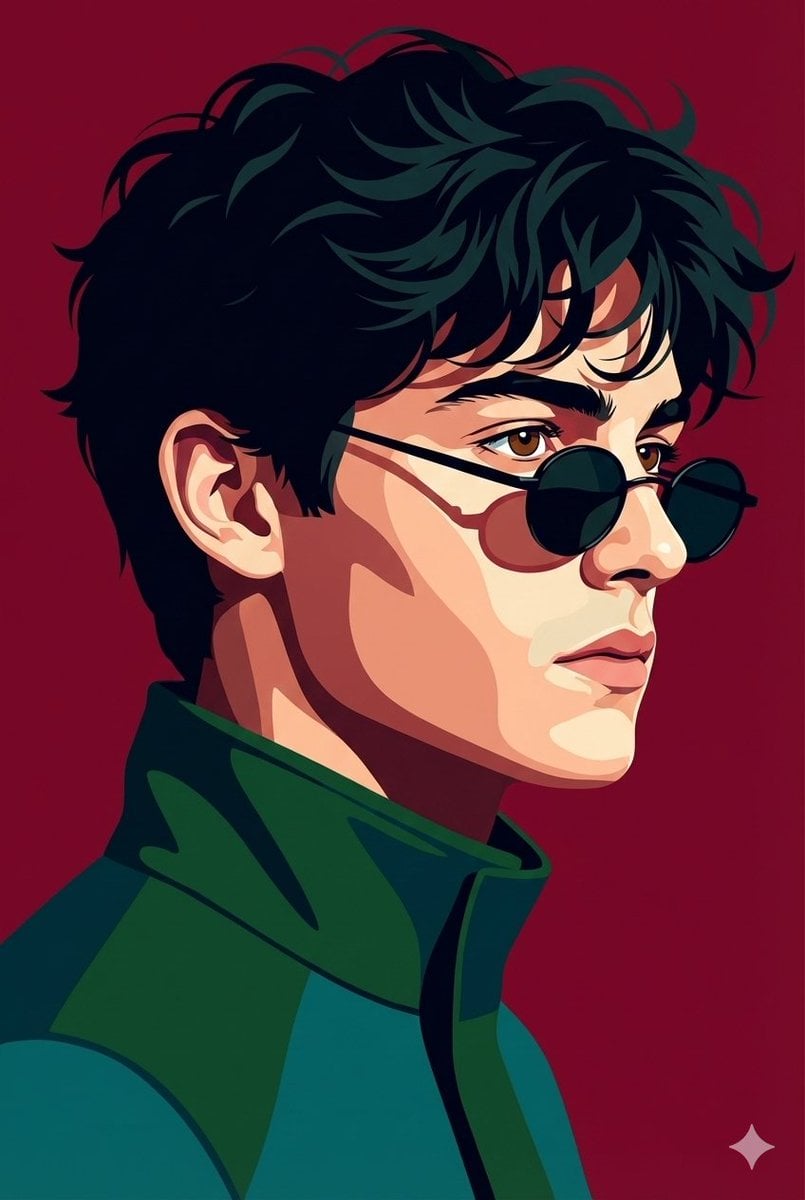
Vectorized Profile Portrait with Textural Detail
Pencil and Ink Sketch Illustration Prompt
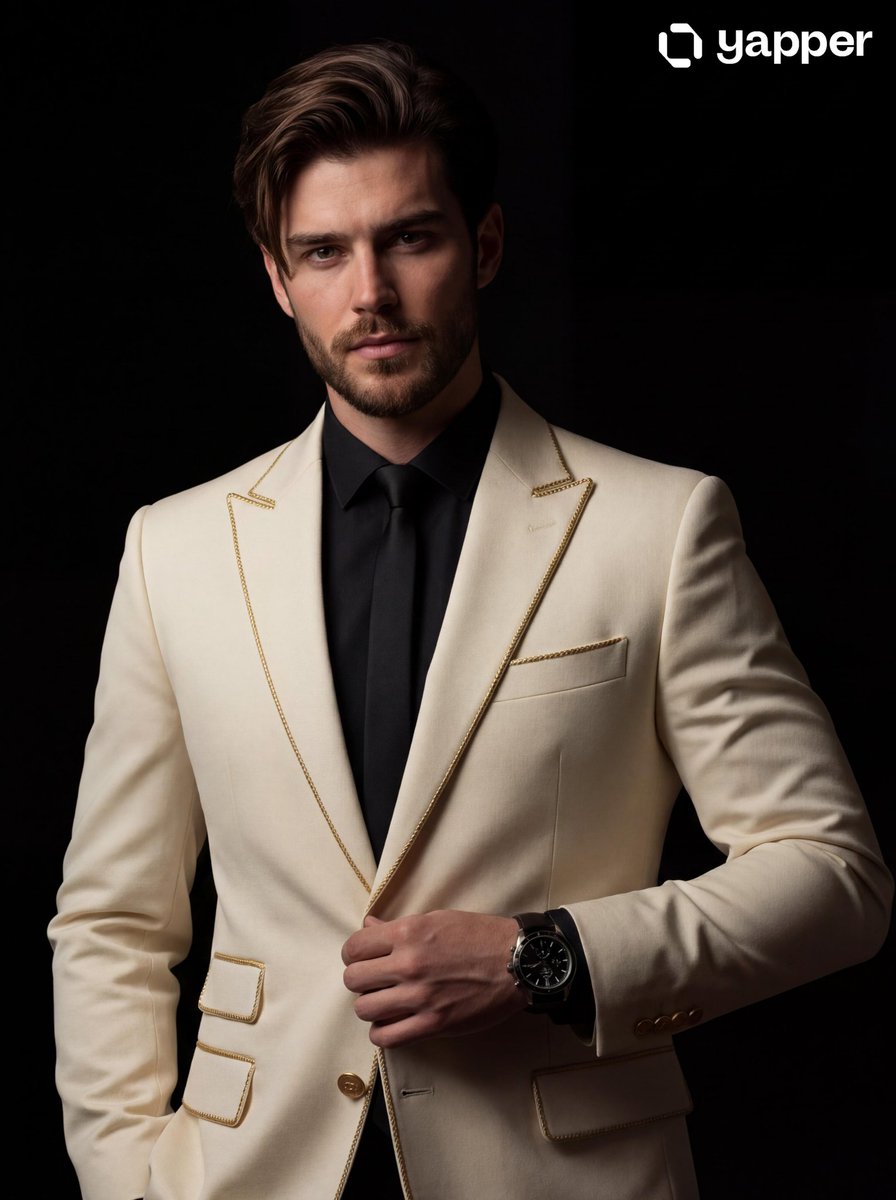
Cinematic Portrait of a Man in a Tailored Suit
Browse template categories
Golden Hour Slatted Shadow Portrait questions
How do I use the Golden Hour Slatted Shadow Portrait template?
Add your photo if the template asks for one, edit the prompt if you like — the template's model and format are already selected — and press Generate. Your version opens in PicX Studio.
Can I customize the Golden Hour Slatted Shadow Portrait template?
Yes. You can change the subject, setting, lighting, mood, format, and available model controls before creating your image.
Is the Golden Hour Slatted Shadow Portrait template free?
Opening and editing this template is free. Generating uses credits, shown on the Generate button when you are signed in.
Which AI model should I use?
Start with Gemini 3 Pro Image Preview, which is the model associated with this template. You can compare another compatible model for a different finish.
Looking for something else? Browse all templates.

Your photo, any look
Thousands of ready templates for every top image and video model, from one credit balance.