
Barbie Boutique Fashion Portrait
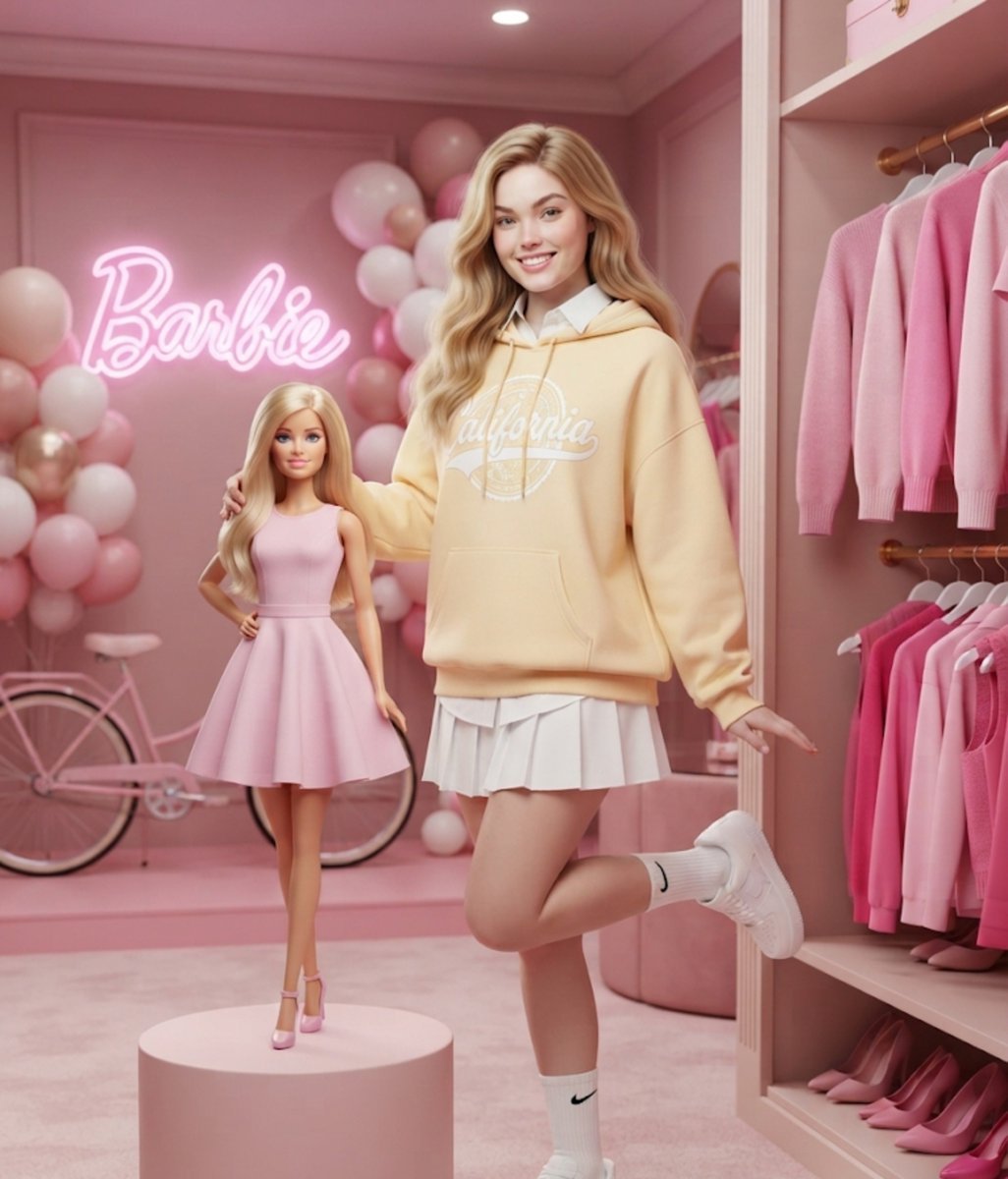
A photorealistic prompt for a fashion photoshoot featuring a blonde woman and a 3D Barbie doll in a pink-themed boutique.
- Prompt included
- Model and format preset
- Premium template
The prompt behind this image
Copy the exact prompt behind Barbie Boutique Fashion Portrait, or open it in the studio and make it yours.
Photorealistic full-body portrait of a {argument name="subject" default="smiling young blonde girl"} standing inside a {argument name="setting" default="stylish Barbie-themed fashion boutique"}. She is wearing an {argument name="outfit" default="oversized soft pastel-yellow hoodie with a large white collegiate-style 'California' university logo"} across the chest, layered over a crisp white collared shirt with the collar visible above the neckline, paired with a short white pleated tennis-style mini skirt. She wears high white Nike crew socks with a small black swoosh logo and clean white Nike Air Force 1 sneakers. She stands in a playful pose with one leg bent behind her while gently placing one arm around the shoulder of a life-sized 3D Barbie doll. She has long wavy blonde hair, natural makeup, a cheerful, slightly playful smile, and looks directly into the camera. Beside her stands a life-sized 3D Barbie doll with long blonde hair, wearing a sleeveless pastel pink skater dress, pink high heels, and standing on a round pink display pedestal. The background features a vibrant Barbie fashion store with a glowing pink neon "Barbie" sign, a vintage pink bicycle, clusters of pink, white, and blush balloons, and a luxurious pink interior. In the foreground on the right is an open wardrobe displaying neatly hung pink sweaters and clothing in multiple shades of pink with shelves of matching shoes below. Style: Hyper-realistic photography blended seamlessly with a premium 3D Barbie render, cinematic studio lighting, soft diffused illumination, vibrant pastel colors, shallow depth of field, razor-sharp focus on the girl and Barbie doll, luxurious fashion editorial aesthetic, ultra-detailed textures, professional studio photoshoot, HDR, 8K, vertical composition, 3:4 aspect ratio.
How to use Barbie Boutique Fashion Portrait in 3 steps
- 1
Open
The prompt is already in the box next to the preview, with the template's model and format selected.
- 2…a portrait of your subject in softgolden-hour light, 85mm…
Personalize
Edit the subject and creative details for your destination.
- 3Generate
Generate
Press Generate — your image is created in PicX Studio, so you can compare it with the original and refine one variable at a time.
More like this
Templates with the same subject, style or setup. Open one to see its prompt.

Nano Banana 2 High Fashion Sports Campai

Couture Fashion Editorial Woman and Drag

Ive Yujin Fashion Portrait in Blue

Nano Banana 2 Editorial Fashion Portrait

Caution Tape Fashion — Industrial Editorial

Nano Banana Pro Photoreal Playful Couple
Luxury Boutique Fashion Portrait

Miniature Self Portrait Collage

Found Photograph: Us, 1970

80s Couple Studio Portrait

80s College Gate

1988 Mall Style
Make it yours
Barbie Boutique Fashion Portrait works as-is. These are the safest ways to change it without losing the look.
Change one field
Copy a single group, rewrite it, and generate again so you can see what that field is doing.
Keep the frame, change the subject
Hold the composition and light of Barbie Boutique Fashion Portrait, then swap wardrobe, props or the person for a new take.
| If the result… | Why | Fix |
|---|---|---|
| The result drifts from the preview | Too many fields changed at once. | Reuse Barbie Boutique Fashion Portrait as-is first, then change one group — subject, light, or setting. |
| The model over-stylizes the scene | The prose prompt leaves finish and camera underspecified. | Add one camera or lighting sentence and stay on Gemini 3 Pro Image Preview. |
More Gemini 3 Pro Image Preview templates
Other prompts made for Gemini 3 Pro Image Preview.

Creative Character in Pink Office

Avant-Garde Asian Fashion Model

Underwater Macro Face Portrait

Water-level Bridge Modification

Noir Punk Street Portrait

High Contrast Cinematic Face Portrait

Monochrome Studio Portrait with Colored Lens

Ultra-Realistic Yacht Sunset Portrait

Mushroom Still Life Composition

Whimsical Anthropomorphic Friendly Insect
More image prompts
Fresh picks from across the catalog.
Mixed-Media Portrait of Gen Z Teenager with Chibi Clones
Smartphone Screen Illusion Portrait Template
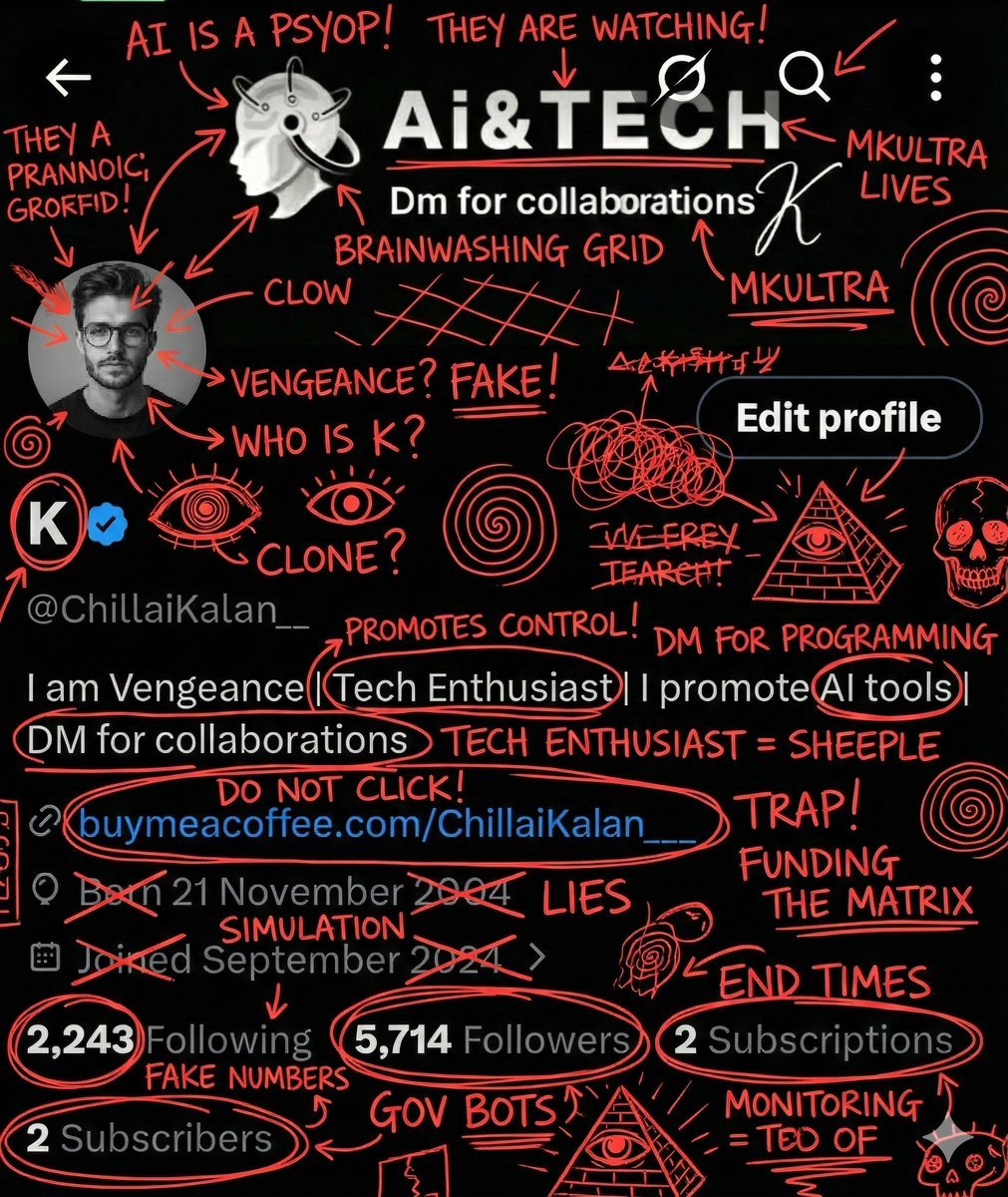
Image Overlay for 'Conspiracy Scribbles' Effect
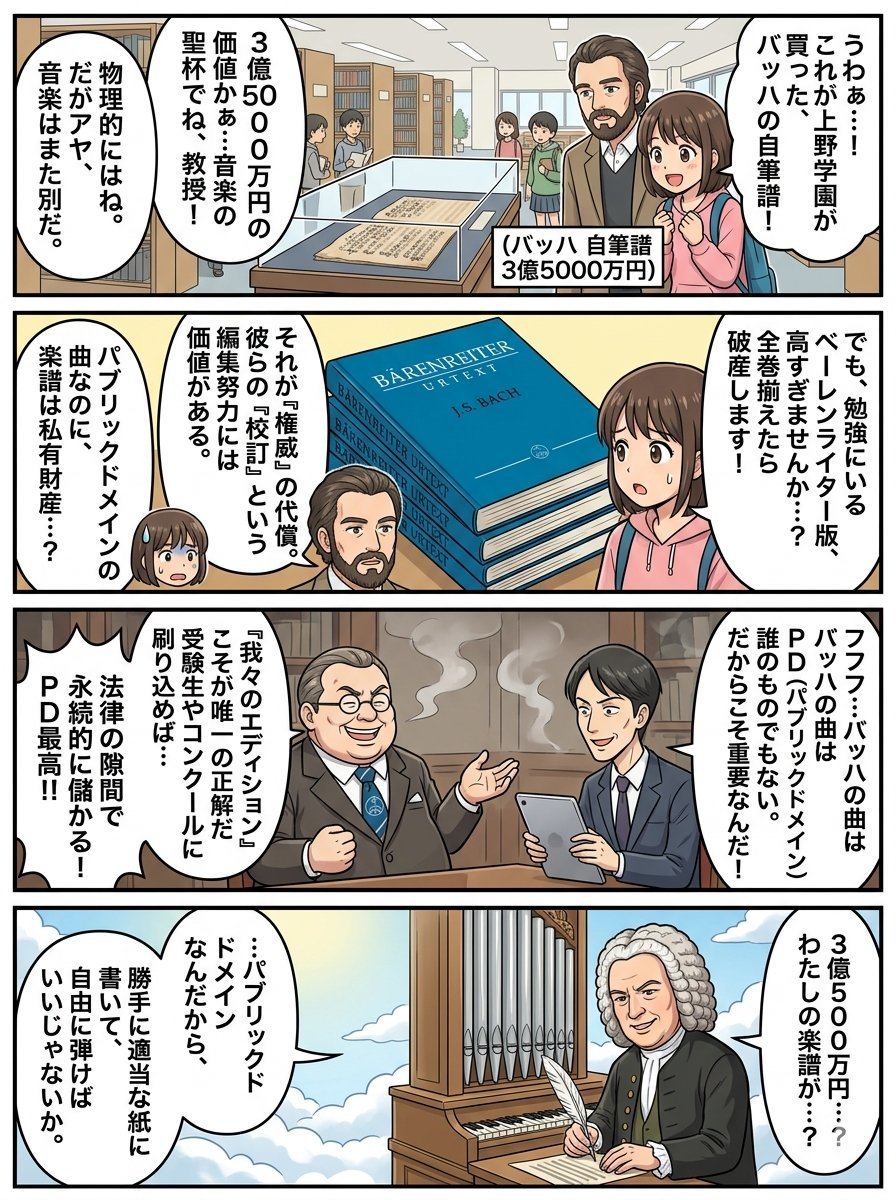
Nano Banana Pro 4-Panel Comic Prompt: Bach in Heaven
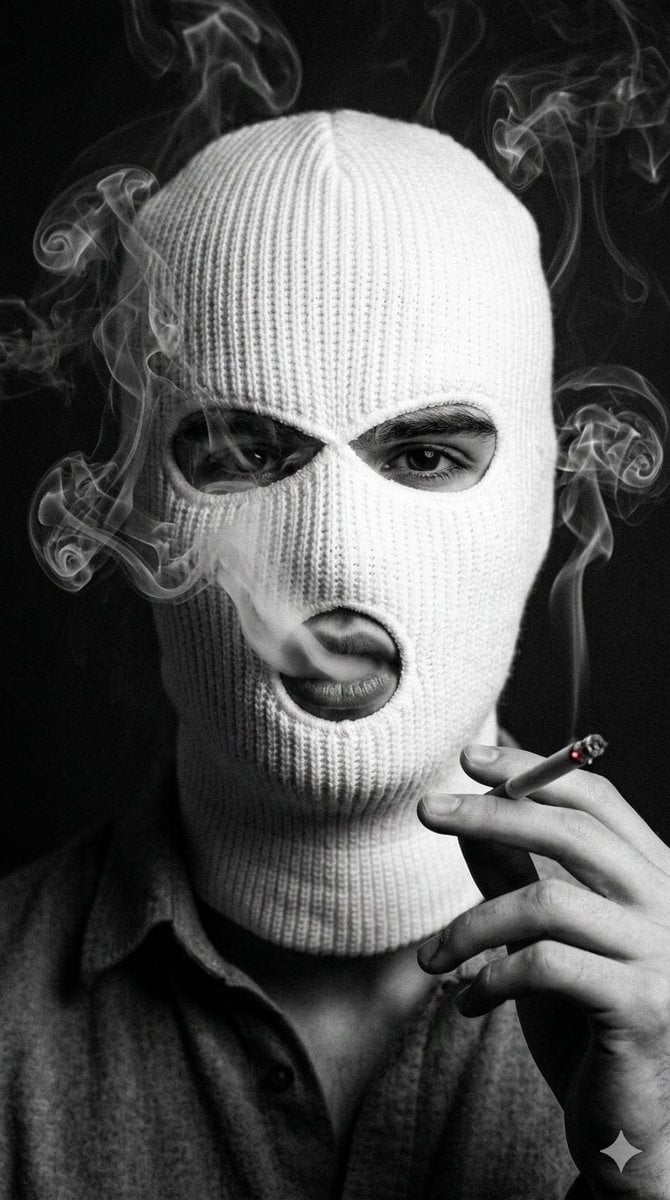
Noir Portrait with Balaclava and Cigarette Smoke
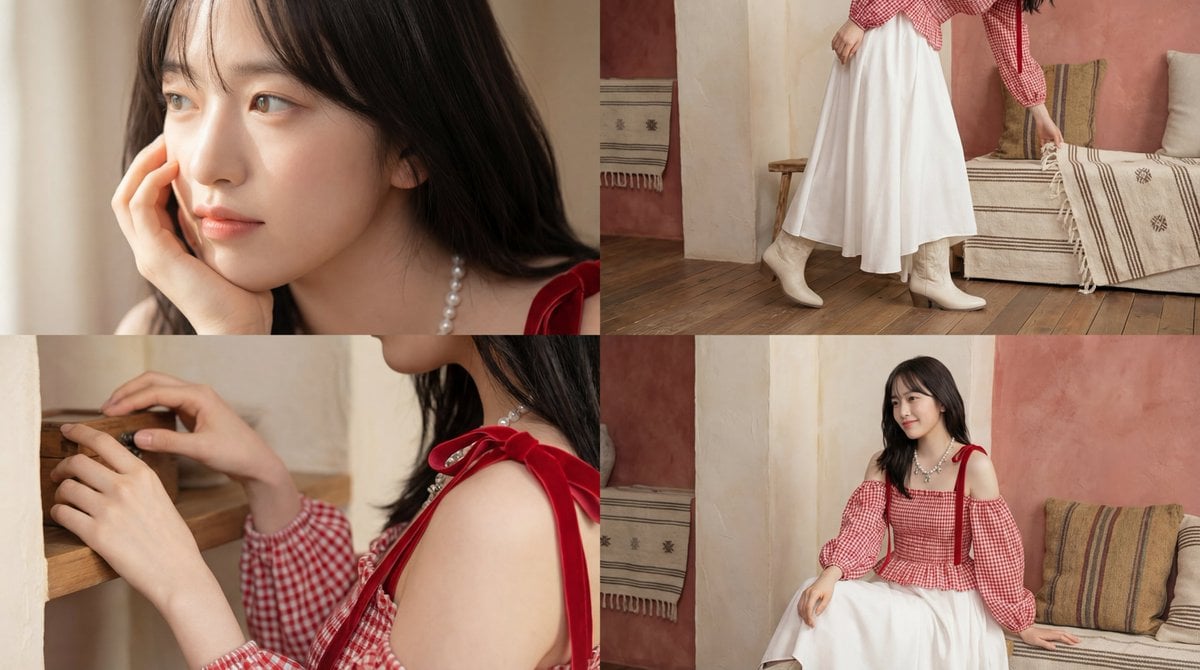
Cinematic short video prompt for female portraiture
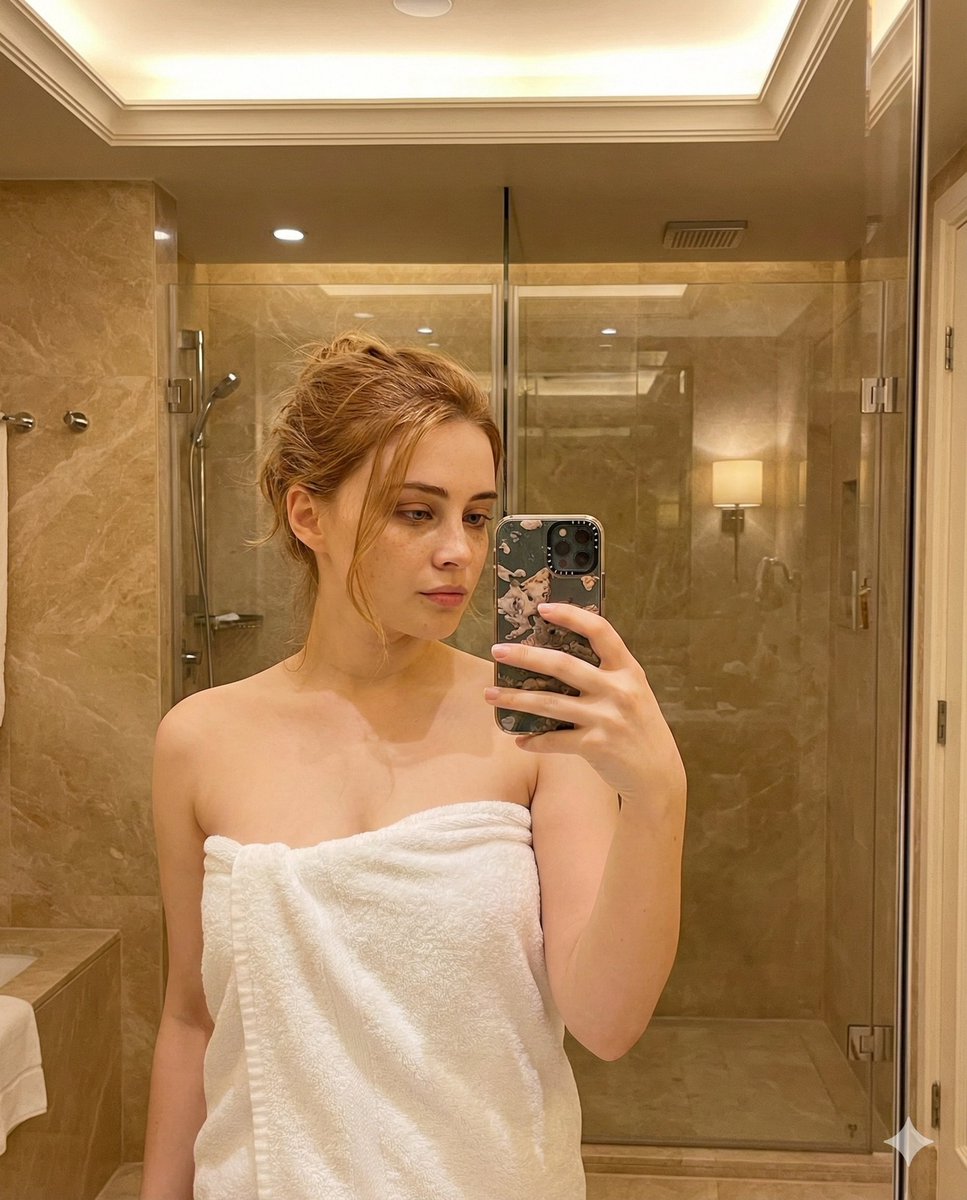
Candid Bathroom Mirror Selfie Portrait
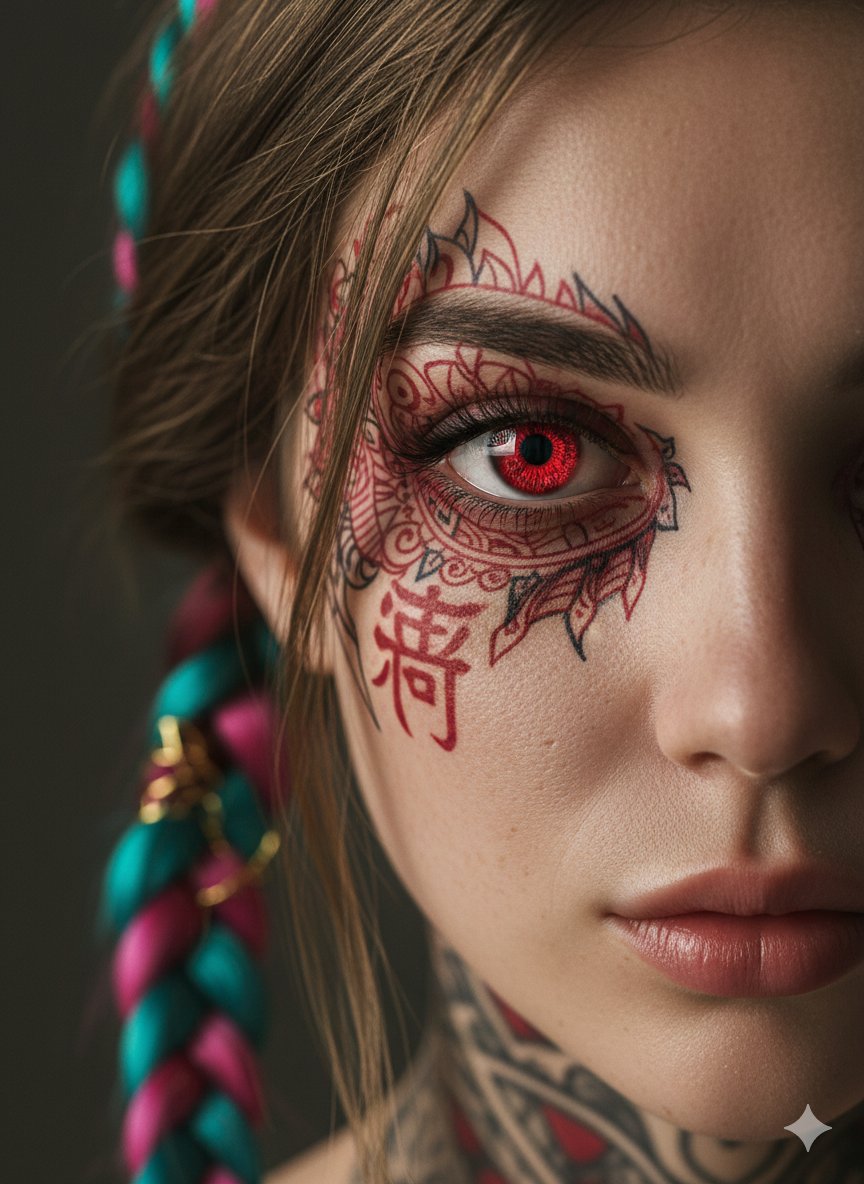
Extreme Close-Up Cinematic Portrait with Tattoos and Red Eye
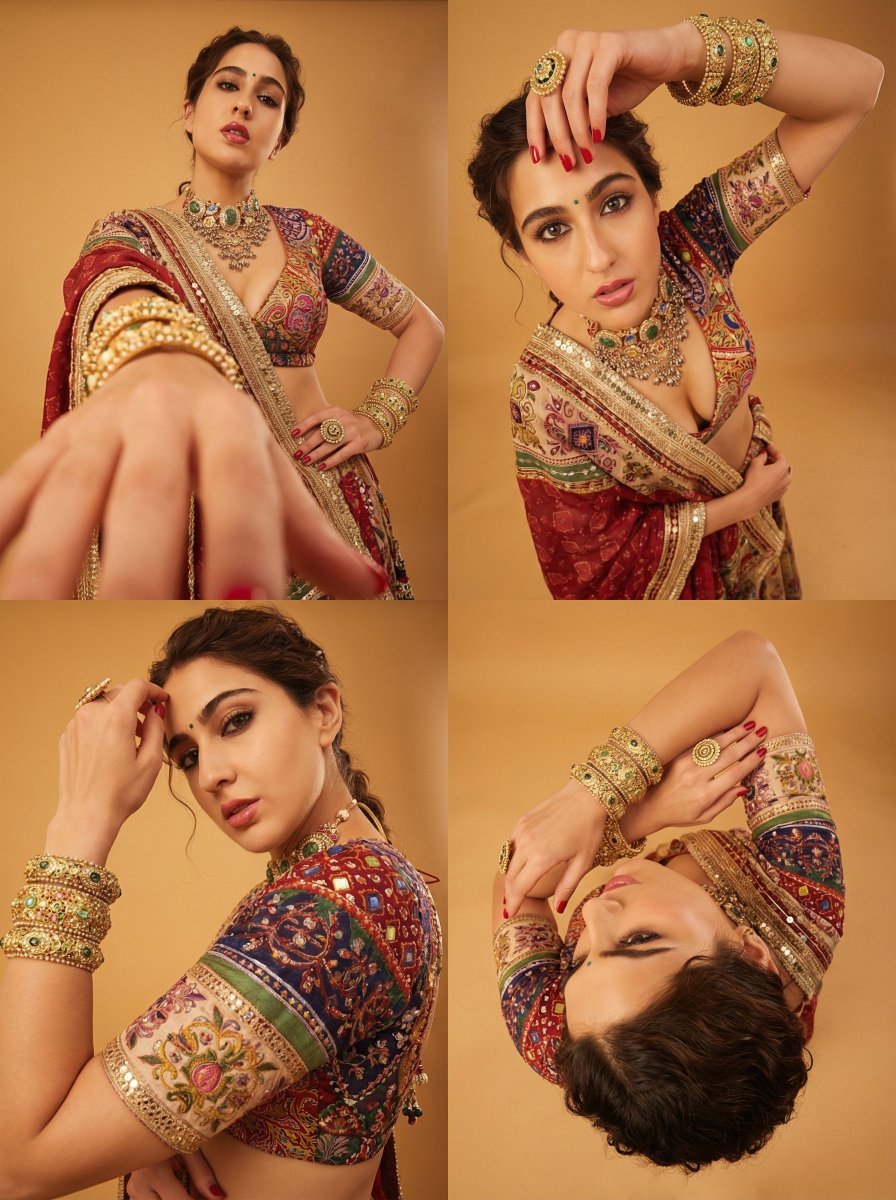
Dramatic Photorealistic Portrait with Lens Emphasis
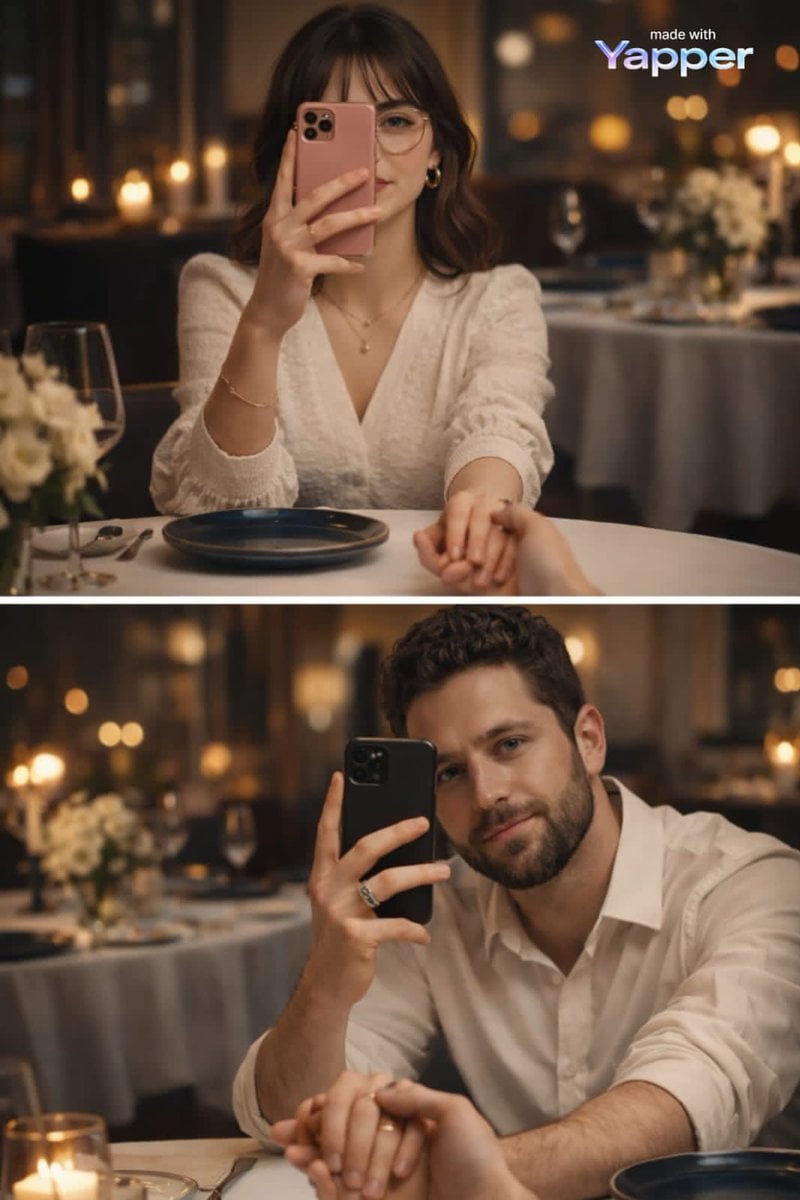
Split-Screen Dinner Date Composition
Browse template categories
Barbie Boutique Fashion Portrait questions
How do I use the Barbie Boutique Fashion Portrait template?
Add your photo if the template asks for one, edit the prompt if you like — the template's model and format are already selected — and press Generate. Your version opens in PicX Studio.
Can I customize the Barbie Boutique Fashion Portrait template?
Yes. You can change the subject, setting, lighting, mood, format, and available model controls before creating your image.
Is the Barbie Boutique Fashion Portrait template free?
Opening and editing this template is free. Generating uses credits, shown on the Generate button when you are signed in.
Which AI model should I use?
Start with Gemini 3 Pro Image Preview, which is the model associated with this template. You can compare another compatible model for a different finish.
Looking for something else? Browse all templates.

Your photo, any look
Thousands of ready templates for every top image and video model, from one credit balance.