
Indian Woman Lifestyle Cafe Portrait
A photorealistic cinematic portrait prompt of a young Indian woman at a modern café, featuring detailed lighting and outfit descriptions.
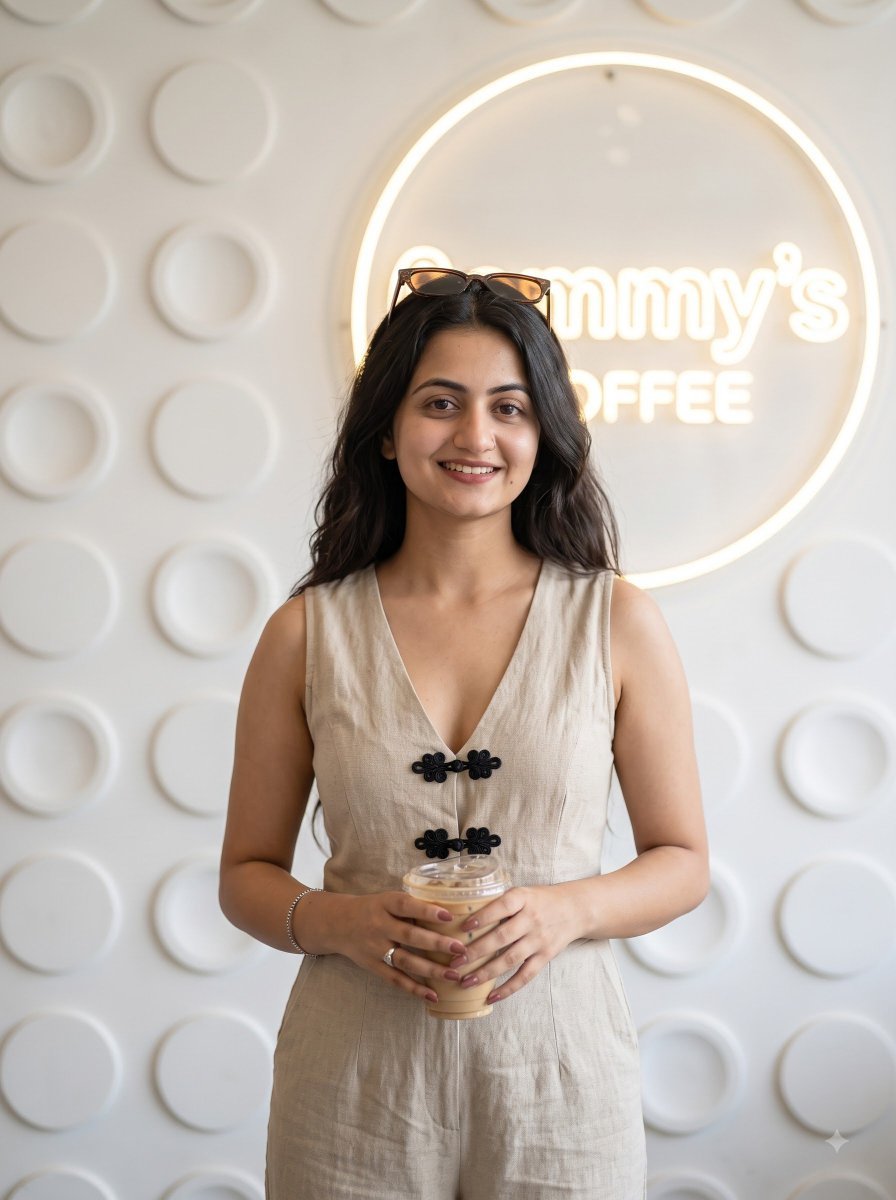
- Prompt included
- Model and format preset
- Free template
The prompt behind this image
Copy the exact prompt behind Indian Woman Lifestyle Cafe Portrait, or open it in the studio and make it yours.
{ "subject": "{argument name="subject" default="A beautiful young Indian woman in her mid-20s"} with warm medium skin tone, long dark wavy hair cascading over her shoulders, soft defined eyebrows, expressive dark eyes with subtle makeup, full lips in a gentle closed-mouth smile, and natural glowing skin.", "body": "Curvaceous figure with elegant posture.", "outfit": "{argument name="outfit" default="Beige linen-style sleeveless jumpsuit"} with a deep V-neck, black decorative frog buttons down the front, and wide-leg pants, sunglasses perched on top of her head.", "pose": "Standing indoors in front of a café wall, holding an iced coffee cup with both hands in front of her waist, body facing the camera with a slight lean, relaxed and casual stance.", "expression": "Soft, warm, and friendly smile with gentle eye contact.", "lighting": "Bright indoor café lighting with soft even illumination and a glowing circular neon light around the logo.", "setting": "{argument name="setting" default="Modern café interior"} with a large circular 'ammy's COFFEE' logo on a textured white geometric wall featuring raised circular patterns.", "style": "Photorealistic, ultra-detailed 8k, cinematic lifestyle portrait, realistic fabric texture on the jumpsuit, sharp focus on face and outfit, high-end casual fashion photography.", "camera": "Shot on Sony A7R V, 50mm lens, f/2.0, natural depth of field", "mood": "Casual, friendly, stylish, cozy café vibe" }
How to use Indian Woman Lifestyle Cafe Portrait in 3 steps
- 1
Open
The prompt is already in the box next to the preview, with the template's model and format selected.
- 2…a portrait of your subject in softgolden-hour light, 85mm…
Personalize
Edit the subject and creative details for your destination.
- 3Generate
Generate
Press Generate — your image is created in PicX Studio, so you can compare it with the original and refine one variable at a time.
More like this
Templates with the same subject, style or setup. Open one to see its prompt.
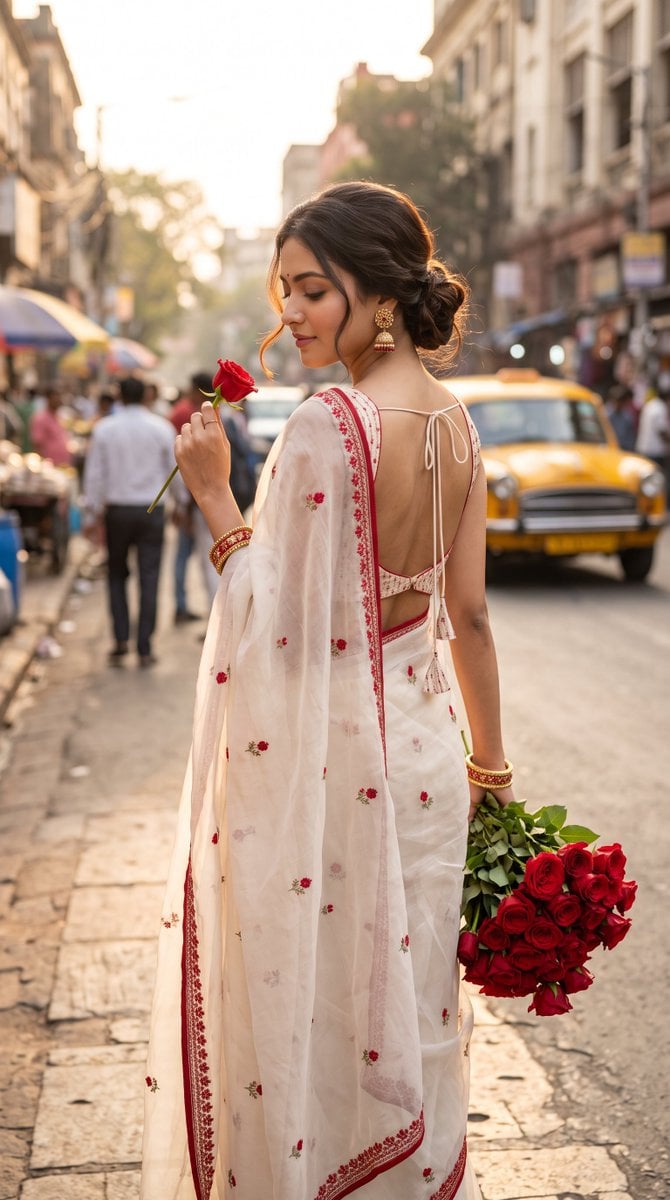
Ultra-Photorealistic Indian Woman with Roses

Nano Banana - Paris Cafe Editorial
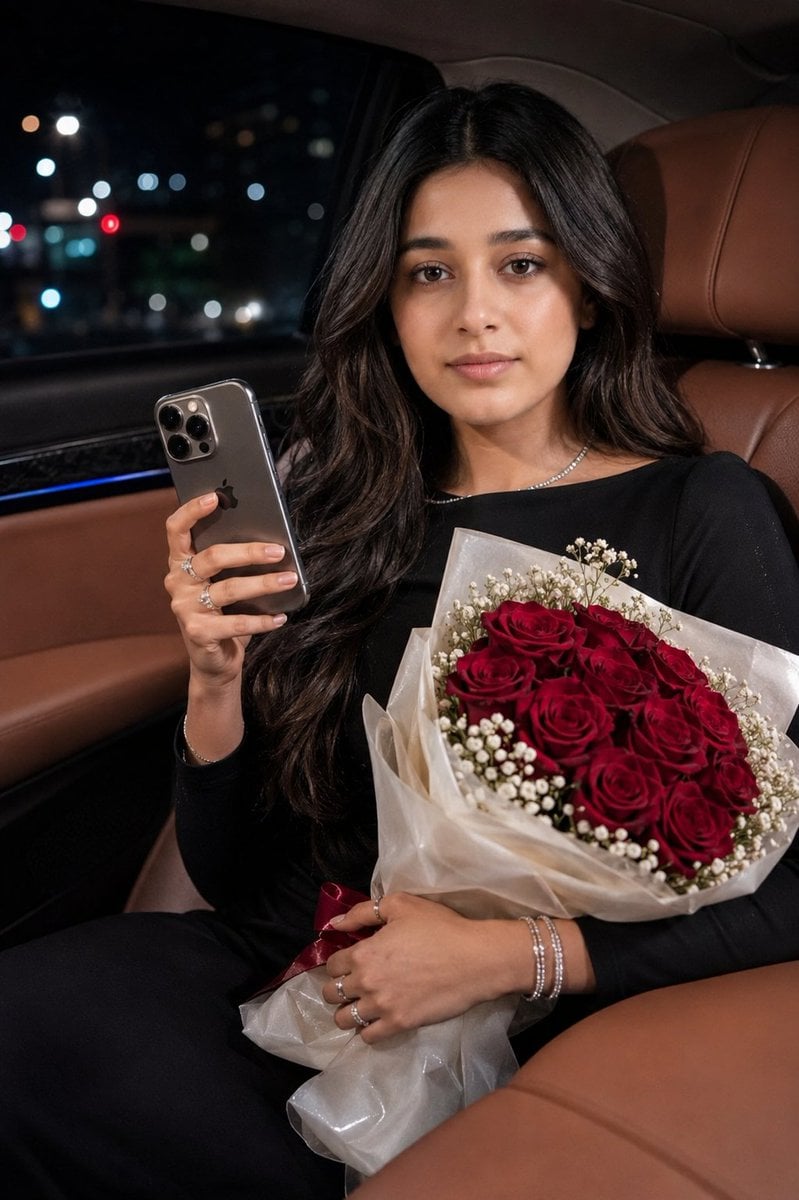
Indian Woman Luxury Car Portrait
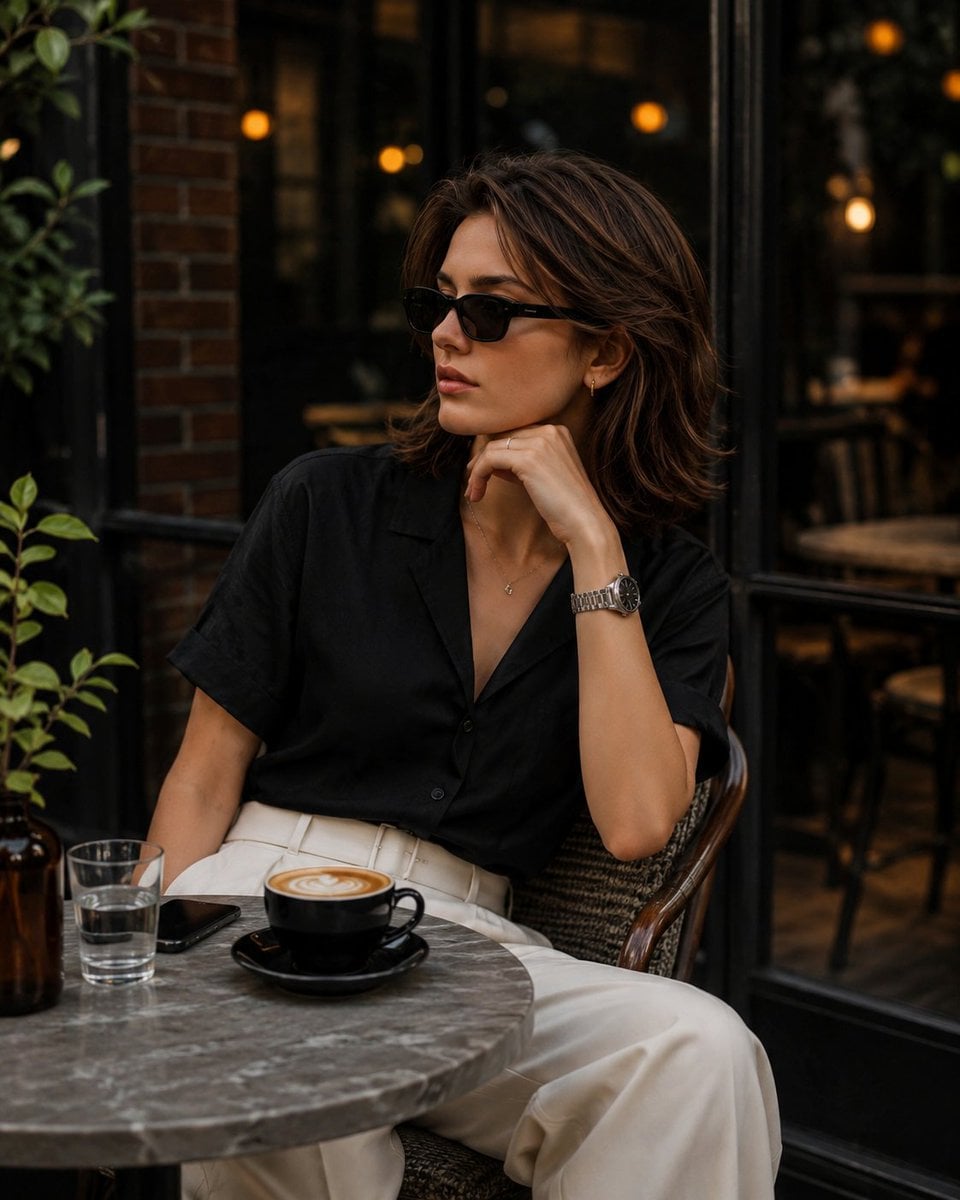
Elegant European Cafe Lifestyle Portrait
Eccentric Elderly Woman Cafe Portrait
Indian Businesswoman Luxury Office Portrait
Moonlit Indian Woman Balcony Portrait
Indian Woman in Red Suit Portrait

Multi-Frame Lifestyle Portrait Prompt for Nano Banana Pro

Nano Banana Pro Photoreal Playful Couple

Couture Fashion Editorial Woman and Drag

Miniature Self Portrait Collage
Make it yours
Indian Woman Lifestyle Cafe Portrait works as-is. These are the safest ways to change it without losing the look.
Change one field
Copy a single group, rewrite it, and generate again so you can see what that field is doing.
Keep the frame, change the subject
Hold the composition and light of Indian Woman Lifestyle Cafe Portrait, then swap wardrobe, props or the person for a new take.
| If the result… | Why | Fix |
|---|---|---|
| The result drifts from the preview | Too many fields changed at once. | Reuse Indian Woman Lifestyle Cafe Portrait as-is first, then change one group — subject, light, or setting. |
| The model over-stylizes the scene | The prose prompt leaves finish and camera underspecified. | Add one camera or lighting sentence and stay on Gemini 3 Pro Image Preview. |
More Gemini 3 Pro Image Preview templates
Other prompts made for Gemini 3 Pro Image Preview.

Underwater Macro Face Portrait

Water-level Bridge Modification

Noir Punk Street Portrait

High Contrast Cinematic Face Portrait

Monochrome Studio Portrait with Colored Lens

Ultra-Realistic Yacht Sunset Portrait

Mushroom Still Life Composition

Whimsical Anthropomorphic Friendly Insect

Cinematic Urban Night Billboard Portrait

Pop Art Summer Fruit Fashion Illustration
More image prompts
Fresh picks from across the catalog.
Minimalist Exploded View Industrial Design Diagram
Cyber-Cinematic Split Lighting Portrait Prompt
Anime Character Ita-bag Creation
Stylized Urban 3D Skater Character
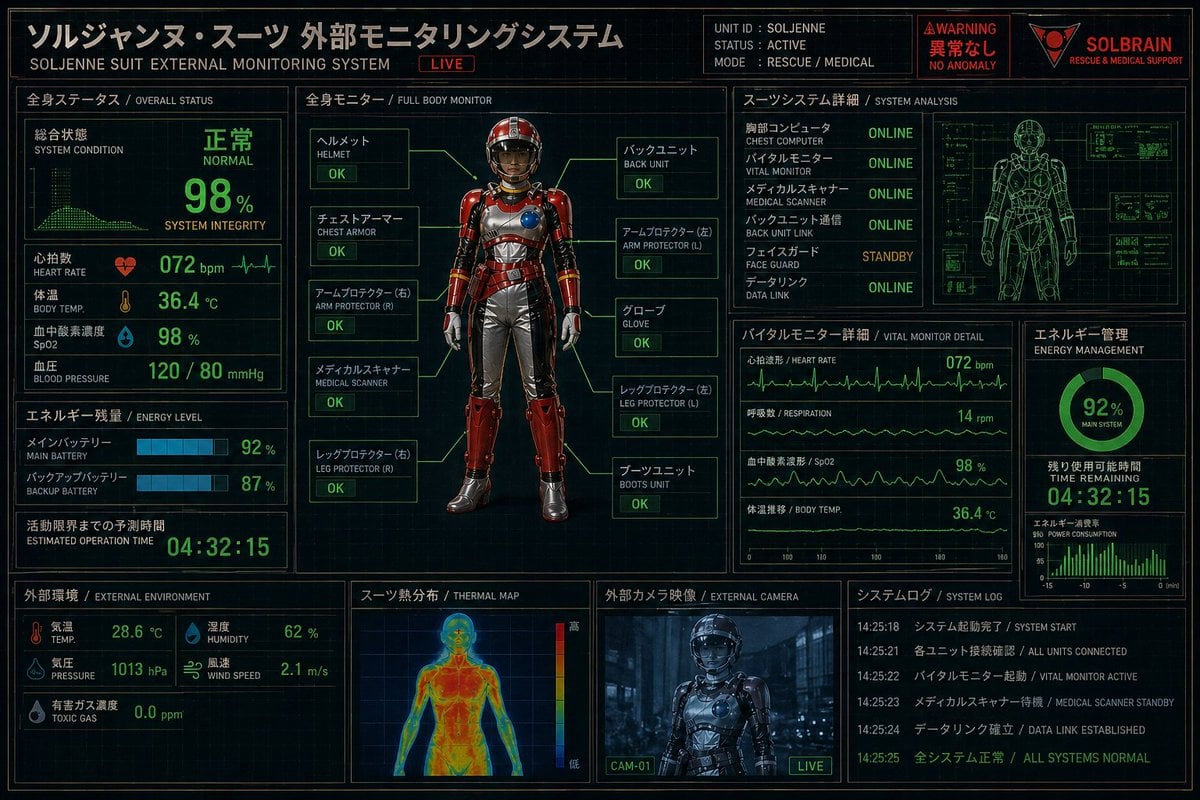
Futuristic Rescue Suit Monitoring HUD

Fun Commercial Photography: Lifting a Cybertruck
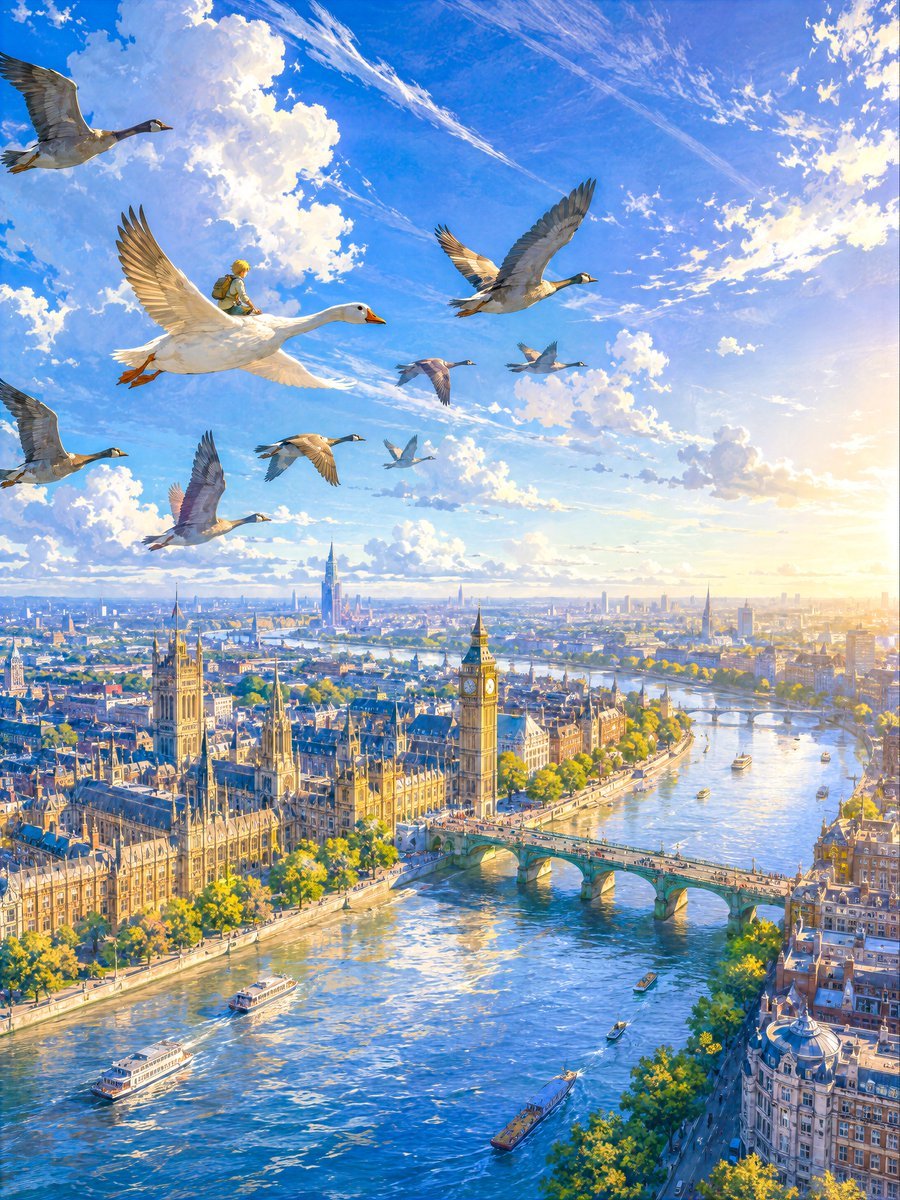
London Aerial Flight with Geese
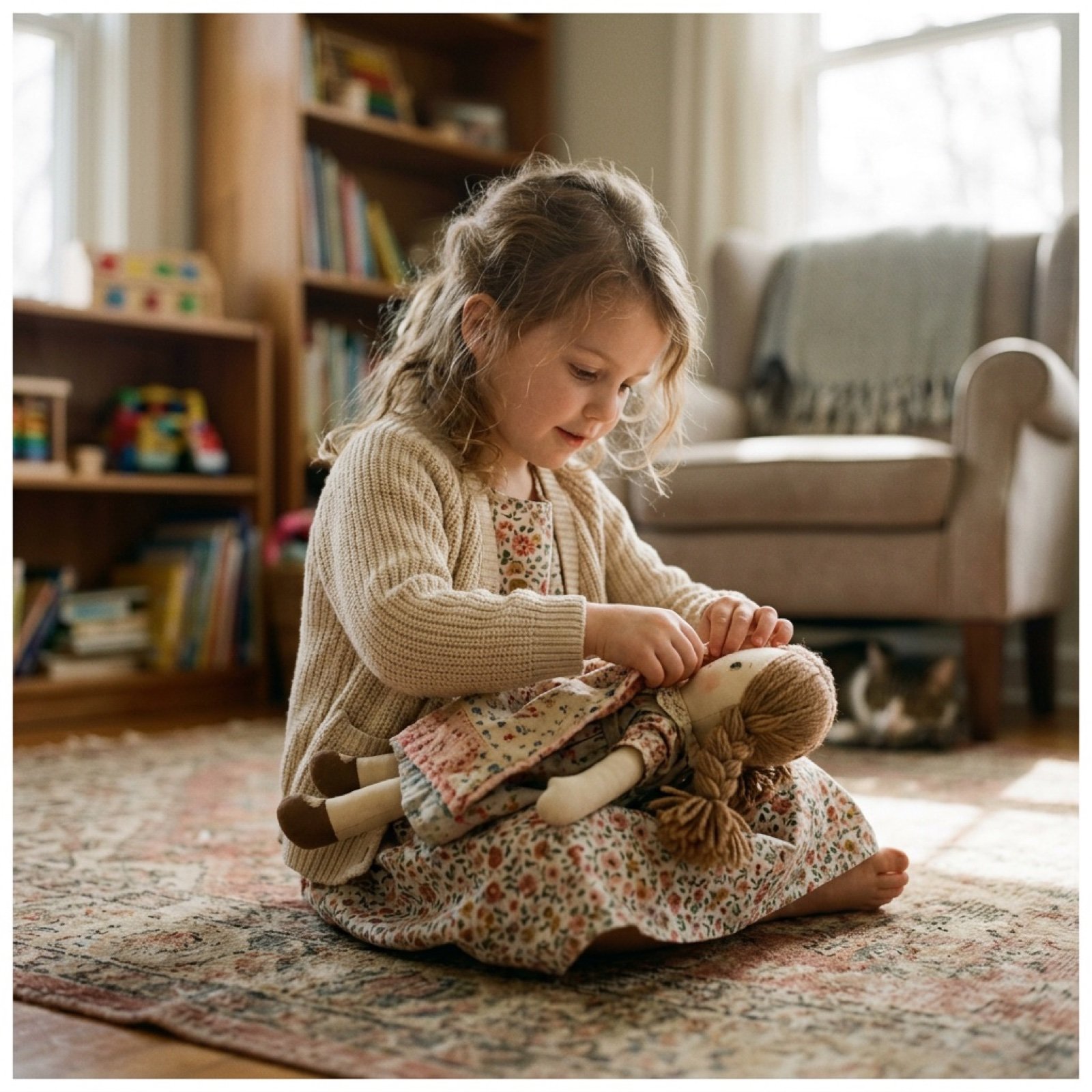
Cinematic Video Prompt for Girl Playing with Doll

Fashion Editorial Prompt in Lemon Green Studio

Bakumatsu Confrontation Manga Page
Browse template categories
Indian Woman Lifestyle Cafe Portrait questions
How do I use the Indian Woman Lifestyle Cafe Portrait template?
Add your photo if the template asks for one, edit the prompt if you like — the template's model and format are already selected — and press Generate. Your version opens in PicX Studio.
Can I customize the Indian Woman Lifestyle Cafe Portrait template?
Yes. You can change the subject, setting, lighting, mood, format, and available model controls before creating your image.
Is the Indian Woman Lifestyle Cafe Portrait template free?
Opening and editing this template is free. Generating uses credits, shown on the Generate button when you are signed in.
Which AI model should I use?
Start with Gemini 3 Pro Image Preview, which is the model associated with this template. You can compare another compatible model for a different finish.
Looking for something else? Browse all templates.

Your photo, any look
Thousands of ready templates for every top image and video model, from one credit balance.