
Minimalist Exploded View Industrial Design Diagram
A prompt for generating a colorful, minimalist exploded view diagram of a modern ergonomic chair.
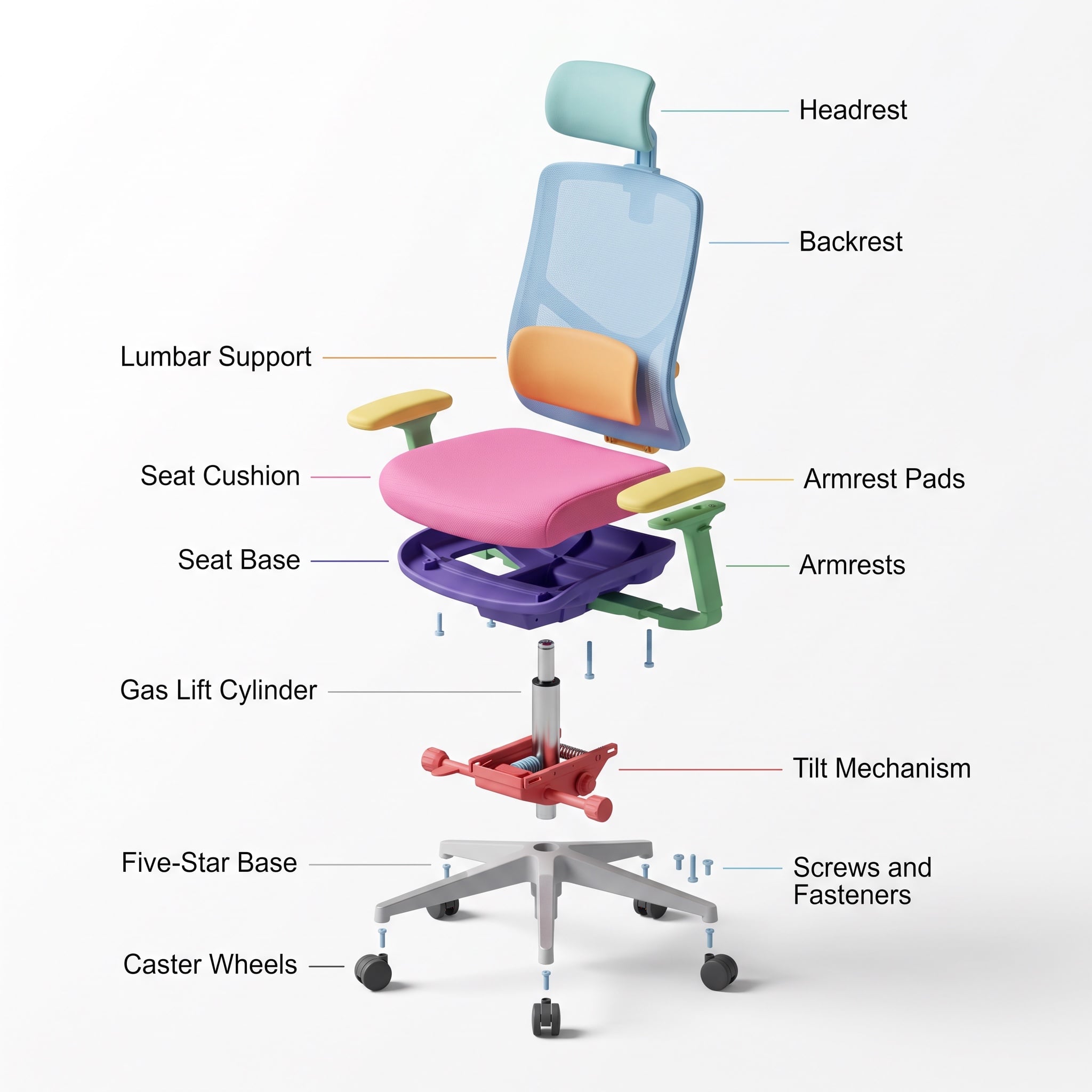
- Prompt included
- Model and format preset
- Premium template
The prompt behind this image
Copy the exact prompt behind Minimalist Exploded View Industrial Design Diagram, or open it in the studio and make it yours.
- Prompt › Objective
- Create a colorful minimalist exploded view of a chair with clearly labeled parts
- Prompt › Style
- minimalist, modern industrial design, flat yet slightly 3D, clean lines, soft shadows
- Prompt › Composition
- chair centered in frame, all components separated vertically in an exploded view, evenly spaced, balanced layout
- Prompt › Subject › Type
- chair
- Prompt › Subject › Chair Style
- modern ergonomic chair
- Prompt › Subject › Parts
- Headrest, Backrest, Lumbar Support, Seat Cushion, Seat Base, Armrests, Armrest Pads, Gas Lift Cylinder, Tilt Mechanism, Five-Star Base, Caster Wheels, Screws and Fasteners
- Prompt › Subject › Labels
- clear part names placed beside each component, thin connector lines, clean sans-serif font
- Prompt › Colors
- bright yet soft colors for each part, pastel and vibrant mix, each component in a different color, white or very light background
- Prompt › Lighting
- soft studio lighting, gentle shadows under each floating part
- Prompt › Camera › Angle
- slight isometric view for depth
- Prompt › Camera › Focus
- all parts sharp and readable
- Prompt › Extra
- educational product diagram look, no clutter, modern design presentation, Instagram-friendly composition
- Size
- 1024x1024
- Format
- png
- Style Transfer
- false
Raw JSON
{
  "prompt": {
    "objective": "Create a colorful minimalist exploded view of a chair with clearly labeled parts",
    "style": "minimalist, modern industrial design, flat yet slightly 3D, clean lines, soft shadows",
    "composition": "chair centered in frame, all components separated vertically in an exploded view, evenly spaced, balanced layout",
    "subject": {
      "type": "chair",
      "chair_style": "modern ergonomic chair",
      "parts": [
        "Headrest",
        "Backrest",
        "Lumbar Support",
        "Seat Cushion",
        "Seat Base",
        "Armrests",
        "Armrest Pads",
        "Gas Lift Cylinder",
        "Tilt Mechanism",
        "Five-Star Base",
        "Caster Wheels",
        "Screws and Fasteners"
      ],
      "labels": "clear part names placed beside each component, thin connector lines, clean sans-serif font"
    },
    "colors": "bright yet soft colors for each part, pastel and vibrant mix, each component in a different color, white or very light background",
    "lighting": "soft studio lighting, gentle shadows under each floating part",
    "camera": {
      "angle": "slight isometric view for depth",
      "focus": "all parts sharp and readable"
    },
    "extra": "educational product diagram look, no clutter, modern design presentation, Instagram-friendly composition"
  },
  "size": "1024x1024",
  "format": "png",
  "style_transfer": false
}How to use Minimalist Exploded View Industrial Design Diagram in 3 steps
- 1
Open
The prompt is already in the box next to the preview, with the template's model and format selected.
- 2…a portrait of your subject in softgolden-hour light, 85mm…
Personalize
Edit the subject and creative details for your destination.
- 3Generate
Generate
Press Generate — your image is created in PicX Studio, so you can compare it with the original and refine one variable at a time.
More like this
Templates with the same subject, style or setup. Open one to see its prompt.
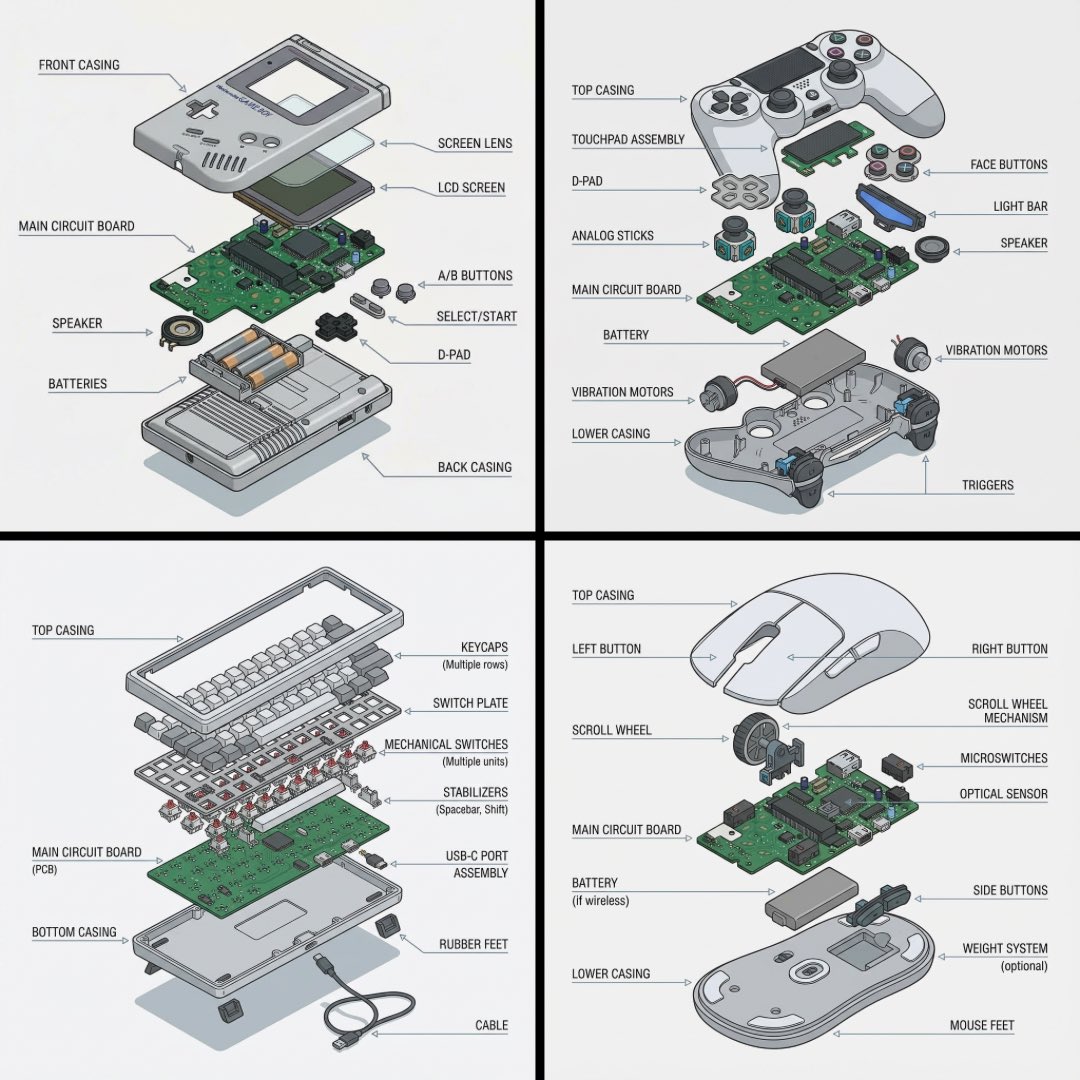
Technical exploded view diagram of a device
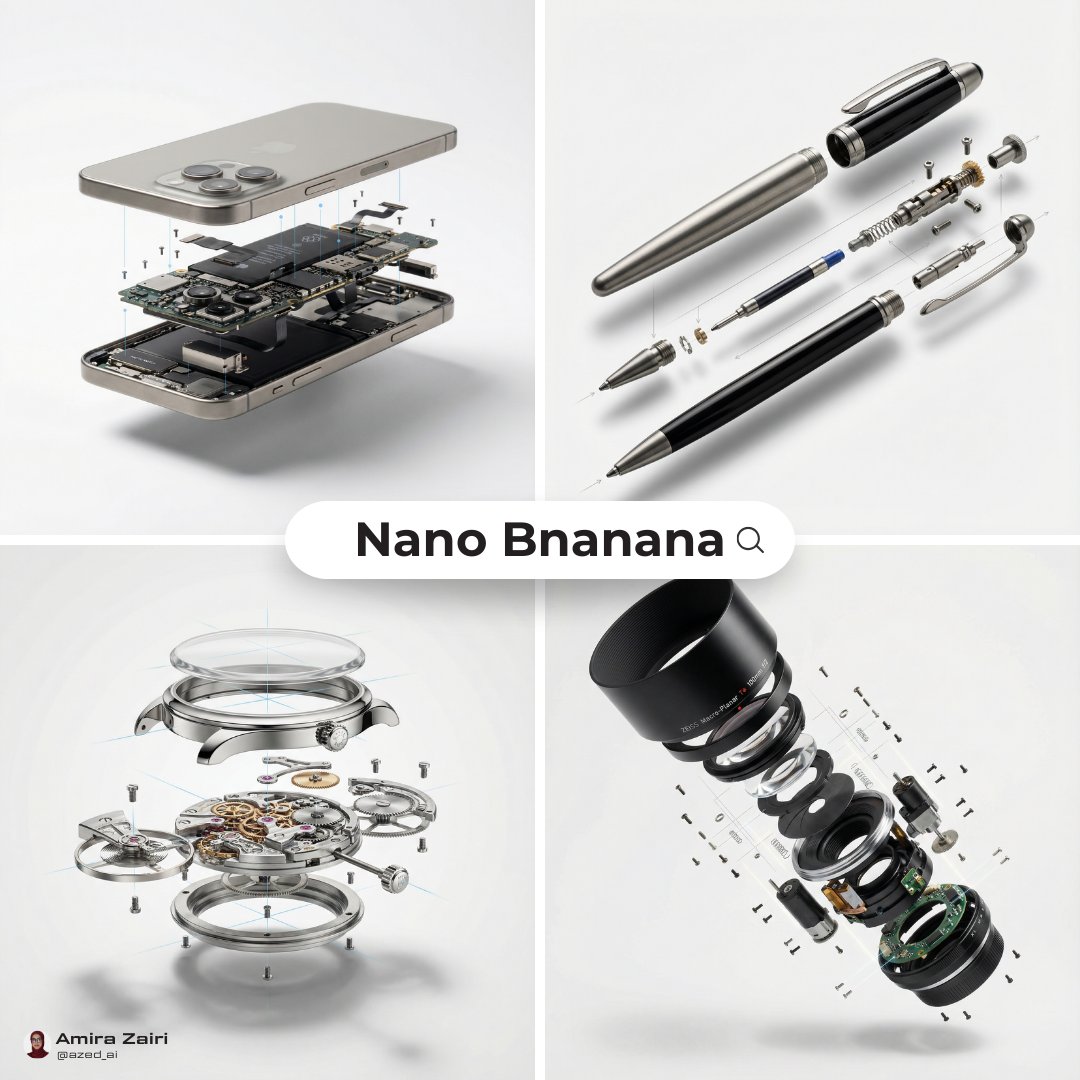
Exploded View Diagram Showing Internal Mechanical Structure
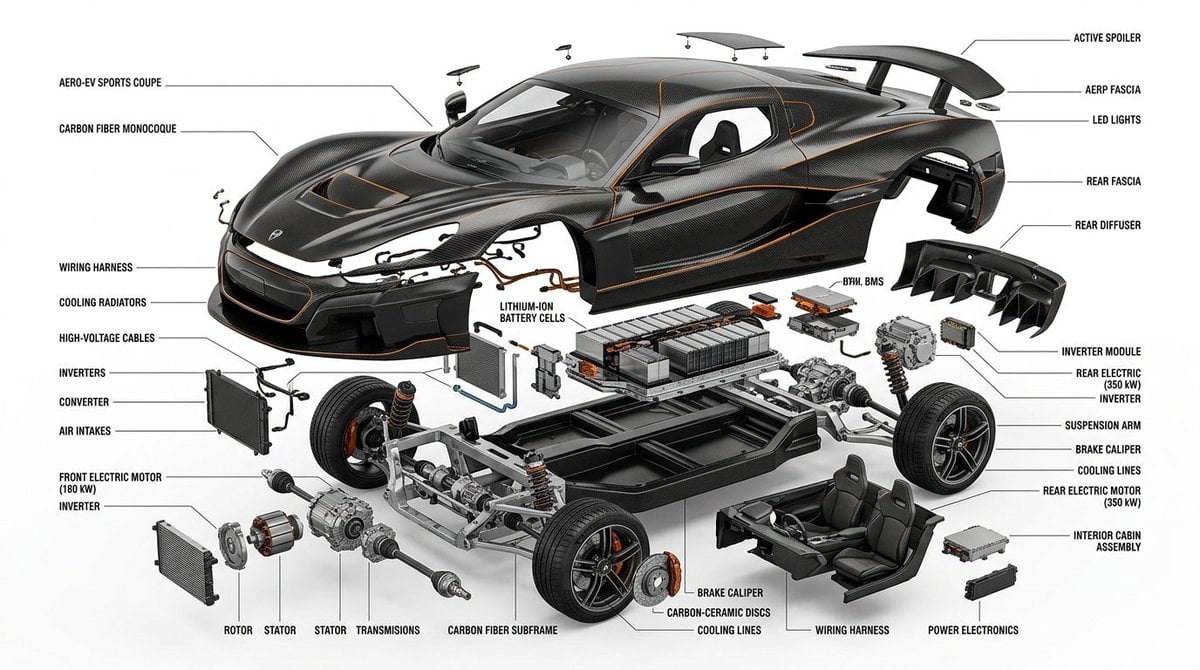
Exploded View Infographic Diagram Prompt
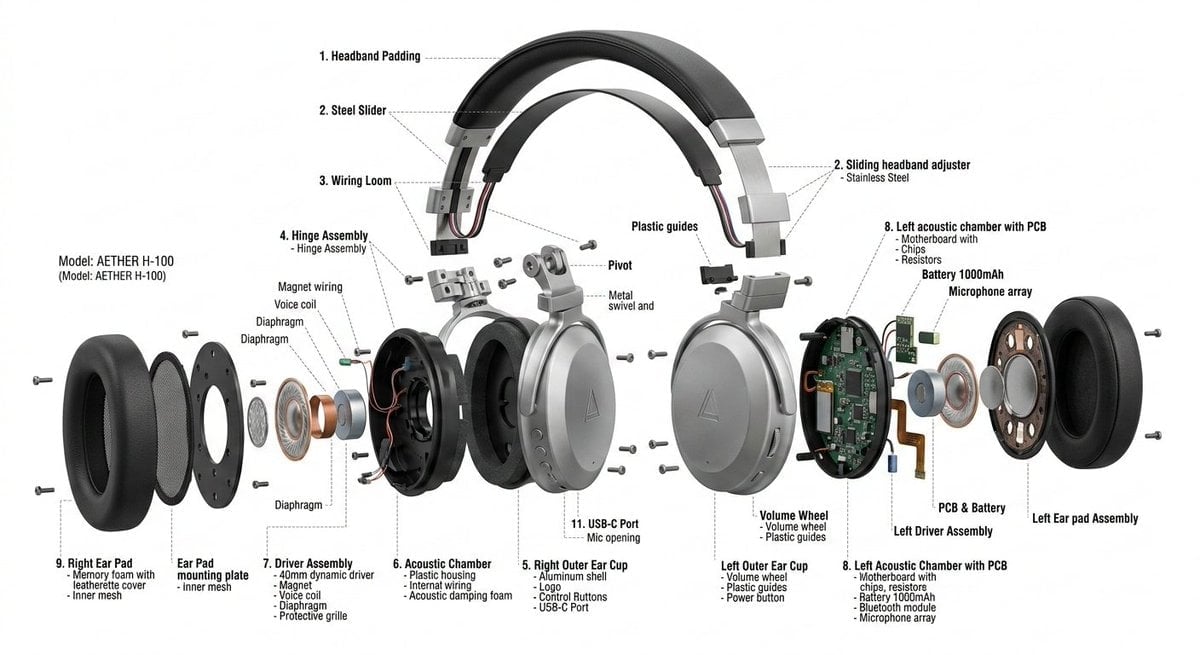
Exploded View Product Design Diagram Prompt
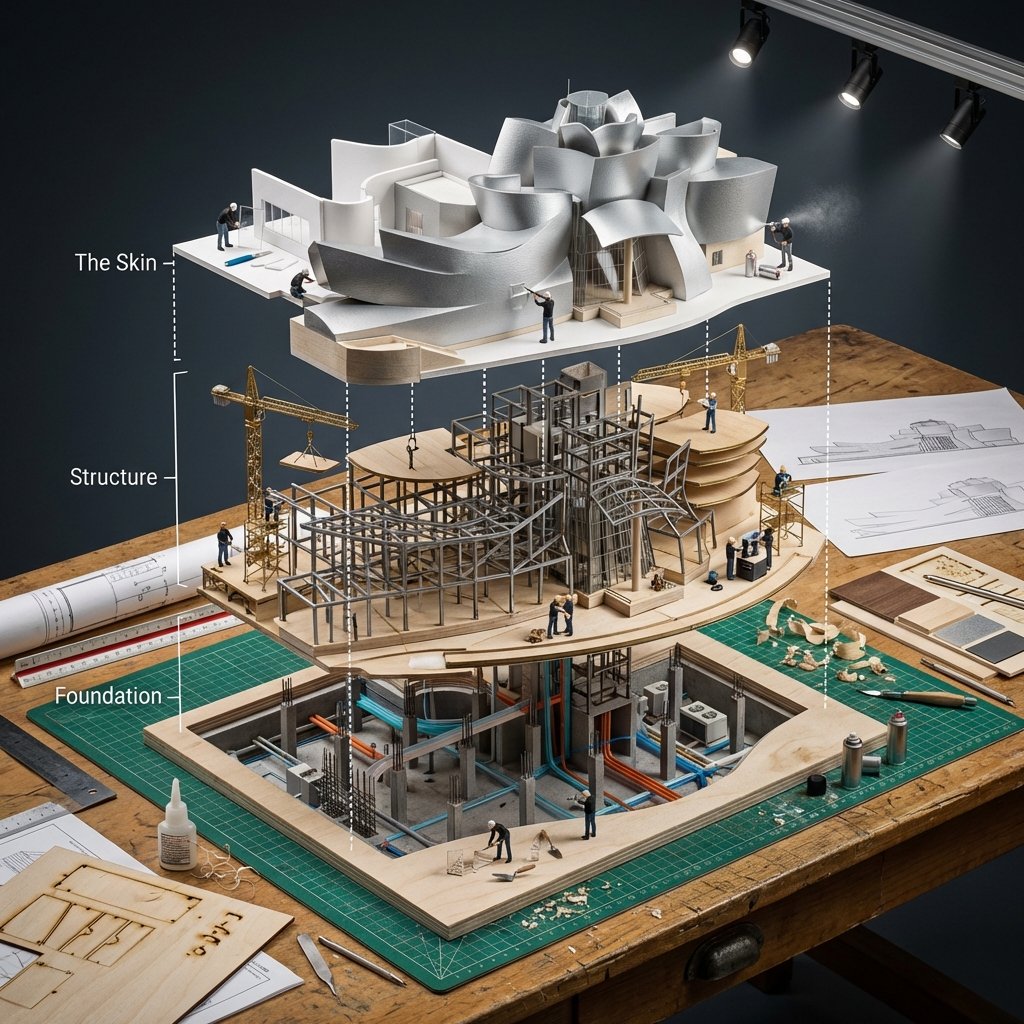
Building Exploded View Architectural Diorama
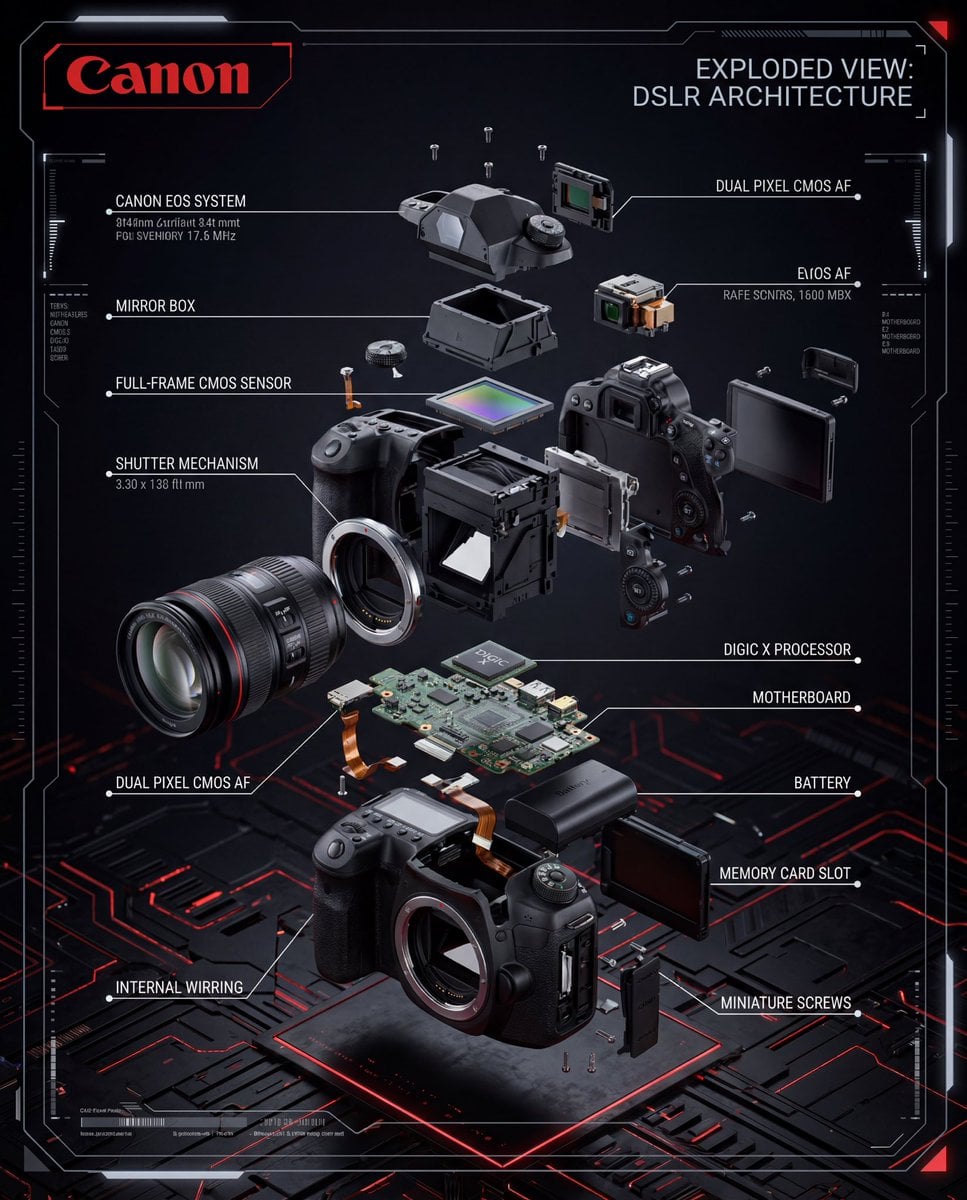
Exploded View DSLR Infographic

Japanese Minimalist Concrete Studio Fashion Editorial

Korean Streetwear Minimalist Campaign Portrait

Minimalist Fashion Editorial Split Layout

Minimalist Scandinavian Editorial Fashion Portrait Series

Quiet Minimalist Anime Style Guide

Premium Vintage Travel Poster Landscape
Make it yours
Minimalist Exploded View Industrial Design Diagram works as-is. These are the safest ways to change it without losing the look.
Swap the light
One lighting change is enough to compare takes. Current light: “soft studio lighting, gentle shadows under each floating part”.
Change one field
Copy a single group, rewrite it, and generate again so you can see what that field is doing.
Keep the frame, change the subject
Hold the composition and light of Minimalist Exploded View Industrial Design Diagram, then swap wardrobe, props or the person for a new take.
| If the result… | Why | Fix |
|---|---|---|
| The result drifts from the preview | Too many fields changed at once. | Reuse Minimalist Exploded View Industrial Design Diagram as-is first, then change one group — subject, light, or setting. |
| Nano Banana 2 ignores part of the JSON | Some models flatten or skip nested keys. | Keep the same values and paste them as a short paragraph instead. |
More Nano Banana 2 templates
Other prompts made for Nano Banana 2.

Photorealistic Leaf Shaped Like a Dragon

K-Pop Idol Portrait Grid for Rapid Selection

Poetic Rain Forest Portrait During Golden Hour

Urban Street Portrait with Cartoon Inner Self Duo

Candid Nighttime Photo with Cat Prompt

High-Concept 3D Diorama Generation Prompt

Cinematic Futuristic Studio Portrait Template

Skincare Editorial Photography Collage Prompt

Hyper-Realistic Commercial Product Photography (Splash Effect)

Hyper-Realistic Nightclub Portrait Prompt
More image prompts
Fresh picks from across the catalog.

Ultra-Realistic Street Portrait with Identity Lock

Indie Sleaze 2000s Street Style Portrait Prompt

Google Flow video generation prompt formula and features

Dark Queen Oriental Diviner Portrait

Ultra-Photorealistic Candid Film Still of Night Camping and Stargazing
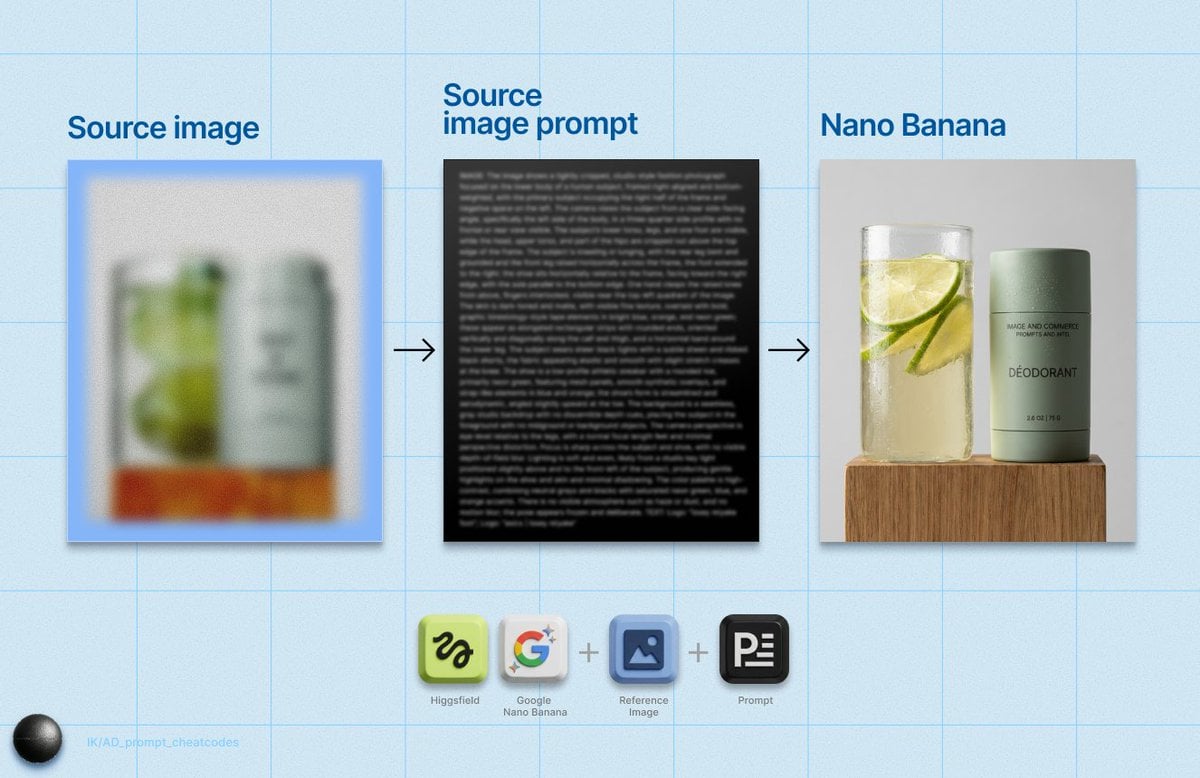
Detailed Product Still Life Photography Prompt

Hyper-Realistic Abstract Oil Portrait
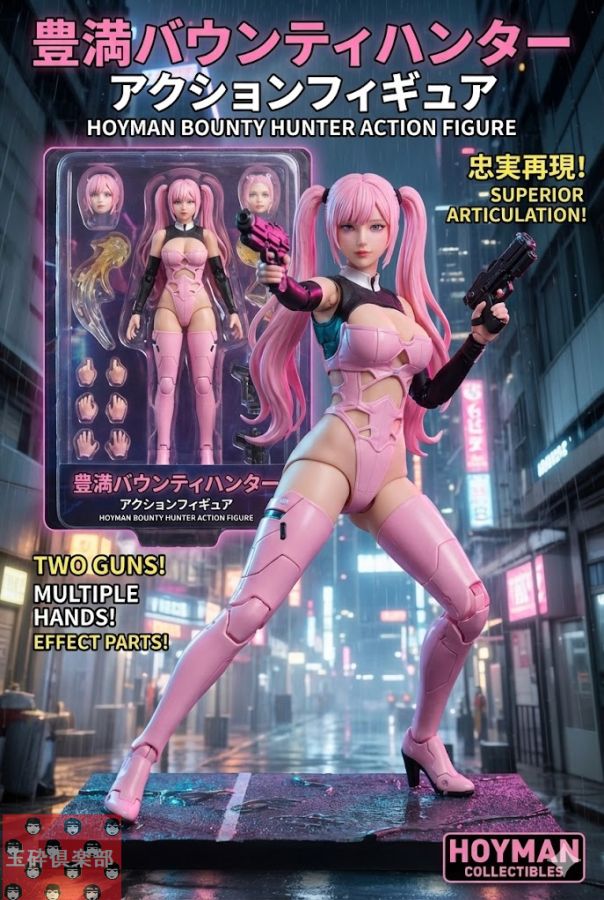
Action Figure Product Advertisement Image

Split-Style Portrait: Photo vs. Digital Illustration

Hand-drawn style header image introducing Nano Banana Pro (Japanese)
Browse template categories
Minimalist Exploded View Industrial Design Diagram questions
How do I use the Minimalist Exploded View Industrial Design Diagram template?
Add your photo if the template asks for one, edit the prompt if you like — the template's model and format are already selected — and press Generate. Your version opens in PicX Studio.
Can I customize the Minimalist Exploded View Industrial Design Diagram template?
Yes. You can change the subject, setting, lighting, mood, format, and available model controls before creating your image.
Is the Minimalist Exploded View Industrial Design Diagram template free?
Opening and editing this template is free. Generating uses credits, shown on the Generate button when you are signed in.
Which AI model should I use?
Start with Nano Banana 2, which is the model associated with this template. You can compare another compatible model for a different finish.
Looking for something else? Browse all templates.

Your photo, any look
Thousands of ready templates for every top image and video model, from one credit balance.