
Korean Editorial Beauty Portrait
An ultra-realistic beauty portrait prompt using a cinematic teal-and-orange Korean editorial style, emphasizing glass skin and specific lighting.
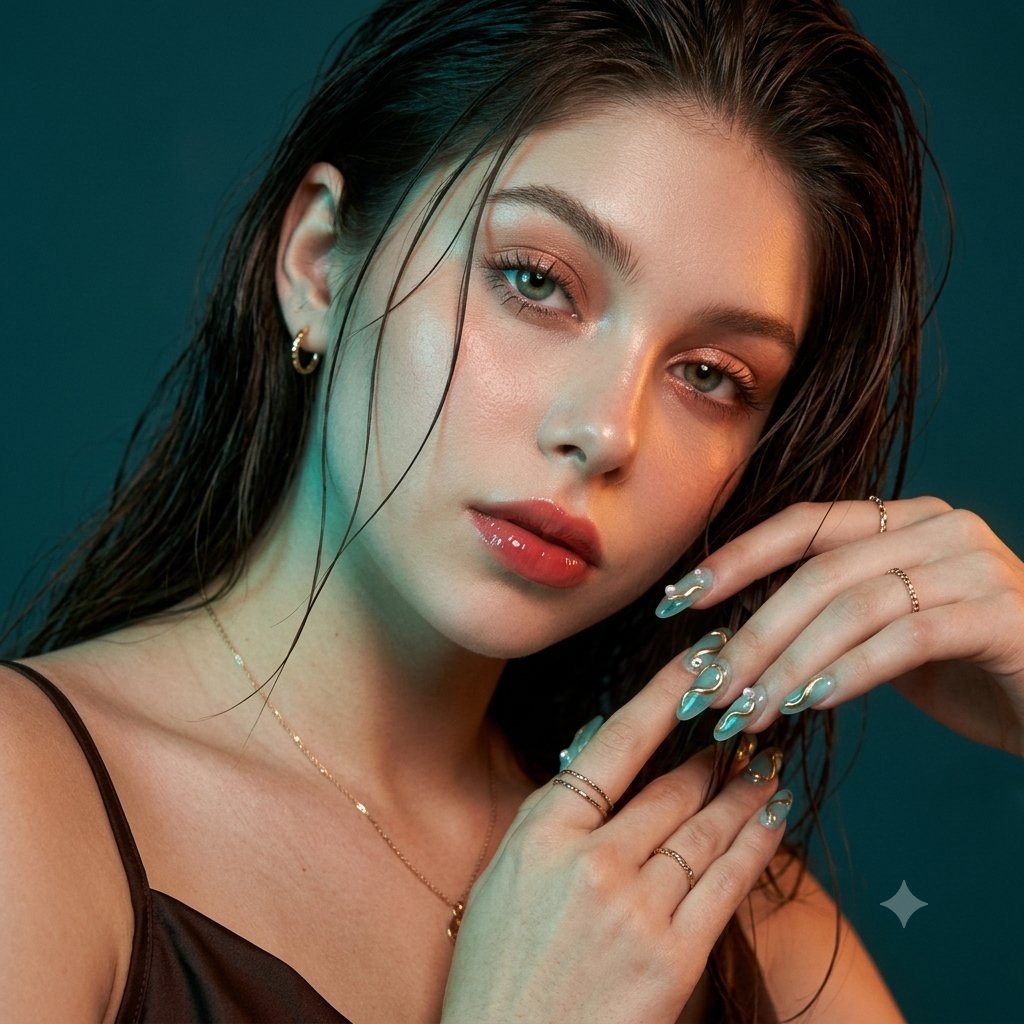
- Prompt included
- Model and format preset
- Free template
The prompt behind this image
Copy the exact prompt behind Korean Editorial Beauty Portrait, or open it in the studio and make it yours.
Use the face from the reference photo and preserve the exact identity, facial structure, face shape, eyes, nose, lips, jawline, skin tone, proportions, and natural expression. Do not beautify, slim, reshape, or change the face. Keep realistic skin texture, visible pores, subtle peach fuzz, and authentic details. Create an ultra-realistic close-up beauty portrait in a cinematic {argument name="color grade" default="teal-and-orange"} Korean editorial style. Tight shoulder-up composition, soft three-quarter angle, slightly tilted head, calm magnetic eyes, softly parted lips, and a quiet confident expression. Use a deep teal studio background with cinematic lighting: cool teal light on one side and warm amber-orange highlights on the cheekbones, nose, lips, collarbone, and wet-look hair. Create glossy highlights, soft shadows, subtle halation, and a dreamy luxury beauty-campaign mood. Wear a {argument name="clothing" default="dark chocolate brown or black satin thin-strap top"} with small gold earrings, delicate rings, and a thin gold necklace. Hair is long, dark, glossy, and wet-look, pushed back with a few soft damp strands framing the face without covering the eyes. Makeup: fresh Korean dewy glam with luminous realistic glass skin, feathered brows, champagne-peach shimmer eyeshadow, soft brown eyeliner, lifted lashes, subtle aegyo-sal highlight, coral-peach blush, and glossy coral-rose gradient lips. One hand rests gently near the hair or side of the face without covering features. Show elegant long almond nails with {argument name="nail style" default="translucent aqua jelly polish, gold chrome wave details, tiny crystals, pearl droplets"}, and a glossy water-like finish. Ultra-realistic DSLR beauty photography, 85mm lens, shallow depth of field, sharp facial details, soft background blur, cinematic teal-orange grading, subtle 35mm film grain, gentle bloom, high-definition Korean editorial style. Aspect ratio: 1:1 square profile picture or 3:4. Negative prompt: changed identity, different face, beautified face, plastic or over-smoothed skin, distorted features, bad anatomy, extra fingers, deformed hands, hair covering eyes, harsh neon lighting, low quality, cartoon, anime, text, logo, watermark.
How to use Korean Editorial Beauty Portrait in 3 steps
- 1Upload ImagePNG, JPG or paste
Add your photo
Upload the photo the template builds on. The prompt, model and format are already set.
- 2…a portrait of your subject in softgolden-hour light, 85mm…
Personalize
Edit the subject and creative details for your destination.
- 3Generate
Generate
Press Generate — your image is created in PicX Studio, so you can compare it with the original and refine one variable at a time.
More like this
Templates with the same subject, style or setup. Open one to see its prompt.
untitled

Caution Tape Fashion — Industrial Editorial

Underwater Macro Face Portrait
Anime Beauty Editorial Portrait
Editorial Beauty Portrait for Consistency
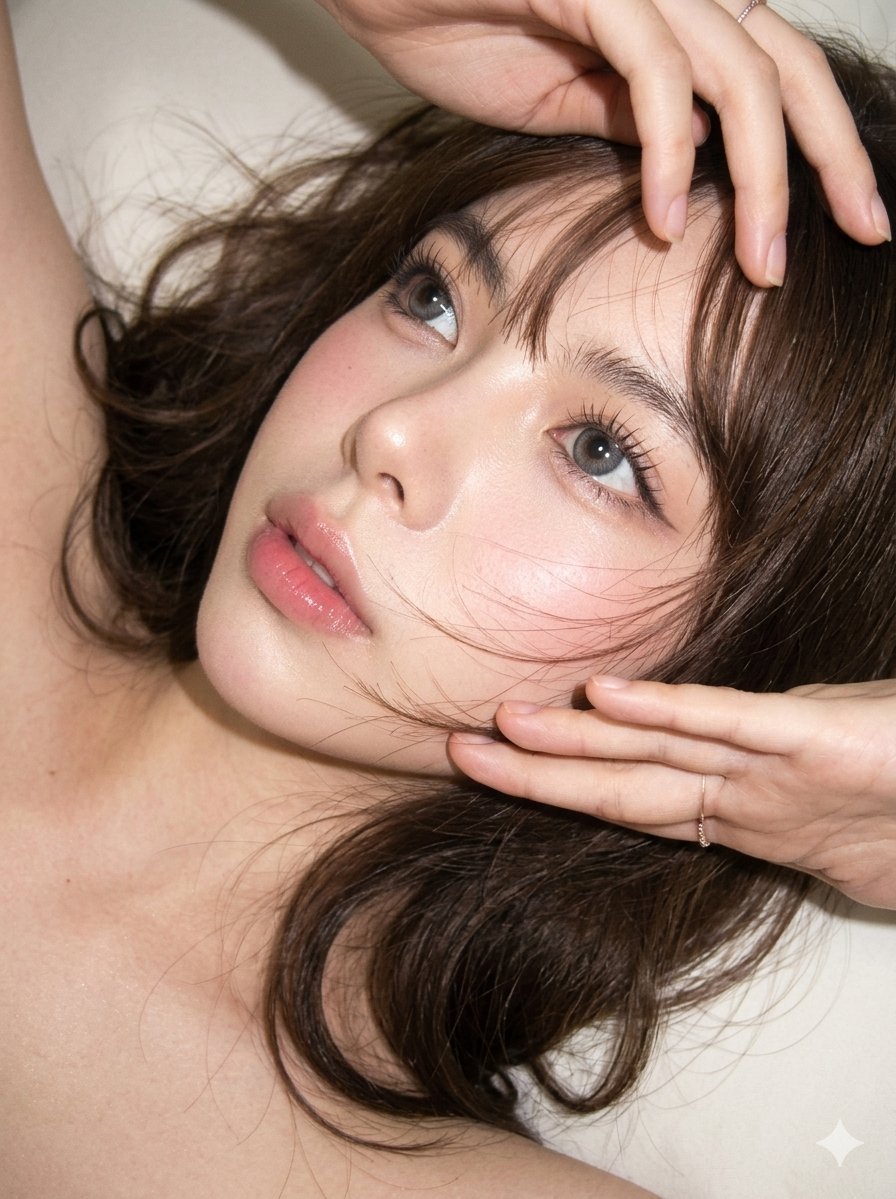
Editorial CCD Close-up Beauty Portrait
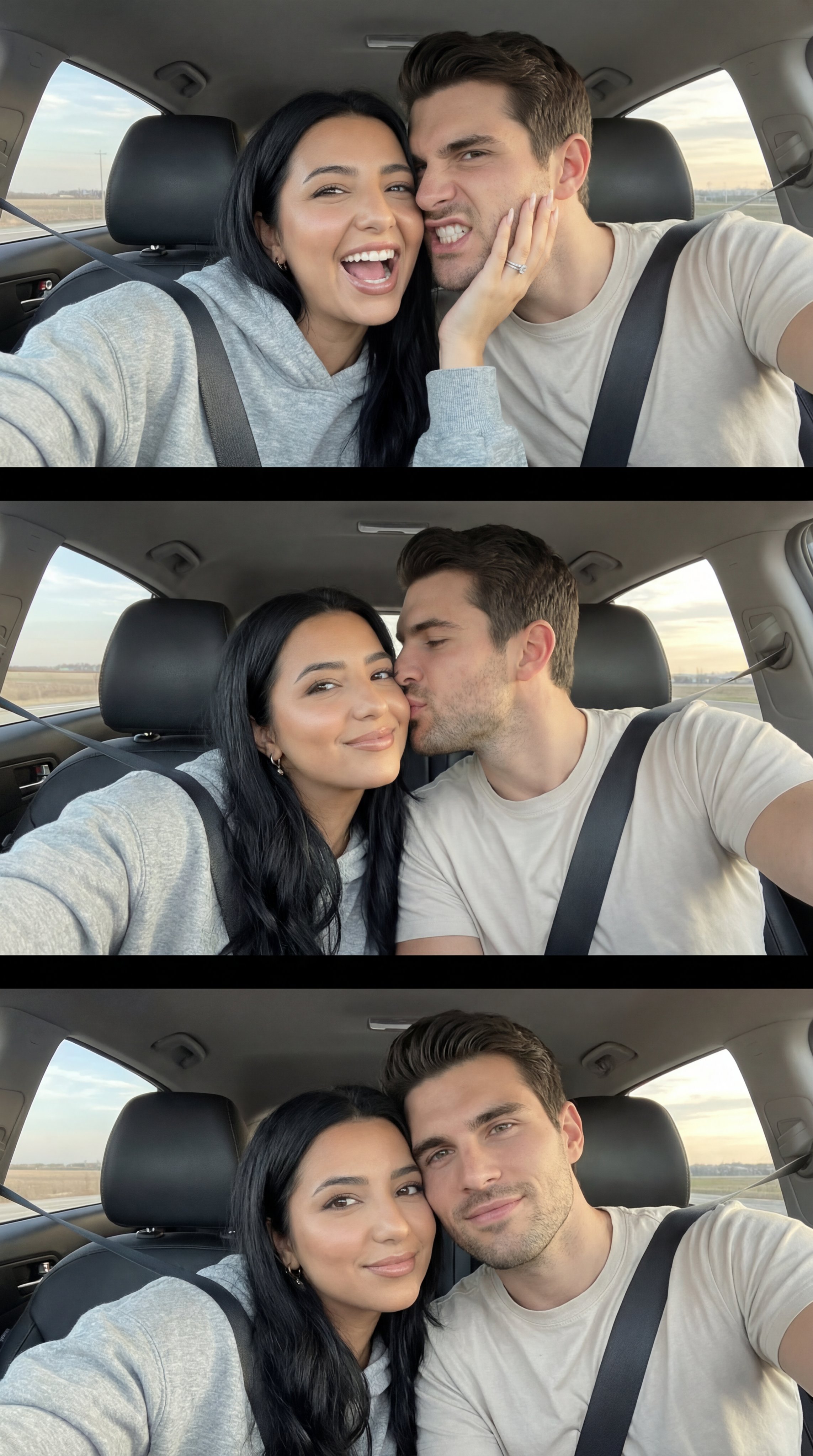
Nano Banana Pro Photoreal Playful Couple

Couture Fashion Editorial Woman and Drag

Nano Banana 2 Editorial Fashion Portrait

Found Photograph: Us, 1970

80s Couple Studio Portrait

80s Bollywood Star
Make it yours
Korean Editorial Beauty Portrait works as-is. These are the safest ways to change it without losing the look.
Change one field
Copy a single group, rewrite it, and generate again so you can see what that field is doing.
Keep the frame, change the subject
Hold the composition and light of Korean Editorial Beauty Portrait, then swap wardrobe, props or the person for a new take.
| If the result… | Why | Fix |
|---|---|---|
| The result drifts from the preview | Too many fields changed at once. | Reuse Korean Editorial Beauty Portrait as-is first, then change one group — subject, light, or setting. |
| The model over-stylizes the scene | The prose prompt leaves finish and camera underspecified. | Add one camera or lighting sentence and stay on Gemini 3 Pro Image Preview. |
More Gemini 3 Pro Image Preview templates
Other prompts made for Gemini 3 Pro Image Preview.
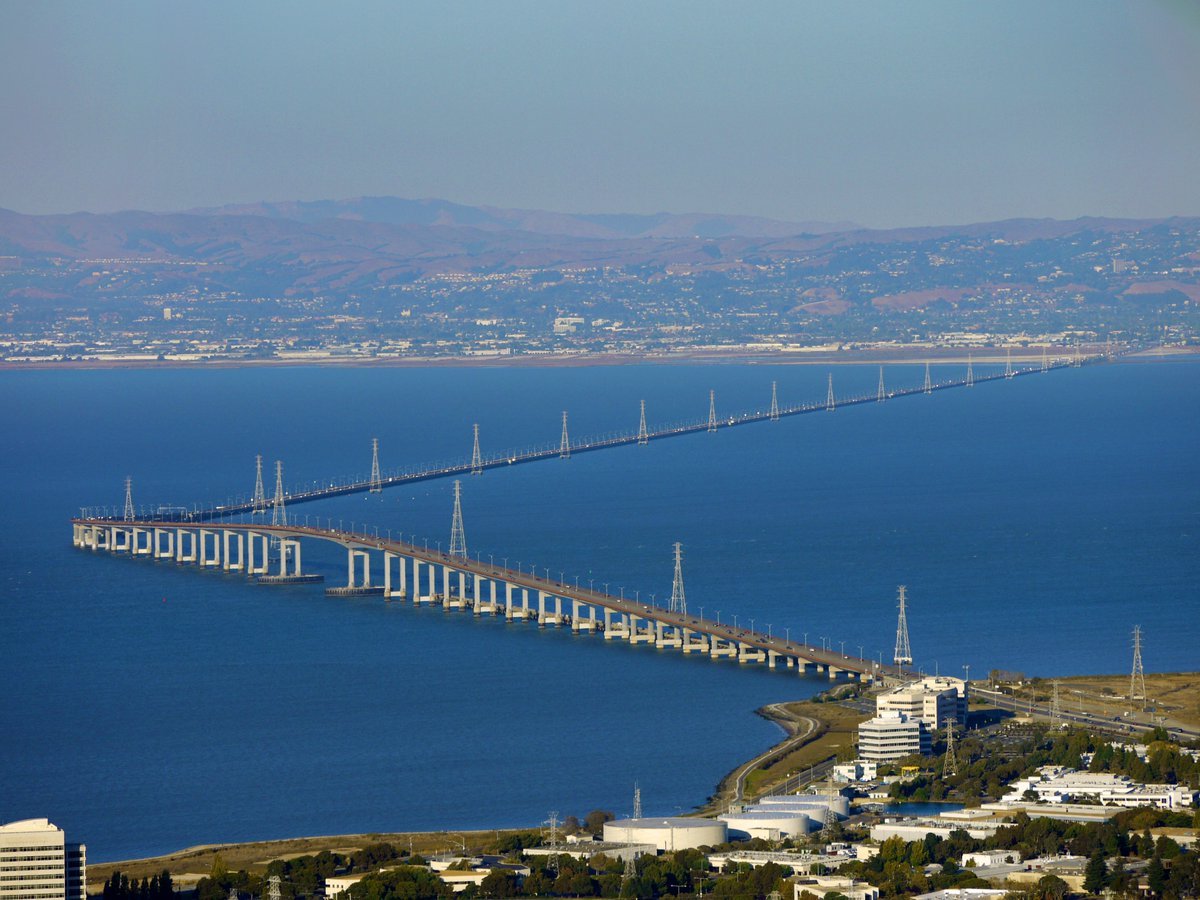
Water-level Bridge Modification
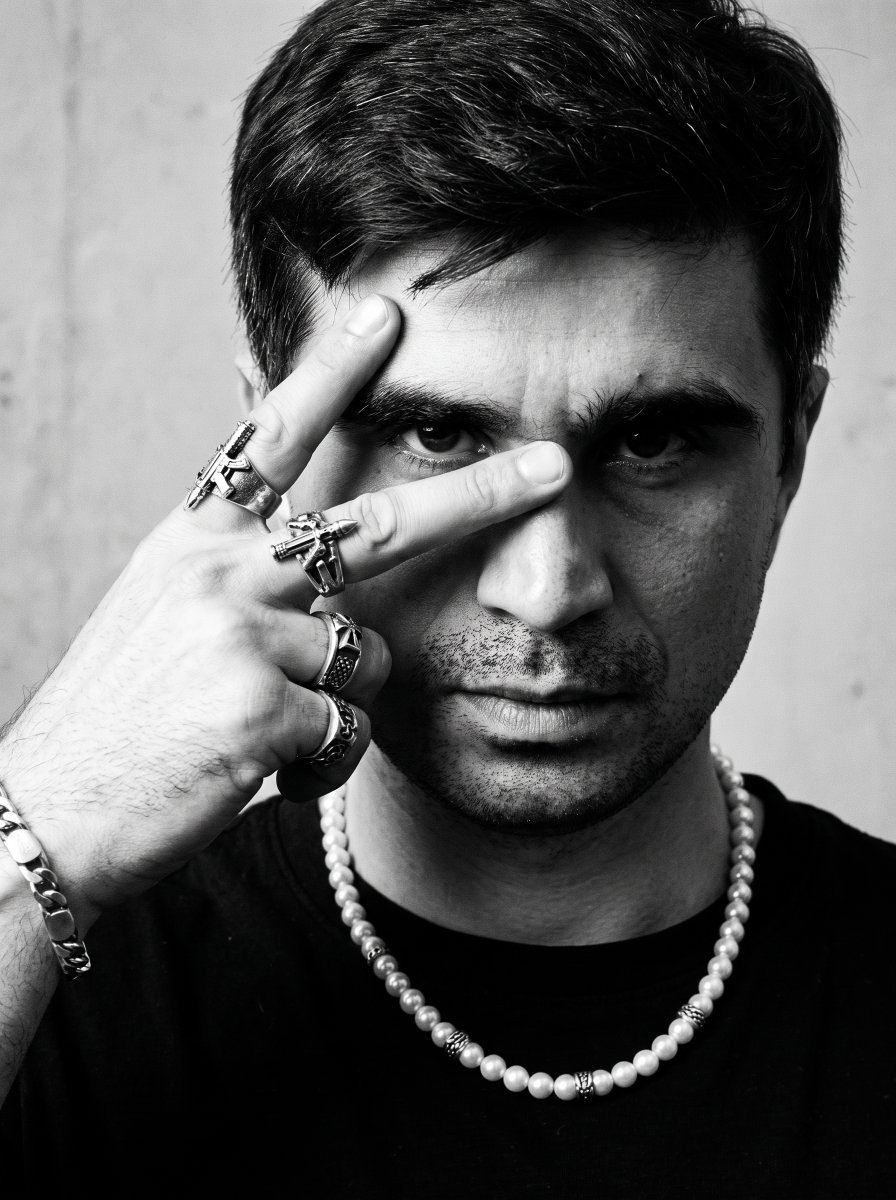
Noir Punk Street Portrait
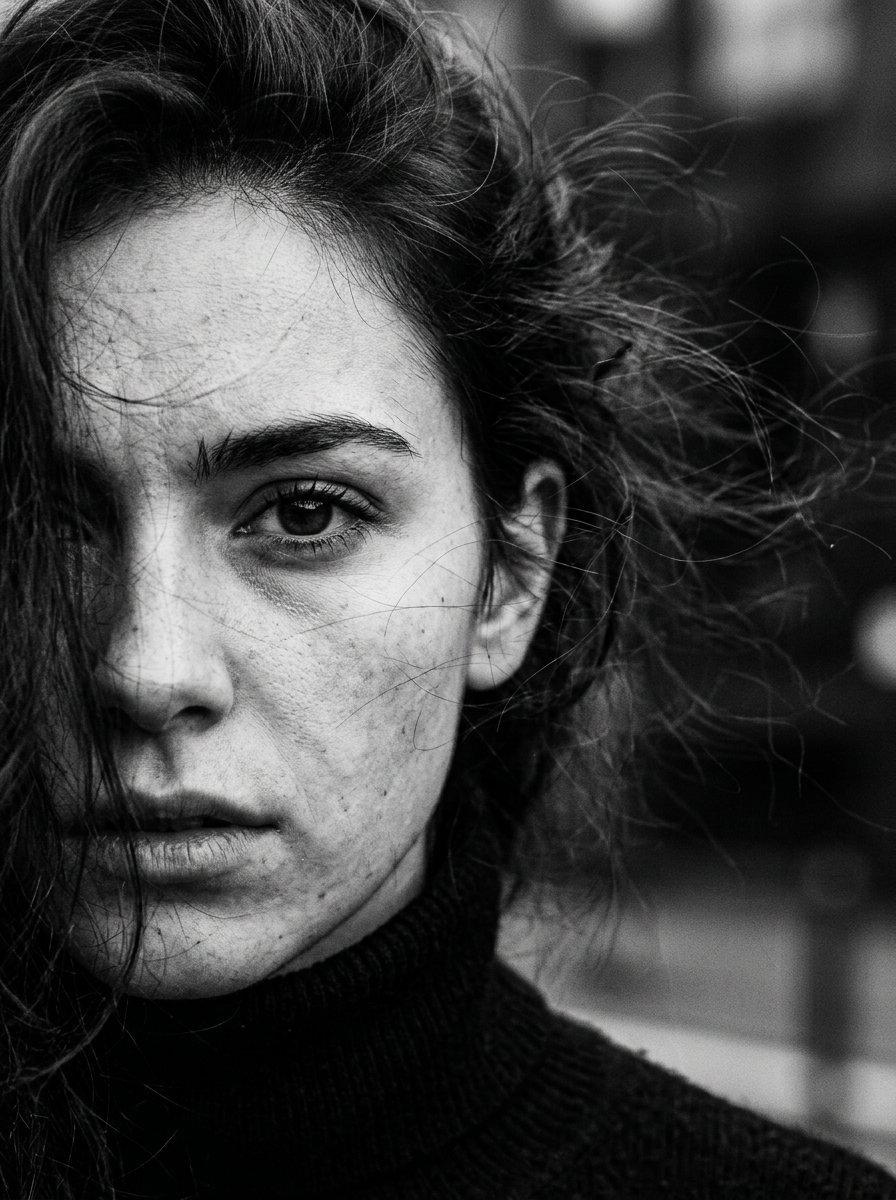
High Contrast Cinematic Face Portrait
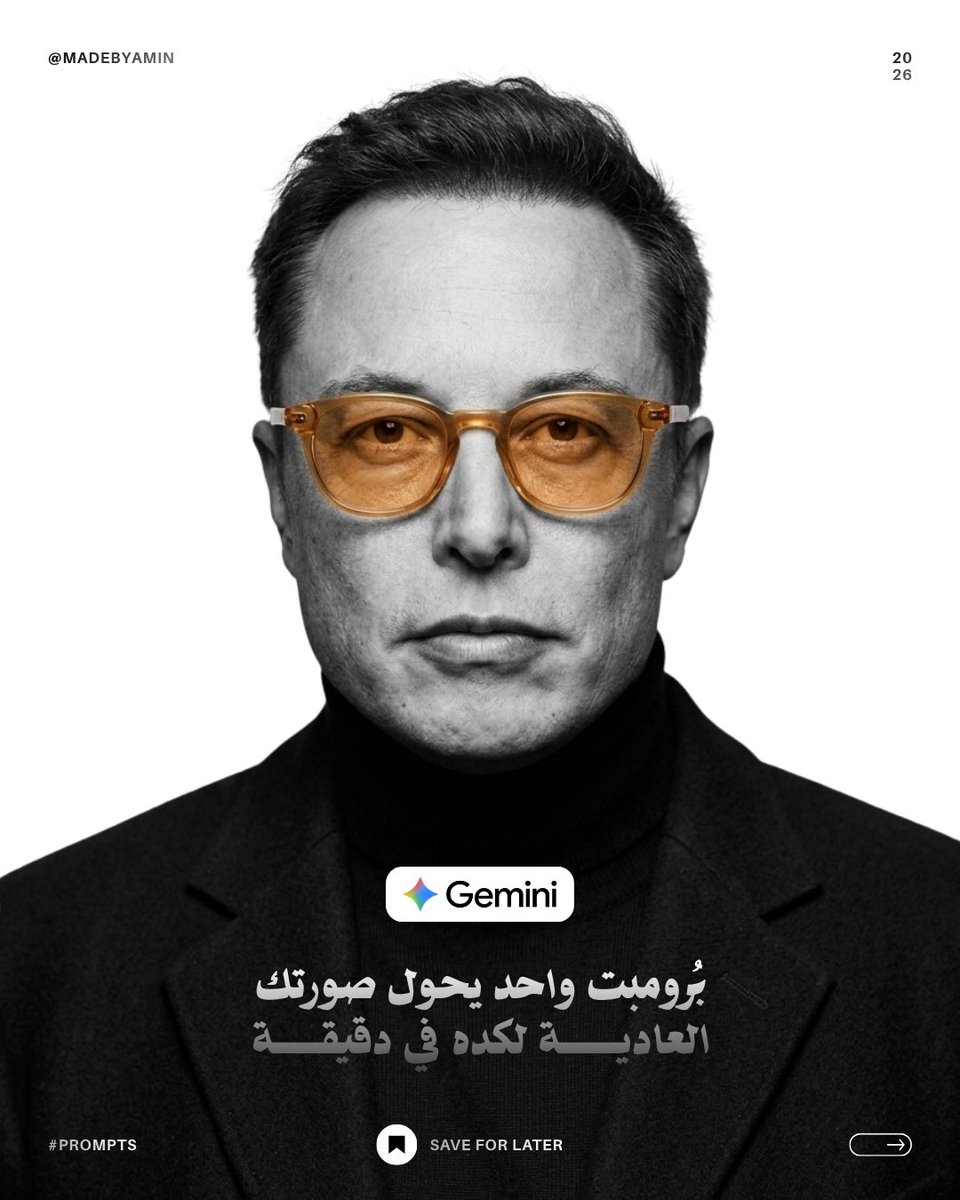
Monochrome Studio Portrait with Colored Lens
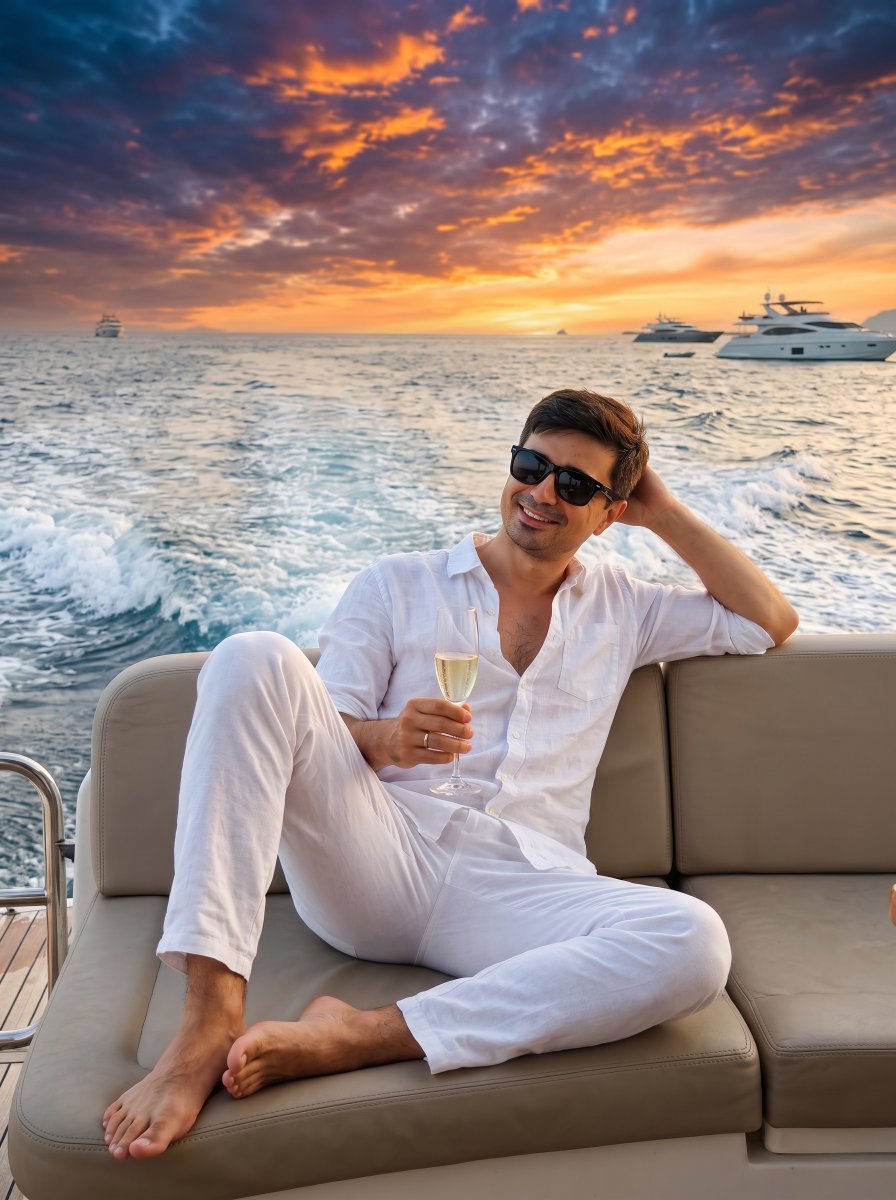
Ultra-Realistic Yacht Sunset Portrait

Mushroom Still Life Composition
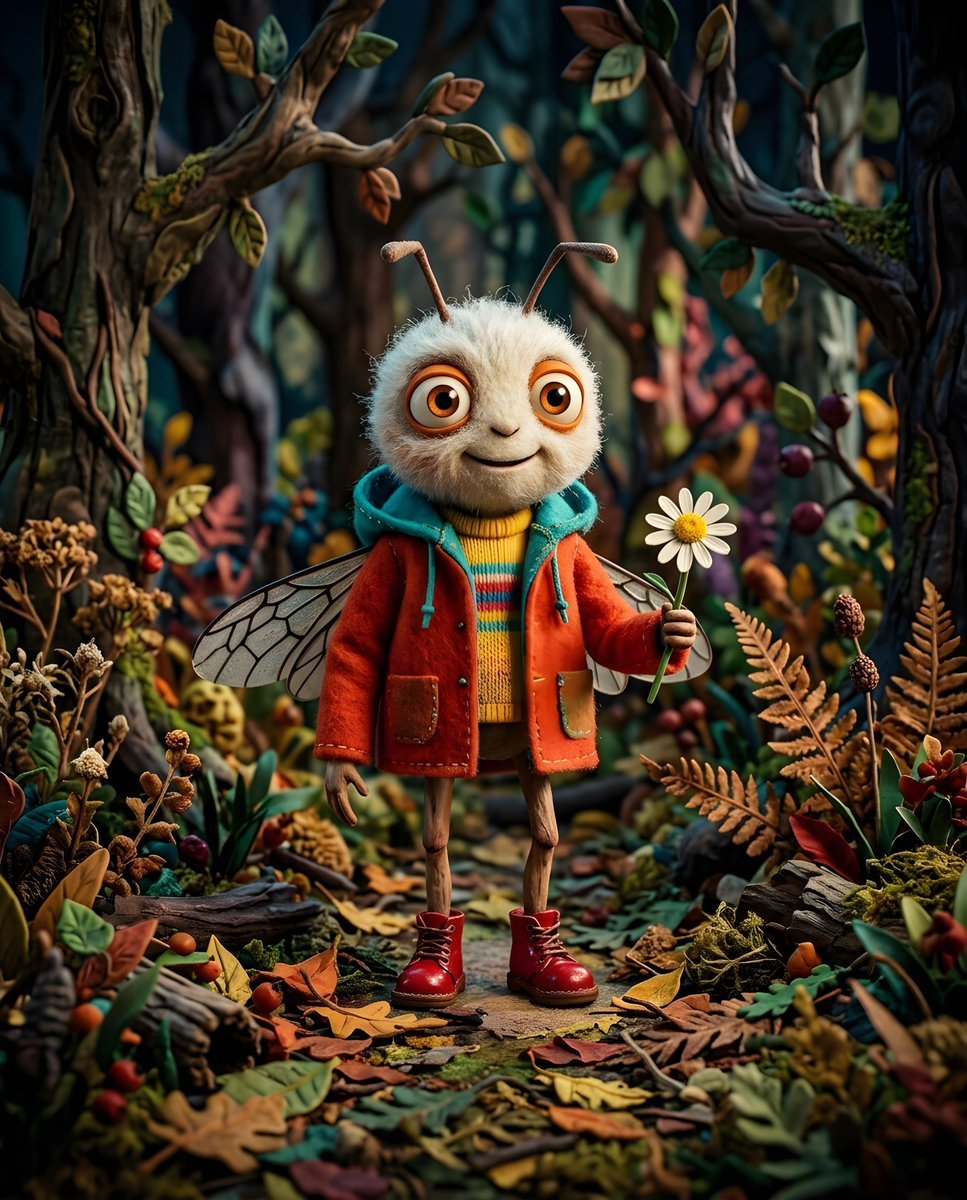
Whimsical Anthropomorphic Friendly Insect
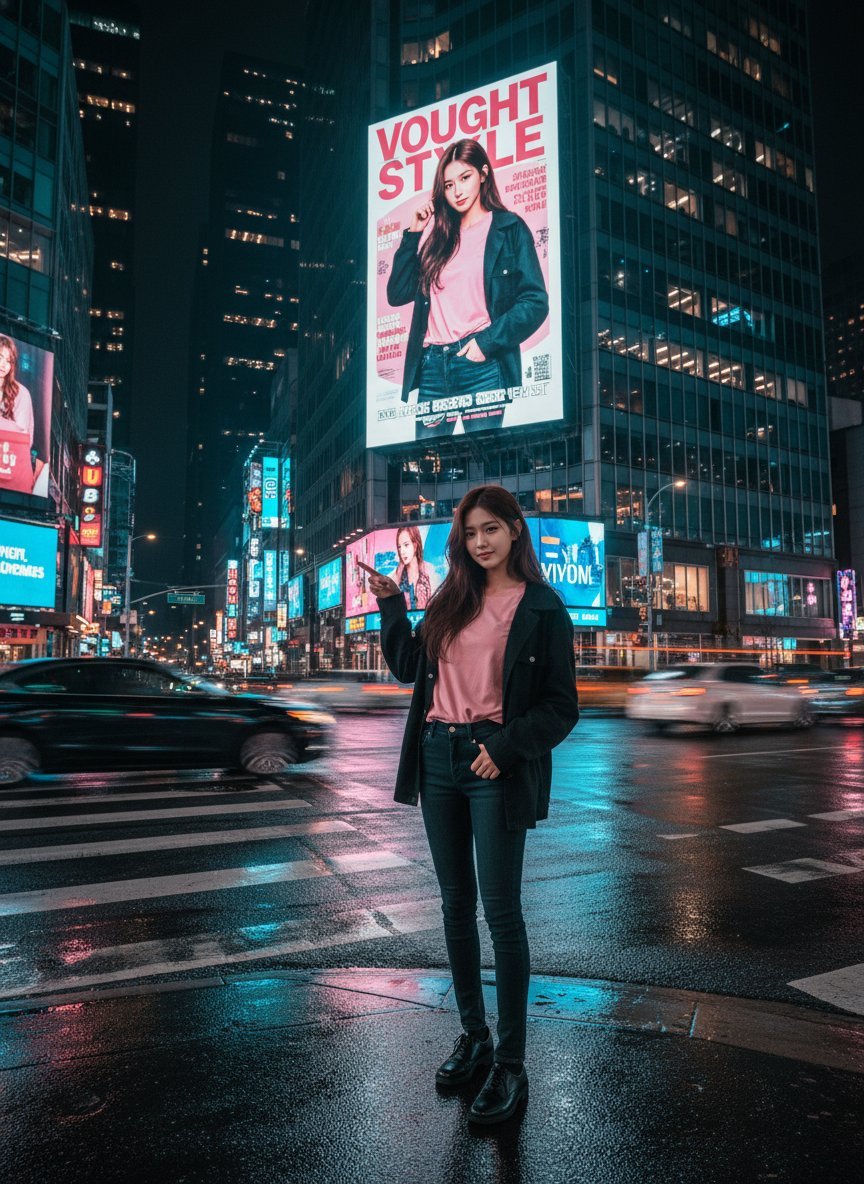
Cinematic Urban Night Billboard Portrait
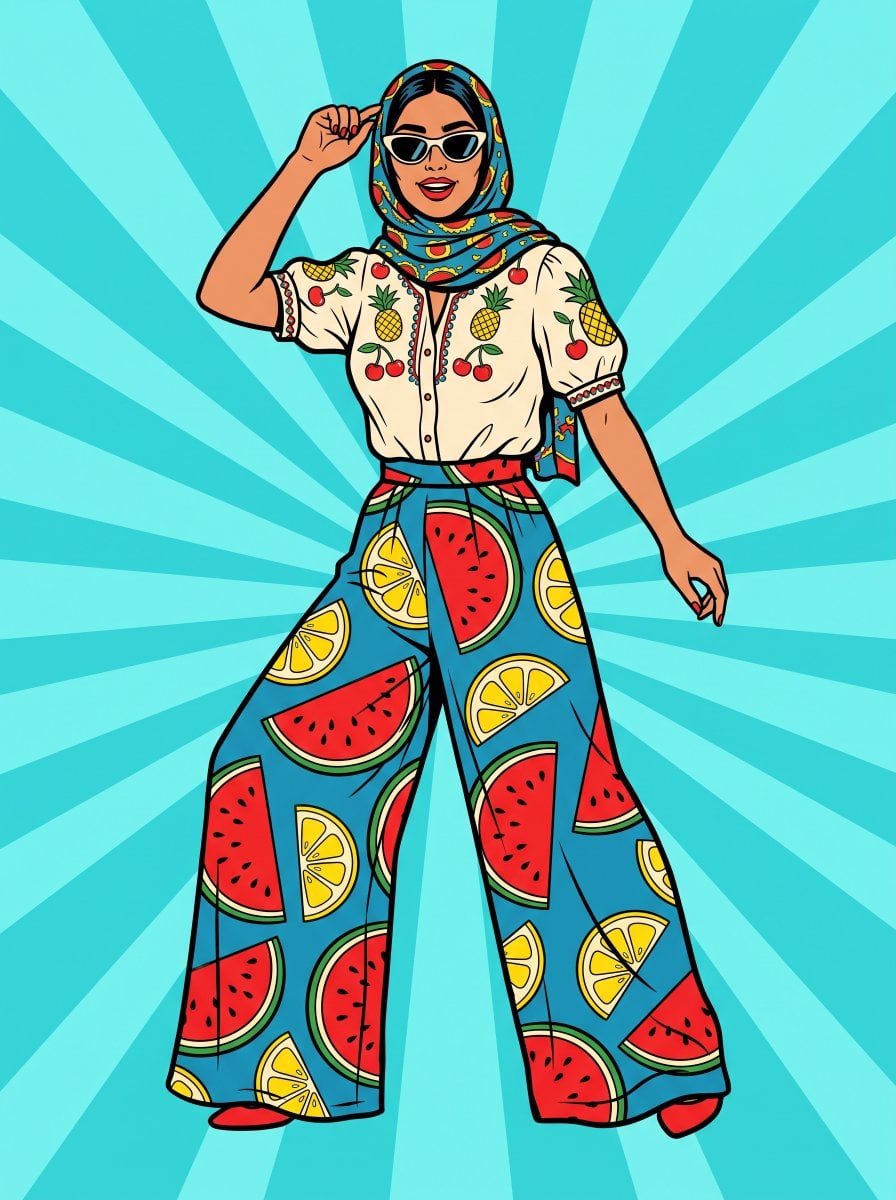
Pop Art Summer Fruit Fashion Illustration
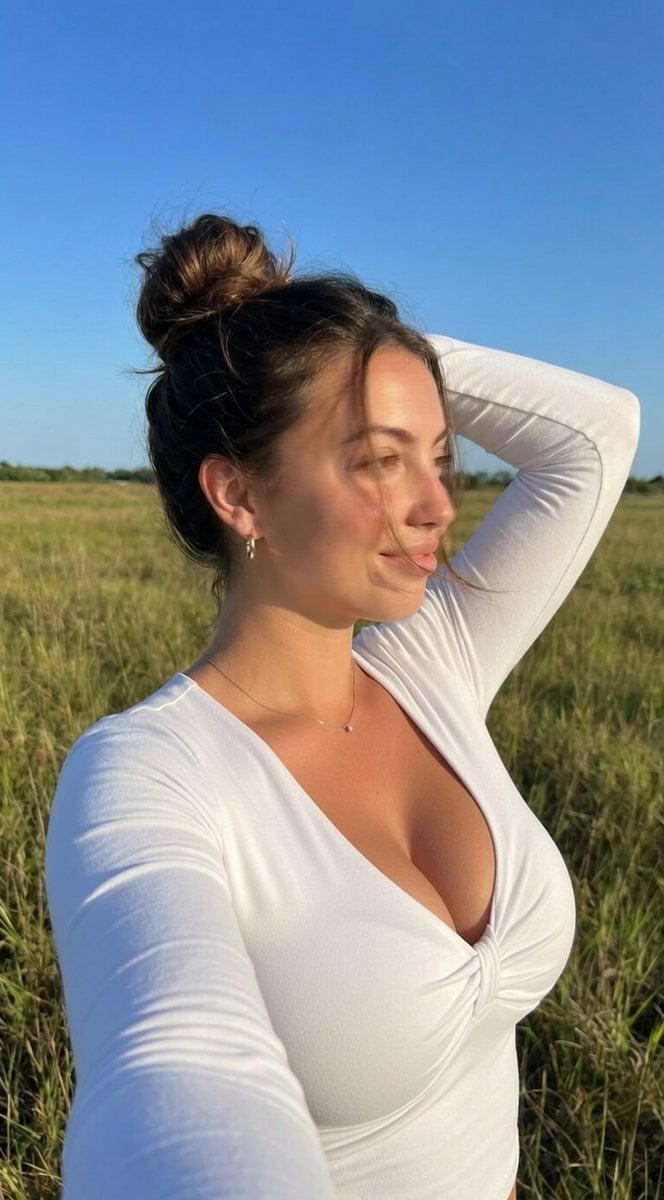
Ultra-Realistic iPhone Selfie with Motion Blur
More image prompts
Fresh picks from across the catalog.
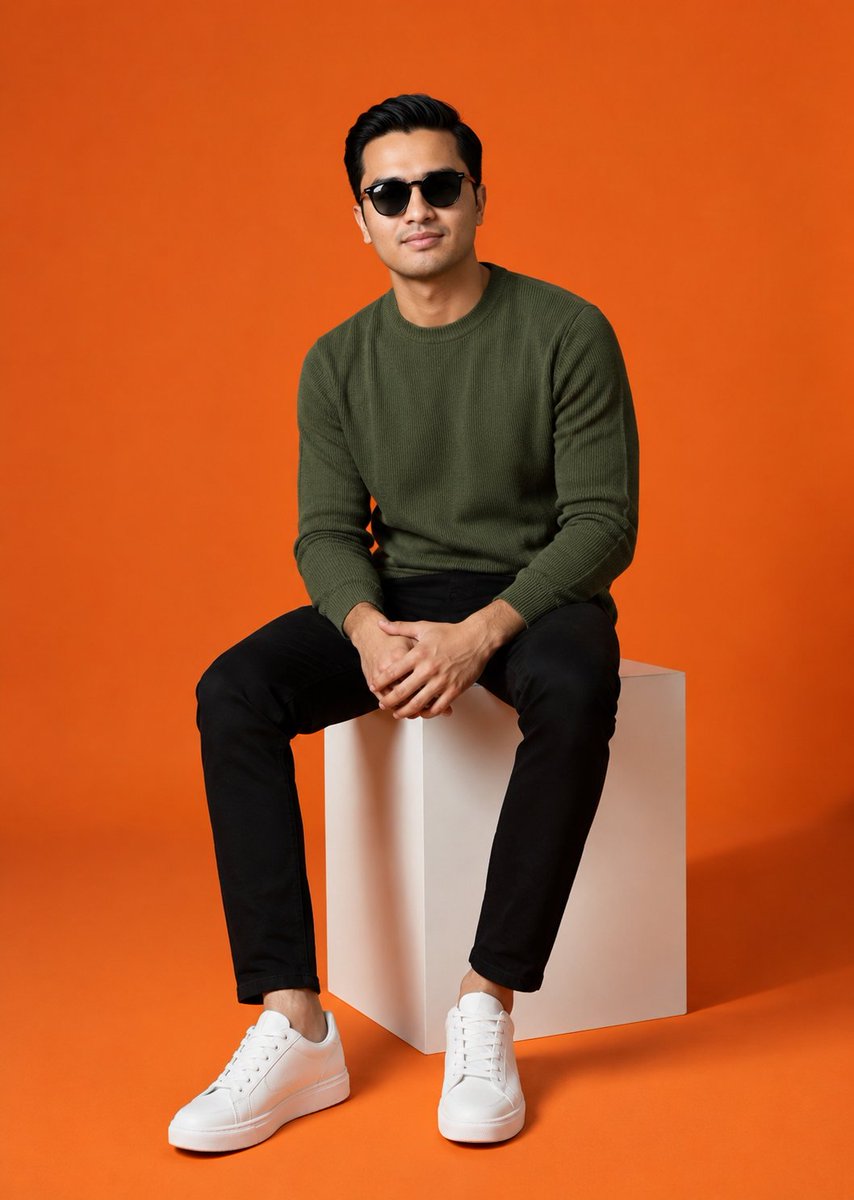
Minimalist Studio Fashion Shot

Generating Visuals from Real-Time Korean News
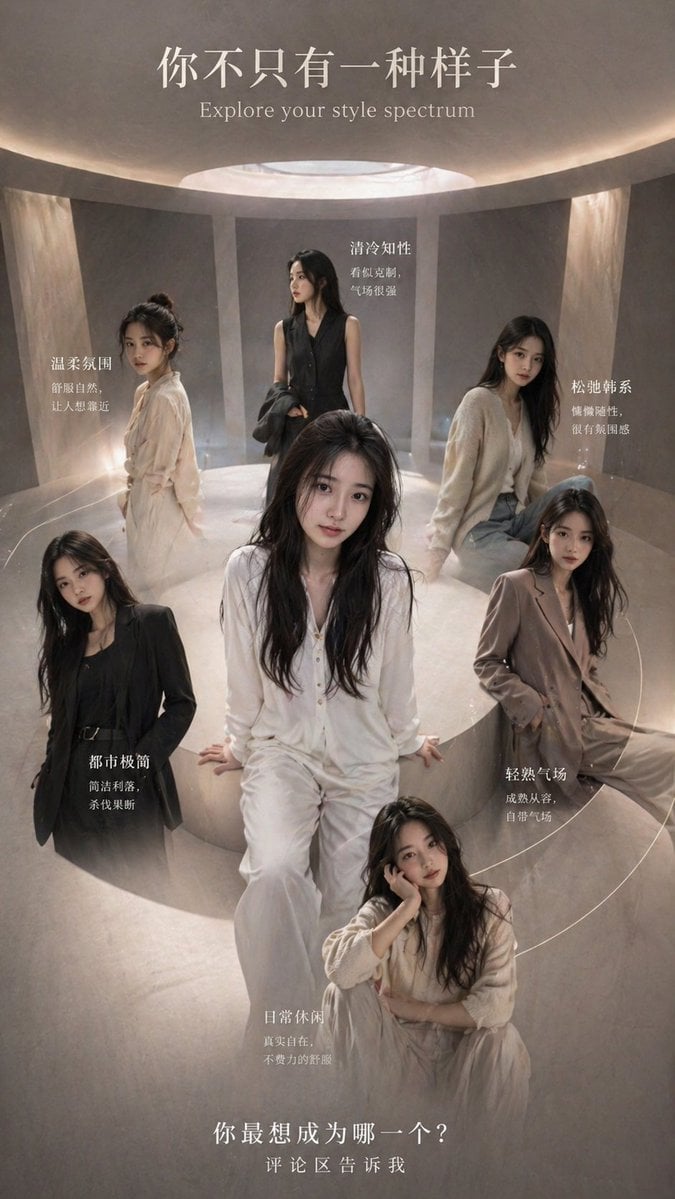
Style Spectrum Fashion Poster
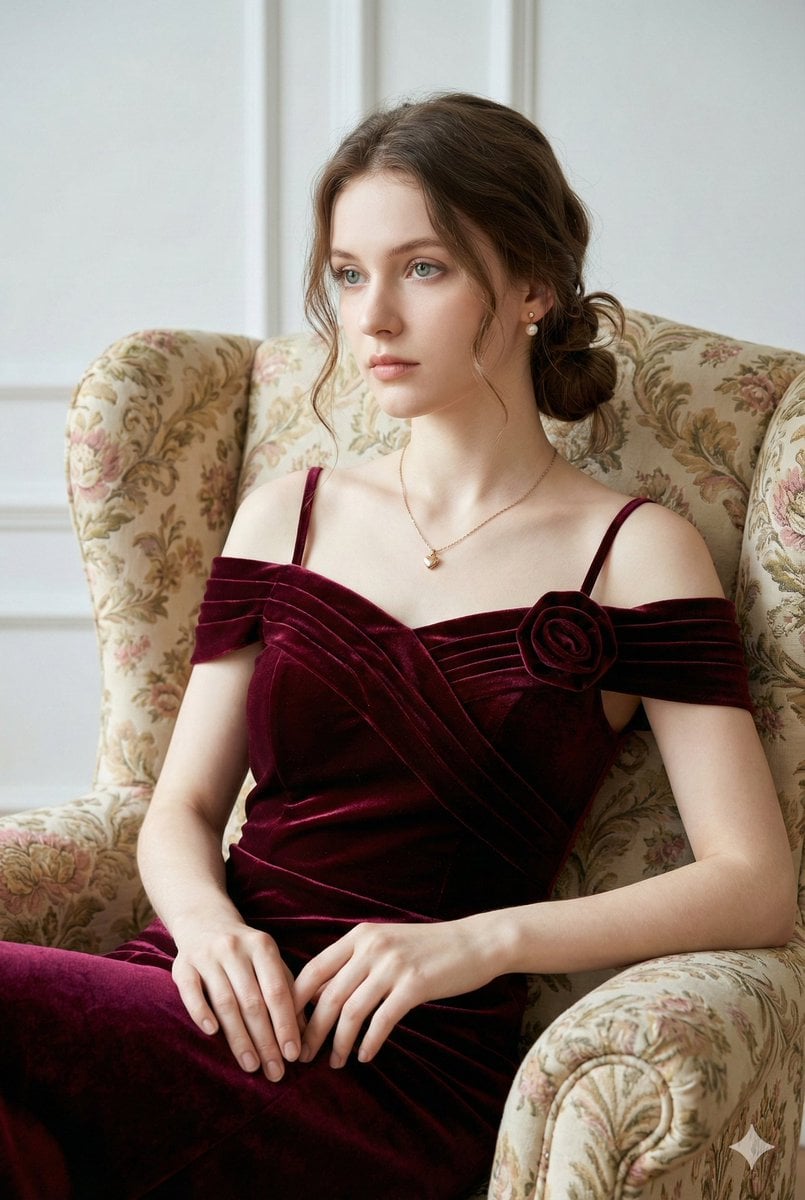
Photorealistic Velvet Dress Portrait

Football Superstar Breakout Profile Poster
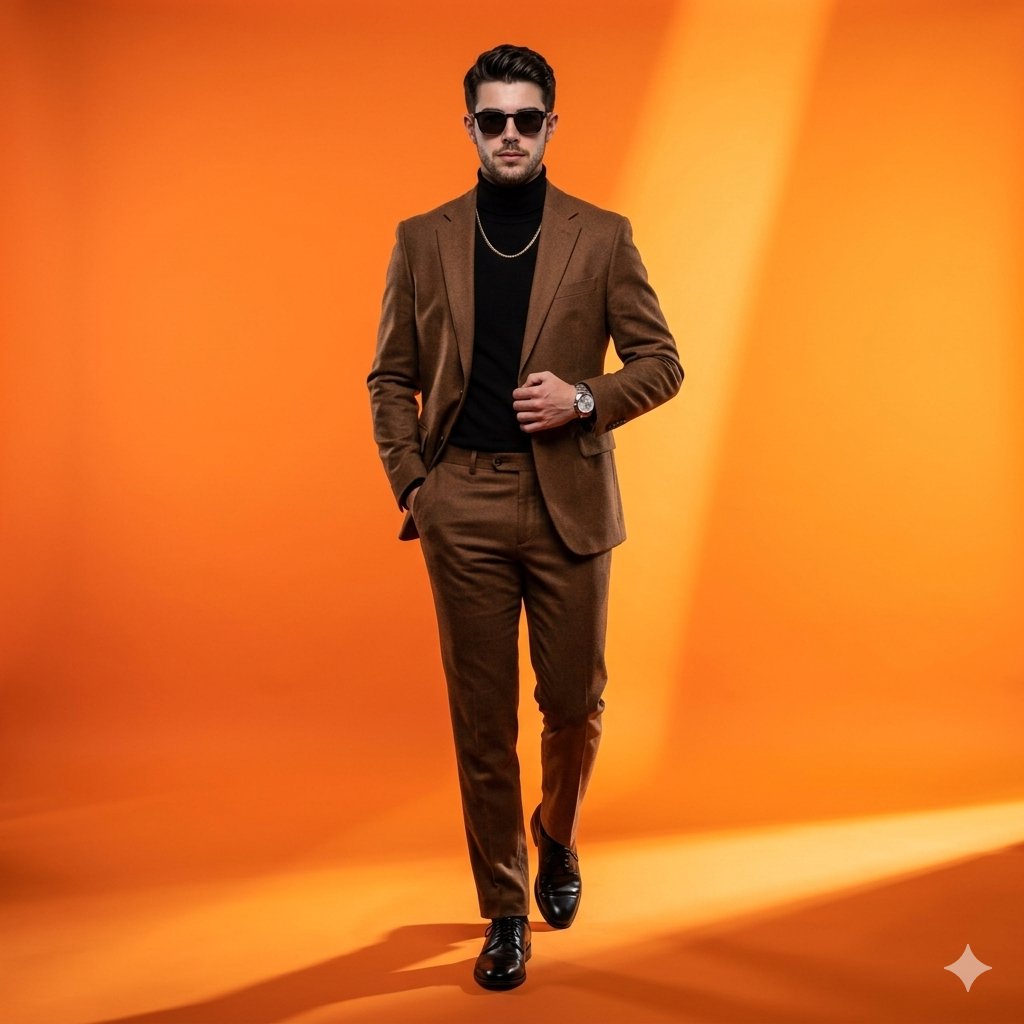
High-Fashion Gradient Studio Portrait

Sci-Fi Surrealism: Figure Against Cosmic Backdrop
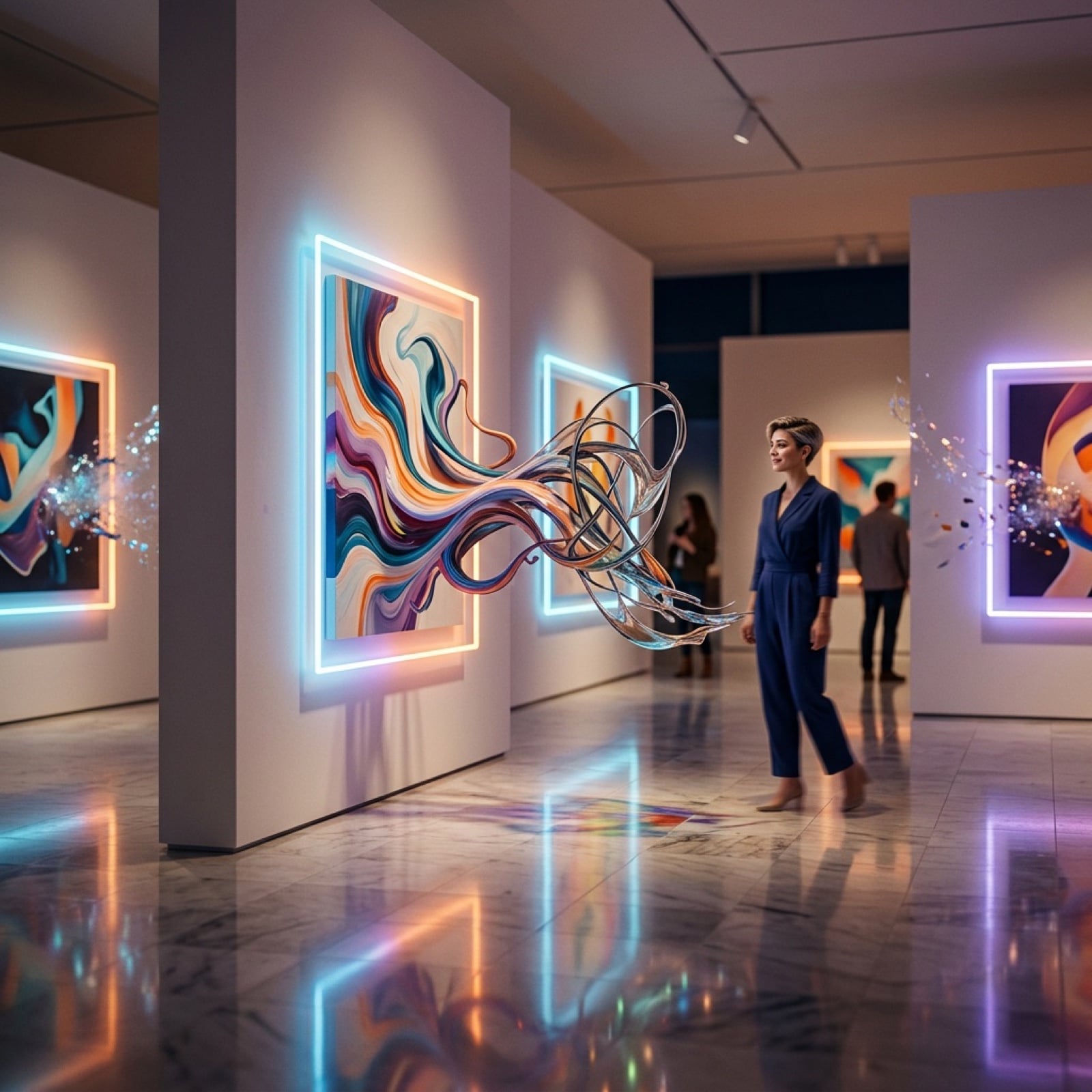
Surreal Art Gallery Concept Prompt for Nano Banana 2
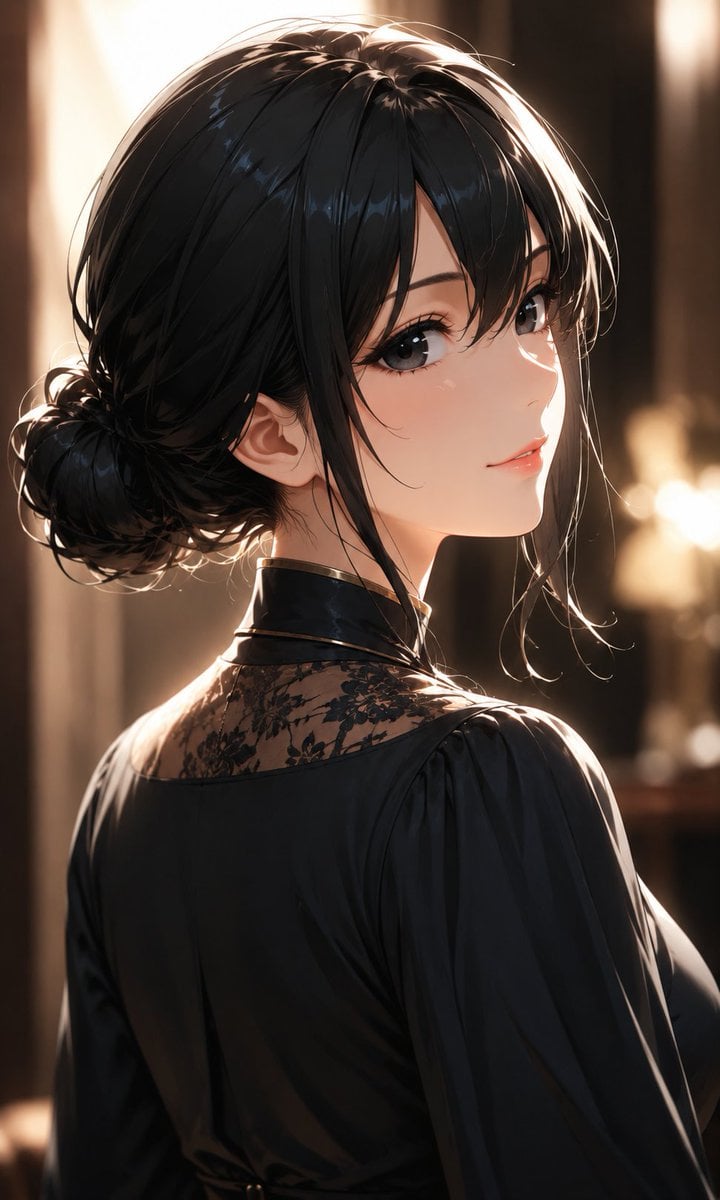
Elegant Backlit Anime Woman Portrait
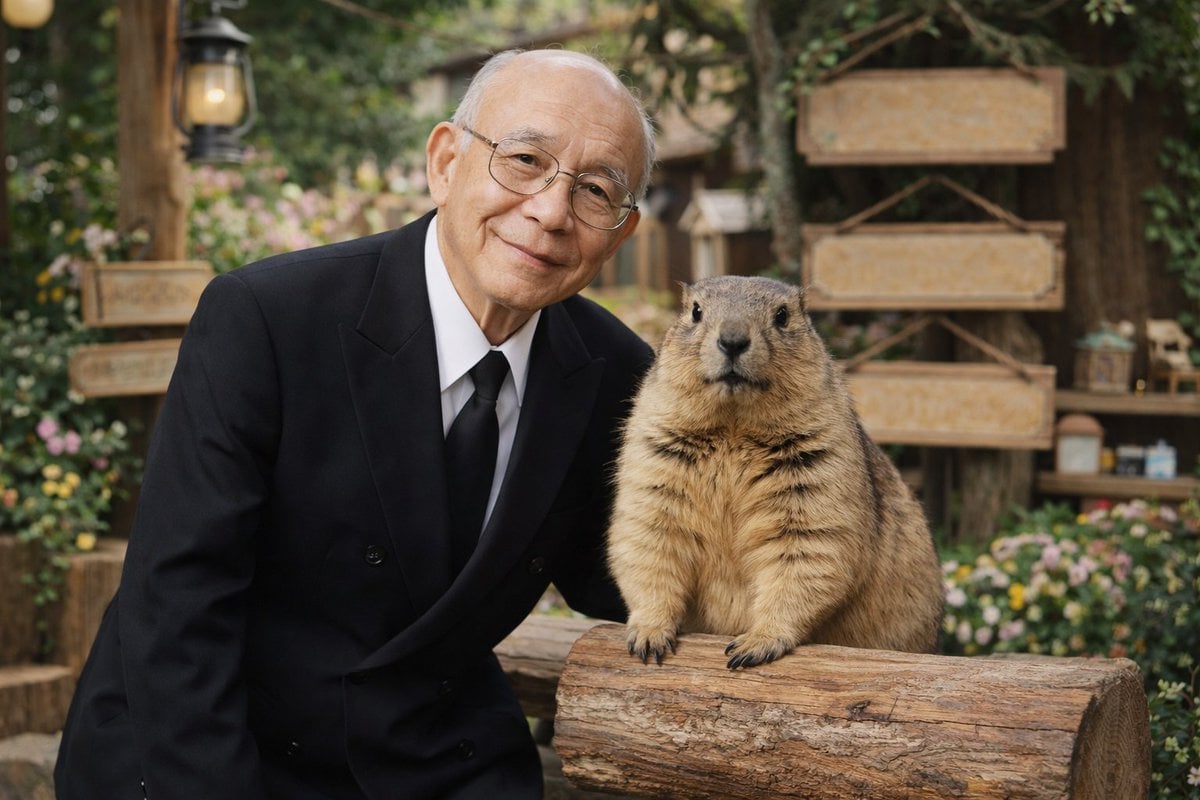
Elderly Man and Marmot Portrait
Browse template categories
Korean Editorial Beauty Portrait questions
How do I use the Korean Editorial Beauty Portrait template?
Add your photo if the template asks for one, edit the prompt if you like — the template's model and format are already selected — and press Generate. Your version opens in PicX Studio.
Can I customize the Korean Editorial Beauty Portrait template?
Yes. You can change the subject, setting, lighting, mood, format, and available model controls before creating your image.
Is the Korean Editorial Beauty Portrait template free?
Opening and editing this template is free. Generating uses credits, shown on the Generate button when you are signed in.
Which AI model should I use?
Start with Gemini 3 Pro Image Preview, which is the model associated with this template. You can compare another compatible model for a different finish.
Looking for something else? Browse all templates.

Your photo, any look
Thousands of ready templates for every top image and video model, from one credit balance.