
Streetwear Editorial Portrait Identity Retention
A high-detail prompt designed to generate a luxury streetwear campaign portrait while maintaining the user's specific facial features and identity.
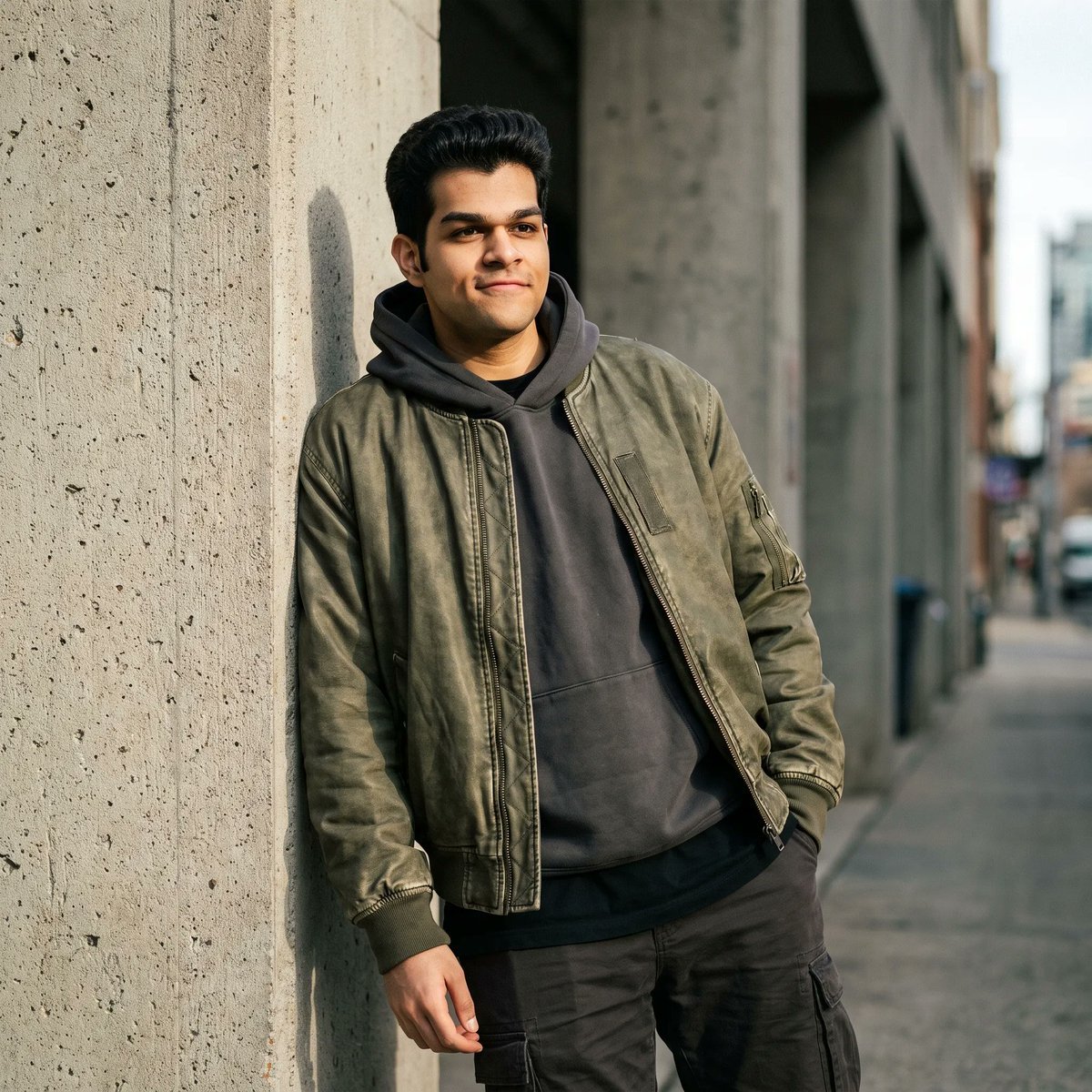
- Prompt included
- Model and format preset
- Free template
The prompt behind this image
Copy the exact prompt behind Streetwear Editorial Portrait Identity Retention, or open it in the studio and make it yours.
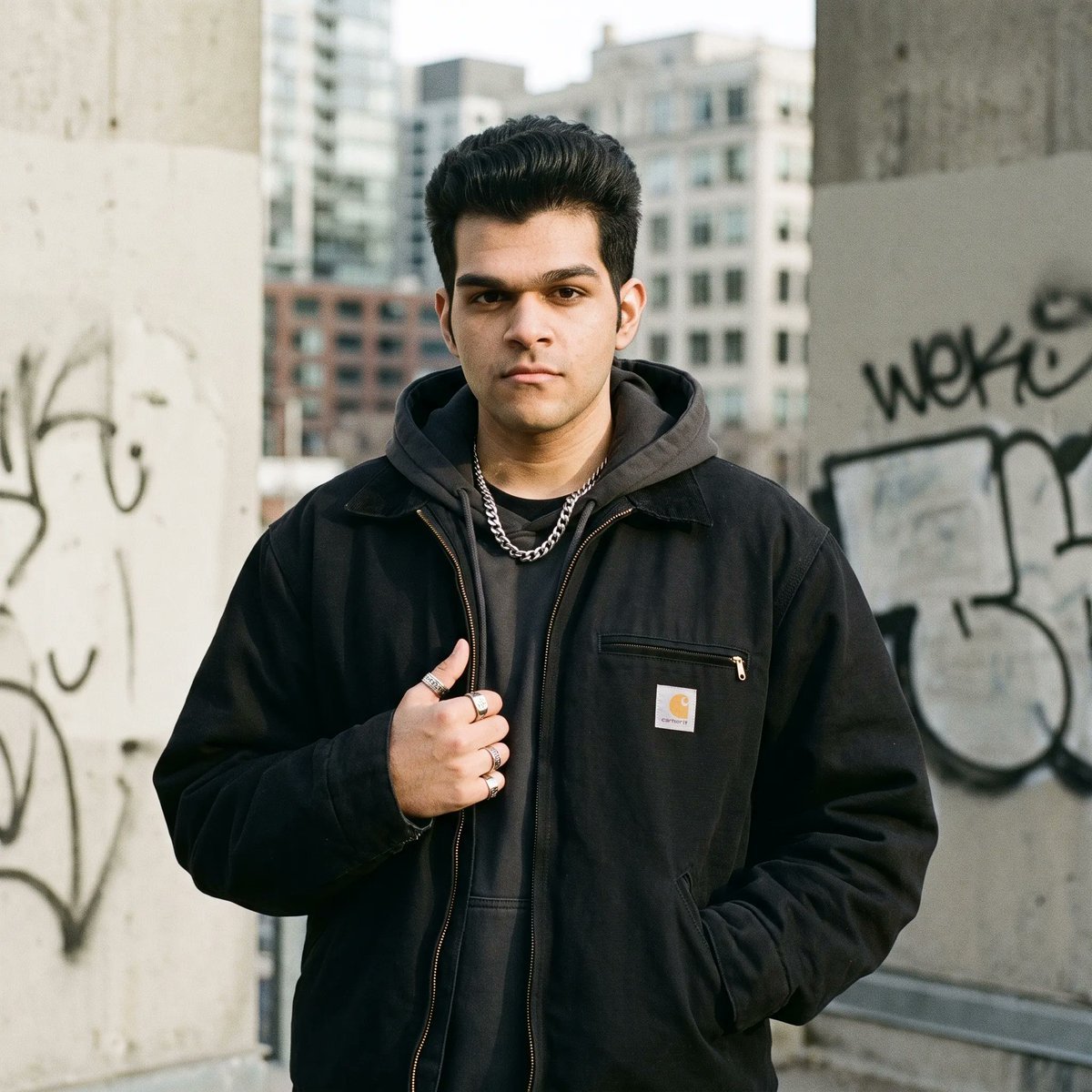
Create a cinematic, ultra-realistic streetwear editorial portrait of me, preserving my exact facial identity, features, skin tone, hairstyle, and natural proportions. Style me in {argument name="outfit" default="premium modern streetwear with an oversized layered outfit, subtle accessories"}, and a confident relaxed pose in an {argument name="urban setting" default="urban setting with concrete architecture, textured walls, and understated city details"}. Use {argument name="lighting" default="dramatic natural lighting, soft shadows, shallow depth of field, realistic skin texture, sophisticated neutral tones, subtle film grain"}, high-fashion magazine composition, professional photography, and cinematic color grading. Make the image feel authentic, effortlessly cool, minimal, aesthetic, and editorial, like a luxury streetwear campaign photographed on a full-frame camera with an 85mm lens. I've attached my image here.
Reference images included
Streetwear Editorial Portrait Identity Retention needs input media to work. They load alongside the prompt when you open it in the studio.
How to use Streetwear Editorial Portrait Identity Retention in 3 steps
- 1Upload ImagePNG, JPG or paste
Add your photo
Upload the photo the template builds on. The prompt, model and format are already set.
- 2…a portrait of your subject in softgolden-hour light, 85mm…
Personalize
Edit the subject and creative details for your destination.
- 3Generate
Generate
Press Generate — your image is created in PicX Studio, so you can compare it with the original and refine one variable at a time.
More like this
Templates with the same subject, style or setup. Open one to see its prompt.
untitled

Caution Tape Fashion — Industrial Editorial
Nano Banana Pro Identity Lock — Composition + Face Reference
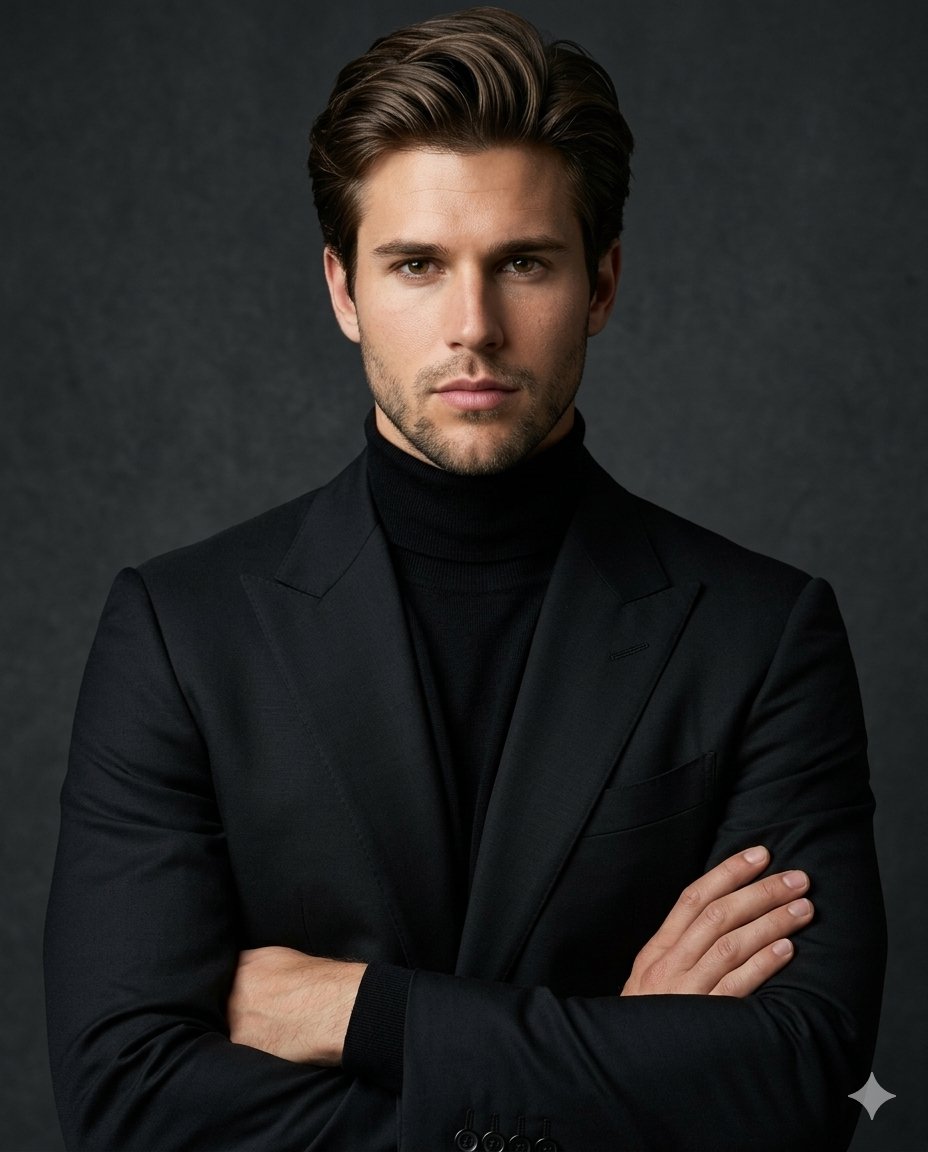
Luxury Editorial Identity Portrait
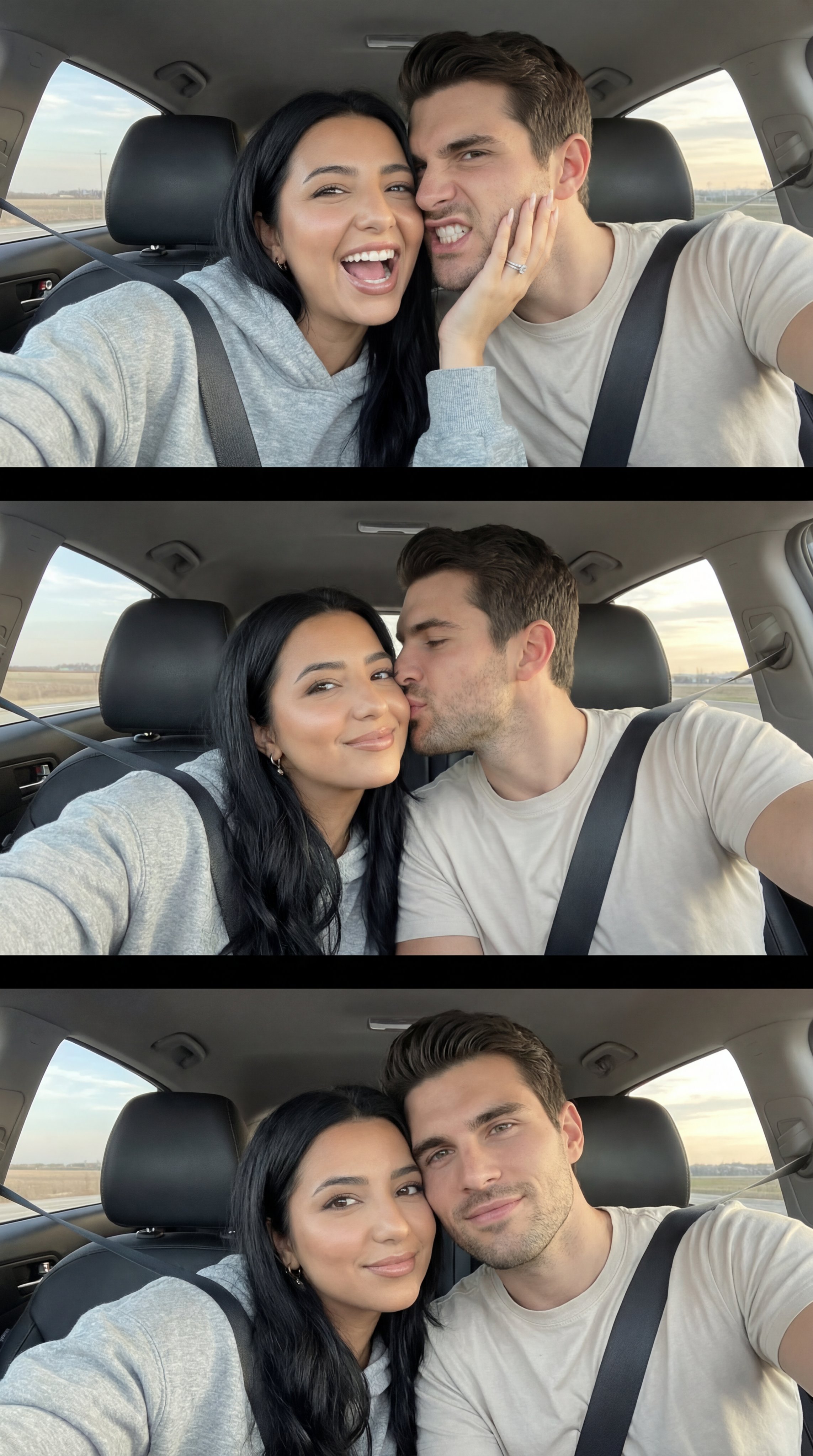
Nano Banana Pro Photoreal Playful Couple

Couture Fashion Editorial Woman and Drag

Nano Banana 2 Editorial Fashion Portrait

Found Photograph: Us, 1970

80s Couple Studio Portrait

1988 Mall Style

80s Bollywood Star

80s Golden Hour Cinema
Make it yours
Streetwear Editorial Portrait Identity Retention works as-is. These are the safest ways to change it without losing the look.
Change one field
Copy a single group, rewrite it, and generate again so you can see what that field is doing.
Keep the frame, change the subject
Hold the composition and light of Streetwear Editorial Portrait Identity Retention, then swap wardrobe, props or the person for a new take.
| If the result… | Why | Fix |
|---|---|---|
| The result drifts from the preview | Too many fields changed at once. | Reuse Streetwear Editorial Portrait Identity Retention as-is first, then change one group — subject, light, or setting. |
| The model over-stylizes the scene | The prose prompt leaves finish and camera underspecified. | Add one camera or lighting sentence and stay on Gemini 3 Pro Image Preview. |
More Gemini 3 Pro Image Preview templates
Other prompts made for Gemini 3 Pro Image Preview.
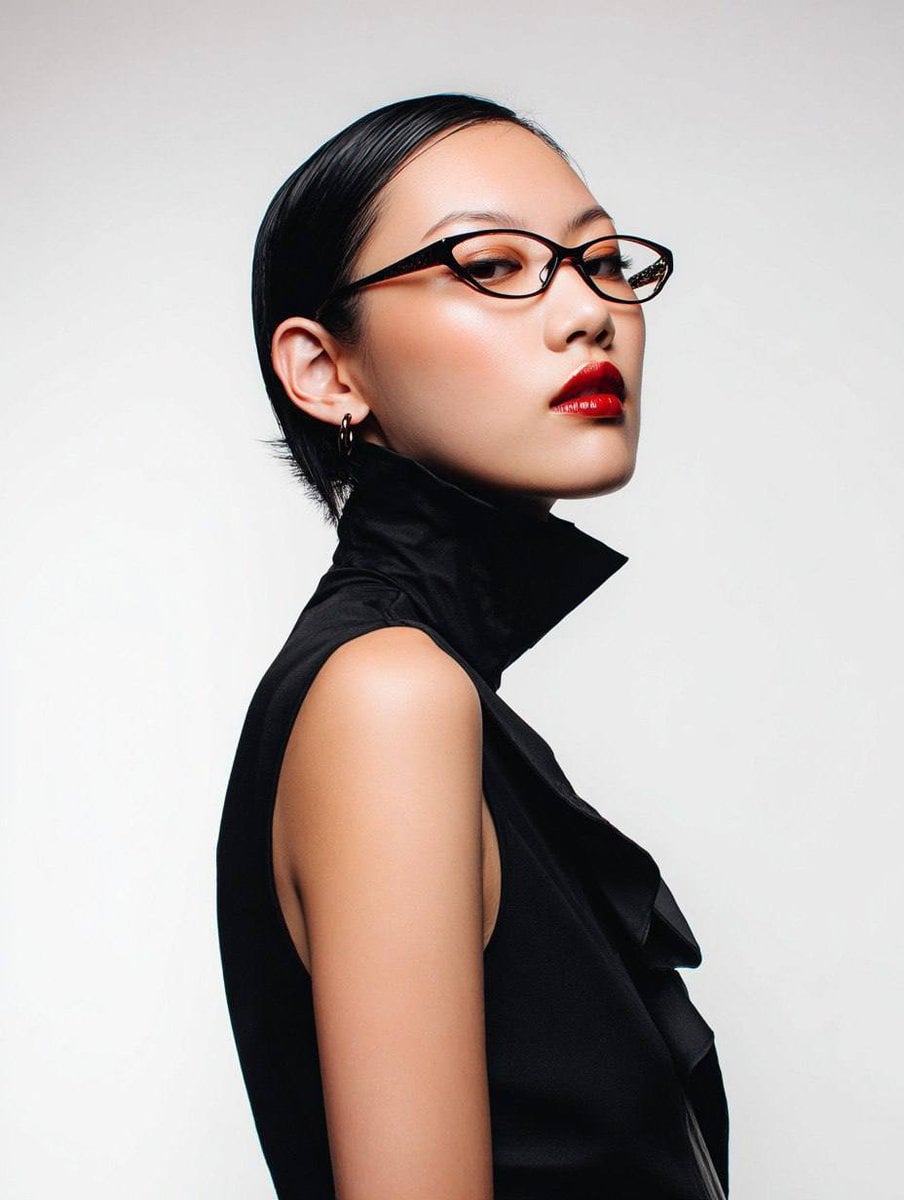
Avant-Garde Asian Fashion Model

Underwater Macro Face Portrait
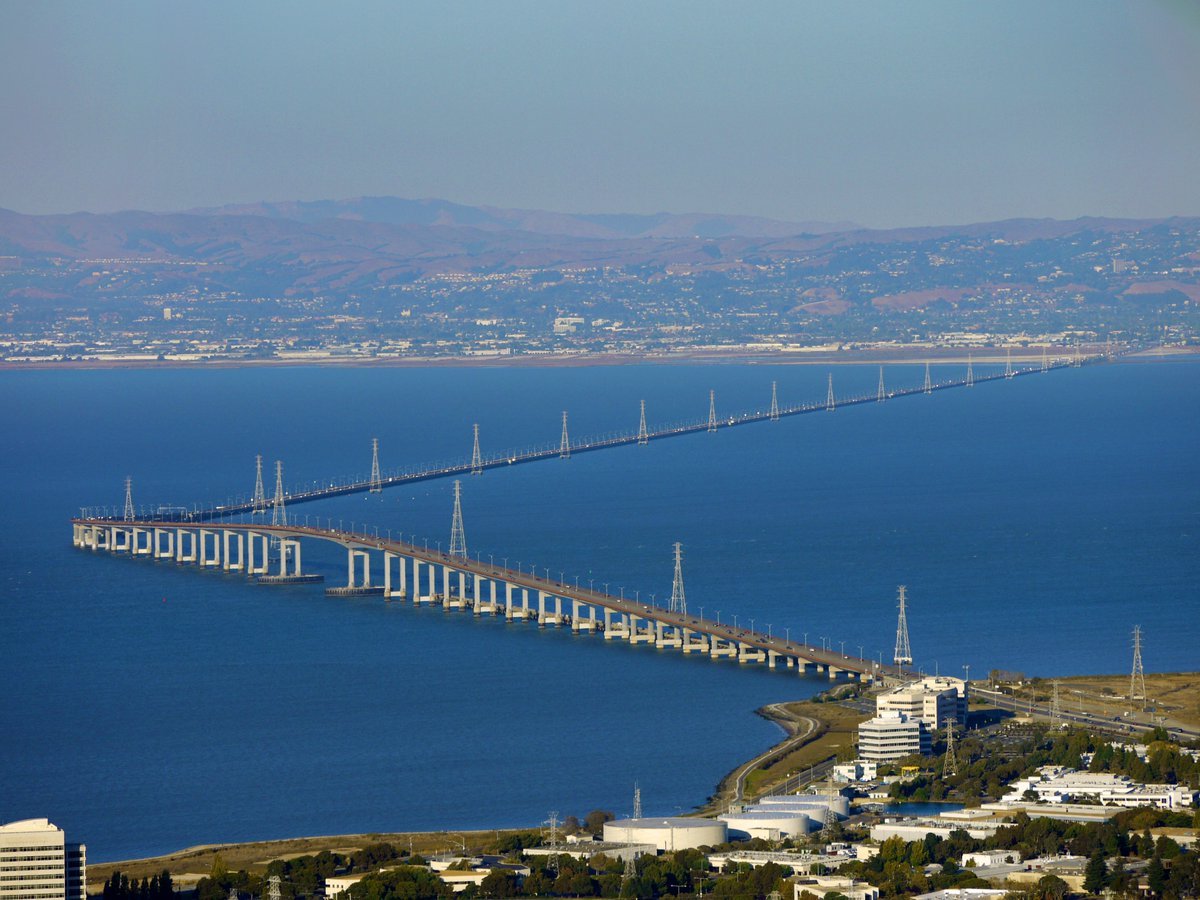
Water-level Bridge Modification
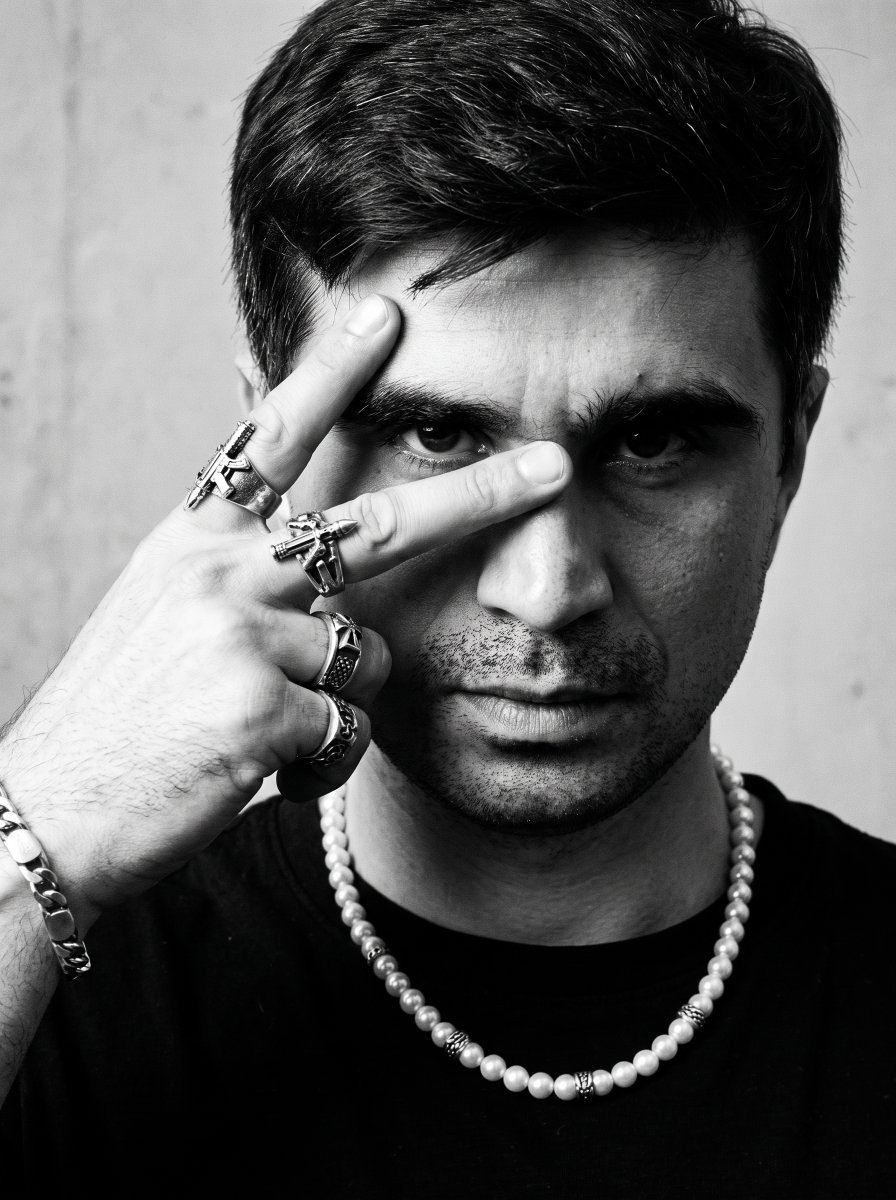
Noir Punk Street Portrait
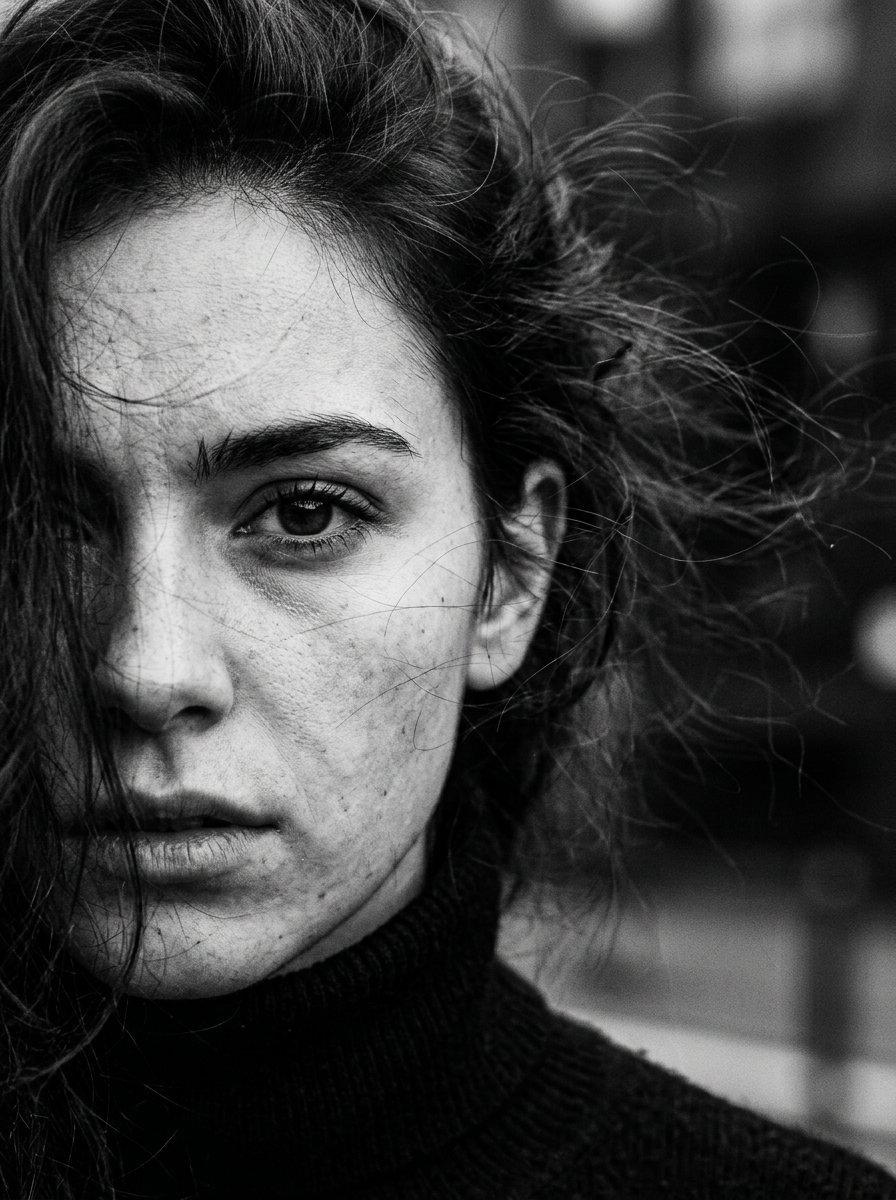
High Contrast Cinematic Face Portrait
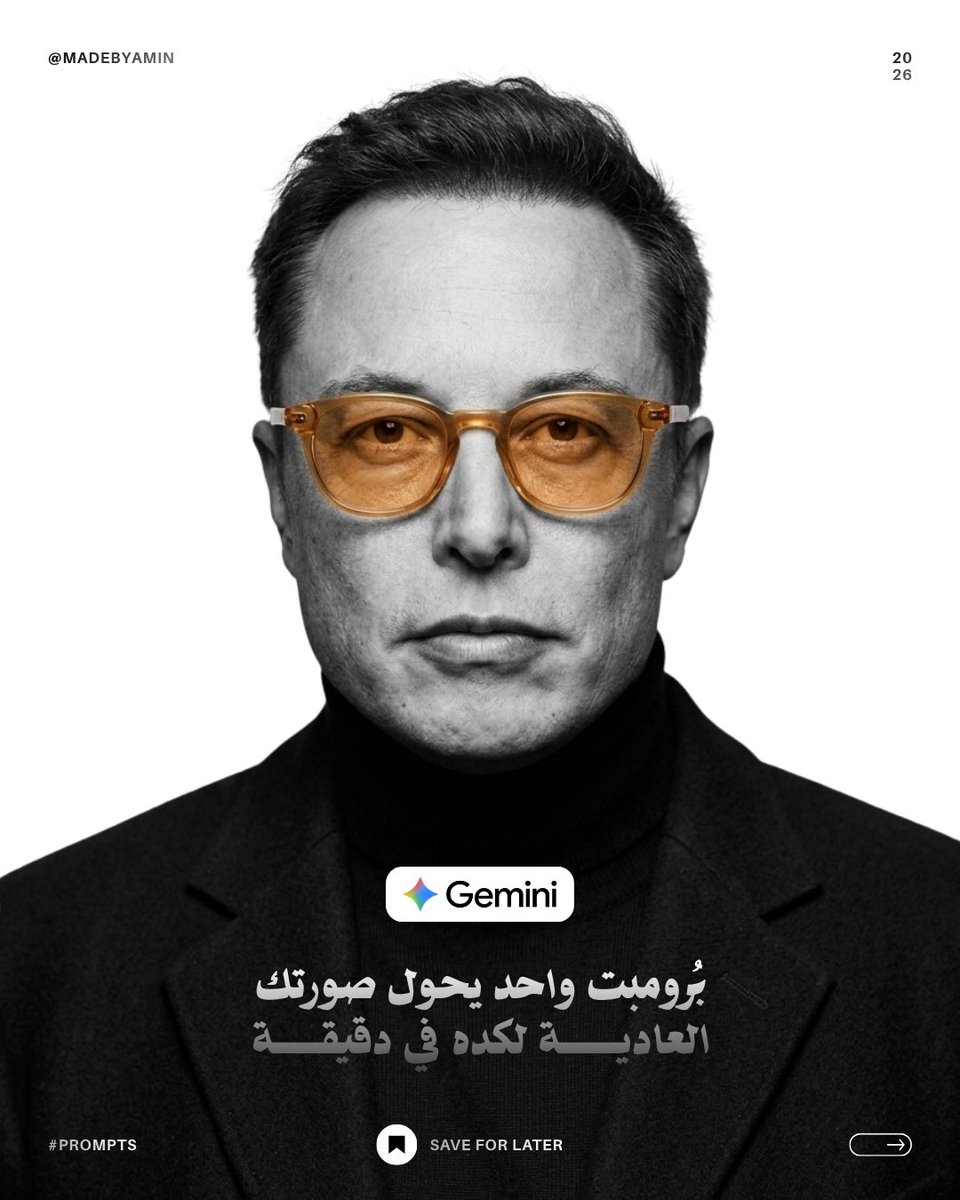
Monochrome Studio Portrait with Colored Lens

Ultra-Realistic Yacht Sunset Portrait

Mushroom Still Life Composition
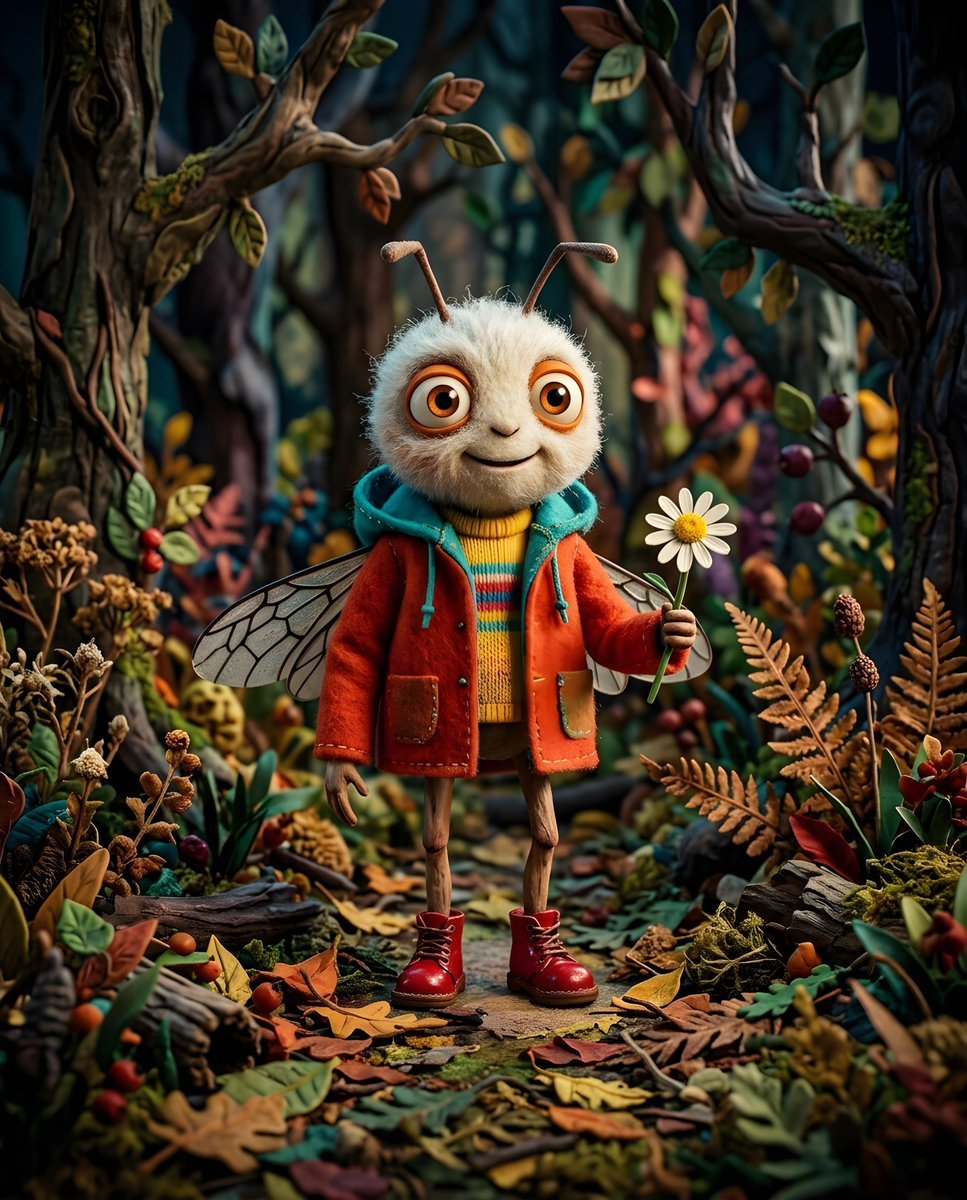
Whimsical Anthropomorphic Friendly Insect
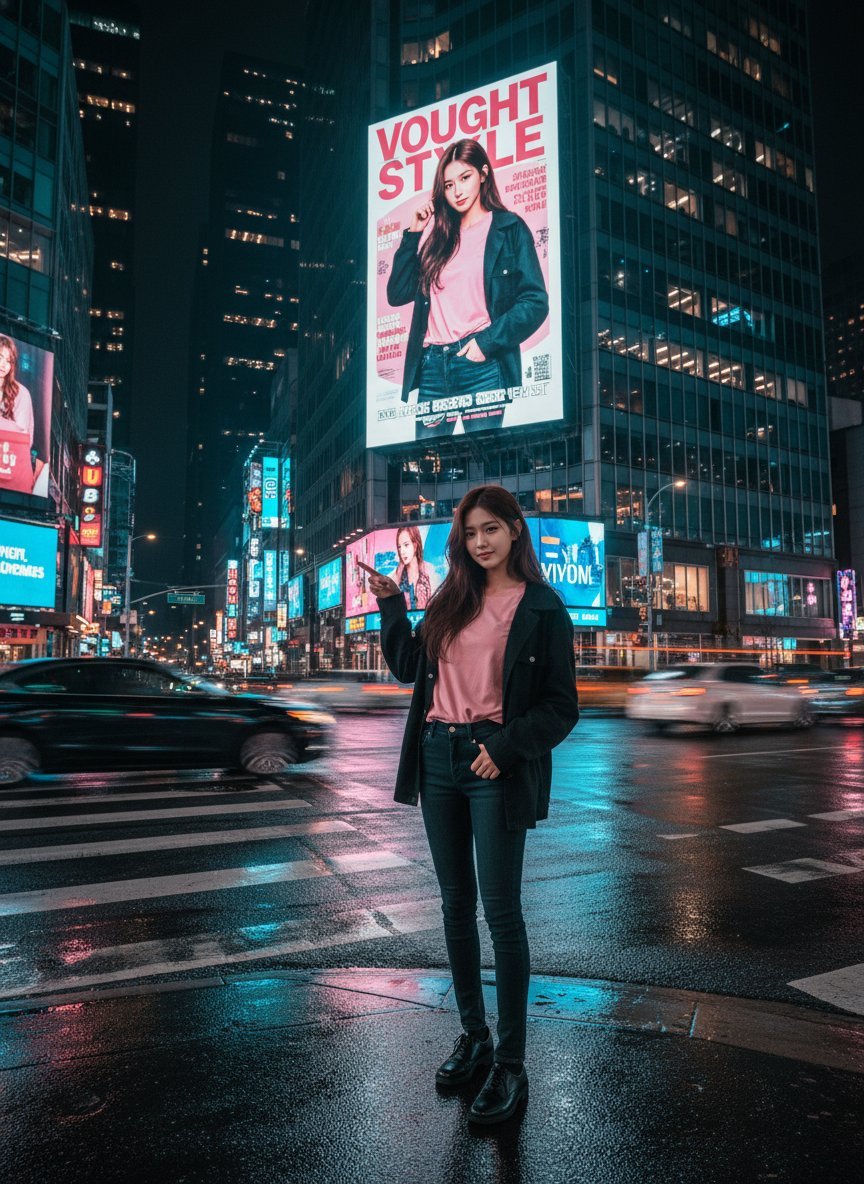
Cinematic Urban Night Billboard Portrait
More image prompts
Fresh picks from across the catalog.
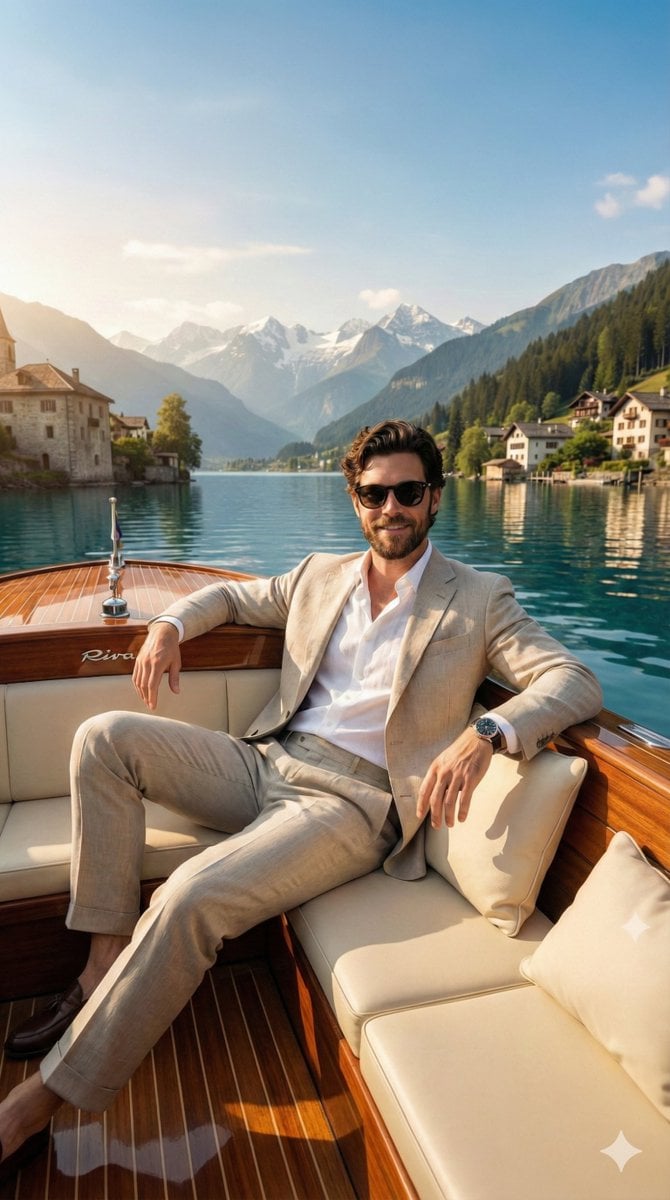
Luxury Boat Alpine Lake Editorial Photo Prompt
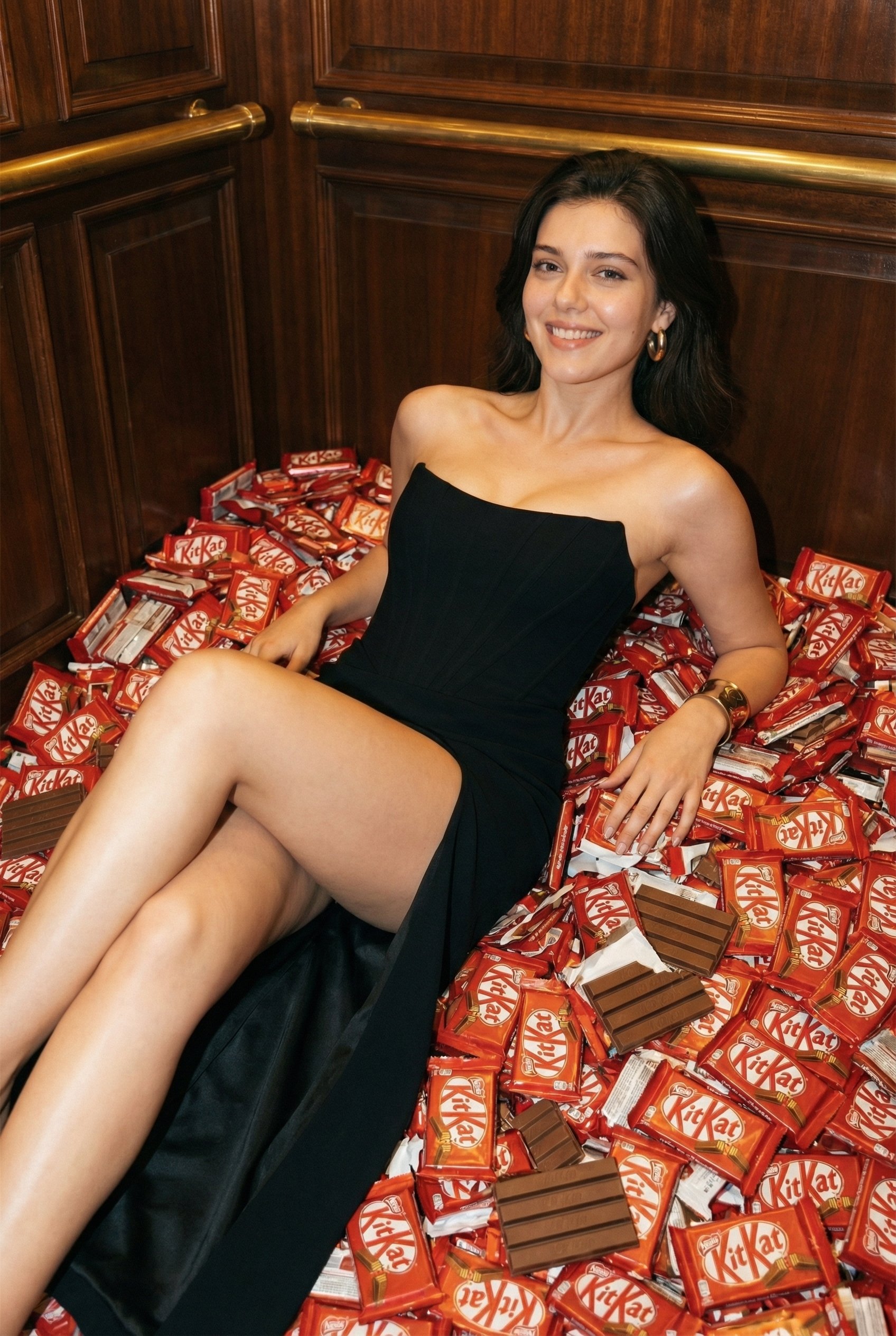
Luxurious KitKat Sweet Retreat
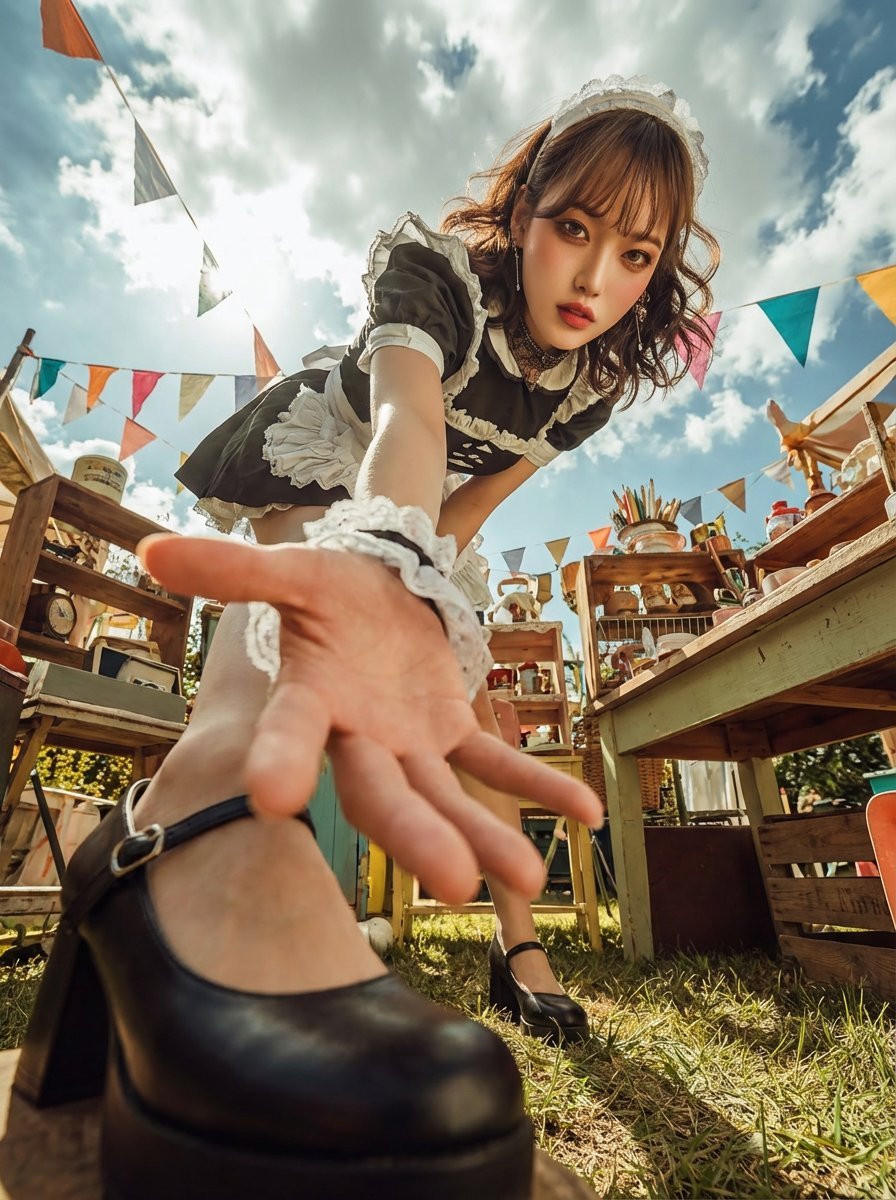
Dramatic Ultra Wide-Angle Photo Transformation Prompt
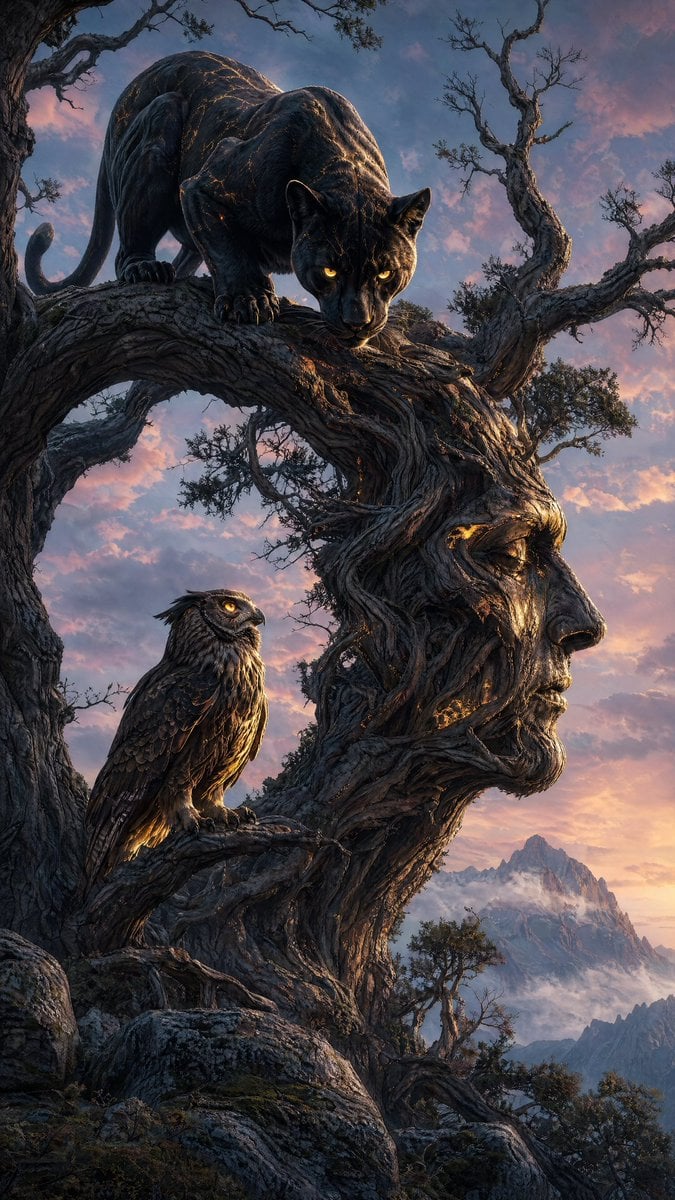
Majestic Panther Fantasy Scene
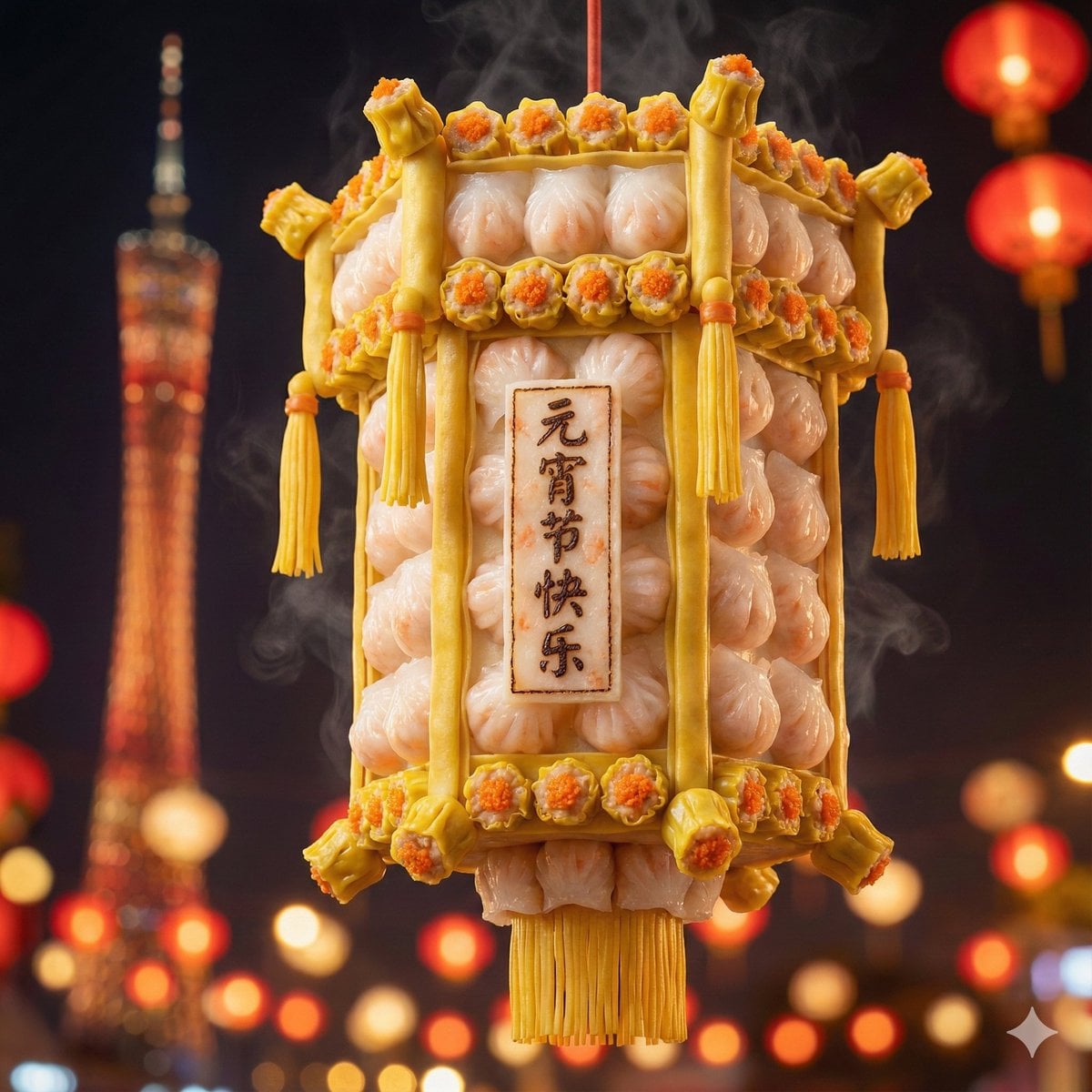
Food-Themed Festival Scene Generation Prompt (Iterative)
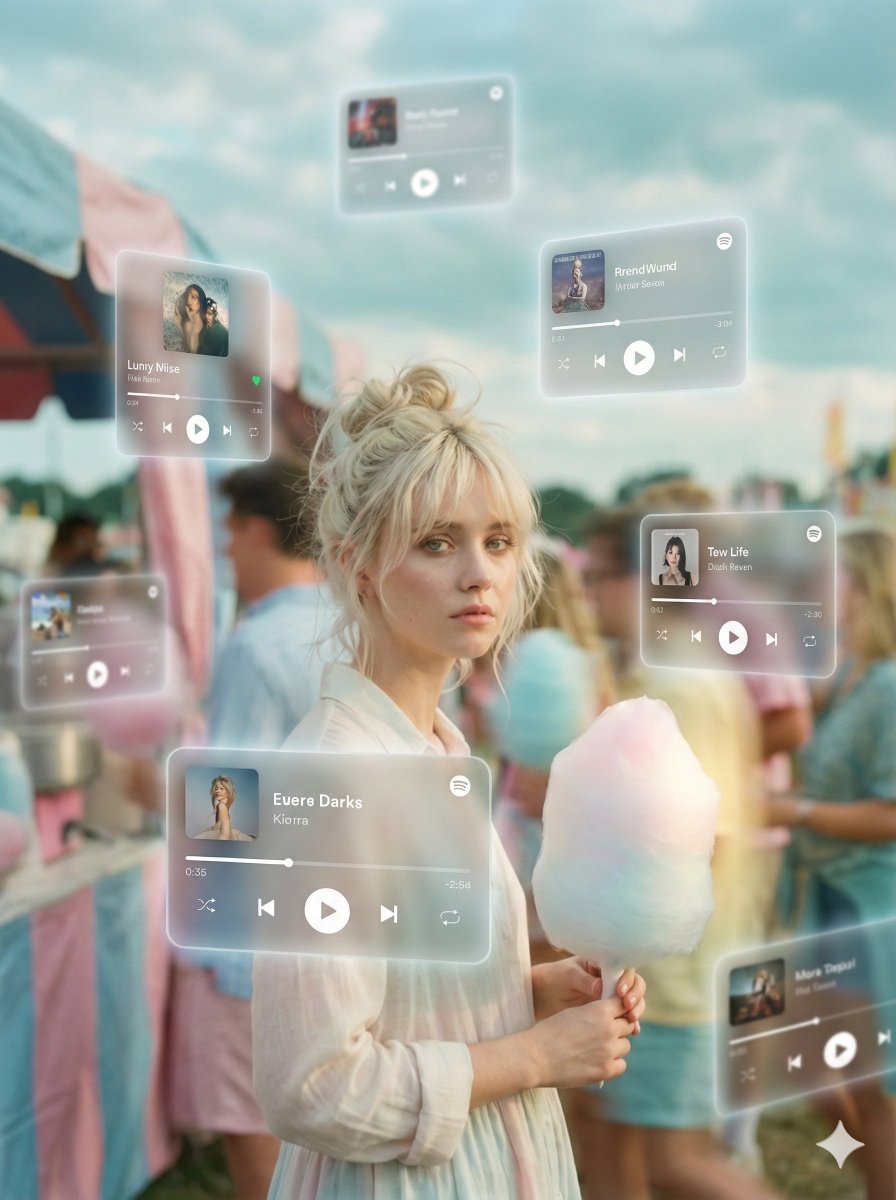
Augmented Reality Music Player Portrait
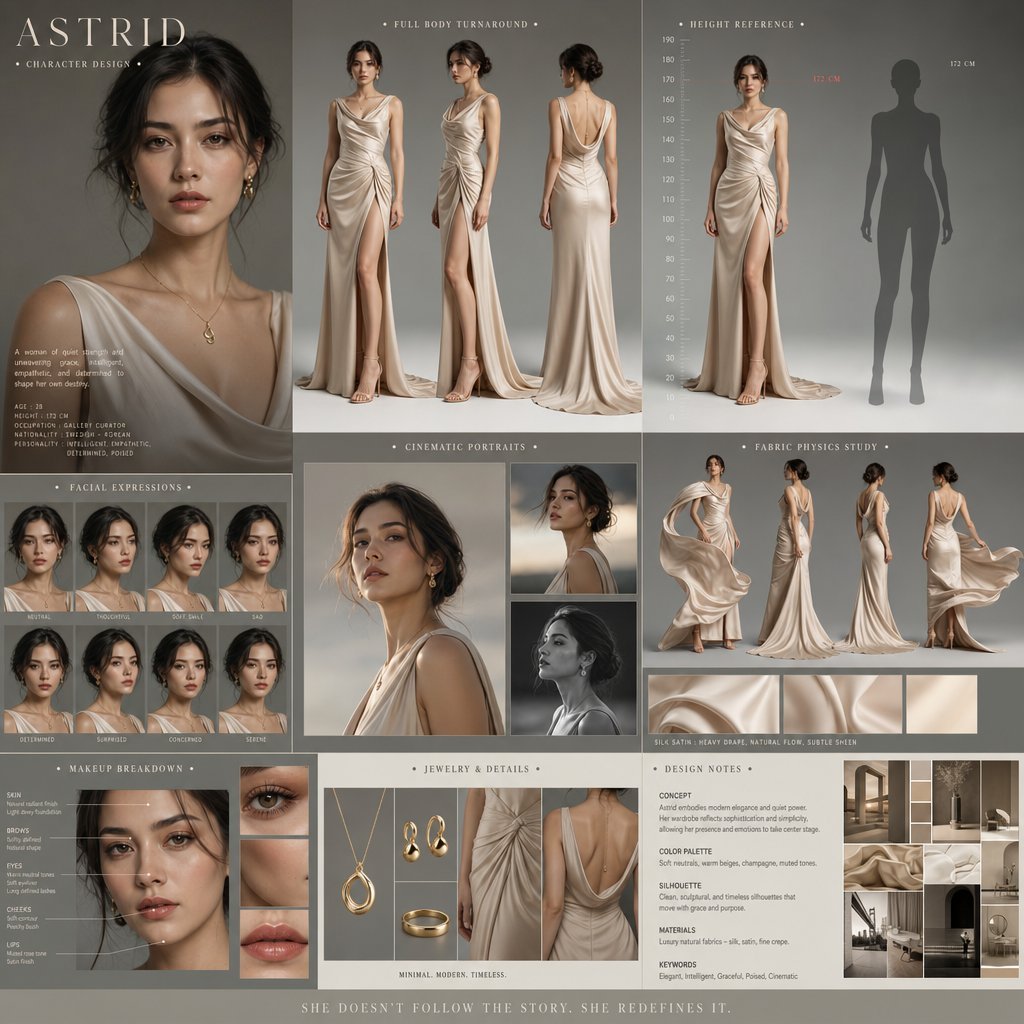
Cinematic Character Design Board
untitled
Indie Sleaze 2000s Street Style Portrait Prompt
Monochrome Engraved Portrait
Browse template categories
Streetwear Editorial Portrait Identity Retention questions
How do I use the Streetwear Editorial Portrait Identity Retention template?
Add your photo if the template asks for one, edit the prompt if you like — the template's model and format are already selected — and press Generate. Your version opens in PicX Studio.
Can I customize the Streetwear Editorial Portrait Identity Retention template?
Yes. You can change the subject, setting, lighting, mood, format, and available model controls before creating your image.
Is the Streetwear Editorial Portrait Identity Retention template free?
Opening and editing this template is free. Generating uses credits, shown on the Generate button when you are signed in.
Which AI model should I use?
Start with Gemini 3 Pro Image Preview, which is the model associated with this template. You can compare another compatible model for a different finish.
Looking for something else? Browse all templates.

Your photo, any look
Thousands of ready templates for every top image and video model, from one credit balance.