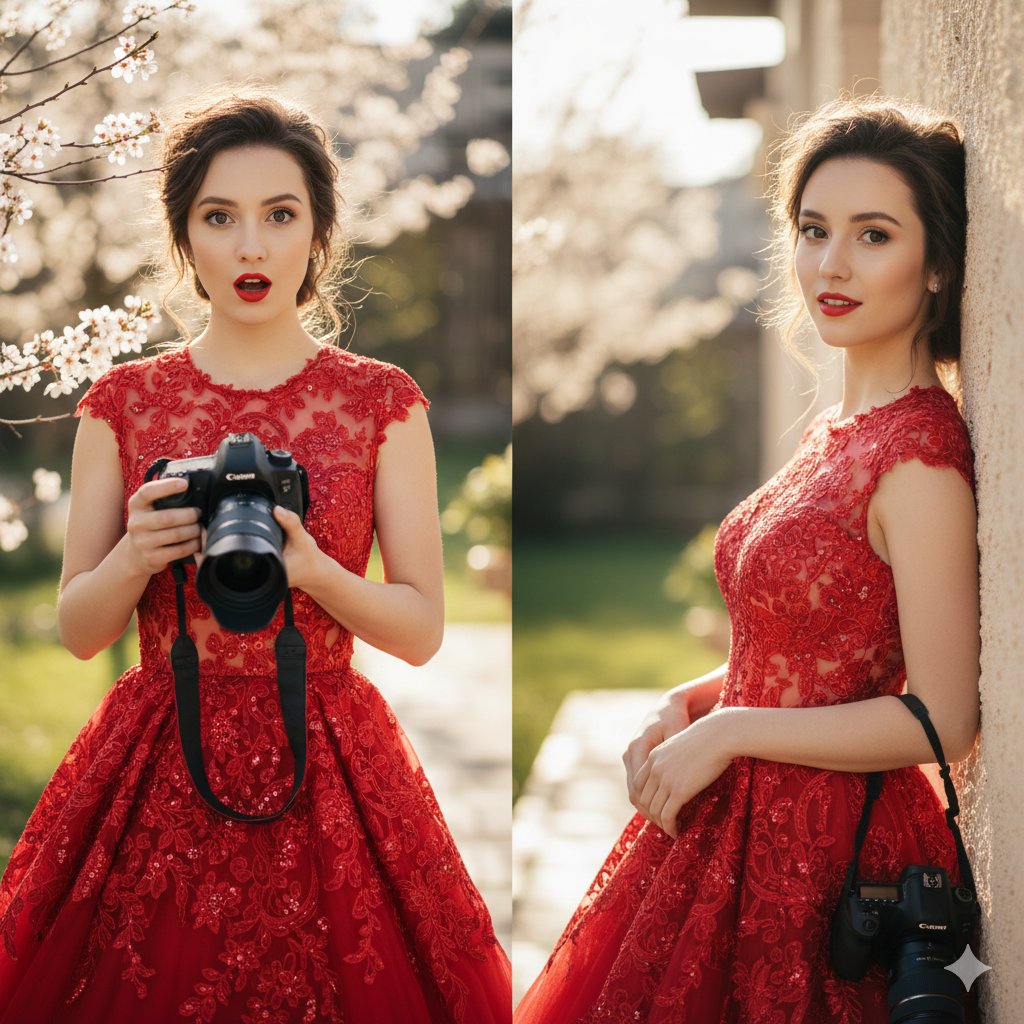
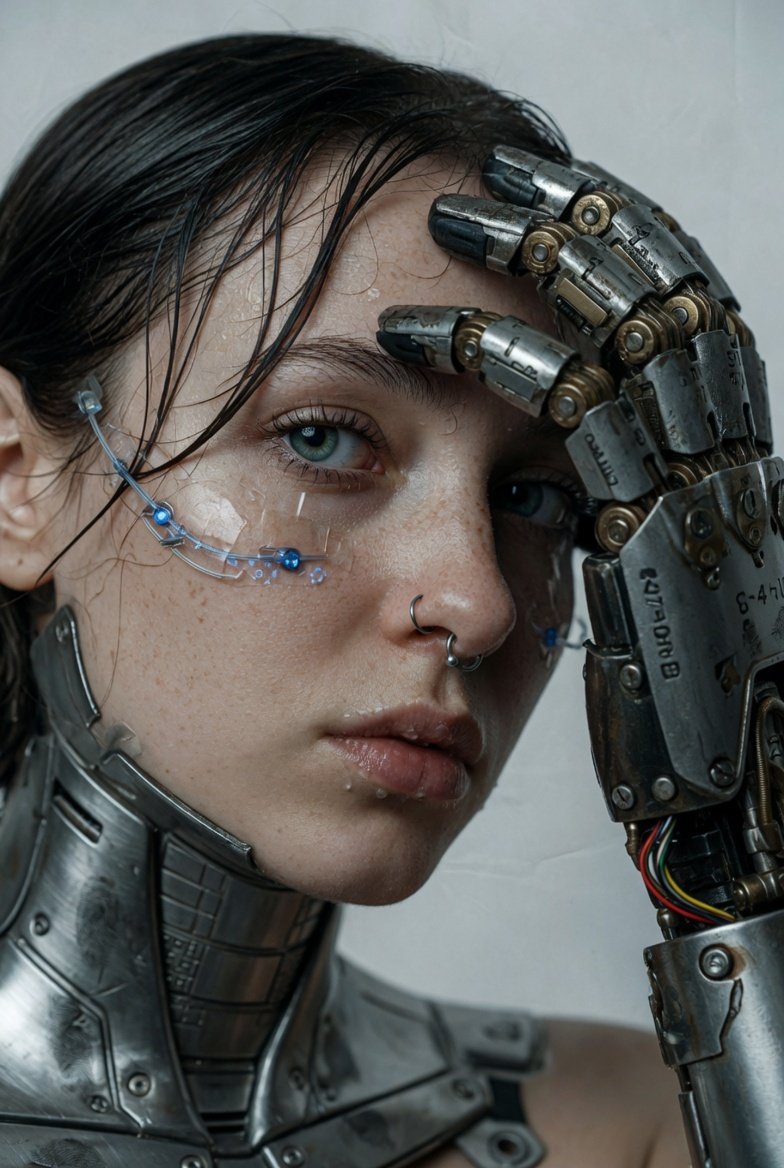
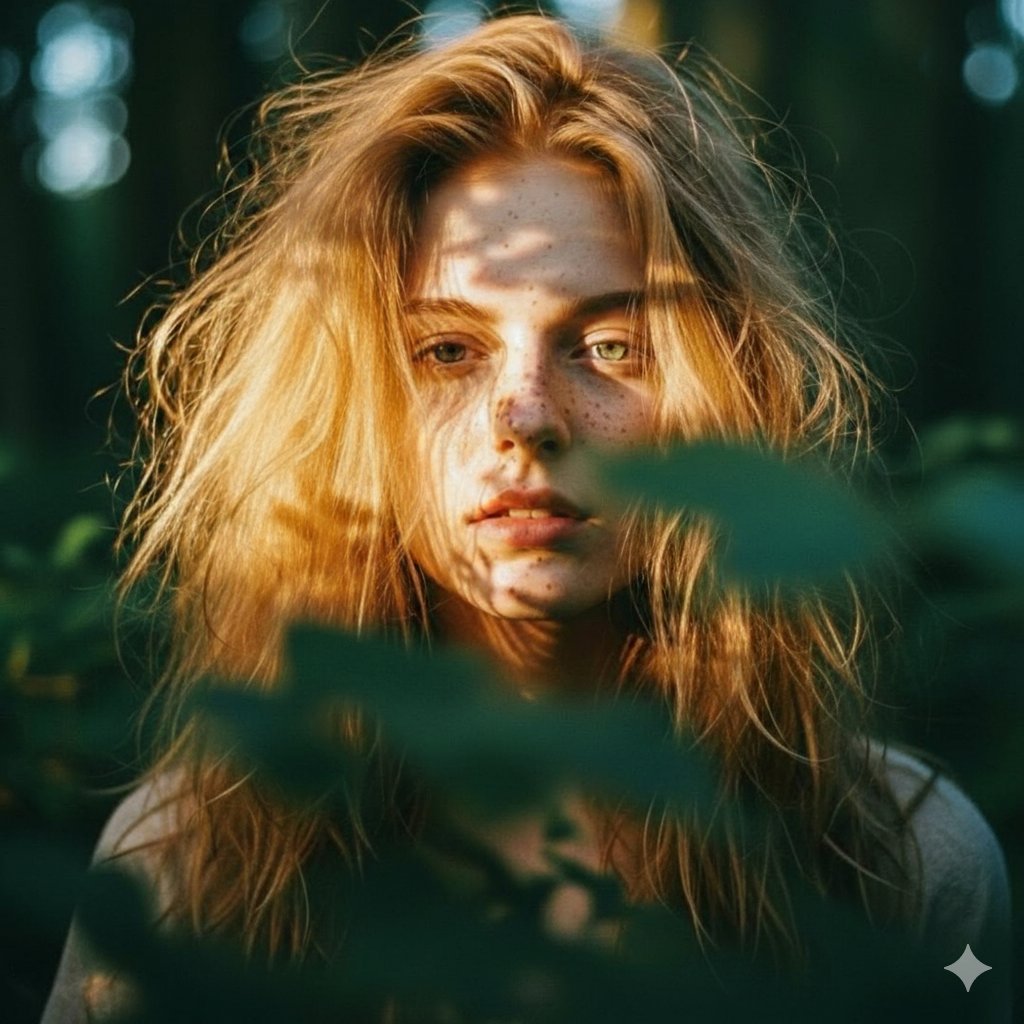
How do I use the Elegant Young Woman Portrait template?
Choose the primary action to open PicX Studio with the available template settings. Review the model and format, personalize the creative direction, and generate when ready.
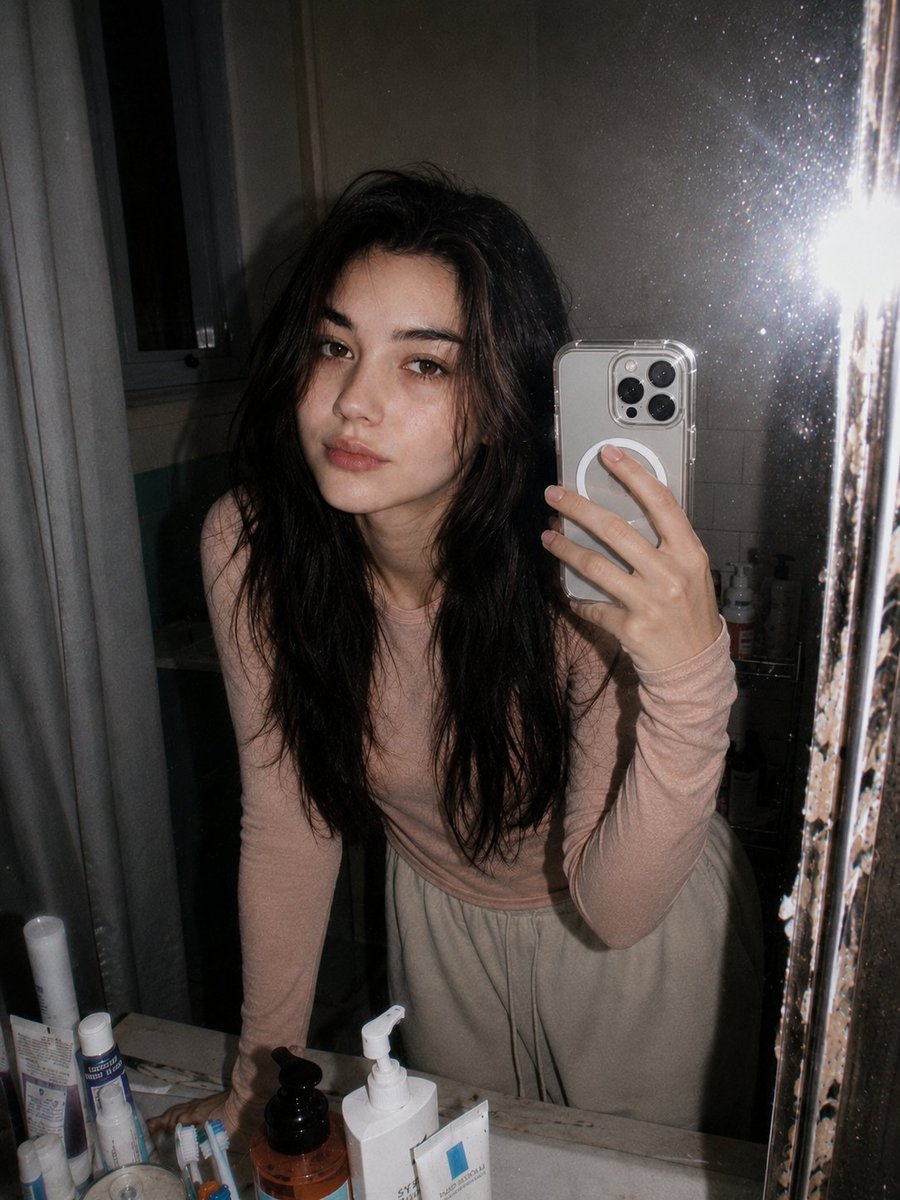
A photorealistic close-up portrait of a woman in her mid-20s, emphasizing natural skin texture and sophisticated features.
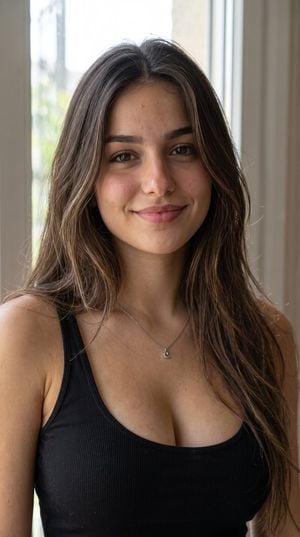
A beautiful young adult woman in her {argument name="age" default="mid-20s"} with a naturally feminine, elegant appearance and realistic proportions. She has long, slightly wavy {argument name="hair color" default="dark brown"} hair with natural {argument name="hair style" default="layered strands"}, soft volume, and subtle highlights. Her face has delicate but realistic features, expressive dark brown eyes, naturally shaped eyebrows, a soft straight nose, naturally full lips, a subtle defined jawline, and a gentle confident expression. Warm light-to-medium skin tone with realistic skin texture, natural pores, subtle imperfections, and authentic facial detail. She has a slim, naturally proportioned physique with realistic anatomy and graceful posture. Her overall appearance is youthful, sophisticated, effortlessly attractive, and photorealistic rather than overly polished. Natural makeup or minimal makeup, soft rosy complexion, realistic eyelashes and eyebrows. Anatomically accurate hands, fingers, arms, shoulders, and body proportions. Maintain the exact same facial identity, hairstyle, hair color, eye shape, facial structure, skin tone, body proportions, and overall appearance across every image, regardless of outfit, pose, location, camera angle, or lighting. High-end realistic lifestyle photography, authentic human appearance, natural skin texture, sharp facial details, full-frame camera look, cinematic realism, no cartoon, no CGI, no plastic skin, no exaggerated features.
Choose the primary action to open PicX Studio with the available template settings. Review the model and format, personalize the creative direction, and generate when ready.
Yes. You can change the subject, setting, lighting, mood, format, and available model controls before creating your image.
This template is free to open and customize. Generation usage is shown in PicX Studio before you create.
Start with gemini-3-pro-image-preview, which is the model associated with this template. You can compare another compatible model for a different finish.
Follow a topic to a crawlable collection of related PicX Studio templates.