
Luxury LED Architectural Portrait
A high-end luxury fashion editorial prompt for a portrait next to a neon LED installation, designed for identity preservation.
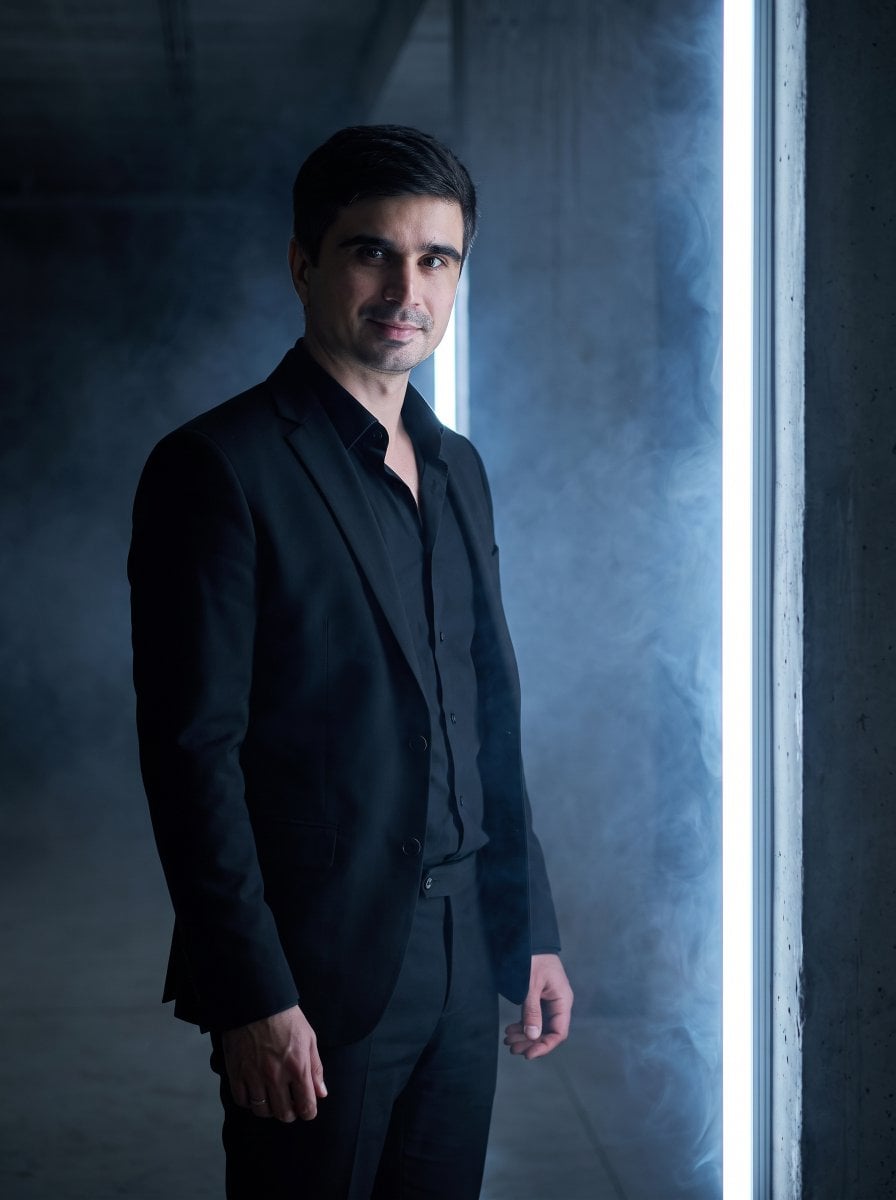
- Prompt included
- Model and format preset
- Free template
The prompt behind this image
Copy the exact prompt behind Luxury LED Architectural Portrait, or open it in the studio and make it yours.
Use the uploaded reference image. Preserve exact identity. Create a {argument name="aesthetic" default="luxury portrait"} beside a {argument name="setting" default="glowing vertical LED installation inside a dark architectural space"}. The subject wears a {argument name="clothing" default="fitted black suit with an open black shirt and tailored trousers"}. Thin smoke creates soft diffusion around the light while rim lighting outlines the body. High-end fragrance campaign aesthetic, cinematic realism, deep blacks, elegant composition, luxury fashion editorial.
How to use Luxury LED Architectural Portrait in 3 steps
- 1Upload ImagePNG, JPG or paste
Add your photo
Upload the photo the template builds on. The prompt, model and format are already set.
- 2…a portrait of your subject in softgolden-hour light, 85mm…
Personalize
Edit the subject and creative details for your destination.
- 3Generate
Generate
Press Generate — your image is created in PicX Studio, so you can compare it with the original and refine one variable at a time.
More like this
Templates with the same subject, style or setup. Open one to see its prompt.









Make it yours
Luxury LED Architectural Portrait works as-is. These are the safest ways to change it without losing the look.
Change one field
Copy a single group, rewrite it, and generate again so you can see what that field is doing.
Keep the frame, change the subject
Hold the composition and light of Luxury LED Architectural Portrait, then swap wardrobe, props or the person for a new take.
| If the result… | Why | Fix |
|---|---|---|
| The result drifts from the preview | Too many fields changed at once. | Reuse Luxury LED Architectural Portrait as-is first, then change one group — subject, light, or setting. |
| The model over-stylizes the scene | The prose prompt leaves finish and camera underspecified. | Add one camera or lighting sentence and stay on Gemini 3 Pro Image Preview. |
More Gemini 3 Pro Image Preview templates
Other prompts made for Gemini 3 Pro Image Preview.

Creative Character in Pink Office

Avant-Garde Asian Fashion Model

Water-level Bridge Modification

Mushroom Still Life Composition

Whimsical Anthropomorphic Friendly Insect

Cinematic Urban Night Billboard Portrait

Pop Art Summer Fruit Fashion Illustration

Ultra-Realistic iPhone Selfie with Motion Blur

Cinematic Mirror Reflection Portrait

Elegant Men's Twilight Editorial
More image prompts
Fresh picks from across the catalog.
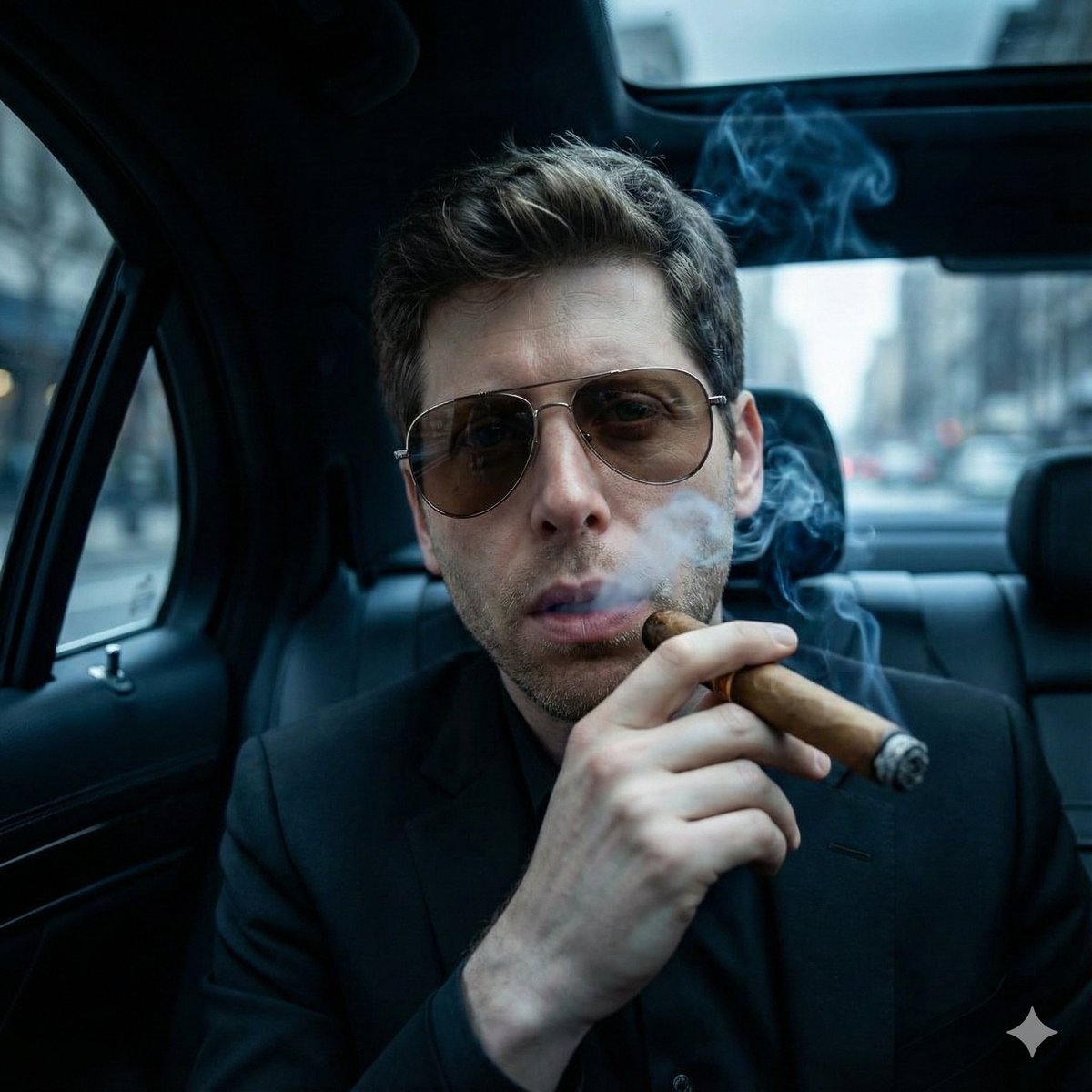
Cinematic Mafia Boss Portrait
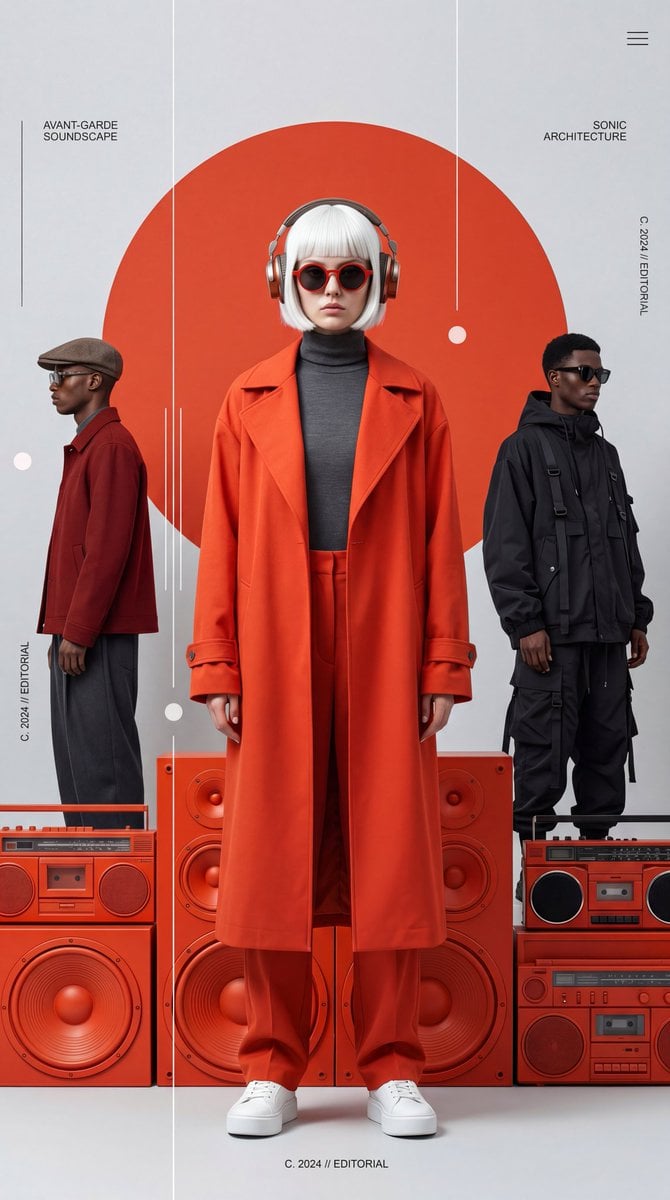
Avant-Garde Electronic Music Poster
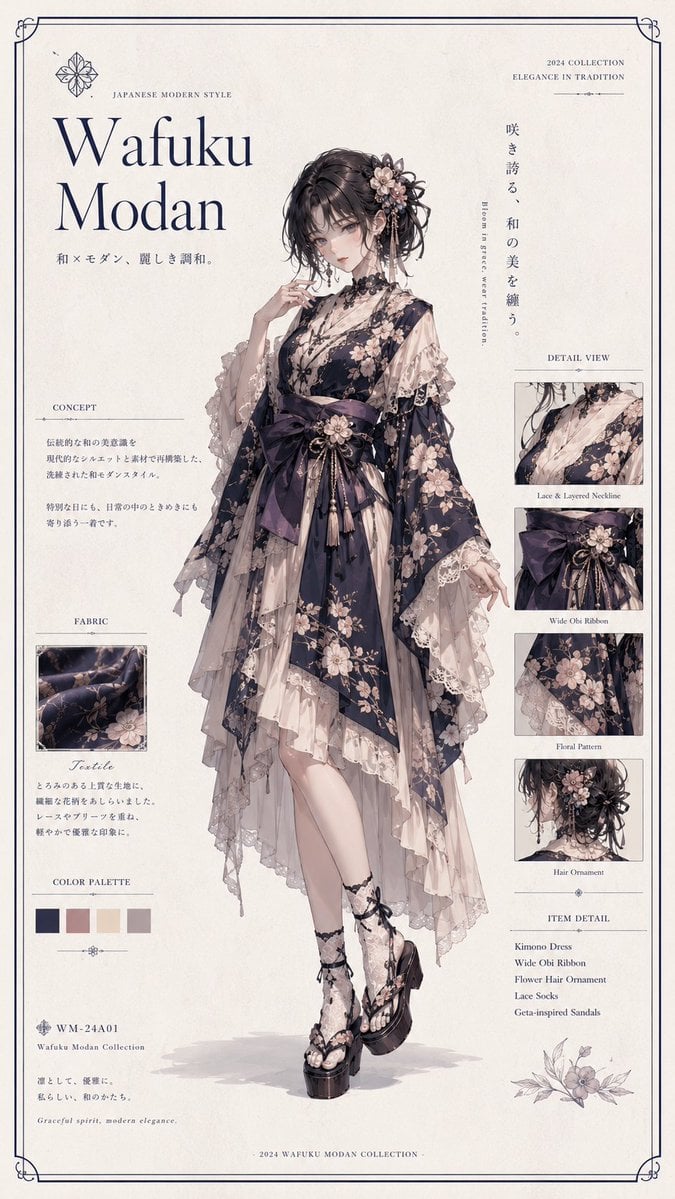
Wafuku Modern Fashion Poster
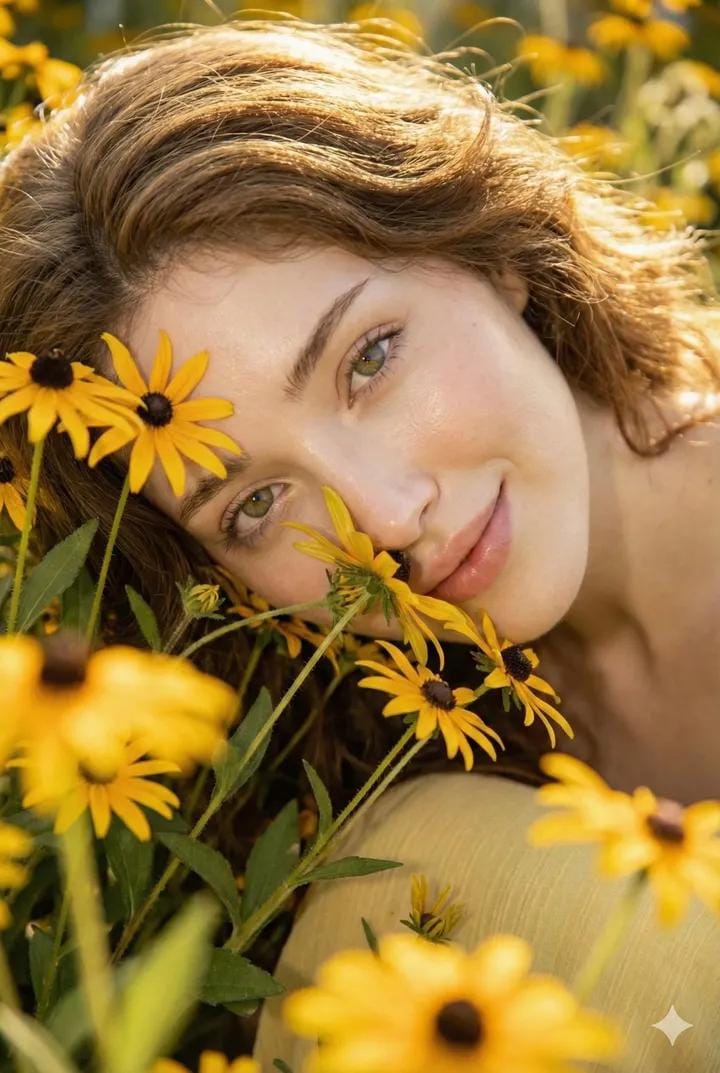
Cinematic Portrait with Harsh Flash and Floral Background (Duplicate)
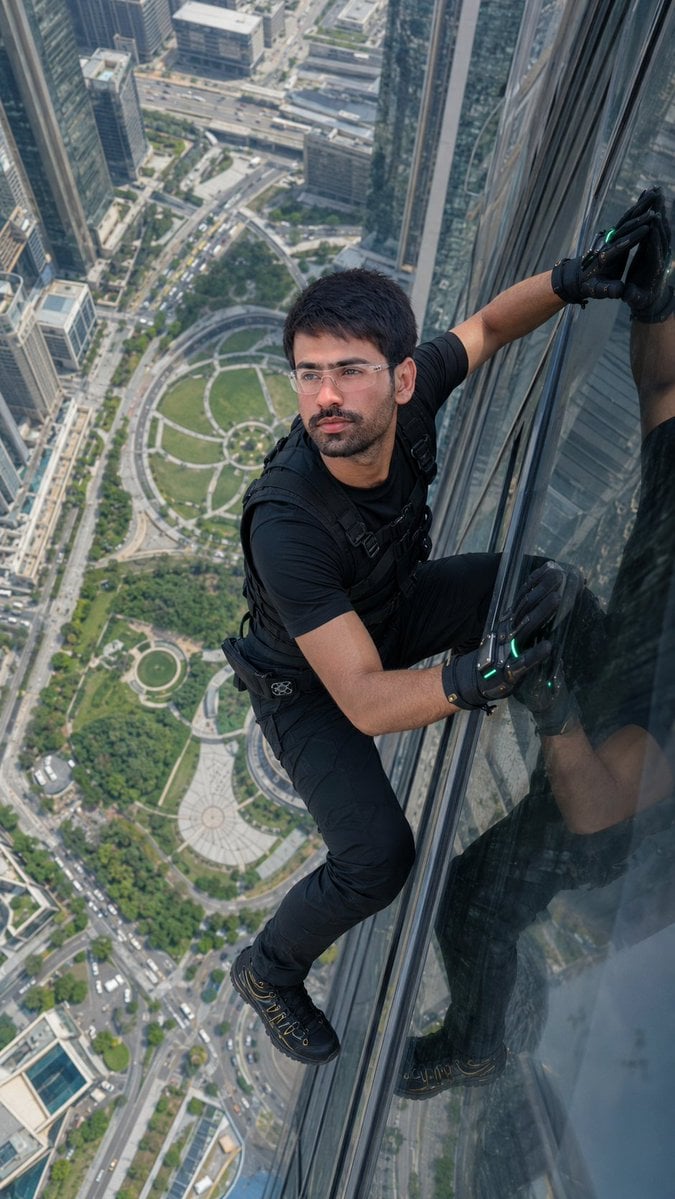
Skyscraper Climbing Action Shot

Gpt2 Youtube Thumbnail Monika Anime Banner Illustration
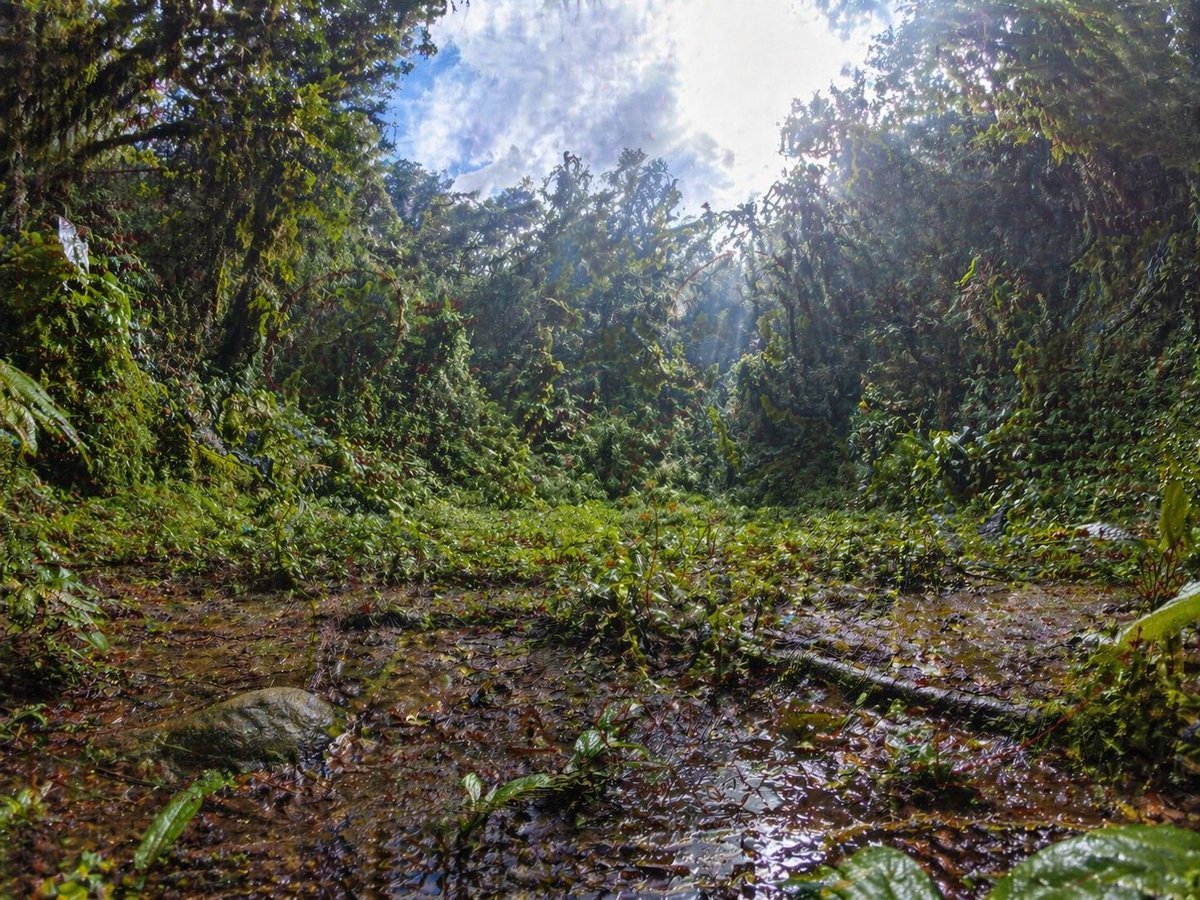
Rainforest Clearing with Speckle Artifacts
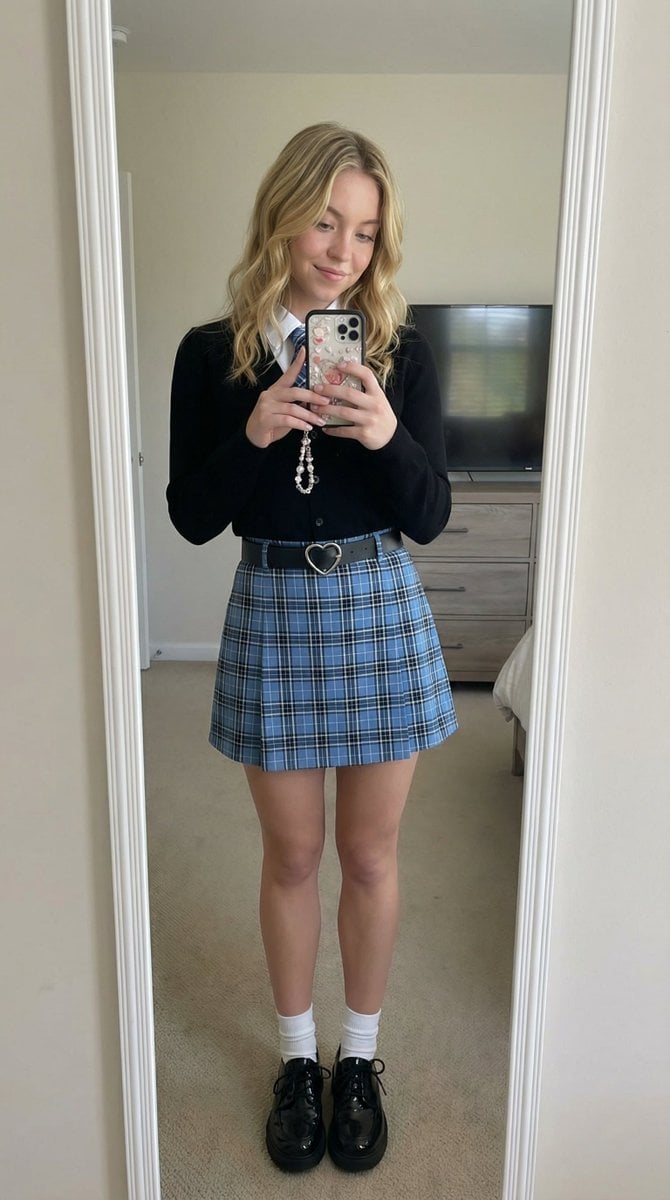
Mirror Selfie with Strict Identity Lock in Preppy School Outfit

Simple Santa Hat Addition Prompt
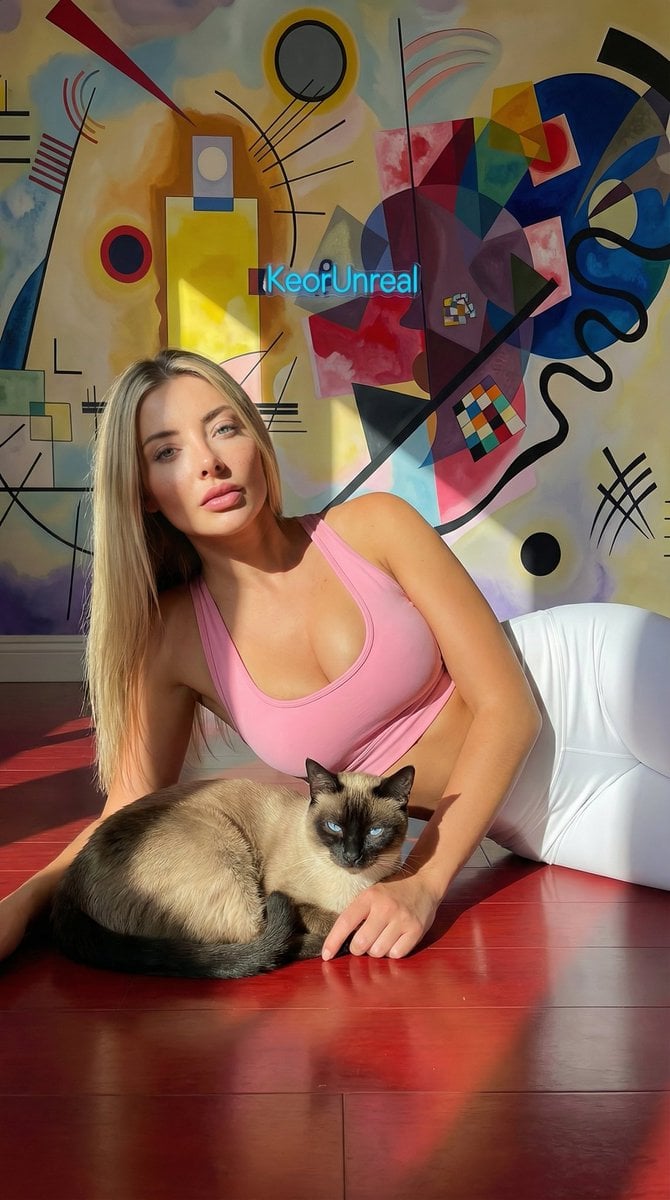
Photorealistic Portrait with Kandinsky Wall and Cat Prompt
Browse template categories
Luxury LED Architectural Portrait questions
How do I use the Luxury LED Architectural Portrait template?
Add your photo if the template asks for one, edit the prompt if you like — the template's model and format are already selected — and press Generate. Your version opens in PicX Studio.
Can I customize the Luxury LED Architectural Portrait template?
Yes. You can change the subject, setting, lighting, mood, format, and available model controls before creating your image.
Is the Luxury LED Architectural Portrait template free?
Opening and editing this template is free. Generating uses credits, shown on the Generate button when you are signed in.
Which AI model should I use?
Start with Gemini 3 Pro Image Preview, which is the model associated with this template. You can compare another compatible model for a different finish.
Looking for something else? Browse all templates.

Your photo, any look
Thousands of ready templates for every top image and video model, from one credit balance.