How do I use the Misty Forest Fashion Editorial template?
Choose the primary action to open PicX Studio with the available template settings. Review the model and format, personalize the creative direction, and generate when ready.
A structured JSON prompt for generating a high-end fashion editorial image of a woman in a white lace corset gown, set in a misty, romantic, slightly gothic fairytale forest clearing, emphasizing soft diffused lighting and filmic color grading. (free to use) — Free AI image template on PicX Studio.
{ "generation_request": { "meta_data": { "task_type": "misty_forest_fashion_editorial_no_text", "language": "en", "priority": "highest", "version": "v1.0_MISTY_FOREST_WHITE_LACE_CORSET" }, "input": { "mode": "text_to_image", "notes": "High-end fashion editorial in a misty enchanted forest. No text, no logos, no watermark." }, "output": { "aspect_ratio": "4:5", "resolution": "ultra_high", "num_images": 1, "sharpness": "filmic_crisp", "grain": "subtle_analog" }, "scene": { "environment": "misty forest clearing with thick fog/haze, ancient twisted tree branches arching overhead, soft green grass with scattered small leaves", "mood": "romantic, dreamy, slightly gothic fairytale, high-fashion", "time": "soft morning light diffused through fog" }, "subject": { "person": "adult woman", "hair": "long straight dark brown hair, center part, a few loose strands", "makeup": "soft glam, luminous skin, defined brows, subtle nude lips", "wardrobe": { "dress": "off-shoulder white lace corset gown, long sleeves, fitted silhouette, visible corset boning and lace texture, subtle ribbon tie detail" }, "pose": "standing 3/4 body, one hand on hip, shoulders relaxed, confident gaze to camera" }, "lighting": { "style": "natural diffused daylight with fog bloom", "key_light": "soft frontal light, gentle highlights on cheekbones", "atmosphere": "light haze bloom around trees, no harsh shadows" }, "camera": { "lens": "35mm editorial look", "depth_of_field": "moderate, subject sharp, background softly separated with mist", "color_grade": "muted greens, creamy whites, slightly warm skin tones" }, "negative_prompt": "text, typography, logo, watermark, extra limbs, extra fingers, deformed hands, distorted face, plastic skin, heavy HDR, neon colors, cartoon, illustration" } }
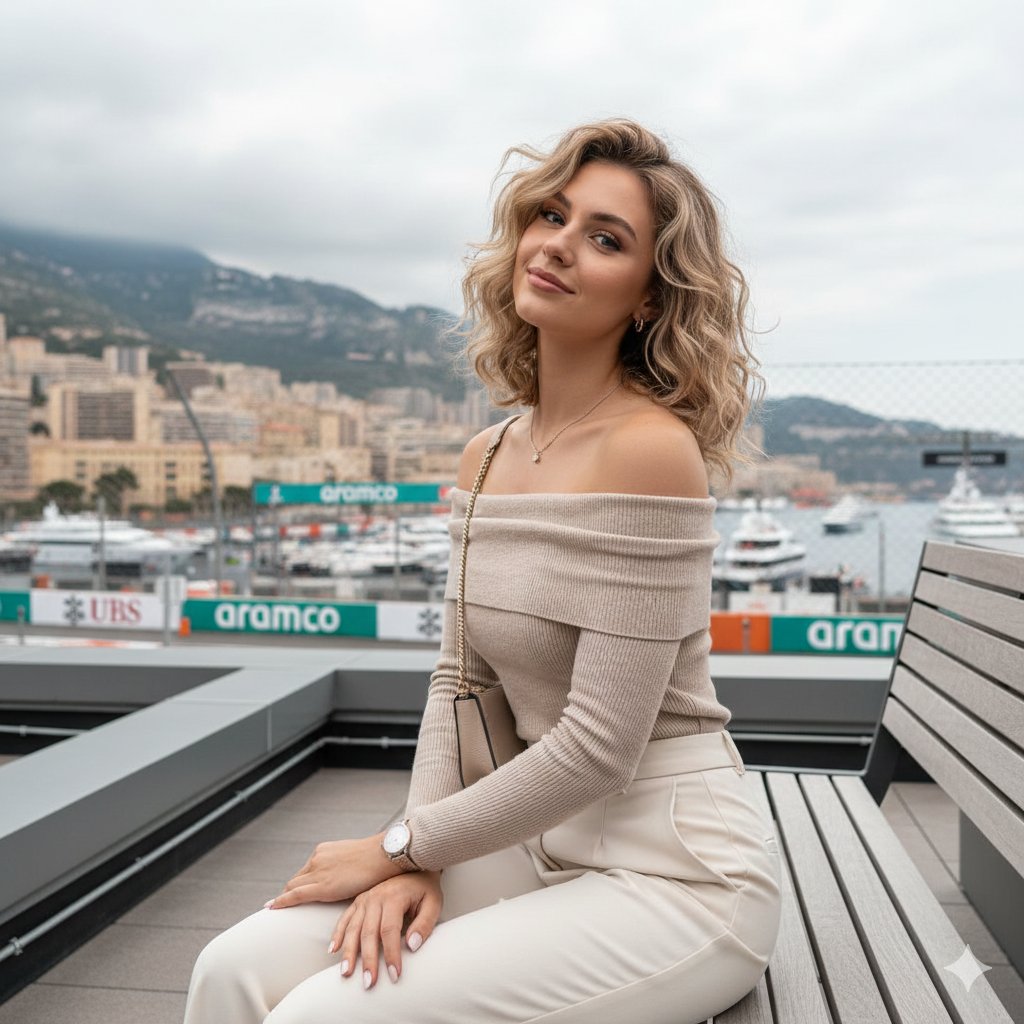
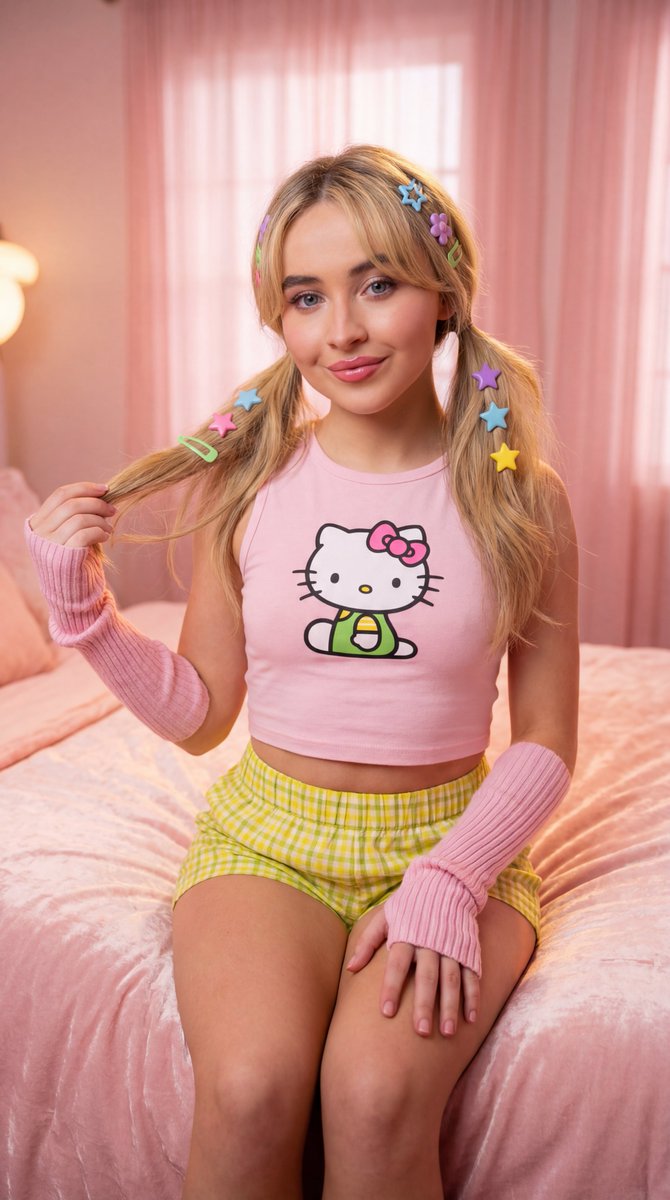
Use Misty Forest Fashion Editorial to plan an AI image around nano-banana-2 generation. Match the preview's composition first, then personalize the subject, setting, and mood for your own project.
Use the primary action to load the template settings in PicX Studio.
Adjust the subject and creative details for your destination.
Create the image, compare the result with the preview, and refine one variable at a time.
A continuous mix — similar concepts first, woven with same-model prompts and fresh picks from the catalog.
Choose the primary action to open PicX Studio with the available template settings. Review the model and format, personalize the creative direction, and generate when ready.
Yes. You can change the subject, setting, lighting, mood, format, and available model controls before creating your image.
This template is free to open and customize. Generation usage is shown in PicX Studio before you create.
Start with nano-banana-2, which is the model associated with this template. You can compare another compatible model for a different finish.
Follow a topic to a crawlable collection of related PicX Studio templates.
39,155 public templates available. Verified via the PicX Studio public templates API; refreshed hourly.
A continuous mix — similar concepts first, woven with same-model prompts and fresh picks from the catalog.