How do I use the iPhone Elevator Mirror Selfie Portrait template?
Choose the primary action to open PicX Studio with the available template settings. Review the model and format, personalize the creative direction, and generate when ready.
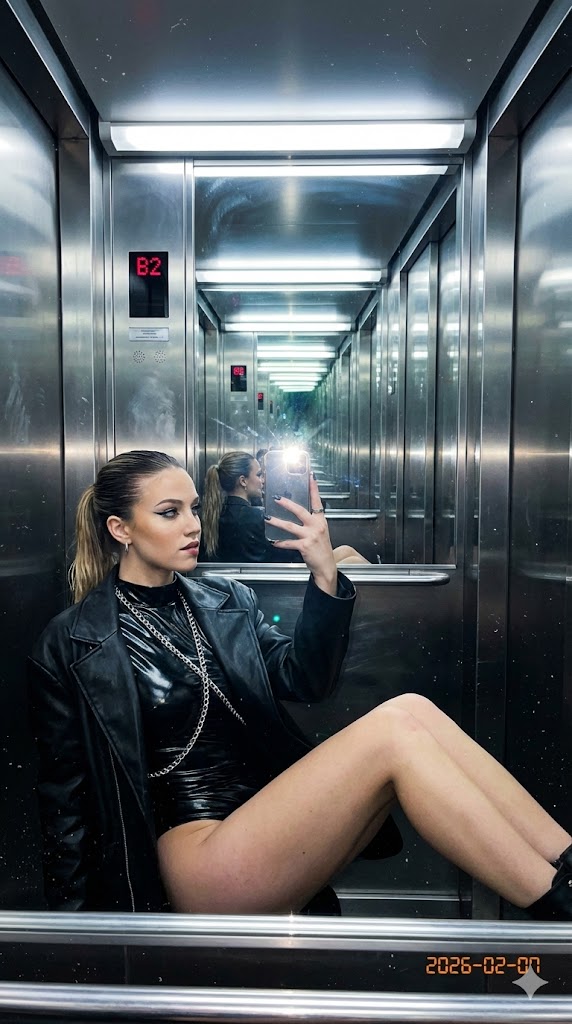
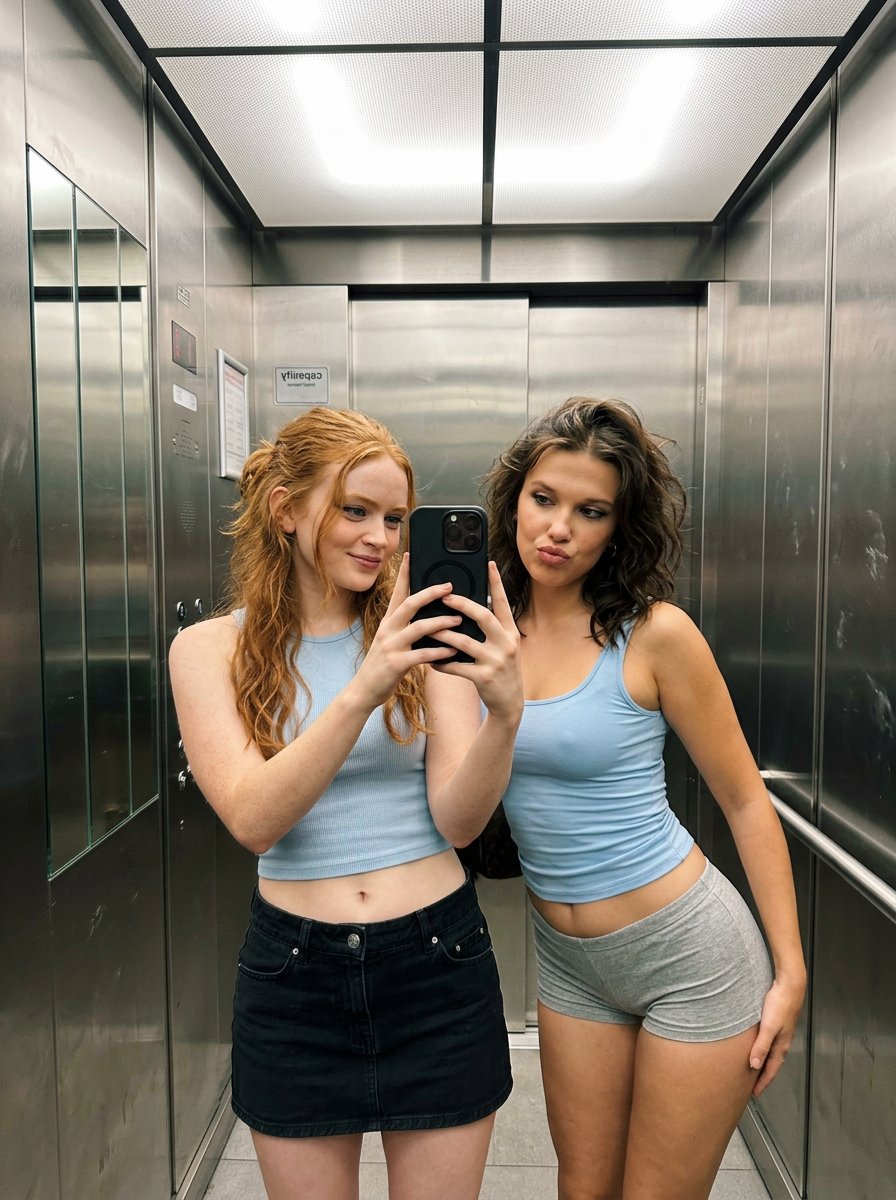
A detailed prompt for generating a highly realistic elevator mirror selfie with a focus on identity preservation, outfit layers, and authentic lighting. Change the subject, setting, or lighting one variable at a time.
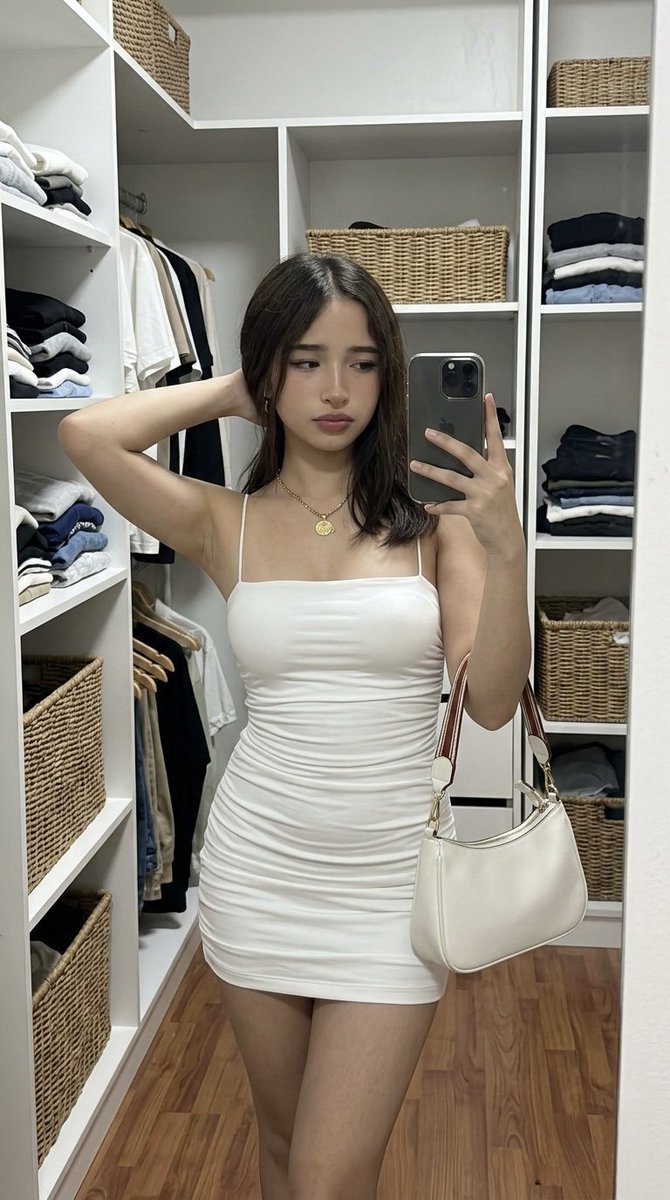
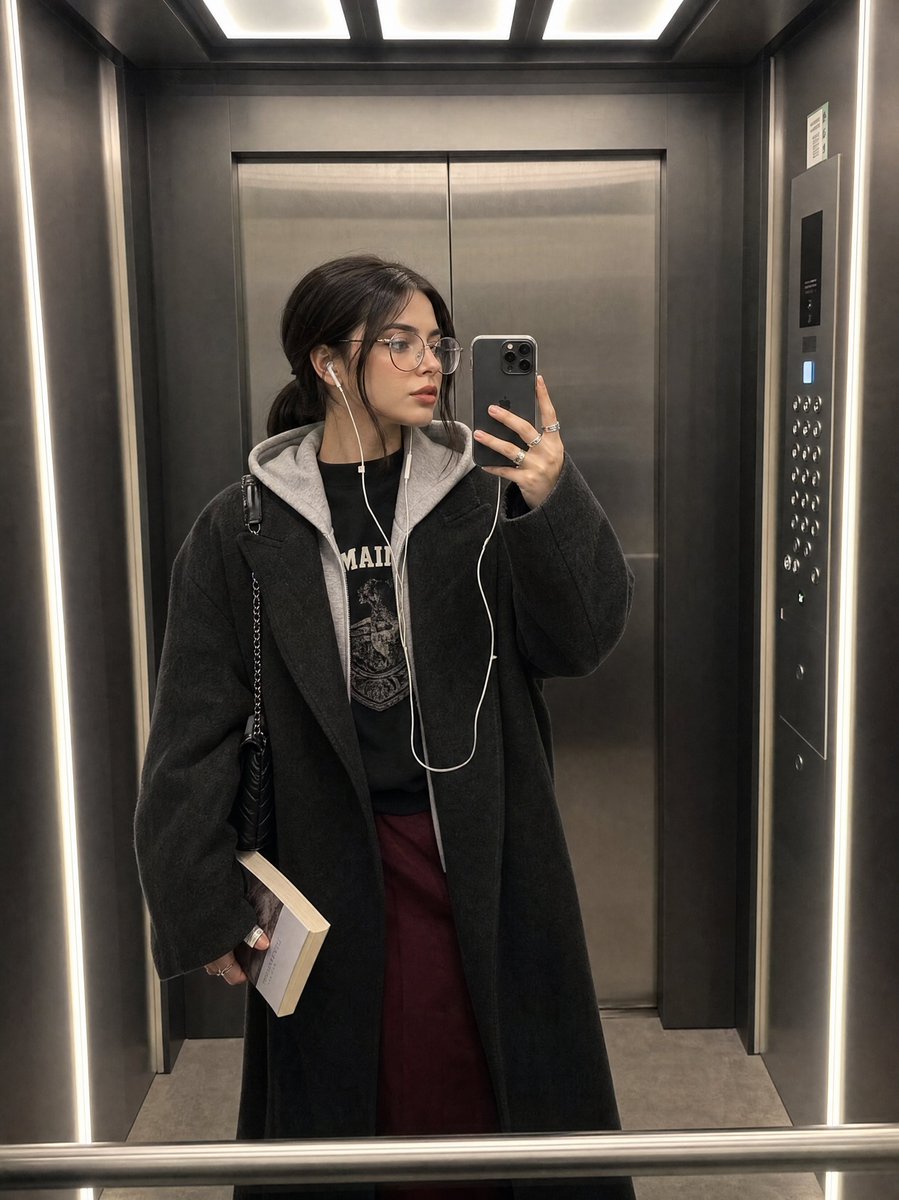
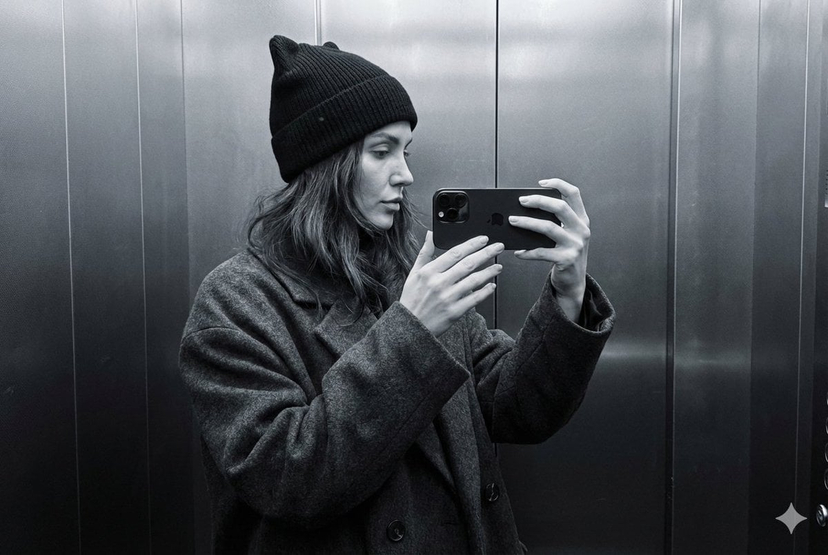
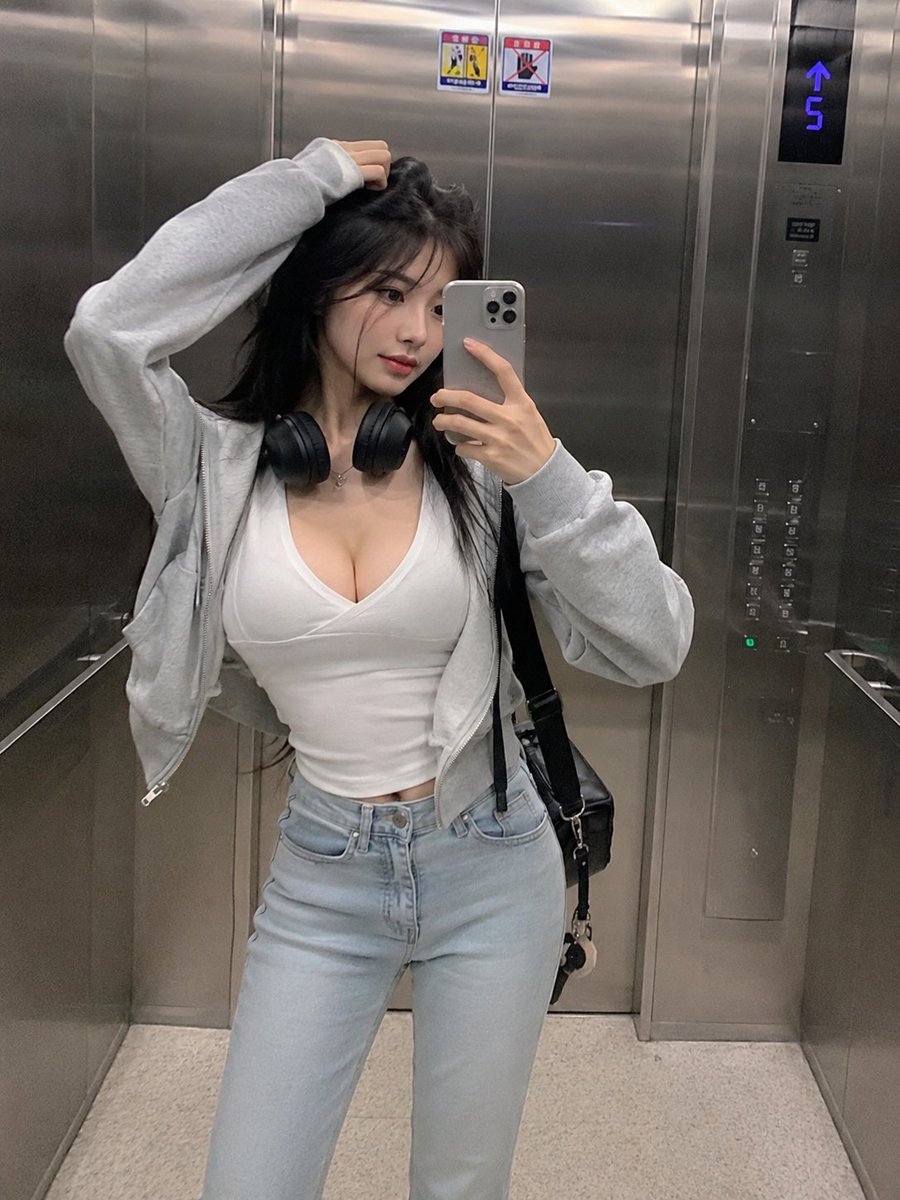
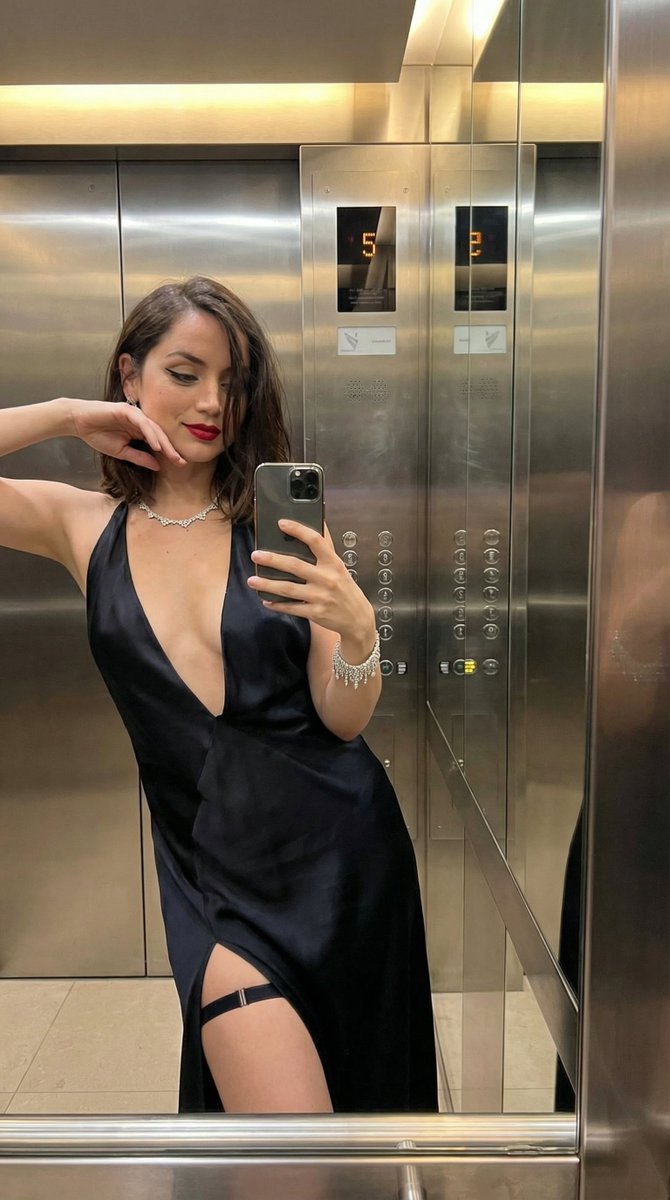
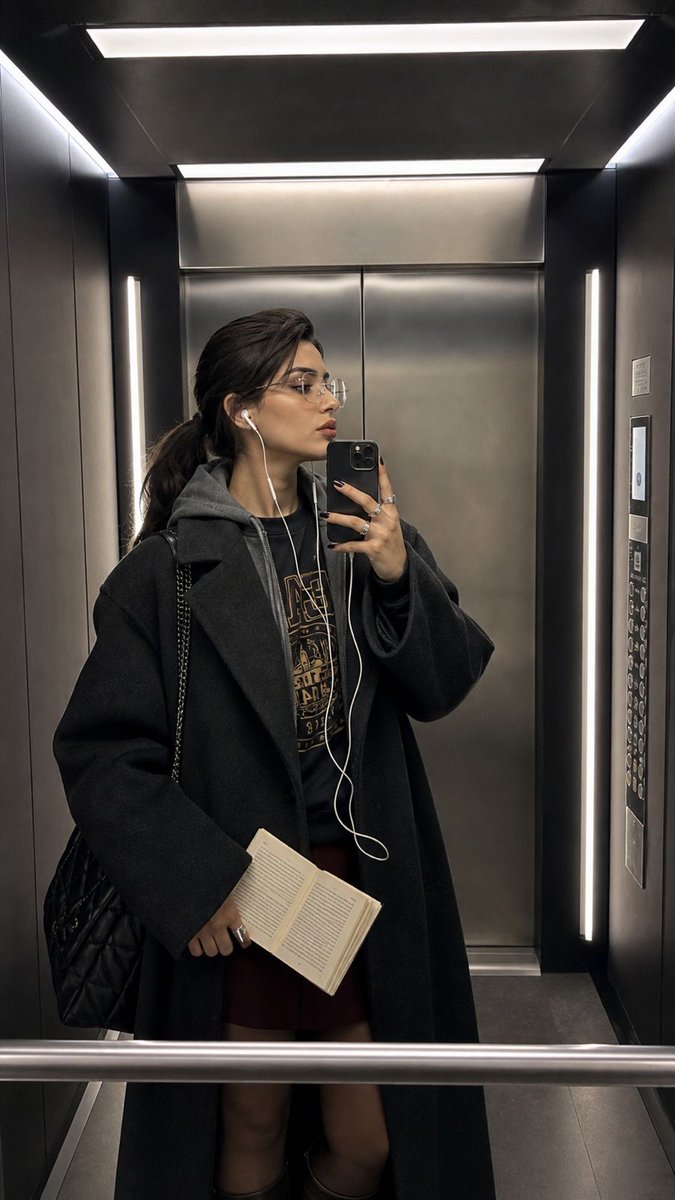
Ultra-realistic iPhone elevator mirror selfie, identity preserved exactly from reference image. Full-body mirror selfie inside a dark modern elevator. Young woman stands slightly angled sideways facing left, head turned in sharp side profile with lips softly pursed. Phone held at chest height in her right hand, elbow bent outward. Left hand hangs low holding an open paperback book against her burgundy skirt. Slick low ponytail, thin clear glasses, white wired earbuds with the cable hanging down across her chest. Oversized dark charcoal coat with wide sleeves over a grey hooded layer and black graphic sweatshirt. Burgundy midi skirt, black quilted shoulder bag on left shoulder, chunky silver rings. elevator: dark wall panels, stainless steel doors behind her, bright rectangular ceiling light panels, vertical light strips, elevator buttons on the right wall, mirror rail at bottom. Clean iPhone mirror framing, slightly wide but not distorted, cool elevator lighting, realistic reflection, natural skin texture, no beauty filter, no smoothing.
iPhone Elevator Mirror Selfie Portrait needs input media to work. Open it in the studio and these load alongside the prompt — pick whichever ones your chosen model can take.
Choose the primary action to open PicX Studio with the available template settings. Review the model and format, personalize the creative direction, and generate when ready.
Yes. You can change the subject, setting, lighting, mood, format, and available model controls before creating your image.
This template is free to open and customize. Generation usage is shown in PicX Studio before you create.
Start with GPT Image 2, which is the model associated with this template. You can compare another compatible model for a different finish.
© 2026 PicX Studio. All rights reserved.

Follow a topic to a crawlable collection of related PicX Studio templates.
43,474 public templates available. Verified via the PicX Studio public templates API; refreshed hourly.



![86-hyper-realistic-ai-selfie-prompt-generat — Raw iPhone [model] photo, [shot type] of [character details: age, ethnicity, specific features], [hair with imperf](/_next/image?url=https%3A%2F%2Fcdn.picxstudio.com%2Fuploads%2Fpost86_img0_c444d40d-a07d-4013-8b75-e692799481c0.jpg&w=828&q=100)








![Minimalist Flat Vector Travel Poster — Premium minimalist flat-vector travel poster for {argument name="city name" default="[CITY_NAME]"}, 3:4 vertical format.](https://cms-assets.youmind.com/media/1787917359711_3ug846_HQX205cbMAA6F6S-300x400.jpg)