
Realistic Elevator Mirror Selfie
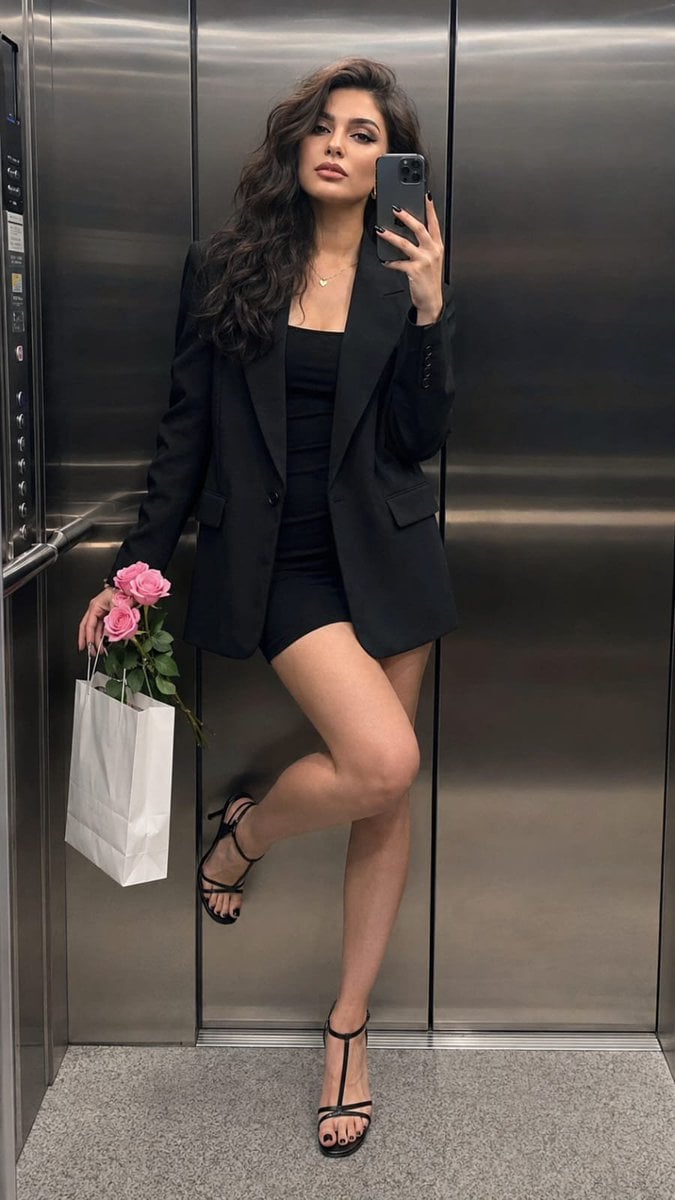
A prompt designed to generate a sophisticated, hyper-realistic mirror selfie in an elevator, maintaining consistent facial identity and natural lighting.
- Prompt included
- Model and format preset
- Free template
The prompt behind this image
Copy the exact prompt behind Realistic Elevator Mirror Selfie, or open it in the studio and make it yours.
Create a hyper-realistic full-length mirror selfie of a clearly adult woman, maintaining her exact facial identity, facial structure, proportions, skin tone, and natural asymmetry. She is standing inside {argument name="location" default="a sleek contemporary elevator with brushed-metal walls and subtle cool reflections"}. Her pose is relaxed and sophisticated: gently leaning against the elevator wall, one leg extended naturally while the other is bent with her foot resting lightly against the wall. She holds an iPhone close beside her cheek, while her free hand carries {argument name="accessories" default="a small bouquet of pink roses together with a white shopping bag"}. She wears {argument name="clothing" default="a fitted black mini dress beneath an oversized black blazer, elegant black strappy heels, a delicate necklace, and small hoop earrings"}. Keep makeup light and realistic. Use subdued overhead elevator lighting with cool metallic highlights and believable shadows. Capture authentic iPhone 15 Pro Max photography characteristics, including natural skin pores, subtle texture, realistic fabric detail, mild smartphone grain, accurate mirror reflections, and natural perspective. Vertical full-body composition, 9:16, sharp facial detail and clothing. Avoid identity changes, face beautification, artificial skin smoothing, extra fingers, malformed hands, duplicated people, duplicate reflections, distorted phone geometry, warped limbs, unrealistic reflections, CGI appearance, or plastic-looking skin.
How to use Realistic Elevator Mirror Selfie in 3 steps
- 1Upload ImagePNG, JPG or paste
Add your photo
Upload the photo the template builds on. The prompt, model and format are already set.
- 2…a portrait of your subject in softgolden-hour light, 85mm…
Personalize
Edit the subject and creative details for your destination.
- 3Generate
Generate
Press Generate — your image is created in PicX Studio, so you can compare it with the original and refine one variable at a time.
More like this
Templates with the same subject, style or setup. Open one to see its prompt.

Rooftop Fisheye — Cat-Ear Balaclava at Golden Hour

Felt & Knit 3D Character — Photo-Exact Face, Pixar-Quality Plush Figurine

Eid al-Adha Cute Chaos — Fisheye Selfie with Farm Selfie, Mosque & Animals

Cat Photobomb Selfie — 0.5x Wide Angle Café Chaos

Gen Z Triple Selfie Collage — Y2K Flash Photography

Surreal Cat Astronaut — Humanoid Face Freefall
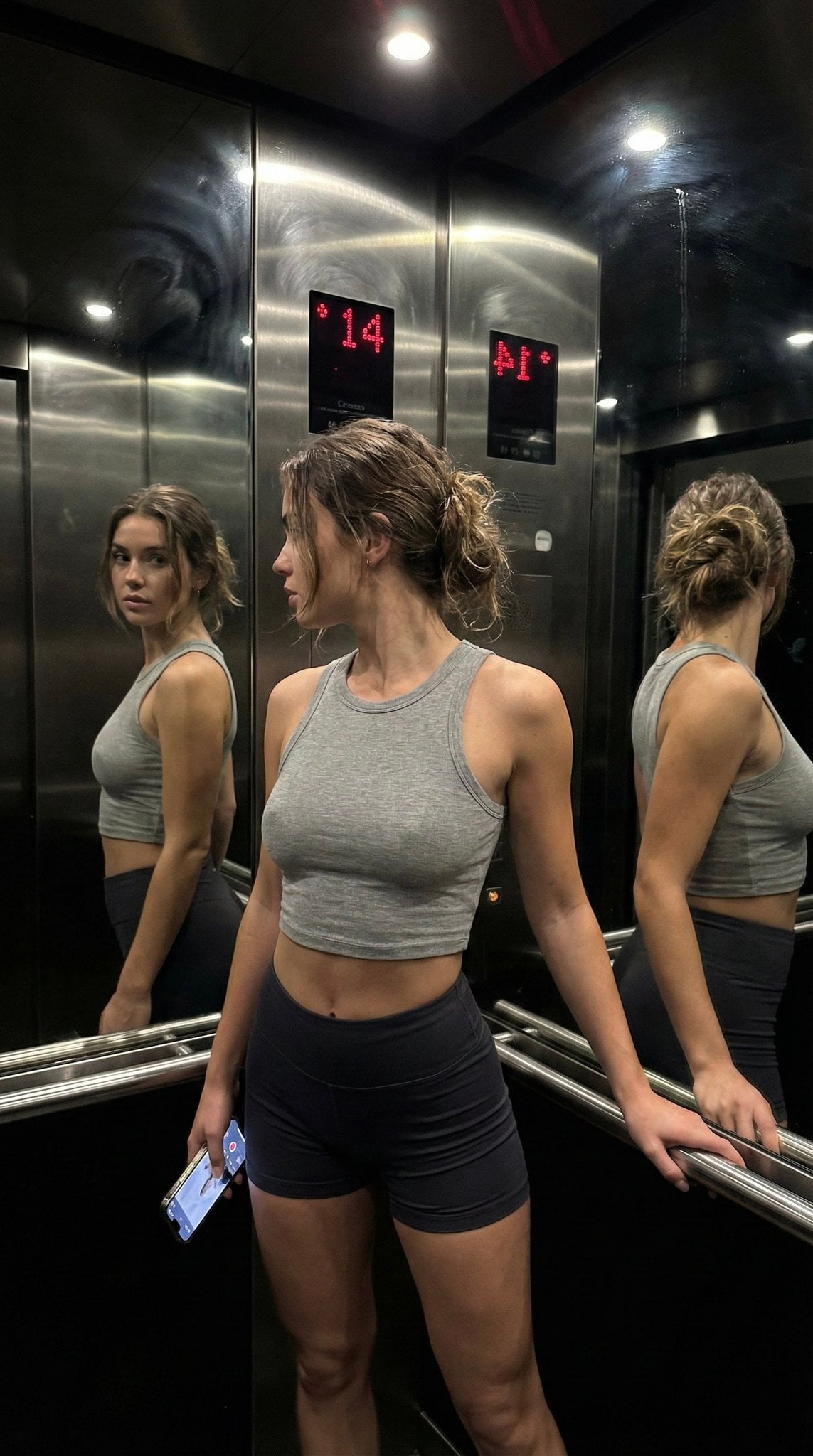
Late Night Elevator Multi Mirror Selfie

Nano Banana Grwm Mirror Selfie Pink
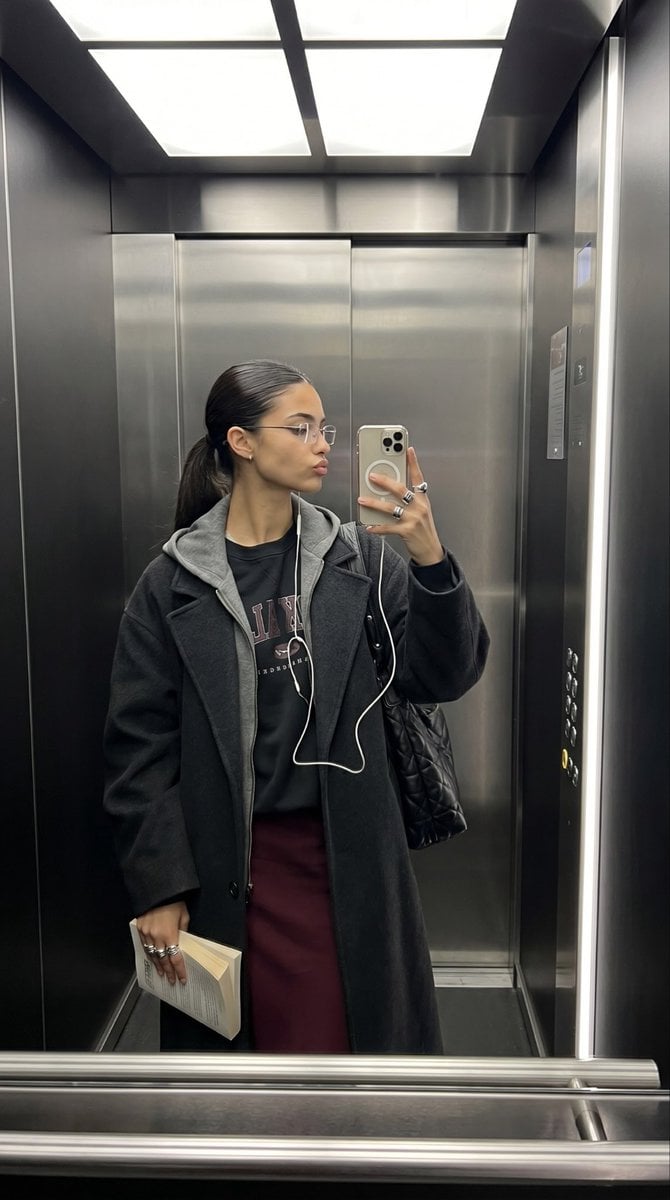
Elevator Mirror Selfie with Book
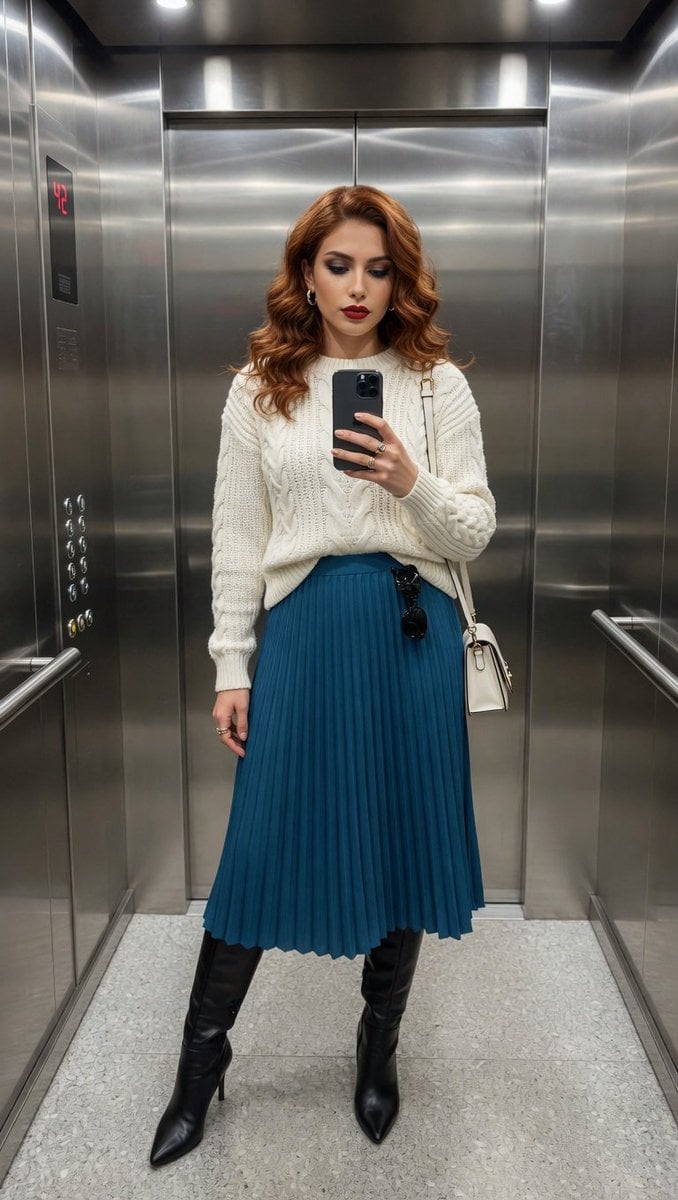
Photorealistic Elevator Mirror Selfie
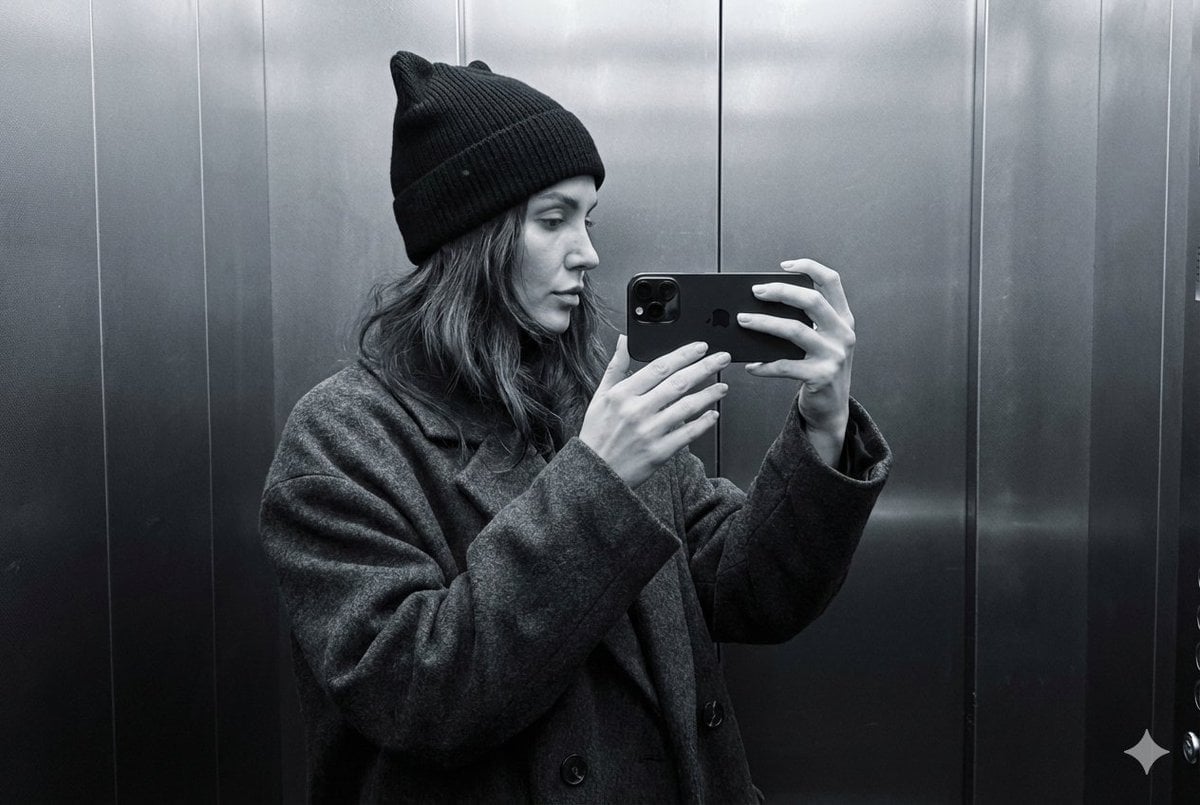
Monochrome Elevator Profile Cat Ear Selfie
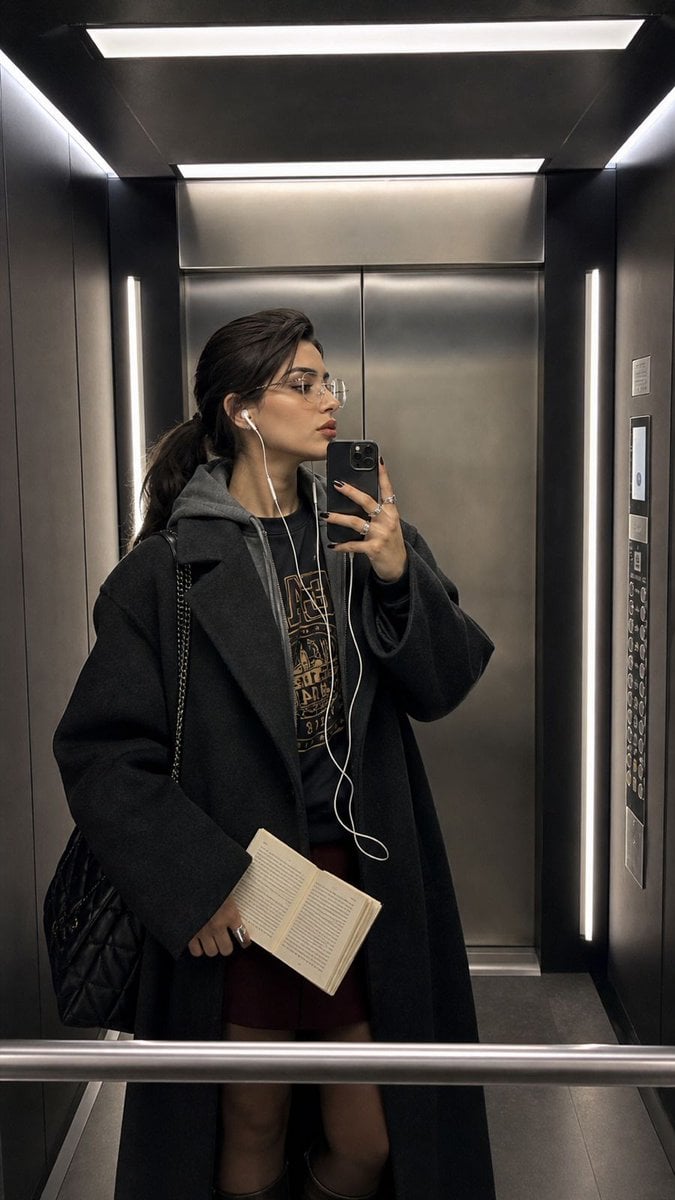
Modern Elevator Mirror Selfie
Make it yours
Realistic Elevator Mirror Selfie works as-is. These are the safest ways to change it without losing the look.
Change one field
Copy a single group, rewrite it, and generate again so you can see what that field is doing.
Keep the frame, change the subject
Hold the composition and light of Realistic Elevator Mirror Selfie, then swap wardrobe, props or the person for a new take.
| If the result… | Why | Fix |
|---|---|---|
| The result drifts from the preview | Too many fields changed at once. | Reuse Realistic Elevator Mirror Selfie as-is first, then change one group — subject, light, or setting. |
| The model over-stylizes the scene | The prose prompt leaves finish and camera underspecified. | Add one camera or lighting sentence and stay on GPT Image 2. |
More GPT Image 2 templates
Other prompts made for GPT Image 2.

Six VTuber Japanese Logo Sheet

Realistic Portrait of Woman and Deer

The Vista Modular Condo Poster

AI Model Routing Comparison Infographic

2.5D Anime Art Board

Isometric Productivity Desk Scene

New York Double Exposure Poster

Four-Panel AI Landscape Comparison

Japanese Tatami Lifestyle Magazine Cover

NESCAFÉ Coffee Map Poster
More image prompts
Fresh picks from across the catalog.

Samurai Armor Character Transformation
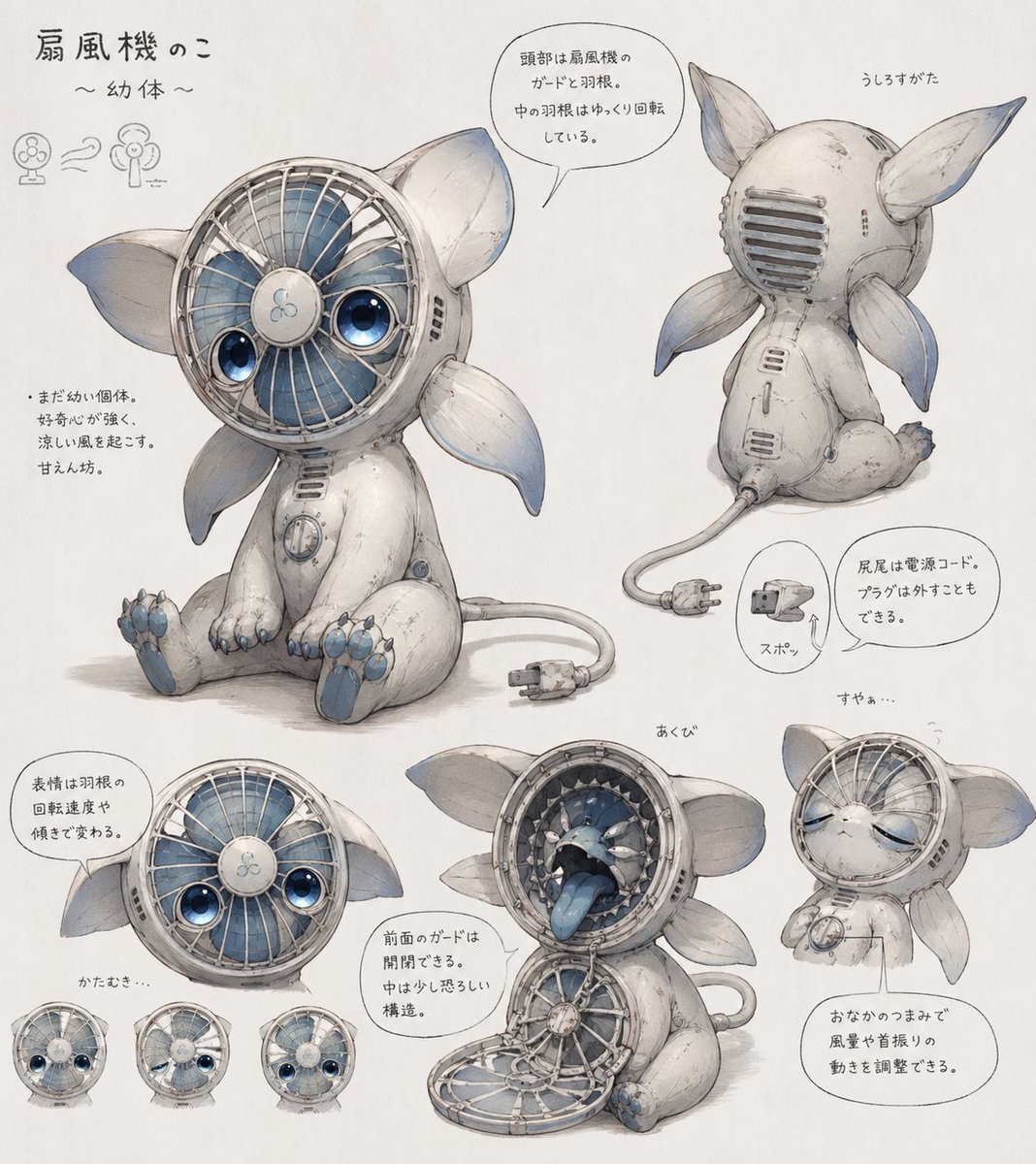
Fan Creature Concept Sheet

Epic Fantasy Warrior and Wolf
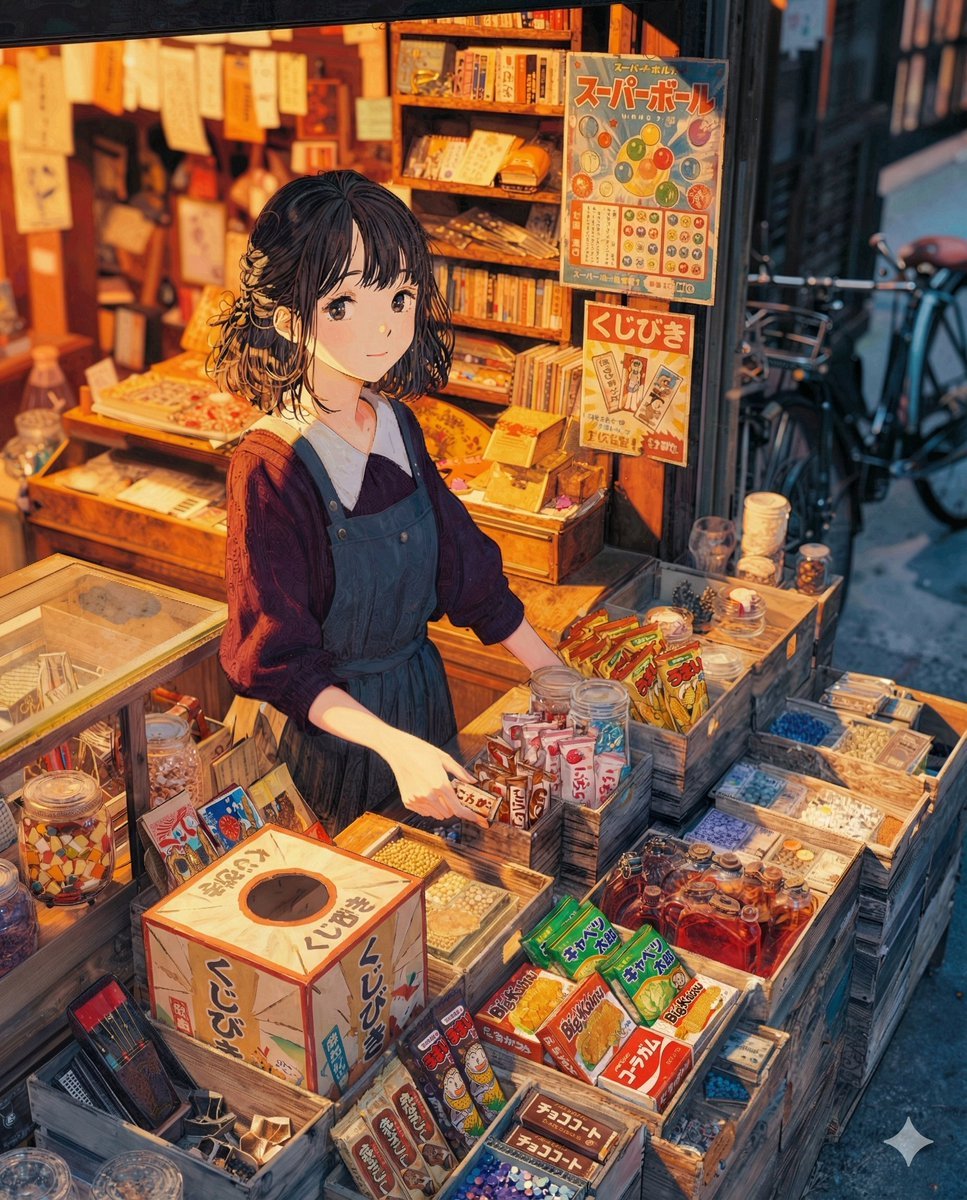
To the Candy Shop Image Generation
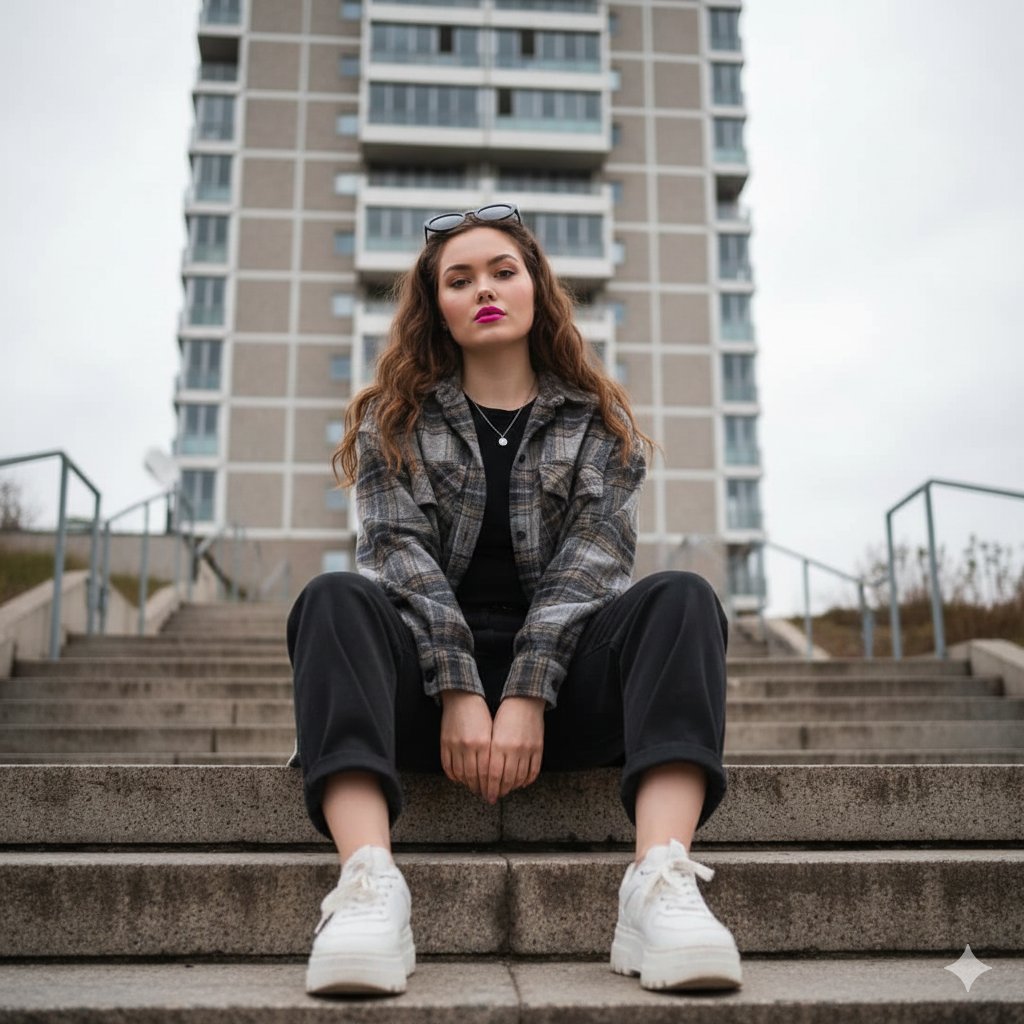
Low-Angle Full-Body Portrait on Concrete Steps
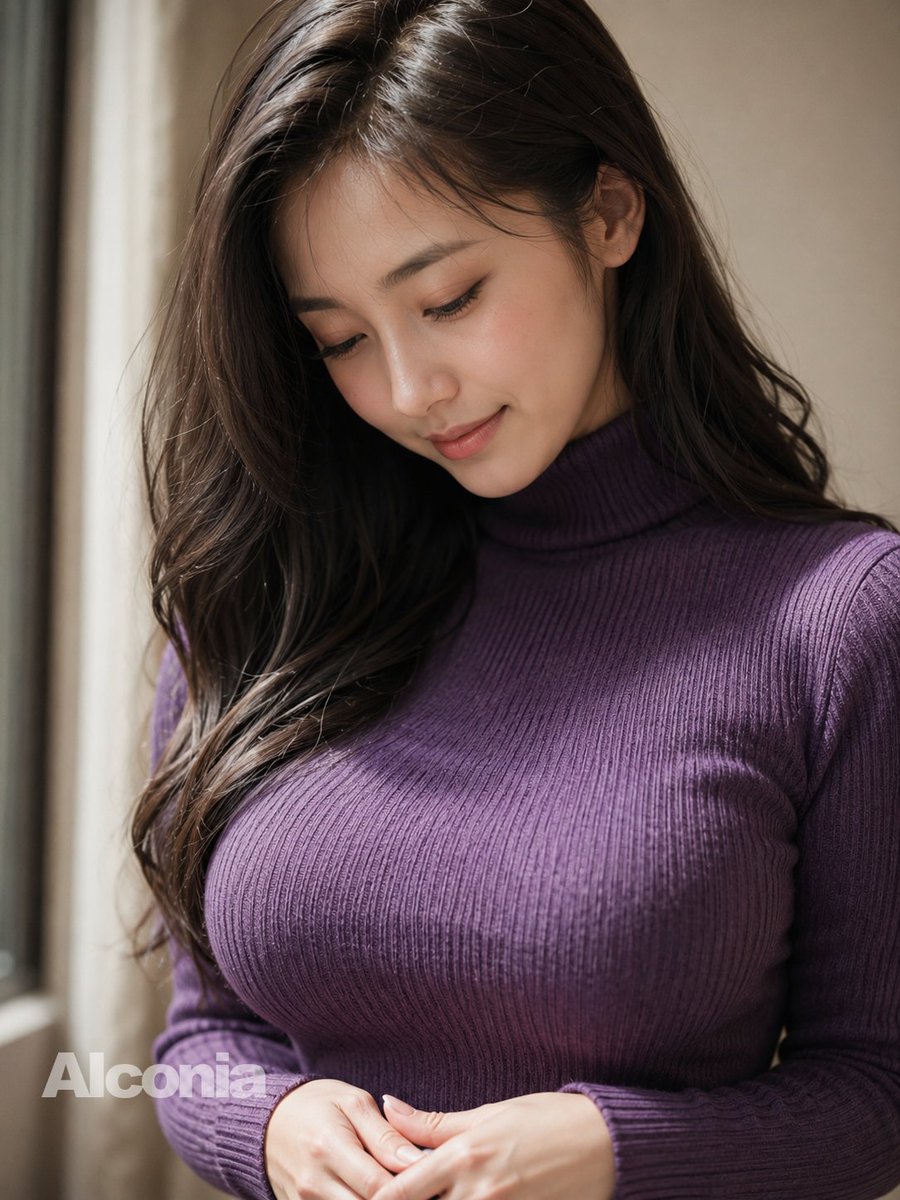
Censored Purple Turtleneck Portrait
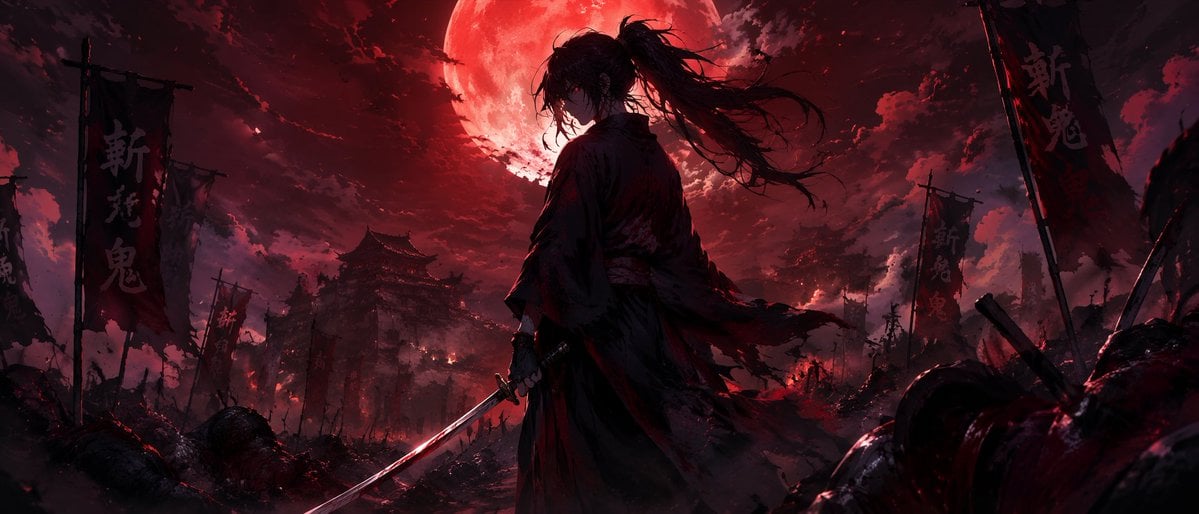
Dark Fantasy Samurai Battlefield
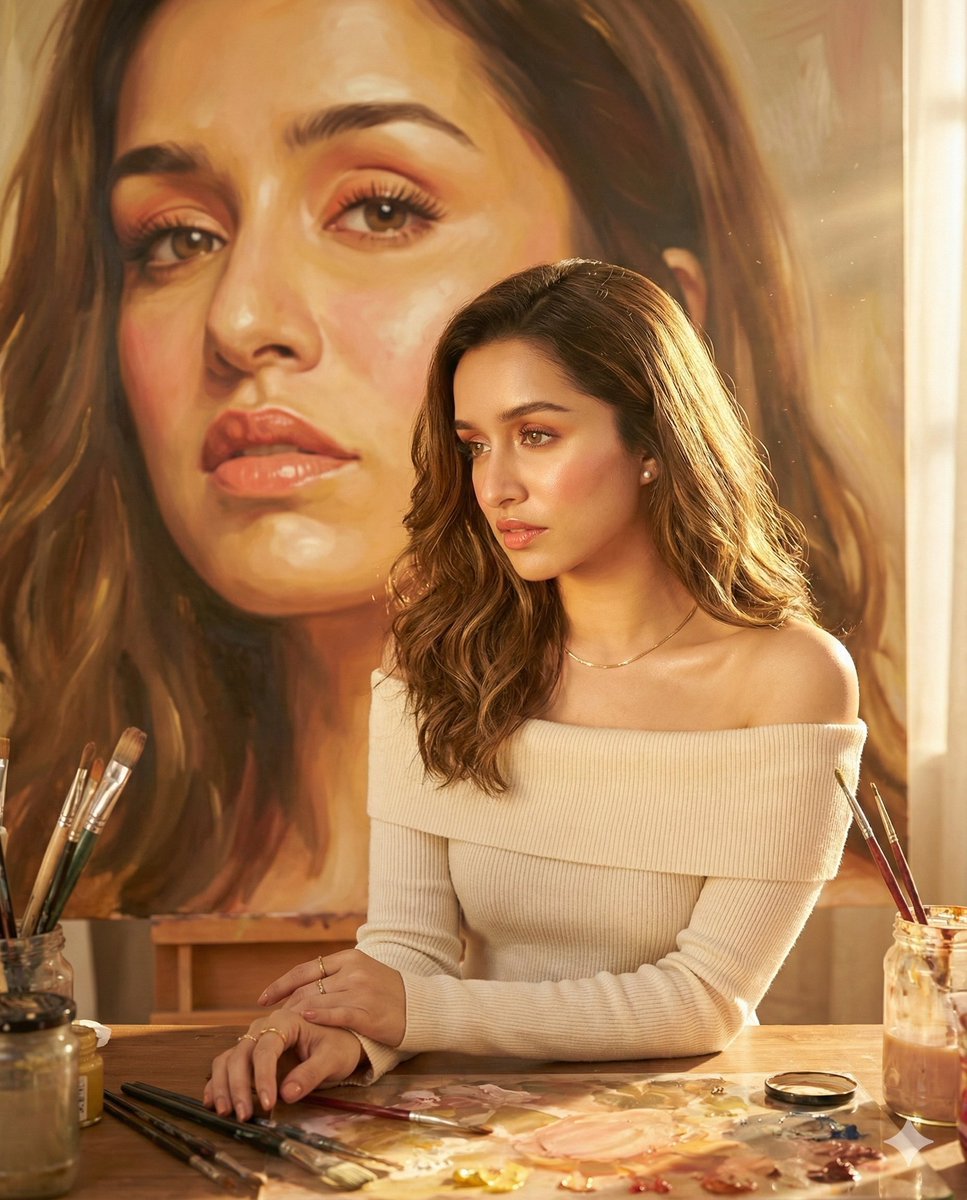
Four Sketch and Portrait Prompts for Nano Banana Pro
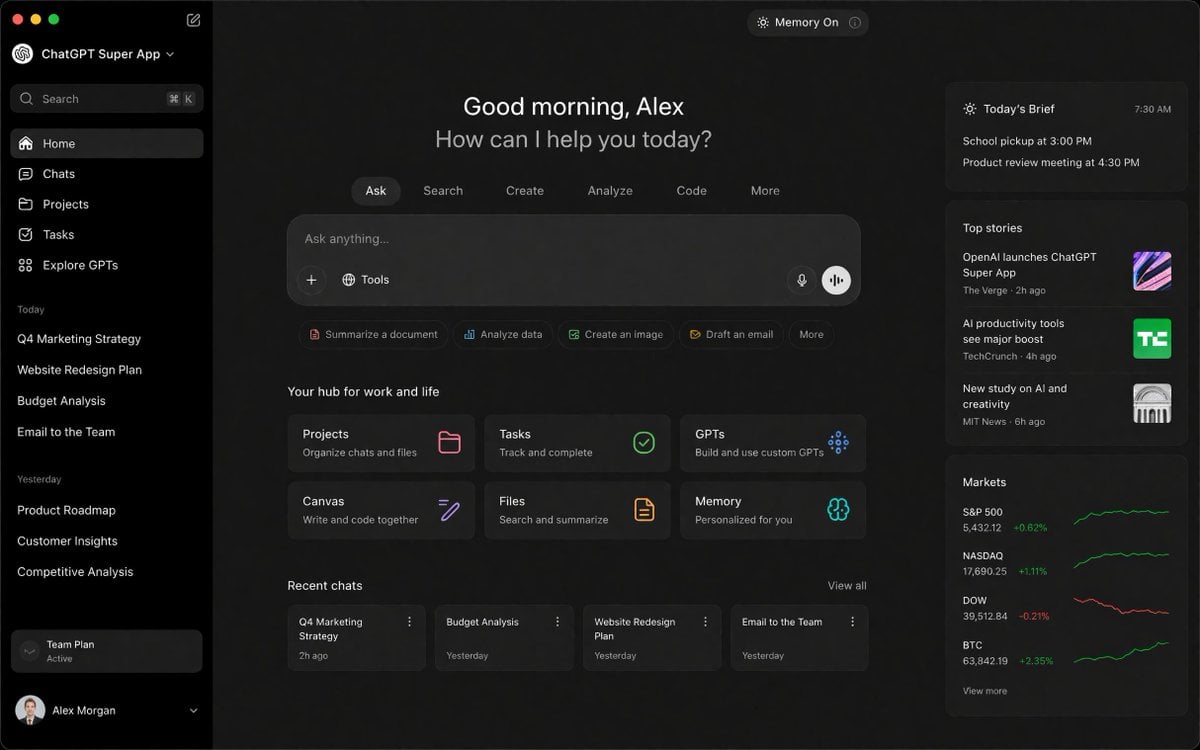
ChatGPT Super App Concept
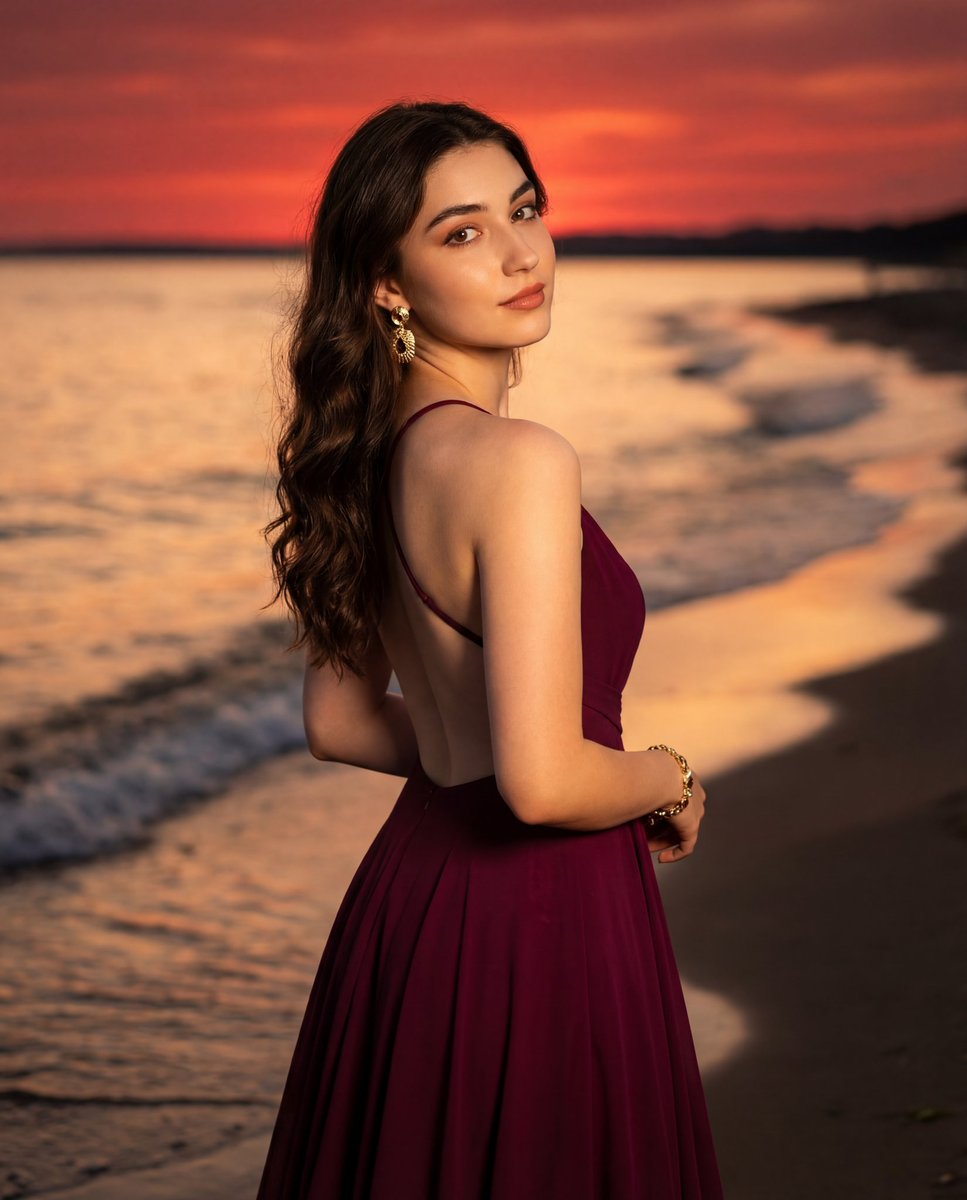
Photorealistic Portrait of a Woman in an Evening Dress at Sunset Beach
Browse template categories
Realistic Elevator Mirror Selfie questions
How do I use the Realistic Elevator Mirror Selfie template?
Add your photo if the template asks for one, edit the prompt if you like — the template's model and format are already selected — and press Generate. Your version opens in PicX Studio.
Can I customize the Realistic Elevator Mirror Selfie template?
Yes. You can change the subject, setting, lighting, mood, format, and available model controls before creating your image.
Is the Realistic Elevator Mirror Selfie template free?
Opening and editing this template is free. Generating uses credits, shown on the Generate button when you are signed in.
Which AI model should I use?
Start with GPT Image 2, which is the model associated with this template. You can compare another compatible model for a different finish.
Looking for something else? Browse all templates.

Your photo, any look
Thousands of ready templates for every top image and video model, from one credit balance.