
Cute Four-Panel Tokenization Infographic
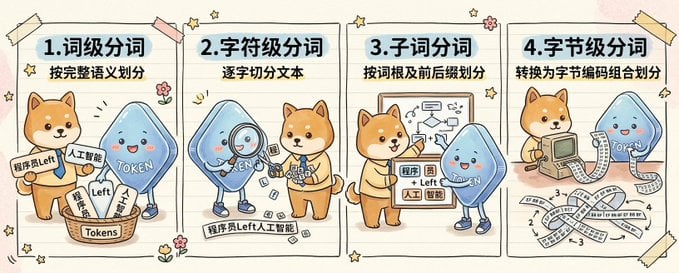
This prompt generates a wide hand-drawn infographic with two mascot characters explaining four tokenization methods, ideal for social media educational posts about AI and NLP.
- Prompt included
- Model and format preset
- Free template
The prompt behind this image
Copy the exact prompt behind Cute Four-Panel Tokenization Infographic, or open it in the studio and make it yours.
- Type
- hand-drawn educational infographic illustration
- Style
- cute notebook doodle style, hand-painted handbook aesthetic, warm beige paper background with faint texture, playful sketchy outlines, soft pastel colors, small flower and star doodles, taped paper-card layout
- Aspect Ratio
- wide horizontal
- Subject › Characters › 0 › Name
- {argument name="dog character name" default="柴小七"}
- Subject › Characters › 0 › Species
- Shiba Inu mascot
- Subject › Characters › 0 › Appearance
- cute orange-brown Shiba Inu with cream muzzle and belly, round face, upright ears, friendly expression, simplified cartoon anatomy
- Subject › Characters › 1 › Name
- {argument name="blue character name" default="Token"}
- Subject › Characters › 1 › Species
- blue token mascot
- Subject › Characters › 1 › Appearance
- rounded triangular blue droplet-shaped character with glossy gradient body, tiny arms and legs, rosy cheeks, smiling face, the word "{argument name="token label" default="TOKEN"}" written across the body in white
- Subject › Theme
- compare four levels of text segmentation in a friendly science-explainer format
- Layout › Sections › 0 › Title
- 1.词级分词
- Layout › Sections › 0 › Position
- far left panel
- Layout › Sections › 0 › Count
- 1
- Layout › Sections › 0 › Subtitle
- 按完整语义划分
- Layout › Sections › 0 › Scene
- the Shiba Inu and blue token character stand beside a basket labeled "Tokens" filled with paper strips. Visible strips and tags read "程序员", "Left", "人工智能", and a small sign reads "程序员Left". The token character points toward the basket while the dog presents the categorized pieces.
- Layout › Sections › 1 › Title
- 2.字符级分词
- Layout › Sections › 1 › Position
- left-center panel
- Layout › Sections › 1 › Count
- 1
- Layout › Sections › 1 › Subtitle
- 逐字切分文本
- Layout › Sections › 1 › Scene
- the blue token character holds a magnifying glass and examines scattered small character tiles on the floor while the Shiba Inu sorts them. A label strip at the bottom reads "程序员Left人工智能" as one continuous text sample being split into individual characters.
- Layout › Sections › 2 › Title
- 3.子词分词
- Layout › Sections › 2 › Position
- right-center panel
- Layout › Sections › 2 › Count
- 1
- Layout › Sections › 2 › Subtitle
- 按词根及前后缀划分
Raw JSON
{"type":"hand-drawn educational infographic illustration","style":"cute notebook doodle style, hand-painted handbook aesthetic, warm beige paper background with faint texture, playful sketchy outlines, soft pastel colors, small flower and star doodles, taped paper-card layout","aspect_ratio":"wide horizontal","subject":{"characters":[{"name":"{argument name=\"dog character name\" default=\"柴小七\"}","species":"Shiba Inu mascot","appearance":"cute orange-brown Shiba Inu with cream muzzle and belly, round face, upright ears, friendly expression, simplified cartoon anatomy"},{"name":"{argument name=\"blue character name\" default=\"Token\"}","species":"blue token mascot","appearance":"rounded triangular blue droplet-shaped character with glossy gradient body, tiny arms and legs, rosy cheeks, smiling face, the word \"{argument name=\"token label\" default=\"TOKEN\"}\" written across the body in white"}],"theme":"compare four levels of text segmentation in a friendly science-explainer format"},"layout":{"sections":[{"title":"1.词级分词","position":"far left panel","count":1,"subtitle":"按完整语义划分","scene":"the Shiba Inu and blue token character stand beside a basket labeled \"Tokens\" filled with paper strips. Visible strips and tags read \"程序员\", \"Left\", \"人工智能\", and a small sign reads \"程序员Left\". The token character points toward the basket while the dog presents the categorized pieces."},{"title":"2.字符级分词","position":"left-center panel","count":1,"subtitle":"逐字切分文本","scene":"the blue token character holds a magnifying glass and examines scattered small character tiles on the floor while the Shiba Inu sorts them. A label strip at the bottom reads \"程序员Left人工智能\" as one continuous text sample being split into individual characters."},{"title":"3.子词分词","position":"right-center panel","count":1,"subtitle":"按词根及前后缀划分","scene":"the Shiba Inu gestures at a flowchart board showing broken word parts and arrows, while the blue token mascot stands nearby. Small paper labels include mixed chunks such as \"程序\", \"员\", \"Left\", \"人工\", and \"智能\", emphasizing morpheme or subword grouping."},{"title":"4.字节级分词","position":"far right panel","count":1,"subtitle":"转换为字节编码组合划分","scene":"the Shiba Inu uses a retro computer with a long printed strip emerging from it, and the blue token character stands to the side. Across the lower half are ribbon-like strips filled with repeated byte numbers and symbols, especially \"1\", \"2\", \"3\", \"4\", and \"-3\", illustrating byte encoding combinations."}],"decorations":{"count":10,"items":["4 pieces of taped corners in pale yellow and pink","small five-point stars scattered around panels","tiny flower doodles between panels","curved motion lines near character gestures","notebook-style vertical panel dividers","rounded rectangular panel frames","light shadows behind paper panels","faint horizontal paper grain","small spark icons","hand-drawn accent marks"]}},"composition":"four equal vertical panels arranged left to right across one canvas, each panel with a bold numbered Chinese heading and a smaller subtitle beneath it, each panel showing the two mascots acting out a different tokenization concept","text":{"headings":["1.词级分词","2.字符级分词","3.子词分词","4.字节级分词"],"subtitles":["按完整语义划分","逐字切分文本","按词根及前后缀划分","转换为字节编码组合划分"]},"quality":"clean, polished, adorable, presentation-ready educational visual","use_case":"social media science explainer comparing tokenization methods for AI and NLP"}How to use Cute Four-Panel Tokenization Infographic in 3 steps
- 1Upload ImagePNG, JPG or paste
Add your photo
Upload the photo the template builds on. The prompt, model and format are already set.
- 2…a portrait of your subject in softgolden-hour light, 85mm…
Personalize
Edit the subject and creative details for your destination.
- 3Generate
Generate
Press Generate — your image is created in PicX Studio, so you can compare it with the original and refine one variable at a time.
More like this
Templates with the same subject, style or setup. Open one to see its prompt.
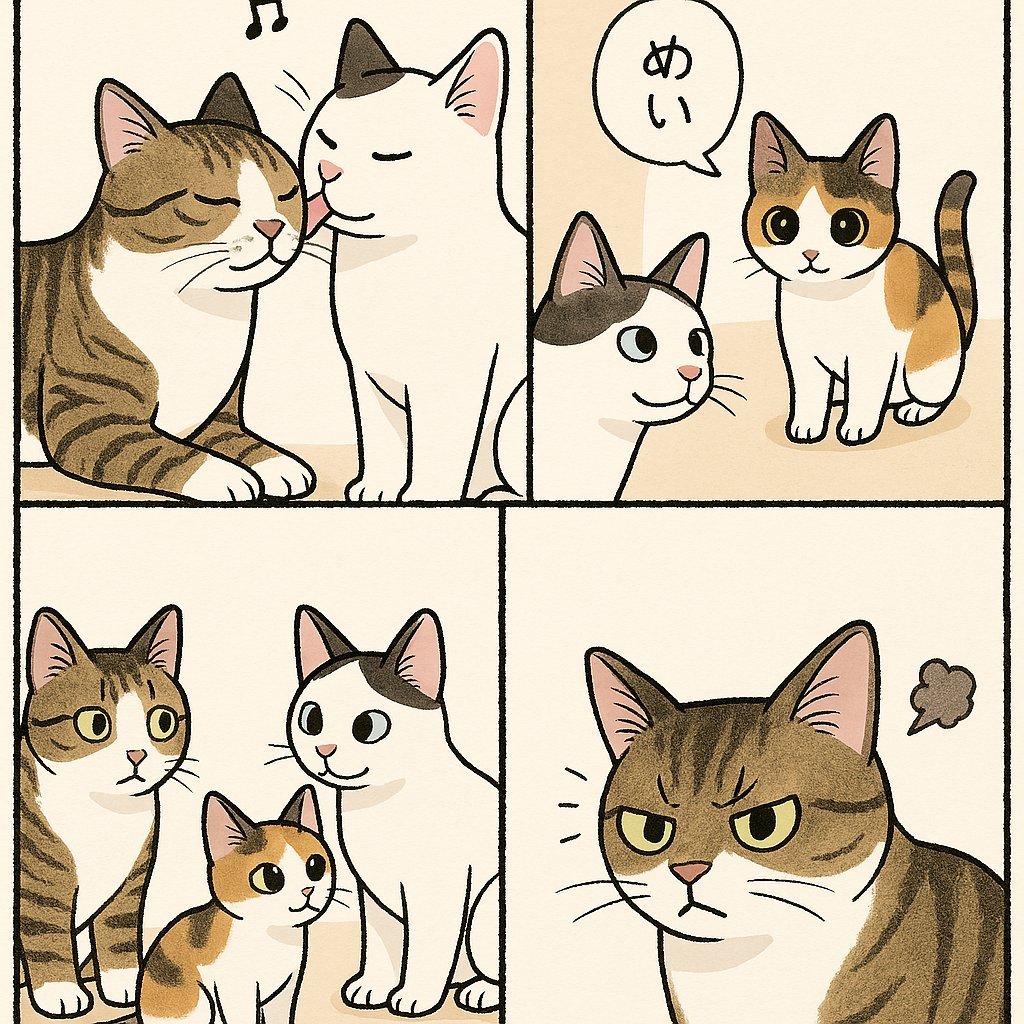
Cute Four-Panel Cat Jealousy Comic
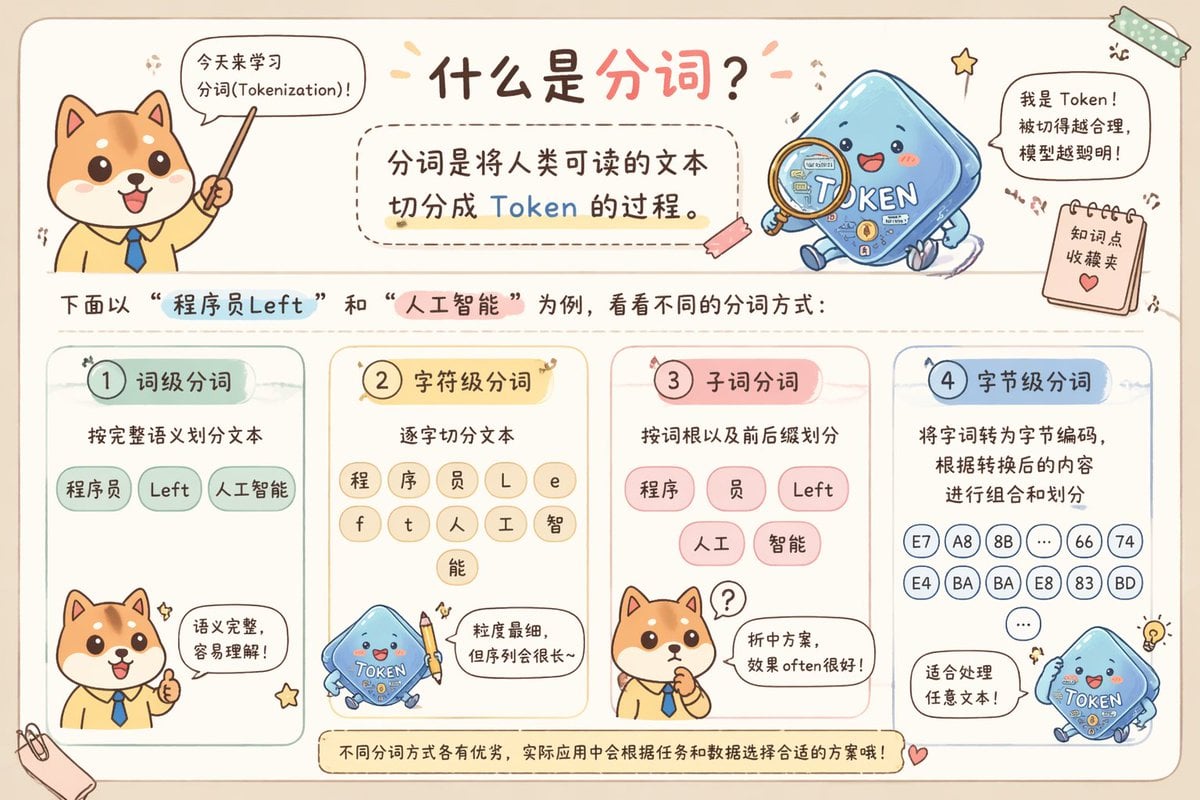
Cute Chinese Tokenization Infographic

Minecraft Homage Illustrious Style

Japan Travel Brochure Poster

Four-Panel AI Landscape Comparison
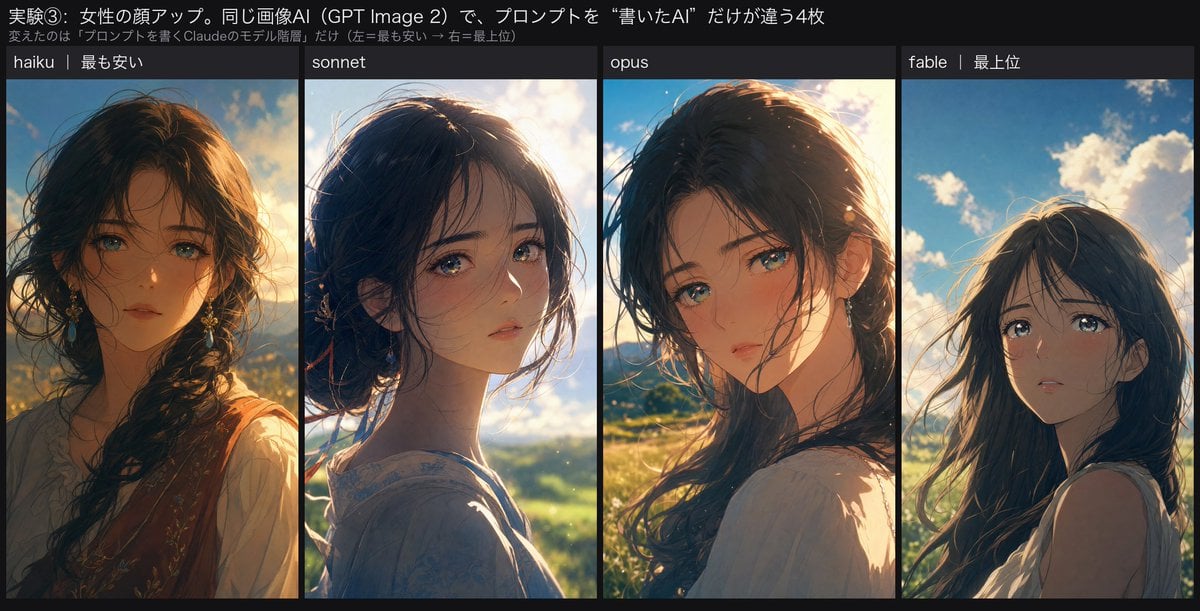
Four-Panel Anime Face Comparison
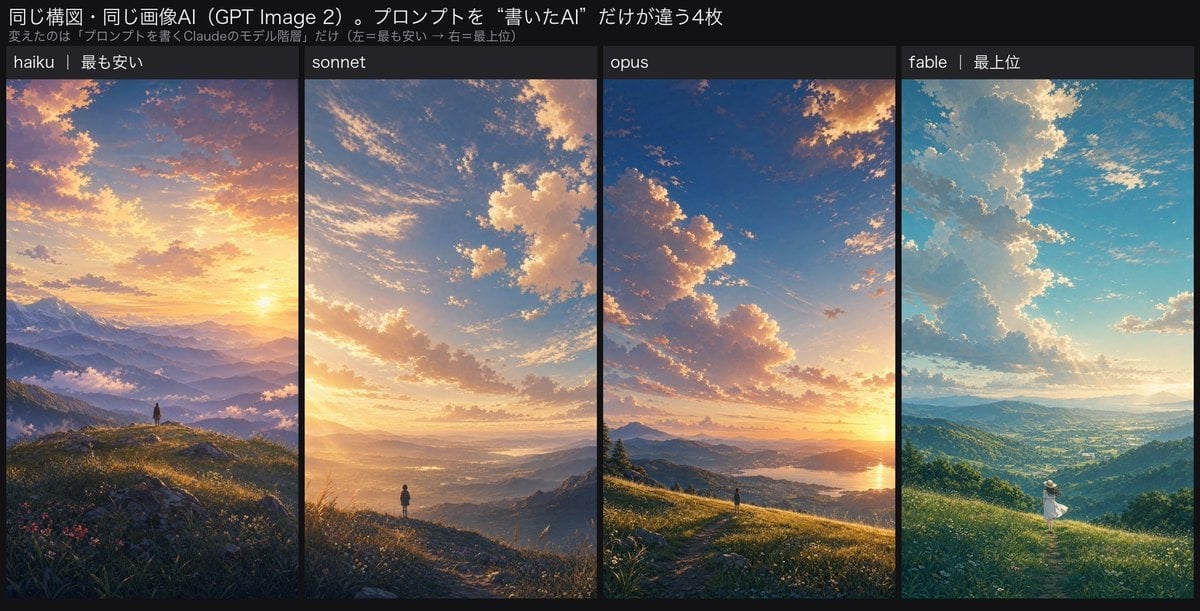
Four-Panel AI Landscape Comparison
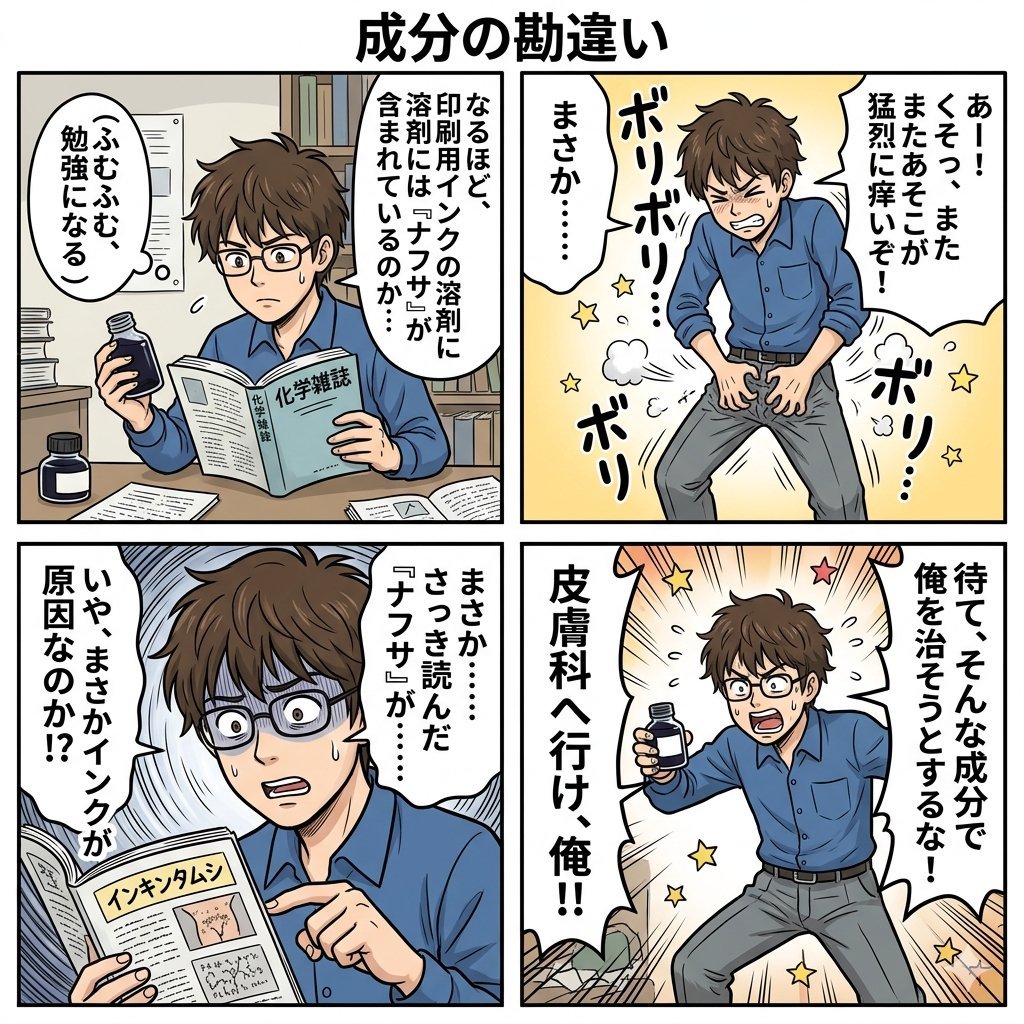
Component Differences Four-Panel Manga
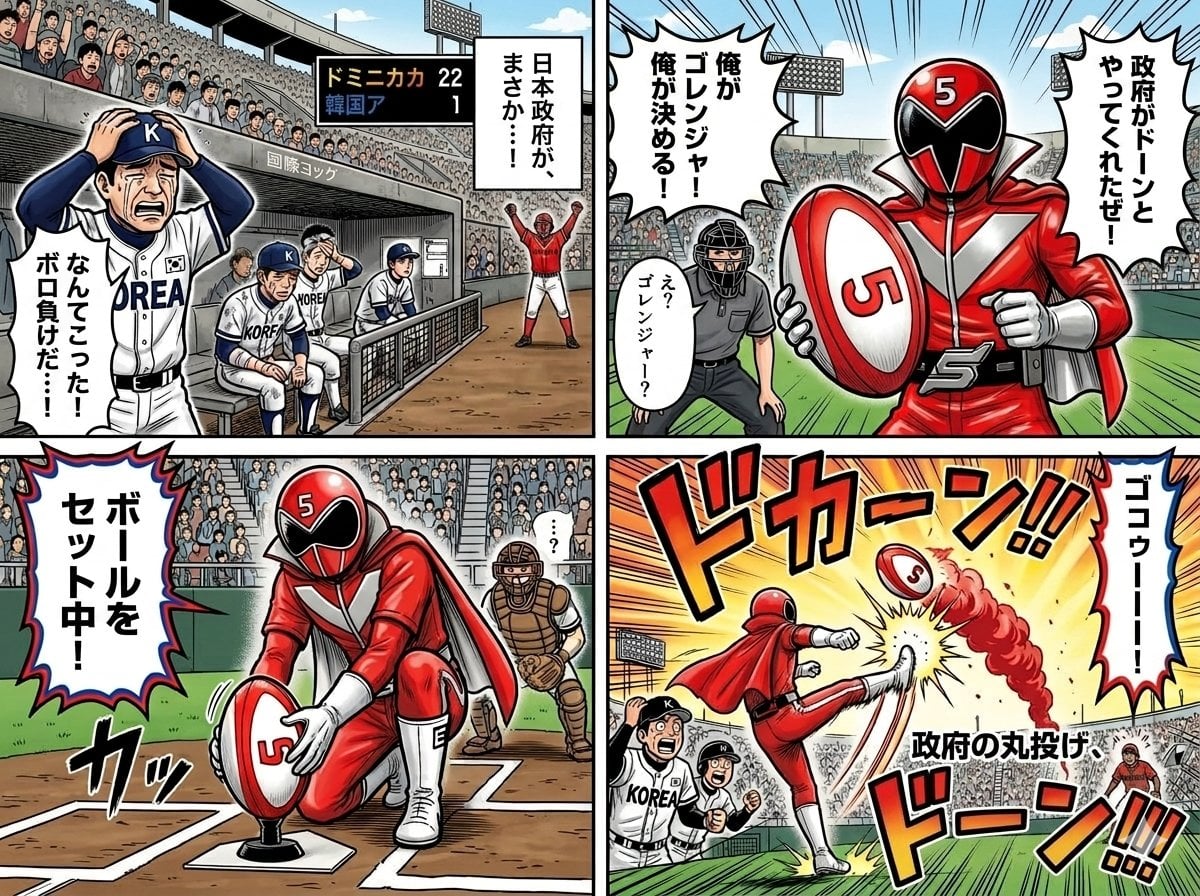
Four-Panel Manga with Sentai and Rugby
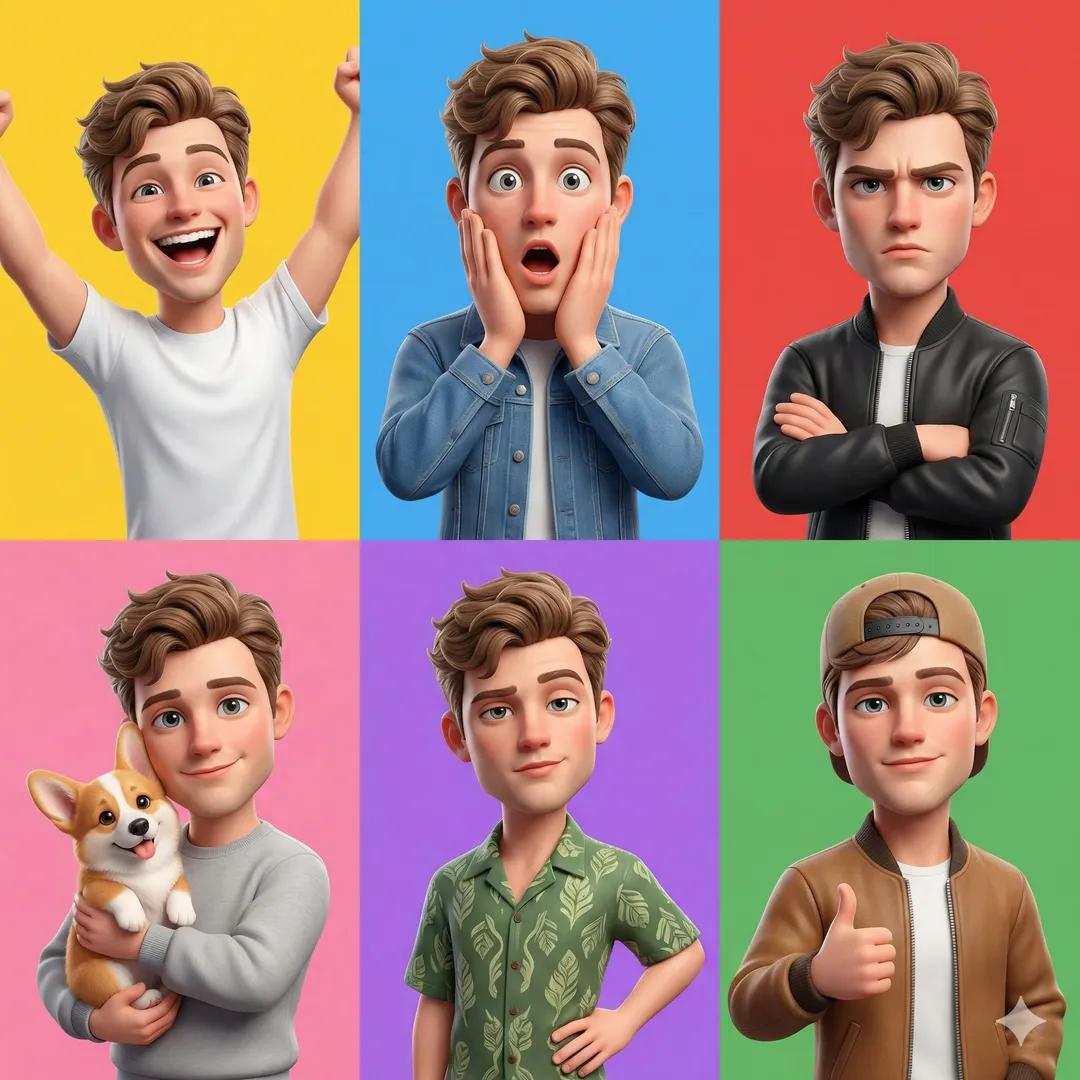
Pixar 6-Panel Streethero Expression Grid
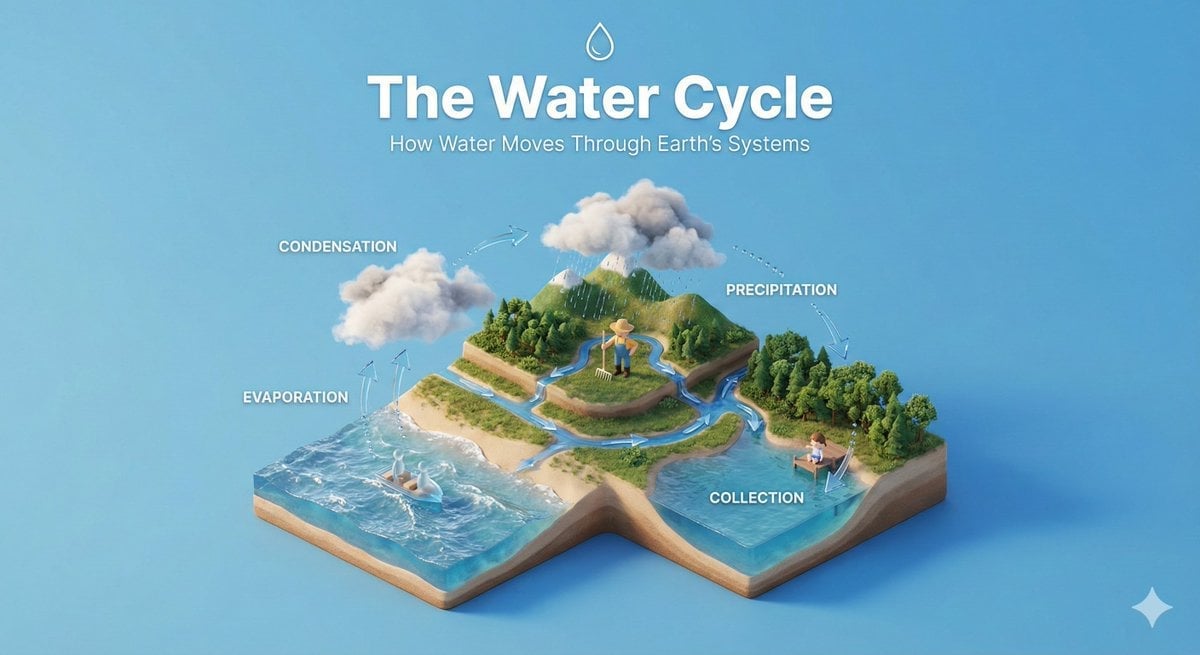
Isometric Process Educational Diorama
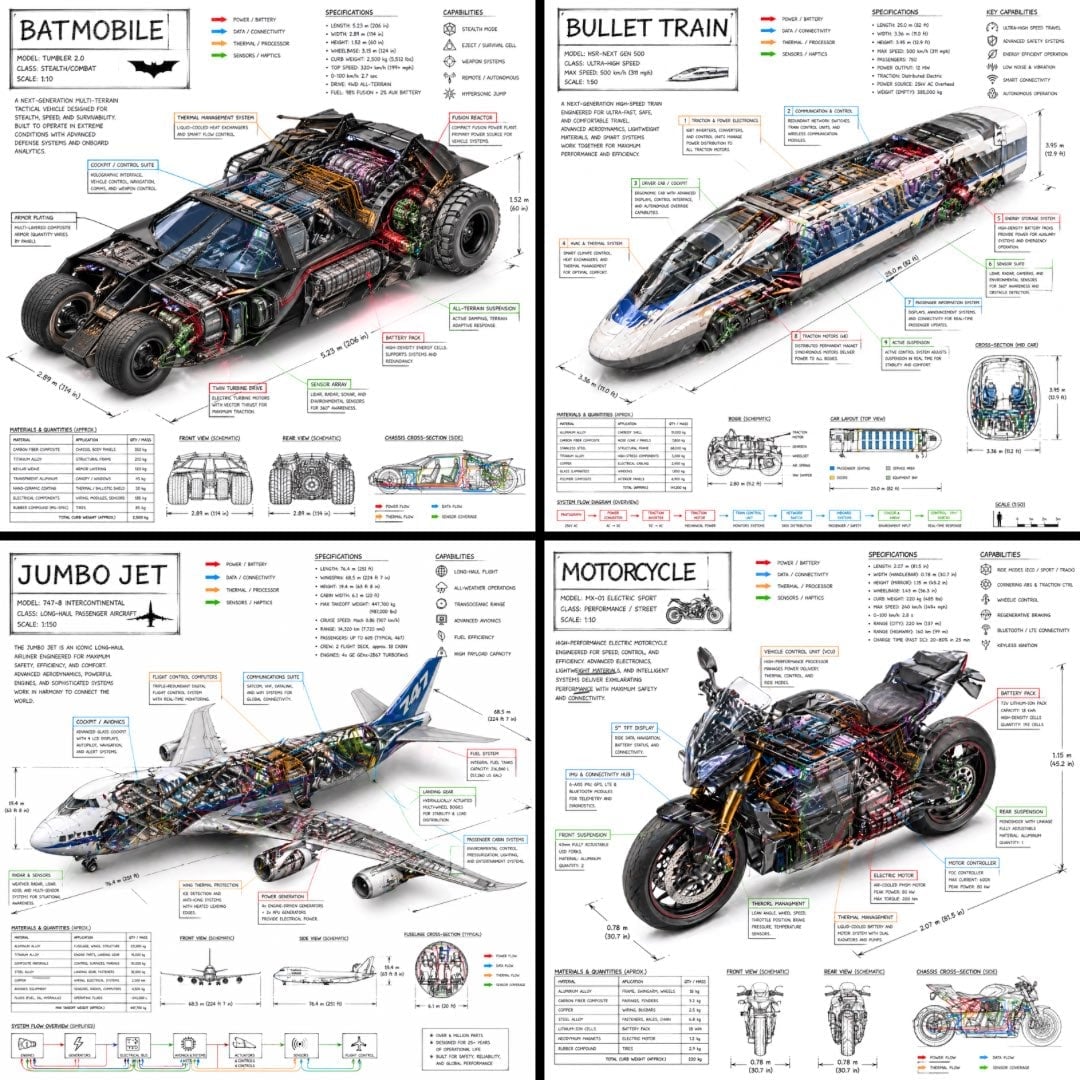
Isometric Vehicle Teardown Infographic Template
Make it yours
Cute Four-Panel Tokenization Infographic works as-is. These are the safest ways to change it without losing the look.
Change one field
Copy a single group, rewrite it, and generate again so you can see what that field is doing.
Keep the frame, change the subject
Hold the composition and light of Cute Four-Panel Tokenization Infographic, then swap wardrobe, props or the person for a new take.
| If the result… | Why | Fix |
|---|---|---|
| The result drifts from the preview | Too many fields changed at once. | Reuse Cute Four-Panel Tokenization Infographic as-is first, then change one group — subject, light, or setting. |
| GPT Image 2 ignores part of the JSON | Some models flatten or skip nested keys. | Keep the same values and paste them as a short paragraph instead. |
More GPT Image 2 templates
Other prompts made for GPT Image 2.

Six VTuber Japanese Logo Sheet

Realistic Portrait of Woman and Deer

The Vista Modular Condo Poster

AI Model Routing Comparison Infographic

2.5D Anime Art Board

Isometric Productivity Desk Scene

New York Double Exposure Poster

Japanese Tatami Lifestyle Magazine Cover

NESCAFÉ Coffee Map Poster

Brutalist Cogito Chinese Typography Poster
More image prompts
Fresh picks from across the catalog.
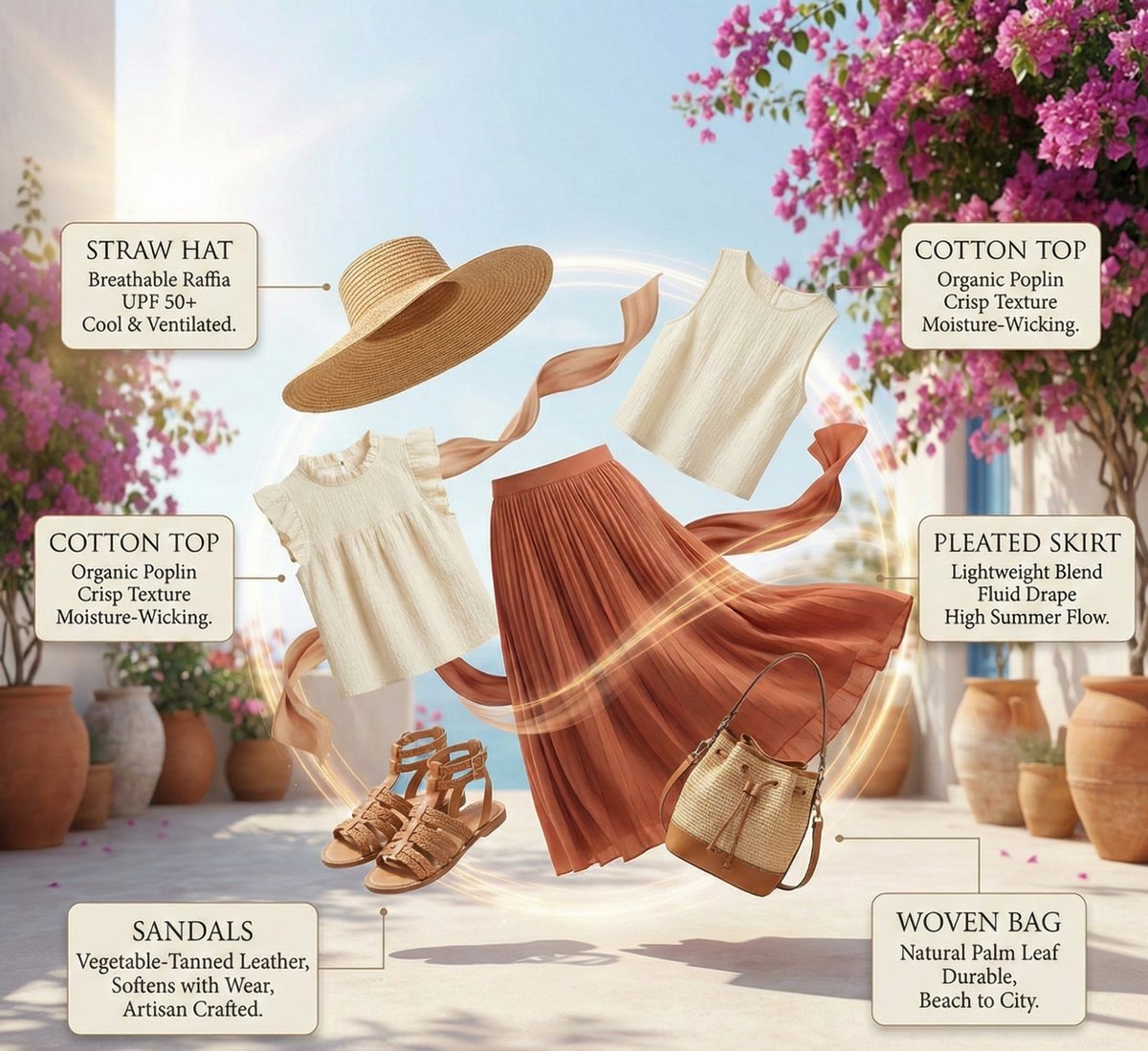
High-Fashion Summer Outfit Infographic with Exploded Composition
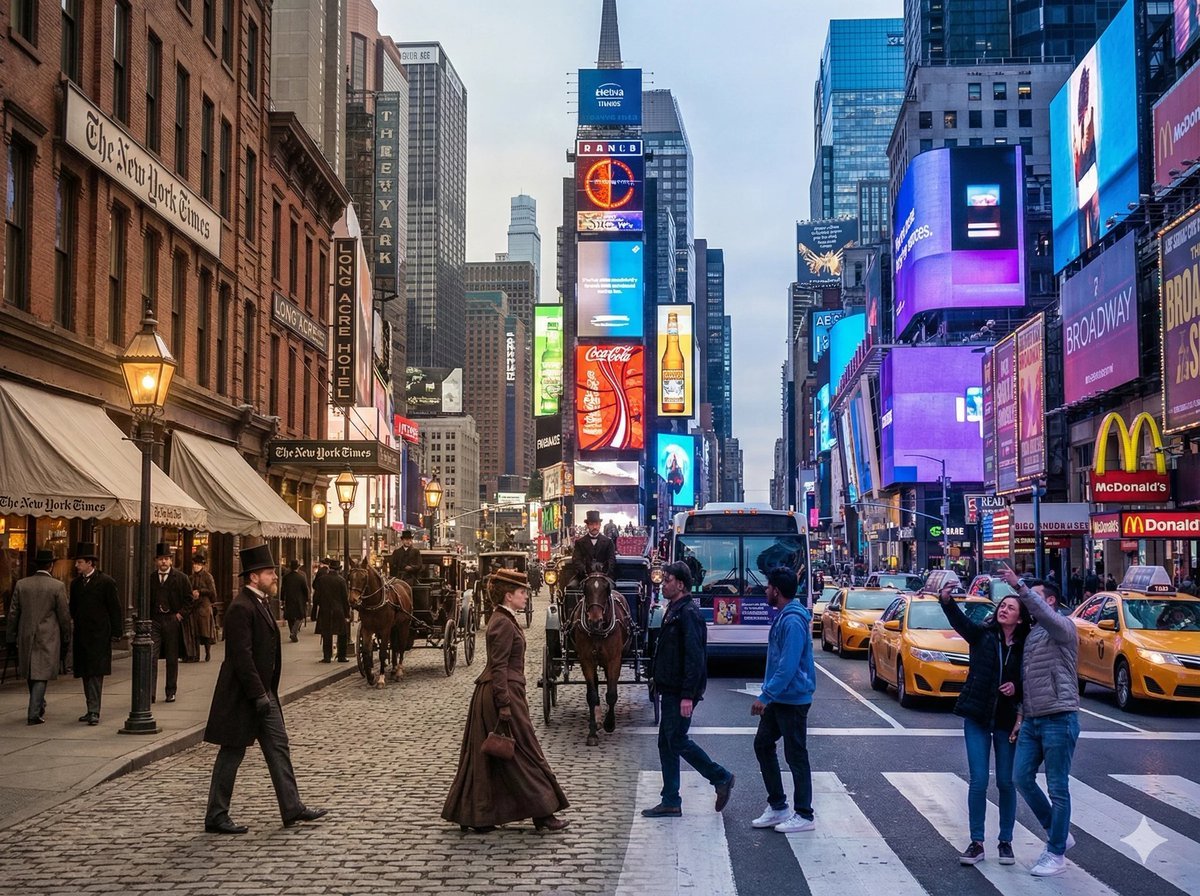
Times Square Time-Blend Split-Screen

Custom Enamel Souvenir Magnet

Image generation for Jolivet's 'Pachinko for Two Pianos'
Moonlit Forest Guardian Diptych
Candid Taxi-Ride Dump Photography
Anime Girl in Space Elevator

Prone Bed Selfie in Purple Lounge Wear
Back-to-Back Dark Bishounen Portrait
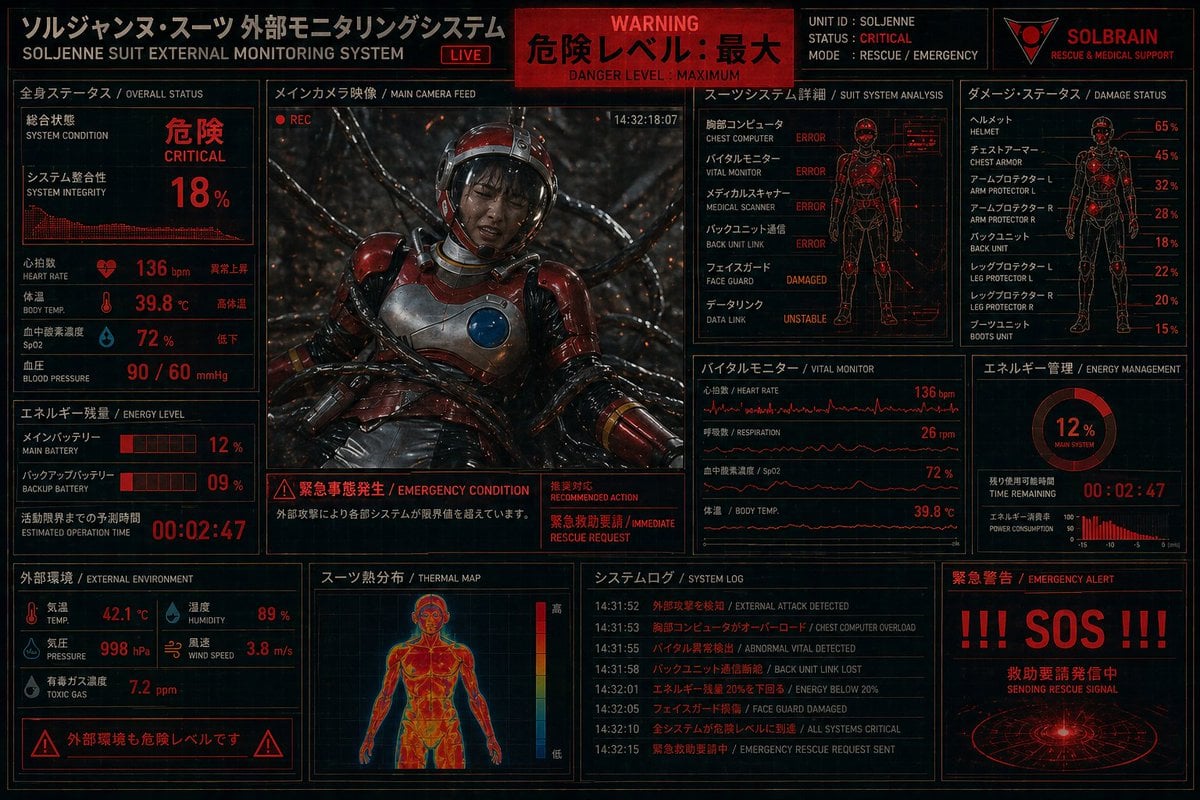
Critical Rescue Suit Monitoring HUD
Browse template categories
Cute Four-Panel Tokenization Infographic questions
How do I use the Cute Four-Panel Tokenization Infographic template?
Add your photo if the template asks for one, edit the prompt if you like — the template's model and format are already selected — and press Generate. Your version opens in PicX Studio.
Can I customize the Cute Four-Panel Tokenization Infographic template?
Yes. You can change the subject, setting, lighting, mood, format, and available model controls before creating your image.
Is the Cute Four-Panel Tokenization Infographic template free?
Opening and editing this template is free. Generating uses credits, shown on the Generate button when you are signed in.
Which AI model should I use?
Start with GPT Image 2, which is the model associated with this template. You can compare another compatible model for a different finish.
Looking for something else? Browse all templates.

Your photo, any look
Thousands of ready templates for every top image and video model, from one credit balance.