
Gym Mirror Selfie with Identity Lock Prompt
A highly specific JSON prompt for generating a photorealistic full-body mirror selfie of a young woman in a modern gym, emphasizing identity lock to match an uploaded reference image exactly, down to facial structure…
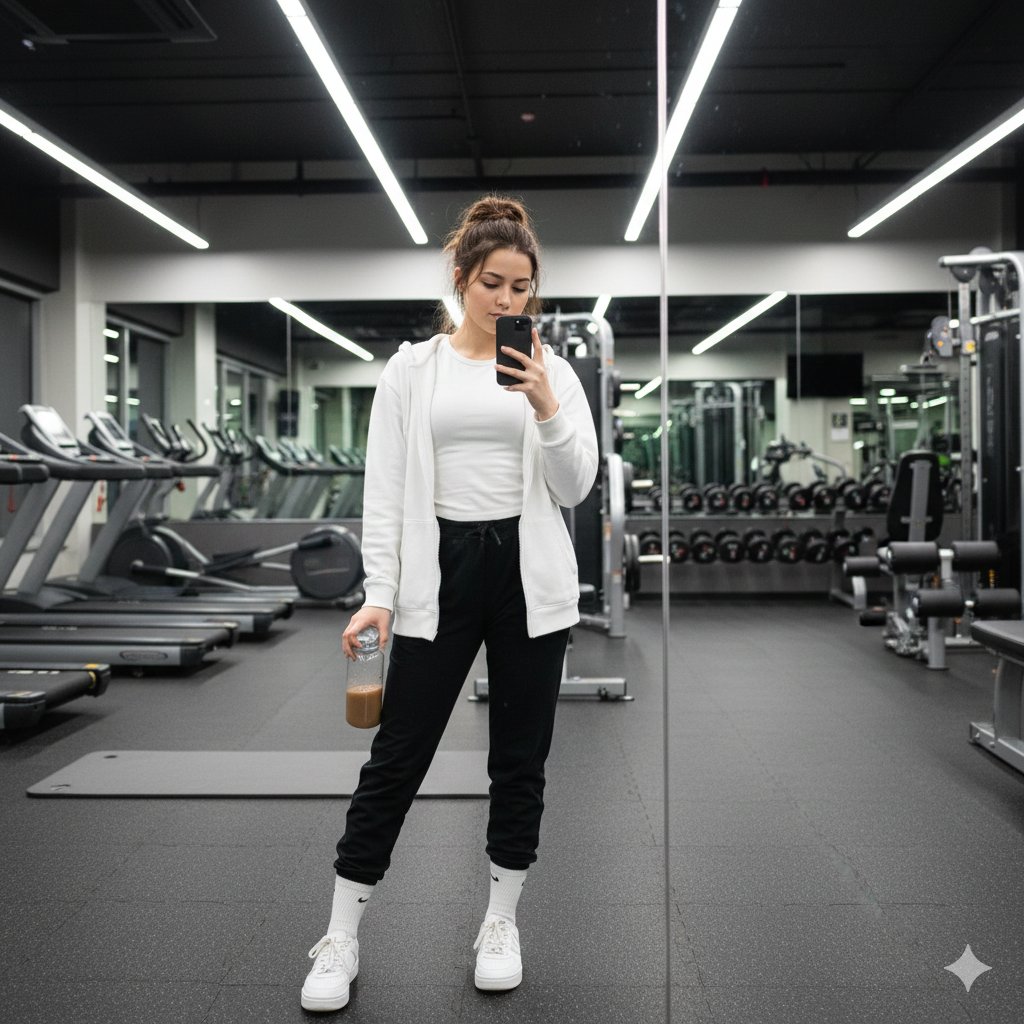
- Prompt included
- Model and format preset
- Free template
The prompt behind this image
Copy the exact prompt behind Gym Mirror Selfie with Identity Lock Prompt, or open it in the studio and make it yours.
- Image Prompt › Reference › Face Identity
- use uploaded reference image
- Image Prompt › Reference › Identity Lock
- true
- Image Prompt › Reference › Face Accuracy
- 100% identical to reference — same facial structure, proportions, skin texture, expression, and details
- Image Prompt › Subject › Type
- young woman
- Image Prompt › Subject › Appearance › Hair › Color
- dark brown
- Image Prompt › Subject › Appearance › Hair › Style
- long wavy hair with a half-up messy bun, loose strands framing the face
- Image Prompt › Subject › Appearance › Skin › Tone
- same as reference image
- Image Prompt › Subject › Appearance › Skin › Texture
- natural, realistic
- Image Prompt › Subject › Appearance › Expression
- calm, composed, slightly focused
- Image Prompt › Subject › Appearance › Gaze
- looking at phone screen
- Image Prompt › Subject › Pose › Stance
- standing with one leg slightly forward
- Image Prompt › Subject › Pose › Hands › Right
- holding a black smartphone for a mirror selfie
- Image Prompt › Subject › Pose › Hands › Left
- holding a transparent water bottle with brown liquid
- Image Prompt › Outfit › Top › Primary
- fitted white t-shirt
- Image Prompt › Outfit › Top › Layer
- white long-sleeve baggy hoddie
- Image Prompt › Outfit › Bottom › Type
- joggers black
- Image Prompt › Outfit › Bottom › Color
- navy blue
- Image Prompt › Outfit › Footwear › Shoes
- white athletic sneakers
- Image Prompt › Outfit › Footwear › Socks
- white crew socks
- Image Prompt › Environment › Location
- modern indoor gym
- Image Prompt › Environment › Features
- large wall mirrors, treadmills, weight machines, rubber gym flooring, exercise mats on the floor
- Image Prompt › Environment › Reflection
- mirror seam visible vertically in frame
- Image Prompt › Lighting › Type
- bright overhead fluorescent gym lighting
- Image Prompt › Lighting › Quality
- even, neutral illumination with minimal shadows
Raw JSON
{
  "image_prompt": {
    "reference": {
      "face_identity": "use uploaded reference image",
      "identity_lock": true,
      "face_accuracy": "100% identical to reference — same facial structure, proportions, skin texture, expression, and details"
    },

    "subject": {
      "type": "young woman",
      "appearance": {
        "hair": {
          "color": "dark brown",
          "style": "long wavy hair with a half-up messy bun, loose strands framing the face"
        },
        "skin": {
          "tone": "same as reference image",
          "texture": "natural, realistic"
        },
        "expression": "calm, composed, slightly focused",
        "gaze": "looking at phone screen"
      },
      "pose": {
        "stance": "standing with one leg slightly forward",
        "hands": {
          "right": "holding a black smartphone for a mirror selfie",
          "left": "holding a transparent water bottle with brown liquid"
        }
      }
    },

    "outfit": {
      "top": {
        "primary": "fitted white t-shirt",
        "layer": "white long-sleeve baggy hoddie"
      },
      "bottom": {
        "type": "joggers black",
        "color": "navy blue"
      },
      "footwear": {
        "shoes": "white athletic sneakers",
        "socks": "white crew socks"
      }
    },

    "environment": {
      "location": "modern indoor gym",
      "features": [
        "large wall mirrors",
        "treadmills",
        "weight machines",
        "rubber gym flooring",
        "exercise mats on the floor"
      ],
      "reflection": "mirror seam visible vertically in frame"
    },

    "lighting": {
      "type": "bright overhead fluorescent gym lighting",
      "quality": "even, neutral illumination with minimal shadows"
    },

    "composition": {
      "shot_type": "full-body mirror selfie",
      "camera_angle": "eye-level",
      "framing": "centered subject",
      "style": "casual fitness lifestyle photograph"
    },

    "image_style": {
      "realism": "highly photorealistic",
      "detail": "sharp clothing textures and clear gym background",
      "mood": "clean, modern, casual",
      "resolution": "high resolution"
    }
  }
}How to use Gym Mirror Selfie with Identity Lock Prompt in 3 steps
- 1Upload ImagePNG, JPG or paste
Add your photo
Upload the photo the template builds on. The prompt, model and format are already set.
- 2…a portrait of your subject in softgolden-hour light, 85mm…
Personalize
Edit the subject and creative details for your destination.
- 3Generate
Generate
Press Generate — your image is created in PicX Studio, so you can compare it with the original and refine one variable at a time.
More like this
Templates with the same subject, style or setup. Open one to see its prompt.

Rooftop Fisheye — Cat-Ear Balaclava at Golden Hour

Felt & Knit 3D Character — Photo-Exact Face, Pixar-Quality Plush Figurine

Eid al-Adha Cute Chaos — Fisheye Selfie with Farm Selfie, Mosque & Animals

Cat Photobomb Selfie — 0.5x Wide Angle Café Chaos

Gen Z Triple Selfie Collage — Y2K Flash Photography

Surreal Cat Astronaut — Humanoid Face Freefall

Photoreal Selfie Minecraft Block World

Nano Banana Grwm Mirror Selfie Pink
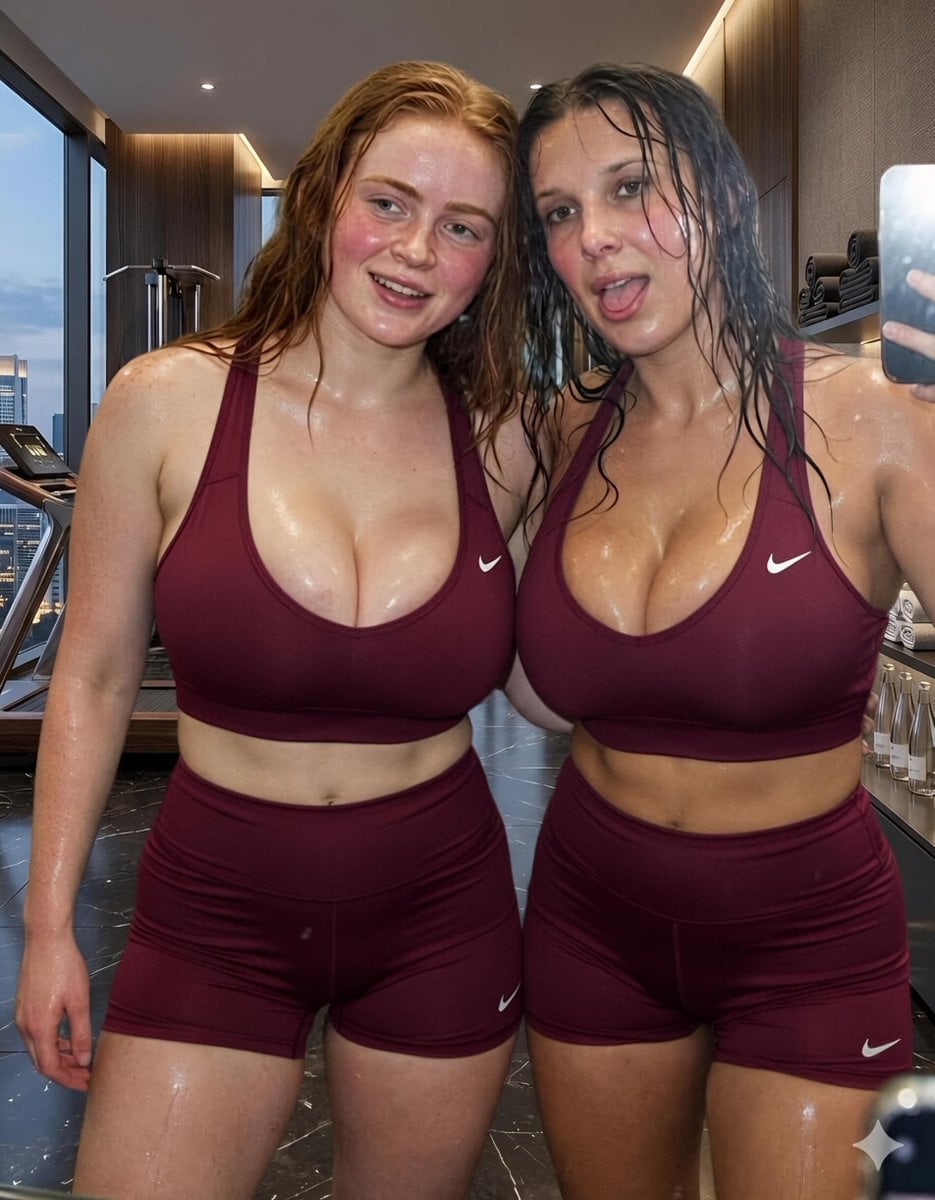
Modern Luxury Gym Mirror Selfie
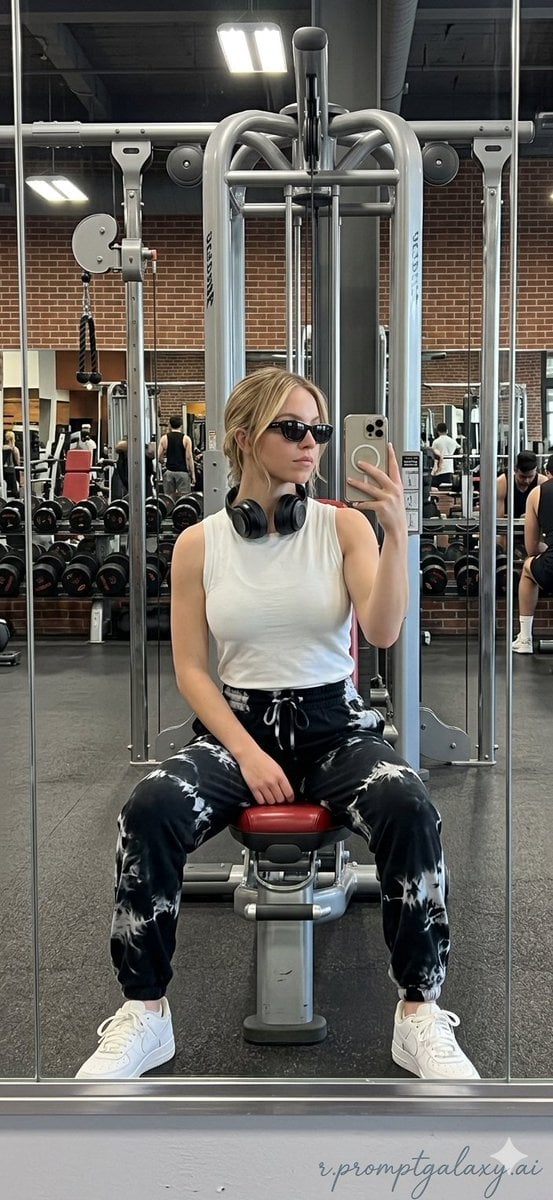
Realistic Gym Mirror Selfie
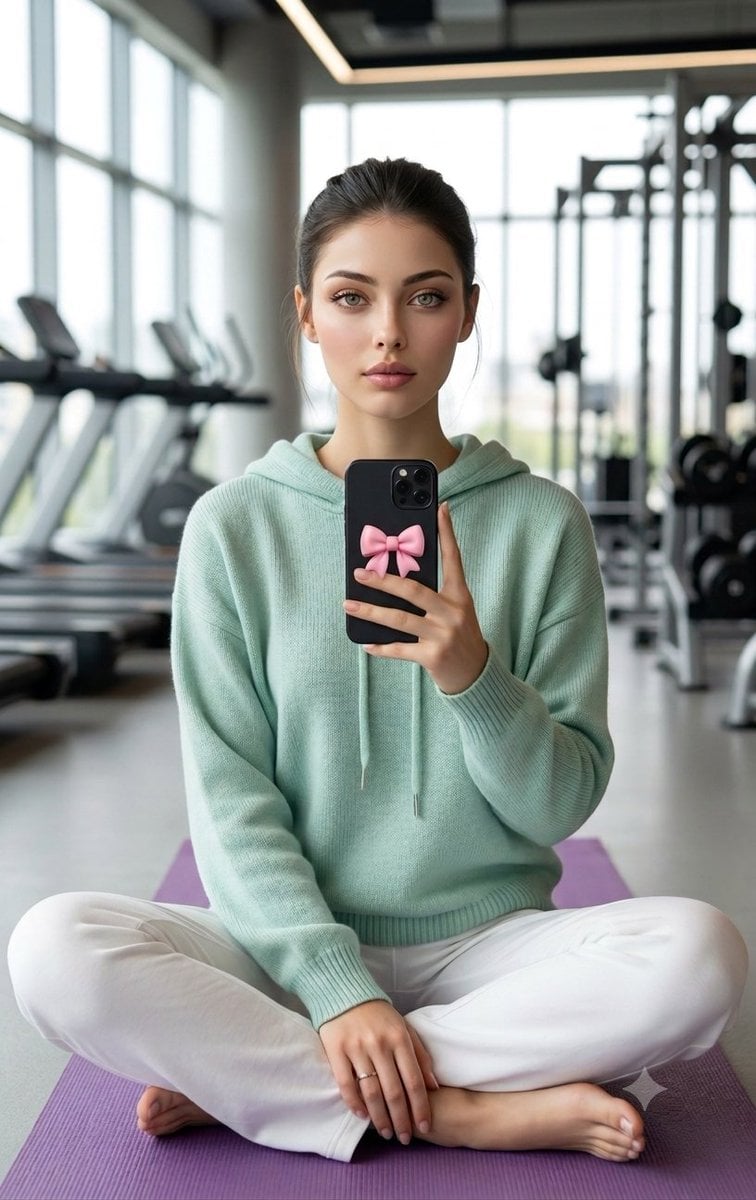
Professional Gym Mirror Selfie Portrait
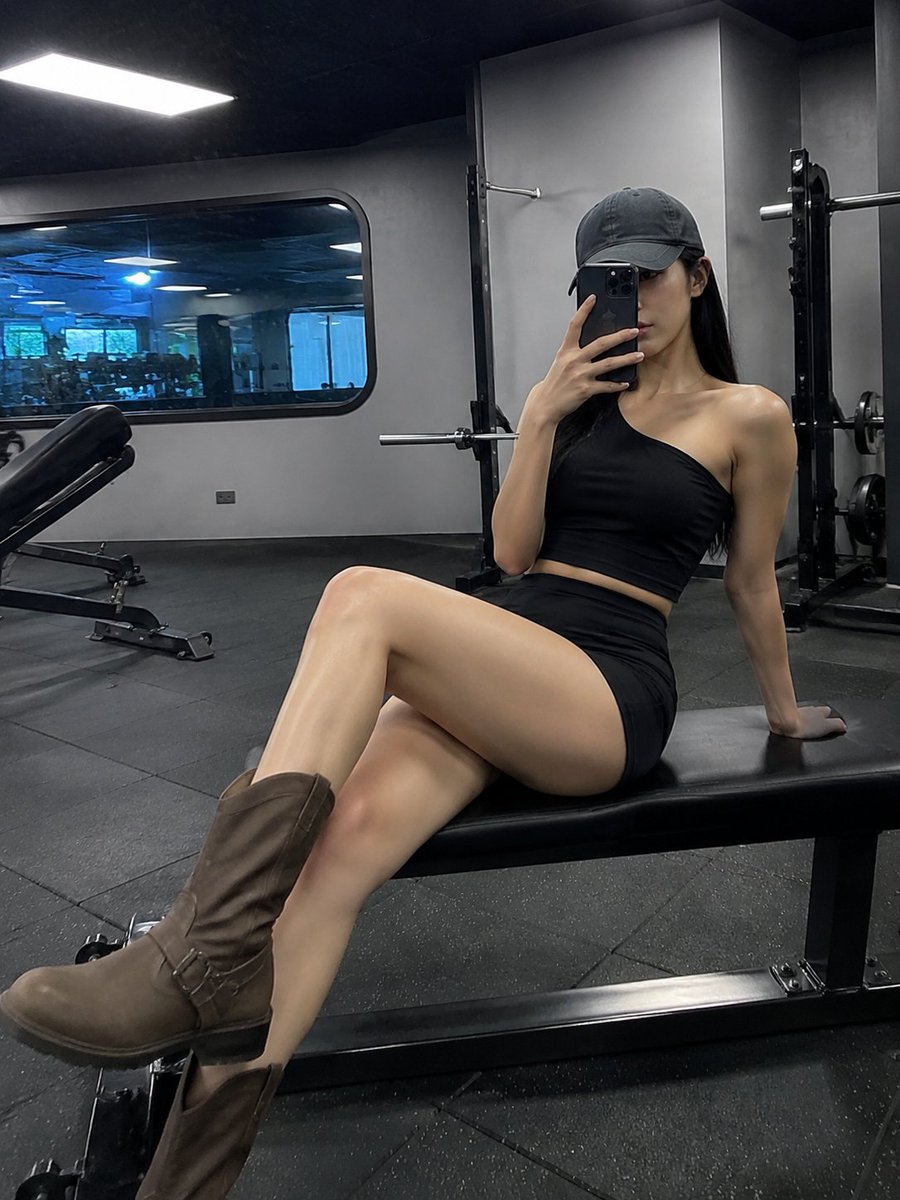
Realistic Gym Mirror Selfie
Make it yours
Gym Mirror Selfie with Identity Lock Prompt works as-is. These are the safest ways to change it without losing the look.
Swap the setting
Keep the rest of the prompt and replace the location block. The current setting is “modern indoor gym”.
Swap the light
One lighting change is enough to compare takes. Current light: “bright overhead fluorescent gym lighting”.
Change one field
Copy a single group, rewrite it, and generate again so you can see what that field is doing.
| If the result… | Why | Fix |
|---|---|---|
| The result drifts from the preview | Too many fields changed at once. | Reuse Gym Mirror Selfie with Identity Lock Prompt as-is first, then change one group — subject, light, or setting. |
| Nano Banana 2 ignores part of the JSON | Some models flatten or skip nested keys. | Keep the same values and paste them as a short paragraph instead. |
More Nano Banana 2 templates
Other prompts made for Nano Banana 2.

Photorealistic Leaf Shaped Like a Dragon

K-Pop Idol Portrait Grid for Rapid Selection

Poetic Rain Forest Portrait During Golden Hour

Urban Street Portrait with Cartoon Inner Self Duo

Candid Nighttime Photo with Cat Prompt

High-Concept 3D Diorama Generation Prompt

Cinematic Futuristic Studio Portrait Template

Skincare Editorial Photography Collage Prompt

Hyper-Realistic Commercial Product Photography (Splash Effect)

Hyper-Realistic Nightclub Portrait Prompt
More image prompts
Fresh picks from across the catalog.
Dark Fantasy Anime Character Poster
Anime Cosmos Credit Card Design
Nano Banana Pro Tip: Glitch Static Ghost Silhouette Portrait
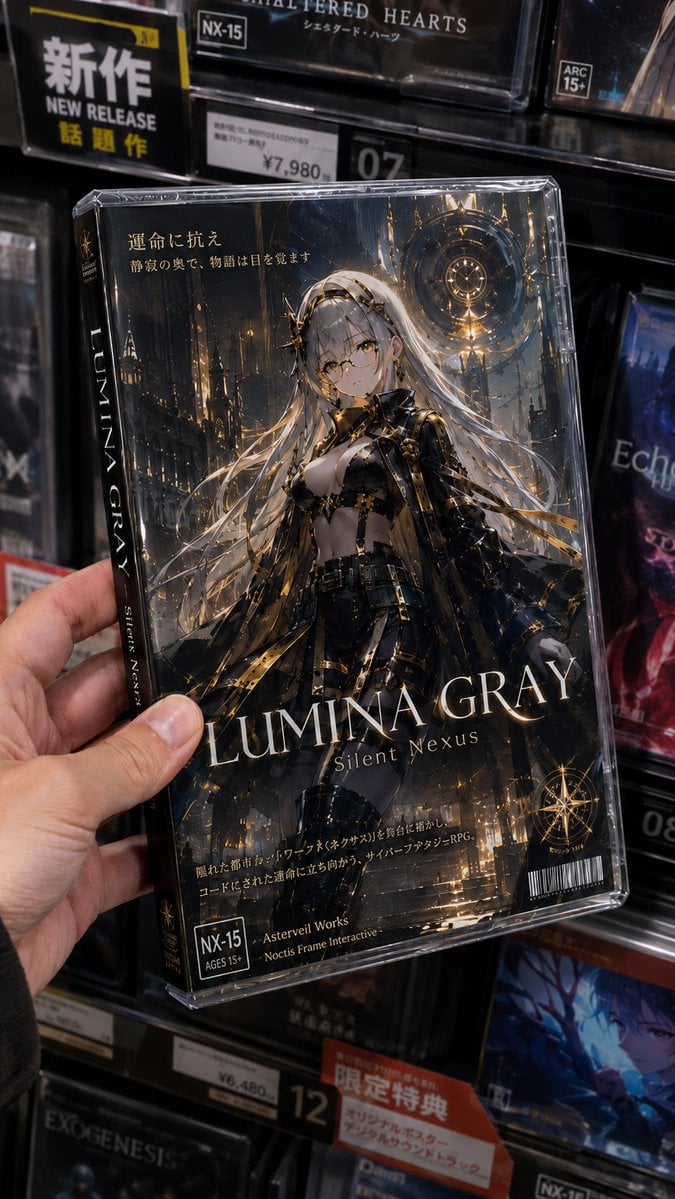
Fictional Gothic Sci-Fi Game Case Photo
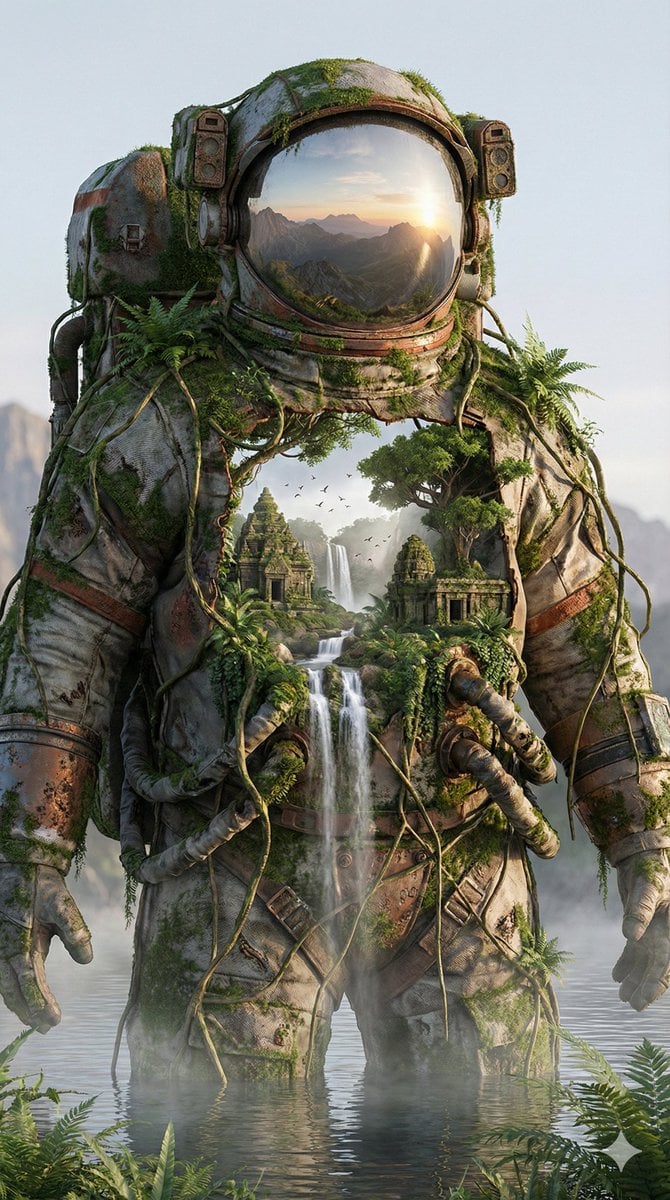
Surreal Nature-Meets-Sci-Fi Astronaut Suit
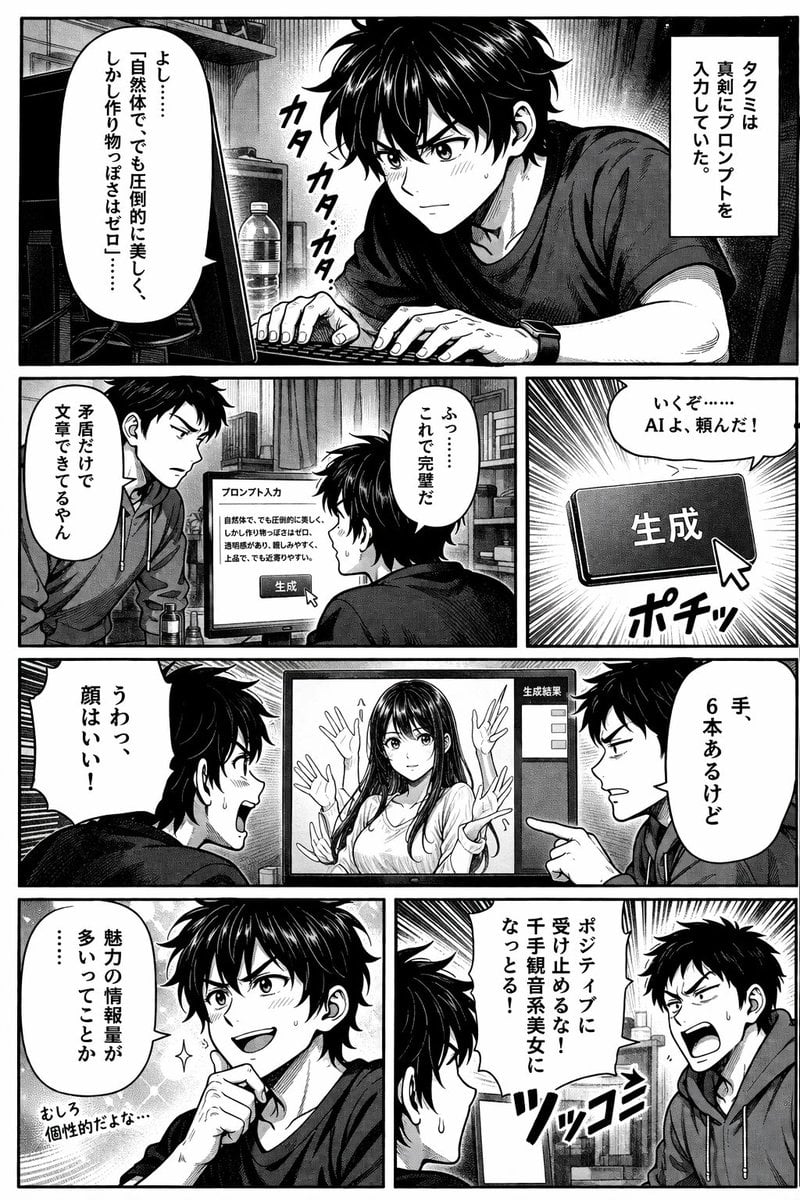
AI Image Generation Manga Page
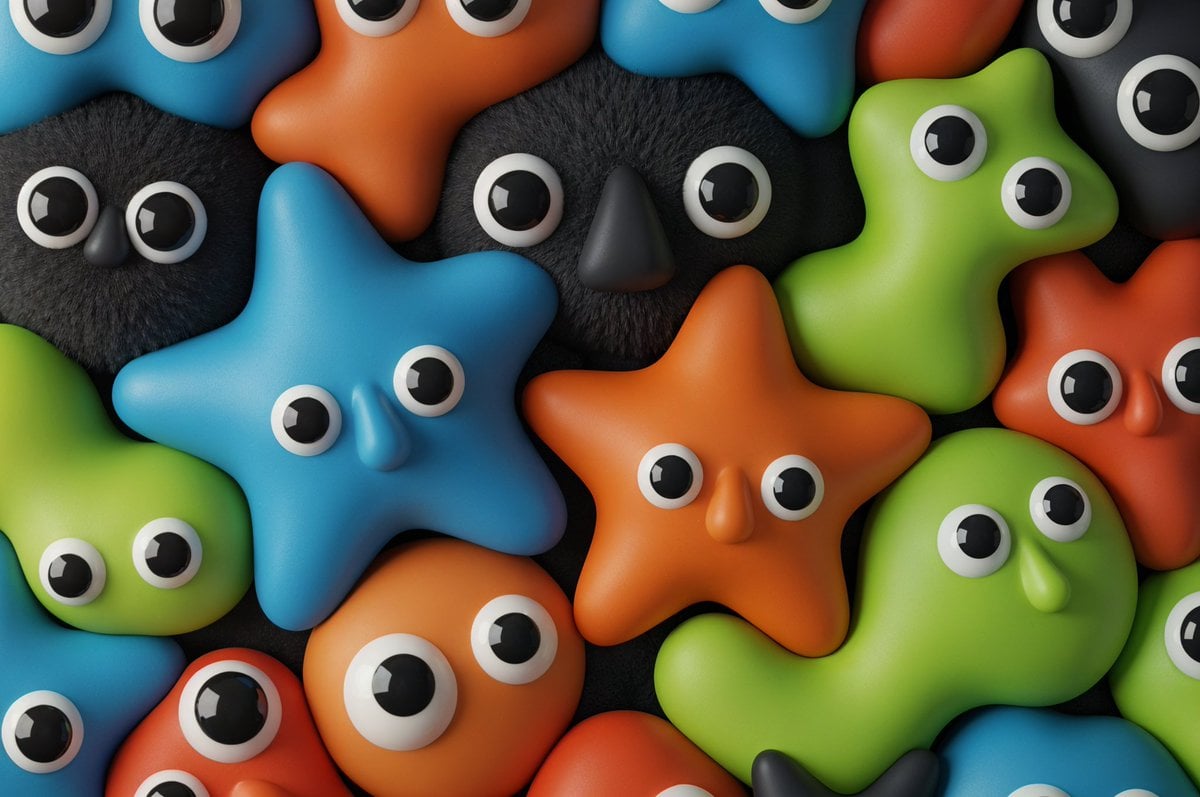
Neo-Skeuomorphism Crowd Scene Prompt
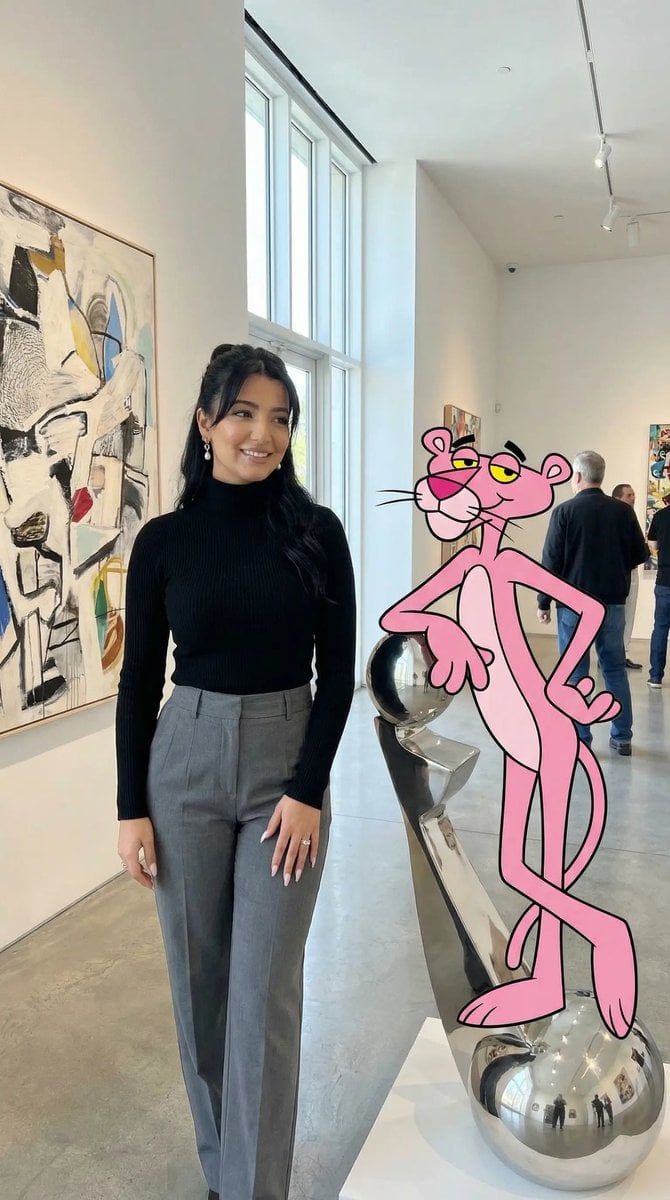
Ultra Photoreal Cartoon Reality Scene with Pink Panther
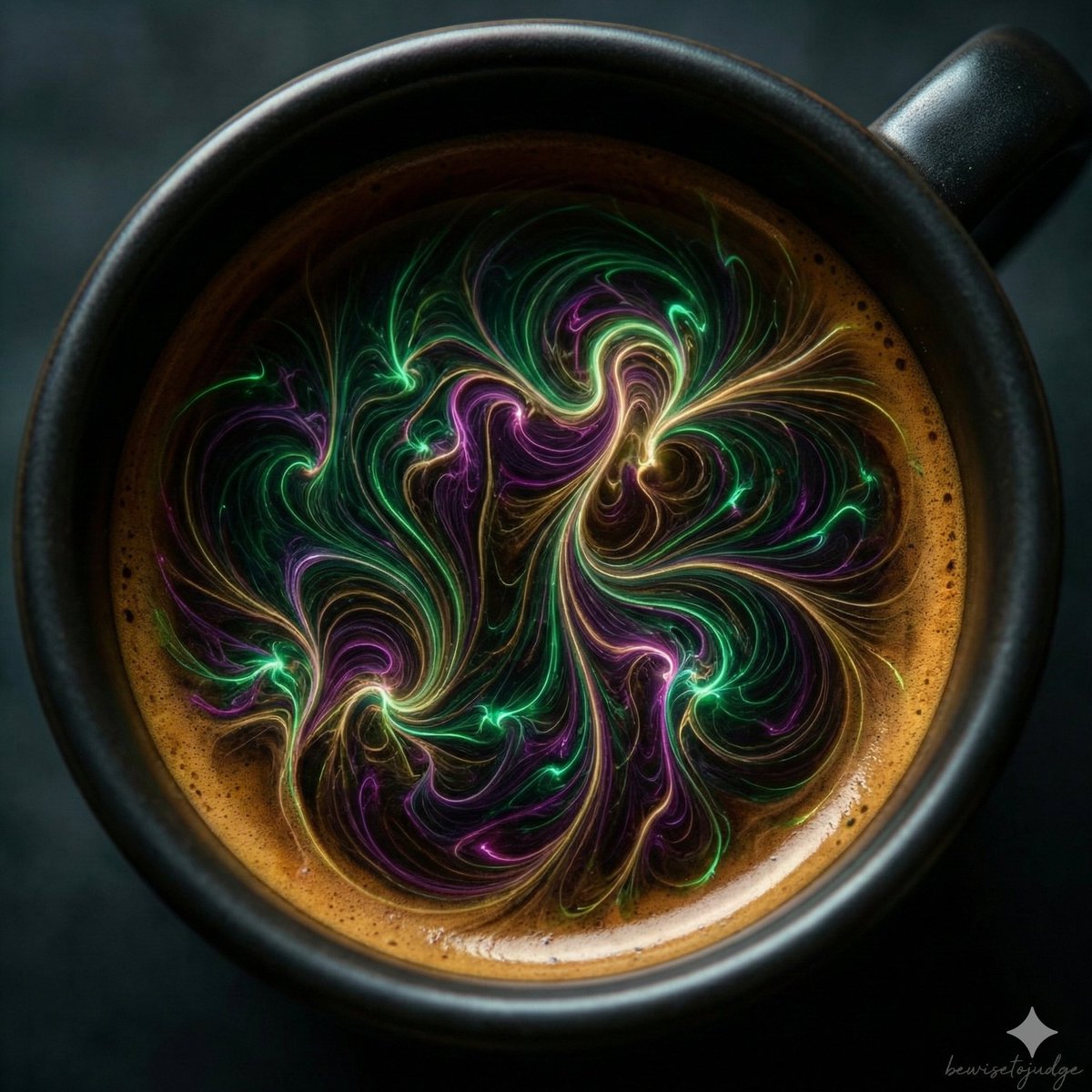
Abstract Microscopic View of Living Coffee Crema
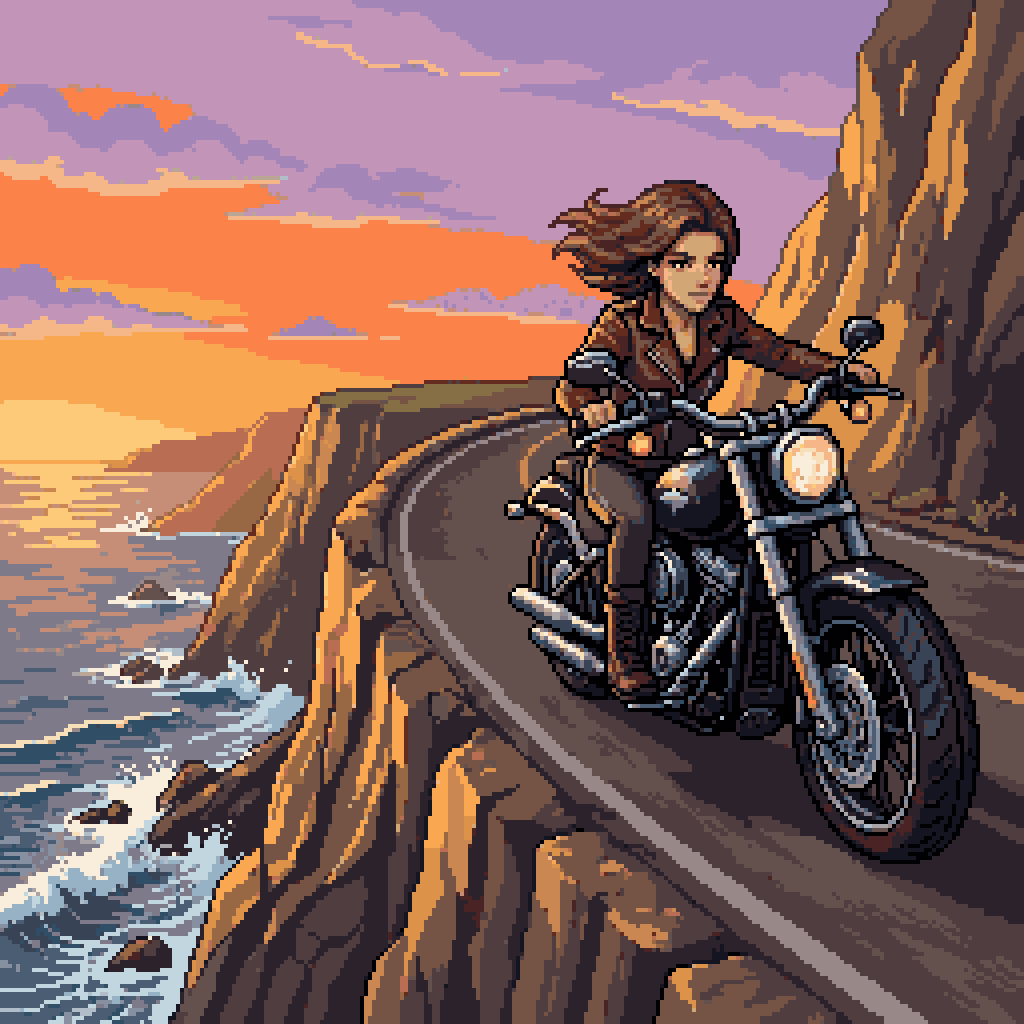
Woman Riding Motorcycle on Cliff Road
Browse template categories
Gym Mirror Selfie with Identity Lock Prompt questions
How do I use the Gym Mirror Selfie with Identity Lock Prompt template?
Add your photo if the template asks for one, edit the prompt if you like — the template's model and format are already selected — and press Generate. Your version opens in PicX Studio.
Can I customize the Gym Mirror Selfie with Identity Lock Prompt template?
Yes. You can change the subject, setting, lighting, mood, format, and available model controls before creating your image.
Is the Gym Mirror Selfie with Identity Lock Prompt template free?
Opening and editing this template is free. Generating uses credits, shown on the Generate button when you are signed in.
Which AI model should I use?
Start with Nano Banana 2, which is the model associated with this template. You can compare another compatible model for a different finish.
Looking for something else? Browse all templates.

Your photo, any look
Thousands of ready templates for every top image and video model, from one credit balance.