How do I use the Ana de Armas Teenage Lookalike in an Elevator template?
Choose the primary action to open PicX Studio with the available template settings. Review the model and format, personalize the creative direction, and generate when ready.
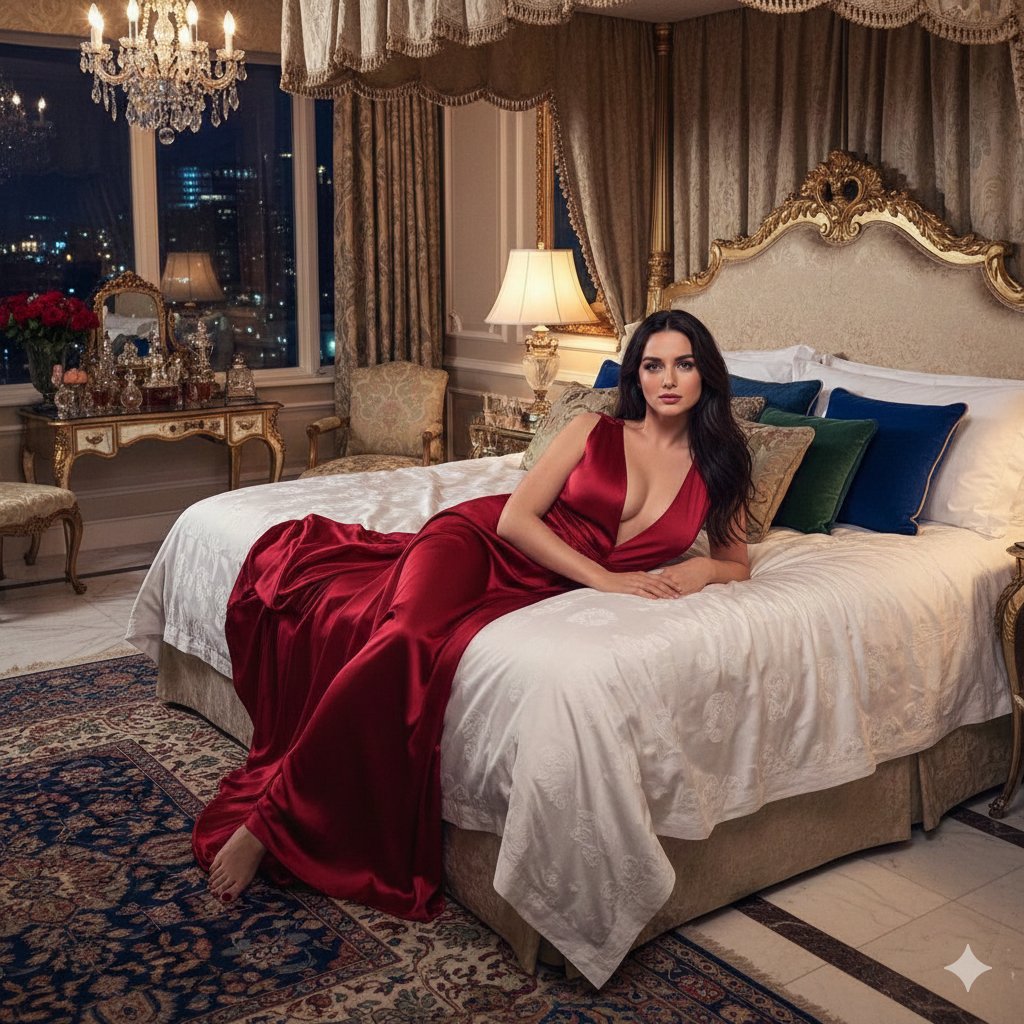
A detailed prompt for generating a photorealistic image of a young woman resembling Ana de Armas in her late teens, posing dramatically inside a sleek, metallic elevator, featuring specific fashion details and cinematic lighting. (free to use) — Free AI image template on PicX Studio.
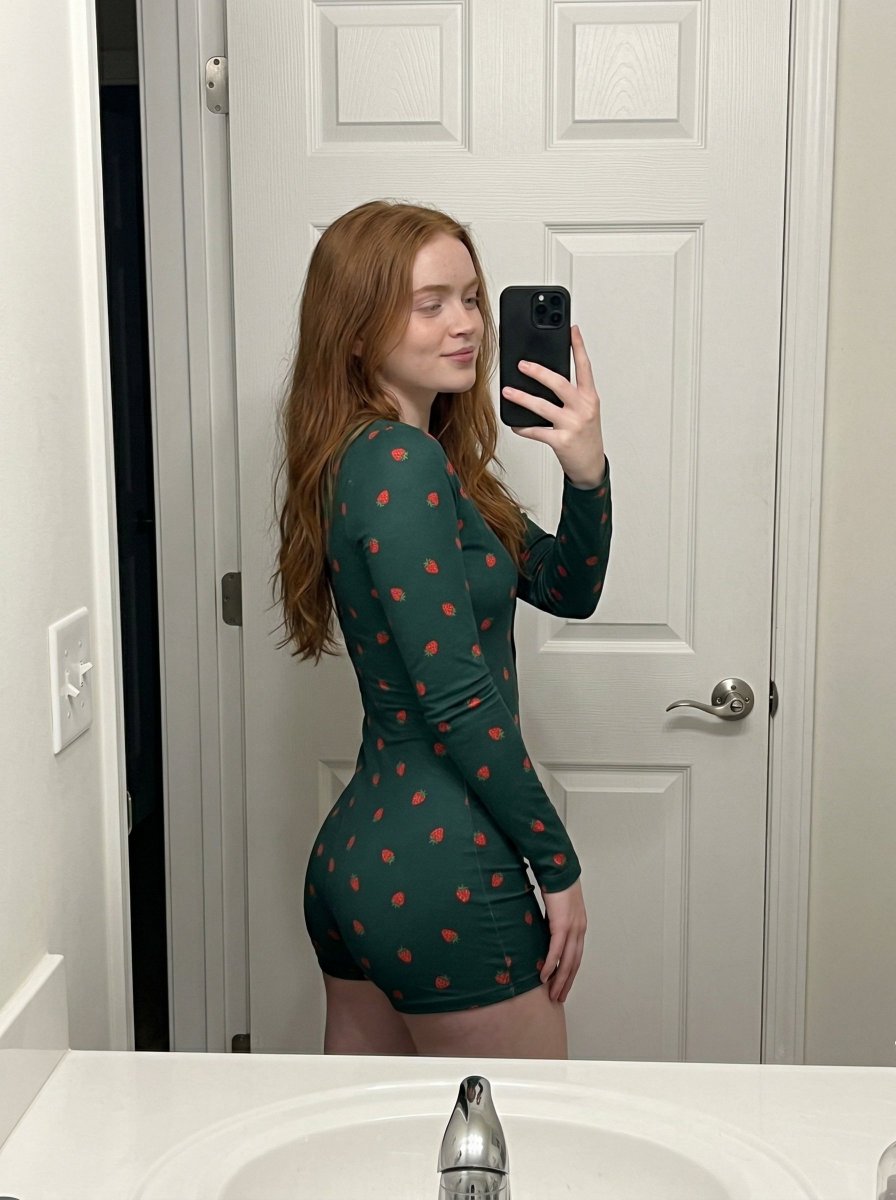
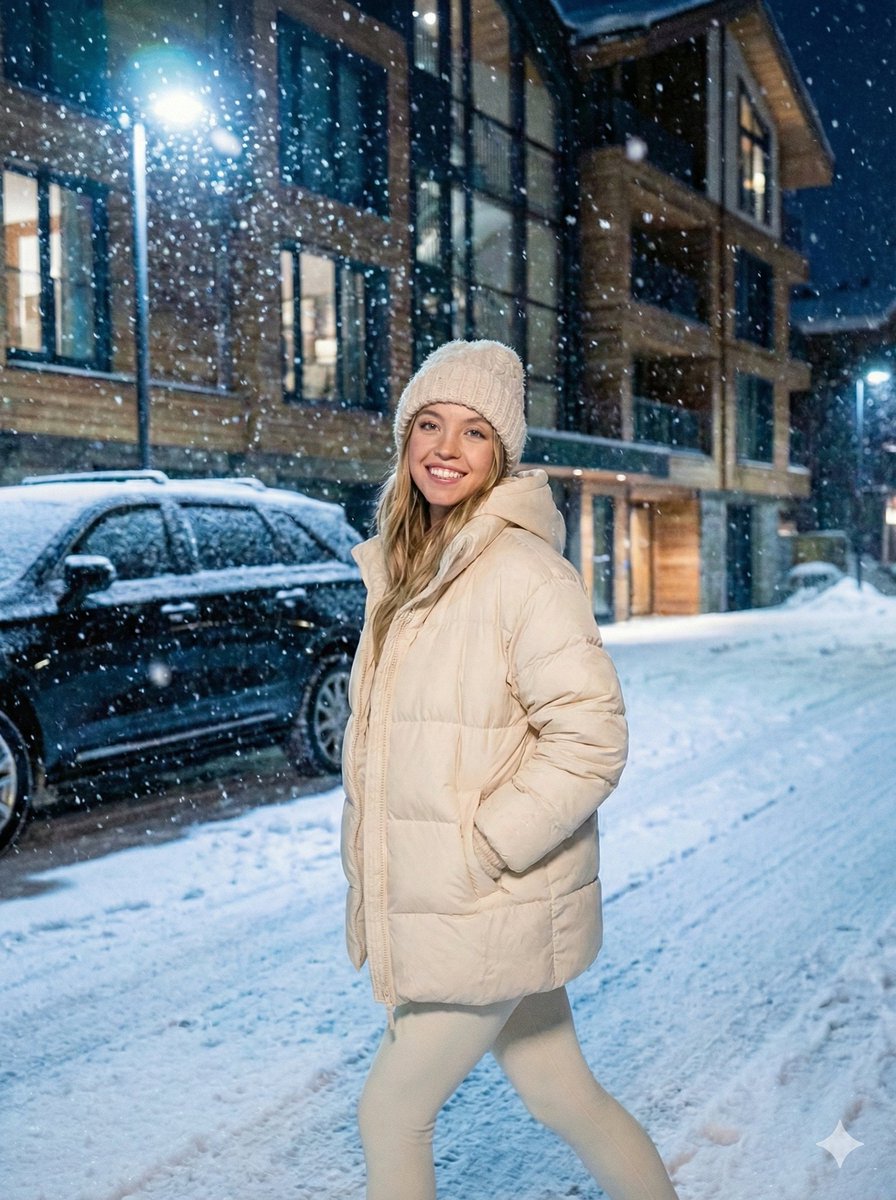
Use the same face from the reference image without changing facial features A stunning young woman, 18-22 years old, beautiful symmetrical face, striking blue eyes, full lips with glossy nude lipstick, flawless fair skin, long voluminous blone brown wavy hair parted in the middle cascading over shoulders, seductive confident expression with slight pout, standing inside a sleek modern elevator with shiny reflective silver metallic walls, dramatic fashion pose leaning slightly against the elevator wall with one hand touching the metal surface, wearing oversized loose pink t-shirt with wide short sleeves, high-waisted tight shiny black patent leather pants with crocodile texture and front zipper detail, layered silver chain choker necklace, dark nail polish, edgy modern street-fashion style, cinematic lighting with soft cool highlights and subtle shadows from elevator ambiance, high detail, sharp focus, professional photoshoot, editorial fashion portrait, realistic photography, 8k, ultra detailed
Use Ana de Armas Teenage Lookalike in an Elevator to plan an AI image around nano-banana-2 generation. Match the preview's composition first, then personalize the subject, setting, and mood for your own project.
Use the primary action to load the template settings in PicX Studio.
Adjust the subject and creative details for your destination.
Create the image, compare the result with the preview, and refine one variable at a time.
A continuous mix — similar concepts first, woven with same-model prompts and fresh picks from the catalog.
Choose the primary action to open PicX Studio with the available template settings. Review the model and format, personalize the creative direction, and generate when ready.
Yes. You can change the subject, setting, lighting, mood, format, and available model controls before creating your image.
This template is free to open and customize. Generation usage is shown in PicX Studio before you create.
Start with nano-banana-2, which is the model associated with this template. You can compare another compatible model for a different finish.
Follow a topic to a crawlable collection of related PicX Studio templates.
39,155 public templates available. Verified via the PicX Studio public templates API; refreshed hourly.
A continuous mix — similar concepts first, woven with same-model prompts and fresh picks from the catalog.