
Photography Prompt #1389
Ana de Armas Sydney Sweeney Picture Gemini Nano Banana Pro Prompt: { "image_generation_request": { "aspect_ratio": "3:4", "style": "Cinematic Fashion Photography", "quality": "8K / Ultra-High Detail", "subject": {…
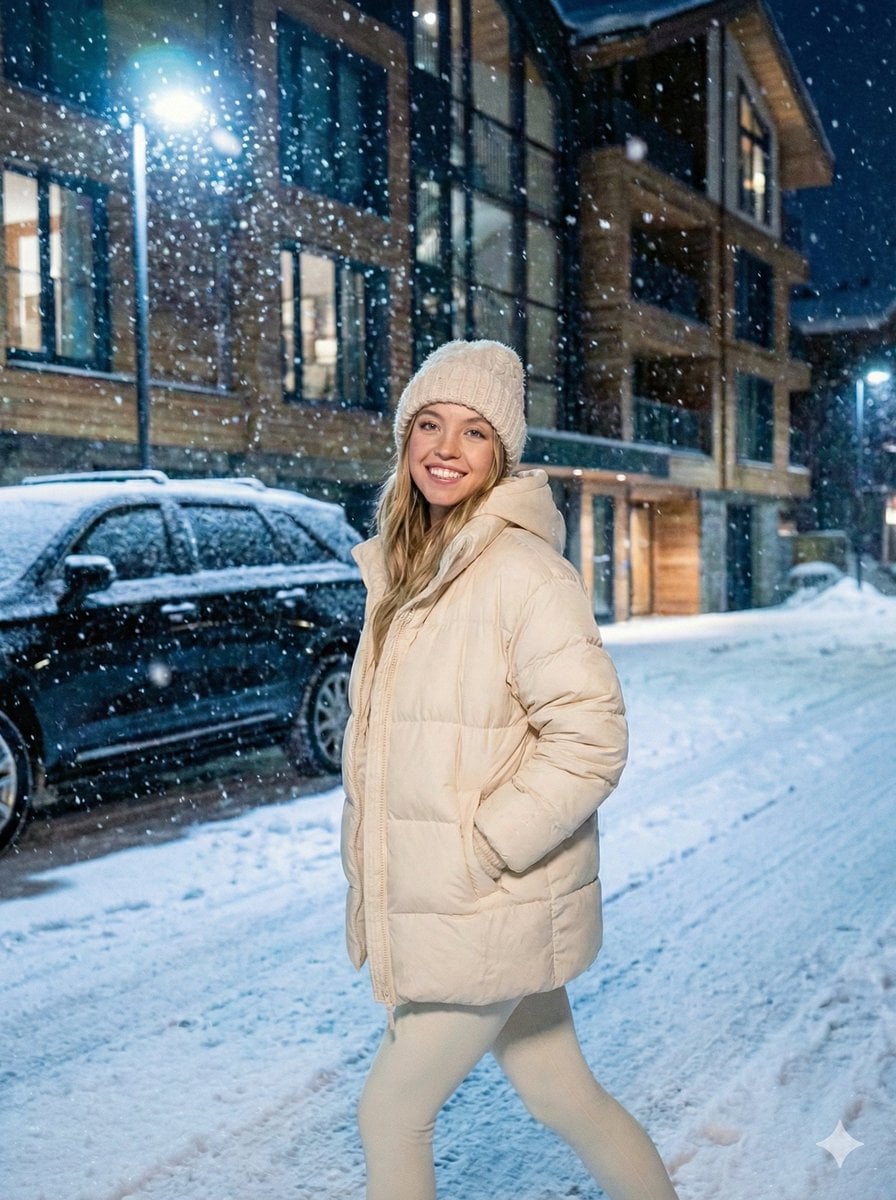
- Prompt included
- Model and format preset
- Premium template
The prompt behind this image
Copy the exact prompt behind Photography Prompt #1389, or open it in the studio and make it yours.
Ana de Armas Sydney Sweeney Picture Gemini Nano Banana Pro Prompt: { "image_generation_request": { "aspect_ratio": "3:4", "style": "Cinematic Fashion Photography", "quality": "8K / Ultra-High Detail", "subject": { "identity": "Young adult woman, Shakira-inspired likeness", "pose": { "description": "Dynamic balletic stance, spontaneous and joyful", "position": "Balancing on one leg, other leg bent and lifted high, body slightly tilted", "arms": "One arm raised catching snowflakes with open palm, other arm following the flow of movement" }, "expression": { "mood": "Genuinely happy and lively", "features": "Wide natural smile, slightly parted lips, eyes sparkling with emotion, cheeks flushed from cold" }, "physical_details": { "skin": "Realistic texture, fine pores, subtle asymmetry, soft highlights, no plastic smoothing", "hair": "Long dark hair flowing from beanie, damp strands clinging to cheeks/forehead from melting snow" } }, "apparel": { "theme": "Monochrome creamy-white winter look", "layers": [ { "item": "Oversized puffer jacket", "details": "Thick creamy-white, fluffy texture, visible stitching, realistic down volume and compression folds" }, { "item": "Cropped hoodie", "details": "Creamy-white soft cotton, gentle wrinkles, worn underneath jacket" }, { "item": "High-waisted leggings", "details": "Matte stretch fabric, creamy-white, subtle tension at knees and hips" } ], "accessories": [ { "item": "Knit beanie", "details": "Extra-fluffy, visible yarn texture, creamy-white" }, { "item": "Mittens", "details": "Long creamy-white fluffy fibers, catching falling snowflakes" } ], "footwear": { "style": "Moon-boot inspired lace-up winter boots", "details": "White fur-lined, realistic rubber soles, snow buildup around the edges" } }, "environment": { "setting": "Nighttime exterior of a modern luxury building", "architecture": "Sharp geometric wood with triangular patterns", "props": "Black luxury SUV parked nearby, partially covered in frost and snow", "ground": "Thick uneven snow blanket with visible footprints and compression points", "weather": "Heavy dense snowfall, large snowflakes frozen in mid-motion with slight blur" }, "lighting_and_atmosphere": { "primary_lighting": "Cold blue-white ambient winter light", "secondary_lighting": "Warm orange glow from building interior/windows", "visual_effects": [ "Cinematic color separation", "Soft bokeh highlights in background", "Shallow depth of field", "Reflections softened by frost" ] }, "technical_specs": { "camera": "Full-frame DSLR/Mirrorless", "lens": "50mm–85mm prime lens aesthetic", "optics": "Natural perspective, high dynamic range (HDR), realistic exposure", "post_processing": "Authentic textures, no over-sharpening, cinematic realism" } }
How to use Photography Prompt #1389 in 3 steps
- 1
Open
The prompt is already in the box next to the preview, with the template's model and format selected.
- 2…a portrait of your subject in softgolden-hour light, 85mm…
Personalize
Edit the subject and creative details for your destination.
- 3Generate
Generate
Press Generate — your image is created in PicX Studio, so you can compare it with the original and refine one variable at a time.
More like this
Templates with the same subject, style or setup. Open one to see its prompt.

青蛇小青写真大片,绿色紧身蛇鳞裙,湿发红唇,妖娆妩媚

A double exposure, long exposure editorial photograph of a man Use image

Portrait of a young woman in her early 20s walking calmly on a beautiful

Artistic portrait of an elegant Asian woman wearing a black silk

A high-quality photo collage featuring the same person with identical

LIGHTING each element still lit by its original source, windows casting

A 3x3 grid storyboard contact sheet comprised of nine candid, cinematic

A high-definition cinematic portrait of a sophisticated woman sitting
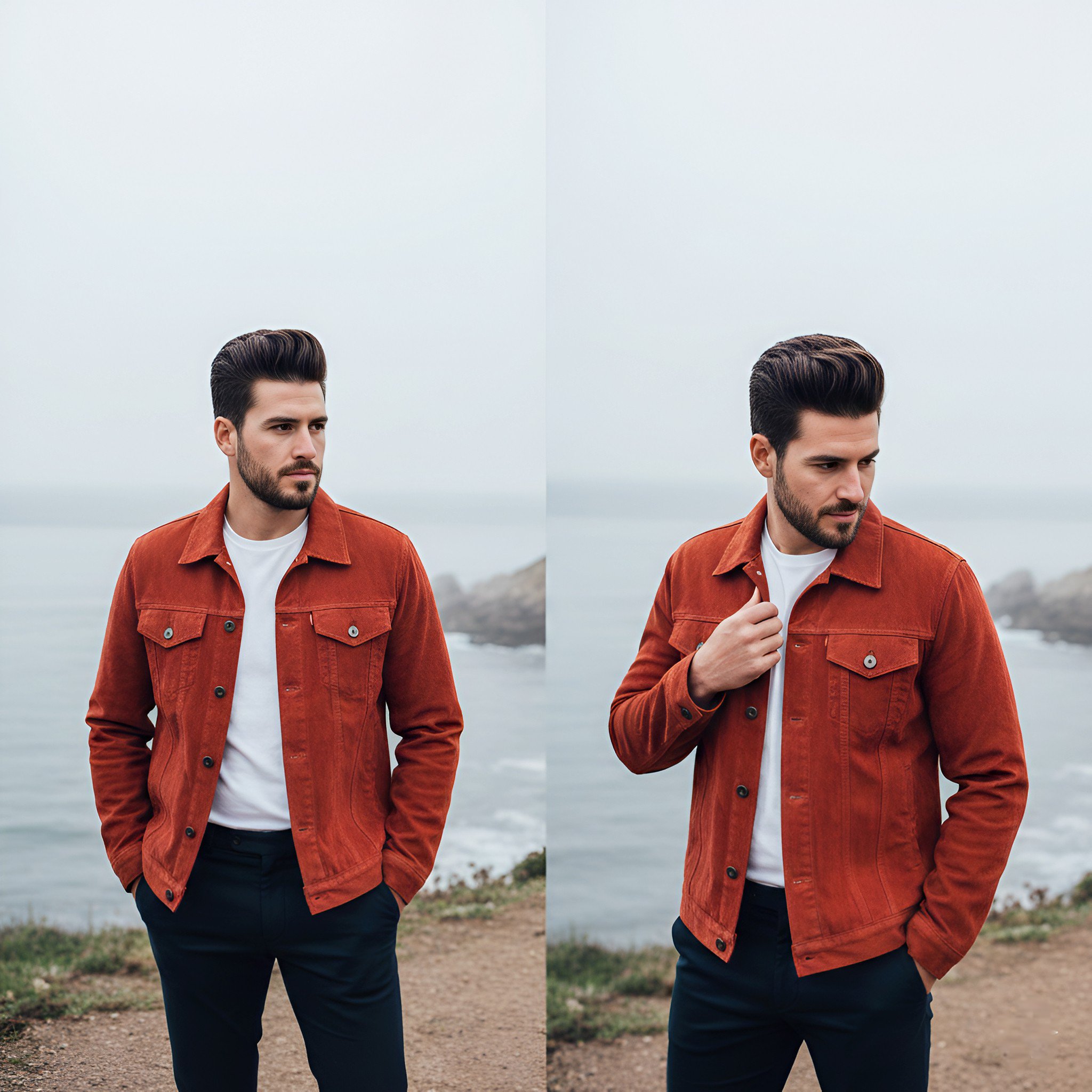
Lifestyle photography, cinematic color grading, shallow depth of field

Dramatic motion blur trails, long-exposure photography effect, dynamic

A luxury brand advertisement featuring three stylish arranged

Realistic portrait 100 identical face, no editing allowed
Make it yours
Photography Prompt #1389 works as-is. These are the safest ways to change it without losing the look.
Change one field
Copy a single group, rewrite it, and generate again so you can see what that field is doing.
Keep the frame, change the subject
Hold the composition and light of Photography Prompt #1389, then swap wardrobe, props or the person for a new take.
| If the result… | Why | Fix |
|---|---|---|
| The result drifts from the preview | Too many fields changed at once. | Reuse Photography Prompt #1389 as-is first, then change one group — subject, light, or setting. |
| The model over-stylizes the scene | The prose prompt leaves finish and camera underspecified. | Add one camera or lighting sentence and stay on Nano Banana 2. |
More Nano Banana 2 templates
Other prompts made for Nano Banana 2.

Photorealistic Leaf Shaped Like a Dragon

K-Pop Idol Portrait Grid for Rapid Selection

Poetic Rain Forest Portrait During Golden Hour

Urban Street Portrait with Cartoon Inner Self Duo

Candid Nighttime Photo with Cat Prompt

High-Concept 3D Diorama Generation Prompt

Cinematic Futuristic Studio Portrait Template

Skincare Editorial Photography Collage Prompt

Hyper-Realistic Commercial Product Photography (Splash Effect)

Hyper-Realistic Nightclub Portrait Prompt
More image prompts
Fresh picks from across the catalog.
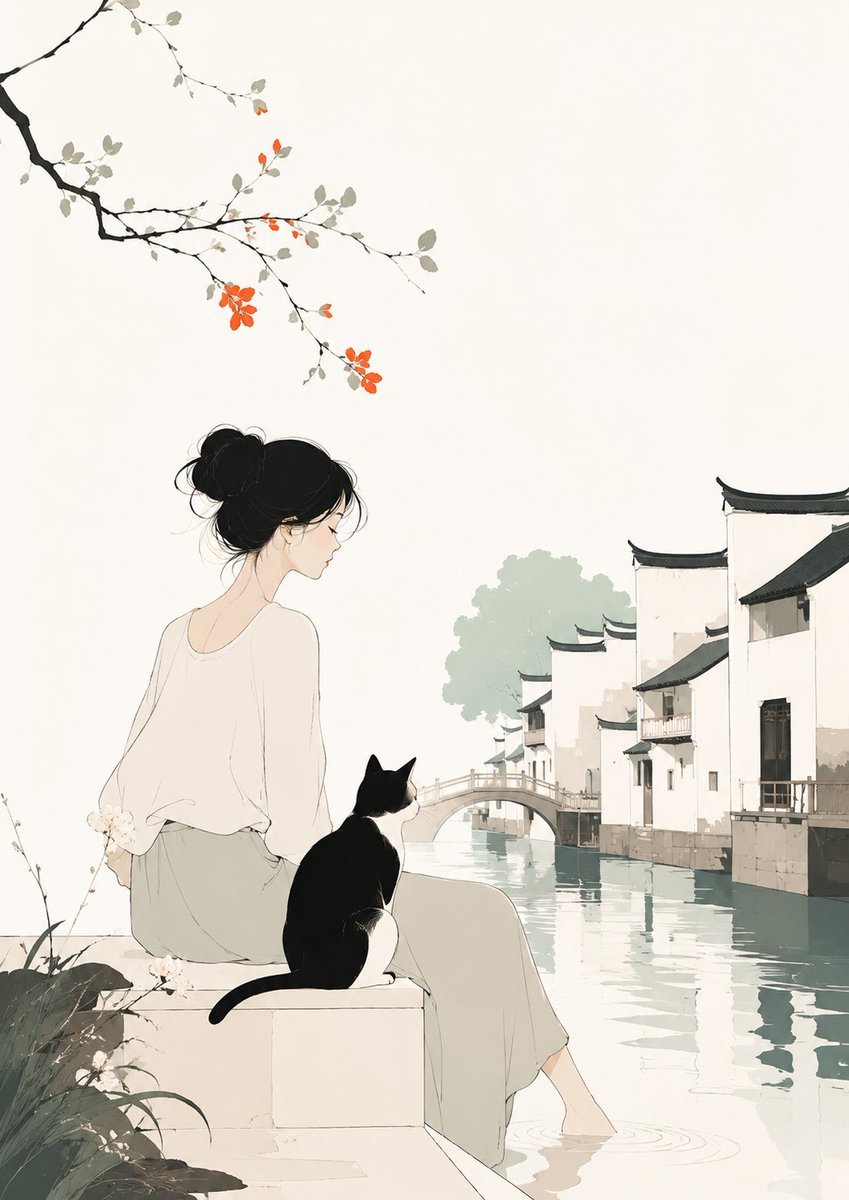
Minimalist Illustration of Girl and Cat
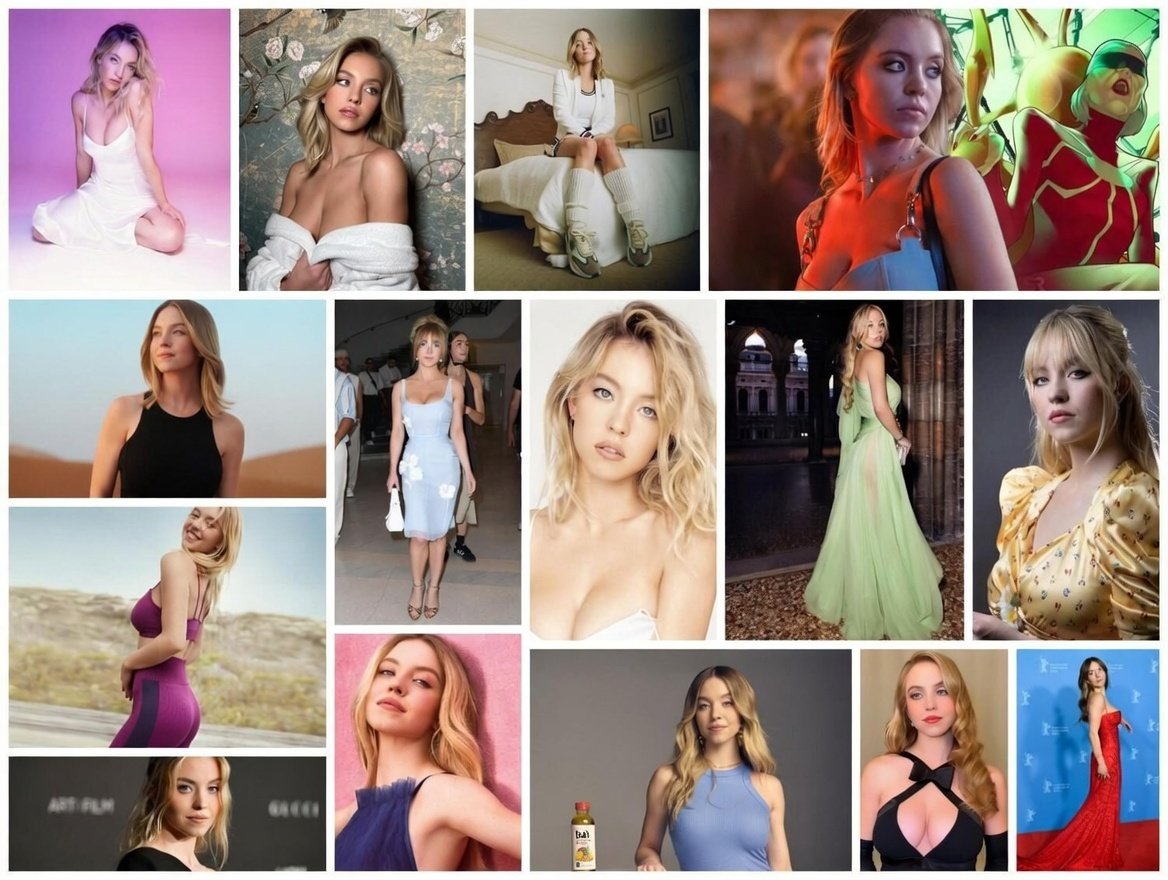
Ultimate Fashion and Cinematic Lifestyle Grid (Multi-Panel)
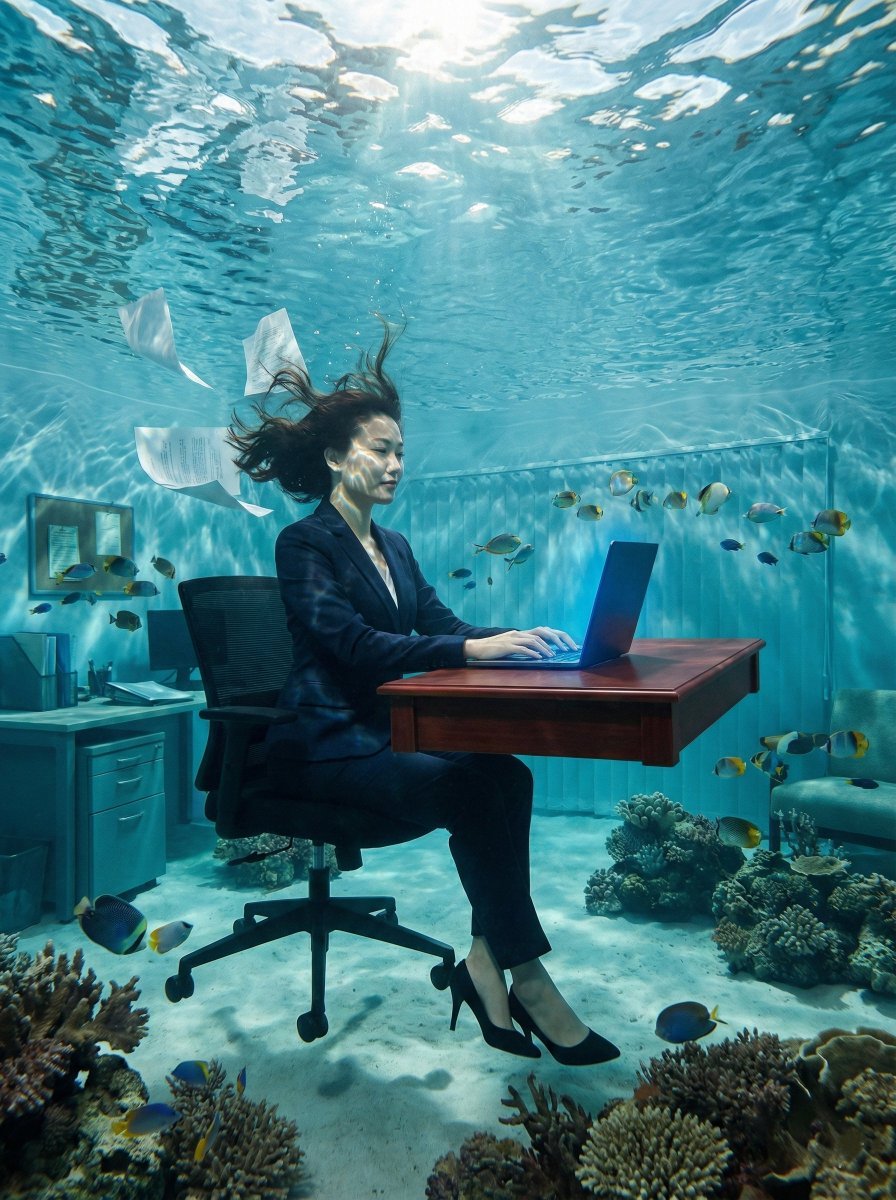
Surreal Underwater Office Scene Prompt
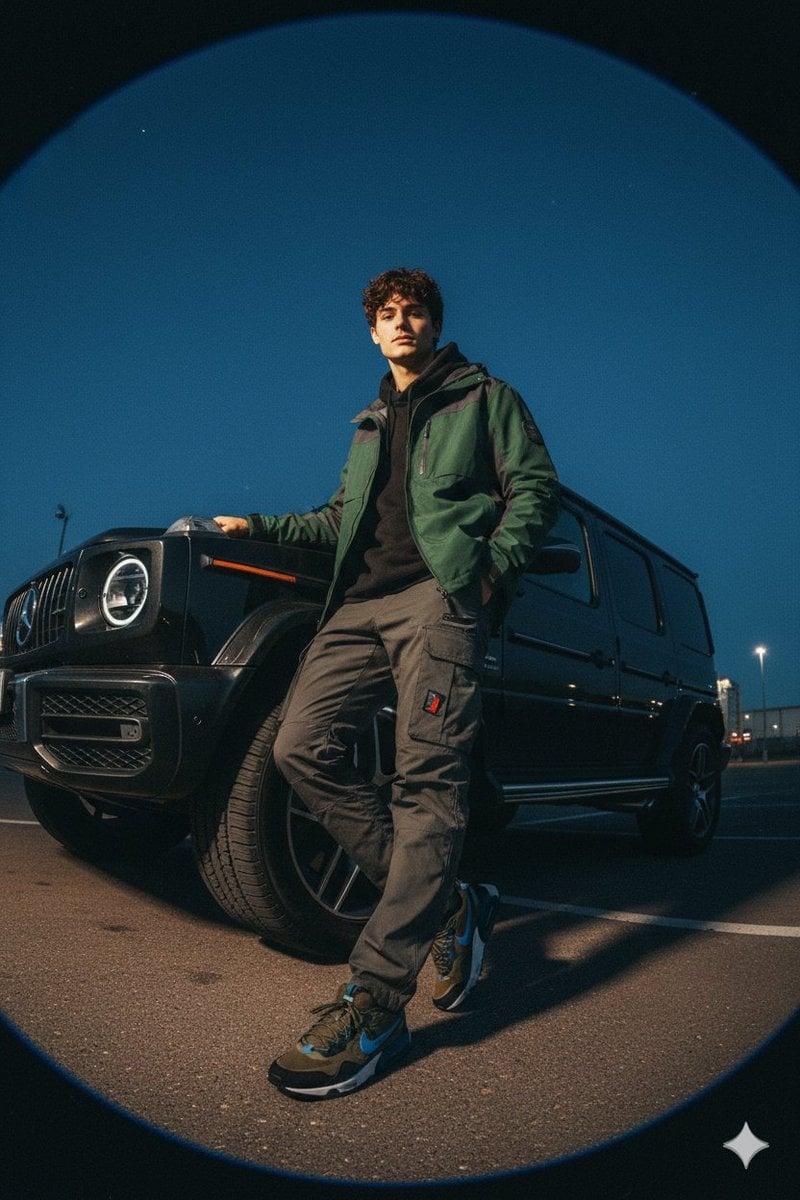
Gorpcore Fashion Campaign Image
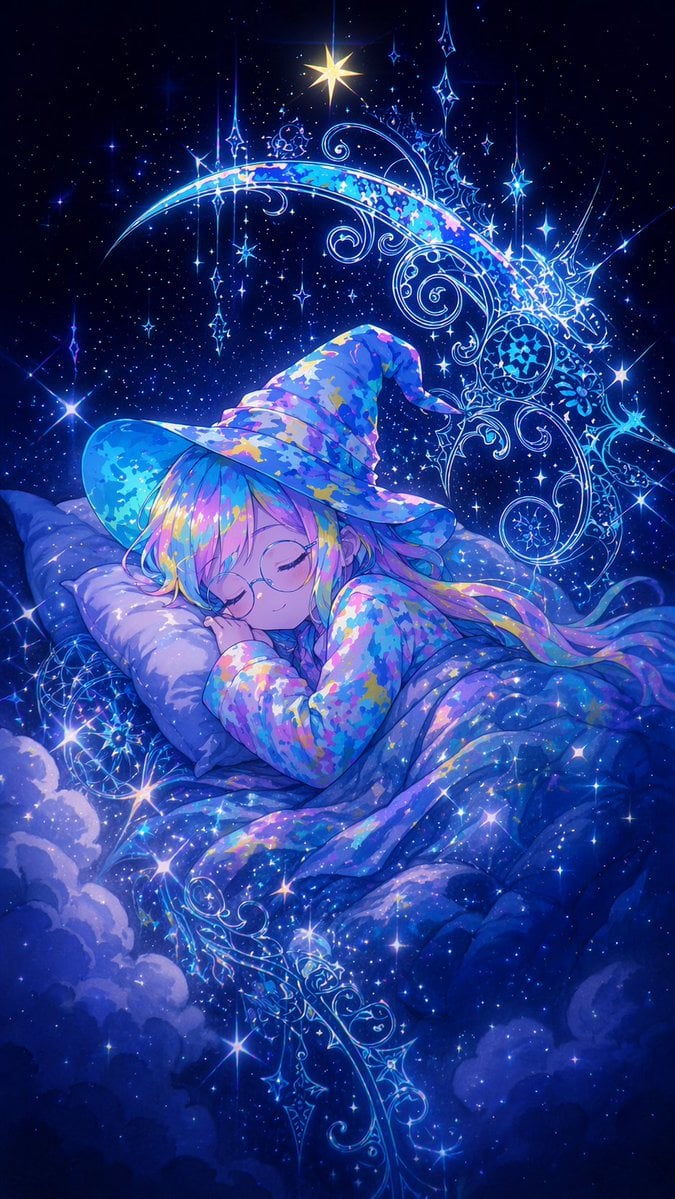
Sleeping Anime Star Witch
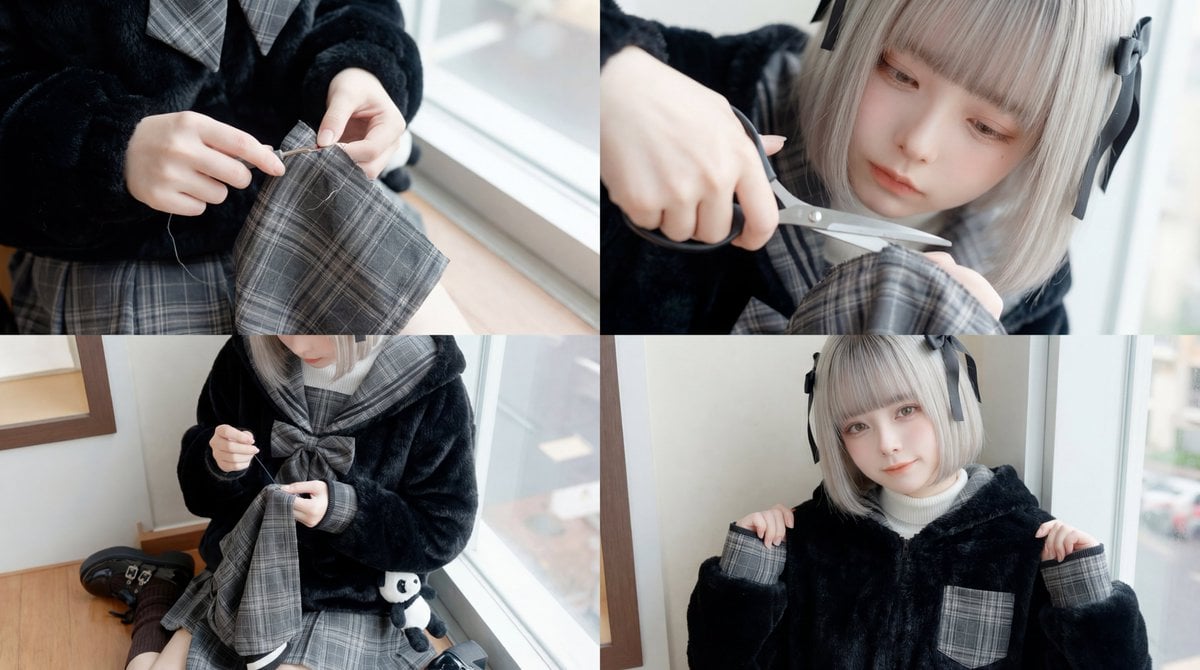
ASMR Sewing/Crafting Video Prompt (GPT-5 Generated)

Chinese AI Retirement Planning Infographic
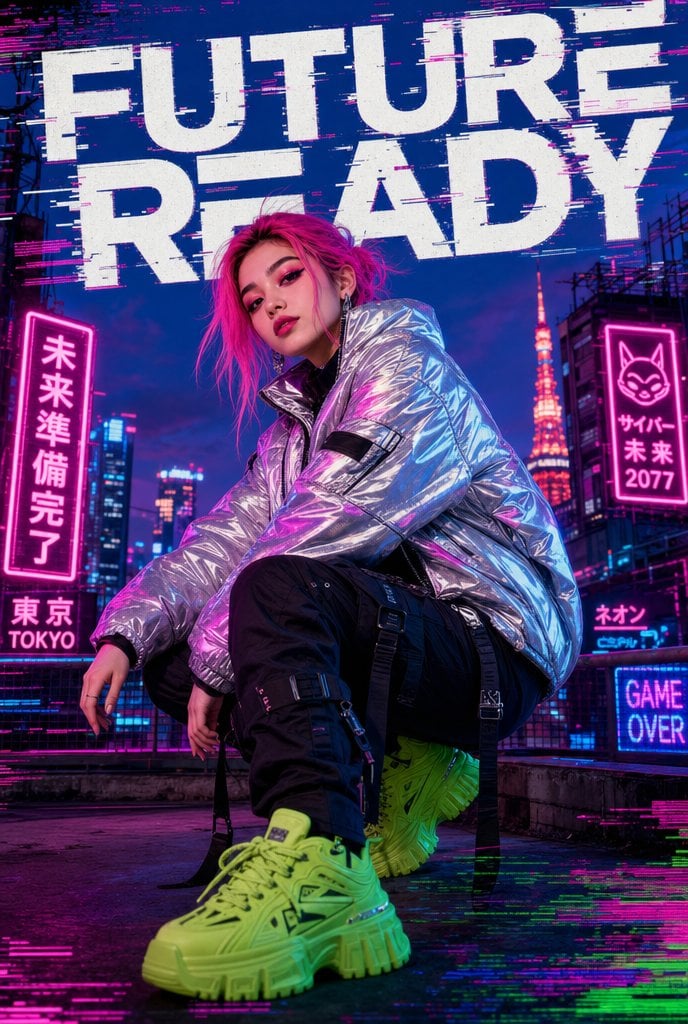
Cyberpunk Future Ready Fashion Poster

Sheep Good-Luck Charm Poster
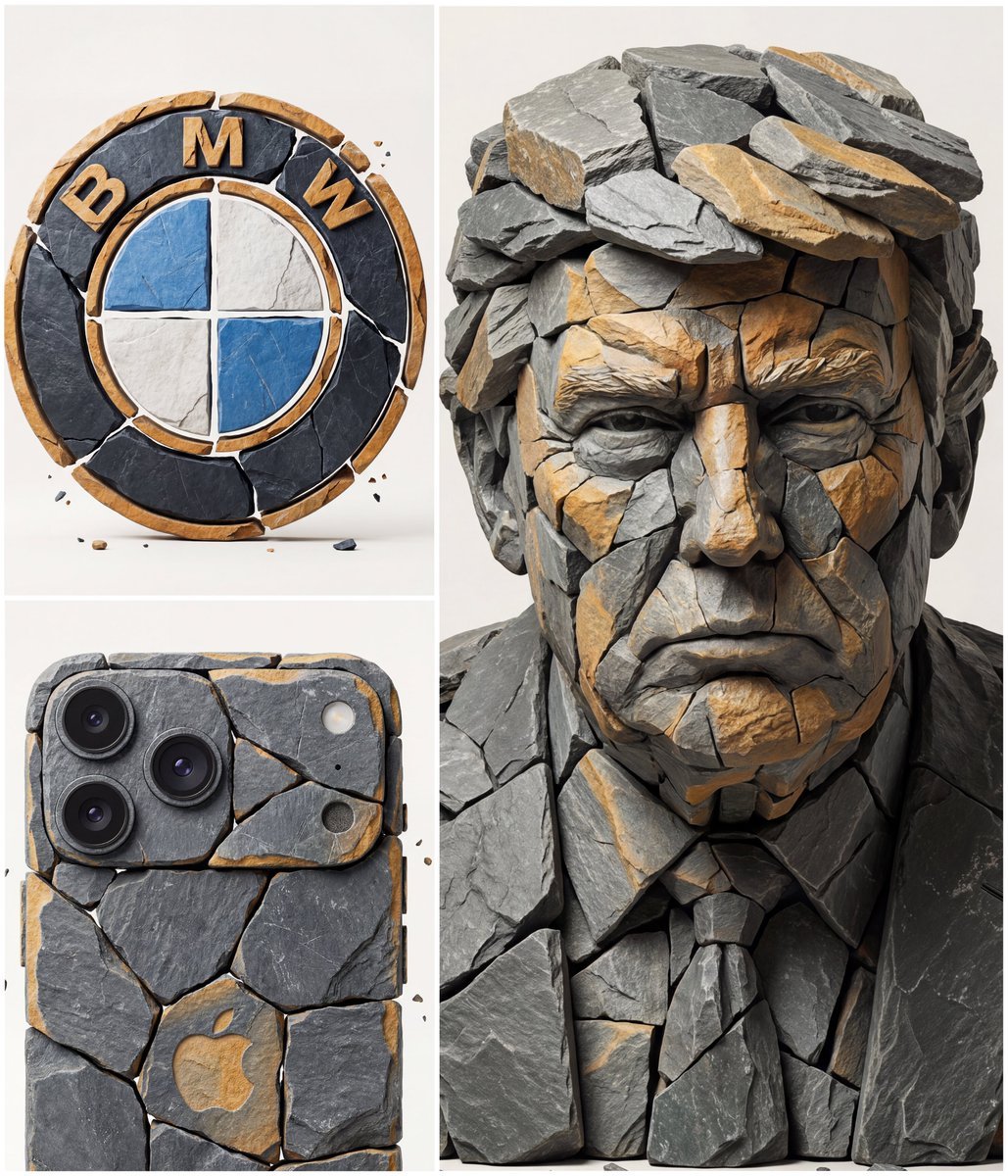
Image to Fragmented Stone Sculpture Style Transfer
Browse template categories
Photography Prompt #1389 questions
How do I use the Photography Prompt #1389 template?
Add your photo if the template asks for one, edit the prompt if you like — the template's model and format are already selected — and press Generate. Your version opens in PicX Studio.
Can I customize the Photography Prompt #1389 template?
Yes. You can change the subject, setting, lighting, mood, format, and available model controls before creating your image.
Is the Photography Prompt #1389 template free?
Opening and editing this template is free. Generating uses credits, shown on the Generate button when you are signed in.
Which AI model should I use?
Start with Nano Banana 2, which is the model associated with this template. You can compare another compatible model for a different finish.
Looking for something else? Browse all templates.

Your photo, any look
Thousands of ready templates for every top image and video model, from one credit balance.