
A square, 1 1 photorealistic close-up photograph of an incredibly
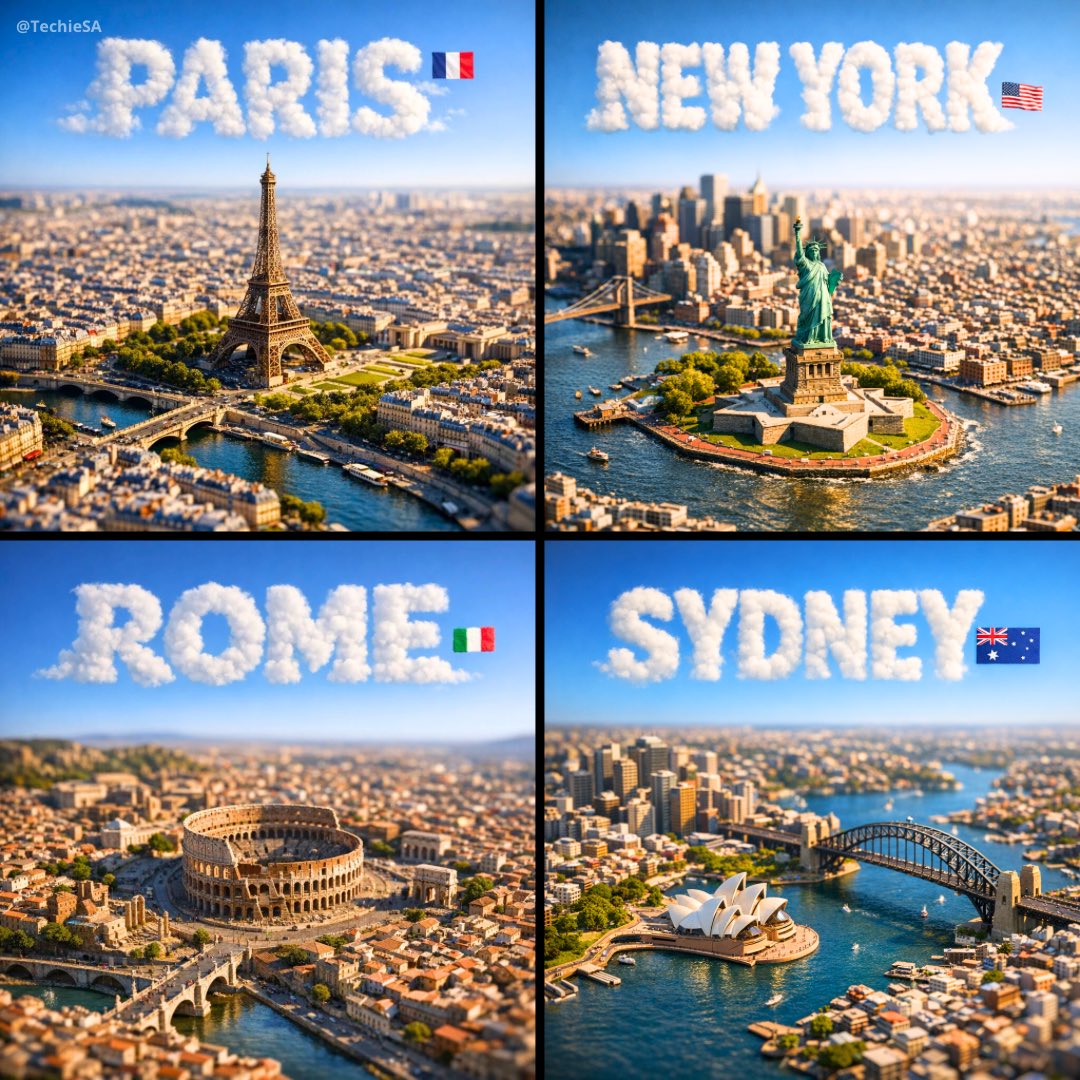
A square, 1:1 photorealistic close-up photograph of an incredibly detailed physical miniature geography and city model of [CITY], focused only on the city’s most recognizable landmark area (not the full city map).
- Prompt included
- Model and format preset
- Free template
The prompt behind this image
Copy the exact prompt behind A square, 1 1 photorealistic close-up photograph of an incredibly, or open it in the studio and make it yours.
A square, 1:1 photorealistic close-up photograph of an incredibly detailed physical miniature geography and city model of [CITY], focused only on the city’s most recognizable landmark area (not the full city map). The scene shows a compact 3D topographic environment built around the iconic landmark zone — realistic terrain, elevation changes, nearby rivers or coastline if relevant, and surrounding urban density scaled naturally to highlight the landmark as the clear focal point. The model feels like a premium museum diorama rather than a map. Thousands of tiny, highly detailed buildings, roads, bridges, and infrastructure cluster organically around the landmark. The landmark itself rises prominently above everything else, instantly recognizable even at a glance. Strong natural side sunlight casts long, realistic shadows across the miniature terrain, enhancing depth and realism. Shallow depth of field (tilt-shift style) keeps the landmark zone sharply in focus while softly blurring the outer edges of the square frame. The entire scene appears as a tangible, physical model illuminated by real-world light. Above the city, the sky is perfectly clean and empty — no clouds at all — except for the city name. The name [CITY] appears integrated into the sky as thick, three-dimensional cloud typography, sculpted from dense white vapor. The letters are bold, volumetric, and clearly readable, with soft shadowing and subtle depth, floating naturally in the open sky. Opacity ~70%, but with enough thickness to remain instantly legible. A small, minimal national flag is placed subtly near the sky text (corner or aligned to the typography), balanced and unobtrusive. Format: Square 1080×1080 Style: Ultra-photorealistic, cinematic, premium miniature realism Mood: Awe, clarity, instantly recognizable, highly shareable
How to use A square, 1 1 photorealistic close-up photograph of an incredibly in 3 steps
- 1
Open
The prompt is already in the box next to the preview, with the template's model and format selected.
- 2…a portrait of your subject in softgolden-hour light, 85mm…
Personalize
Edit the subject and creative details for your destination.
- 3Generate
Generate
Press Generate — your image is created in PicX Studio, so you can compare it with the original and refine one variable at a time.
More like this
Templates with the same subject, style or setup. Open one to see its prompt.
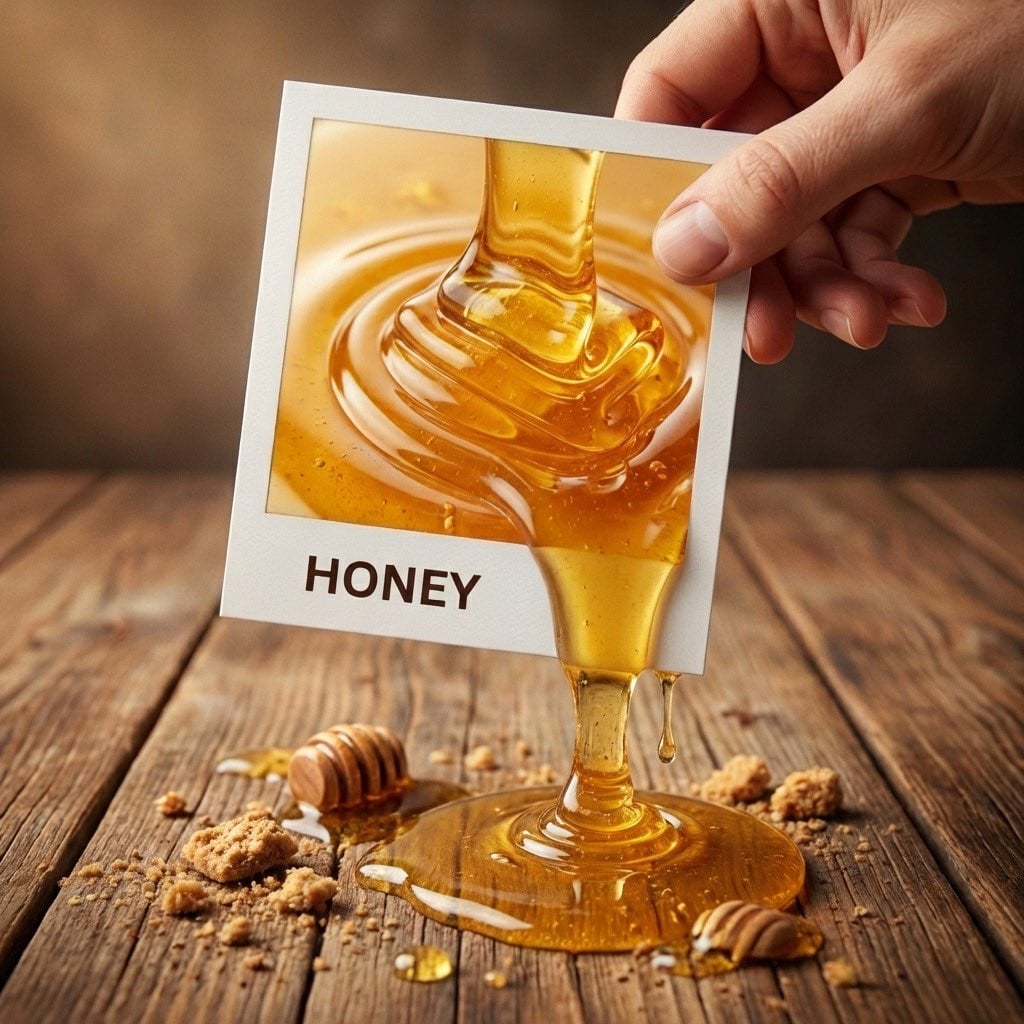
A hyper-realistic 3D photo concept showing a hand holding a square
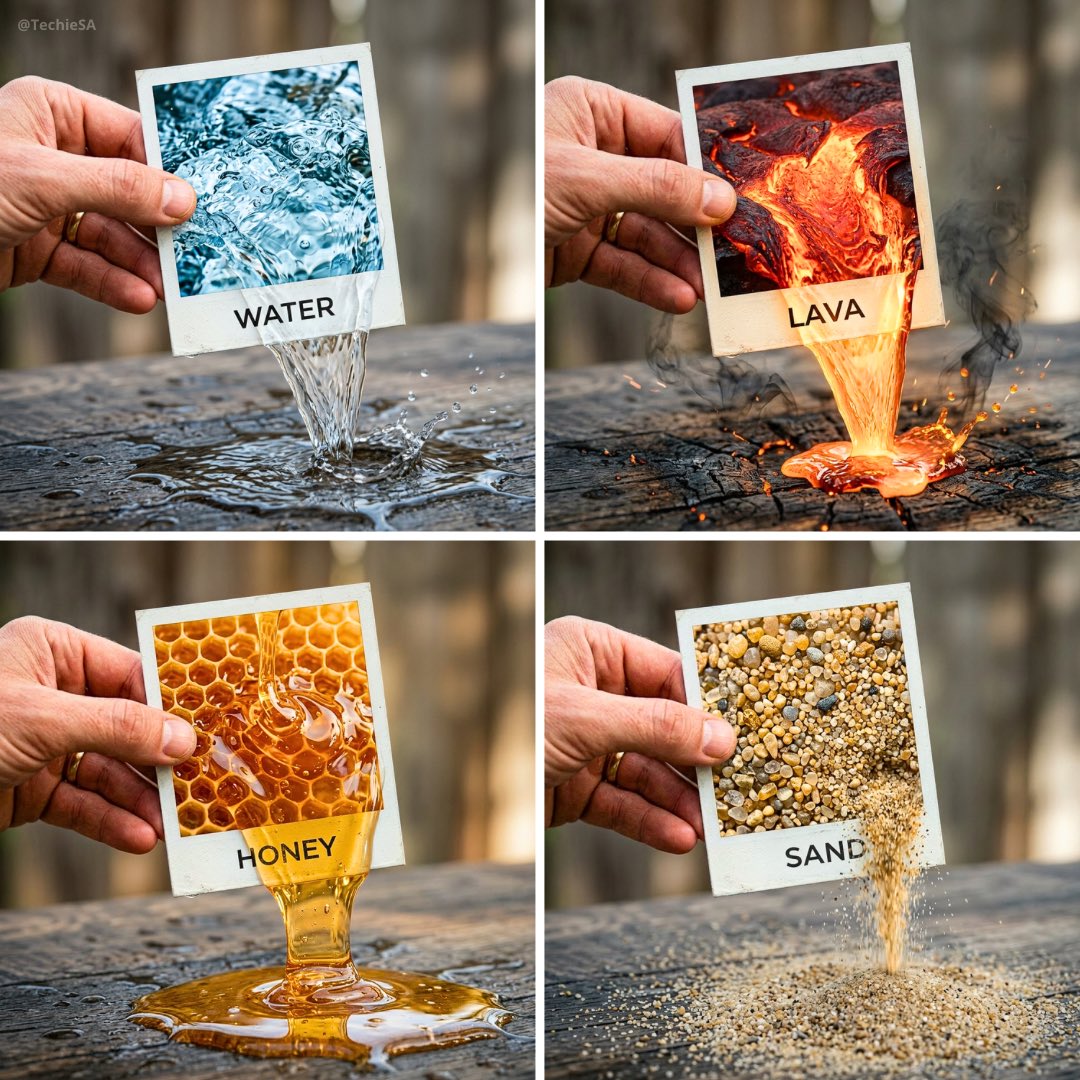
A hyper-realistic 3D photo concept showing a hand holding a square
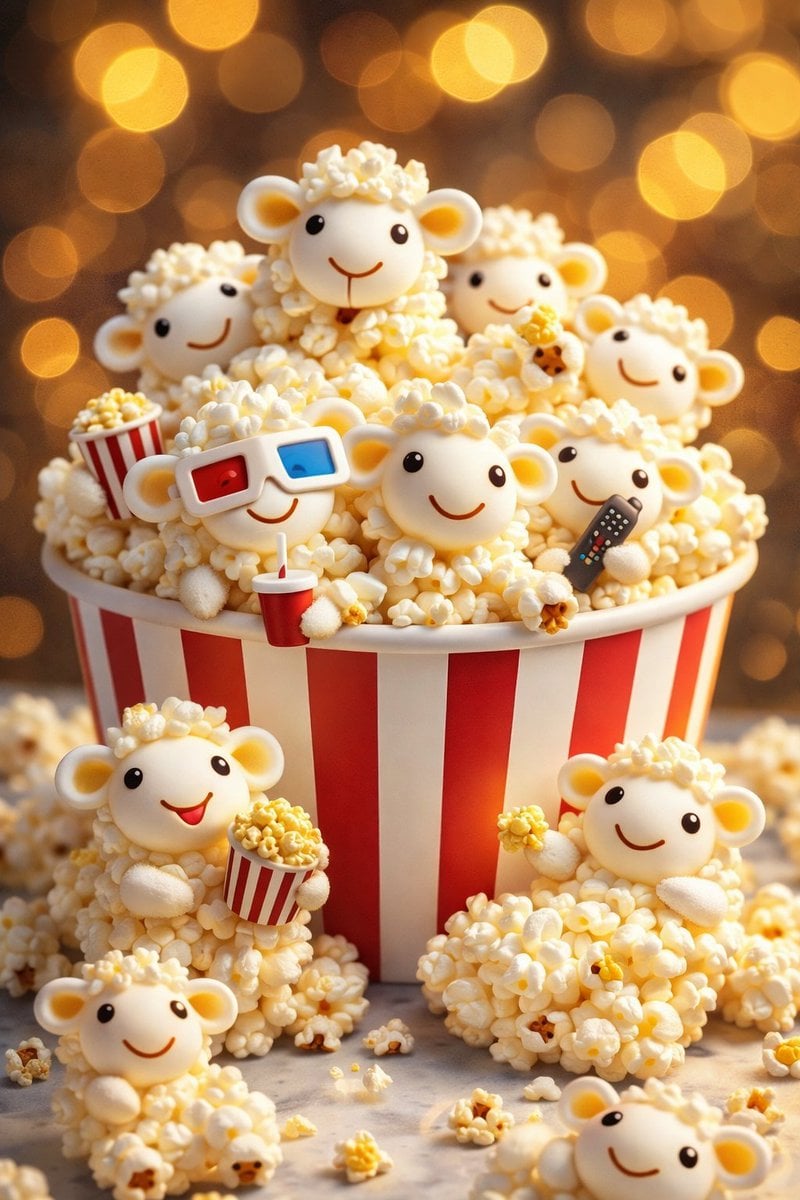
AI-edited, hyper-detailed, photorealistic with stylized realism
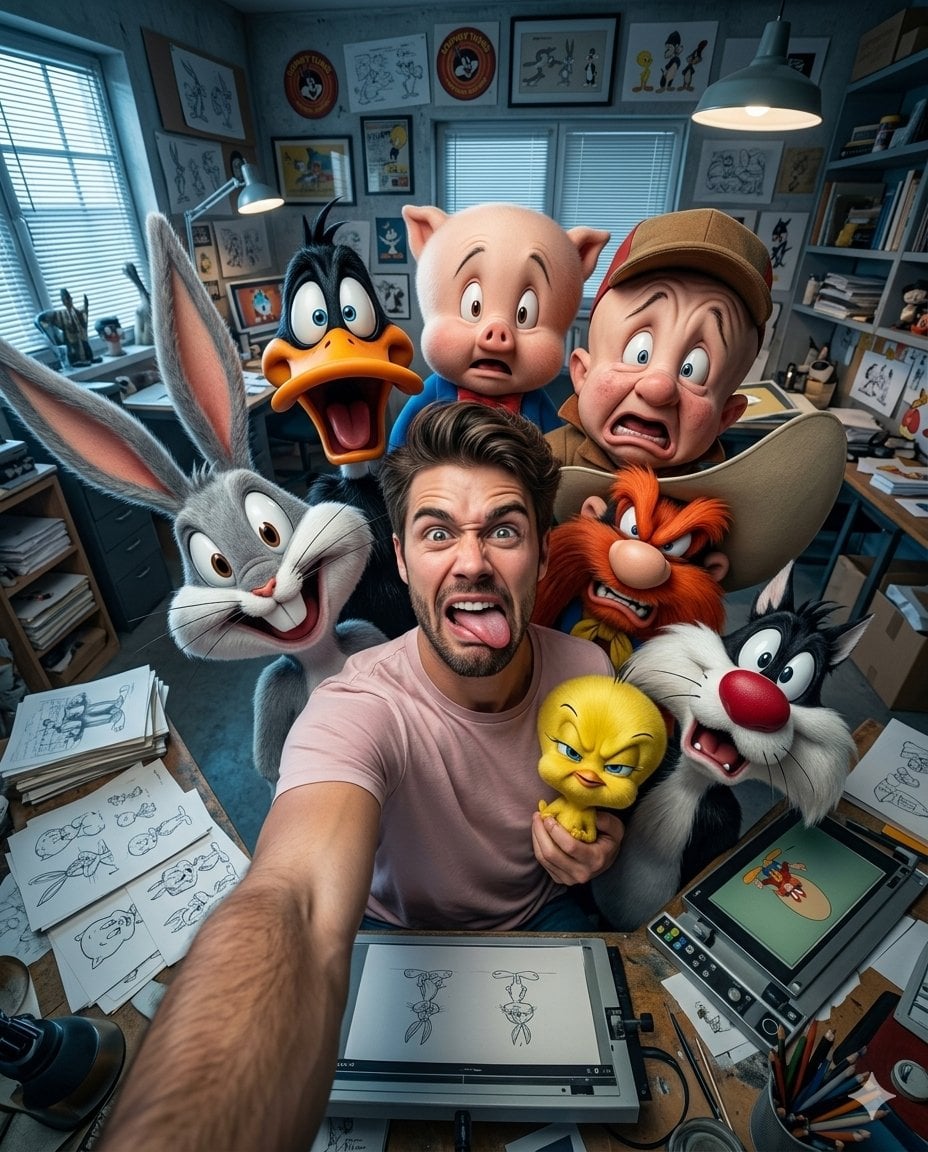
Illustration & 3D Prompt #533
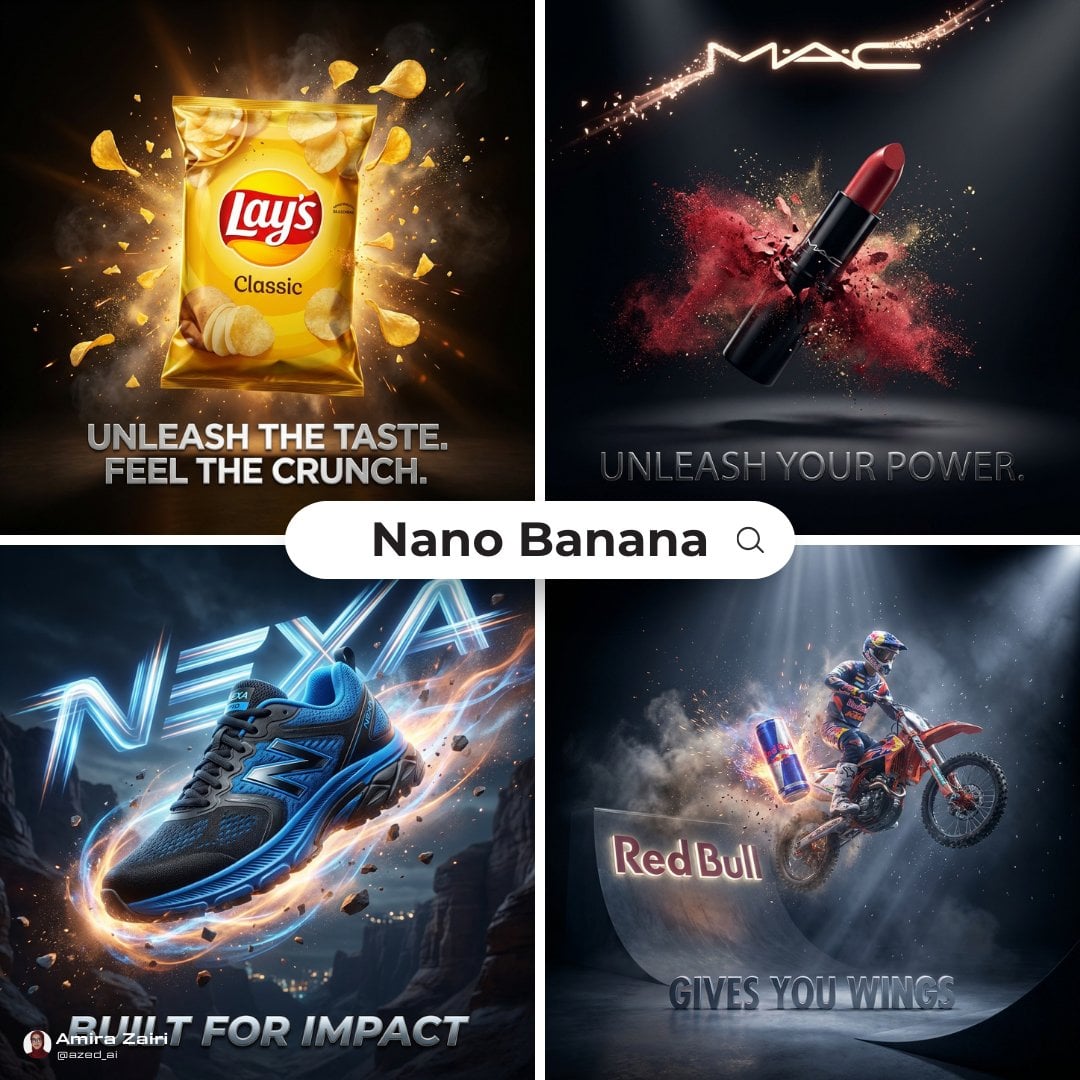
Cinematic 3D action-packed advertisement captured in an intense
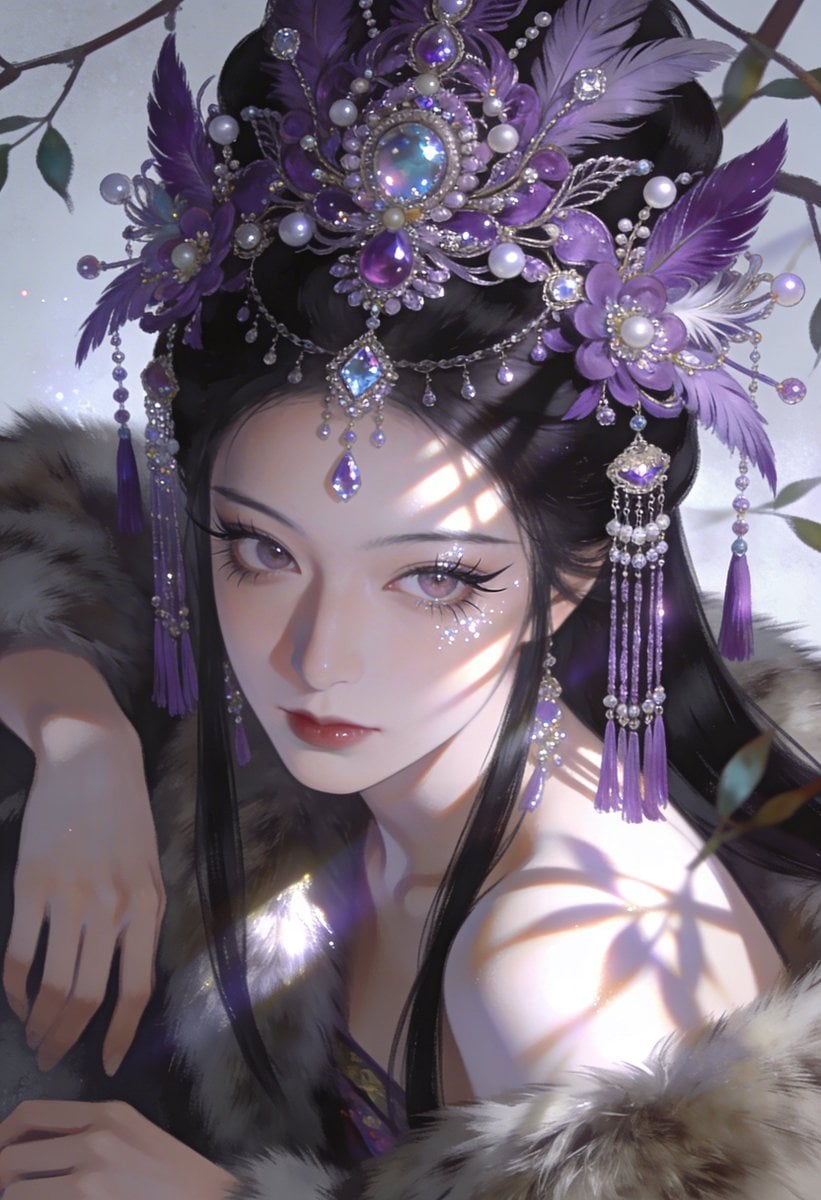
Ime characters into realistic human portraits Convert character

Clear, 45 top-down isometric miniature 3D cartoon scene of the iconic
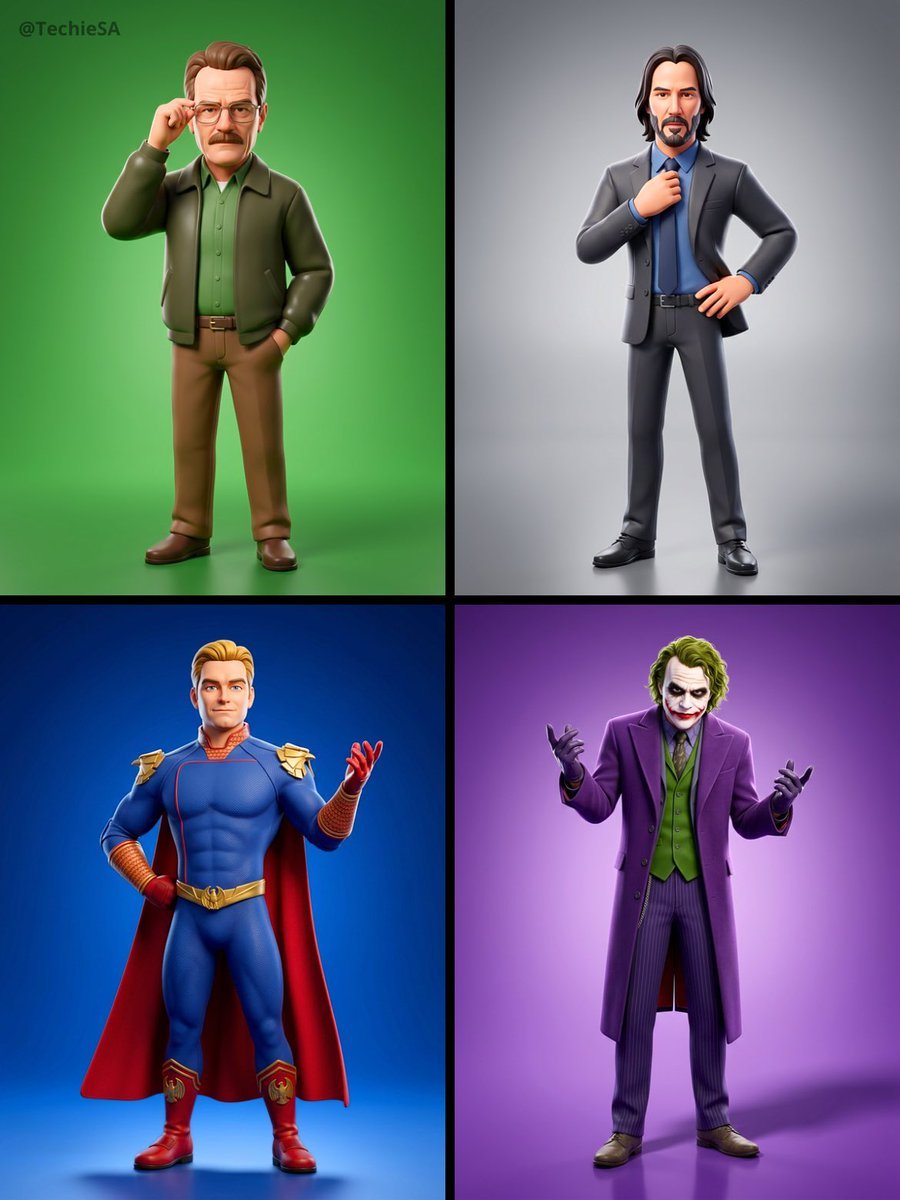
Referenced person into a premium stylized 3D animated character, full
Illustration & 3D Prompt #1437
To hyper-realistic 3D CGI collectible figurine render
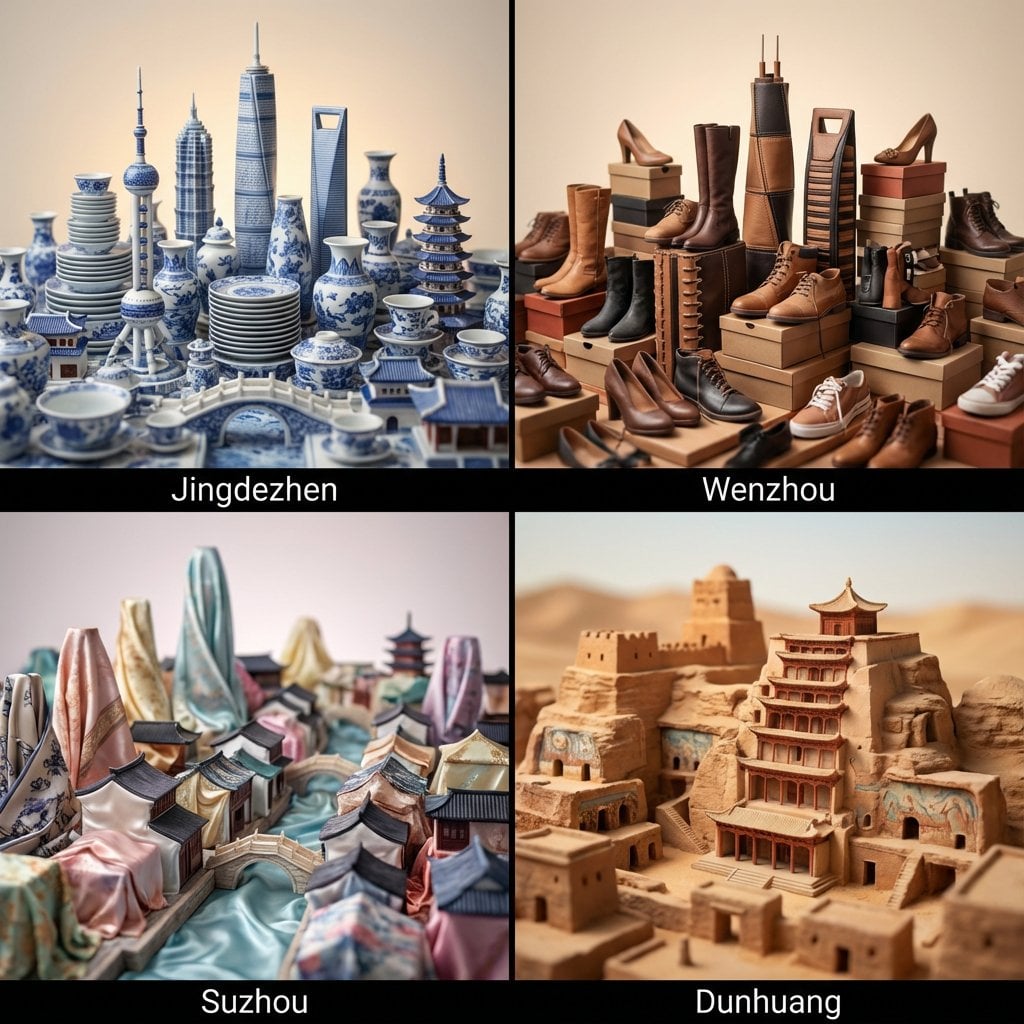
Illustration & 3D Prompt #1419
Illustration & 3D Prompt #813
Make it yours
A square, 1 1 photorealistic close-up photograph of an incredibly works as-is. These are the safest ways to change it without losing the look.
Change one field
Copy a single group, rewrite it, and generate again so you can see what that field is doing.
Keep the frame, change the subject
Hold the composition and light of A square, 1 1 photorealistic close-up photograph of an incredibly, then swap wardrobe, props or the person for a new take.
| If the result… | Why | Fix |
|---|---|---|
| The result drifts from the preview | Too many fields changed at once. | Reuse A square, 1 1 photorealistic close-up photograph of an incredibly as-is first, then change one group — subject, light, or setting. |
| The model over-stylizes the scene | The prose prompt leaves finish and camera underspecified. | Add one camera or lighting sentence and stay on GPT Image 2. |
More GPT Image 2 templates
Other prompts made for GPT Image 2.

Six VTuber Japanese Logo Sheet

Realistic Portrait of Woman and Deer

The Vista Modular Condo Poster

AI Model Routing Comparison Infographic

2.5D Anime Art Board

Isometric Productivity Desk Scene

New York Double Exposure Poster

Four-Panel AI Landscape Comparison

Japanese Tatami Lifestyle Magazine Cover

NESCAFÉ Coffee Map Poster
More image prompts
Fresh picks from across the catalog.
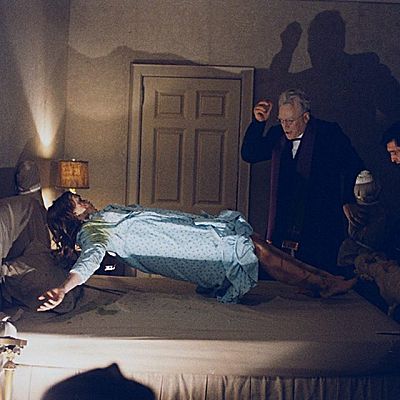
Behind-the-Scenes Generation Prompt
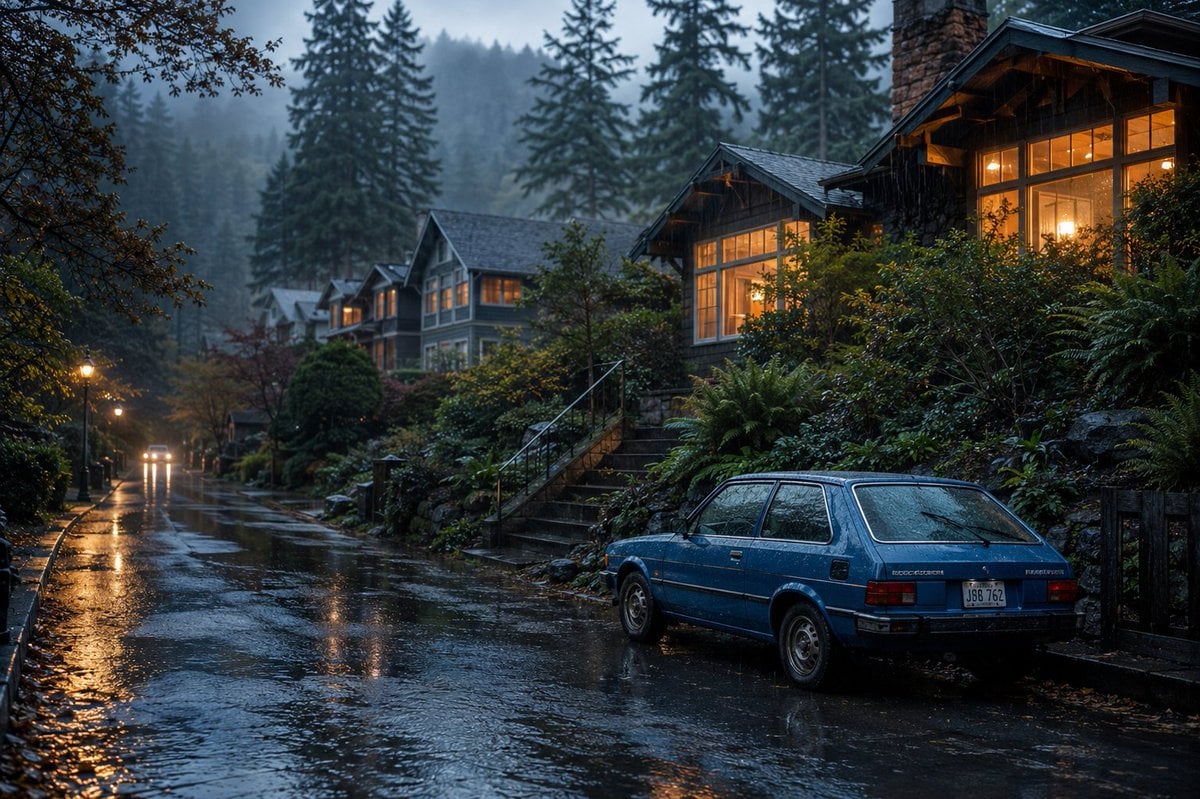
Cinematic Rainy Suburban Street
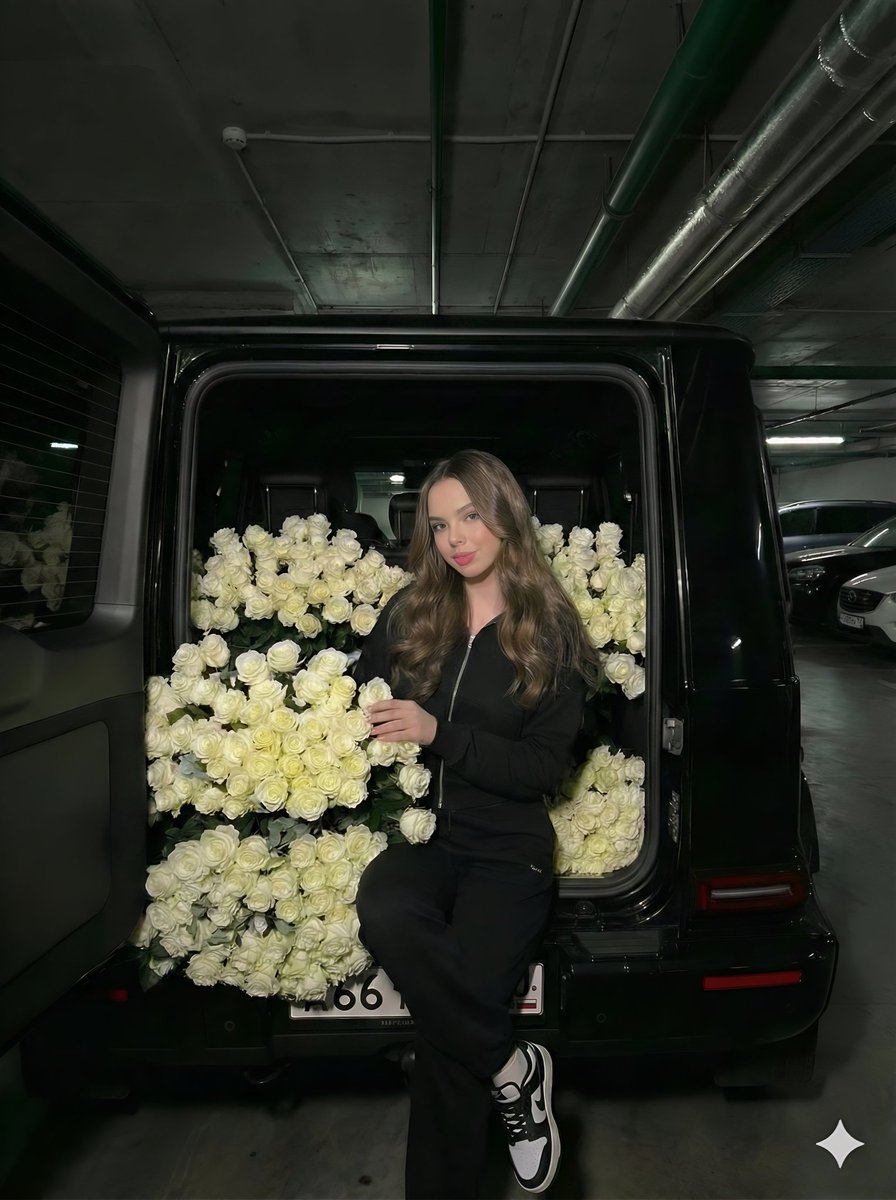
Fashion Editorial in Car Trunk with White Roses
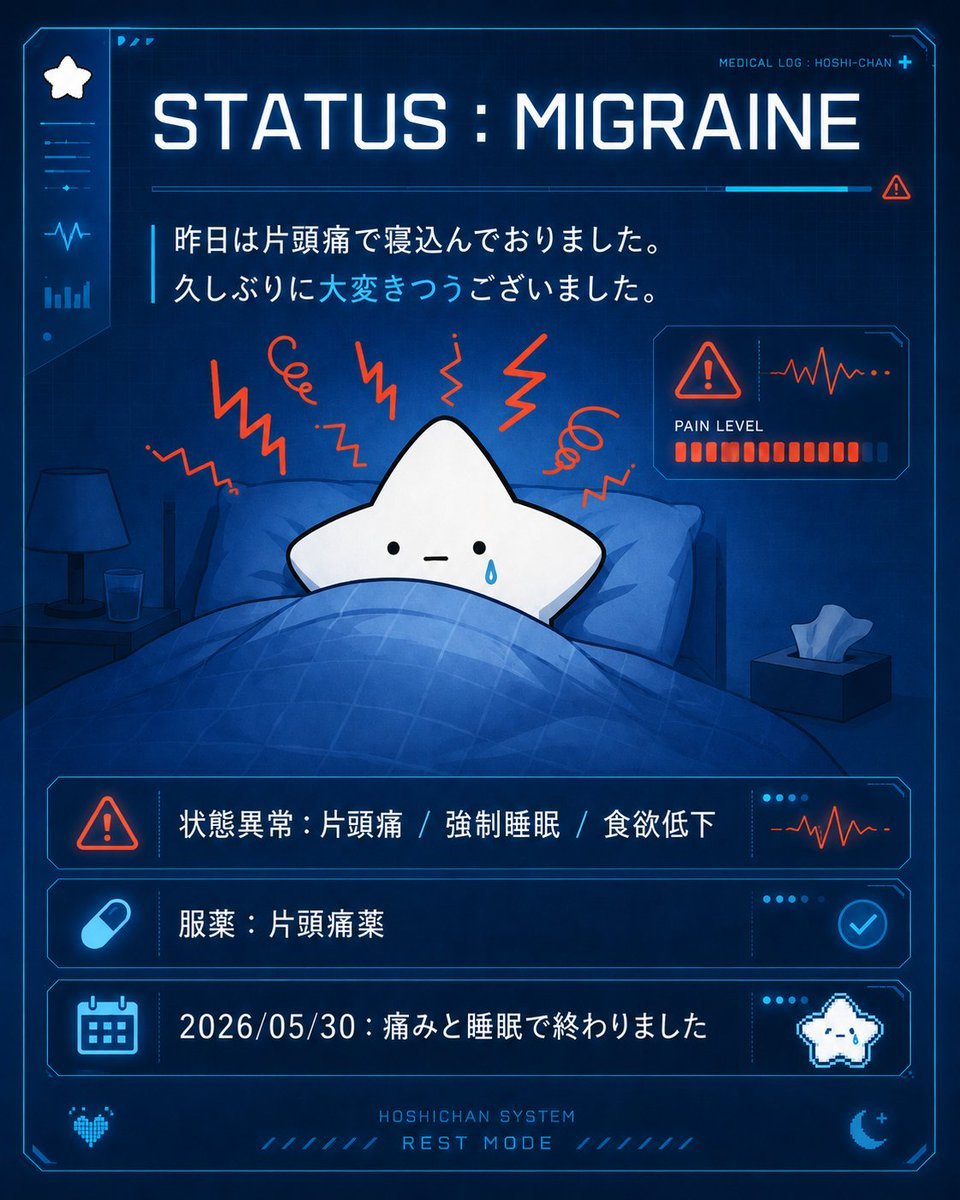
Cute Star Migraine HUD
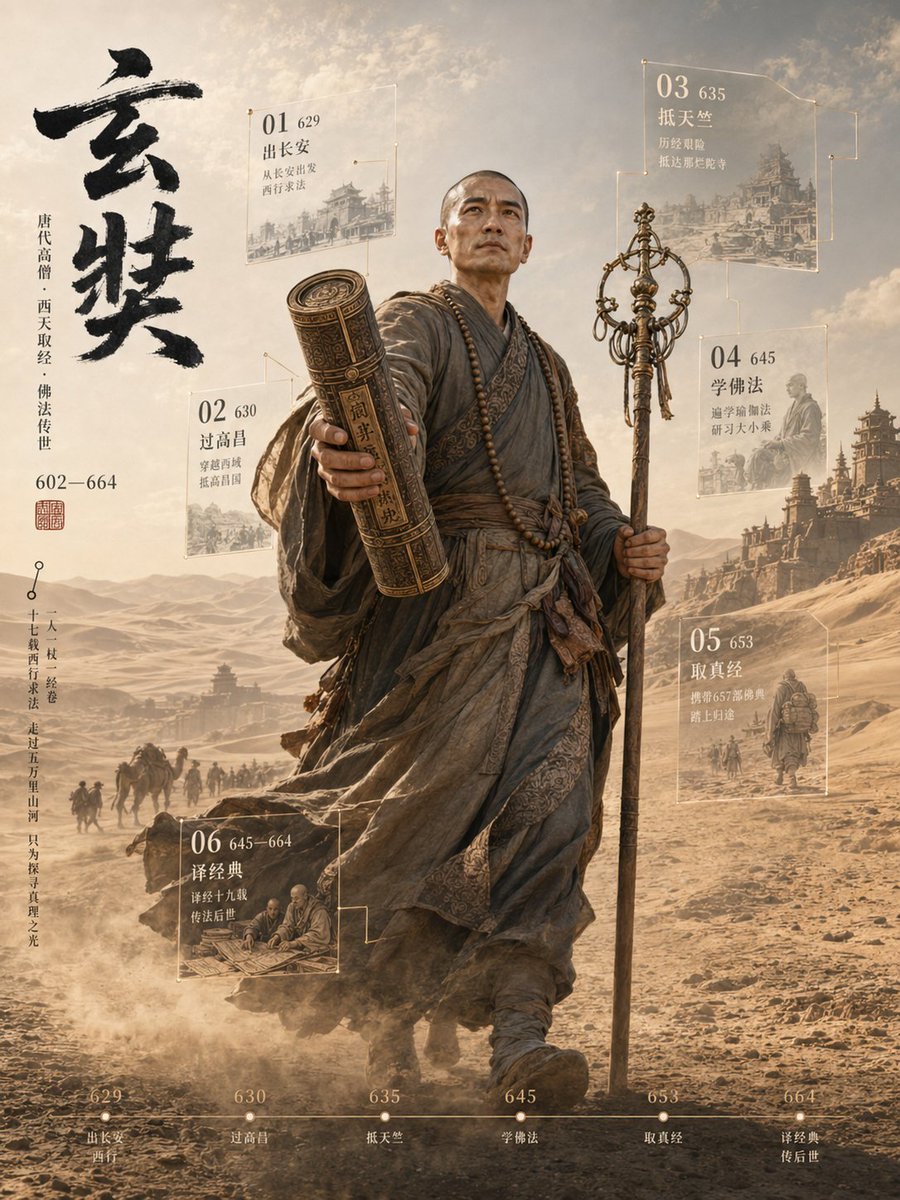
3D Xuanzang Historical Archive Poster
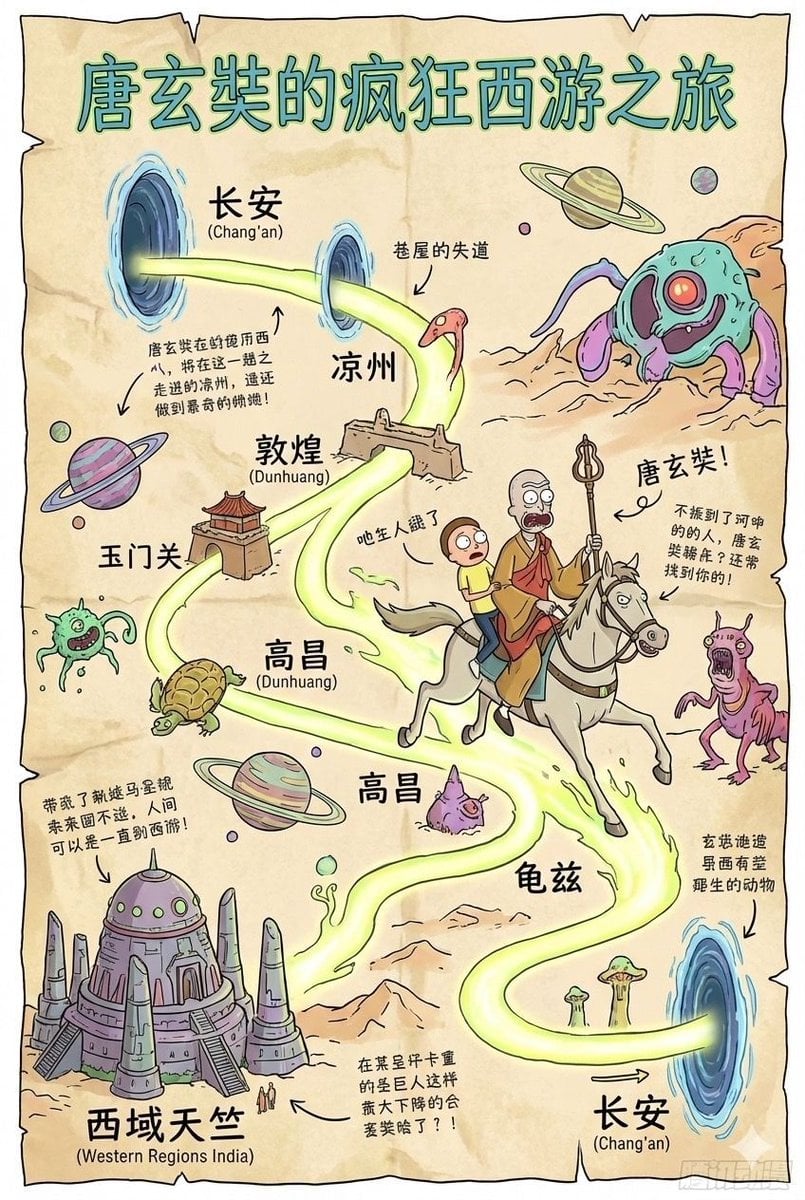
Tang Xuanzang journey route in Rick and Morty style

PS1 Retro Gaming Style Prompt
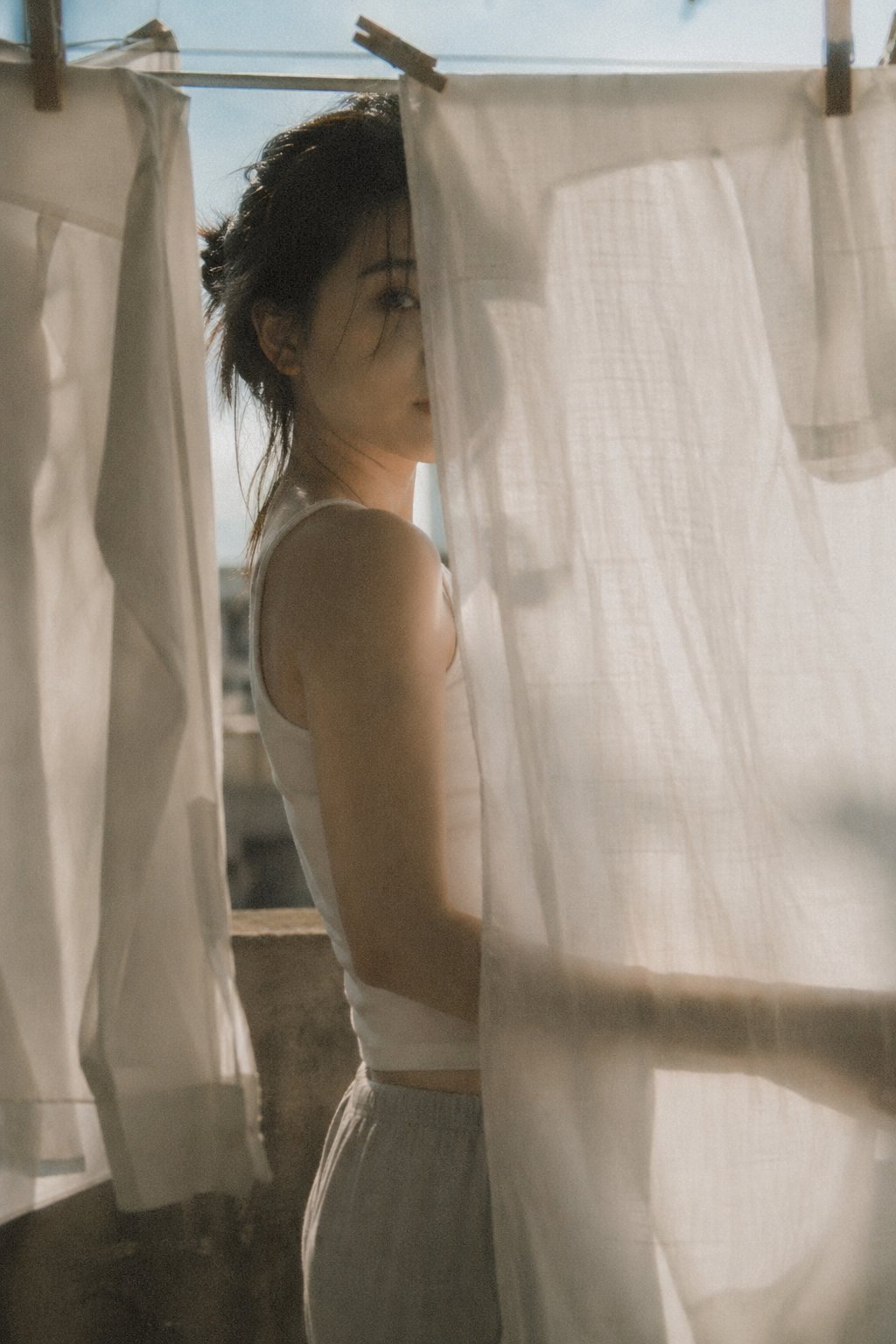
X Bubblebrain Soft Backlight By Gpt Image 2
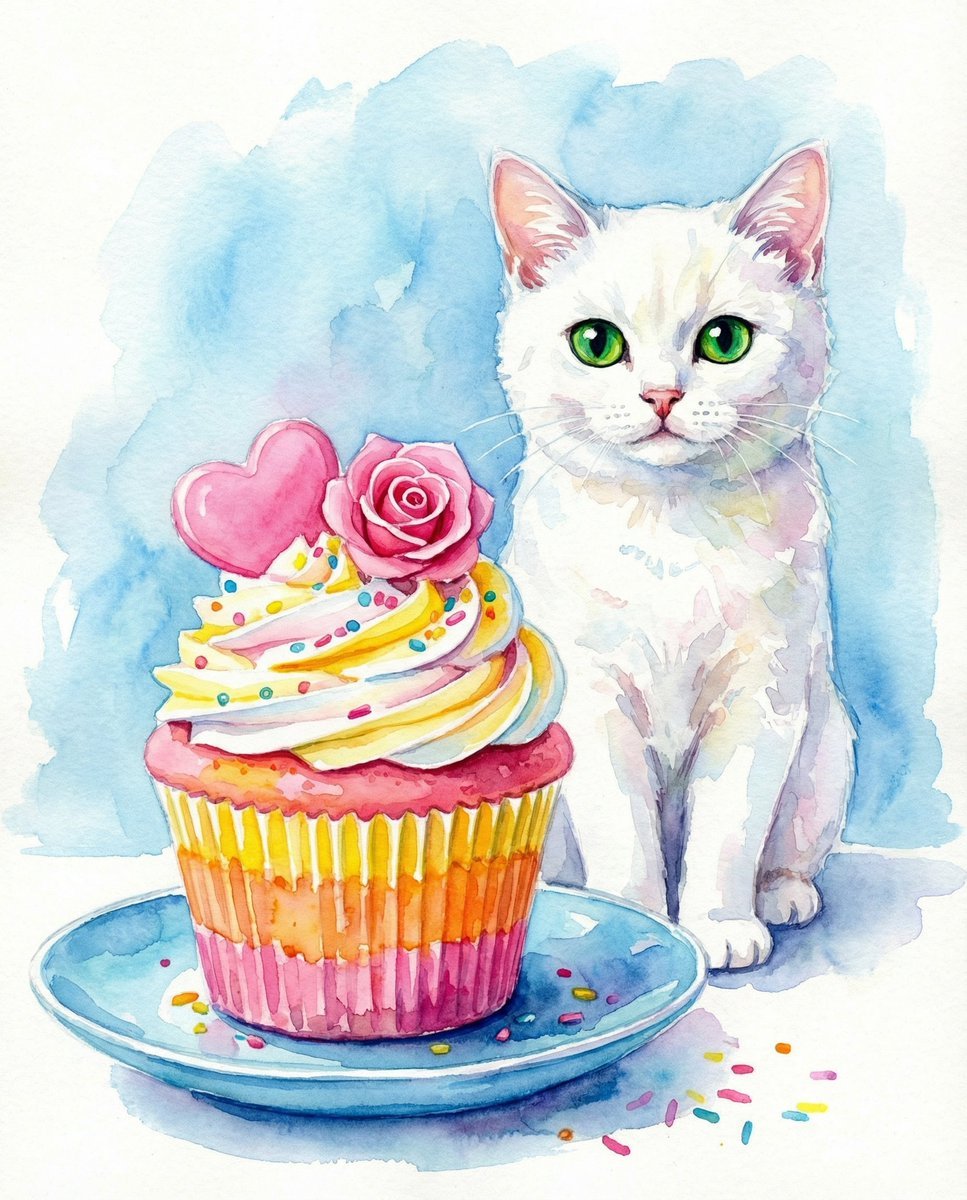
Watercolor Cat and Valentine's Cupcake
Golden Hour Candid Lifestyle Photo of South Asian Woman
Browse template categories
A square, 1 1 photorealistic close-up photograph of an incredibly questions
How do I use the A square, 1 1 photorealistic close-up photograph of an incredibly template?
Add your photo if the template asks for one, edit the prompt if you like — the template's model and format are already selected — and press Generate. Your version opens in PicX Studio.
Can I customize the A square, 1 1 photorealistic close-up photograph of an incredibly template?
Yes. You can change the subject, setting, lighting, mood, format, and available model controls before creating your image.
Is the A square, 1 1 photorealistic close-up photograph of an incredibly template free?
Opening and editing this template is free. Generating uses credits, shown on the Generate button when you are signed in.
Which AI model should I use?
Start with GPT Image 2, which is the model associated with this template. You can compare another compatible model for a different finish.
Looking for something else? Browse all templates.

Your photo, any look
Thousands of ready templates for every top image and video model, from one credit balance.